
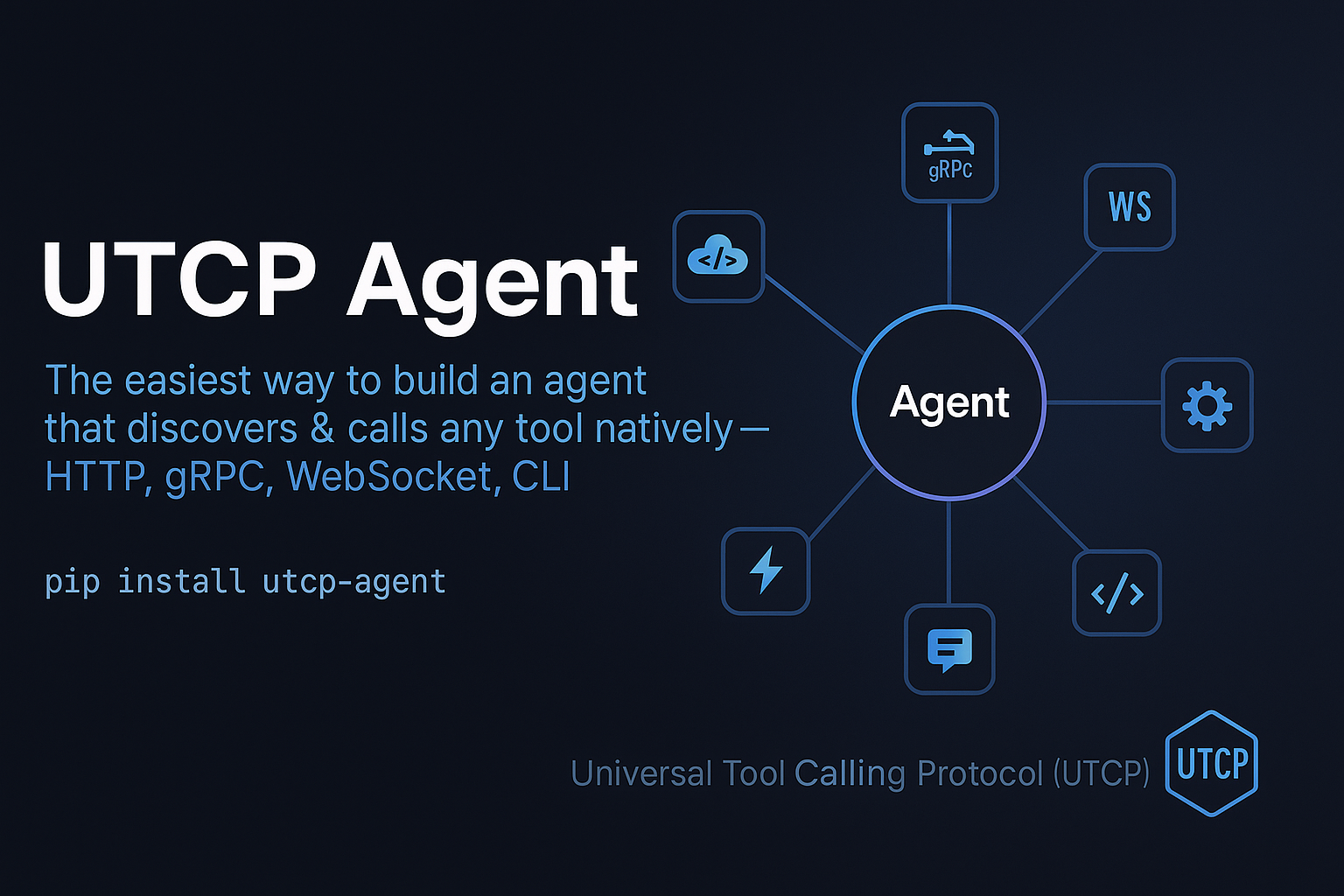
🚀 Ready-to-use agent with intelligent tool-calling capabilities




UTCP Agent is the easiest way to build custom, ready-to-use agents which have intelligent tool calling capabilities and can connect to any native endpoint. The agent automatically discovers, searches, and executes UTCP tools based on user queries.
The Universal Tool Calling Protocol (UTCP) is an open standard that enables AI agents to discover and directly call tools across various communication protocols, eliminating the need for wrapper servers and reducing latency.
Features
| Feature | Description |
|---|---|
| 🤖 Intelligent Tool Discovery | Automatically searches and selects relevant UTCP tools based on user queries. |
| 🌐 Multi-LLM Support | Compatible with OpenAI, Anthropic, and other LangChain-supported language models. |
| 🔄 LangGraph Workflow | Uses LangGraph for structured agent execution with proper state management. |
| 💨 Streaming Support | Optional streaming of workflow execution steps for real-time feedback. |
| 🧠 Conversation Memory | Built-in conversation history and checkpointing for continuous conversations. |
| 🔧 Flexible Configuration | Easily configurable through UTCP client config and agent config. |
Quick Start
Installation
pip install utcp-agent langchain-openai
Set your API key:
export OPENAI_API_KEY=your_api_key_here
Spin up your agent:
import asyncio
import os
from langchain_openai import ChatOpenAI
from utcp_agent import UtcpAgent

async def main():
    # Set your OpenAI API key
    llm = ChatOpenAI(
        model="gpt-4o-mini",
        api_key=os.getenv("OPENAI_API_KEY")
    )

    # Create agent with book search capability
    agent = await UtcpAgent.create(
        llm=llm,
        utcp_config={
            "manual_call_templates": [{
                "name": "openlibrary",
                "call_template_type": "http",
                "http_method": "GET",
                "url": "https://openlibrary.org/static/openapi.json",
                "content_type": "application/json"
            }]
        }
    )

    # Chat with the agent
    response = await agent.chat("Can you search for books by George Orwell?")
    print(f"Agent: {response}")

if __name__ == "__main__":
    asyncio.run(main())
Advanced Configuration
With Memory and Custom Prompts
from utcp_agent import UtcpAgent, UtcpAgentConfig
from langgraph.checkpoint.memory import MemorySaver

agent_config = UtcpAgentConfig(
    max_tools_per_search=10,
    checkpointer=MemorySaver(),
    system_prompt="You are a helpful AI assistant with access to various tools through UTCP."
)

agent = await UtcpAgent.create(
    llm=llm,
    utcp_config=utcp_config,
    agent_config=agent_config
)

# Use thread_id for conversation continuity
response = await agent.chat("Find me a science fiction book", thread_id="user_1")
With Environment Variables
from pathlib import Path

utcp_config = {
    "load_variables_from": [{
        "variable_loader_type": "dotenv",
        "env_file_path": str(Path(__file__).parent / ".env")
    }],
    "manual_call_templates": [{
        "name": "openlibrary",
        "call_template_type": "http",
        "http_method": "GET",
        "url": "https://openlibrary.org/static/openapi.json",
        "content_type": "application/json"
    }]
}
Streaming Execution
async for step in agent.stream("Search for AI books"):
    print(f"Step: {step}")
Workflow
The agent follows a structured workflow using LangGraph, a library for building stateful, multi-actor applications with LLMs.
- Analyze Task: Understands the user's query and formulates the current task.
- Search Tools: Uses UTCP to find relevant tools for the task.
- Decide Action: Determines whether to call tools or respond directly.
- Execute Tools: Calls the selected tool with appropriate arguments.
- Respond: Formats and returns the final response to the user.
graph TD
    A[User Input] --> B[Analyze Task]
    B --> C[Search Tools]
    C --> D{Decide Action}
    D -->|Call Tool| F[Execute Tools]
    D -->|Respond| G[Generate Response]
    F --> B
    G --> H[End]
Examples
See the examples/ directory for comprehensive examples:
basic_openai.py: Using GPT models with book search.basic_anthropic.py: Using Claude models.streaming_example.py: Real-time workflow monitoring.config_file_example.py: Loading UTCP configuration from files.memory_conversation.py: Multi-turn conversations with memory.
Configuration Options
UtcpAgentConfig
| Option | Description |
|---|---|
max_iterations |
Maximum workflow iterations (default: 3). |
max_tools_per_search |
Maximum tools to retrieve per search (default: 10). |
system_prompt |
Custom system prompt for the agent. |
checkpointer |
LangGraph checkpointer for conversation memory. |
callbacks |
LangChain callbacks for observability. |
summarize_threshold |
Token count threshold for context summarization (default: 80000). |
UTCP Configuration
The agent accepts a standard UTCP client configuration, which can include:
- Variable definitions and loading
- Manual call templates
- Tool provider configurations
API Reference
UtcpAgent
Class Methods
create(llm, utcp_config=None, agent_config=None, root_dir=None)- Creates and initializes a UtcpAgent with an automatic UTCP client.
Instance Methods
-
chat(user_input: str, thread_id: Optional[str] = None) -> str- Processes user input and returns the agent's response.
- Use
thread_idfor maintaining conversational continuity.
-
stream(user_input: str, thread_id: Optional[str] = None)- Streams the workflow execution steps.
Error Handling
The agent includes comprehensive error handling to manage:
- Tool execution failures
- JSON parsing errors in LLM responses
- UTCP client errors
- Fallback responses to ensure the agent always provides a reply
Logging
Enable logging to monitor the agent's behavior:
import logging
logging.basicConfig(level=logging.INFO)
# Disable UTCP library logging for cleaner output
logging.getLogger("utcp").setLevel(logging.WARNING)
Contributing
- Follow the existing code style and patterns
- Add tests for new functionality
- Update documentation for API changes
- Ensure compatibility with UTCP core library
License
See LICENSE file for details.
Metadata
Release files for utcp-agent 1.0.3
For a detailed explanation of source distributions (sdists) and built distributions (wheels), please see the package formats documentation.
Source distribution (sdist)
| File | Size | Uploaded | |
|---|---|---|---|
| utcp_agent-1.0.3.tar.gz | 19.8 kB | Details |
Built distribution (wheel)
| File | Interpreter | ABI | Platform | Reset |
|---|---|---|---|---|
| utcp_agent-1.0.3-py3-none-any.whl | Python 3 | none | any | Details |
Total release size: 36.7 kB
Release files / utcp_agent-1.0.3.tar.gz
| Download URL | utcp_agent-1.0.3.tar.gz |
|---|---|
| Size | 19.8 kB |
| Tags | Source |
|
SHA-256 checksum How to use checksums |
5c46d133ba7ad7be06b3a0103f72a760c6994c4ba77288112cc0eeb2f54b5ada
|
|
BLAKE2b-256 checksum How to use checksums |
bb791d0ee7b116d800acbdddb5e5ae7515b78cbabe637ae23dbc6c2f7ee24774
|
| Upload date | |
|
Uploaded using Trusted Publishing? What is trusted publishing? |
No |
| Uploaded via |
twine/6.1.0 CPython/3.13.5
|
Release files / utcp_agent-1.0.3-py3-none-any.whl
| Download URL | utcp_agent-1.0.3-py3-none-any.whl |
|---|---|
| Size | 16.9 kB |
| Tags | Python 3 |
|
SHA-256 checksum How to use checksums |
c89b37d2cbdfc263180c589f03e5bb1689ad034b62ed64c5743299ddd9b3f2f5
|
|
BLAKE2b-256 checksum How to use checksums |
fe0793f6e80e413c0880b6a9692d4c54210948e5037383a5b092293465b6d68b
|
| Upload date | |
|
Uploaded using Trusted Publishing? What is trusted publishing? |
No |
| Uploaded via |
twine/6.1.0 CPython/3.13.5
|














