
Interface graphic to vampire "Atomistic simulation of magnetic materials"

Project description
VAMPgui – Interface to VAMPIRE 7
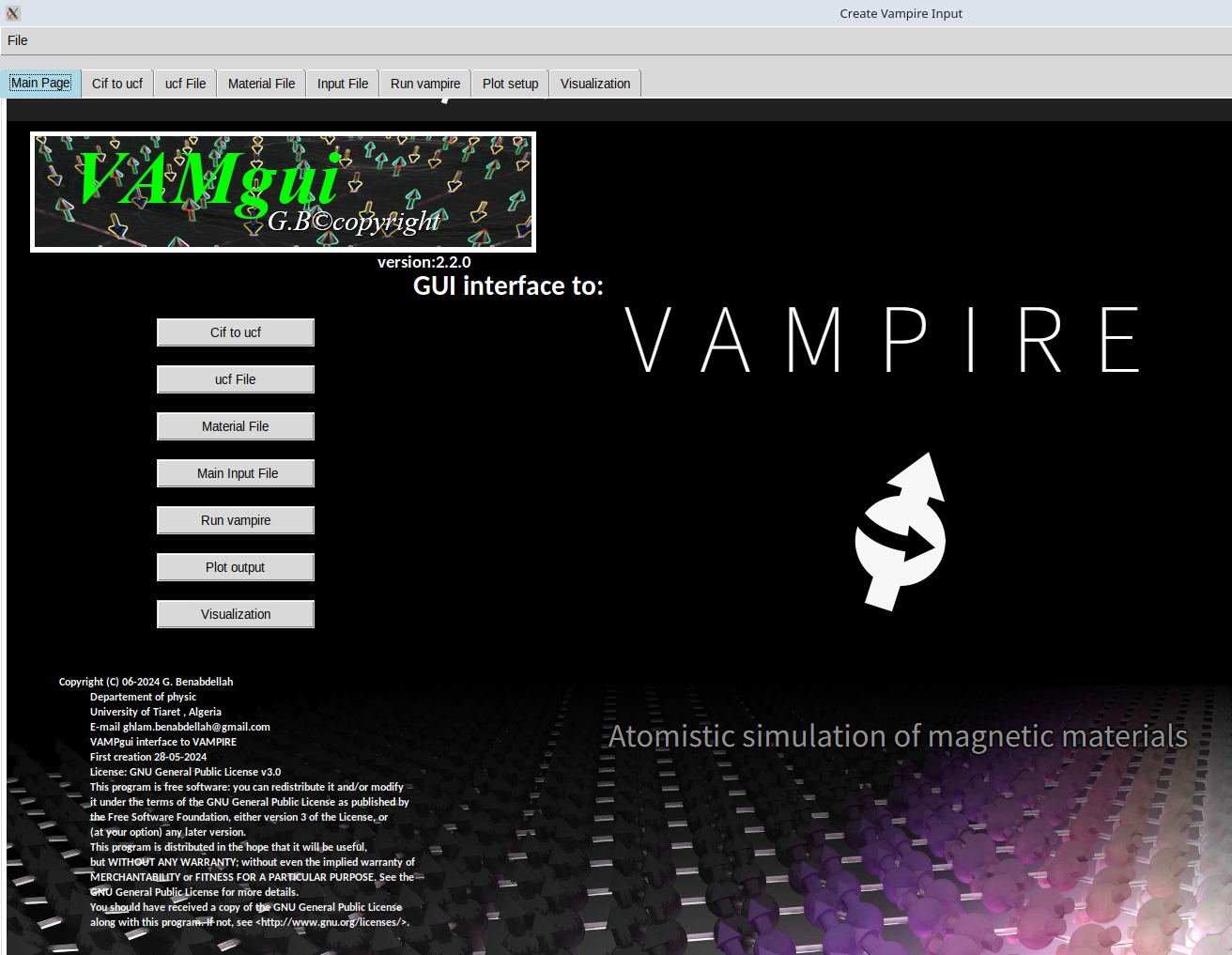
VAMPgui is a graphical user interface written in Python 3 using the tkinter library. It is designed to simplify the use of the VAMPIRE
atomistic spin dynamics code VAMPIRE - Atomistic Spin Dynamics. The GUI has been tested on Linux systems including Ubuntu 20.04 and Ubuntu 24.04.
📦 Installation
Using pip (recommended for most users)
pip3 install vampgui
Using pipx (recommended on Ubuntu 24.04)
pipx install vampgui
🚀 Running the GUI
To launch the graphical interface, open a terminal in your working directory and run:
vampgui
🛠 Features
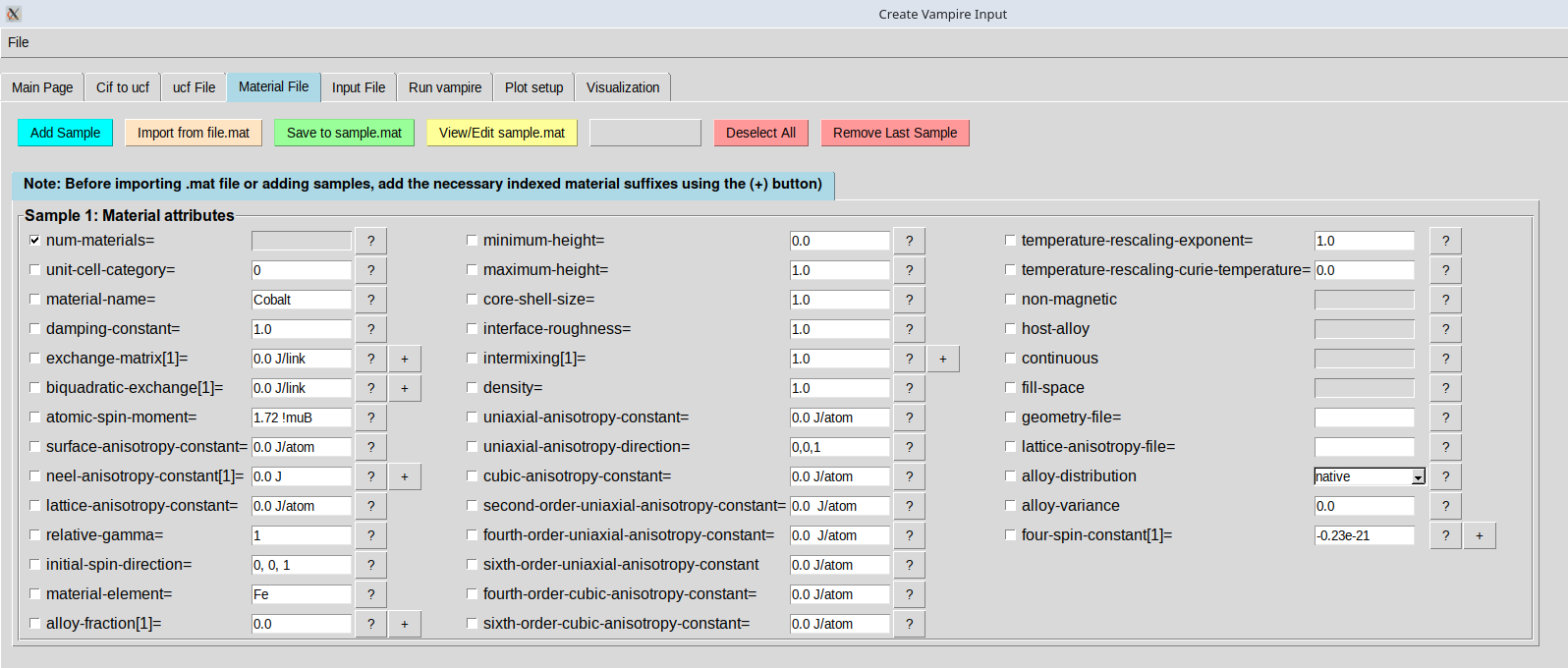
    -Prepare input files for VAMPIRE simulations.

    -Run the VAMPIRE code directly from the GUI.

    -Plot results from simulation output.

    - visualization
required packages:
if the "tkinter" is not installed. Please install it to use this package.
For Debian-based systems, run:
sudo apt-get install python3-tk
For Red Hat-based systems, run:
sudo dnf install python3-tkinter
Experimental feature:
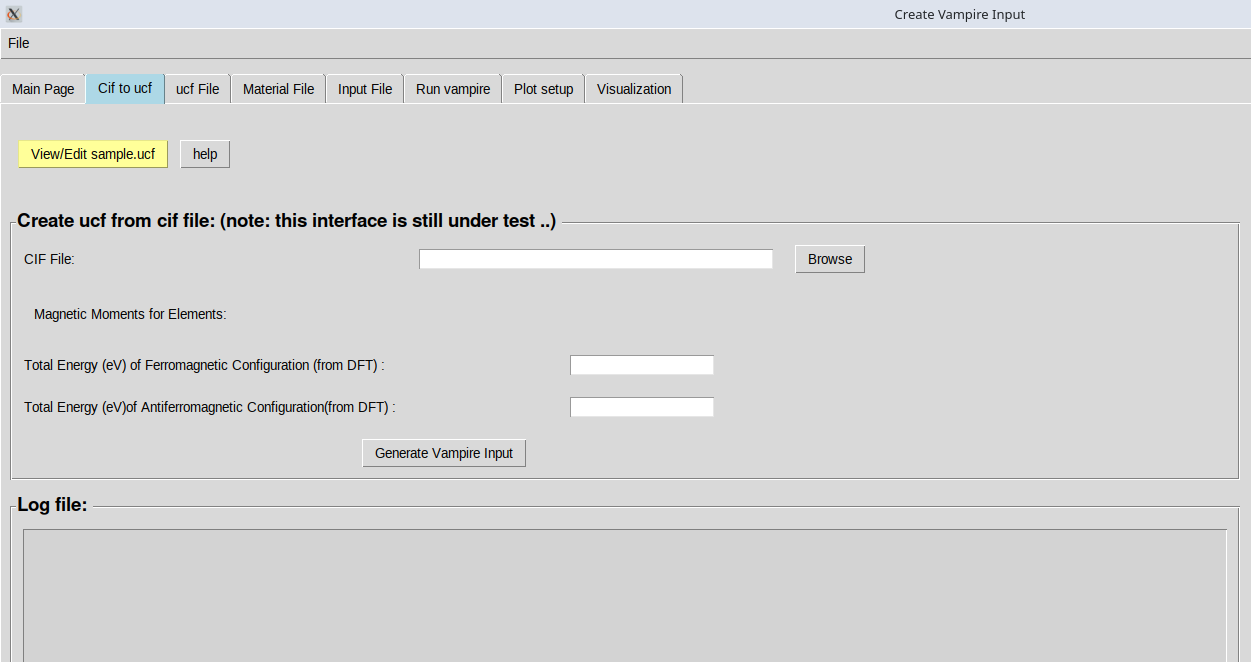
Convert CIF files to .ufc format using pymatgen (under testing and improvement).
🐞 Feedback & Contact
If you find any bugs or have suggestions, please send your feedback via email:
Author: G. Benabdellah Department of Physics University of Tiaret, Algeria Email: ghlam.benabdellah@gmail.com
Release history Release notifications | RSS feed


Download files
Download the file for your platform. If you're not sure which to choose, learn more about installing packages.
Source Distribution
Built Distribution
Filter files by name, interpreter, ABI, and platform.
If you're not sure about the file name format, learn more about wheel file names.
Copy a direct link to the current filters
File details
Details for the file vampgui-2.2.3.tar.gz.
File metadata
- Download URL: vampgui-2.2.3.tar.gz
- Upload date:
- Size: 1.4 MB
- Tags: Source
- Uploaded using Trusted Publishing? No
- Uploaded via: twine/6.1.0 CPython/3.12.3
File hashes
| Algorithm | Hash digest | |
|---|---|---|
| SHA256 |
0df185680106ae664302881267ad77b27d5afa84e3802353a6cc69f9e6b6fca2
|
|
| MD5 |
736f5018ff0b7c87f864c084bced4092
|
|
| BLAKE2b-256 |
de090aef814c45d482e6d9c8e7ef508a363976e2add71b53a71b7af938015dd4
|
File details
Details for the file vampgui-2.2.3-py3-none-any.whl.
File metadata
- Download URL: vampgui-2.2.3-py3-none-any.whl
- Upload date:
- Size: 1.4 MB
- Tags: Python 3
- Uploaded using Trusted Publishing? No
- Uploaded via: twine/6.1.0 CPython/3.12.3
File hashes
| Algorithm | Hash digest | |
|---|---|---|
| SHA256 |
0edcc5a448d535d2479f87e37057f734dbc6aa56fa8d695f9d5cc6ef73d18521
|
|
| MD5 |
1516c1ac8404403c961db1722020d610
|
|
| BLAKE2b-256 |
b35eaf8c4916a6e1b17a0559d121c1072ceef5daa9f5947398e2de8fd932ccef
|






