
Finite element visualization


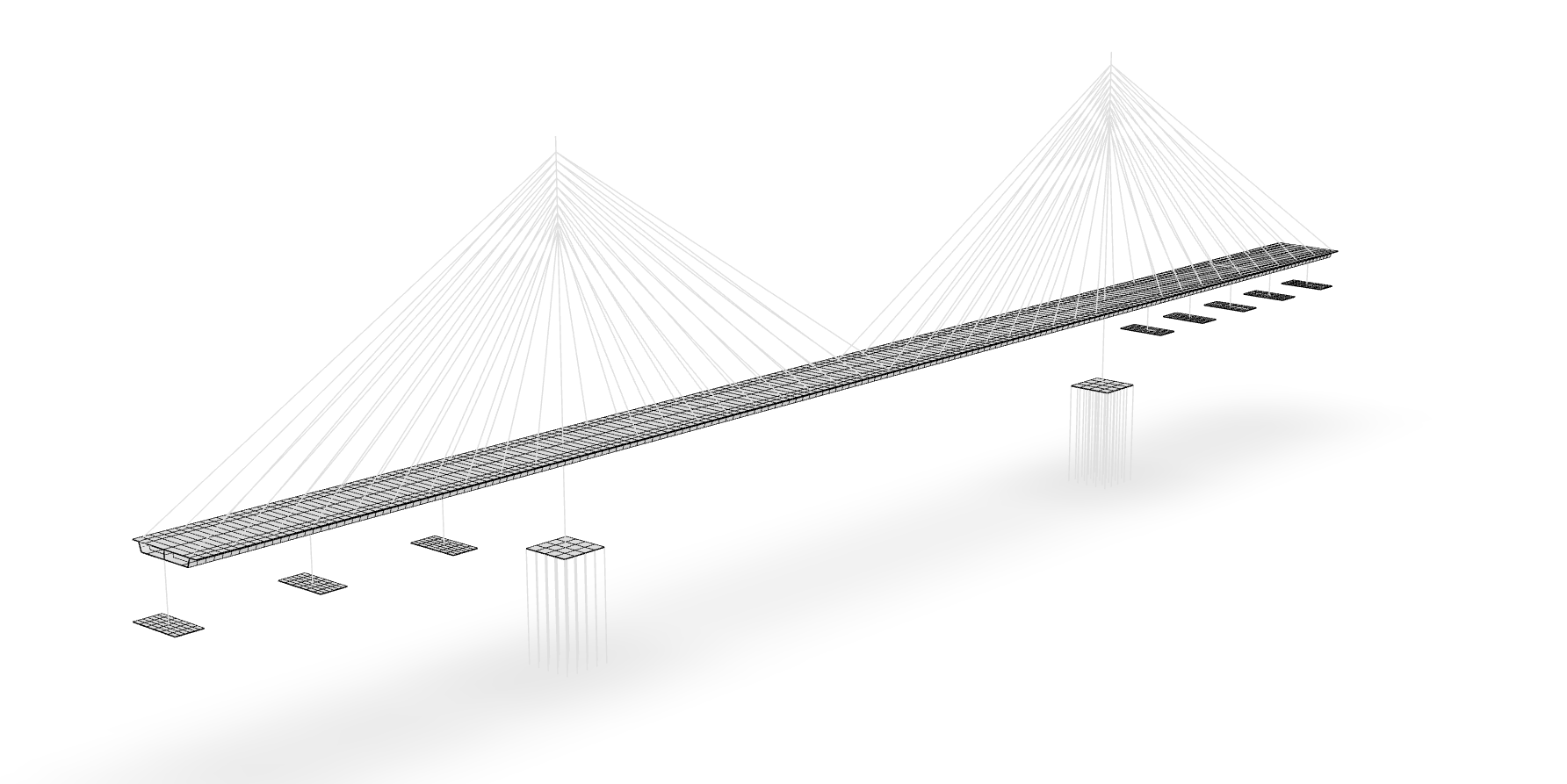
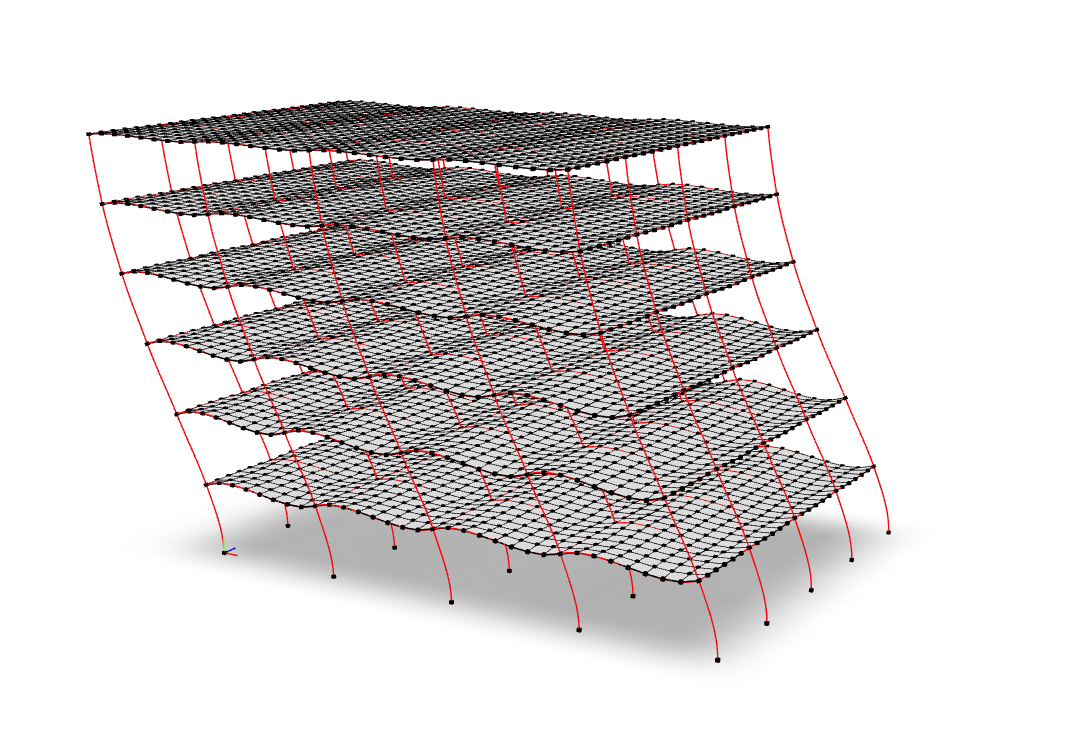
veux is a visualization library for finite element analysis that is built on the idea that your renderings should be easy to save, share, and revisit.
veux is a finite element visualization library that leverages modern
web technologies to produce sharable, efficient, and detailed renderings.
Unlike most tools that only provide temporary visualization, veux generates
persistent 3D models that can be stored in files, shared with colleagues, and
viewed with any standard 3D model viewer. This means anyone can interact with
the renderings without needing to install specialized software or even Python.
Simply open the 3D object with your computer’s 3D viewer (e.g., 3D Viewer on
Windows) or load it into a free online viewer in like gltf-viewer.
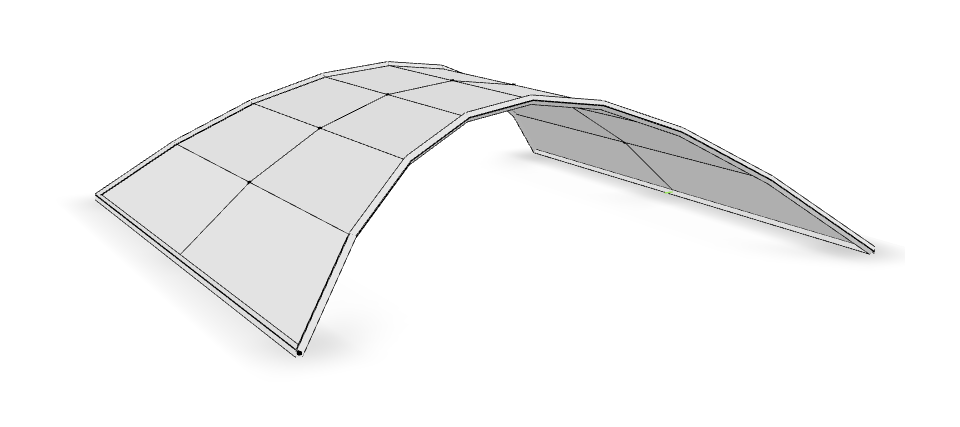
veux is further distinguished by its features for geometrically exact simulations
of constrained bodies like rods and shells.
Documentation is available at https://veux.io/ and an extensive set of examples at https://gallery.stairlab.io.
Features
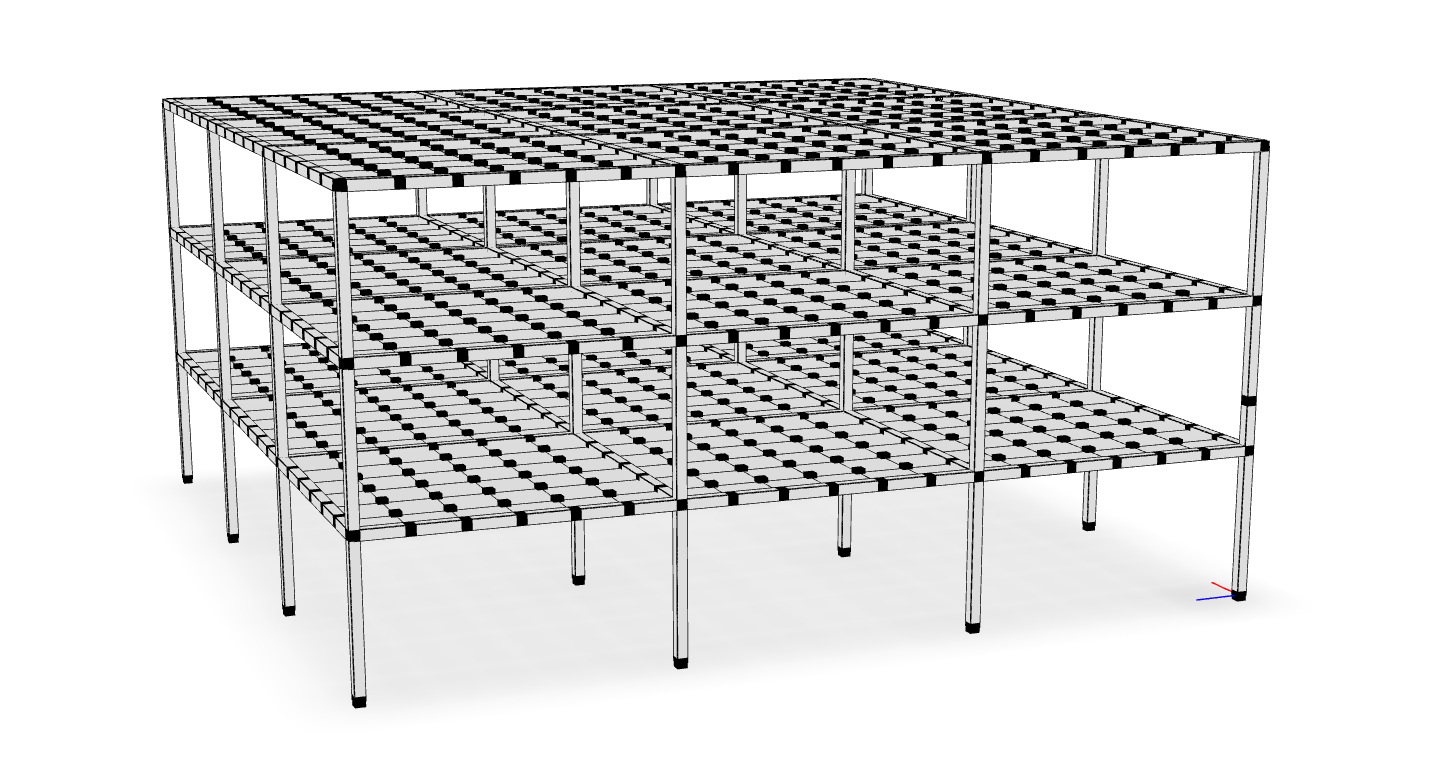
- Detailed Render frames with extruded cross sections
- Persistence: Save finite element visualizations as persistent 3D models that can be revisited and analyzed at any time.
- Portability: Share renderings effortlessly with colleagues, enabling seamless collaboration and review.
- Accessibility: View and interact with the models using any standard 3D model viewer, eliminating the need for specialized software or Python installation.
Getting Started
To install veux run:
pip install veux
Python Interface
To render a model directly from Python, use the veux.render function:
artist = veux.render(model, canvas=canvas)
- model: the
modelparameter can be of several types - canvas: The
canvasparameter is a string which indicates which "backend" technology to use. The options are:"gltf"is the default canvas and produces the highest quality renderings. You can save renderings drawn by this backend to either.htmlor.glbfiles..glbfiles are preferred as they are a natural format for 3D objects and can be viewed by standard 3D viewing applications."plotly"is best for model debugging as it is able to embed model details like node/element numbers and properties with hover annotations. However, the renderings produced by this backend dont look quite as good as withgltf."matplotlib": can be used to programatically create.pngfiles.
Once the artist is created, the rendering can either be displayed or saved to a file. Each canvas supports slightly different options:
-
viewing To view a rendering that is generated either with
canvas="gltf"orcanvas="plotly", use theveux.serve()function:veux.serve(artist)
After running you will see a message like the following printed to your terminal:
    Bottle v0.13.1 server starting up (using WSGIRefServer())...
    Listening on http://localhost:8081/
    Hit Ctrl-C to quit.
Paste the URL from this message (eg, http://localhost:8081) into the address bar of a browser and an interactive rendering will appear.
-
saving Use the
artist'ssave()method to write the rendering to a file. The file type depends on the canvas:- with
canvas="gltf", files are saved in the glTF format with extension.glb:... artist.save("model.glb")
- with
canvas="plotly", files are saved in to HTML:... artist.save("model.html")
- with
canvas="matplotlib", files are saved in as PNGs:... artist.save("model.png")
Note, however, that renderings produced by the"matplotlib"canvas are generally very poor quality. For high quality images, use the"gltf"canvas and take screen captures.
- with
Command Line Interface
To create a rendering, execute the following command from the anaconda prompt (after activating the appropriate environment):
python -m veux model.json -o model.html
where model.json is a JSON file generated from executing the following OpenSees command:
print -JSON model.json
If you omit the -o <file.html> portion, it will plot immediately in a new
window. You can also use a .png extension to save a static image file, as
opposed to the interactive html.
Note Printing depends on the JSON output of a model. Several materials and elements in the OpenSeesPy and upstream OpenSees implementations do not correctly print to JSON. For the most reliable results, use the
xarapackage for interpreting OpenSees.
By default, the rendering treats the $y$ coordinate as vertical.
In order to manually control this behavior, pass the option
--vert 3 to render model $z$ vertically, or --vert 2 to render model $y$ vertically.
If the opensees package is installed,
you can directly render a Tcl script without first printing to JSON,
by just passing a Tcl script instead of the JSON file:
python -m veux model.tcl -o model.html
To plot an elevation (elev) plan (plan) or section (sect) view, run:
python -m veux model.json --view elev
and add -o <file.extension> as appropriate.
To see the help page run
python -m veux --help
Related Links
The veux packages was used to generate figures for the following publications:
- On nonlinear geometric transformations of finite elements doi: 10.1002/nme.7506
Gallery
 |
 |
 |
 |
Support

|

|

|
2 maintainers


Download files
Download the file for your platform. If you're not sure which to choose, learn more about installing packages.
Source Distribution
Built Distribution
Filter files by name, interpreter, ABI, and platform.
If you're not sure about the file name format, learn more about wheel file names.
Copy a direct link to the current filters
File details
Details for the file veux-0.0.43.tar.gz.
File metadata
- Download URL: veux-0.0.43.tar.gz
- Upload date:
- Size: 523.9 kB
- Tags: Source
- Uploaded using Trusted Publishing? No
- Uploaded via:
twine/7.0.0 CPython/3.13.3
File hashes
| Algorithm | Hash digest | |
|---|---|---|
| SHA256 |
020483037f175167fbdd7c3e3ddecfd751ba1cb151b82a3b9d10b30d9fc311b3
|
|
| MD5 |
34f7a80265dba96a0d5720fe26a26f4c
|
|
| BLAKE2b-256 |
bf17b4112263412a9ef21a96bf5323bae1ab043ee21d3fb9fd58c9c22263f229
|
File details
Details for the file veux-0.0.43-py3-none-any.whl.
File metadata
- Download URL: veux-0.0.43-py3-none-any.whl
- Upload date:
- Size: 549.0 kB
- Tags: Python 3
- Uploaded using Trusted Publishing? No
- Uploaded via:
twine/7.0.0 CPython/3.13.3
File hashes
| Algorithm | Hash digest | |
|---|---|---|
| SHA256 |
cd1933ebe0030eb5bb7a21a65e41c6c5b71bce6e03bf7b5852709d8dcf6ace85
|
|
| MD5 |
1b460395e266ebcaa2adbbbd8b4979cd
|
|
| BLAKE2b-256 |
f4d2018726ab8c9f841ac94dbf49c1e8645ab7b1d6934193a561090d9be23e0c
|














