
One CLI for containerized AI coding agents


Project description

VibePod





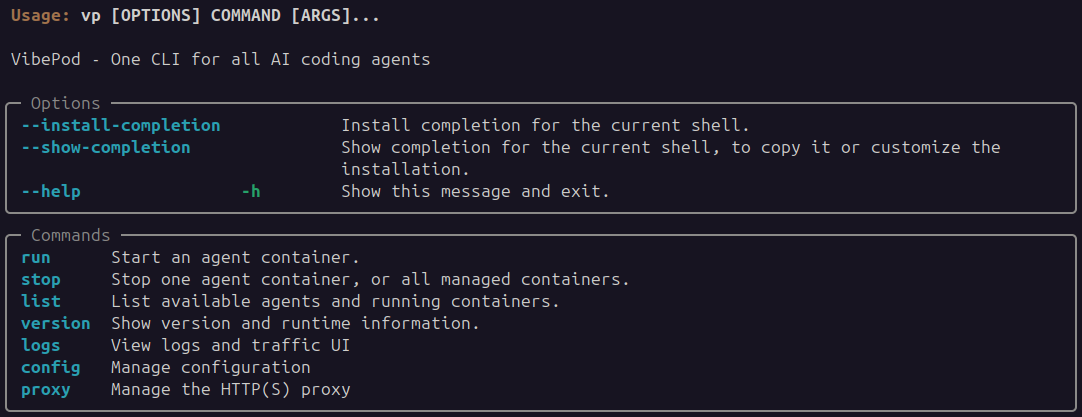
VibePod is a unified CLI (vp) for running AI coding agents in isolated
Docker containers — no required configuration, no setup. Just
vp run <agent>. Includes built-in local metrics collection, HTTP traffic
tracking, and an analytics dashboard to monitor and compare agents side-by-side.
Features
- ⚡ Zero config — no setup required;
vp run <agent>just works. Optional YAML for custom configuration - 🐳 Isolated agents — each agent runs in its own Docker container
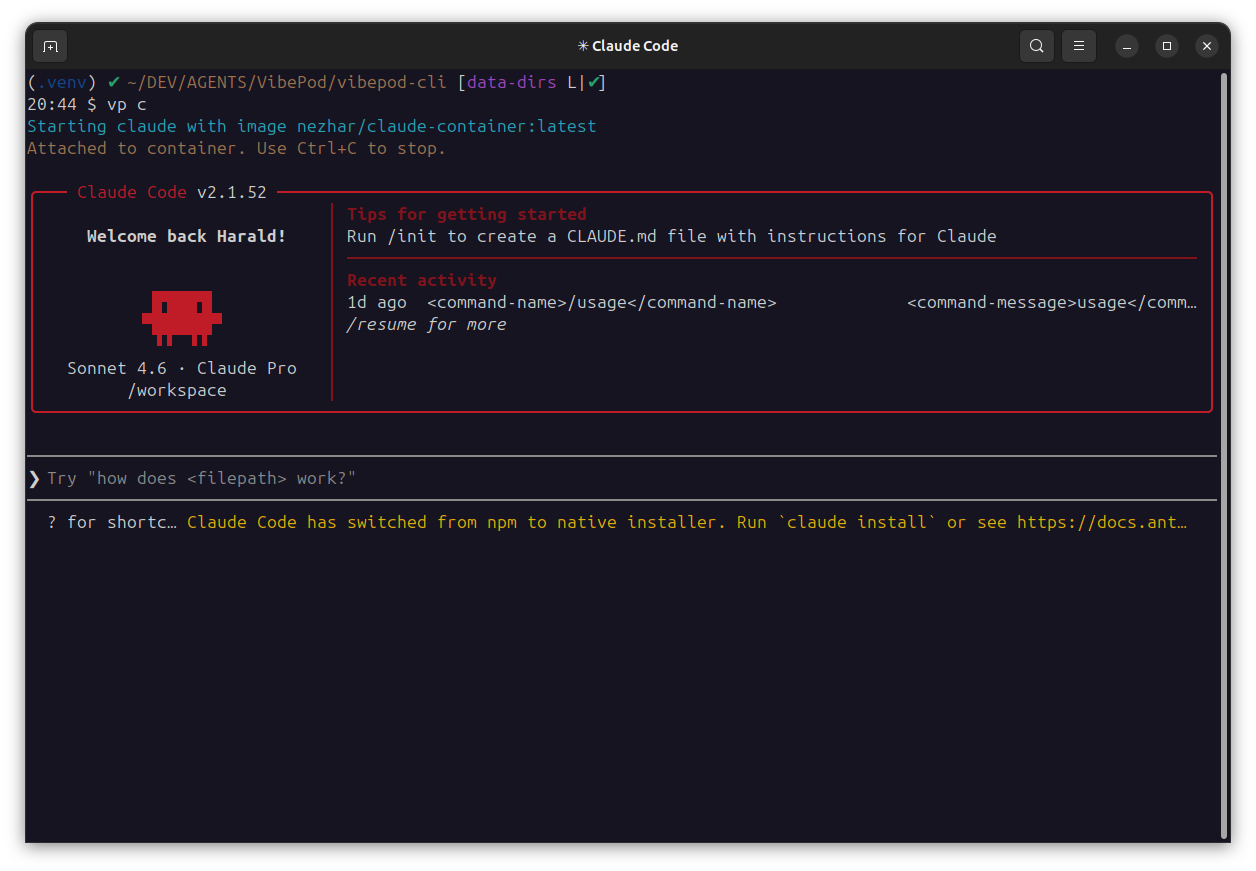
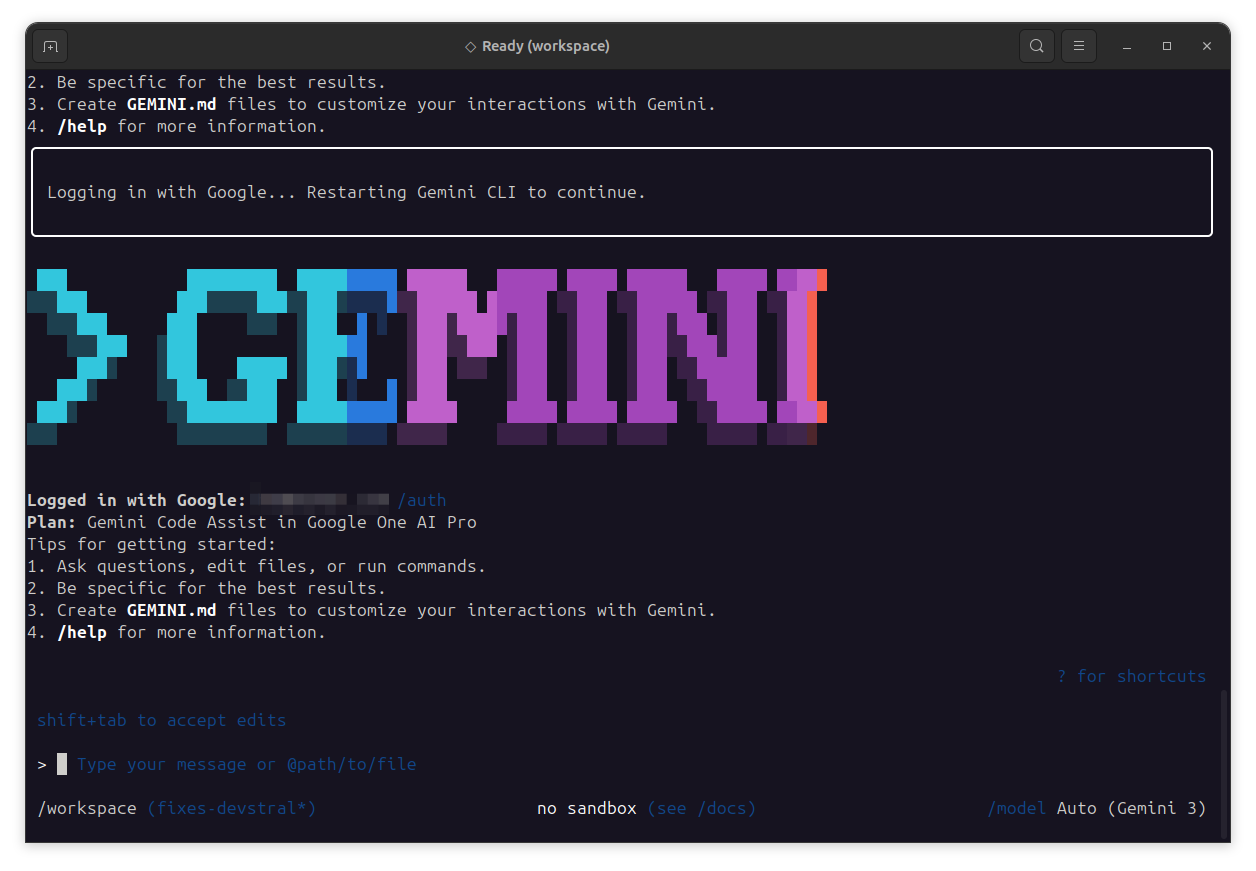
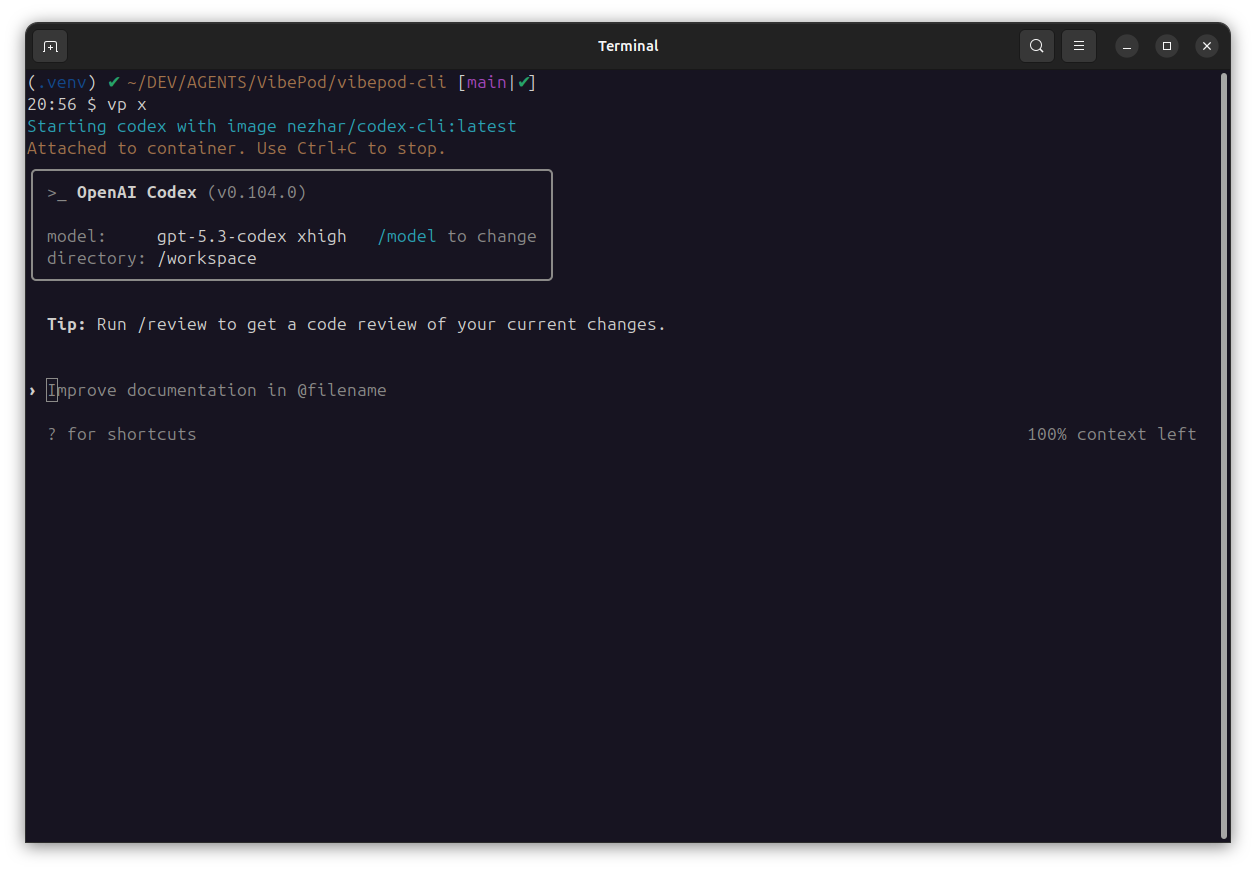
- 🔀 Unified interface — one CLI for Claude, Gemini, Codex, Devstral/Vibe, Copilot, Auggie, Pi, Agy & more
- 🧩 Skills — install reusable prompt recipes per-project or per-user with
vp skills add - 📊 Local analytics dashboard — track usage and HTTP traffic per agent, plus token metrics
- ⚖️ Agent comparison — benchmark multiple agents against each other in the dashboard
- 🔒 Privacy-first — all metrics collected and stored locally, never sent to the cloud
- 📦 Simple install —
pip install vibepod
Installation
VibePod is available on PyPI:
pip install vibepod
Quick Start
vp run <agent>
# examples:
vp run claude
vp run codex
vp run vibe   # alias of devstral
Extra arguments after the agent are forwarded to the agent process. Use --
before agent flags so VibePod does not parse them as its own options:
vp run <agent> -- <agent-args>
IKWID Mode (--ikwid)
Use --ikwid to append each agent's auto-approval / permission-skip flag when supported.
| Agent | --ikwid appended args |
|---|---|
claude |
--dangerously-skip-permissions |
gemini |
--approval-mode=yolo |
devstral (vibe) |
--auto-approve |
copilot |
--yolo |
codex |
--dangerously-bypass-approvals-and-sandbox |
pi |
--approve |
agy |
--dangerously-skip-permissions |
opencode |
Not supported |
auggie |
Not supported |
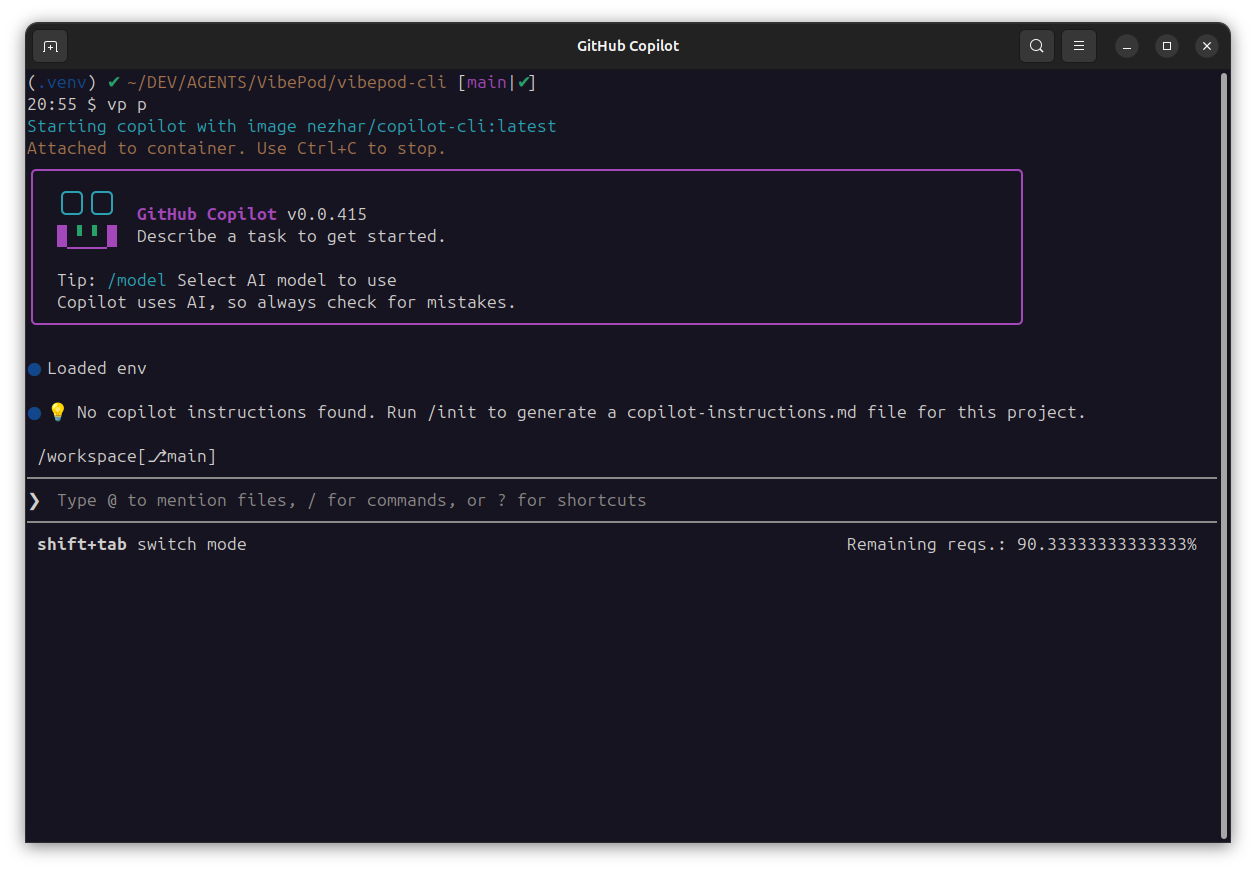
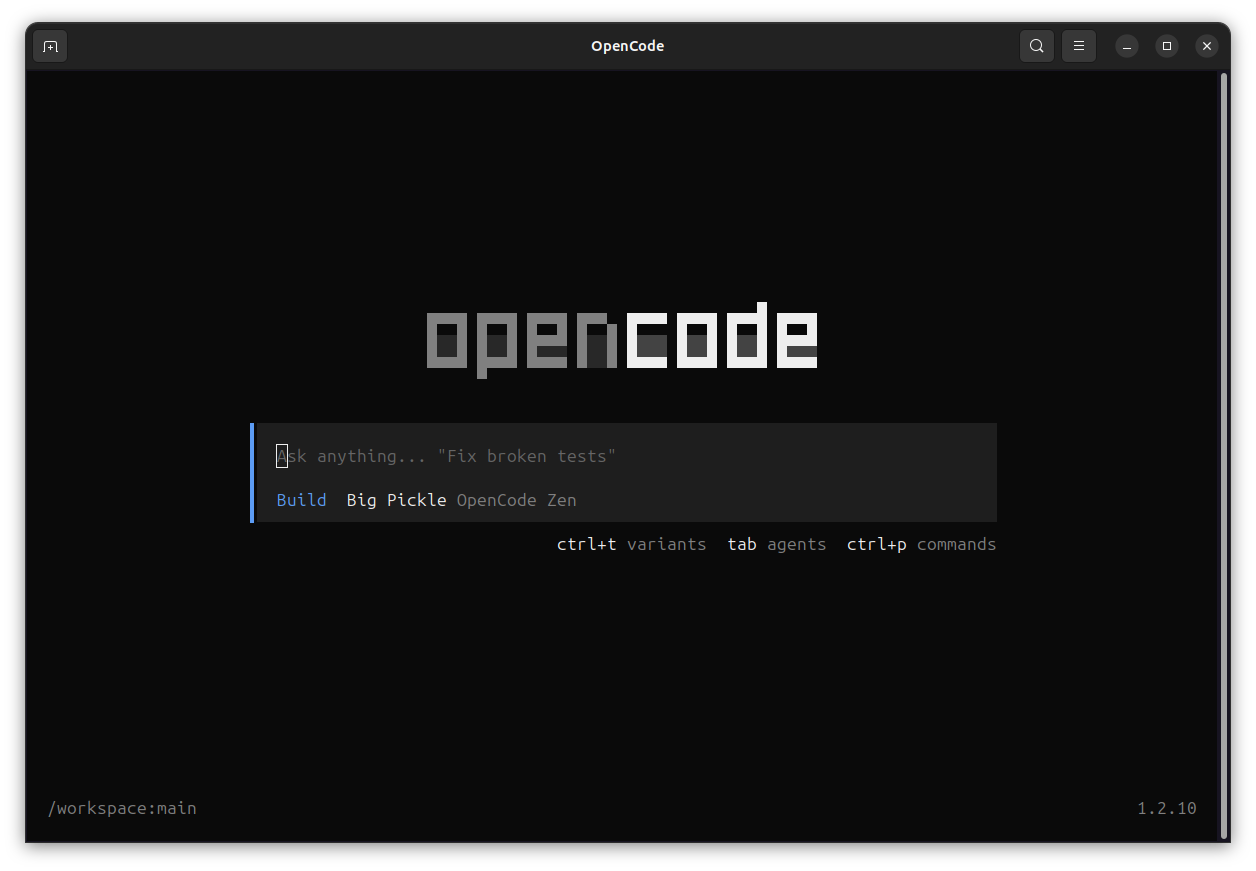
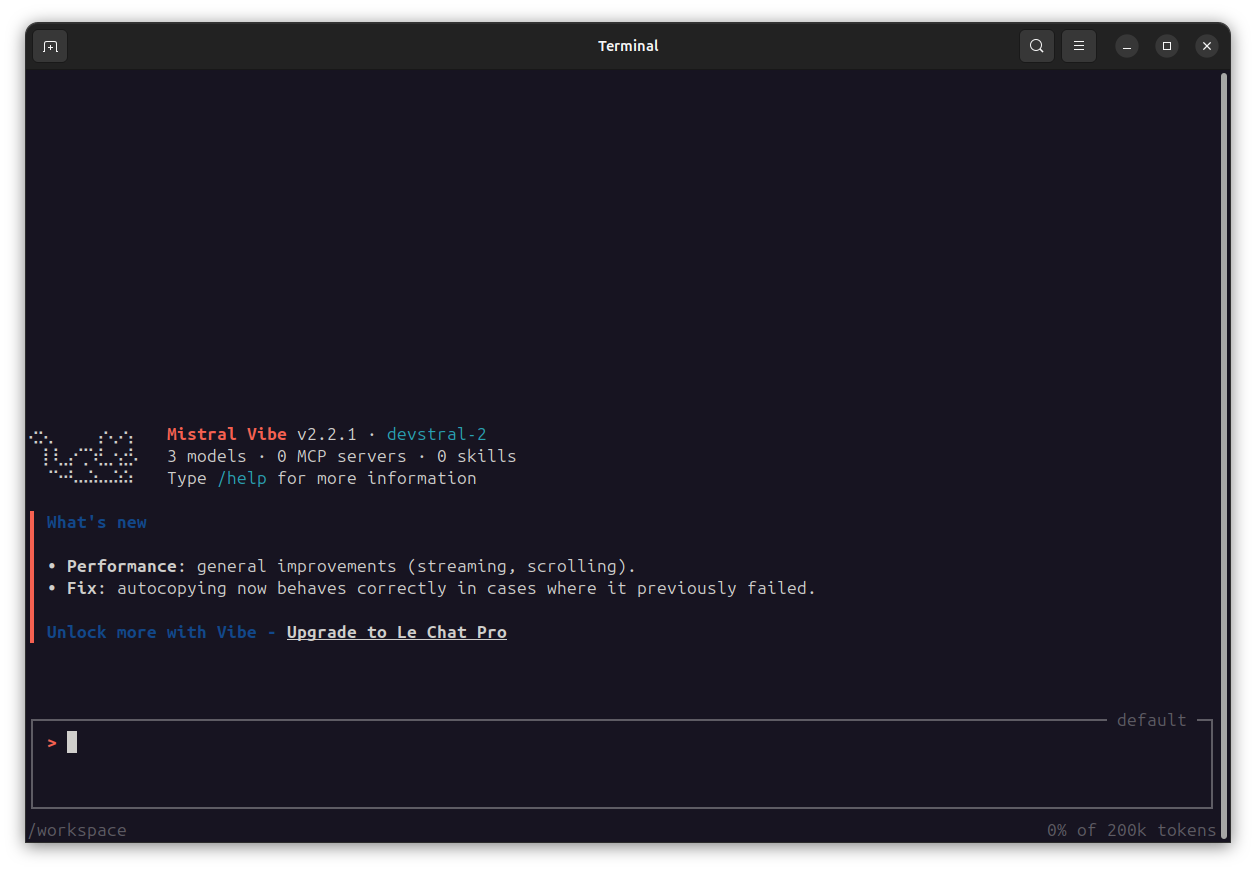
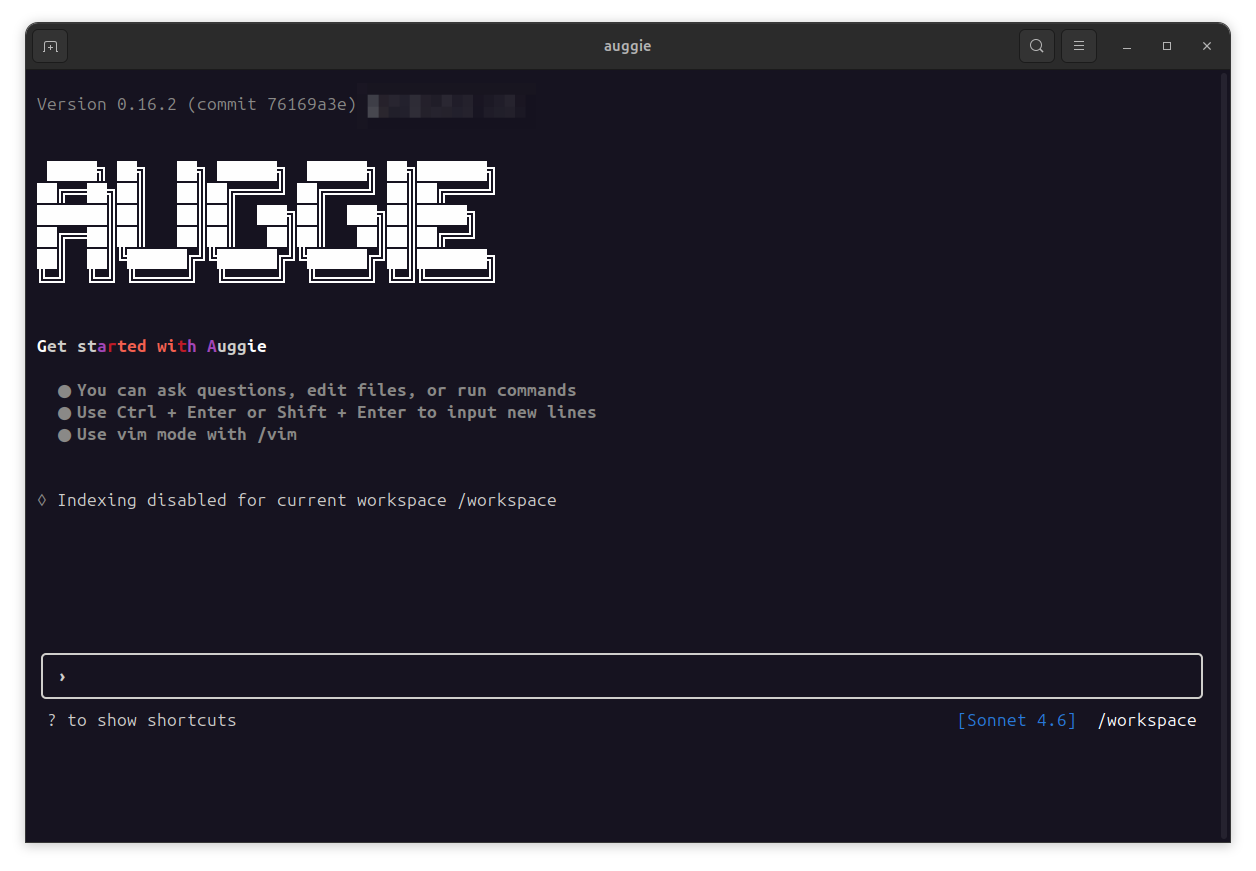
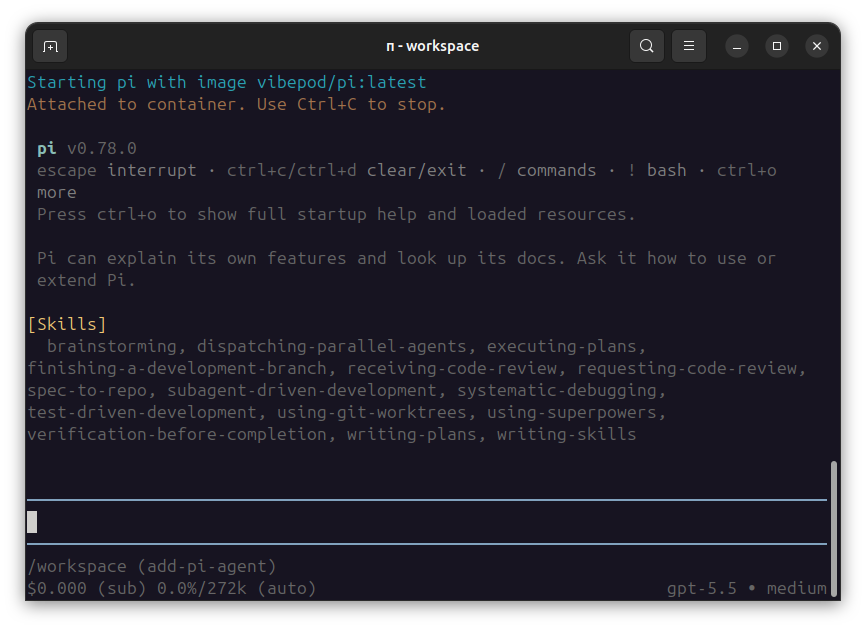
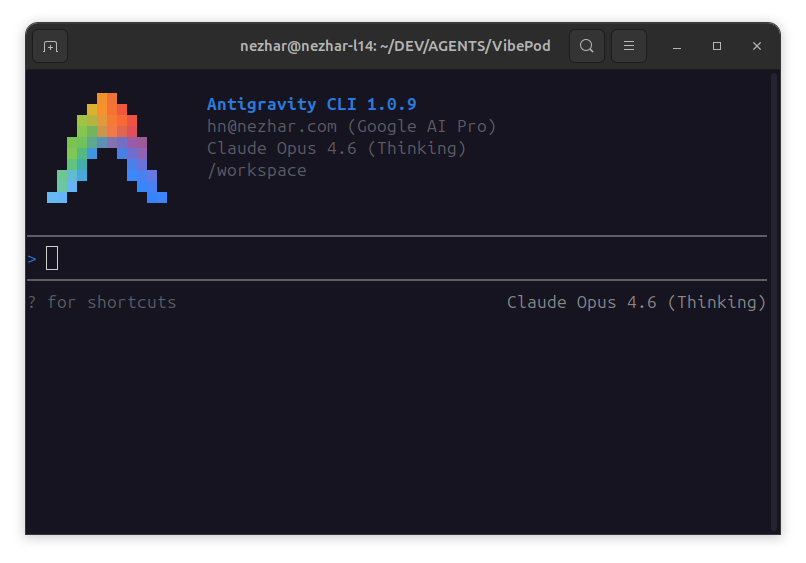
Tool Thumbnails
Current Status
This repository contains an initial v1 implementation with:
vp run <agent>vp stop <agent|--all>vp listvp config initvp config showvp config pathvp version
Analytics & Dashboard
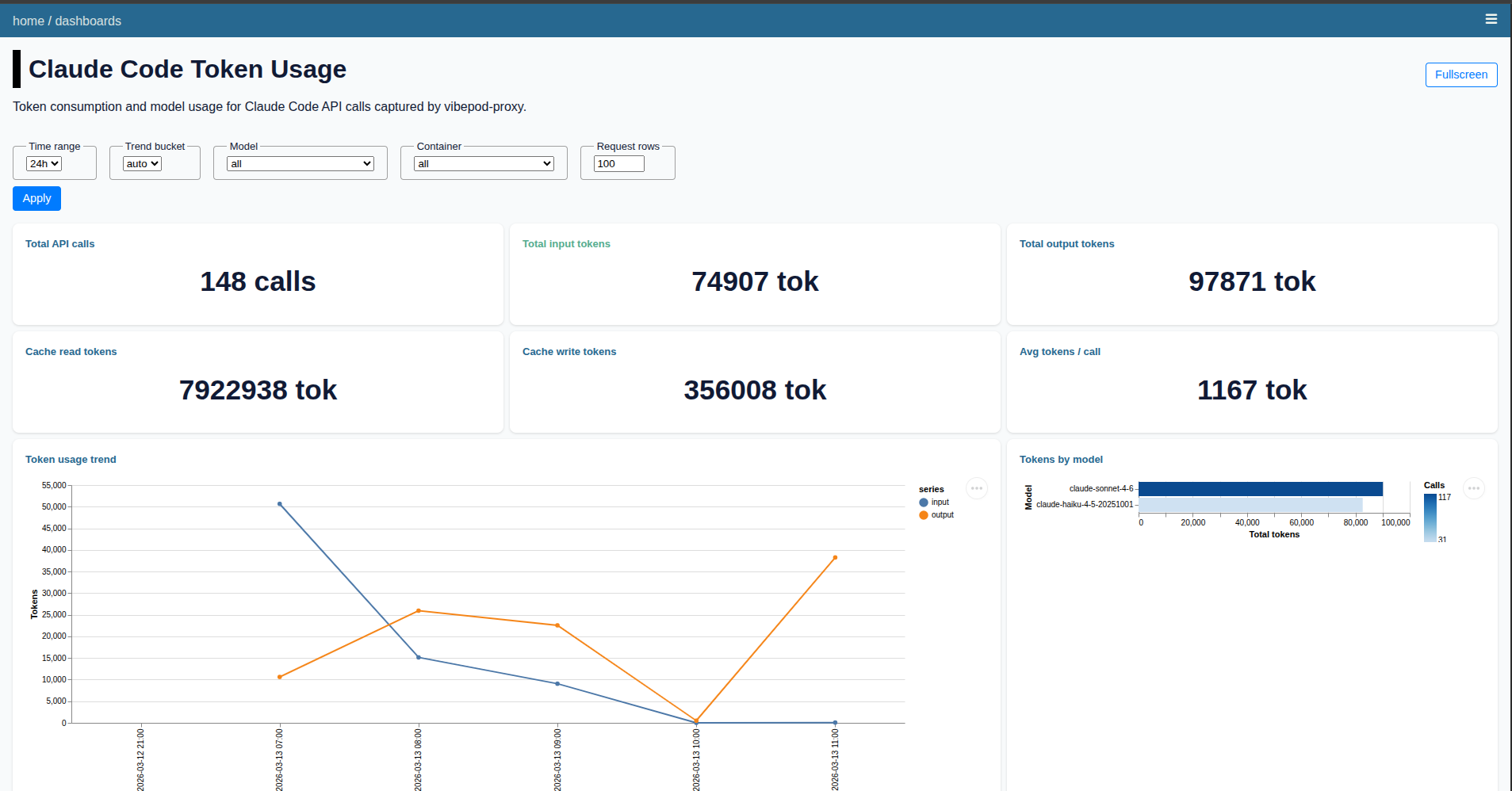
VibePod collects metrics locally while your agents run and serves them through a built-in dashboard.
| Command | Description |
|---|---|
vp logs start |
Start or resume dashboard for collected metrics |
vp logs stop |
Stop the dashboard container |
vp logs status |
Show dashboard container status |
The dashboard shows per-agent HTTP traffic, usage over time, and Claude token metrics. It also lets you compare agents side-by-side. All data stays on your machine.
Image Namespace
All agent images are published under the vibepod namespace on Docker Hub. Source Dockerfiles are in VibePod/vibepod-agents.
Current defaults:
claude->vibepod/claude:latestgemini->vibepod/gemini:latestopencode->vibepod/opencode:latestdevstral(alias:vibe) ->vibepod/devstral:latestauggie->vibepod/auggie:latestcopilot->vibepod/copilot:latestcodex->vibepod/codex:latestpi->vibepod/pi:latestagy->vibepod/agy:latestdatasette->vibepod/datasette:latestproxy->vibepod/proxy:latest(repo)
Overriding Images
You can override any single image directly:
VP_IMAGE_CLAUDE=vibepod/claude:latest vp run claude
VP_IMAGE_GEMINI=vibepod/gemini:latest vp run gemini
VP_IMAGE_OPENCODE=vibepod/opencode:latest vp run opencode
VP_IMAGE_DEVSTRAL=vibepod/devstral:latest vp run devstral
VP_IMAGE_DEVSTRAL=vibepod/devstral:latest vp run vibe   # same agent/image as devstral
VP_IMAGE_AUGGIE=vibepod/auggie:latest vp run auggie
VP_IMAGE_COPILOT=vibepod/copilot:latest vp run copilot
VP_IMAGE_CODEX=vibepod/codex:latest vp run codex
VP_IMAGE_PI=vibepod/pi:latest vp run pi
VP_IMAGE_AGY=vibepod/agy:latest vp run agy
VP_DATASETTE_IMAGE=vibepod/datasette:latest vp logs start
VP_SKILLS_ENGINE_IMAGE=vibepod/skills-engine:latest vp skills list
License
MIT License - see LICENSE for details.
Release history Release notifications | RSS feed


Download files
Download the file for your platform. If you're not sure which to choose, learn more about installing packages.
Source Distribution
Built Distribution
Filter files by name, interpreter, ABI, and platform.
If you're not sure about the file name format, learn more about wheel file names.
Copy a direct link to the current filters
File details
Details for the file vibepod-0.15.1.tar.gz.
File metadata
- Download URL: vibepod-0.15.1.tar.gz
- Upload date:
- Size: 1.0 MB
- Tags: Source
- Uploaded using Trusted Publishing? No
- Uploaded via: twine/6.2.0 CPython/3.12.3
File hashes
| Algorithm | Hash digest | |
|---|---|---|
| SHA256 |
e6ab754619075573333b84c5cbf3d887ff1cc3ad027f53ffc1cacf022951e86b
|
|
| MD5 |
f04ea8e07805621c40433cddf10e4999
|
|
| BLAKE2b-256 |
b37bd3dda571abe91df2861759d50f64dc8c0b7f7249ca627f554c293671d1a6
|
File details
Details for the file vibepod-0.15.1-py3-none-any.whl.
File metadata
- Download URL: vibepod-0.15.1-py3-none-any.whl
- Upload date:
- Size: 56.0 kB
- Tags: Python 3
- Uploaded using Trusted Publishing? No
- Uploaded via: twine/6.2.0 CPython/3.12.3
File hashes
| Algorithm | Hash digest | |
|---|---|---|
| SHA256 |
2fef51c1559ebbbe8bb44c49946c5255ec4294949d48a06e2fdc39209622f73e
|
|
| MD5 |
64c938c83f4cda4b3e0b31d820a17b3d
|
|
| BLAKE2b-256 |
ba1507051bcc21b1aee89b228f27c04699613dabe84a7a1752cc1dbf9959e927
|






