
A terminal molecular viewer and editor using the Kitty graphics protocol

Project description
vimol
A molecular viewer and editor that runs in your terminal. Open an .xyz,
.pdb, .mol, or .sdf file and get a shaded, rotatable, editable 3D
structure right where you're already working — over SSH, in tmux, next to
your editor.
pip install vimol
vimol molecule.xyz
Requires Python ≥ 3.8 and a terminal that speaks the Kitty graphics protocol — kitty, Ghostty, or WezTerm. Rendering is pure software (numpy impostor raycasting), with an OpenGL fast path used automatically where a GPU is available. MIT licensed.
In the terminal
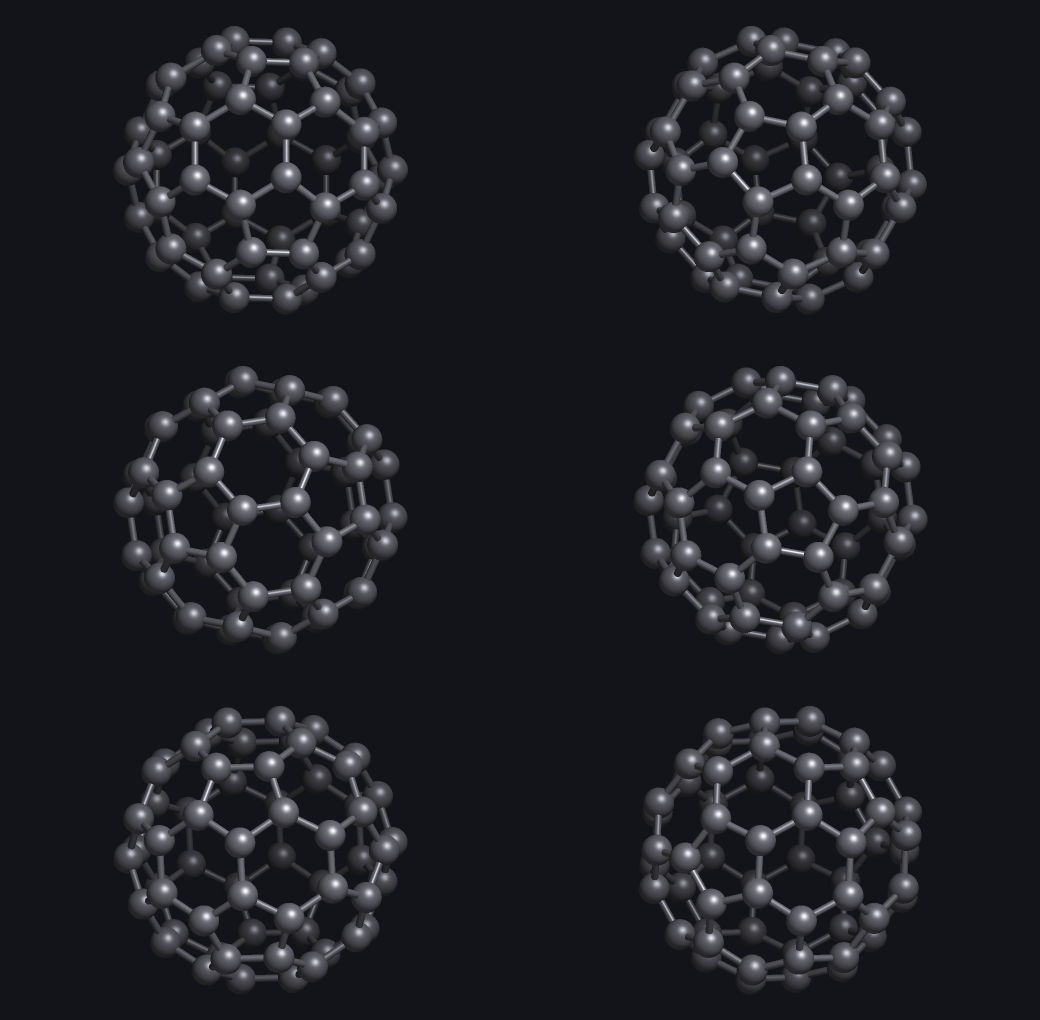
vimol with no file opens this bundled C60 demo. Drag to rotate, scroll to
zoom, hover an atom to identify it, m to measure distances/angles/dihedrals.
Editing is on by default: a to append (grow fragments, swap elements — the
status-bar pills pick the element and geometry), option-drag to draw bonds,
x to delete, c to relax clashes, u to undo, s to save. ? lists
every binding.
vimol traj.xyz --spin --style spacefill   # spin a trajectory, space-filling
vimol protein.pdb --render out.png        # batch still to PNG (works headless)
Library usage
import vimol

mol = vimol.load("caffeine.sdf")      # parse; bonds perceived if absent
vimol.view(mol, editable=True)        # full-screen interactive viewer

scene = vimol.Scene(mol, 640, 480)    # ...or drive the renderer yourself
scene.camera.orbit(30, -15)           # rotate (degrees)
img = scene.render()                  # (H, W, 3) uint8 numpy array
os.write(1, scene.to_kitty())         # paint it into a Kitty terminal
scene.to_png("out.png")               # or save a PNG (stdlib encoder, no Pillow)
To embed the viewer in your own terminal app, keep the input loop and hand only the events you want to the widget:
from vimol import MoleculeWidget, InputDecoder, MouseEvent

widget = MoleculeWidget(mol, width_px, height_px)   # no terminal, no loop
decoder = InputDecoder(pixel=True)

for ev in decoder.feed(data):                       # bytes you read from the tty
    if isinstance(ev, MouseEvent) and inside_my_region(ev):
        widget.handle_mouse(ev, origin=(region_x_px, region_y_px))
    else:
        my_app_handles(ev)

os.write(1, widget.to_kitty(cols=region_cols, rows=region_rows))
See examples/embed_demo.py for a complete host app.
Release history Release notifications | RSS feed


Download files
Download the file for your platform. If you're not sure which to choose, learn more about installing packages.
Source Distribution
Built Distribution
Filter files by name, interpreter, ABI, and platform.
If you're not sure about the file name format, learn more about wheel file names.
Copy a direct link to the current filters
File details
Details for the file vimol-0.1.1.tar.gz.
File metadata
- Download URL: vimol-0.1.1.tar.gz
- Upload date:
- Size: 127.6 kB
- Tags: Source
- Uploaded using Trusted Publishing? No
- Uploaded via: twine/6.2.0 CPython/3.9.6
File hashes
| Algorithm | Hash digest | |
|---|---|---|
| SHA256 |
c439ce53c99b63a9ccb4229473ffc52c33fe0d366d9c71748462bb6adfacc44d
|
|
| MD5 |
a079602fd4ac6dd0f3937823b72e1842
|
|
| BLAKE2b-256 |
4a23d19311096fb3b89b859c72f05c08fb774b97cb549710f5c7f9a76b620d06
|
File details
Details for the file vimol-0.1.1-py3-none-any.whl.
File metadata
- Download URL: vimol-0.1.1-py3-none-any.whl
- Upload date:
- Size: 101.4 kB
- Tags: Python 3
- Uploaded using Trusted Publishing? No
- Uploaded via: twine/6.2.0 CPython/3.9.6
File hashes
| Algorithm | Hash digest | |
|---|---|---|
| SHA256 |
7565ef742d0ab149ba466e93f837ed0f7f22f90f7a0ea5fd3118feacfdf4278e
|
|
| MD5 |
e43d5ac13eda14b4463fe2ad4d071a39
|
|
| BLAKE2b-256 |
f57e0af36e6d36be0edb41ea2bee25d763b71978cc6542d109fbd8de0c2ffed0
|






