
vitruvian-roborock
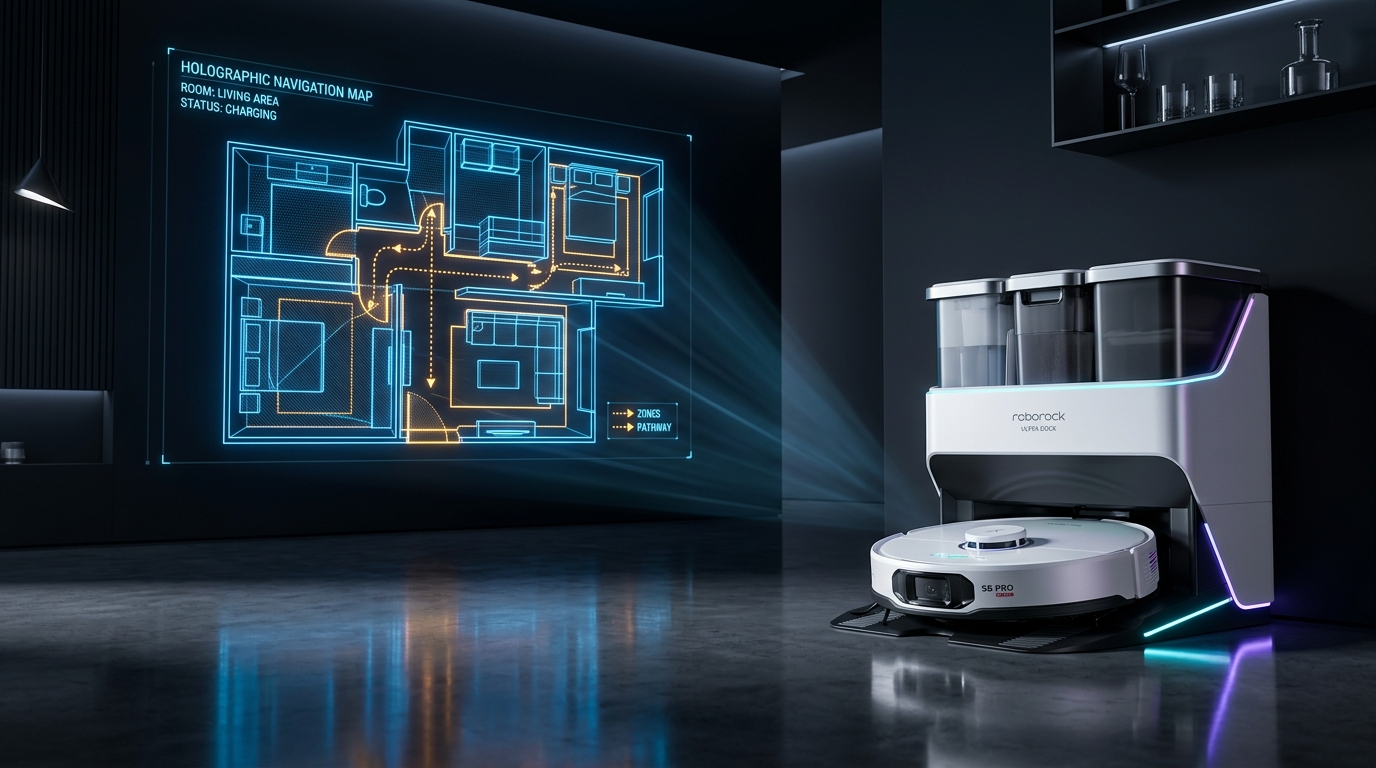
Autonomous agent control and real-time telemetry for Roborock vacuums. Check on and control your vacuum from a terminal (
rrctl), from an AI agent (Antigravity and Claude Code), or from a live map in your browser.
Architecture
One lightweight local process, the daemon, manages the single authenticated session with the vacuum (over local LAN or cloud MQTT), protecting device connection quotas. The CLI, MCP tools, and live dashboard communicate securely with the daemon over local loopback.
flowchart LR
    cli["rrctl (CLI)"] --> daemon
    mcp["FastMCP Server (Agents)"] --> daemon
    web["Live Dashboard (Browser)"] --> daemon
    daemon["Daemon 127.0.0.1:8765"] -- "Local LAN / Cloud Session" --> vacuum["Roborock Vacuum"]
Quick Installation
You need uv. The package is on
PyPI, and the plugins fetch
and run it themselves with uvx, so there is nothing to install first.
Claude Code:
claude plugin marketplace add VitruvianSoftware/mcp-roborock
claude plugin install vitruvian-roborock
Antigravity:
agy plugin install https://github.com/VitruvianSoftware/mcp-roborock
Just the CLI, rrctl, without an agent:
uv tool install vitruvian-roborock
Quick Start
rrctl setup        # Log in with your Roborock account (email verification code)
rrctl status       # Display live vacuum state, battery, and rooms
rrctl dashboard    # Open the real-time visual map in your browser
Command Reference
| Command | Description |
|---|---|
rrctl setup |
Log in with an emailed Roborock verification code |
rrctl status [--json] |
View state, battery, room layout, and cleaning history |
rrctl map [-o file.png] |
Save the current floor plan map as a high-res PNG |
rrctl pause / resume / dock |
Control cleaning runs |
rrctl daemon [status|start|stop] |
Manage the background connection daemon |
rrctl dashboard [--no-open] |
Launch the live web dashboard |
rrctl mcp |
Start the FastMCP server over stdio |
Agent Capabilities & Skills
When installed as a plugin, your AI agent automatically gains two specialized skills and seven FastMCP tools:
- Skills:
roborock-control: Natural language cleaning, targeted room dispatch, docking, and mop washing.roborock-setup: First-time authentication flow directly inside the conversation.
- FastMCP Tools:
get_status: Live status, battery, active errors, and room names.start_clean: Start cleaning (full floor plan).control: Pause, resume, stop, or find the vacuum.return_to_dock: Return to the Ultra dock.wash_mop: Trigger automatic mop washing on Ultra docks.get_map: Fetch real-time rendered floor map with vacuum trajectory.setup_login: Authenticate with Roborock cloud.
Documentation
1 maintainer

Metadata
1 maintainer
Release files for vitruvian-roborock 0.1.1
For a detailed explanation of source distributions (sdists) and built distributions (wheels), please see the package formats documentation.
Source distribution (sdist)
| File | Size | Uploaded | |
|---|---|---|---|
| vitruvian_roborock-0.1.1.tar.gz | 703.5 kB | Details |
Built distribution (wheel)
| File | Interpreter | ABI | Platform | Reset |
|---|---|---|---|---|
| vitruvian_roborock-0.1.1-py3-none-any.whl | Python 3 | none | any | Details |
Total release size: 751.6 kB
Release files / vitruvian_roborock-0.1.1.tar.gz
| Download URL | vitruvian_roborock-0.1.1.tar.gz |
|---|---|
| Size | 703.5 kB |
| Tags | Source |
|
SHA-256 checksum How to use checksums |
e51fe117efbb2b57e7bb6fdb1bd043cc58cb45d8c9304b96a065d938e81ab2c7
|
|
BLAKE2b-256 checksum How to use checksums |
3d110230c648657bb3a42516e7f9abcf04ca817524020667b2a07b9906f656dd
|
| Upload date | |
|
Uploaded using Trusted Publishing? What is trusted publishing? |
Yes |
| Uploaded via |
uv/0.13.0 {"installer":{"name":"uv","version":"0.13.0","subcommand":["publish"]},"python":null,"implementation":{"name":null,"version":null},"distro":{"name":"Ubuntu","version":"24.04","id":"noble","libc":null},"system":{"name":null,"release":null},"cpu":null,"openssl_version":null,"setuptools_version":null,"rustc_version":null,"ci":true}
|
Release files / vitruvian_roborock-0.1.1-py3-none-any.whl
| Download URL | vitruvian_roborock-0.1.1-py3-none-any.whl |
|---|---|
| Size | 48.1 kB |
| Tags | Python 3 |
|
SHA-256 checksum How to use checksums |
e806aa26e4f3c832e48a0c00b350cc6cf6968bd7e1299f0d19bc6242f04247a4
|
|
BLAKE2b-256 checksum How to use checksums |
962255eac7e0d2eb94ee5bd7817624e6de8421738d5259167f8b136cbb7cac09
|
| Upload date | |
|
Uploaded using Trusted Publishing? What is trusted publishing? |
Yes |
| Uploaded via |
uv/0.13.0 {"installer":{"name":"uv","version":"0.13.0","subcommand":["publish"]},"python":null,"implementation":{"name":null,"version":null},"distro":{"name":"Ubuntu","version":"24.04","id":"noble","libc":null},"system":{"name":null,"release":null},"cpu":null,"openssl_version":null,"setuptools_version":null,"rustc_version":null,"ci":true}
|














