
AI-powered Jupyter Notebook




Vizly Notebook is a Jupyter alternative that integrates an AI copilot into your Jupyter Notebook editing experience.
Best of all, Vizly Notebook runs locally and can be used for free with Ollama or your own API key. To start:
pip install vizly-notebook
To start vizly-notebook, run the following
vizly-notebook
or
jupyter vizly-notebook
or
jupyter thread
Key features
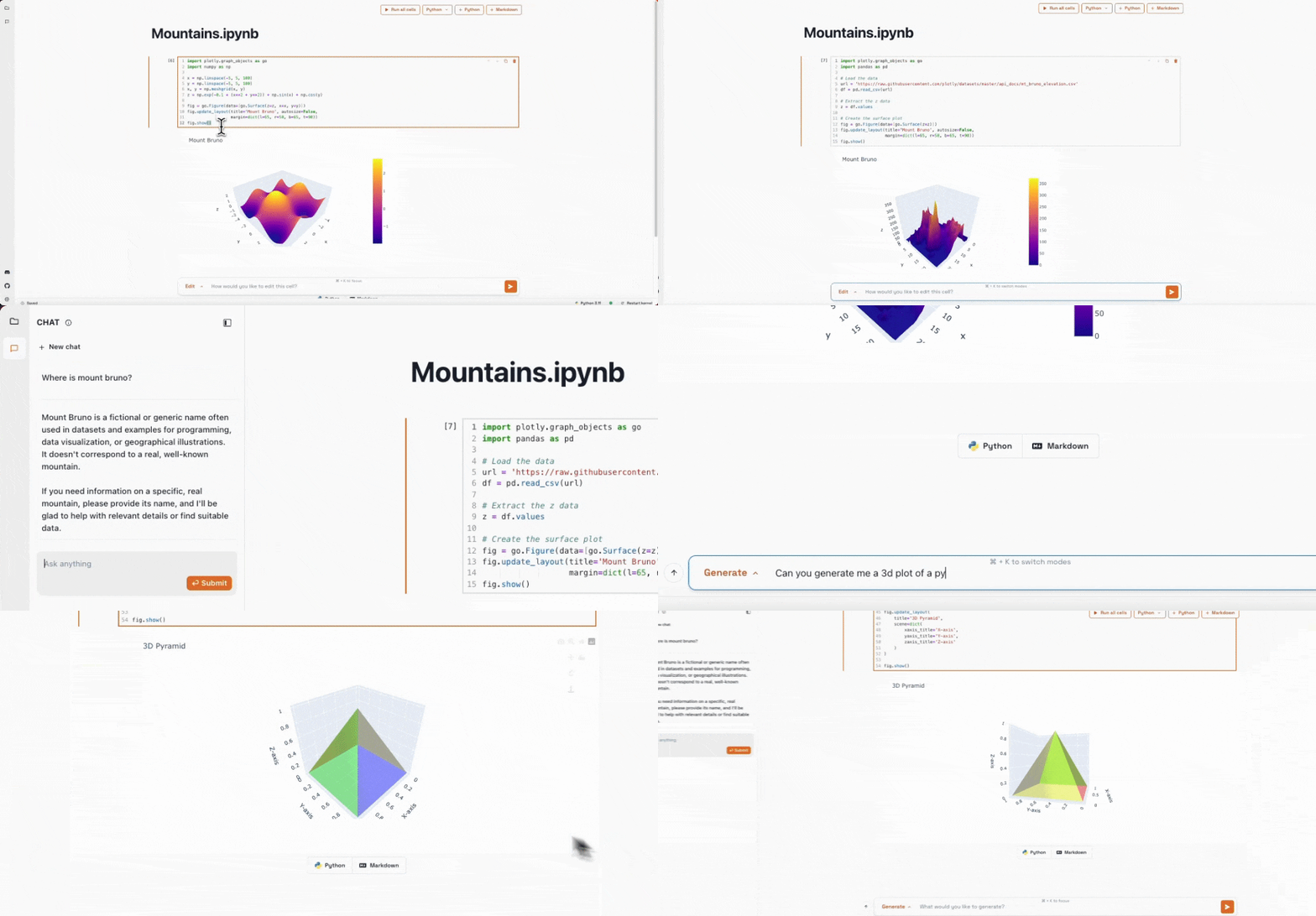
1. Familiar Jupyter Notebook editing experience
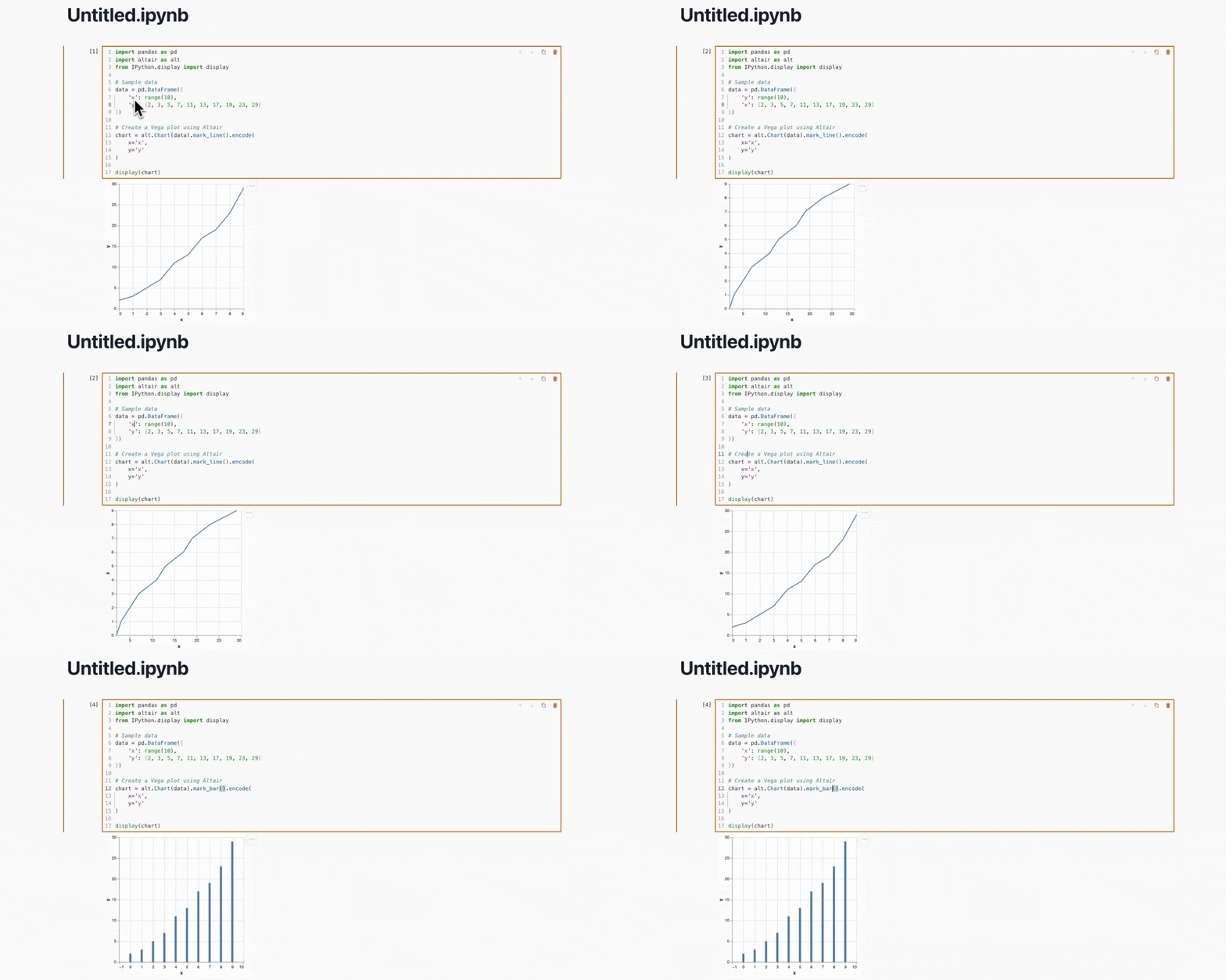
2. Natural language code edits
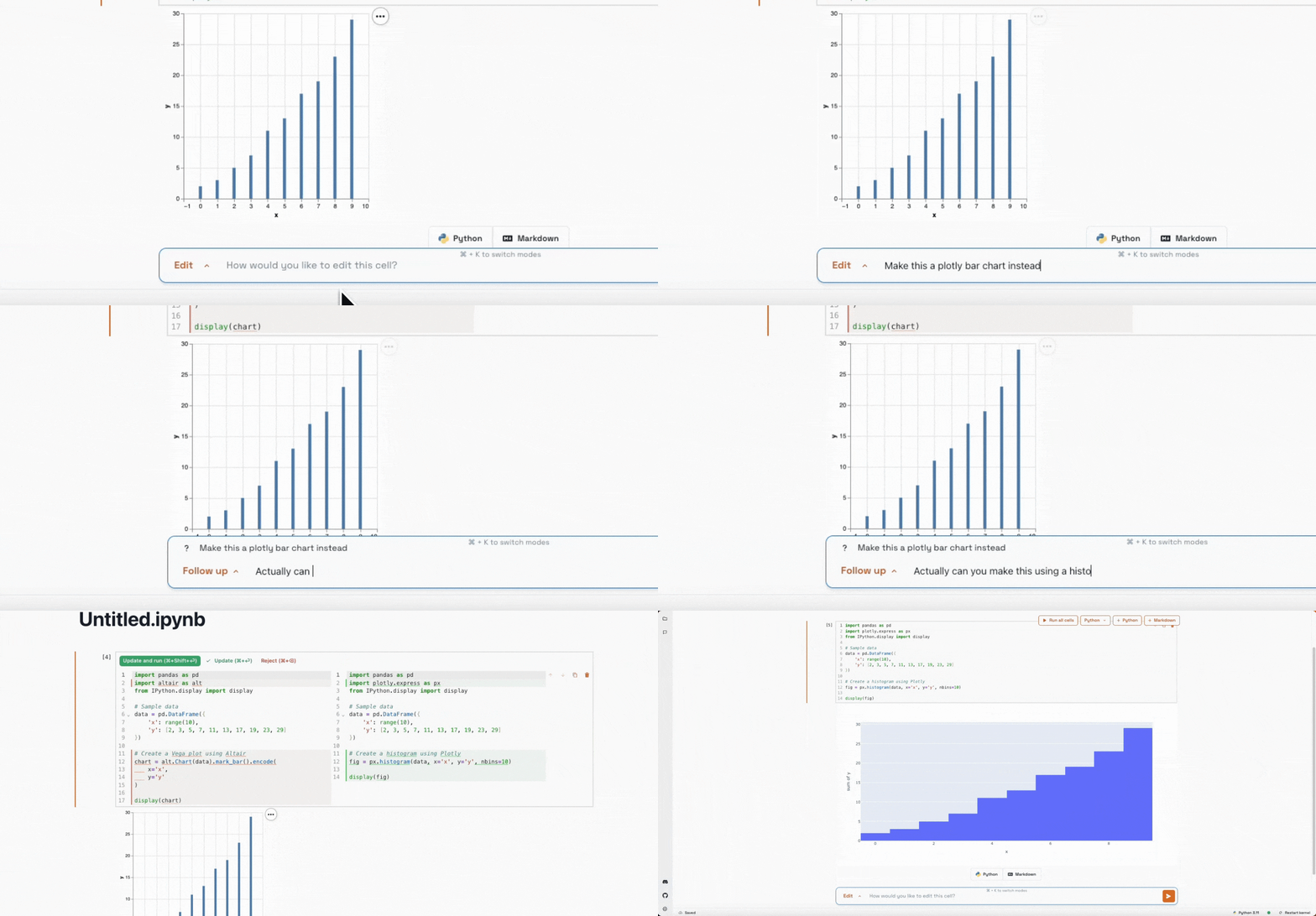
3. Generate cells to answer natural language questions
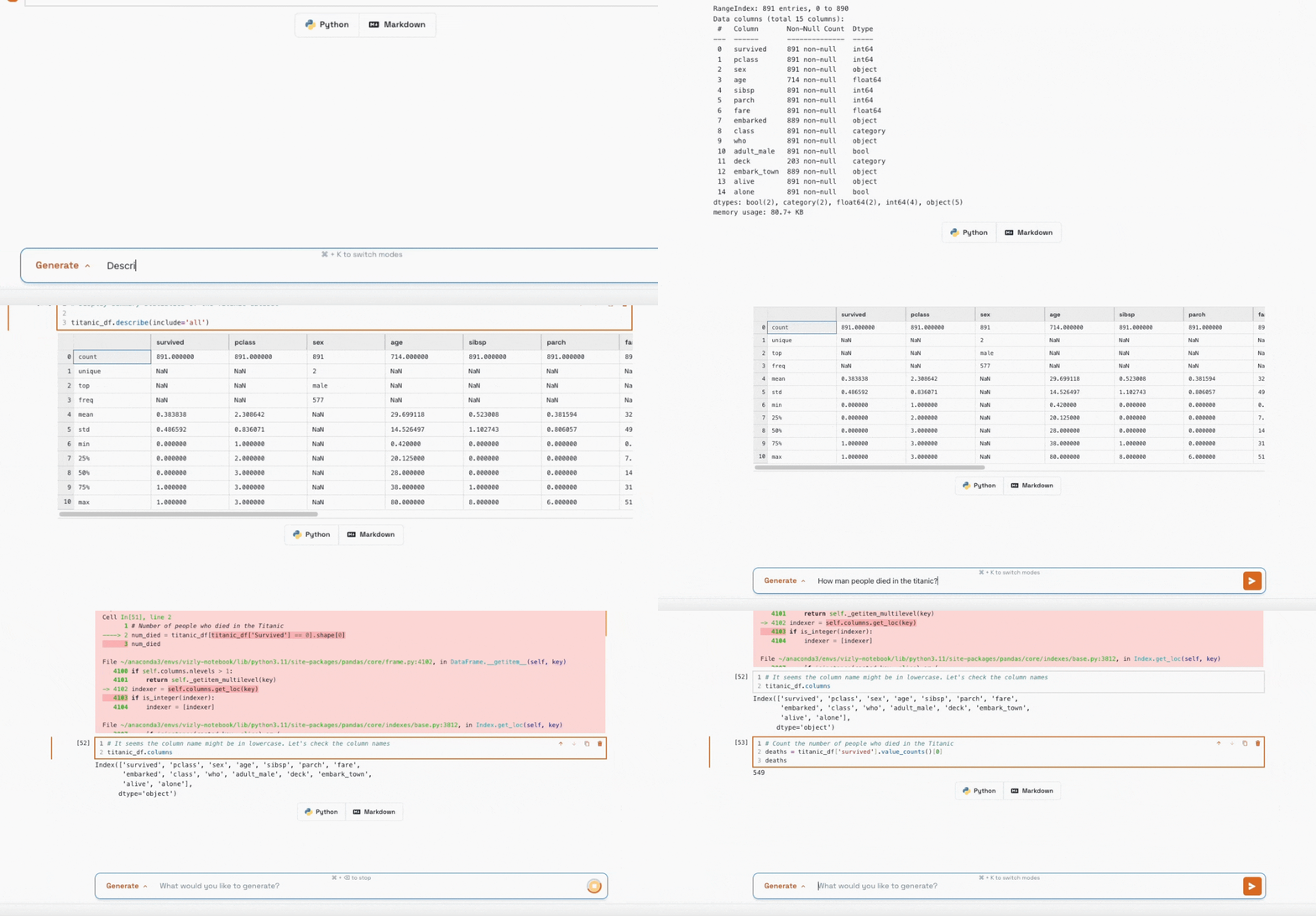
4. Ask questions in a context aware chat sidebar
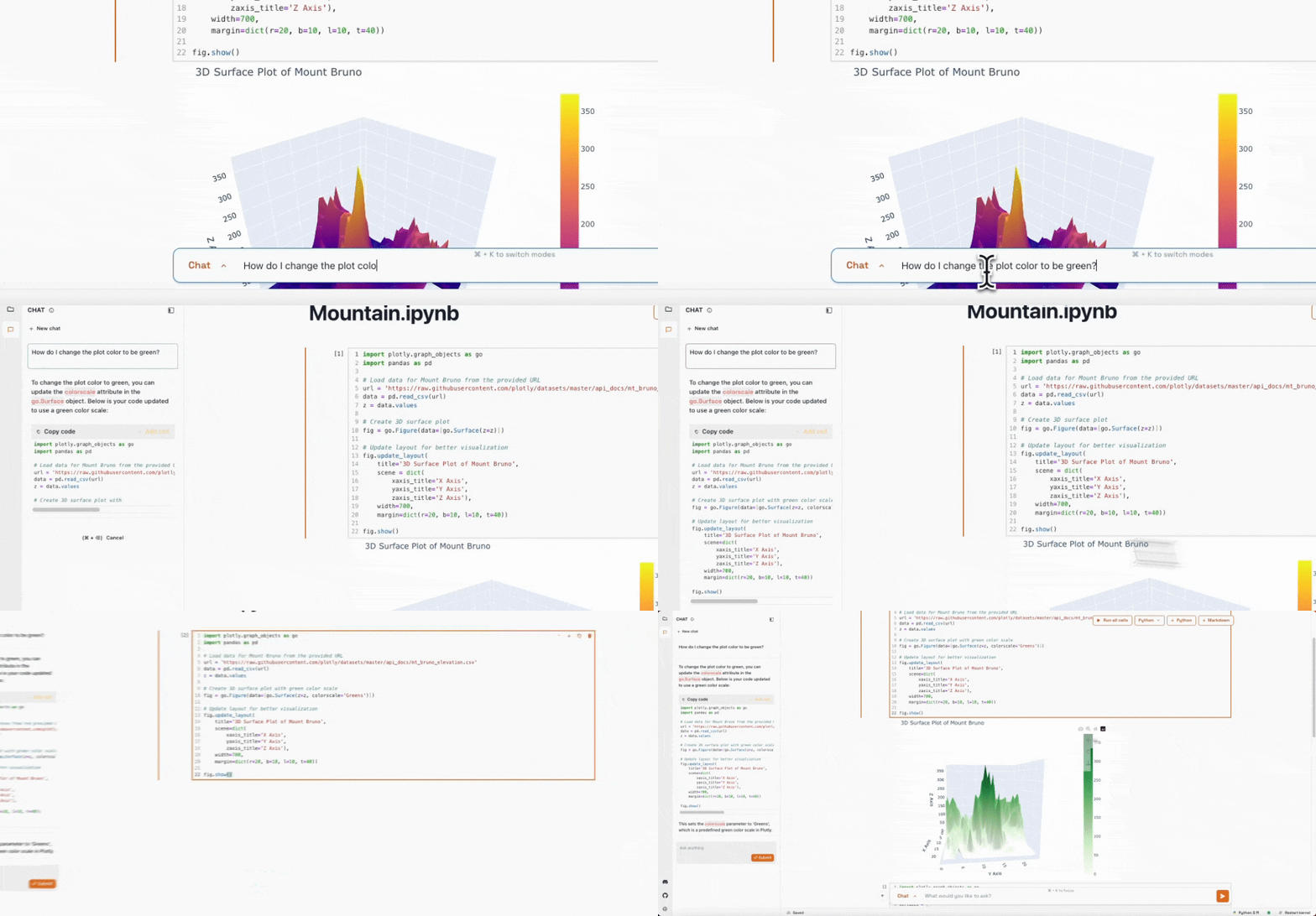
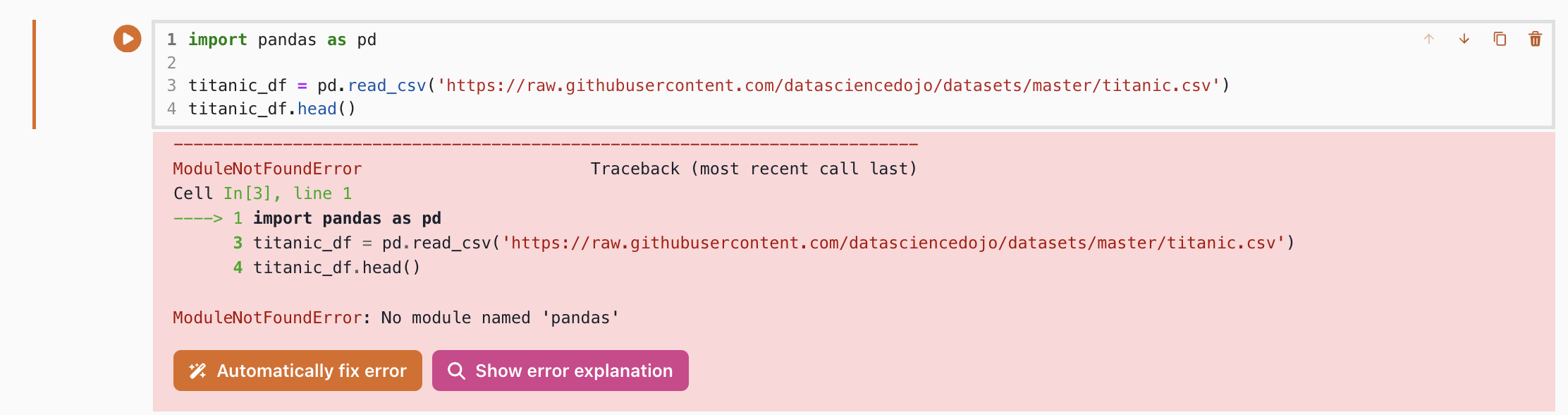
5. Automatically explain or fix errors
Demo
Feature Roadmap
These are some of the features we are hoping to launch in the next few month. If you have any suggestions or would like to see a feature added, please don't hesitate to open an issue or reach out to us via email or discord.
- Add co-pilot style inline code suggestions
- Data warehouse + SQL support
- No code data exploration
- UI based chart creation
- Ability to collaborate on notebooks
- Publish notebooks as shareable webapps
- Add support for Jupyter Widgets
- Add file preview for all file types
Cloud
Eventually we hope to integrate Vizly Notebook into a cloud platform that can support collaboration features as well hosting of notebooks as web application. If this sounds interesting to you, we are looking for enterprise design partners to partner with and customize the solution for. If you're interested, please reach out to us via email or join our waitlist.
Development instructions
To run the repo in development mode, you need to run two terminal commands. One will run Jupyter Server, the other will run the NextJS front end.
To begin, run:
yarn install
Then in one terminal, run:
sh ./run_dev.sh
And in another, run:
yarn dev
Navigate to localhost:3000/vizly-notebook and you should see your local version of Vizly Notebook running.
If you would like to develop with the AI features, navigate to the proxy folder and run:
yarn install
Then:
yarn dev --port 5001
Using Vizly Notebook with Ollama
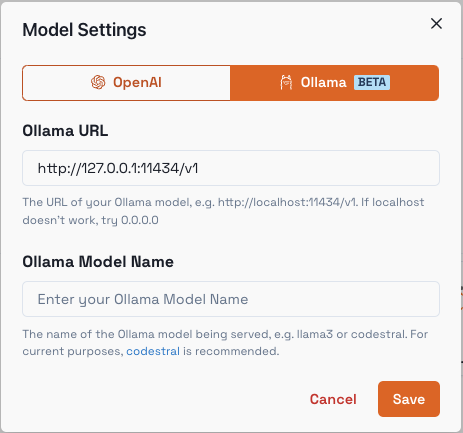
You can use Ollama for a fully offline AI experience. To begin, install and run vizly-notebook using the commands above.
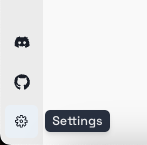
Once you have run vizly-notebook, in the bottom left, select the Settings icon:
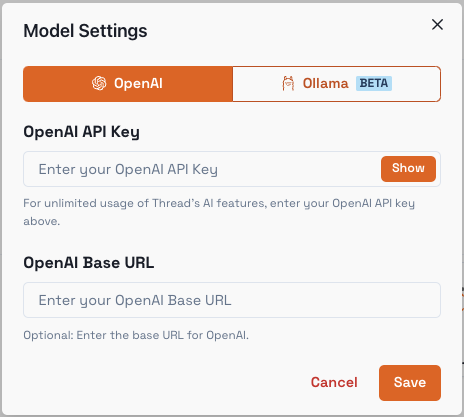
Next, select the Model Settings setting:
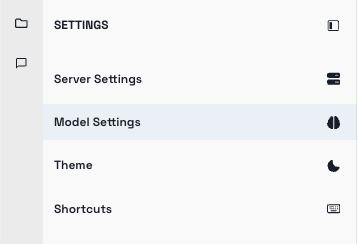
This is what you will see:
Navigate to Ollama and enter your model details:
Use Ctrl / Cmd + K and try running a query to see how it looks!
1 maintainer

Metadata
1 maintainer
Release files for vizly-notebook 0.1.28
For a detailed explanation of source distributions (sdists) and built distributions (wheels), please see the package formats documentation.
Source distribution (sdist)
| File | Size | Uploaded | |
|---|---|---|---|
| vizly_notebook-0.1.28.tar.gz | 15.0 MB | Details |
Built distribution (wheel)
| File | Interpreter | ABI | Platform | Reset |
|---|---|---|---|---|
| vizly_notebook-0.1.28-py3-none-any.whl | Python 3 | none | any | Details |
Total release size: 30.1 MB
Release files / vizly_notebook-0.1.28.tar.gz
| Download URL | vizly_notebook-0.1.28.tar.gz |
|---|---|
| Size | 15.0 MB |
| Tags | Source |
|
SHA-256 checksum How to use checksums |
17b9ca7381e83ffdf4d150d8254e4342b06b2bc9c7bb6c2c69570815d53777e7
|
|
BLAKE2b-256 checksum How to use checksums |
d9237616d26b7e4844aa808dbd8851be2fad64015e7a2510fe7b87f68899069d
|
| Upload date | |
|
Uploaded using Trusted Publishing? What is trusted publishing? |
No |
| Uploaded via |
twine/5.1.0 CPython/3.11.9
|
Release files / vizly_notebook-0.1.28-py3-none-any.whl
| Download URL | vizly_notebook-0.1.28-py3-none-any.whl |
|---|---|
| Size | 15.2 MB |
| Tags | Python 3 |
|
SHA-256 checksum How to use checksums |
81bbb49945dfc5073f9601ec91ed0295dfe7cd3be559b4fcb88bc7af95353da4
|
|
BLAKE2b-256 checksum How to use checksums |
8aef6c3a724291ece2aabacaae528bdd61758165c9593dea8adea7696b79b63b
|
| Upload date | |
|
Uploaded using Trusted Publishing? What is trusted publishing? |
No |
| Uploaded via |
twine/5.1.0 CPython/3.11.9
|














