

VLAStudio: A Modular Learning Playground for Robotics
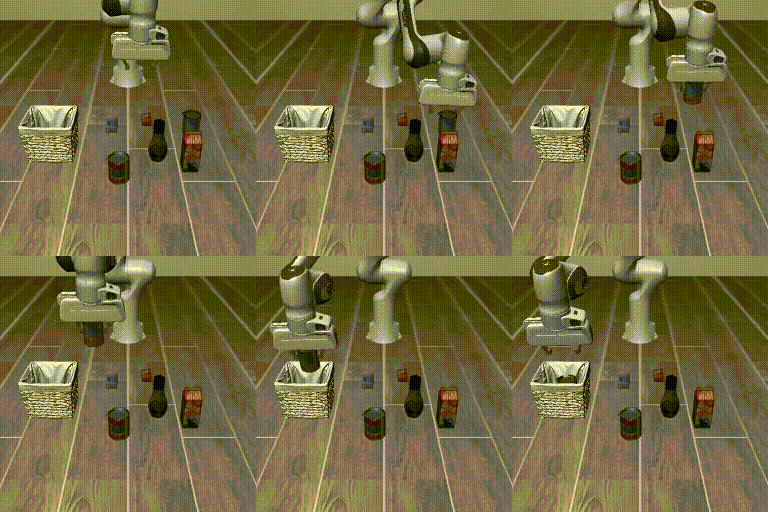
| ACT - RLBench | Diffusion Policy - ALOHA-Sim | ACT - Square | FlowMatching - Transport | SmolVLA - MetaWorld |
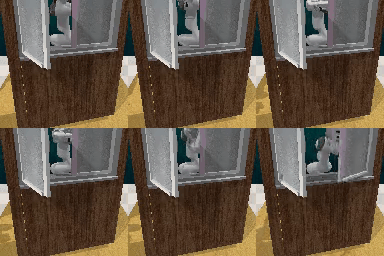 |
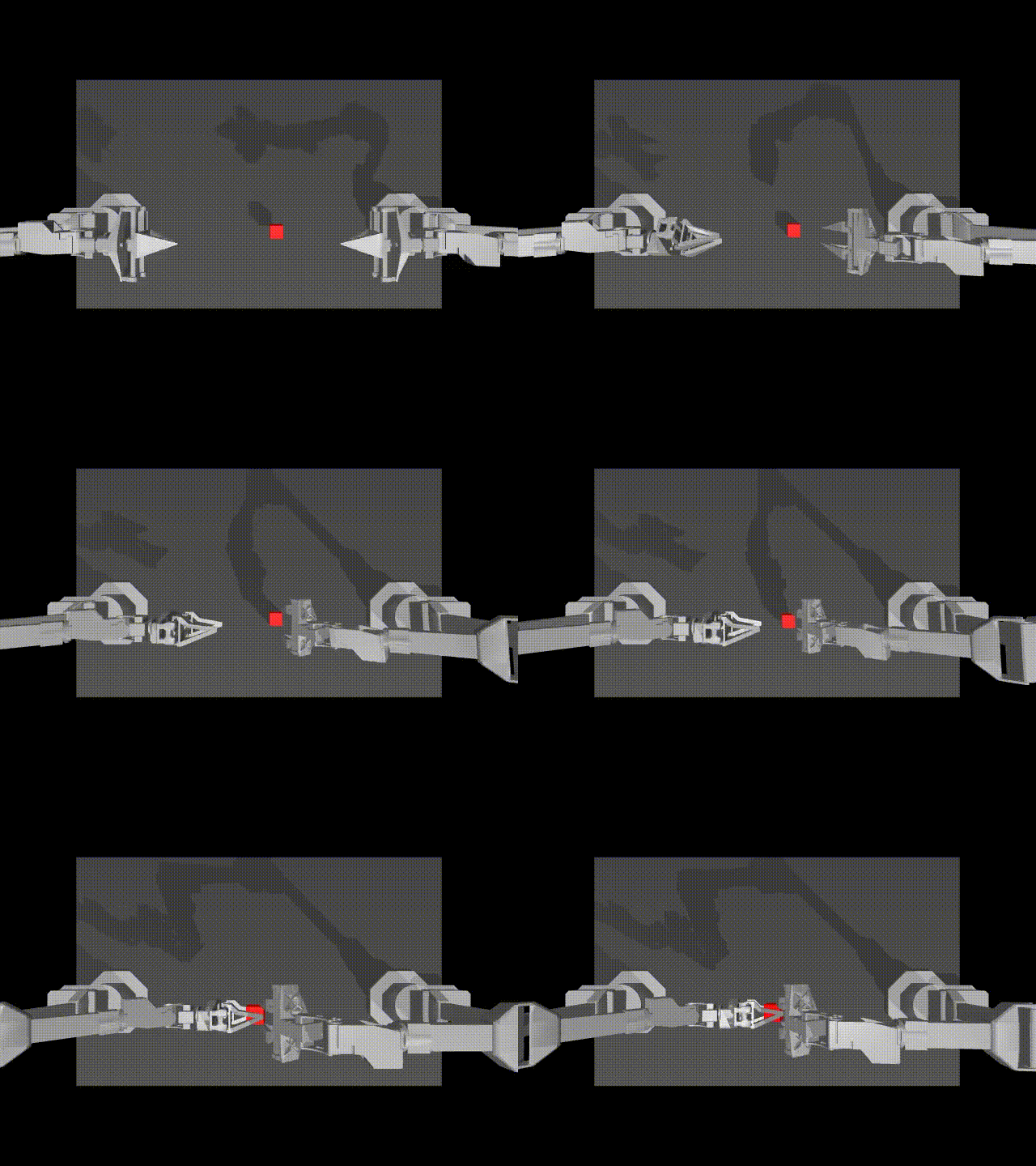 |
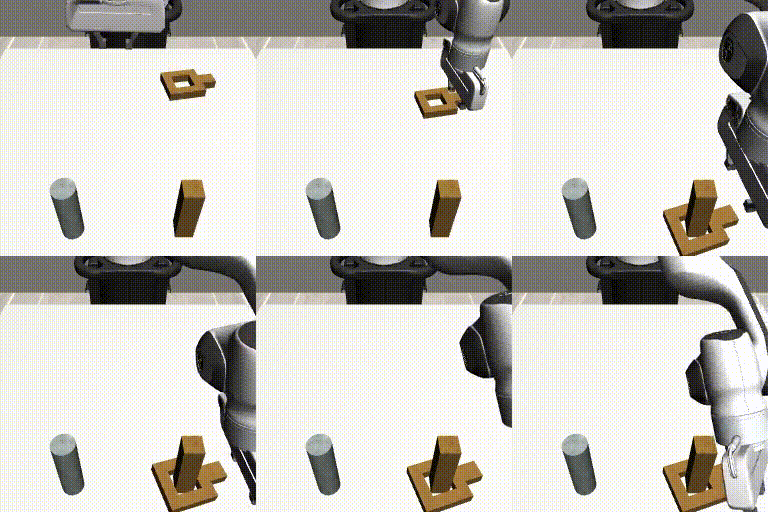 |
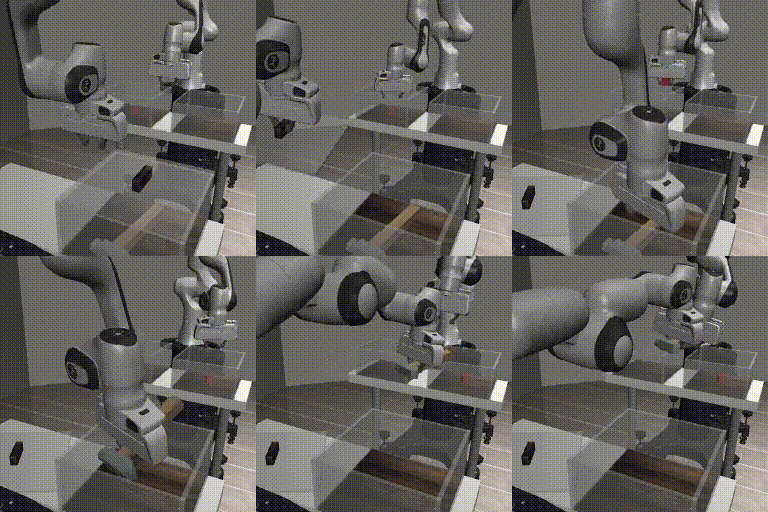 |
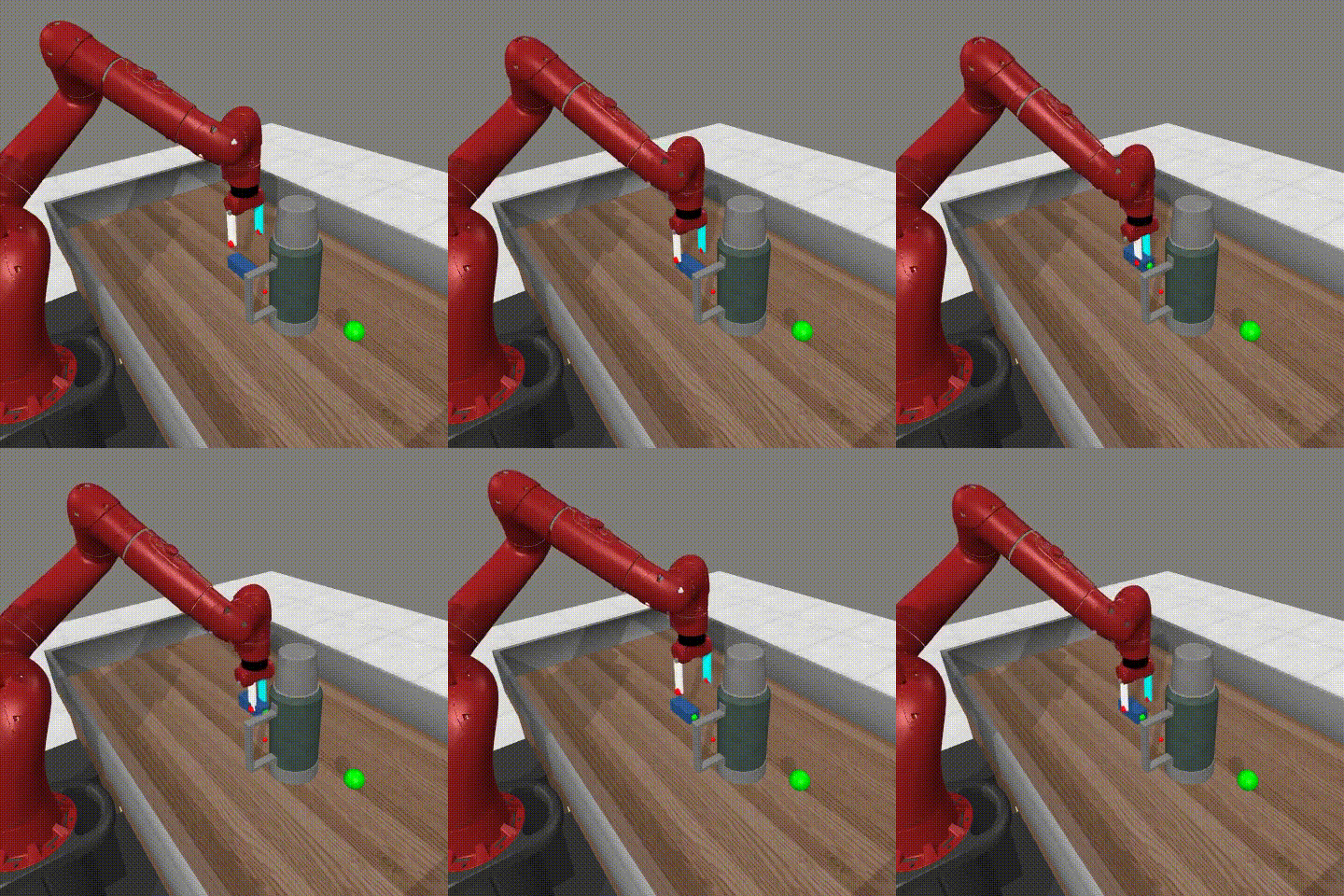 |
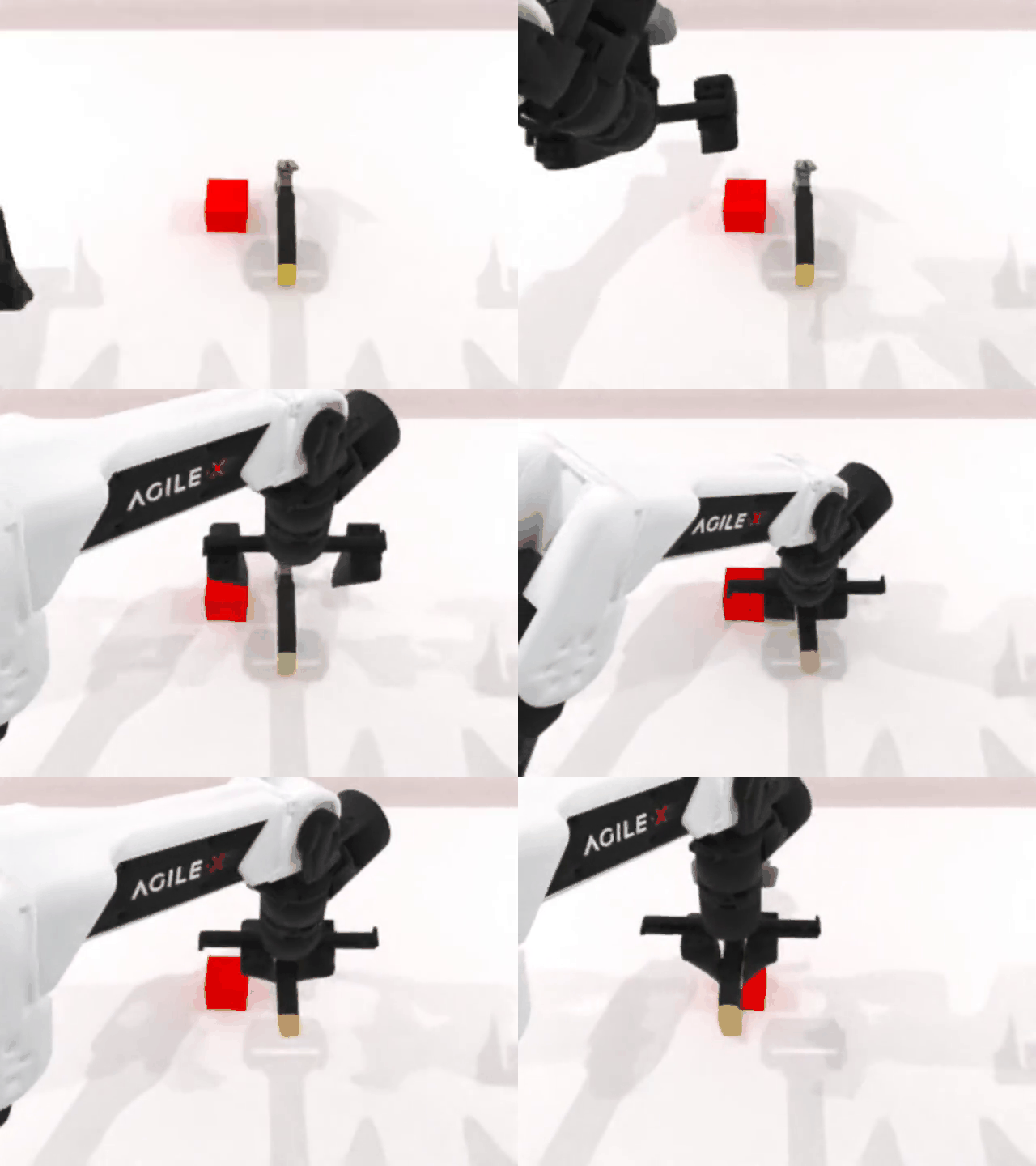
| Koch - Pick & Place -Inference | SO101 - Fold Tower -Inference | BC_MLP - AdroitHandDoor | Pi0 - LIBERO | ACT - RoboTwin |
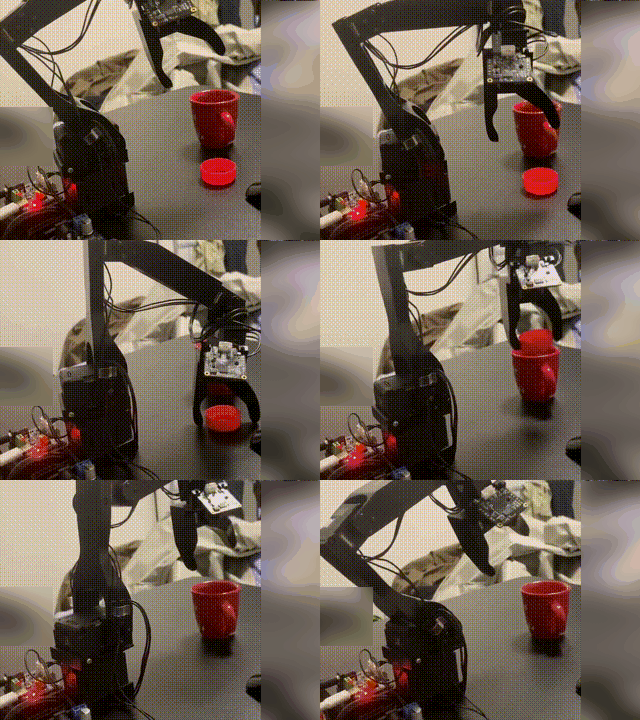 |
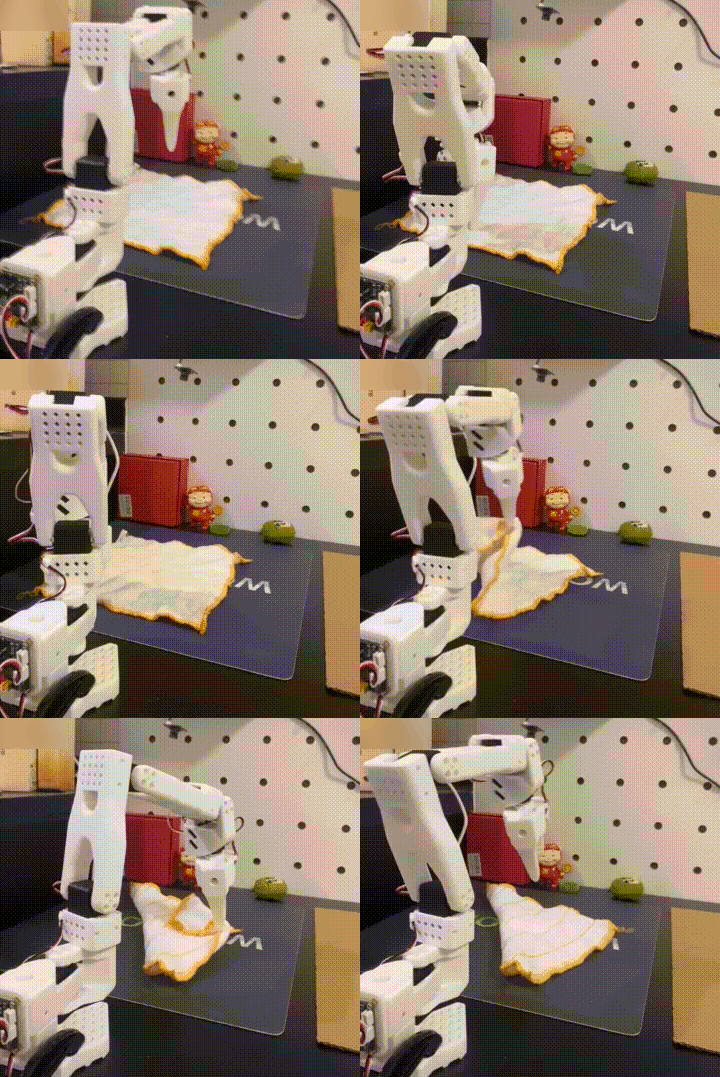 |
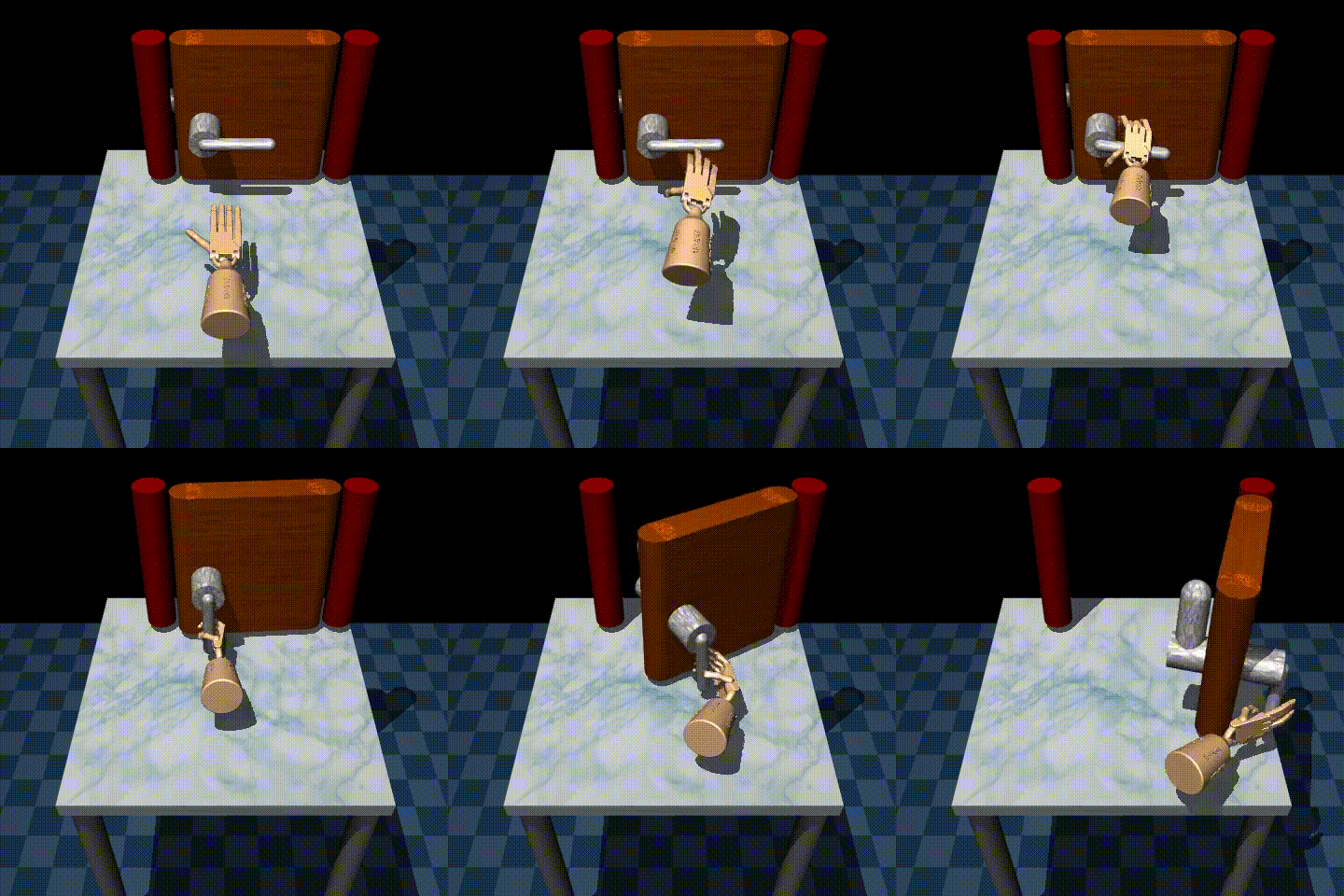 |
 |
 |
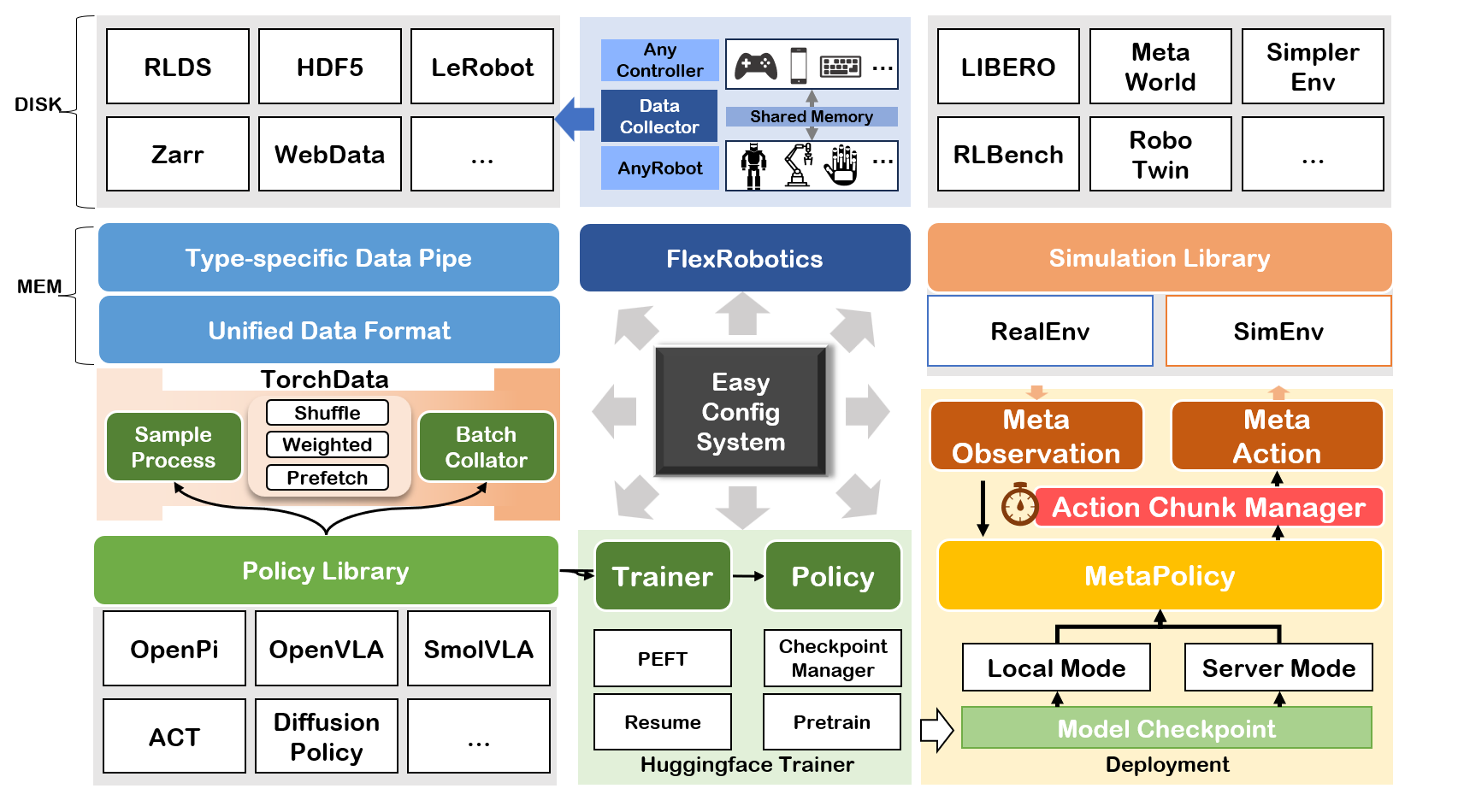
VLAStudio is a Python library for robot learning. Write your own run.py to load demonstrations, train imitation-learning and vision-language-action policies, evaluate in simulation, and deploy on real robots. Compose these steps with ordinary Python functions and run your file with python run.py.
- Train and fine-tune ACT, Diffusion Policy, SmolVLA, Pi0/Pi0.5, and other policies with a shared Python API.
- Combine data sources through HDF5, LeRobot, and RLDS loaders and shared data processing.
- Evaluate and deploy locally or through a policy server, with simulation benchmarks and real robot integrations.
- Extend the library with your own policy, dataset, simulator, or robot without rewriting the pipeline.
- Choose your own Python environment. Install ACT, Diffusion Policy and ALOHA-Sim with pip; use uv virtual environments and requirements files for other models.
🛠️ Installation
Install the default environment
With Python 3.10–3.12 in an activated environment:
python -m pip install vlastudio
For development or to run the repository examples:
Clone the main branch, then install with pip in a uv virtual environment:
git clone https://github.com/WwZzz/VLAStudio.git
cd VLAStudio
python -m pip install uv
python -m uv venv --python 3.10 --seed .venv
source .venv/bin/activate
python -m pip install -e .
That is the complete Python dependency installation for ACT, Diffusion Policy, shared HDF5/LeRobot parquet and video processing, and ALOHA-Sim. No additional model or simulator package installation is needed for the ACT/DP ALOHA examples. Provide demonstrations before training; the policies may download pretrained ResNet weights on first use. GPU execution needs a compatible NVIDIA driver, and headless rendering needs the host's OpenGL/EGL libraries.
On Windows, activate with .venv\Scripts\Activate.ps1. Use python -m pip install .
for a non-editable installation. Without a checkout, install the main branch:
python -m pip install "git+https://github.com/WwZzz/VLAStudio.git@main"
import vlastudio itself loads only Python's standard library. It never imports
Torch, starts a simulator, creates an environment, or installs packages.
Other models: a separate environment and a requirements file
For example, install SmolVLA and LIBERO in a separate environment:
deactivate
python -m uv venv --python 3.10 --seed .venv-smolvla
source .venv-smolvla/bin/activate
python -m pip install -e . -r requirements/smolvla.txt -r requirements/libero.txt
Install the project and selected requirements in the same pip invocation so the resolver considers their versions together. The model files share a base and select model-specific versions. Simulator assets are prepared separately; follow the corresponding example before evaluation.
The checkout also supports python -m uv sync --python 3.10 after installing uv
in the environment; its lock includes the default ACT/DP/ALOHA packages. Use
ordinary python run.py after activation. For optional models, follow their
requirements-file instructions instead of syncing the default lock.
load_policy, load_dataset, and load_env report missing or incompatible
dependencies and print an external pip installation command. For a read-only check:
import vlastudio as vla

plan = vla.environment_plan(policy="act", environment="aloha_sim")
print(plan["issues"])
print(plan["commands"]["install_current"])
See the environment guide for other models, Python versions, CUDA wheels, and custom dependency metadata. Installation is performed only by your terminal's pip/uv commands; workflow code uses the installed environment.
🚀 Write Your Own run.py
ACT on ALOHA-Sim
Prepare the demonstrations at data/sim_transfer_cube_scripted, or use a task YAML with your own dataset path. The built-in starting point is sim_transfer_cube_scripted.yaml.
Save this as run.py in your project:
import vlastudio as vla


def main():
    dataset = vla.load_dataset("sim_transfer_cube_scripted")
    policy = vla.load_policy("act")
    result = vla.train(
        policy, dataset, "default", output_dir="checkpoints/act_aloha"
    )
    benchmark = vla.load_env("aloha_transfer")
    evaluation = benchmark.evaluate(result.policy, output_dir="results/act_aloha")
    print(evaluation.metrics)


if __name__ == "__main__":
    main()
python run.py
The script uses your current Python environment. Paths resolve relative to your working directory; pass your own YAML paths or built-in names to the loaders. You can freely add preprocessing, logging, evaluation logic, or other library calls to this file.
The ACT example provides the same workflow:
python examples/01_train_and_eval_act_on_aloha/train_and_evaluate.py
Diffusion Policy
The default installation above already includes Diffusion Policy and ALOHA-Sim. Write run_dp.py:
import vlastudio as vla


def main():
    dataset = vla.load_dataset("sim_transfer_cube_scripted")
    policy = vla.load_policy("diffusion_policy")
    vla.train(
        policy, dataset, "dp", output_dir="checkpoints/dp_aloha",
        overrides={"training.max_steps": 200000, "training.save_steps": 10000},
    )
    vla.load_env("aloha_transfer").evaluate(policy, output_dir="results/dp_aloha")


if __name__ == "__main__":
    main()
python run_dp.py
SmolVLA on MetaWorld
In a separate Python 3.10 environment, run python -m pip install -e . -r requirements/smolvla.txt. The built-in task uses the LeRobot MetaWorld dataset. Provide access to that dataset and the pretrained policy weights.
Write train_smolvla.py:
import vlastudio as vla


def main():
    dataset = vla.load_dataset("metaworld")
    policy = vla.load_policy("smolvla")
    vla.train(
        policy, dataset, "smolvla", output_dir="checkpoints/smolvla_metaworld",
        overrides={"training.max_steps": 100000,
                   "training.per_device_train_batch_size": 64},
    )


if __name__ == "__main__":
    main()
python train_smolvla.py
Use the policy-server workflow below to evaluate with a simulator in another environment.
Runnable examples
Each example shows its own environment setup and Python files. Run from the repository root after installing the required dependencies.
| Goal | Example |
|---|---|
| Train and evaluate ACT | 01 · ACT on ALOHA |
| Serve a policy and evaluate remotely | 02 · Remote inference |
| Write a custom policy | 03 · Custom policy |
| Train and evaluate across tasks | 04 · Multitask policy |
| Fine-tune Pi0.5 | 05 · Pi0.5 |
| Write and control a custom robot | 06 · Custom robot |
| Integrate a custom simulator | 07 · LIBERO Plus |
| Train and evaluate FastWAM | 08 · FastWAM on LIBERO |
Overview
🌐 Policy Server
Write serve.py in the model environment:
import vlastudio as vla


if __name__ == "__main__":
    policy = vla.load_policy("smolvla", checkpoint="checkpoints/smolvla_metaworld")
    vla.serve(policy, address="127.0.0.1:5000")
In a separate simulation environment, run python -m pip install -e . -r requirements/metaworld.txt, then write evaluate.py:
import vlastudio as vla


if __name__ == "__main__":
    policy = vla.connect_policy("127.0.0.1:5000")
    benchmark = vla.load_env("metaworld.easy")
    result = benchmark.evaluate(
        policy, output_dir="results/smolvla_metaworld", num_rollout=10, batch_size=10
    )
    print(result.metrics)
Start python serve.py in the model environment, wait for the server to listen, then start python evaluate.py in the simulation environment. The server handles inference while the client handles observations and actions. See Example 02 for runnable files.
🤖 Real Robots and Data Collection
For SO101, create a dedicated Python 3.10 environment and install the model and motor SDK together:
python -m pip install -e . -r requirements/smolvla.txt "lerobot[feetech]==0.3.3"
Customize serial ports, camera devices, IDs, and calibration paths in your robot and teleoperator YAMLs. Starting points: so101.yaml, so101_leader.yaml.
Write collect.py:
import vlastudio as vla


if __name__ == "__main__":
    vla.collect(
        "so101", teleop="so101_leader", output_dir="data/so101_pick_place",
        dataset_format="hdf5", task="pick up the cube",
    )
Write infer.py to use an already running policy server:
import vlastudio as vla


if __name__ == "__main__":
    policy = vla.connect_policy("127.0.0.1:5000")
    vla.infer("so101", policy)
Run python collect.py to collect demonstrations or python infer.py to deploy. Pass custom YAML paths instead of built-in names for your own robot. See the SO101 guide.
🎨 Policy Gallery
| Policy | Reference |
|---|---|
| ACT | [1] |
| Diffusion Policy | [2] |
| Qwen2VL+DP | [3] + [2] |
| Qwen2.5VL+DP | [3] + [2] |
| DiVLA | [4] |
| OpenVLA | [5] |
| OpenVLA-OFT | [6] |
| Pi0 | [7] |
| Pi0.5 | [8] |
| MLP | - |
| ResNet | [9] |
| SmolVLA | [10] |
| Octo | [11] |
| FlowMatching | - |
| GR00T | [12] |
| X-VLA | LeRobot Docs |
🏆 Simulation Benchmark Gallery
| Environment | Parallel rollouts | Need Vulkan |
|---|---|---|
| aloha_sim | ✅ | ❌ |
| gymnasium_robotics | ✅ | ❌ |
| libero | ✅ | ❌ |
| metaworld | ✅ | ❌ |
| pandagym | ✅ | ❌ |
| robomimic | ✅ | ❌ |
| simplerenv | ✅ | ✅ |
| robotwin | ❌ | ✅ |
| rlbench | ❌ | ❌ |
| calvin (Under Testing) | ❌ | ❌ |
| bigym | ✅ | ❌ |
| behavior1k | ❌ | ❌ |
🦾 Robot Gallery
- SO101
- BimanualSO101
- Kochv1.1
- AgilexAloha (CobotMagic)
📊 Datasets and Extensions
VLAStudio provides HDF5, LeRobot, and RLDS loaders. Data processing and batch collation adapt each source to the selected policy. Your run.py can select built-in names or your own task and policy YAML files:
import vlastudio as vla

dataset = vla.load_dataset("path/to/task.yaml")
policy = vla.load_policy("path/to/policy.yaml")
Built-in configurations live in src/vlastudio/configs. User configurations can live anywhere.
Start from the examples above to write your own components. A policy supplies load_model and a model with select_action; optional data processors, collators, and trainers customize training. The developer guide describes package and runtime internals.
🩹 Troubleshooting
- Missing or conflicting dependencies: inspect
vla.environment_plan(...)and use its pip command in the intended environment, or install the corresponding requirements file. - Headless MuJoCo on Linux: set
os.environ["MUJOCO_GL"] = "egl"near the start of your Python file. CPU rendering needs system OSMesa libraries and theosmesabackend; a desktop display can useglfw. - Old CMake projects fail with “Compatibility with CMake < 3.5 has been removed”: set
CMAKE_POLICY_VERSION_MINIMUM=3.5in the terminal before running pip for that optional simulator. - Model or simulator resources are missing: Python dependencies, pretrained weights, datasets, and native simulator assets are separate setup steps. Follow the relevant example's README.
📫 Contact
- Wang Z. zwang@stu.xmu.edu.cn
- Yuxin G. yuxinxmu@163.com
🙏 Acknowledgements
This repo is built on the open source codebases below. Thanks to the authors' wonderful contributions.
1 maintainer

Metadata
1 maintainer
Release files for vlastudio 0.2.0
For a detailed explanation of source distributions (sdists) and built distributions (wheels), please see the package formats documentation.
Source distribution (sdist)
| File | Size | Uploaded | |
|---|---|---|---|
| vlastudio-0.2.0.tar.gz | 42.5 MB | Details |
Built distribution (wheel)
| File | Interpreter | ABI | Platform | Reset |
|---|---|---|---|---|
| vlastudio-0.2.0-py3-none-any.whl | Python 3 | none | any | Details |
Total release size: 86.1 MB
Release files / vlastudio-0.2.0.tar.gz
| Download URL | vlastudio-0.2.0.tar.gz |
|---|---|
| Size | 42.5 MB |
| Tags | Source |
|
SHA-256 checksum How to use checksums |
b6ced114ddd1ba9a913f0c31ea488eac04c56ca9e4b86edce9a1eadbbc4eb55a
|
|
BLAKE2b-256 checksum How to use checksums |
23ce0aab889c4dff24d044cb19676166aa8aec8a393542cc70f7c11adae1a035
|
| Upload date | |
|
Uploaded using Trusted Publishing? What is trusted publishing? |
Yes |
| Uploaded via |
twine/7.0.0 CPython/3.13.14
|
Provenance
Provenance describes where a file came from. On PyPI, provenance is shared via attestations, which provide a verifiable record of the build or publishing details. View details, limitations and caveats.


PyPI Publish Attestation
PyPI verified that this artifact, at this checksum, originated from the publisher listed below.
Signed by GitHub Actions, verified by PyPI on Oct 13, 2026.
Transparency logRelease files / vlastudio-0.2.0-py3-none-any.whl
| Download URL | vlastudio-0.2.0-py3-none-any.whl |
|---|---|
| Size | 43.6 MB |
| Tags | Python 3 |
|
SHA-256 checksum How to use checksums |
dc831376b614b4089428856d180a3dfce95143e2878fa88c61bd337fabf18d19
|
|
BLAKE2b-256 checksum How to use checksums |
489e02a0775e2844a53b4cbf55dd3413c928409597933d6dd5fe85fdf8eb2a3c
|
| Upload date | |
|
Uploaded using Trusted Publishing? What is trusted publishing? |
Yes |
| Uploaded via |
twine/7.0.0 CPython/3.13.14
|
Provenance
Provenance describes where a file came from. On PyPI, provenance is shared via attestations, which provide a verifiable record of the build or publishing details. View details, limitations and caveats.
PyPI Publish Attestation
PyPI verified that this artifact, at this checksum, originated from the publisher listed below.
Signed by GitHub Actions, verified by PyPI on Oct 13, 2026.
Transparency log













