
VMware-Debug
Build a clearer incident timeline from evidence you already have.
English · 简体中文
Community-maintained · MIT · Not an official VMware/Broadcom product.
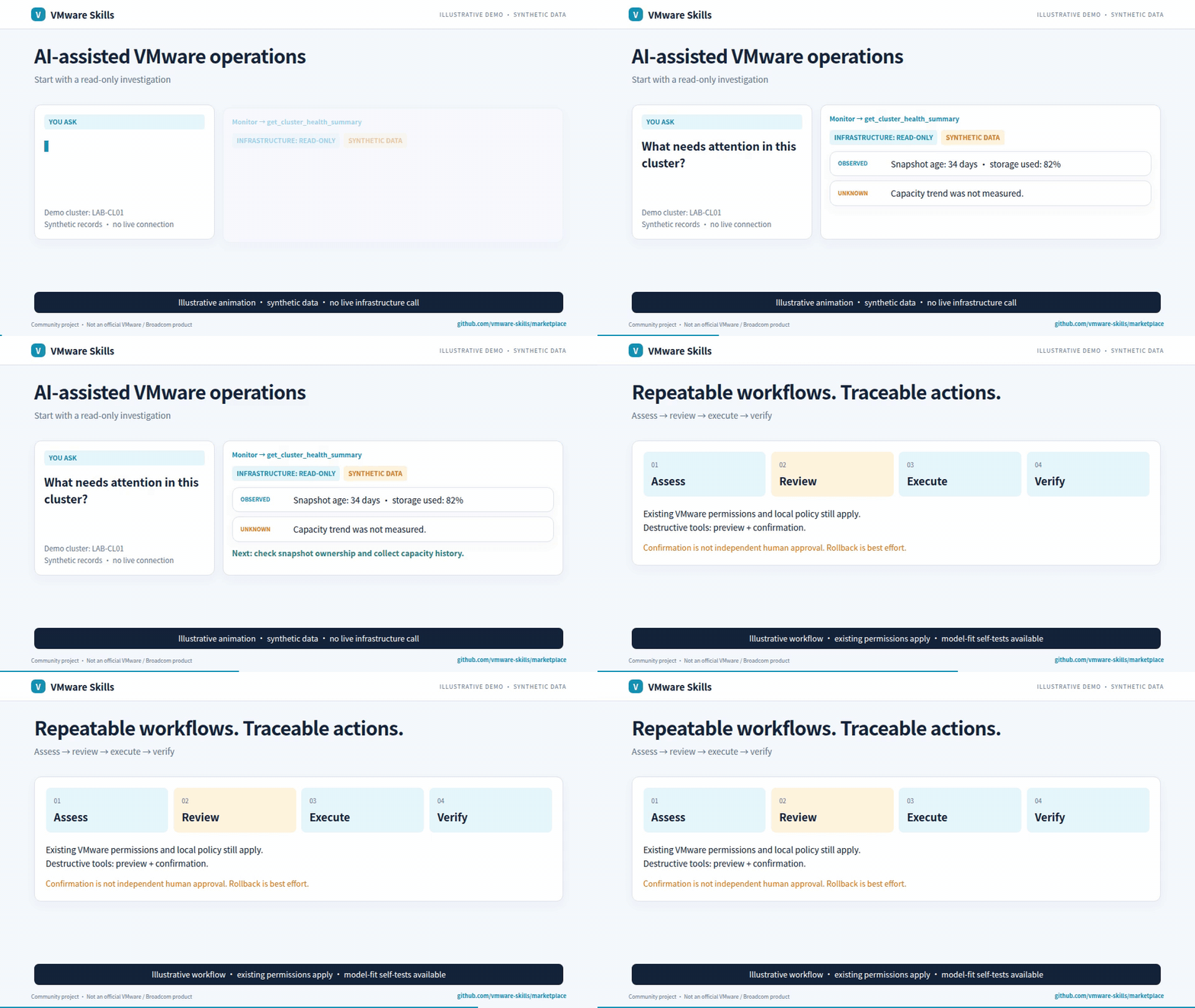
Synthetic-data GIF; video includes redacted historical screenshots. Download the AI-narrated family introduction (~3 min)
Why use it?
- Correlate offline events and case records.
- Rank hypotheses with explicit confidence and gaps.
- Get focused next-check recommendations.
Get started
Install the published CLI and inspect its commands:
uv tool install vmware-debug==2.4.0
vmware-debug --help
Requires uv and Python >=3.10. Keep case evidence and audit data locally; no VMware API connection is needed. Setup guide.
One-click installs, after local setup: Claude Desktop extension (.mcpb) · Install in VS Code. Both run the same pinned 2.4.0 server. The desktop extension starts with read-only tools; change Tools to offer to all for writes.
For agent-host installation, use the setup guide and Cursor, Codex, Gemini CLI, Cline and local-model examples.
Choose a model with the shared model-fit workflow: compare the same tasks, review quality and safety, then select the smallest tested passing configuration per task group; this is not a production guarantee.
Know the boundaries
The CLI/MCP analysis tools make no VMware API connection and execute no remediation. Case records and audit data are stored locally; hypotheses are not established root causes. Optional Python host helpers call explicitly supplied companion MCP sessions through their existing guards; they do not manage endpoint credentials or bypass backend audit.
Go deeper
- Capabilities
- CLI reference
- Agent guardrails
- Detailed usage and architecture
- MCP launch configuration
- Canonical skill instructions
Part of VMware Skills: 15 skills, 14 MCP servers and one shared Policy library. If it helps your work, star the family portal.
Scenario investigations and reports
Opt-in Python host helpers select live scenario schemas, bind connected read-only MCP sessions and share an in-process call budget. See host integration and limitations. No official AI Hub compatibility or token savings are claimed.
Read-only VM performance and host alarm procedures define evidence, branches and stops. Optional get_case report_view selects brief/operator/investigation projections of the existing ledger. Bounded lab read/report checks have passed; full autonomous collection, controlled token comparisons and official MCP environment validation remain follow-up work.
1 maintainer

Metadata
1 maintainer
Release files for vmware-debug 2.4.0
For a detailed explanation of source distributions (sdists) and built distributions (wheels), please see the package formats documentation.
Source distribution (sdist)
| File | Size | Uploaded | Provenance | Actions |
|---|---|---|---|---|
| vmware_debug-2.4.0.tar.gz | 618.2 kB | Without provenance | Details for vmware_debug-2.4.0.tar.gz |
Built distribution (wheel)
| File | Interpreter | ABI | Platform | Actions Reset |
|---|---|---|---|---|
| vmware_debug-2.4.0-py3-none-any.whl | Python 3 | none | any | Details for vmware_debug-2.4.0-py3-none-any.whl |
Total release size: 726.9 kB
Release files / vmware_debug-2.4.0.tar.gz
| Download URL | vmware_debug-2.4.0.tar.gz |
|---|---|
| Size | 618.2 kB |
| Tags | Source |
|
SHA-256 checksum How to use checksums |
cc22228172c18cf4c3dfe33f7cd2a17f886ea49690d5b1bc0a978b0fcf33933b
|
|
BLAKE2b-256 checksum How to use checksums |
18566b06e83b625953853269fa55a1ca23b7eee69f7ebef71397ce10dc328899
|
| Upload date | |
|
Uploaded using Trusted Publishing? What is trusted publishing? |
No |
| Uploaded via |
twine/7.0.0 CPython/3.13.12
|
Release files / vmware_debug-2.4.0-py3-none-any.whl
| Download URL | vmware_debug-2.4.0-py3-none-any.whl |
|---|---|
| Size | 108.7 kB |
| Tags | Python 3 |
|
SHA-256 checksum How to use checksums |
89f11be9f4d3b00f848213cd2f965674dd0187c2dc299ff3993f4028d7a9291e
|
|
BLAKE2b-256 checksum How to use checksums |
2e42b6c941afe3604df7cf0711d8a87c49c3385f3a5ae50efcc5190d86a31cc1
|
| Upload date | |
|
Uploaded using Trusted Publishing? What is trusted publishing? |
No |
| Uploaded via |
twine/7.0.0 CPython/3.13.12
|
Security for vmware-debug 2.4.0
Provenance
Provenance describes where a file came from. On PyPI, provenance is shared via attestations, which provide a verifiable record of the build or publishing details. View details, limitations and caveats.
No provenance found
None of the files in this release were uploaded with provenance metadata.
A note on package security
PyPI is a repository for distributing packages, not a service for auditing them. While third-party security researchers and our staff do their best to detect and remove malicious packages, PyPI cannot guarantee the quality, security or suitability of any given package.
To learn more about protecting yourself from malicious actors, visit our package security documentation.














