
Virtual Scanner Tabletop Web Games


Virtual Scanner Tabletop is an extension to Virtual Scanner comprising of educational games about MRI that can be run by simulation or connected to a real educational MRI scanner. Target audience include high school, college, and post-grad students as well as members of the MR and scientific community at large.
Quickstart
Method 1: pip install
- On the command line, make a new virtual environment using the command:
python -m venv myenvFor more info on creating virtual environments, see here. Activate the virtual environment using the commandsource venv/bin/activateon the terminal from the folder where you installed the virtual environment - Install the games using the command: 'pip install vs-tabletop'
- cd into the main folder called "vstabletop" (
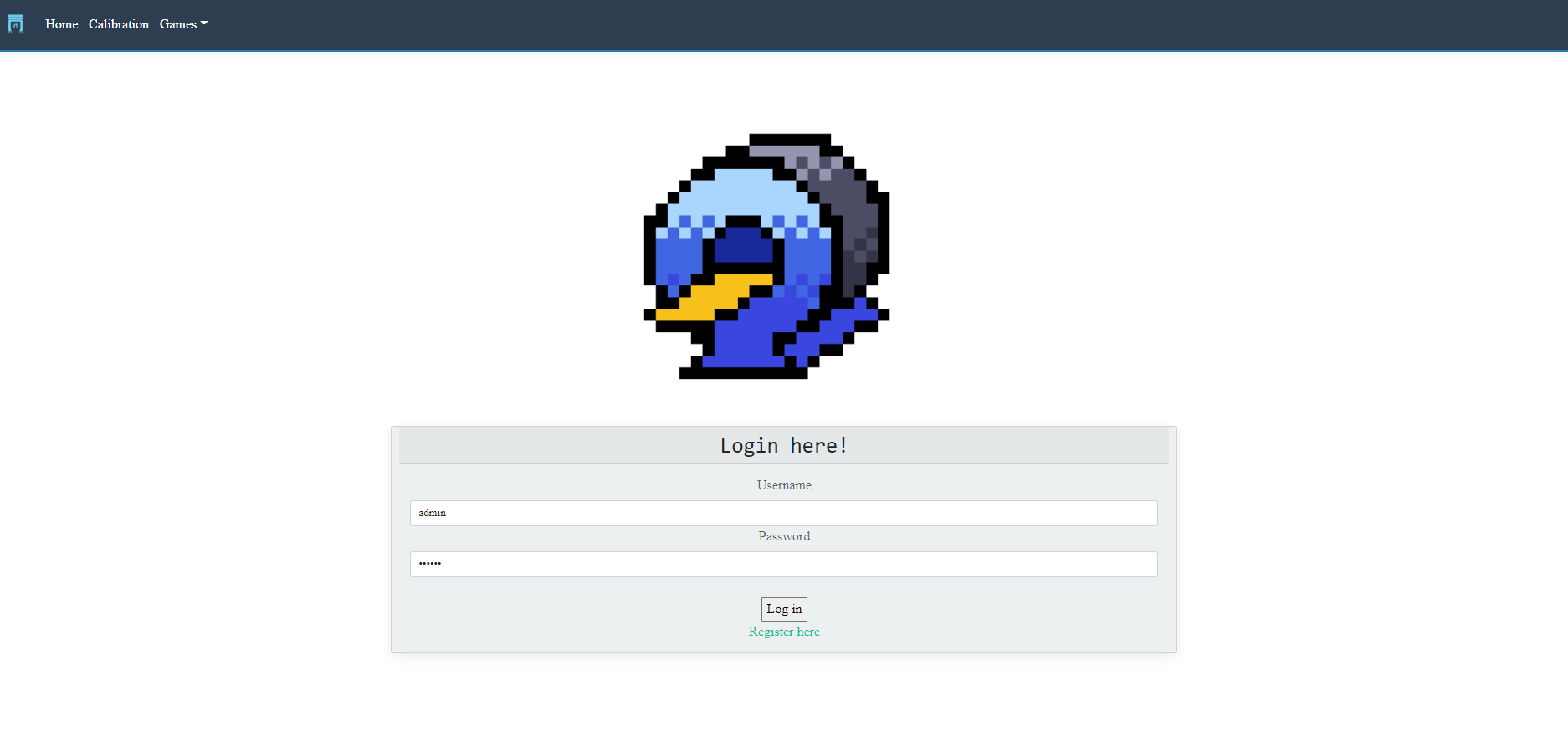
venv\Lib\site-packages\vstabletop) and runapp.py. Click into the link in the program output (examplee: http://127.0.0.1:5000/). Log in asadminusing password123456.
Troubleshooting
(version 1.0.0b5) - You might encounter problems with installing Kiwisolver which requires Visual C++. If you have trouble getting the Visual C++, you can ignore the kiwisolver and perform the following steps:
- Install vs-tabletop without dependencies:
pip install vs-tabletop==1.0.0b4 --no-deps - After it's installed, find
requirements.txtin thevstabletopfolder and remove thekiwisolver==1.0.1line - Install the rest of the requirements:
pip install -r requirements.txt - Run
app.pythe same way as described above. The games should be able to run normally.
Method 2: Cloning
- Clone the repository.
- Make a virtual environment as described in Method 1, activate it, and install everything specified in
requirements.txt cdinto the app directory and runquestions.pyto set up the database.- Run the app in one of two ways:
(a) Run
app.pyusing Pycharm or other IDE, or on the command line withpython app.py(b) On the command line, set the FLASK_APP variable (set FLASK_APP=appon Windows, orexport FLASK_APP=appon non-Windows). Then run the app with:flask run - Click into the link in the program output (example: http://127.0.0.1:5000/) or copy & paste it into the browser. Log in as admin using password
123456.
Please provide feedback here after you've tried all the beginner games:smile:: https://forms.gle/HMby4NHcmrTLi5Ai7
Tabletop Games
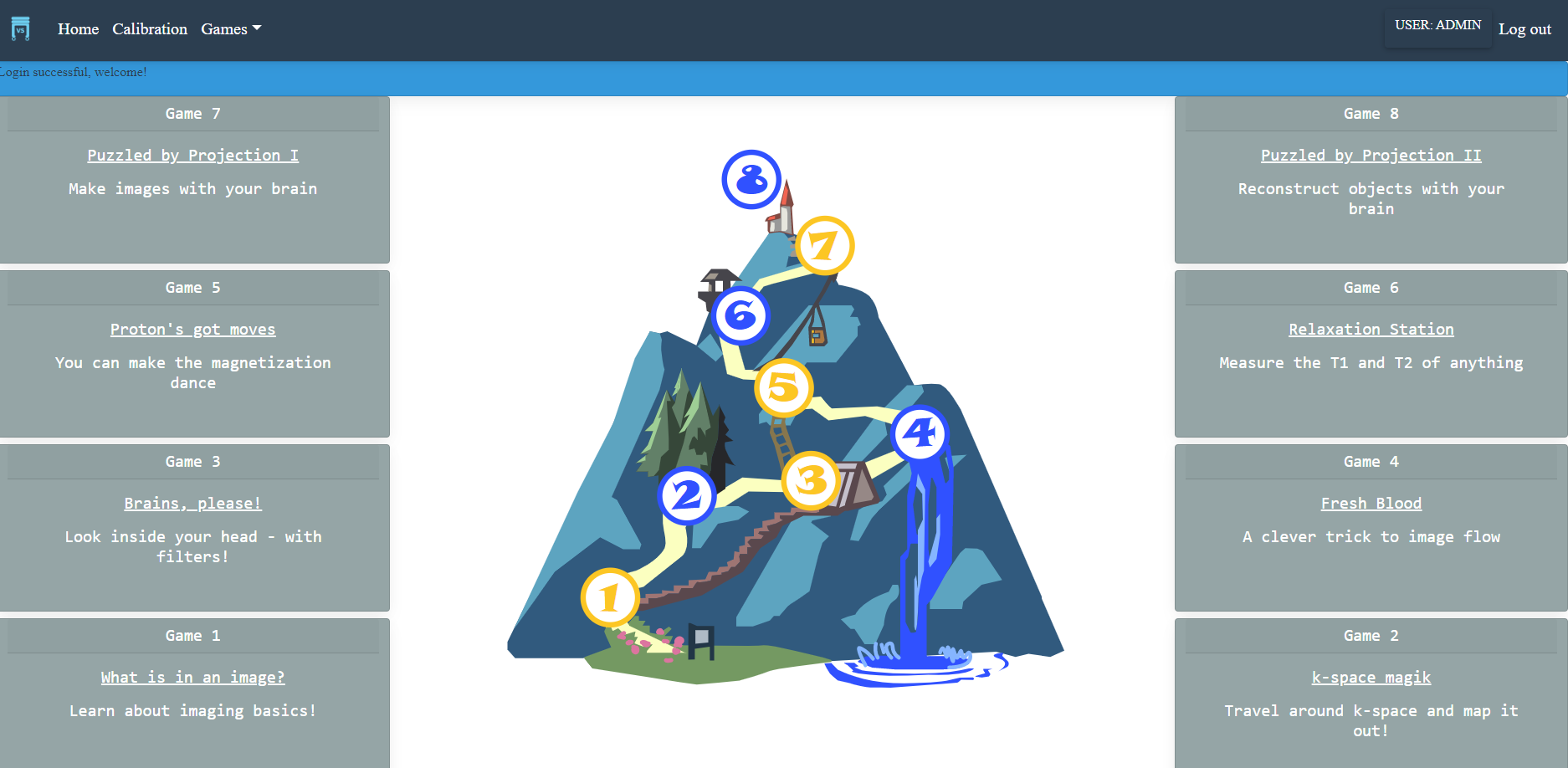
The eight tabletop games are grouped into 4 pairs, each containing a "beginner" game and an "advanced" game. Games 1, 3, 5, 7 are beginner games and the games 2, 4, 6, 8 are advanced games.
| # | Game | Conceptsr |
|---|---|---|
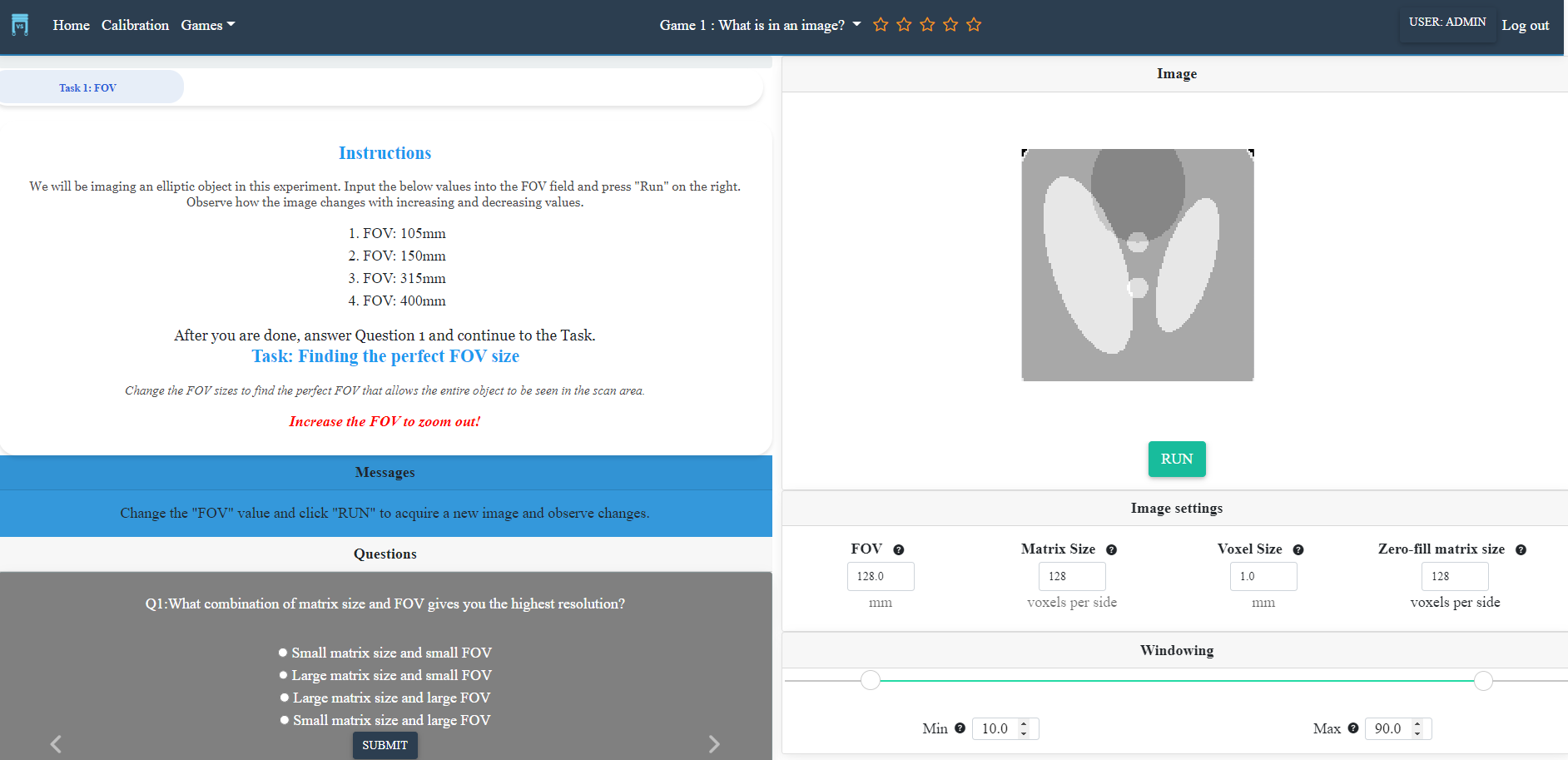
| 1 | What's in an image? | FOV, resolution, windowing |
| 2 | K-space magiK | projection imaging, k-space |
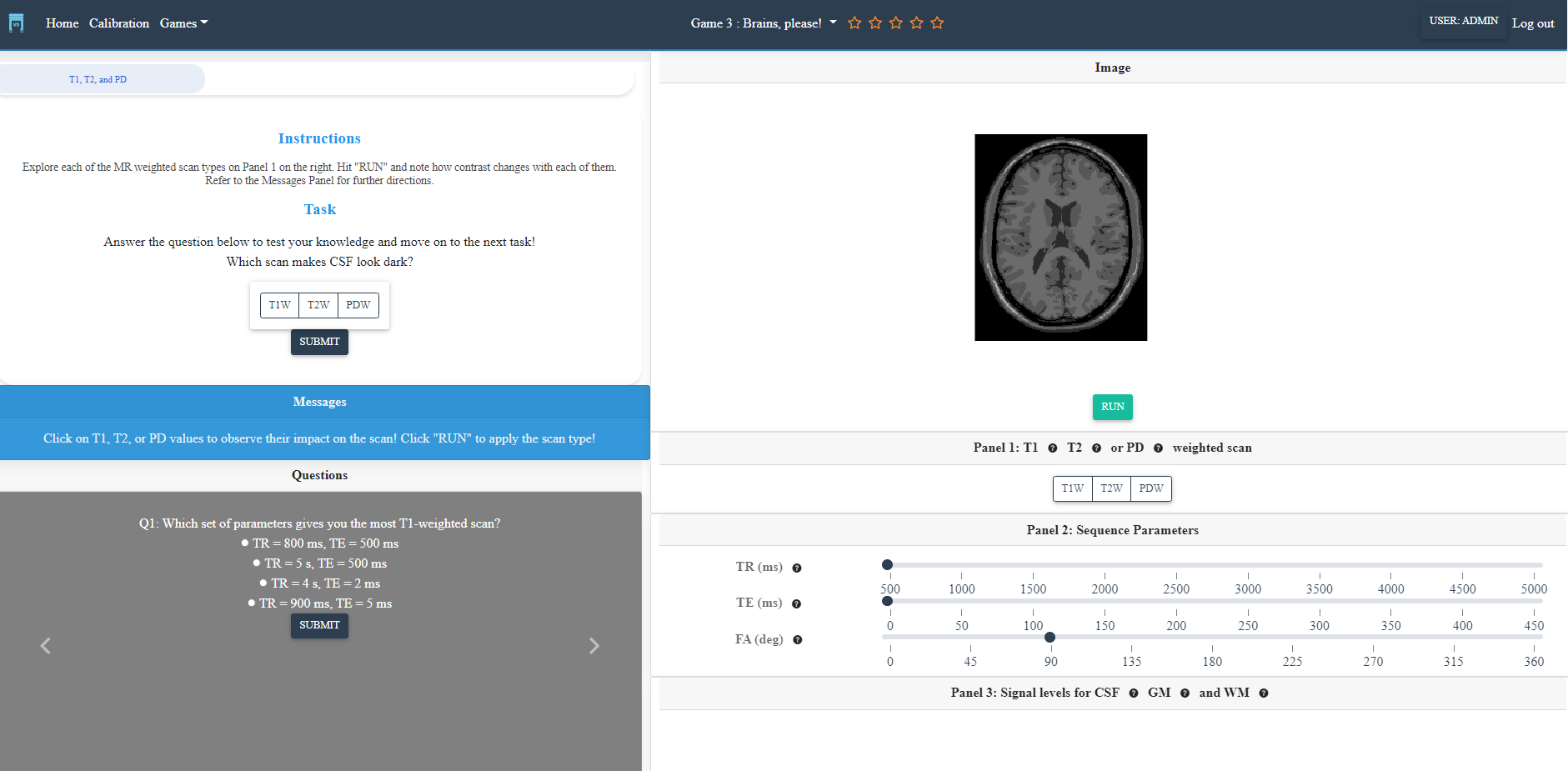
| 3 | Brains, please! | contrast, T1/T2/PD, TR/TE/FA |
| 4 | Fresh blood | flow imaging |
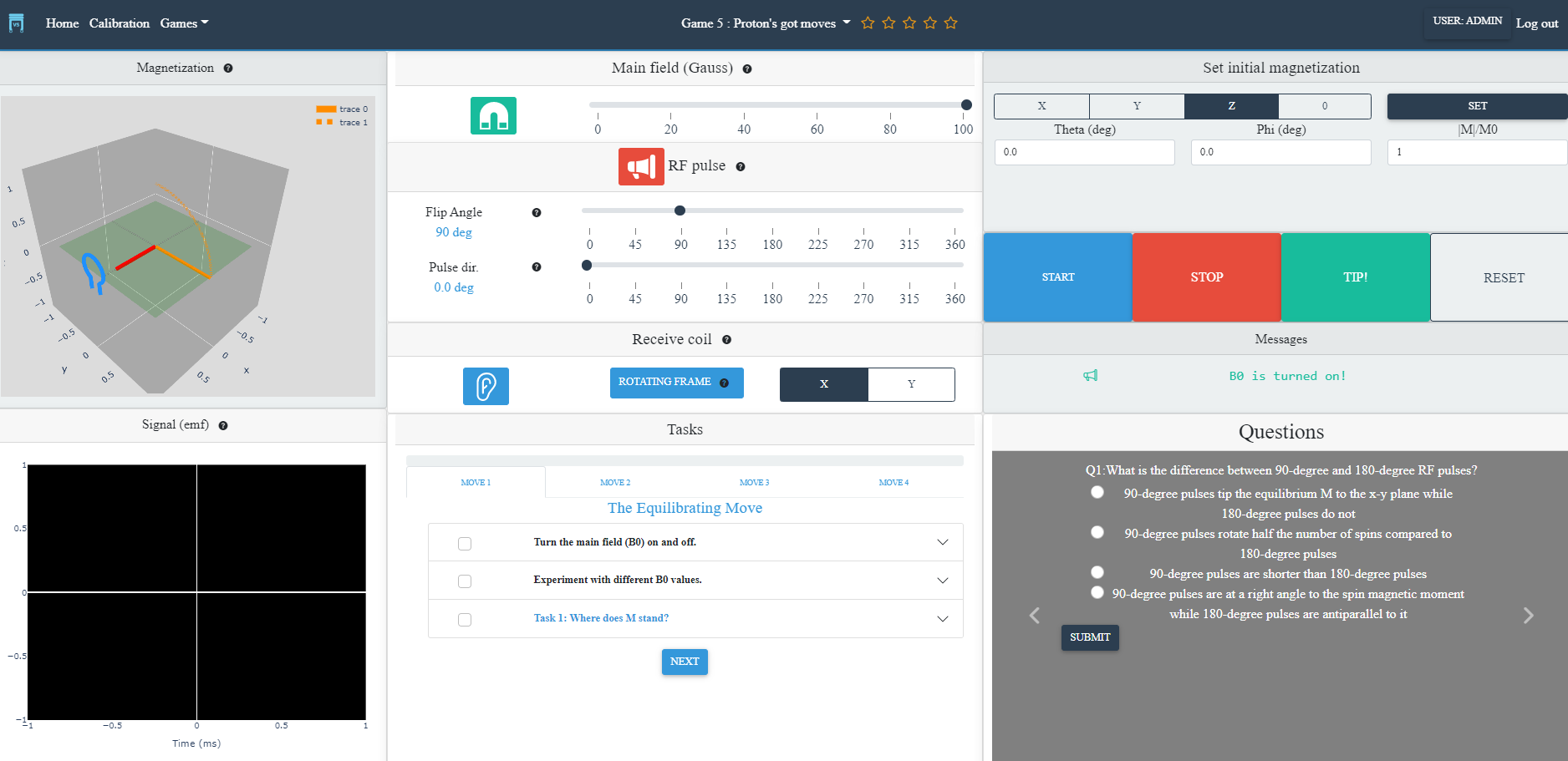
| 5 | Proton's got moves | M9, precession, RF pulses, signal detection |
| 6 | Relaxation station | T1 and T2 relaxation, FID |
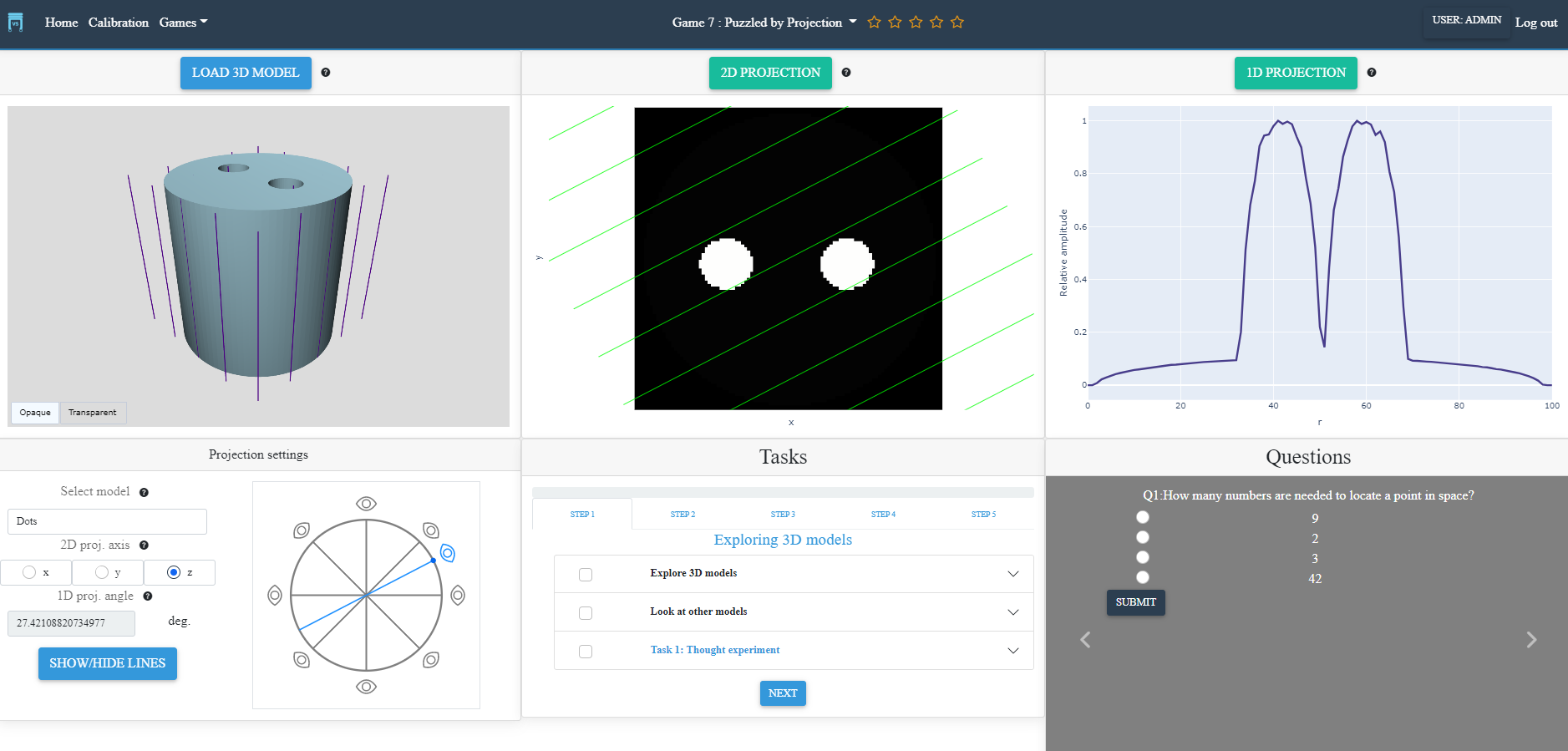
| 7 | Puzzled by projection I | 1D and 2D projection (forward) |
| 8 | Puzzled by projection II | 1D and 2D projection (inverse) |
7. 👥 Contributing and Community guidelines
vs-tabletop adheres to a code of conduct adapted from the Contributor Covenant code of conduct.
Contributing guidelines can be found here.
References
Brain images from the Coursera Neurohacking in R (https://www.kaggle.com/datasets/ilknuricke/neurohackinginrimages) were used in Game 2.
Screenshots for quick reference
Screenshots are in-development previews of the games. They will be updated at the first release.
Login page
Game navigation
Module 1 (beginner): What's in an image?
Module 2 (beginner): Brains, please!
Module 3 (beginner): Proton's got moves
Module 4 (beginner): Puzzled by Projection I
1 maintainer

Download files
Download the file for your platform. If you're not sure which to choose, learn more about installing packages.
Source Distribution
File details
Details for the file vs-tabletop-lite-1.0.0.tar.gz.
File metadata
- Download URL: vs-tabletop-lite-1.0.0.tar.gz
- Upload date:
- Size: 5.0 MB
- Tags: Source
- Uploaded using Trusted Publishing? No
- Uploaded via:
twine/4.0.2 CPython/3.9.2
File hashes
| Algorithm | Hash digest | |
|---|---|---|
| SHA256 |
652ad3b2bec2079cc61e7b5998e93caf9a5499983bfe55eadd7b5d313236c7cc
|
|
| MD5 |
eeb21edc25884740b57b2d5b75c7ce77
|
|
| BLAKE2b-256 |
1fd24d1d8c794feabde354af3689d3817550a935663ae12bf037410b7d50263c
|













