
Virtual Scanner Tabletop Games

Project description
Virtual Scanner Tabletop Web Games


Virtual Scanner Tabletop is an extension to Virtual Scanner comprising of educational games about MRI that can be run by simulation or connected to a real educational MRI scanner. Target audience include high school, college, and post-grad students as well as members of the MR and scientific community at large.
Quickstart
Method 1: pip install
- On the command line, make a new virtual environment using the command:
python -m venv myenvFor more info on creating virtual environments, see here. Activate the virtual environment using the commandsource venv/bin/activateon the terminal from the folder where you installed the virtual environment - Install the games using the command: 'pip install vs-tabletop'
- cd into the main folder called "vstabletop" (
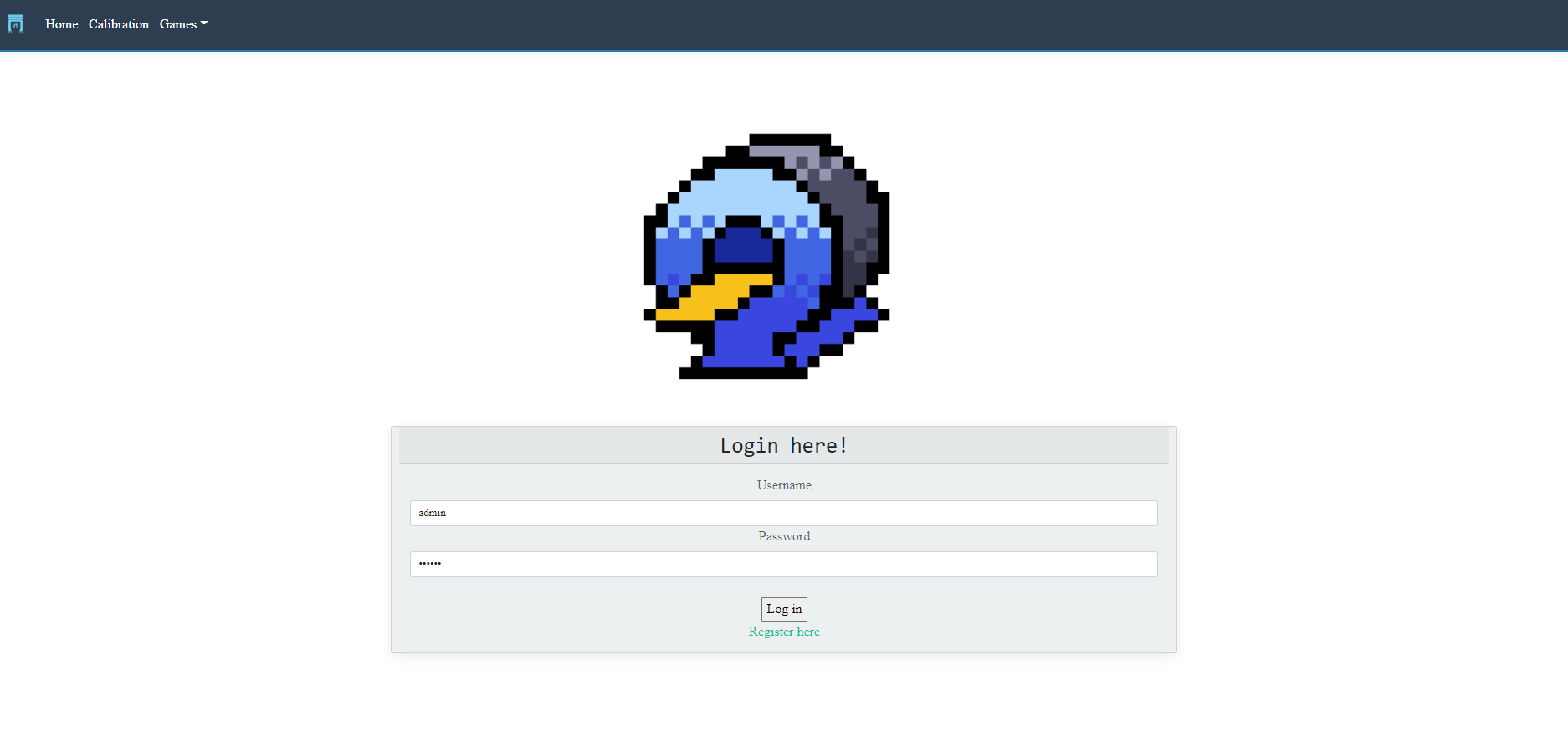
venv\Lib\site-packages\vstabletop) and runapp.py. Click into the link in the program output (examplee: http://127.0.0.1:5000/). Log in asadminusing password123456.
Troubleshooting
(version 1.0.0b5) - You might encounter problems with installing Kiwisolver which requires Visual C++. If you have trouble getting the Visual C++, you can ignore the kiwisolver and perform the following steps:
- Install vs-tabletop without dependencies:
pip install vs-tabletop==1.0.0b4 --no-deps - After it's installed, find
requirements.txtin thevstabletopfolder and remove thekiwisolver==1.0.1line - Install the rest of the requirements:
pip install -r requirements.txt - Run
app.pythe same way as described above. The games should be able to run normally.
Method 2: Cloning
- Clone the repository.
- Make a virtual environment as described in Method 1, activate it, and install everything specified in
requirements.txt cdinto the app directory and runquestions.pyto set up the database.- Run the app in one of two ways:
(a) Run
app.pyusing Pycharm or other IDE, or on the command line withpython app.py(b) On the command line, set the FLASK_APP variable (set FLASK_APP=appon Windows, orexport FLASK_APP=appon non-Windows). Then run the app with:flask run - Click into the link in the program output (example: http://127.0.0.1:5000/) or copy & paste it into the browser. Log in as admin using password
123456.
Please provide feedback here after you've tried all the beginner games:smile:: https://forms.gle/HMby4NHcmrTLi5Ai7
Tabletop Games
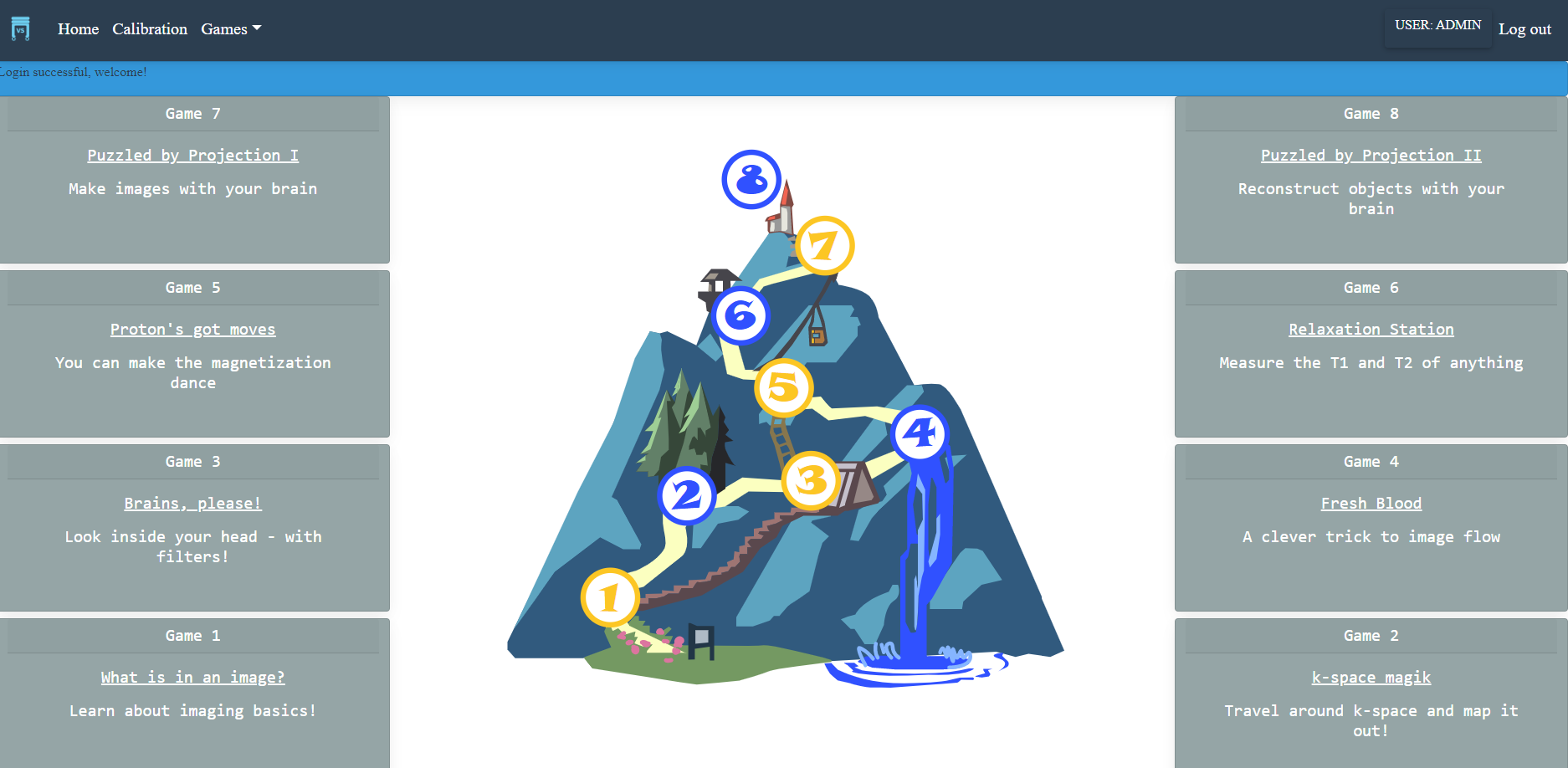
The eight tabletop games are grouped into 4 pairs, each containing a "beginner" game and an "advanced" game. Games 1, 3, 5, 7 are beginner games and the games 2, 4, 6, 8 are advanced games.
| # | Game | Conceptsr |
|---|---|---|
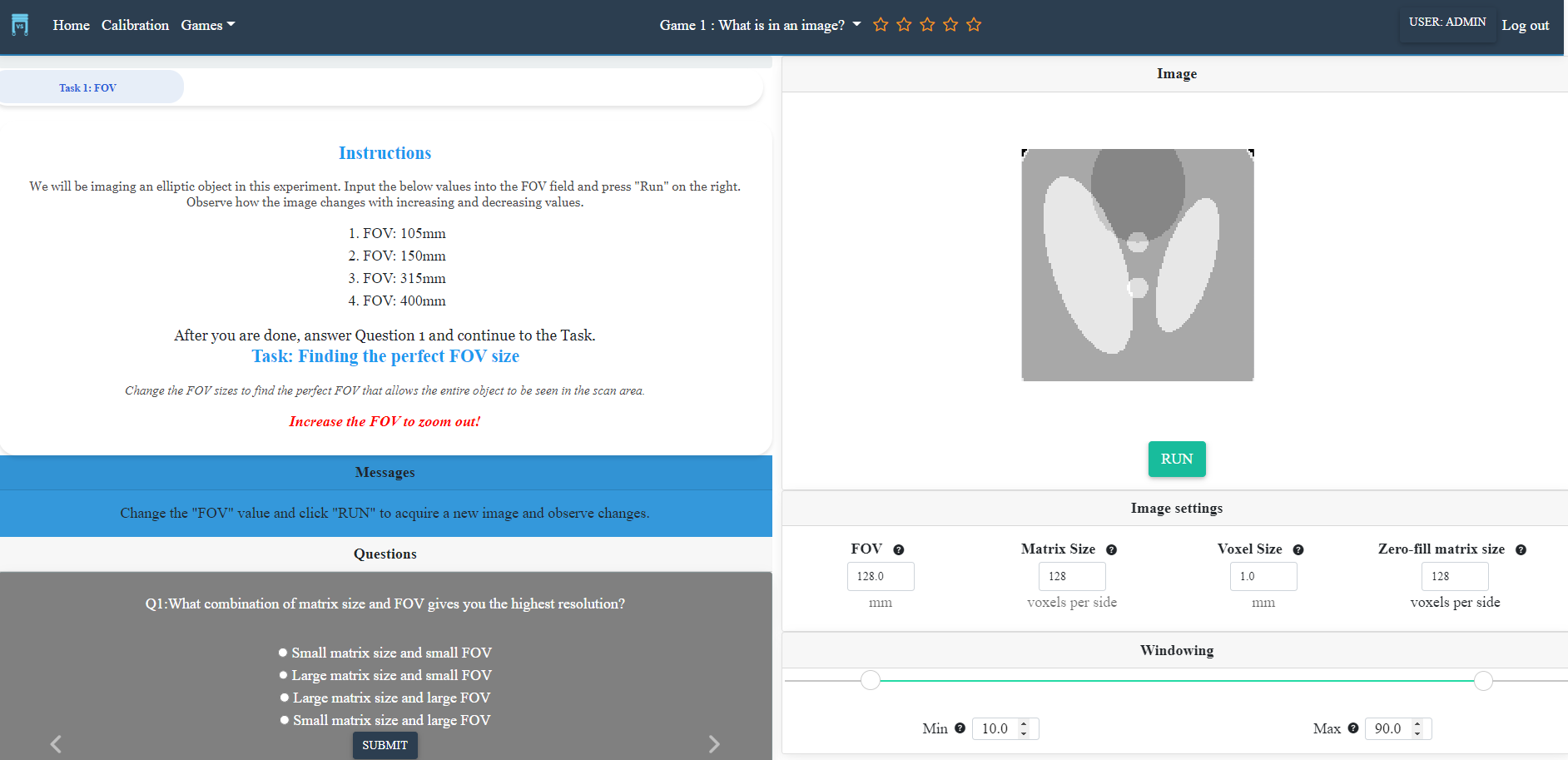
| 1 | What's in an image? | FOV, resolution, windowing |
| 2 | K-space magiK | projection imaging, k-space |
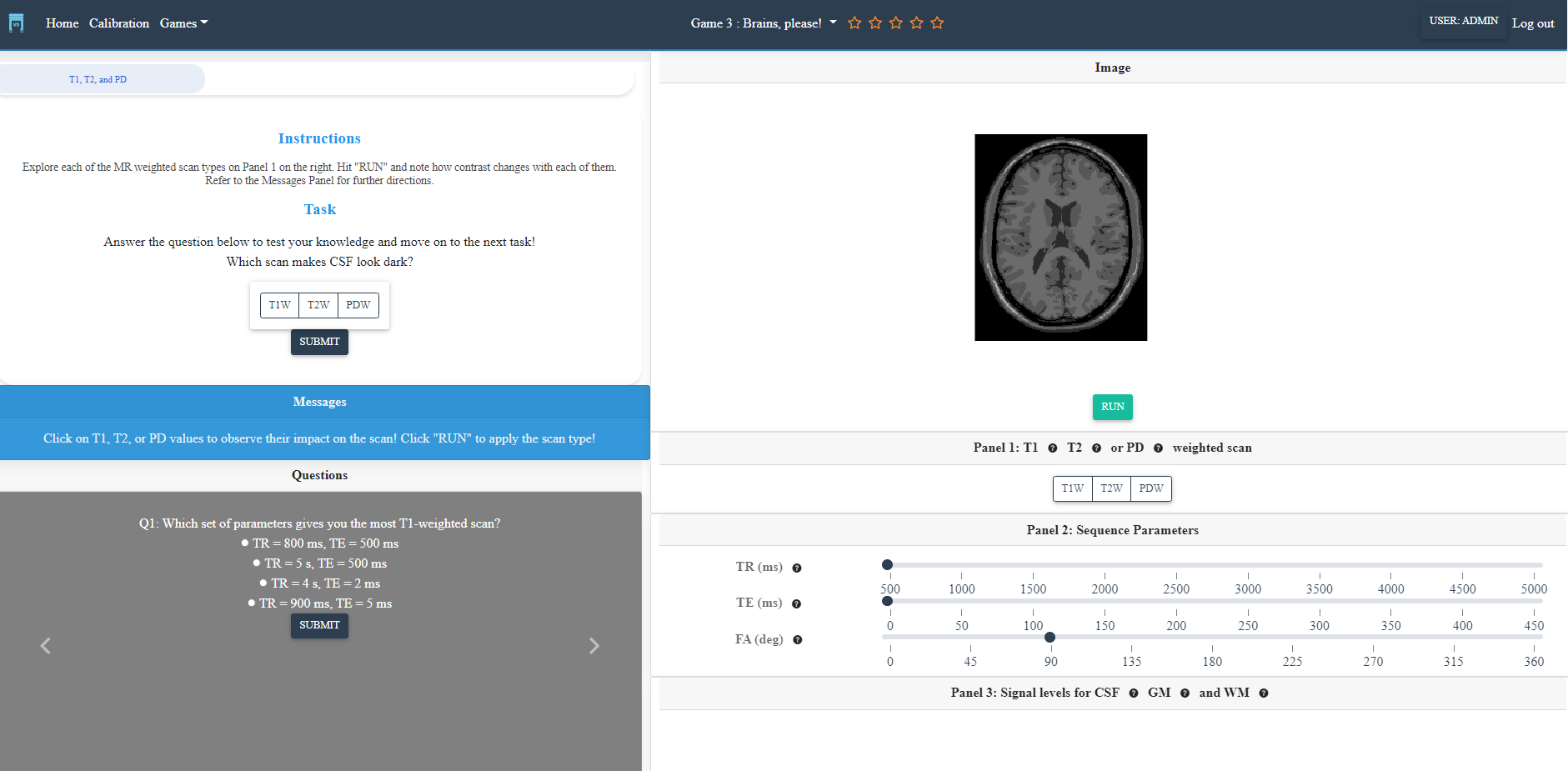
| 3 | Brains, please! | contrast, T1/T2/PD, TR/TE/FA |
| 4 | Fresh blood | flow imaging |
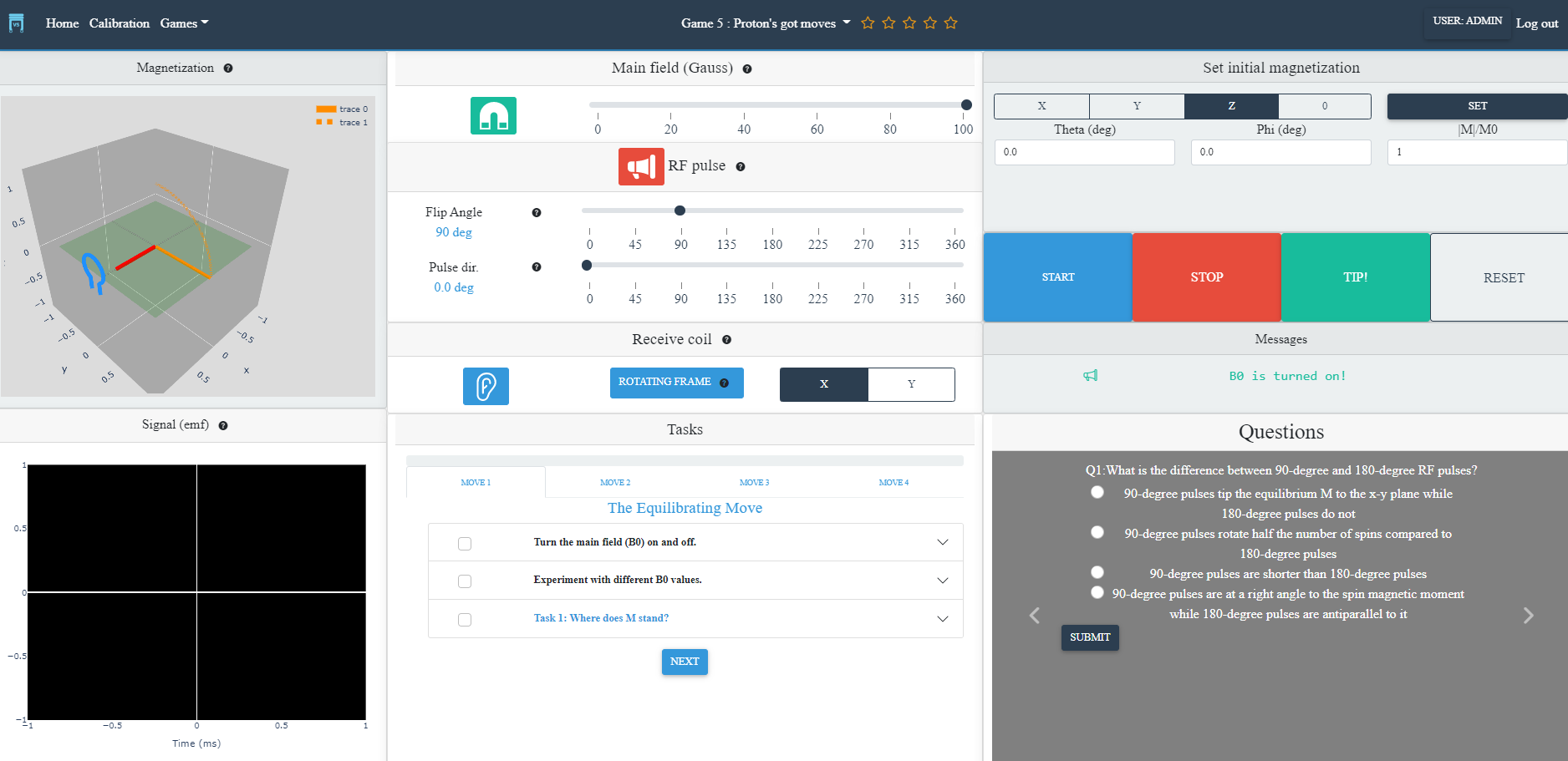
| 5 | Proton's got moves | M9, precession, RF pulses, signal detection |
| 6 | Relaxation station | T1 and T2 relaxation, FID |
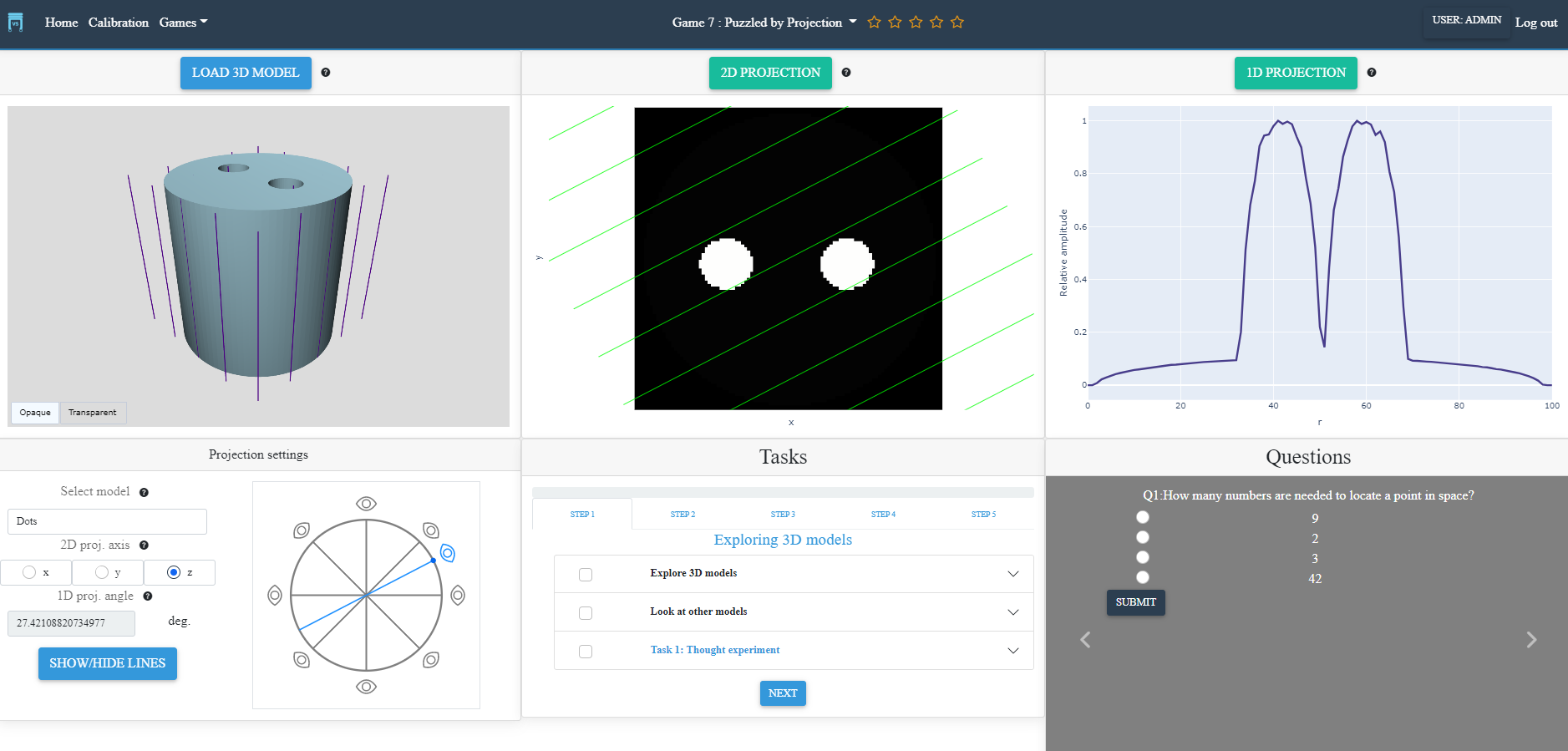
| 7 | Puzzled by projection I | 1D and 2D projection (forward) |
| 8 | Puzzled by projection II | 1D and 2D projection (inverse) |
7. 👥 Contributing and Community guidelines
vs-tabletop adheres to a code of conduct adapted from the Contributor Covenant code of conduct.
Contributing guidelines can be found here.
References
Brain images from the Coursera Neurohacking in R (https://www.kaggle.com/datasets/ilknuricke/neurohackinginrimages) were used in Game 2.
Screenshots for quick reference
Screenshots are in-development previews of the games. They will be updated at the first release.
Login page
Game navigation
Module 1 (beginner): What's in an image?
Module 2 (beginner): Brains, please!
Module 3 (beginner): Proton's got moves
Module 4 (beginner): Puzzled by Projection I
Release history Release notifications | RSS feed

Download files
Download the file for your platform. If you're not sure which to choose, learn more about installing packages.
Source Distribution
File details
Details for the file vs-tabletop-lite-1.0.0.tar.gz.
File metadata
- Download URL: vs-tabletop-lite-1.0.0.tar.gz
- Upload date:
- Size: 5.0 MB
- Tags: Source
- Uploaded using Trusted Publishing? No
- Uploaded via: twine/4.0.2 CPython/3.9.2
File hashes
| Algorithm | Hash digest | |
|---|---|---|
| SHA256 |
652ad3b2bec2079cc61e7b5998e93caf9a5499983bfe55eadd7b5d313236c7cc
|
|
| MD5 |
eeb21edc25884740b57b2d5b75c7ce77
|
|
| BLAKE2b-256 |
1fd24d1d8c794feabde354af3689d3817550a935663ae12bf037410b7d50263c
|






