
VWsFriend
Volkswagen WeConnect© API visualization and control (HomeKit) inspired by TeslaMate https://docs.teslamate.org/
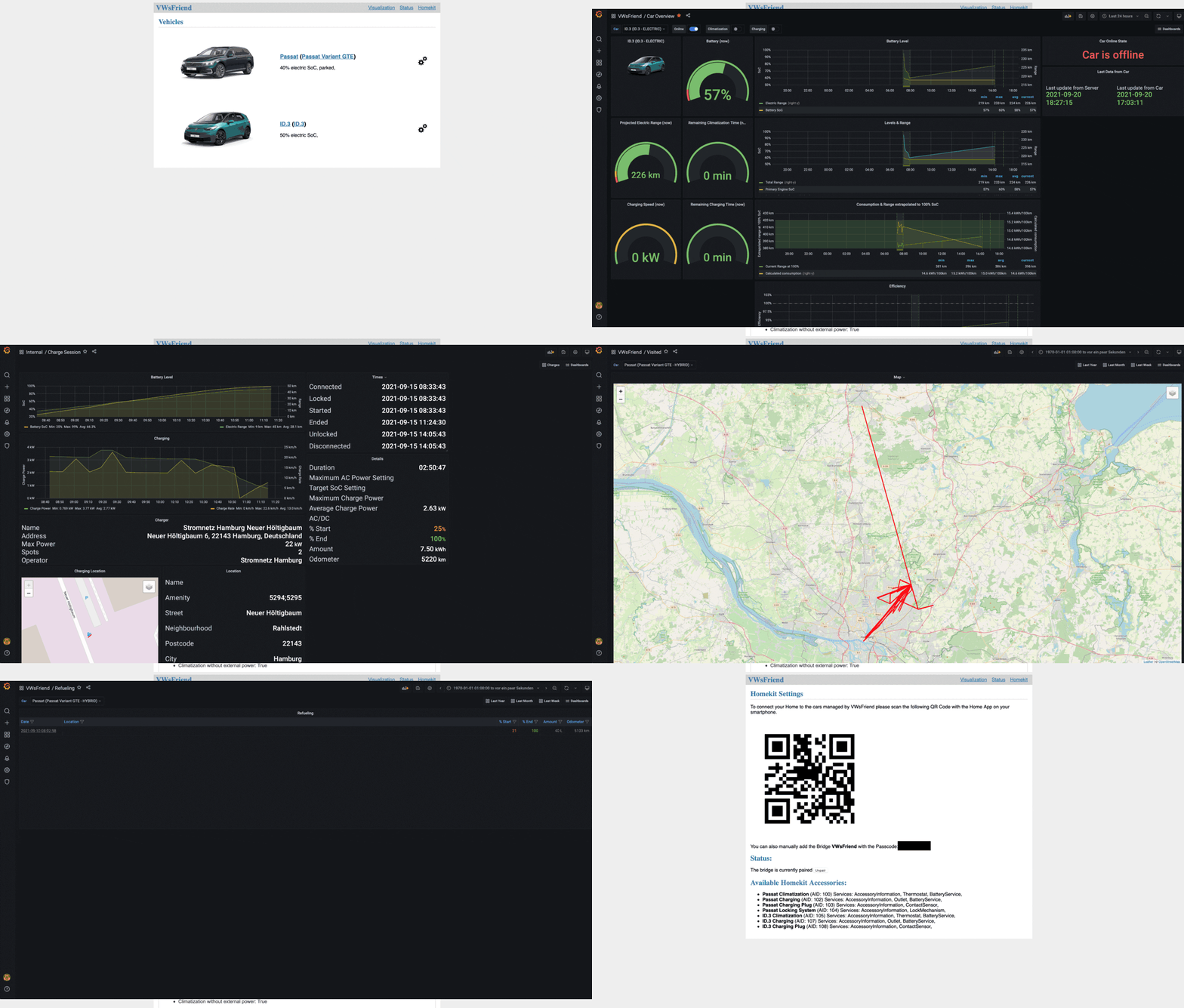
What it looks like
Requirements
You need to install python 3 on your system: How to install python. Minimum python version required is 3.8
To make use of all features you have to install and configure several depending projects (grafana, postgresql, ...) most users use the preconfigured docker images at: https://github.com/tillsteinbach/VWsFriend/ If you still want to setup everything on your own, please continue reading.
Login & Consent
VWsFriend is based on the new WeConnect ID API that was introduced with the new series of ID cars. If you use another car or hybrid you probably need to agree to the terms and conditions of the WeConnect ID interface. Easiest to do so is by installing the WeConnect ID app on your smartphone and login there. If necessary you will be asked to agree to the terms and conditions.
How to install
If you want to use VWsFriend, the easiest way is to obtain it from PyPI. Just install using:
pip3 install vwsfriend
Updates
If you want to update VWsFriend, the easiest way is:
pip3 install vwsfriend --upgrade
Privacy
Depending on the data provided by your car usage profiles of the cars users can be made (including the locations of trips, refueling and charging). If you need to protect the privacy of the cars users please add --privacy no-locations to the start parameters
More information
More information can be found in the Wiki: https://github.com/tillsteinbach/VWsFriend/wiki
ABPR (A better Route Planner) support
VWsFriend supports sending its data to ABPR out of the box. You just have to generate a user-token in ABRP and configure it for your car in the UI. Connecting VWsFriend to ABRP enables you to use the current SoC, position, parking and charging state (feature availability depends on your car!) when planning routes in ABRP If you only want to use the ABPR feature you can try:
vwsfriend -u user -p password --with-abrp
After vwsfriend is started open a browser at http://IP-ADDRESS:4000 and add your user-token in the settings of your car.
VWsFriend with Apple Homekit support
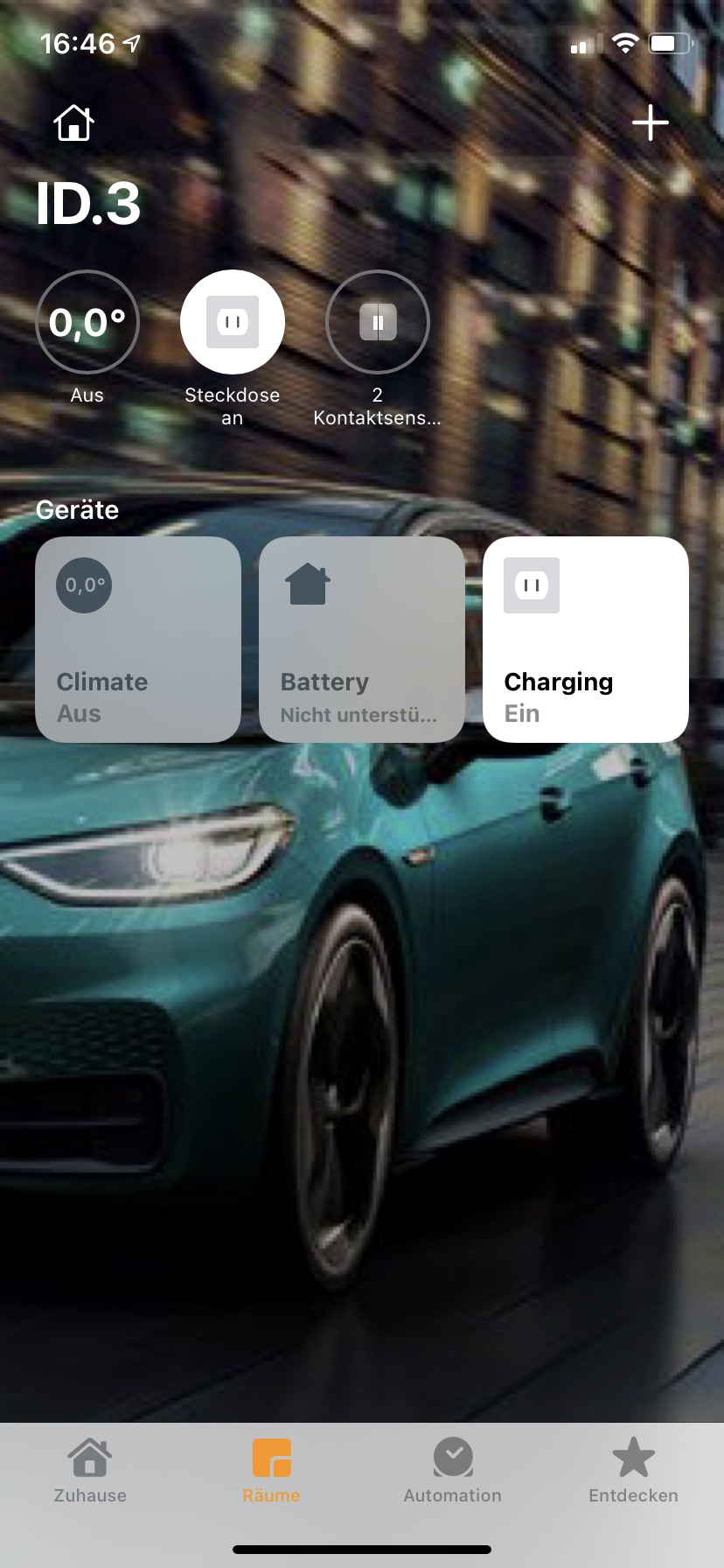
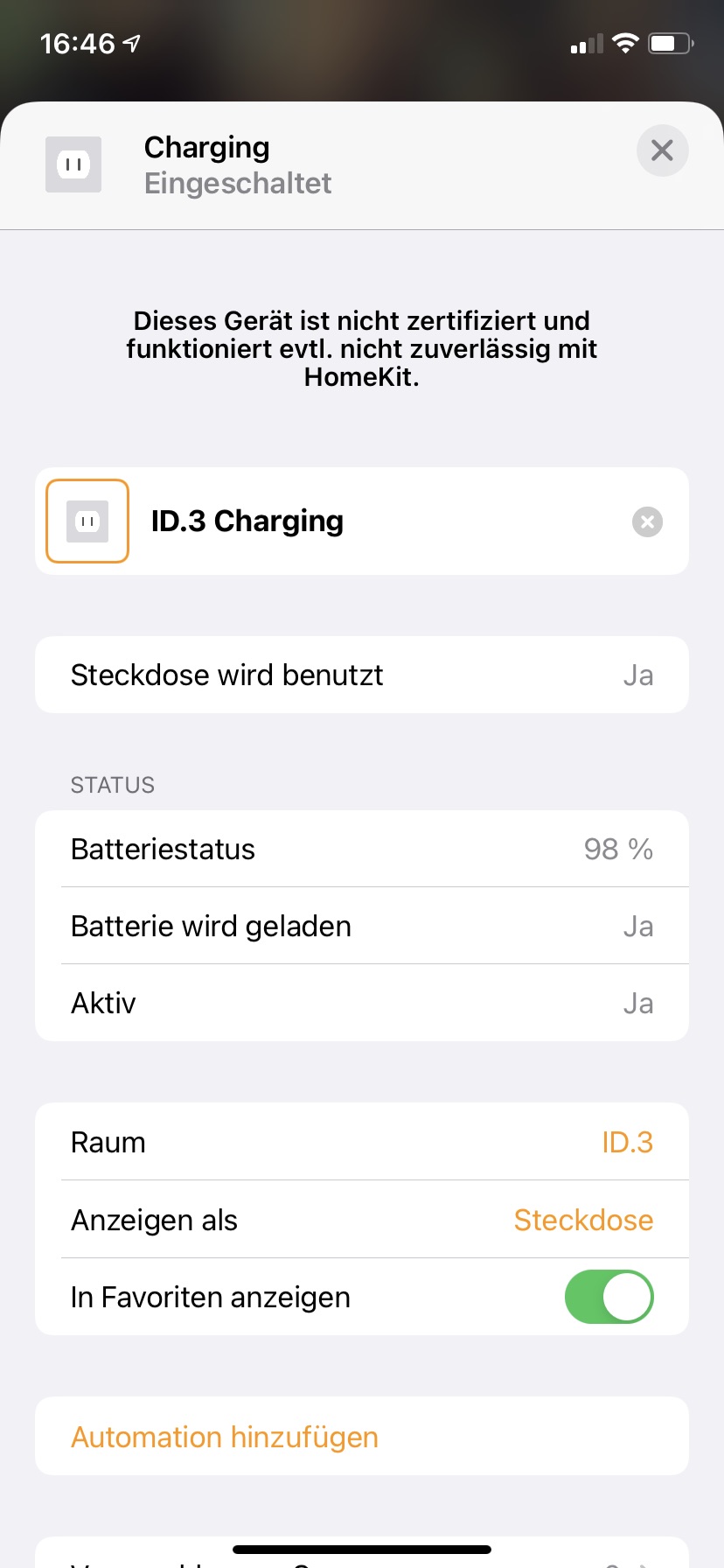
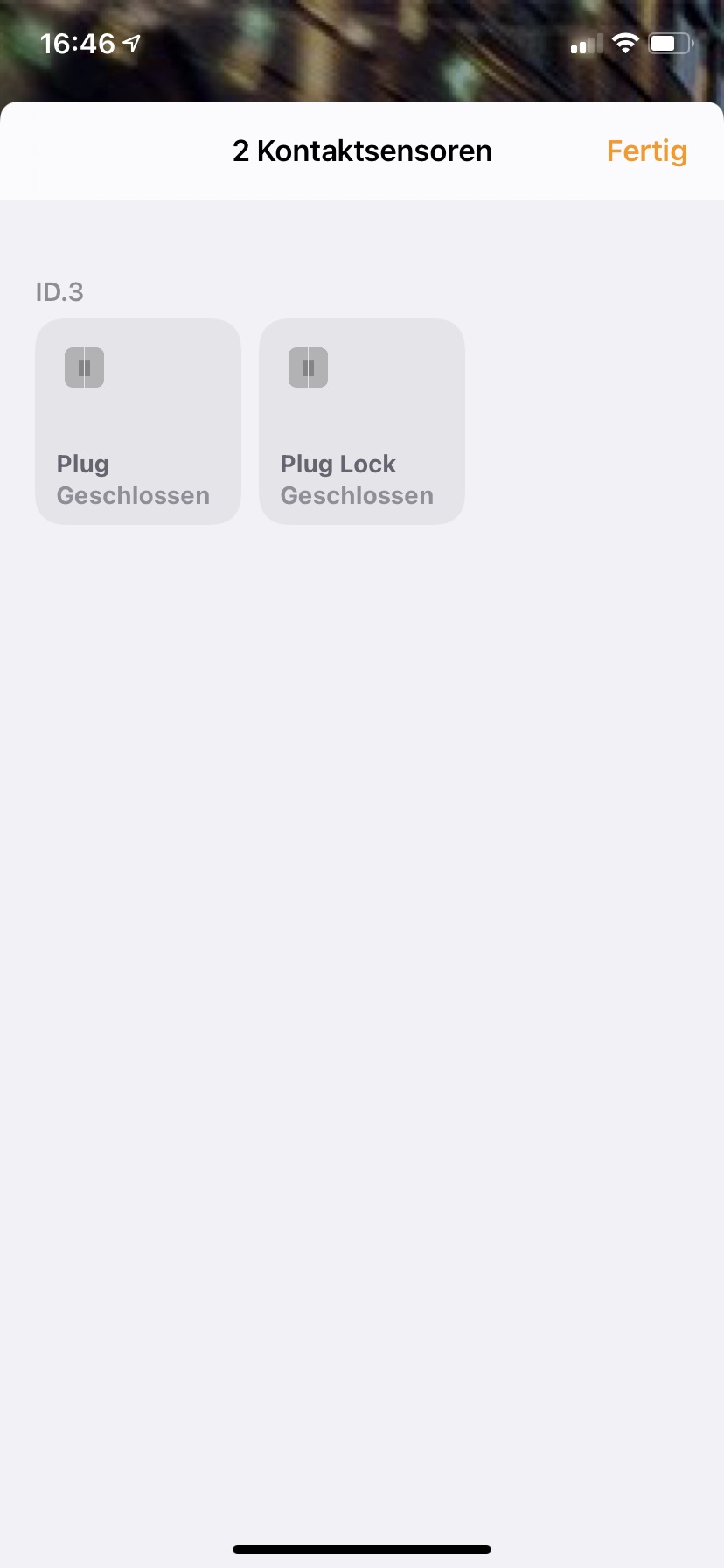
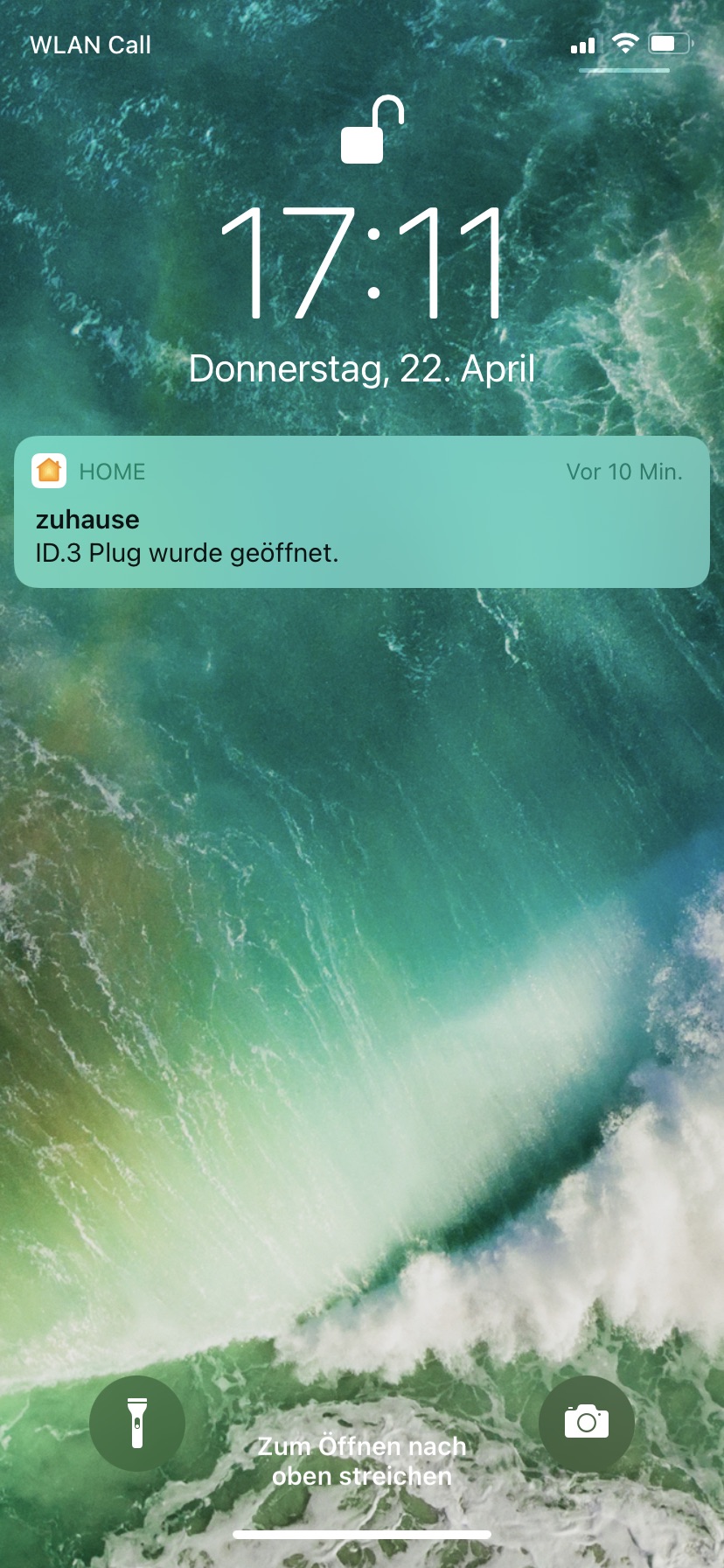
vwsfriend --with-homekit
VWsFriend with MQTT support (Experimental)
VWsFriend now includes WeConnect-MQTT. This enables to use the data from the servers at the same time inside VWsFriend and with MQTT and thus saves additional requests and load on the server. If you want to know how to configure MQTT, see here: WeConnect-MQTT Readme VWsFriend is using the same options as WeConnect-MQTT. Just select the options as described in WeConnect-MQTT and add those to VWsFriend when starting.
Related projects
- WeConnect-cli: A commandline interface to interact with WeConnect
- WeConnect-MQTT: A MQTT Client that provides WeConnect data to the MQTT Broker of your choice (e.g. your home automation solution such as ioBroker, FHEM or Home Assistant)
Other
We Connect© Volkswagen AG
1 maintainer

Metadata
1 maintainer
Release files for vwsfriend 0.24.10
For a detailed explanation of source distributions (sdists) and built distributions (wheels), please see the package formats documentation.
Source distribution (sdist)
| File | Size | Uploaded | |
|---|---|---|---|
| vwsfriend-0.24.10.tar.gz | 171.6 kB | Details |
Built distribution (wheel)
| File | Interpreter | ABI | Platform | Reset |
|---|---|---|---|---|
| vwsfriend-0.24.10-py3-none-any.whl | Python 3 | none | any | Details |
Total release size: 397.2 kB
Release files / vwsfriend-0.24.10.tar.gz
| Download URL | vwsfriend-0.24.10.tar.gz |
|---|---|
| Size | 171.6 kB |
| Tags | Source |
|
SHA-256 checksum How to use checksums |
8bbaa8de43445c8edfb66c23b3097de79ba60e4027f3c841569f4e226d2465c6
|
|
BLAKE2b-256 checksum How to use checksums |
34e9ff80565f709e5e1344e66a2c8c1e28aab2d186f64ec5b3dae0cc1d54fadb
|
| Upload date | |
|
Uploaded using Trusted Publishing? What is trusted publishing? |
No |
| Uploaded via |
twine/6.2.0 CPython/3.14.0
|
Release files / vwsfriend-0.24.10-py3-none-any.whl
| Download URL | vwsfriend-0.24.10-py3-none-any.whl |
|---|---|
| Size | 225.6 kB |
| Tags | Python 3 |
|
SHA-256 checksum How to use checksums |
95861e48f8fc84ff6be55c03dbf6e4340ef8ebf0400963980033657669a62204
|
|
BLAKE2b-256 checksum How to use checksums |
759a0ca6948b5be02ac6580b901d01327057013bdbf5e1ea06692283841f2fa5
|
| Upload date | |
|
Uploaded using Trusted Publishing? What is trusted publishing? |
No |
| Uploaded via |
twine/6.2.0 CPython/3.14.0
|














