
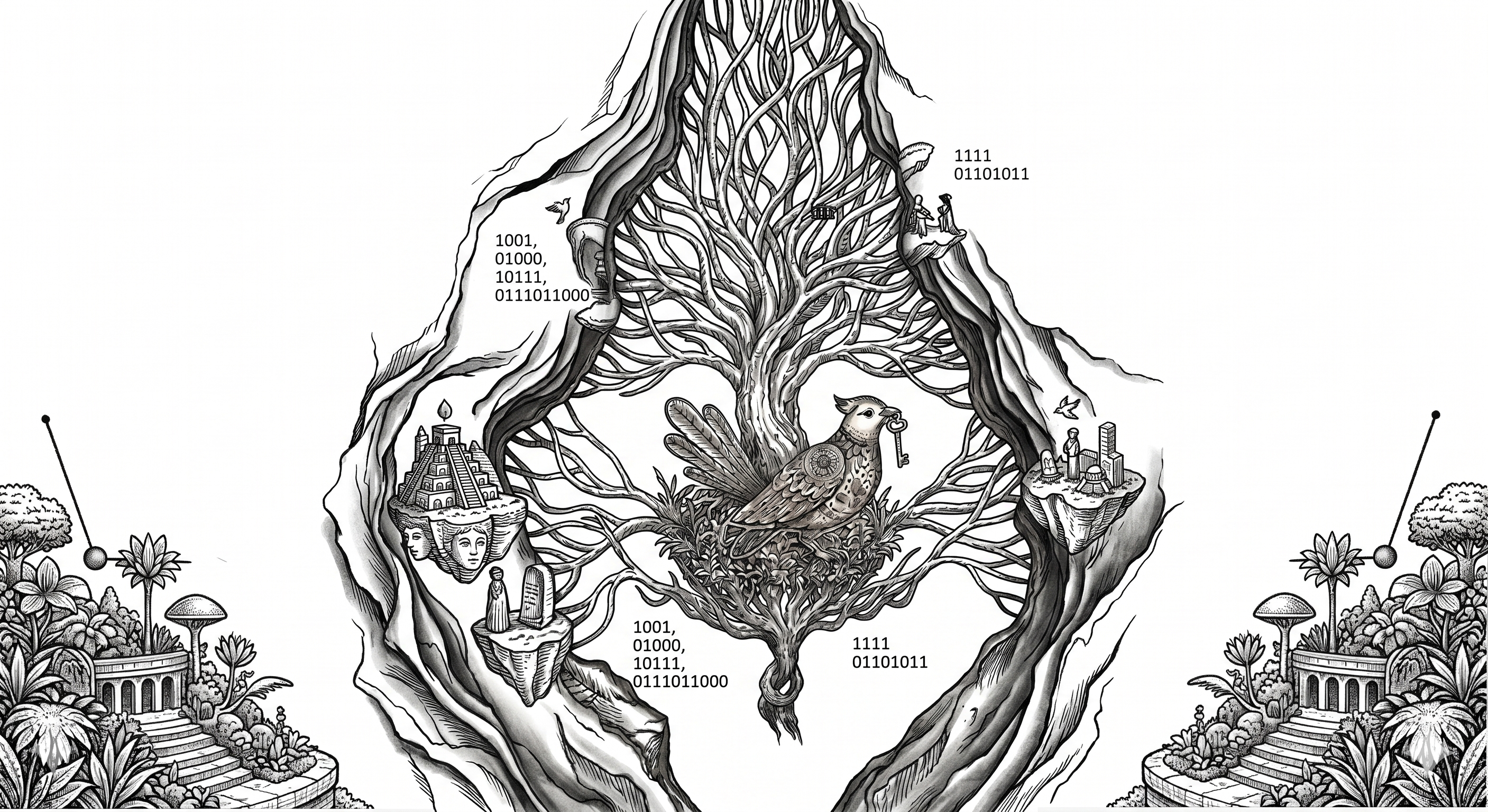
vyrii
Local AI web UI — chat, translate, web research, deep document generation, file management, and RAG — powered by Ollama or any OpenAI-compatible backend.
The name comes from the Ukrainian word вирій — the mythical warm land where birds migrate in winter. A quiet, self-contained place where intelligence lives locally, without the cloud.
What it is
vyrii is a browser-based interface that runs entirely on your hardware. It connects to a local LLM (Ollama, LMStudio, or any /v1/chat/completions endpoint) and provides a suite of AI tools through a clean Gradio UI — without sending your data to any cloud service.
It also exposes an OpenAI-compatible API (/v1/chat/completions) and a set of vyrii-specific endpoints (/vyrii/*), so it can serve as a backend for other tools in the SIMARGL toolkit.
vyrii continues the same philosophy as 1bcoder: give users with modest hardware a way to work effectively with ultra-small models — from 0.5B to 7B parameters, within a 4 000-token context window. There are many reasons a person may be forced to rely on small local models: no internet connection, a company or institutional policy that prohibits cloud AI, running on battery in the field, working from a shelter or restricted environment. vyrii has no autonomous agents — but every tool works reliably with gemma3:1b or qwen3:1.7b. The premise is the same: the smallest model available right now is enough to be useful.
Features
Chat
Streaming conversation with a local LLM. Supports multiple saved sessions, context compaction, file loading, and export. A spinner shows when the model is generating — no silent waits. A Stop button interrupts generation at any time; whatever was already generated is kept in the conversation.
Chat history is saved automatically to ~/.vyrii/history.db and exported as markdown to ~/.vyrii/ctx/. This applies to both the Gradio UI and the lightweight HTML UI.
Translate
On-the-fly translation in four modes:
| Mode | Backend | Privacy |
|---|---|---|
llm |
Local model via Ollama | Full — nothing leaves your machine |
mini |
argostranslate (~100 MB per pair) | Full |
offline |
NLLB-200 (ctranslate2, ~600 MB) | Full |
online |
Google Translate | ⚠ Sends text to Google |
Obfuscate / Deobfuscate
Replace sensitive terms before sending to a cloud AI, then restore the response. Uses a YAML dictionary in two modes: smart (LLM-based, handles grammar) and force (instant direct substitution).
AutoCut Context
Non-destructive sliding context window — same underlying algorithm as 1bcoder's /ctx window (fixed head + sliding tail + optional summarized middle, four selectable mid algorithms), exposed as a Settings toggle instead of a command. Off by default for the same reason as in 1bcoder: the right window size depends entirely on the model you're running, and there's no single default that's correct for both a 1B and a 7B model. Configure it in Settings → AutoCut Context and it applies across all three UI modes (Flask, FastAPI, Gradio) automatically, since they share the same config file.
Turn it on when you notice replies getting noticeably slower as a chat session grows, or when a request times out — especially if you've already raised the Settings → Request timeout to a reasonable ceiling for your hardware and it's still timing out. At that point, waiting longer won't help; the context has grown past what the model can process promptly, and trimming it is the actual fix.
RAG
Search a simargl semantic index by project. Ask the LLM to synthesise an answer from retrieved chunks. Works with indexes built by the simargl tool or the WebIndex tab.
MCP
Connect external tool servers via the Model Context Protocol (filesystem, web, git, database, browser…). Call tools directly and pipe results into the chat.
Team
Parallel LLM workers with different aspects or profiles. Each worker answers a facet of the same question; results are combined (join or compact) into a single context block.
WebAsk
Ask a question about a URL or let vyrii search the web (DuckDuckGo), fetch the top N pages, and synthesise an answer. Shows live per-page fetch progress.
WebAnalys
Deep multi-page web research: gather N pages on a topic, rank by relevance, summarise collectively.
WebCrawl
Crawl a website up to N pages deep. Modes: collect links, LLM summarise, extract structured data (table columns), export as markdown. Optionally indexes crawled content for RAG.
WebIndex
Crawl a URL and index the content with simargl for later RAG retrieval.
DeepAgent MD
Multi-section document generation from a task description. Supports web augmentation, RAG context, custom presets (quick/balanced/deep), plan and list injection, and sliding-window compaction (--fix / --scan) for large outputs.
Scan
Compact a large file or entire directory into a single summary markdown. Works chunk by chunk — optionally filters chunks by a query (filter mode) or summarises everything (general mode). Supports recursive compaction until the output fits a target size.
Files
File manager for ~/.vyrii/. Browse the directory tree, select files, copy paths to Scan or Index, upload, create folders, delete, view with syntax highlighting, and index directories with simargl.
Scheduler
Background task scheduler. Create recurring or one-off tasks (daily, weekly, interval), toggle, run immediately, and tail logs.
Profile
Manage parallel worker profiles for the Team tab. Each profile defines a set of models/hosts with aspect roles.
Settings
Switch theme (including GithubDark, Dracula, Solarized), language (EN/UK), timeout, and backend connection. Also where AutoCut Context is configured (see above) — request timeout lives here too, and the two work together: raise the timeout first for a reasonably slow model, and once that ceiling stops being enough, turn on AutoCut instead of raising it further.
Quick install
Option 1 — PyPI
pip install vyrii
Works on any platform — including Android Termux — without a Rust toolchain.
Option 2 — Clone
git clone https://github.com/szholobetsky/vyrii.git
cd vyrii
pip install -e .
Quick start
# 1. Install Ollama and pull a small model
ollama pull qwen3:1.7b

# 2. Install vyrii
pip install vyrii

# 3. Launch
vyrii
Open http://localhost:5000/ui/ — the Chat tab is ready. Pick qwen3:1.7b in the model selector and start talking.
Custom port:
vyrii -p 8002
For Ukrainian UI:
vyrii --lang uk
Three UI modes
Default — Flask + HTML UI
pip install vyrii and vyrii is all you need. The built-in Flask server starts on port 5000 and serves a full single-page HTML interface at /ui/. Pure Python, no Rust, works on any platform including Android Termux.
vyrii               # http://localhost:5000/ui/
vyrii -p 8002       # custom port
All features are available: Chat, Translate, RAG, WebAsk, WebCrawl, DeepAgent, Team, Files, Scheduler, Prompts, and more.
FastAPI server (--api)
For those who prefer FastAPI or need OpenAPI docs at /docs. Requires fastapi and uvicorn (pulls in Rust-based pydantic-core).
pip install 'vyrii[api]'
vyrii --api           # http://localhost:5001/ui/
vyrii --api 8000      # custom port
Gradio UI (--ui)
The full-featured Gradio interface. Requires the Gradio stack (Rust-based packages — not suitable for Termux or constrained environments).
pip install 'vyrii[gradio]'
vyrii --ui            # http://localhost:4896
vyrii --ui 8001       # custom port
Mix and match
vyrii --ui 8001 --api 5001
# Gradio: http://localhost:8001
# HTML UI: http://localhost:5001/ui/
Requirements
| Dependency | Version | Notes |
|---|---|---|
| Python | ≥ 3.10 | |
| flask | ≥ 3.0 | included in base install |
| flask-cors | ≥ 4.0 | included in base install |
| requests | ≥ 2.28 | included in base install |
| apscheduler | ≥ 3.10 | included in base install |
| Ollama | any recent version |
Optional extras:
pip install 'vyrii[gradio]'— Gradio UI (--ui)pip install 'vyrii[api]'— FastAPI server (--api)pip install 'vyrii[web]'— web crawl and HTML extraction (lxml)pip install 'vyrii[html]'— cleaner HTML extraction (lxml + lxml_html_clean)pip install 'vyrii[full]'— everything abovepip install simargl— RAG and WebIndexpip install argostranslate— offline translation mini modepip install ctranslate2 sentencepiece— NLLB-200 offline translation
Termux (Android)
pkg update && pkg install python

pip install vyrii

# optional: web crawl support (pre-compiled for ARM, no source build)
pkg install python-lxml

# start
vyrii --bind 0.0.0.0

# open in any browser:
# http://127.0.0.1:5000/ui/          ← same device
# http://192.168.x.x:5000/ui/        ← from any device on the LAN
Running
vyrii           # Flask + HTML UI on :5000
vyrii -p 8002   # custom port
Common options:
vyrii --host http://localhost:11434    # Ollama (default)
vyrii --host openai://localhost:1234   # LMStudio or any OpenAI-compatible server
vyrii --lang uk                        # Ukrainian UI
vyrii --model qwen3:1.7b               # default model on startup
Network binding
By default vyrii listens on 0.0.0.0 (all interfaces). To restrict to localhost only:
vyrii --bind 127.0.0.1
vyrii --bind 127.0.0.1 -p 8002
To expose on the LAN (e.g., access from a phone):
vyrii --bind 0.0.0.0
Authentication (--auth)
Authentication is opt-in. By default vyrii runs without any login — suitable for home use or LAN cable connections where access control is handled at the network level.
Add --auth to enable HTTP Basic Auth on all API endpoints:
# home / LAN cable — no login needed
vyrii

# office / phone over Wi-Fi — protect with a password
vyrii --auth
Default credentials are admin / admin. Change them via the Settings → Authentication section in the HTML UI — no display or terminal access required. Credentials are stored in ~/.vyrii/config.json.
Static UI files at /ui/ are always served without auth so the login page loads even before credentials are entered.
API endpoints
The following endpoints are available in all server modes (Flask default, --api FastAPI):
GET /v1/models— list available modelsPOST /v1/chat/completions— OpenAI-compatible chat (streaming + non-streaming)POST /vyrii/translatePOST /vyrii/webaskPOST /vyrii/webcrawlPOST /vyrii/deepagentPOST /vyrii/webanalysGET /vyrii/files/listPOST /vyrii/files/mkdirPOST /vyrii/files/uploadDELETE /vyrii/filesPOST /vyrii/files/index
Interactive API docs (FastAPI only): http://localhost:<port>/docs
Project layout
vyrii/
├── vyrii/
│   ├── app.py           # Gradio UI — all tabs and handlers
│   ├── api.py           # FastAPI REST server (optional, vyrii[api])
│   ├── flask_api.py     # Flask REST server (default, zero Rust deps)
│   ├── engine.py        # LLM streaming, model listing, smart context
│   ├── adapter.py       # ChatAdapter — unified interface for flows
│   ├── ctxwindow.py     # AutoCut Context — sliding window projection (self-contained port of 1bcoder's /ctx window)
│   ├── tools.py         # fetch_text, HTML stripping
│   ├── history.py       # SQLite chat history
│   ├── scheduler.py     # background task scheduler
│   ├── parallel.py      # parallel profile management
│   ├── mcp_client.py    # MCP server subprocess management
│   ├── i18n.py          # EN / UK string tables
│   ├── __main__.py      # CLI entry point
│   └── flows/
│       ├── webask.py    # web search + answer flow
│       ├── webcrawl.py  # site crawler flow
│       ├── webanalys.py # multi-page web research flow
│       ├── webindex.py  # crawl + simargl index flow
│       ├── deepagent_md.py  # multi-section document generation
│       ├── scan.py      # large-file compaction flow
│       ├── glossary.py  # LLM-wiki knowledge base builder (self-contained port of 1bcoder's /flow glossary)
│       ├── obfuscate.py
│       └── deobfuscate.py
├── images/
│   └── vyrii2.png
├── pyproject.toml
├── README.md
└── .gitignore

~/.vyrii/                # user data (created on first run)
    ├── crawl/           # WebCrawl output
    ├── files/           # user files (for RAG indexing)
    ├── .simargl/        # simargl RAG index
    ├── .1bcoder/scan/   # Scan flow output (compact_N.md)
    ├── config.json      # saved settings (theme, lang, timeout)
    ├── scheduler.json   # scheduler tasks
    └── history.db       # chat history (SQLite)
Part of the SIMARGL toolkit
vyrii is one of ten tools that together form an intellectual development support system:
| Tool | Role |
|---|---|
| simargl | Task-to-code retrieval — given a task description, finds which files and modules are likely affected, using semantic similarity over git history |
| svitovyd | Project map — scans any codebase and produces a structural map of definitions and cross-file dependencies; queried from the CLI, a web UI with a layered map, or an MCP server |
| 1bcoder | AI coding assistant for small local models — surgical context management, agents, parallel inference, proc scripts |
| yasna | Session memory — indexes conversations from all AI agents so you can find what was discussed, when, and where |
| radogast | Context drift monitor — measures how far an AI agent's conversation has drifted from the original task |
| vyrii | Local AI web UI — chat, translate, web research, RAG and file management in the browser (Flask; Gradio optional); powered by Ollama or any OpenAI-compatible backend |
| syryn | Bluetooth identity beacon for headless devices — the device's IP is its Bluetooth name; hostname, mDNS and network interfaces on request |
| alkonost | Browser cockpit for 1bcoder's flows — the deepagent_* spec pipeline (plan tree → specs → task board) and the glossary (build, browse, search), tuned for small local models |
| gamayun | Statistical ontology without an LLM — builds triples of terms, identifiers, files and modules from task history or a folder of documents and code; every triple carries its significance test |
| mokosh | Dataset gathering — commits of a git repository and the tasks of its tracker (Jira, GitHub, GitLab, YouTrack) in one SQLite database that the other tools read |
- simargl finds the code related to a task by vector search over the task history (embeddings).
- svitovyd answers: how is the code structured and what depends on what?
- 1bcoder answers: how do I work with local models efficiently?
- yasna answers: where did I already discuss this?
- radogast answers: is the AI agent still on track toward the goal?
- vyrii answers: how do I access all of this through a browser?
- syryn answers: what is the address of this headless device?
- alkonost answers: how do I turn one task description into a reviewed, working plan — and see the project's glossary — without a big model or a big context window?
- gamayun finds the code related to a task through an ontology of significant links between words, files and modules (no LLM).
- mokosh prepares the initial dataset from version control and the issue tracker.
Together they cover the full development loop: understand the codebase, find relevant history, work with AI locally, access everything through a web UI, remember what was decided, and verify the context stays on target.
(c) 2026 Stanislav Zholobetskyi, Oleh Andriichuk Institute for Information Recording, National Academy of Sciences of Ukraine, Kyiv PhD research: «Intelligent Technology for Software Development and Maintenance Support»
1 maintainer

Metadata
1 maintainer
Release files for vyrii 0.1.24
For a detailed explanation of source distributions (sdists) and built distributions (wheels), please see the package formats documentation.
Source distribution (sdist)
| File | Size | Uploaded | Provenance | Actions |
|---|---|---|---|---|
| vyrii-0.1.24.tar.gz | 740.9 kB | Without provenance | Details for vyrii-0.1.24.tar.gz |
Built distribution (wheel)
| File | Interpreter | ABI | Platform | Actions Reset |
|---|---|---|---|---|
| vyrii-0.1.24-py3-none-any.whl | Python 3 | none | any | Details for vyrii-0.1.24-py3-none-any.whl |
Total release size: 1.5 MB
Release files / vyrii-0.1.24.tar.gz
| Download URL | vyrii-0.1.24.tar.gz |
|---|---|
| Size | 740.9 kB |
| Tags | Source |
|
SHA-256 checksum How to use checksums |
d2fd42b16643a0f93410bbe6a97644835d10ea8ca22ca57173de68dd4cc36e06
|
|
BLAKE2b-256 checksum How to use checksums |
d036afa824c4fd14fb19033a5a304a8f46c4c5ed6ff3de4ccce75edabdab8a46
|
| Upload date | |
|
Uploaded using Trusted Publishing? What is trusted publishing? |
No |
| Uploaded via |
twine/7.0.0 CPython/3.12.9
|
Release files / vyrii-0.1.24-py3-none-any.whl
| Download URL | vyrii-0.1.24-py3-none-any.whl |
|---|---|
| Size | 761.7 kB |
| Tags | Python 3 |
|
SHA-256 checksum How to use checksums |
958c101ec4f0ee0a79938580d9614110898201f5ef62e31915d927fc9331e0a6
|
|
BLAKE2b-256 checksum How to use checksums |
17ec911e9941808b0938ecf3fdd15e88a19c086a30708fcd4e42b429f96a9d09
|
| Upload date | |
|
Uploaded using Trusted Publishing? What is trusted publishing? |
No |
| Uploaded via |
twine/7.0.0 CPython/3.12.9
|
Security for vyrii 0.1.24
Provenance
Provenance describes where a file came from. On PyPI, provenance is shared via attestations, which provide a verifiable record of the build or publishing details. View details, limitations and caveats.
No provenance found
None of the files in this release were uploaded with provenance metadata.
A note on package security
PyPI is a repository for distributing packages, not a service for auditing them. While third-party security researchers and our staff do their best to detect and remove malicious packages, PyPI cannot guarantee the quality, security or suitability of any given package.
To learn more about protecting yourself from malicious actors, visit our package security documentation.














