
Add a code block to StreamField of Wagtail with Shiki Syntax highlighter.
Verified details
These details have been verified by PyPIProject links
GitHub Statistics
Maintainers

Project description




Wagtail Shiki is based on Wagtail Code Block.
Wagtail Code Block is a syntax highlighter block for source code for the Wagtail CMS. It features real-time highlighting in the Wagtail editor, the front end, line numbering, and support for PrismJS themes.
Wagtail Shiki uses the Shiki library instead of PrismJS library both in Wagtail Admin and the website. Required files for Shiki are loaded on demand using esm.run.
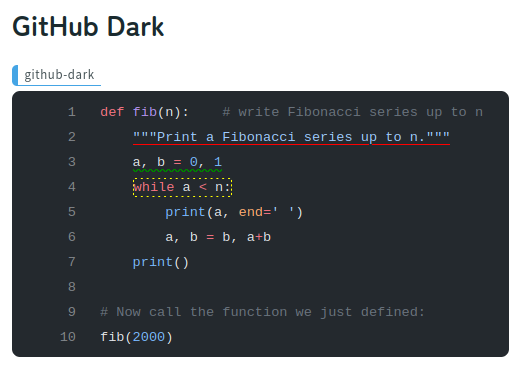
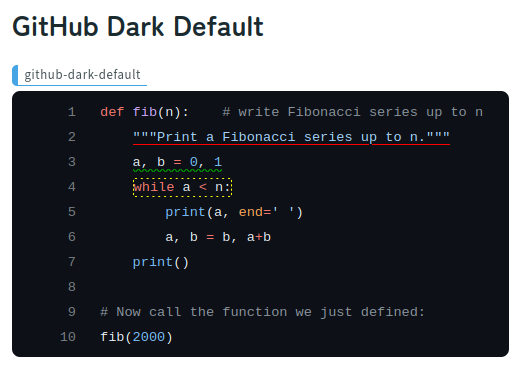
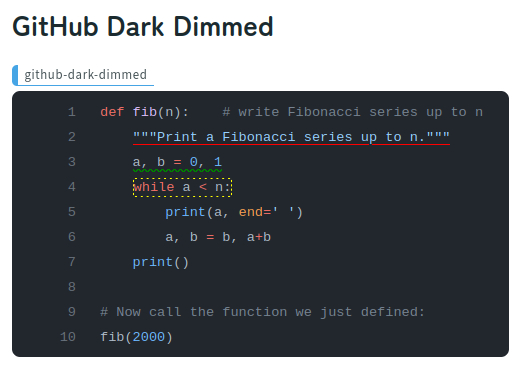
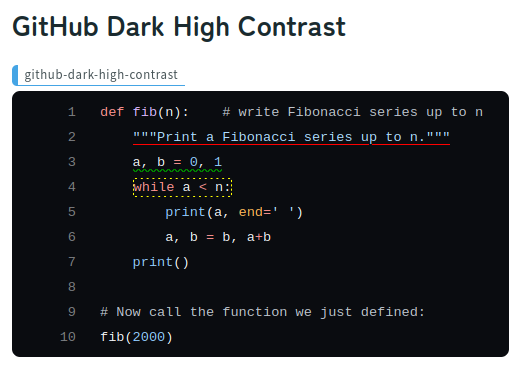
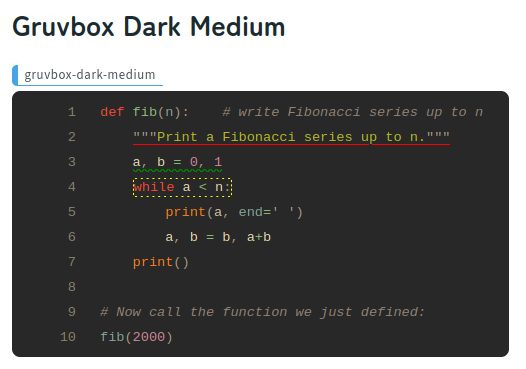
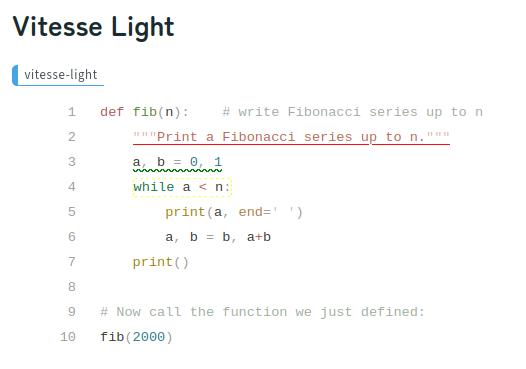
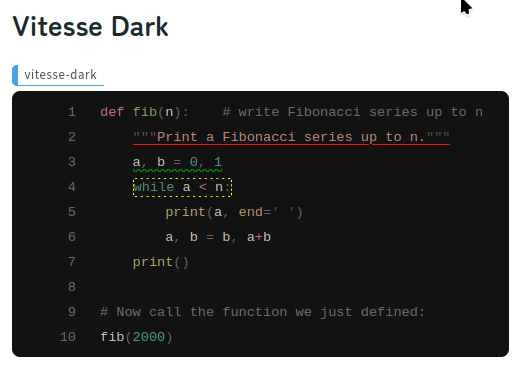
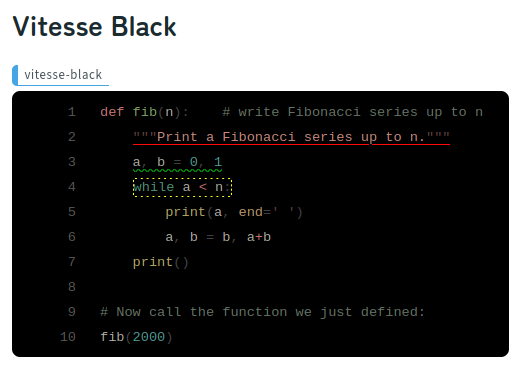
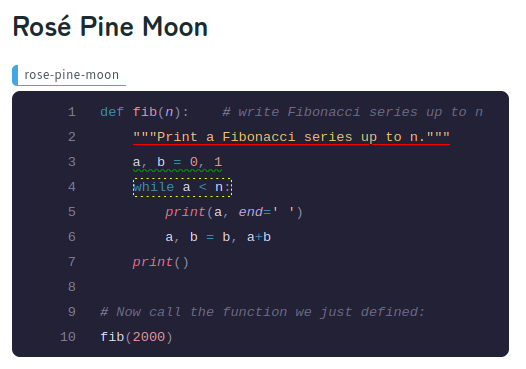
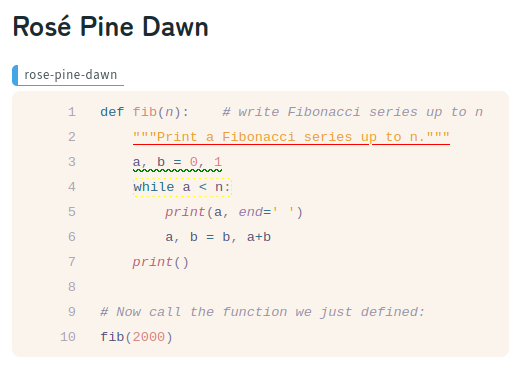
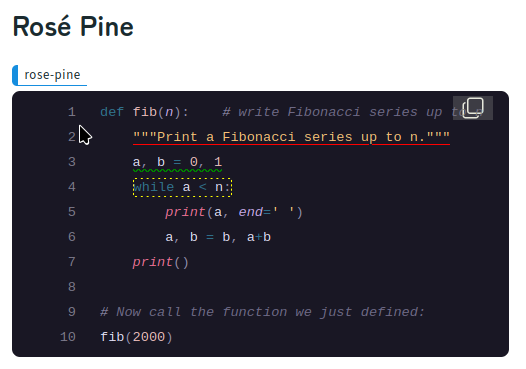
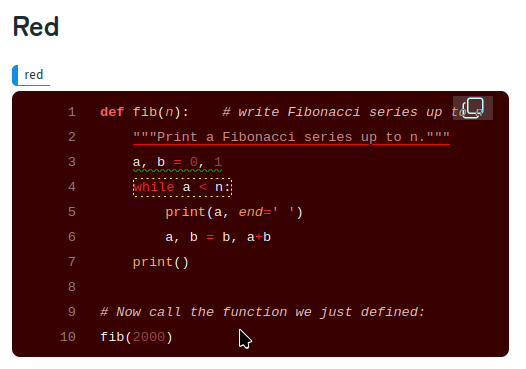
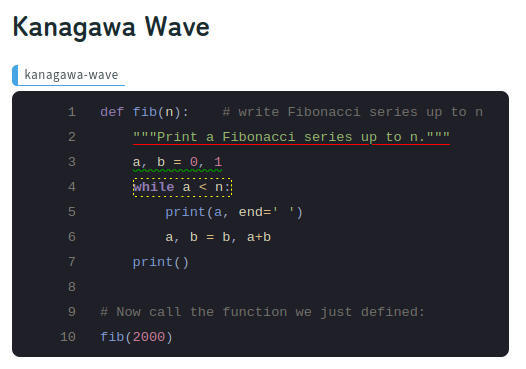
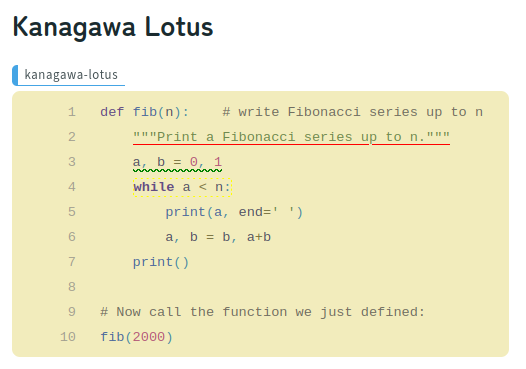
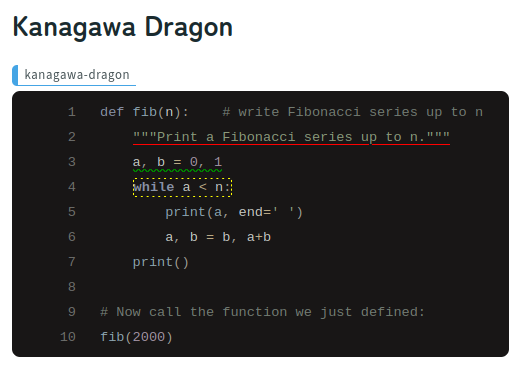
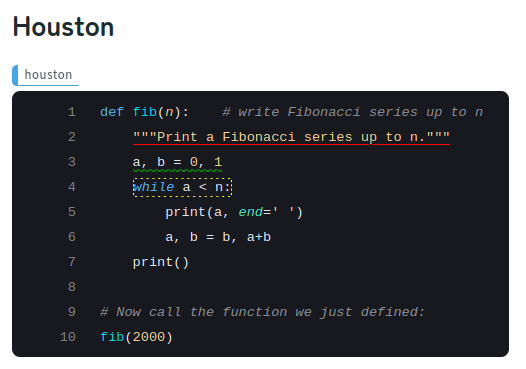
Additionally, Wagtail Shiki provides text decoration functions (underlining, borders, and more, extensible with CSS styles) within the syntax highlighting.
You can set each themes for light and dark modes.
Instalation
pip install wagtail-shiki
And add wagtail_shiki to INSTALLED_APPS in mysite/settings/base.py.
INSTALLED_APPS = [
    "home",
    "search",
    "wagtail.contrib.forms",
    "wagtail.contrib.redirects",
    "wagtail.embeds",
    "wagtail.sites",
    "wagtail.users",
    #... other packages
    "wagtail_shiki",   # <- add this.
]
Trial Run
Install new wagtail for trial run.
mkdir mysite
python -m venv mysite/env
source mysite/env/bin/activate

pip install wagtail
wagtail start mysite mysite

cd mysite
pip install -r requirements.txt
pip install wagtail-shiki
Edit files bellow:
mysite/settings/base.py
INSTALLED_APPS = [
    #... other packages
    "wagtail_shiki",   # <- add this.
]
home/models.py
from wagtail.blocks import TextBlock
from wagtail.fields import StreamField
from wagtail.models import Page
from wagtail.admin.panels import FieldPanel

from wagtail_shiki.blocks import CodeBlock


class HomePage(Page):
    body = StreamField([
        ("heading", TextBlock()),
        ("code", CodeBlock(label='Code')),
    ], blank=True)

    content_panels = Page.content_panels + [
        FieldPanel("body"),
    ]
home/templates/home/home_page.html
    ...

{% load wagtailcore_tags wagtailimages_tags %}

    ...

<!-- {% include 'home/welcome_page.html' %} -->
{% include_block page.body %}

    ...
run:
python manage.py migrate
python manage.py createsuperuser
python manage.py runserver
After the server starts, go to http://127.0.0.1:8000/admin" .
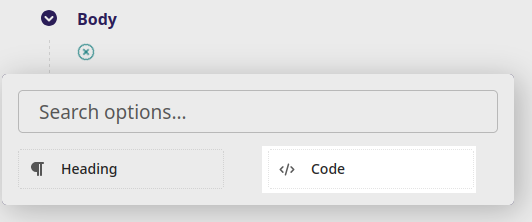
Clicking the "+" Add button in the body section, and click "Code" to add a code block.
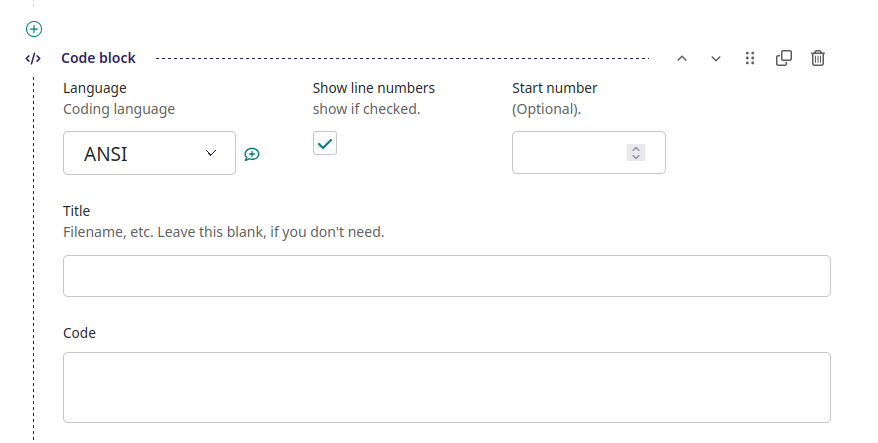
Then you can edit the code block.
Various settings
WAGS_LINE_NUMBERS (default = True)
If true, line numbers will be displayed.
You can set the starting line number by inputting "Start number" field in the code block editing screen.
WAGS_COPY_TO_CLIPBOARD (default = True)
If true, copy to clipboard button will be displayed.
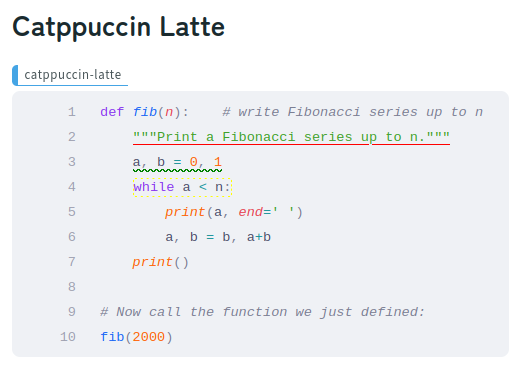
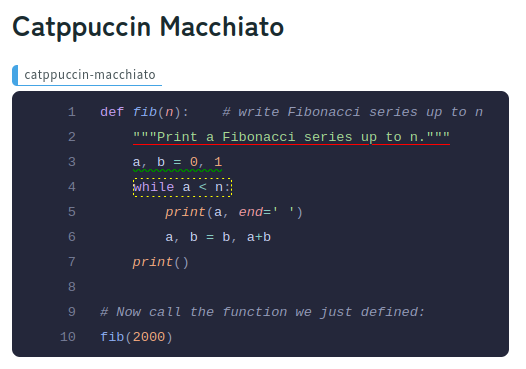
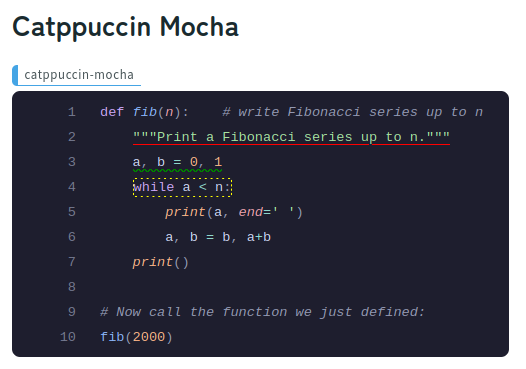
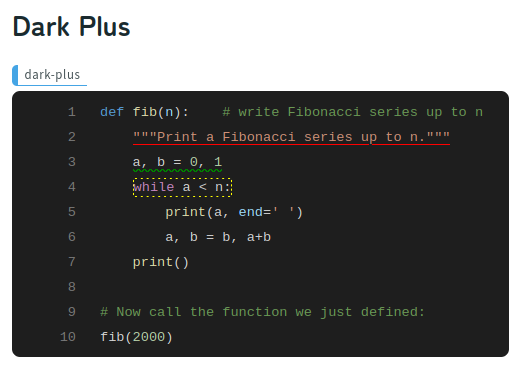
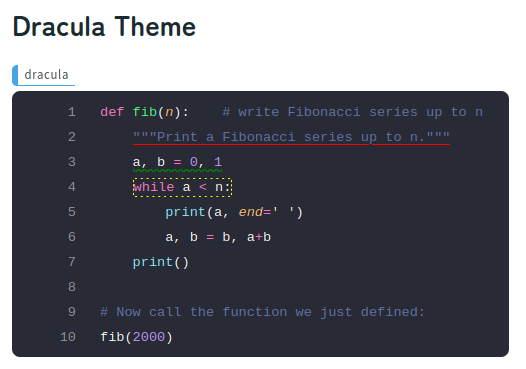
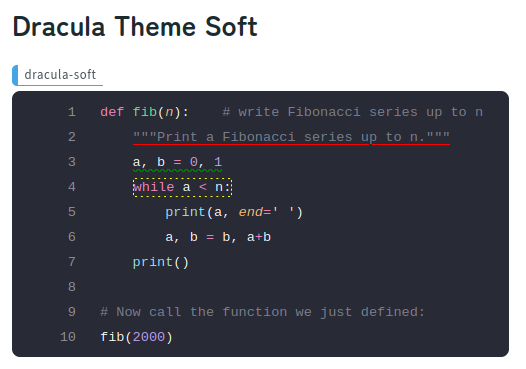
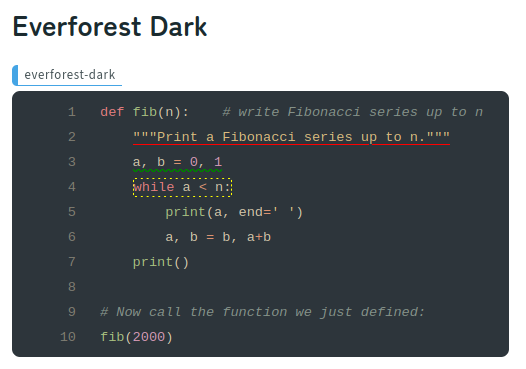
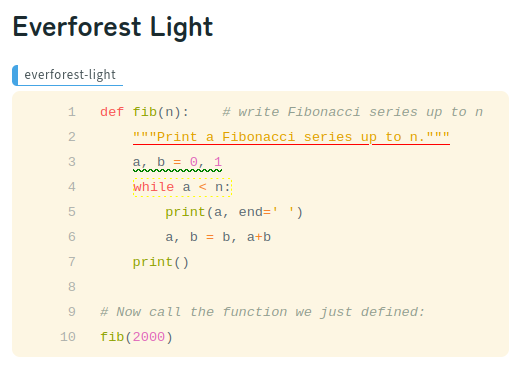
WAGS_THEME (default = 'nord')
The theme for light mode.
Please refer to https://shiki.matsu.io/themes for a list of available themes.
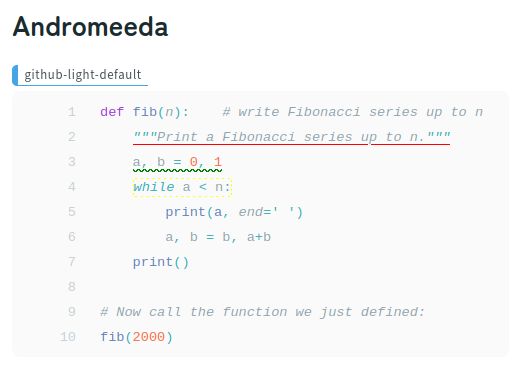
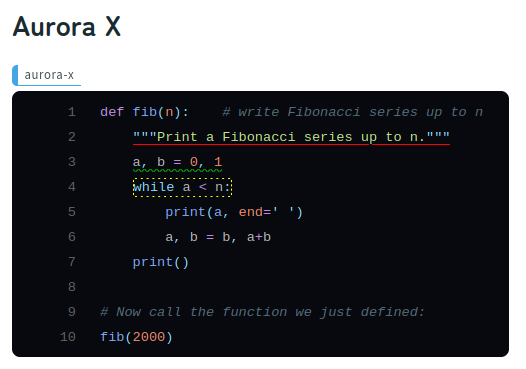
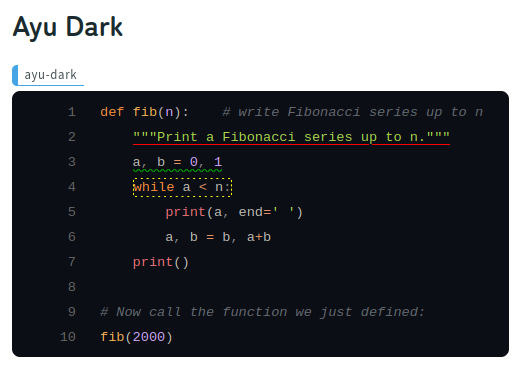
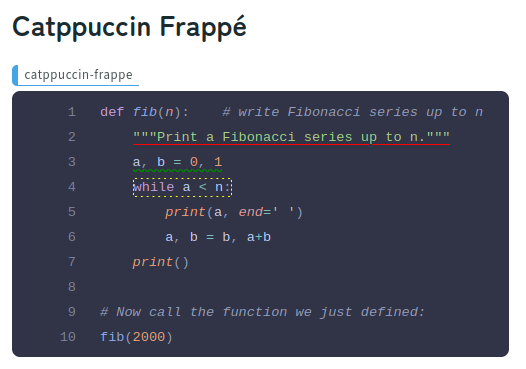
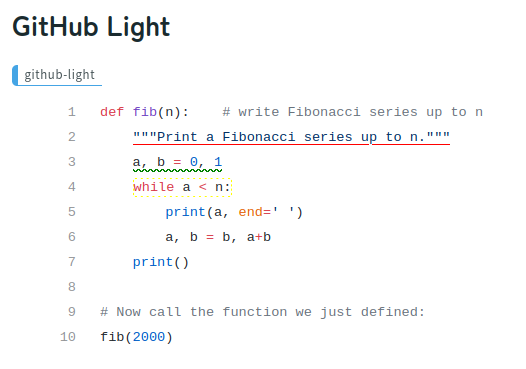
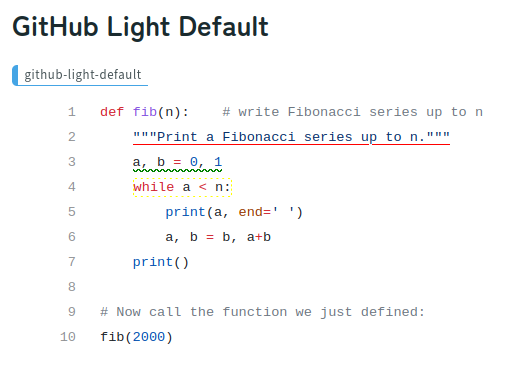
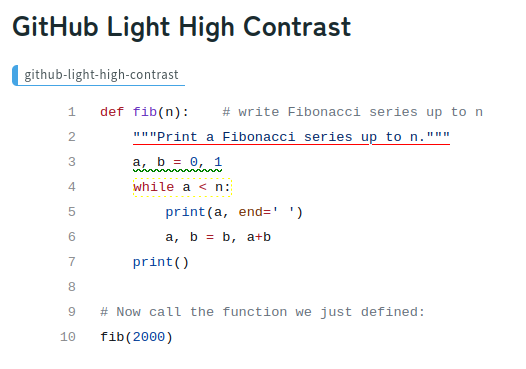
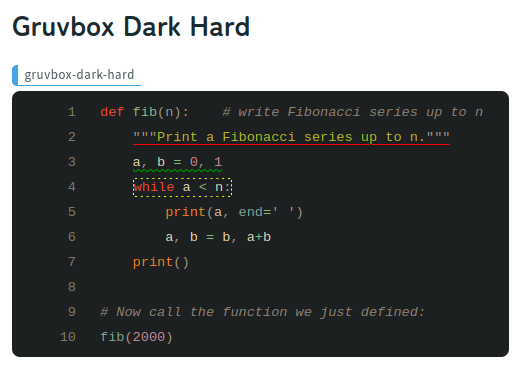
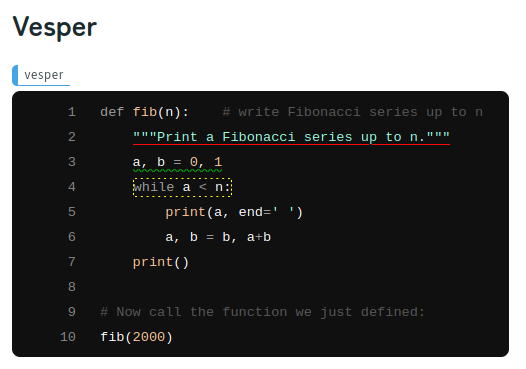
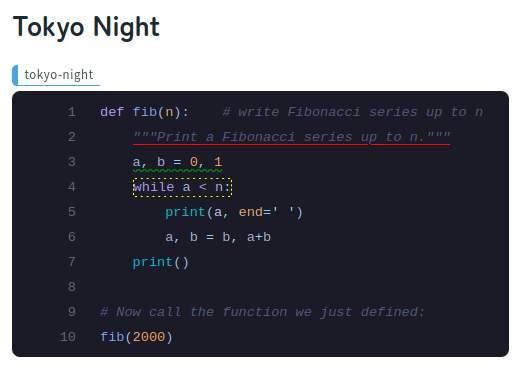
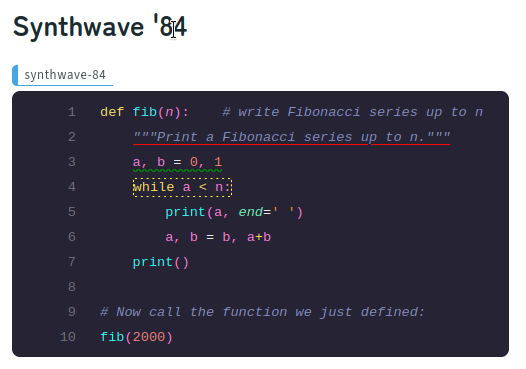
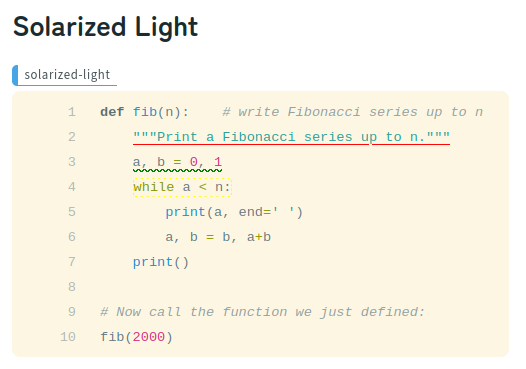
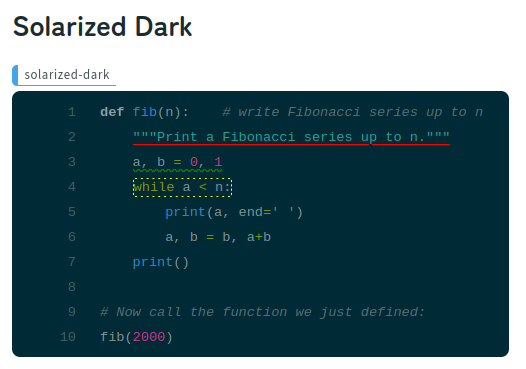
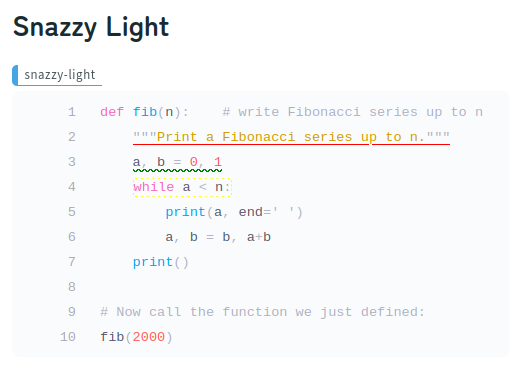
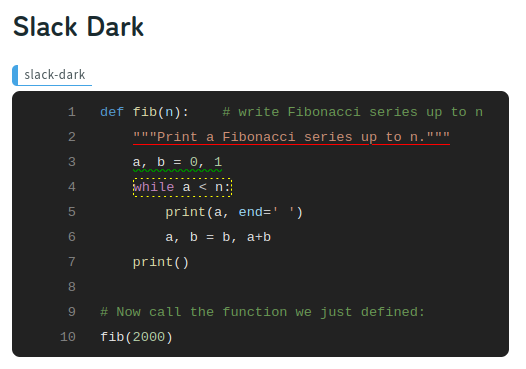
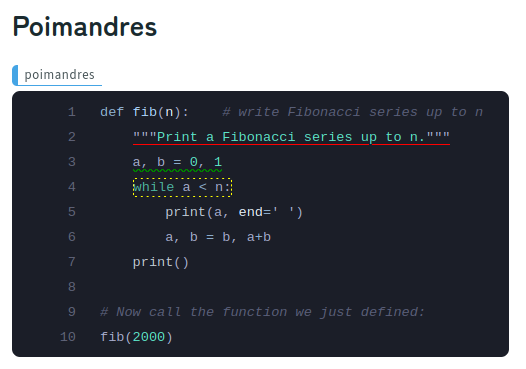
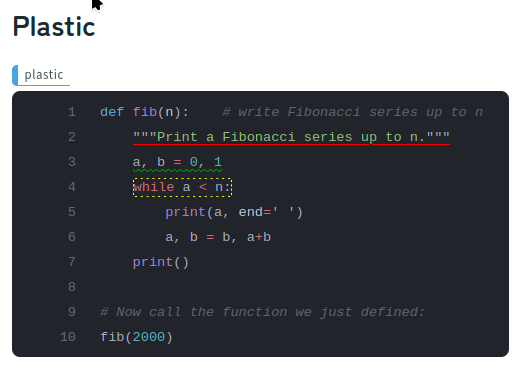
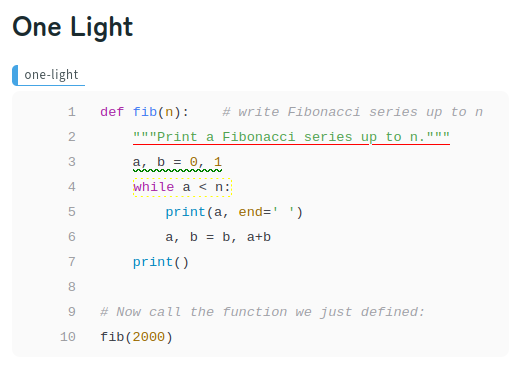
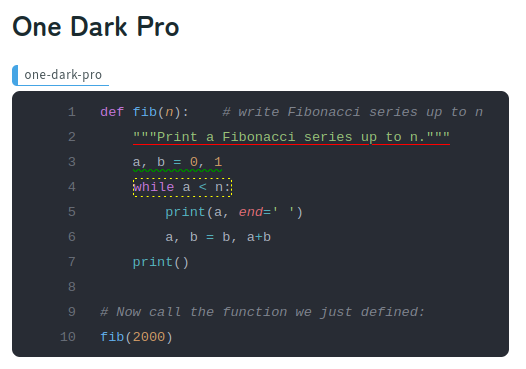
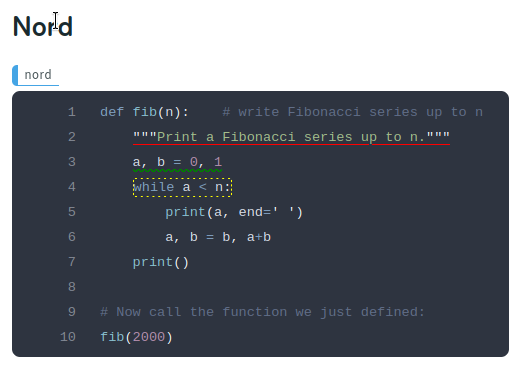
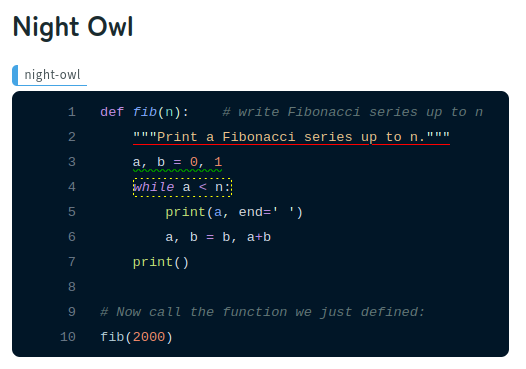
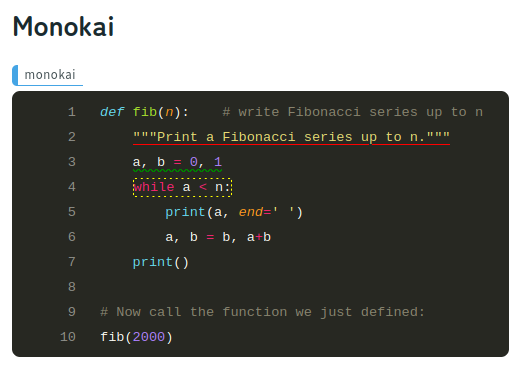
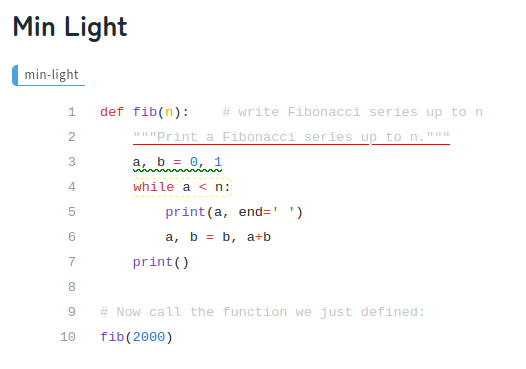
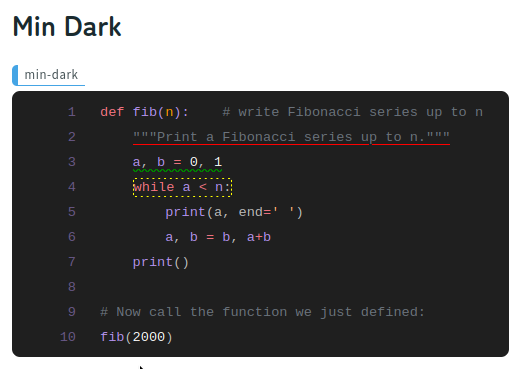
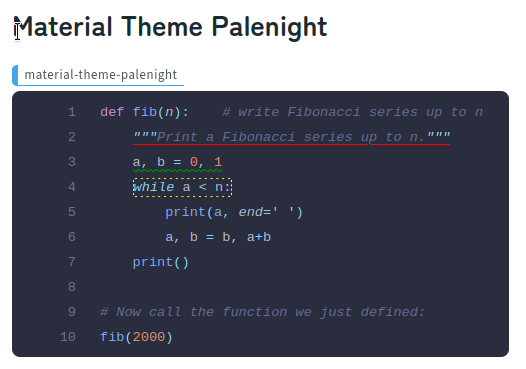
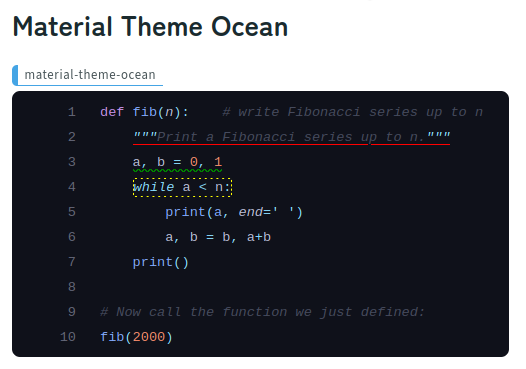
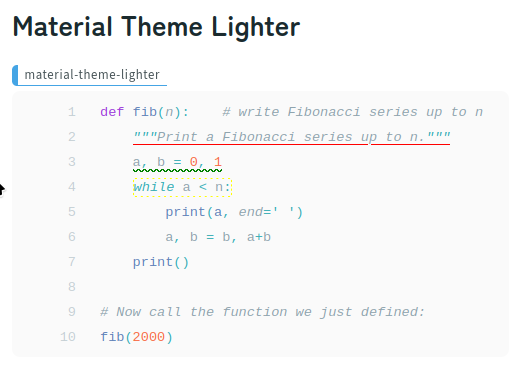
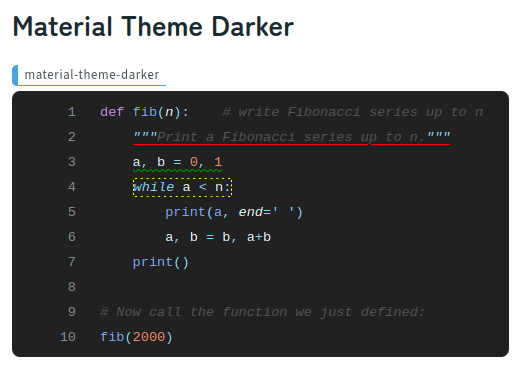
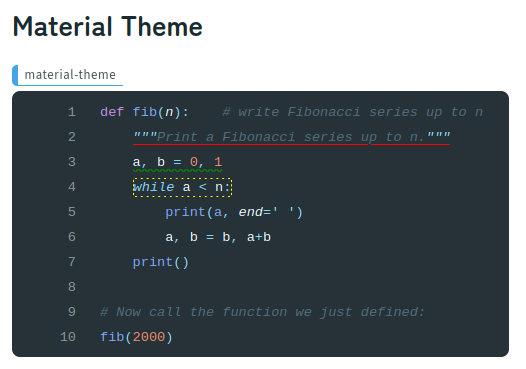
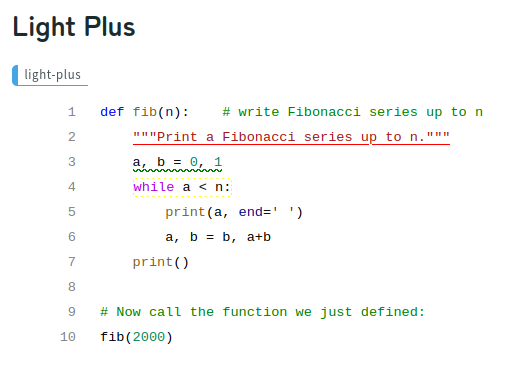
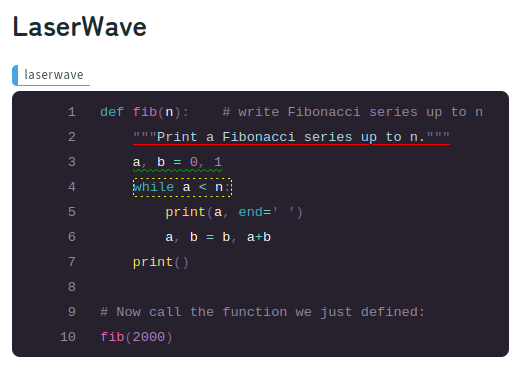
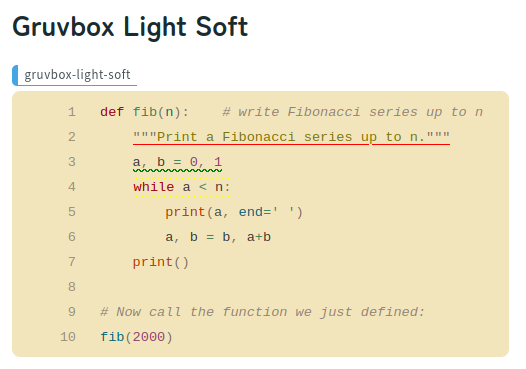
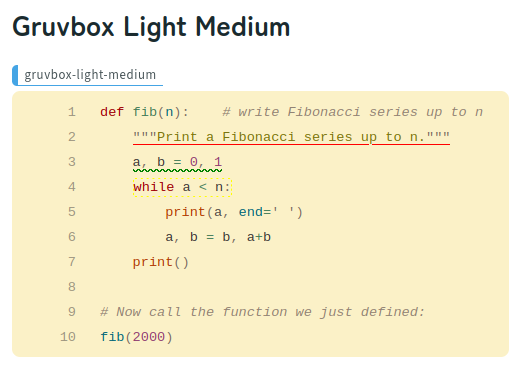
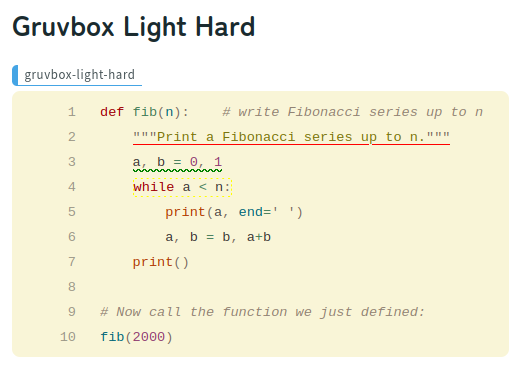
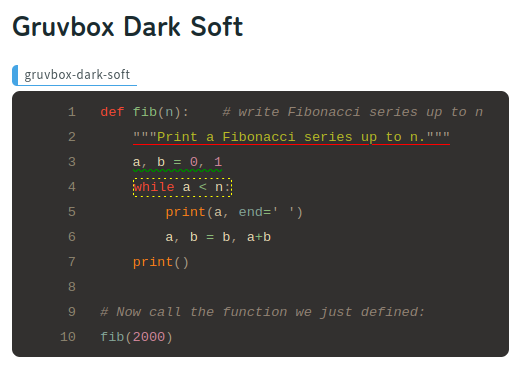
Samples of each theme are provided at the end of this document.
WAGS_DARK_THEME (default = WAGS_THEME)
The theme for dark mode.If this is not set, it will map the light theme to the dark theme.
As a result, the same theme will be assigned to light mode and dark mode.
WAGS_SKIP_LEADING_SPACES (default = True)
If true, the decoration of the leading spaces will be skipped to show.
WAGS_DECORATONS_REMOVE_FRONT_SPAACE (default = True)
If true, the decoration of the front side leading spaces will be deleted.
WAGS_DECORATONS_REMOVE_REAR_SPAACE (default = True)
If true, the decoration of the rear side leading spaces will be deleted.
WAGS_SHOW_HIGHLIGHTWORDS_INPUT (default = False)
If true, the "Highlight Words" field(uneditable) will be shown.
This is only for debugging.
WAGS_CLASS_PREFIX (default = 'wags')
The prefix for the CSS class name for decorations.
This parameter and the following "-" will be prepended to the value of the "value" key in "WAGS_DECORATION_OPTIONS" and used as a CSS class.
WAGS_DECORATION_OPTIONS
default = [
    {
        'value': 'underline-red',
        'text': 'underline red',
        'style': 'text-decoration: red underline;'
    },
    {
        'value': 'underline-blue',
        'text': 'underline blue',
        'style': 'text-decoration: blue underline;'
    },
    {
        'value': 'underline-green',
        'text': 'underline green',
        'style': 'text-decoration: green underline;'
    },
    {
        'value': 'underline-yellow',
        'text': 'underline yellow',
        'style': 'text-decoration: yellow underline;'
    },
    {
        'value': 'wavyunderline-red',
        'text': 'wavy underline red',
        'style': 'text-decoration: red wavy underline;'
    },
    {
        'value': 'wavyunderline-blue',
        'text': 'wavy underline blue',
        'style': 'text-decoration: blue wavy underline;'
    },
    {
        'value': 'wavyunderline-green',
        'text': 'wavy underline green',
        'style': 'text-decoration: green wavy underline;'
    },
    {
        'value': 'wavyunderline-yellow',
        'text': 'wavy underline yellow',
        'style': 'text-decoration: red wavy underline;'
    },
    {
        'value': 'dashedborder-red',
        'text': 'dashed border red',
        'style': 'border: dashed red; border-width: 1px; border-radius: 3px; padding: 0px;'
    },
    {
        'value': 'dashedborder-blue',
        'text': 'dashed border blue',
        'style': 'border: dashed blue; border-width: 1px; border-radius: 3px; padding: 0px;'
    },
    {
        'value': 'dashedborder-green',
        'text': 'dashed border green',
        'style': 'border: dashed green; border-width: 1px; border-radius: 3px; padding: 0px;'
    },
    {
        'value': 'dashedborder-yellow',
        'text': 'dashed border yellow',
        'style': 'border: dashed yellow; border-width: 1px; border-radius: 3px; padding: 0px;'
    },
    {
        'value': '',
        'text': 'Remove decoration(s)',
        'style': ''
    }
]
- These five kind ofcharacters
<,>,',",&in the string of each value of keys 'value', 'text' and 'style' are removeed. - The last option
{'value': '', 'text': 'Remove decoration(s)', 'style': ''}is for Remove decoration(s).
If valu of 'value' is empty string, the decoration will be removed.(The value of 'value' will be the CSS class name for the selected span.)
Some utility functions for creating CSS styles are provided in the module to ease the creation of decoration options in basy.py.
To use these functions, import them from the module:
from wagtail_shiki.settings import (
    css_style_underline as underline,
    css_style_dashedborder as dashedborder,
    css_style_bg_colored as bg_colored,
)
And then use it like following:
WAGS_DECORATION_OPTIONS = [
    ...
    {'value': 'underline-red', 'text': 'underline red', 'style': underline('red')},
    ...
    {'value': 'wavyunderline-red', 'text': 'wavy underline red', 'style': underline('red', 'wavy')},
    ...
    {'value': 'dashedborder-red', 'text': 'dashed border red', 'style': dashedborder('red')},
    ...
    {'value': 'bg_colored-red', 'text': 'ba-colored', 'style': bg_colored('red')},
    ...
]
It will expanded to:
WAGS_DECORATION_OPTIONS = [
    ...
    {'value': 'underline-red', 'text': 'underline red', 'style': 'text-decoration: red underline;'},
    ...
    {'value': 'wavyunderline-red', 'text': 'wavy underline red', 'style': 'text-decoration: red wavy underline;'},
    ...
    {'value': 'dashedborder-red', 'text': 'dashed border red', 'style': 'border: dashed red; border-width: 1px; border-radius: 3px; padding: 0px;'},
    ...
    {'value': 'bg_colored-red', 'text': 'ba-colored', 'style': 'background-color: red;'},
    ...
]
Not only color names, you can also use color specifications that are generally available in style sheets, such as '#00a400', 'rgb(214, 122, 127)' for these utility functions.
customizing decoration settings
Add new options to WAGS_DECORATION_OPTIONS in your Django settings and add CSS styles for the new options.
If you want to add orange under line decoration, add the following option to WAGS_DECORATION_OPTIONS in your Django settings.(class name is for example)
WAGS_DECORATION_OPTIONS = [
    ...
    {'value': 'underline-orange', 'text': 'underline orange', 'style': underline('orange')},
    ...
]
[!NOTE] WAGS_DECORATION_OPTIONS overrides the default settings, if you want to keep them, you have to add default settings along with your custom settings.
base settings for customize
from wagtail_shiki.settings import (
    css_style_underline as underline,
    css_style_dashedborder as dashedborder,
    css_style_bg_colored as bg_colored,
)

WAGS_DECORATION_OPTIONS = [
    {
        'value': 'underline-red',
        'text': 'underline red',
        'style': underline('red')
    },
    {
        'value': 'underline-blue',
        'text': 'underline blue',
        'style': underline('blue')
    },
    {
        'value': 'underline-green',
        'text': 'underline green',
        'style': underline('green')
    },
    {
        'value': 'underline-yellow',
        'text': 'underline yellow',
        'style': underline('yellow')
    },
    {
        'value': 'wavyunderline-red',
        'text': 'wavy underline red',
        'style': underline('red', 'wavy')
    },
    {
        'value': 'wavyunderline-blue',
        'text': 'wavy underline blue',
        'style': underline('blue', 'wavy')
    },
    {
        'value': 'wavyunderline-green',
        'text': 'wavy underline green',
        'style': underline('green', 'wavy')
    },
    {
        'value': 'wavyunderline-yellow',
        'text': 'wavy underline yellow',
        'style': underline('yellow', 'wavy')},
    {
        'value': 'dashedborder-red',
        'text': 'dashed border red',
        'style': dashedborder('red')
    },
    {
        'value': 'dashedborder-blue',
        'text': 'dashed border blue',
        'style': dashedborder('blue')
    },
    {
        'value': 'dashedborder-green',
        'text': 'dashed border green',
        'style': dashedborder('green')
    },
    {
        'value': 'dashedborder-yellow',
        'text': 'dashed border yellow',
        'style': dashedborder('yellow')
    },
    {
        'value': '',
        'text': 'Remove decoration(s)',
        'style': ''
    }
]
WAGS_INITIAL_LANGUAGE (default = 'text')
Specifies the initial Language for new added code block.
If this value is not specified or the specified value does not exist in WAGS_LANGUAGES or the default selection list, Plain Text ('text') will be selected.
WAGS_LANGUAGES
A list of languages to enable. Don't add 'ansi'(Ansi) and 'text'(Plain Text) here.
They are automatically enabled.
  default= (
    ("bash", "Bash/Shell"),
    ("css", "CSS"),
    ("diff", "diff"),
    ('jinja', 'Django/Jinja'),
    ("html", "HTML"),
    ("javascript", "Javascript"),
    ("json", "JSON"),
    ("python", "Python"),
    ("scss", "SCSS"),
    ("yaml", "YAML"),
  )
Please refer to https://shiki.matsu.io/languages for a list of available languages.
Usage
Here's how to use this block in the editing screen of the admin site.
Language
Open the pull-down selector box in the Language field and select the language to use for syntax highlighting.
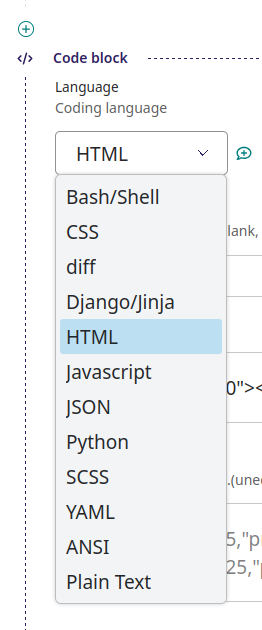
Show line numbers
Check the "Show line numbers" checkbox to show line numbers.
Start number
If you need to specify the starting line number, please enter it here. If this field is blank, start from line number "1".
Title
If you want to display the file name, title, etc., enter it here. If nothing is entered, the title block will not be displayed.
Code
Enter the code text here that you want to apply syntax highlighting to.
Applying text decorations
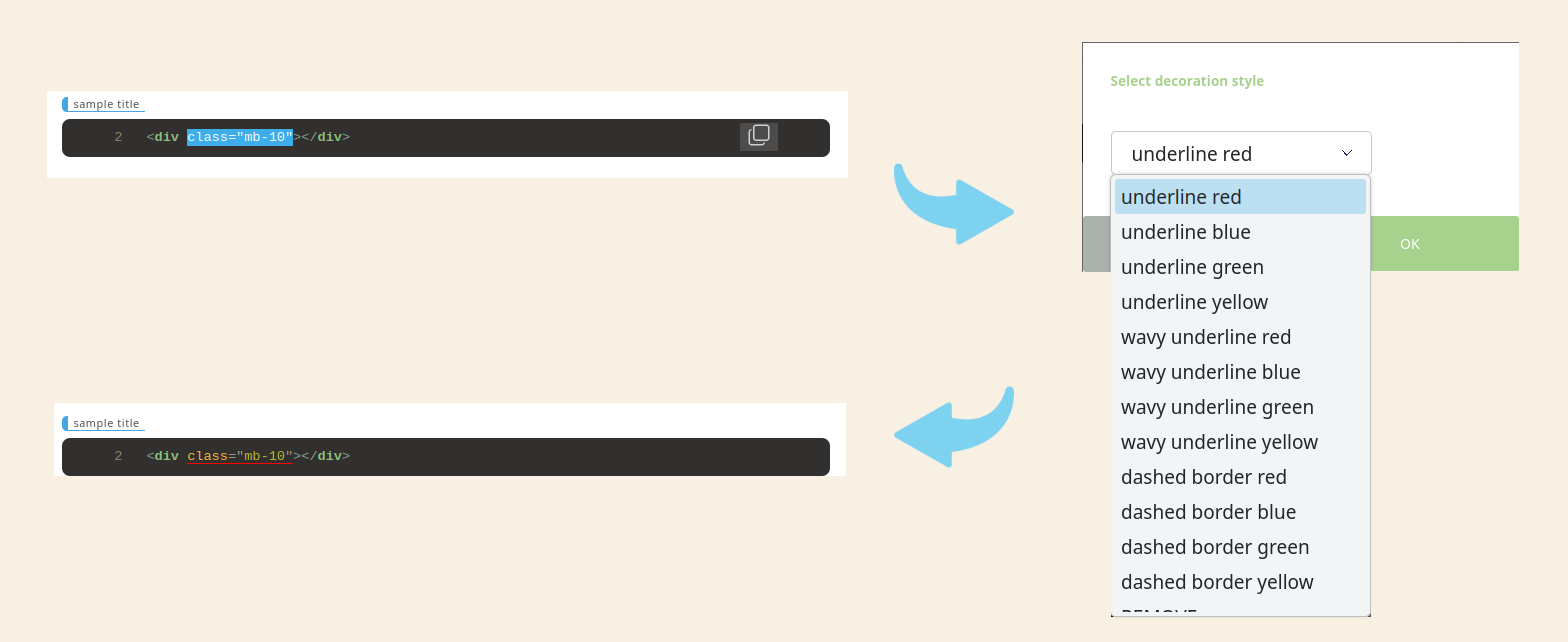
Select the range you want to decorate in the preview box of syntax highlighting, click the right button of the mouse, select decoration (or remove), and press the "OK" button to apply.
Click the "Cancel" button to cancel the operation.
A pop-up menu will be displayed when both the start and end points of the selection are in the same preview box and you right-click inside that preview box.
The menu does not appear if the selection includes the outside of the preview box, or if you right-click outside of the preview box which the range was selected.
Themes Gallery
Project details
Verified details
These details have been verified by PyPIProject links
GitHub Statistics
Maintainers
Release history Release notifications | RSS feed


Download files
Download the file for your platform. If you're not sure which to choose, learn more about installing packages.
Source Distribution
Built Distribution
Filter files by name, interpreter, ABI, and platform.
If you're not sure about the file name format, learn more about wheel file names.
Copy a direct link to the current filters
File details
Details for the file wagtail_shiki-0.9.3rc2.tar.gz.
File metadata
- Download URL: wagtail_shiki-0.9.3rc2.tar.gz
- Upload date:
- Size: 31.1 kB
- Tags: Source
- Uploaded using Trusted Publishing? Yes
- Uploaded via: twine/6.1.0 CPython/3.12.9
File hashes
| Algorithm | Hash digest | |
|---|---|---|
| SHA256 |
ac6729352019a1c5662da4422e52ee78a17f9bfa3f6325ec7cd81c2493fa9f93
|
|
| MD5 |
bbb0449947e7015ce2171f2e2081317a
|
|
| BLAKE2b-256 |
1cba77f3a9c6f8c2c6bcc613f6d77bf3194f2fa0e35037d519436b17680f6e1f
|
Provenance
The following attestation bundles were made for wagtail_shiki-0.9.3rc2.tar.gz:
Publisher:
publish-to-pypi.yml on kawakin26/wagtail-shiki
-
Statement:
-
Statement type:
https://in-toto.io/Statement/v1 -
Predicate type:
https://docs.pypi.org/attestations/publish/v1 -
Subject name:
wagtail_shiki-0.9.3rc2.tar.gz -
Subject digest:
ac6729352019a1c5662da4422e52ee78a17f9bfa3f6325ec7cd81c2493fa9f93 - Sigstore transparency entry: 211788696
- Sigstore integration time:
-
Permalink:
kawakin26/wagtail-shiki@00c02867e2e500cddee675dead6ed0e4f9f5501b -
Branch / Tag:
refs/tags/v0.9.3-rc.2 - Owner: https://github.com/kawakin26
-
Access:
public
-
Token Issuer:
https://token.actions.githubusercontent.com -
Runner Environment:
github-hosted -
Publication workflow:
publish-to-pypi.yml@00c02867e2e500cddee675dead6ed0e4f9f5501b -
Trigger Event:
push
-
Statement type:
File details
Details for the file wagtail_shiki-0.9.3rc2-py3-none-any.whl.
File metadata
- Download URL: wagtail_shiki-0.9.3rc2-py3-none-any.whl
- Upload date:
- Size: 24.7 kB
- Tags: Python 3
- Uploaded using Trusted Publishing? Yes
- Uploaded via: twine/6.1.0 CPython/3.12.9
File hashes
| Algorithm | Hash digest | |
|---|---|---|
| SHA256 |
debcec6da65803de088ccd1a961c8d275f4213434313cf22f92be918426c371e
|
|
| MD5 |
020a41265afdaf476a862195a8f130bb
|
|
| BLAKE2b-256 |
564285703713cd032eb330d49cc297125f5f6e9195f447cd9880d0e08fe1a796
|
Provenance
The following attestation bundles were made for wagtail_shiki-0.9.3rc2-py3-none-any.whl:
Publisher:
publish-to-pypi.yml on kawakin26/wagtail-shiki
-
Statement:
-
Statement type:
https://in-toto.io/Statement/v1 -
Predicate type:
https://docs.pypi.org/attestations/publish/v1 -
Subject name:
wagtail_shiki-0.9.3rc2-py3-none-any.whl -
Subject digest:
debcec6da65803de088ccd1a961c8d275f4213434313cf22f92be918426c371e - Sigstore transparency entry: 211788698
- Sigstore integration time:
-
Permalink:
kawakin26/wagtail-shiki@00c02867e2e500cddee675dead6ed0e4f9f5501b -
Branch / Tag:
refs/tags/v0.9.3-rc.2 - Owner: https://github.com/kawakin26
-
Access:
public
-
Token Issuer:
https://token.actions.githubusercontent.com -
Runner Environment:
github-hosted -
Publication workflow:
publish-to-pypi.yml@00c02867e2e500cddee675dead6ed0e4f9f5501b -
Trigger Event:
push
-
Statement type:






