
wagtail-tw-blocks




Overview
wagtail-tw-blocks is a comprehensive library of production-ready StreamField components and UI elements designed for Wagtail CMS. Built on the foundation of Tailwind CSS and daisyUI, this package enables developers to rapidly deploy modern, accessible, and highly customizable layouts without the overhead of building foundational UI components from scratch.
Core Features
- Design-First Architecture: Leverages Tailwind CSS and daisyUI for clean, responsive, and professional aesthetics.
- Thematic Flexibility: Full support for all daisyUI themes, allowing for effortless brand alignment.
- Extensibility: Architected for easy subclassing and template overriding to meet specific project requirements.
Installation
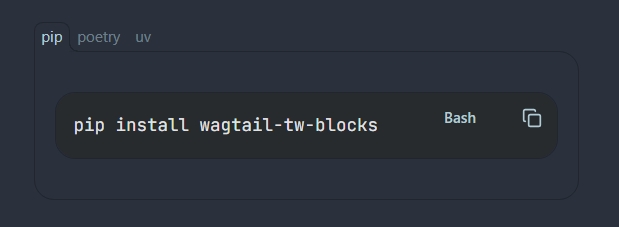
1. Install via Pip
pip install wagtail-tw-blocks
2. Configure Django Settings
Add wagtail_blocks to your INSTALLED_APPS. Ensure it is placed after your core Wagtail configuration to ensure proper template loading.
# settings.py

INSTALLED_APPS = [
    # ...
    "wagtail_blocks",
    # ...
]
Available blocks & components
Blocks
-
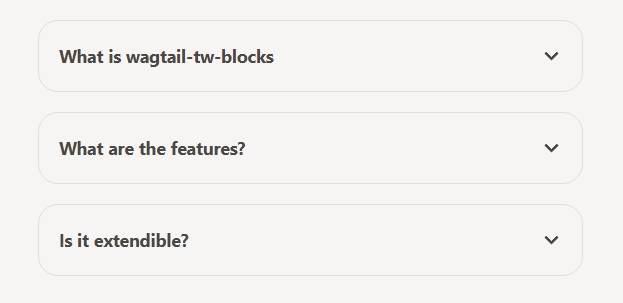
Accordion (Collapse): Interactive, collapsible sections ideal for FAQs and structured data.
-
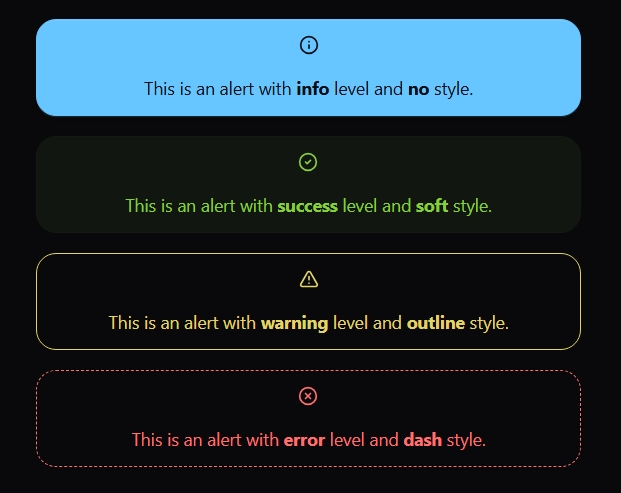
Alert: Visual indicators for status updates, warnings, or informational highlights.
-
Carousel: A responsive content and image slider with intuitive navigation.
-
Code: Syntax-highlighted code blocks with integrated "copy-to-clipboard" functionality. (Note: Requires
highlight.jsandclipboard.js). -
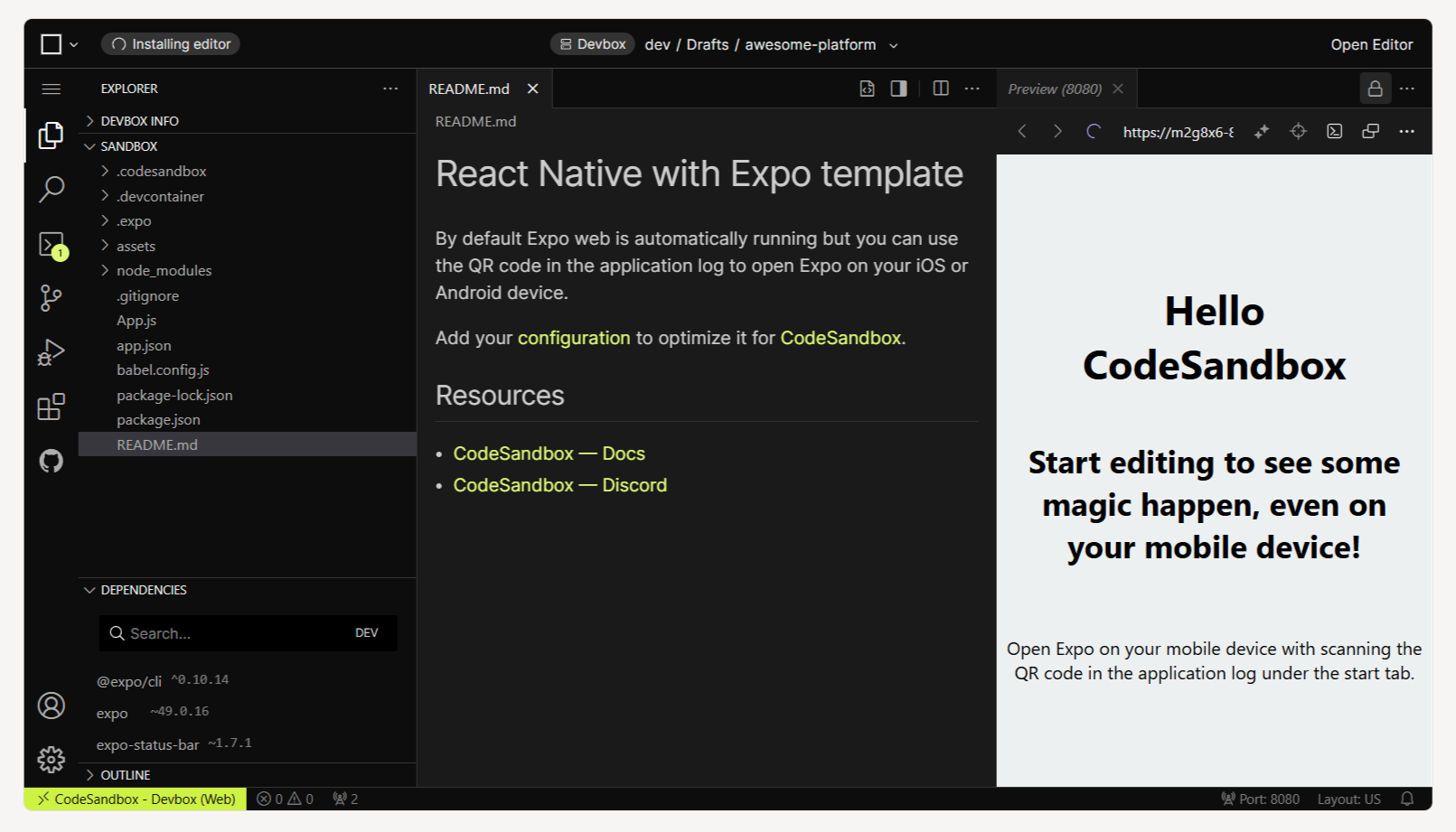
CodeSandbox embed: Embed CodeSandbox instances directly into your pages.
-
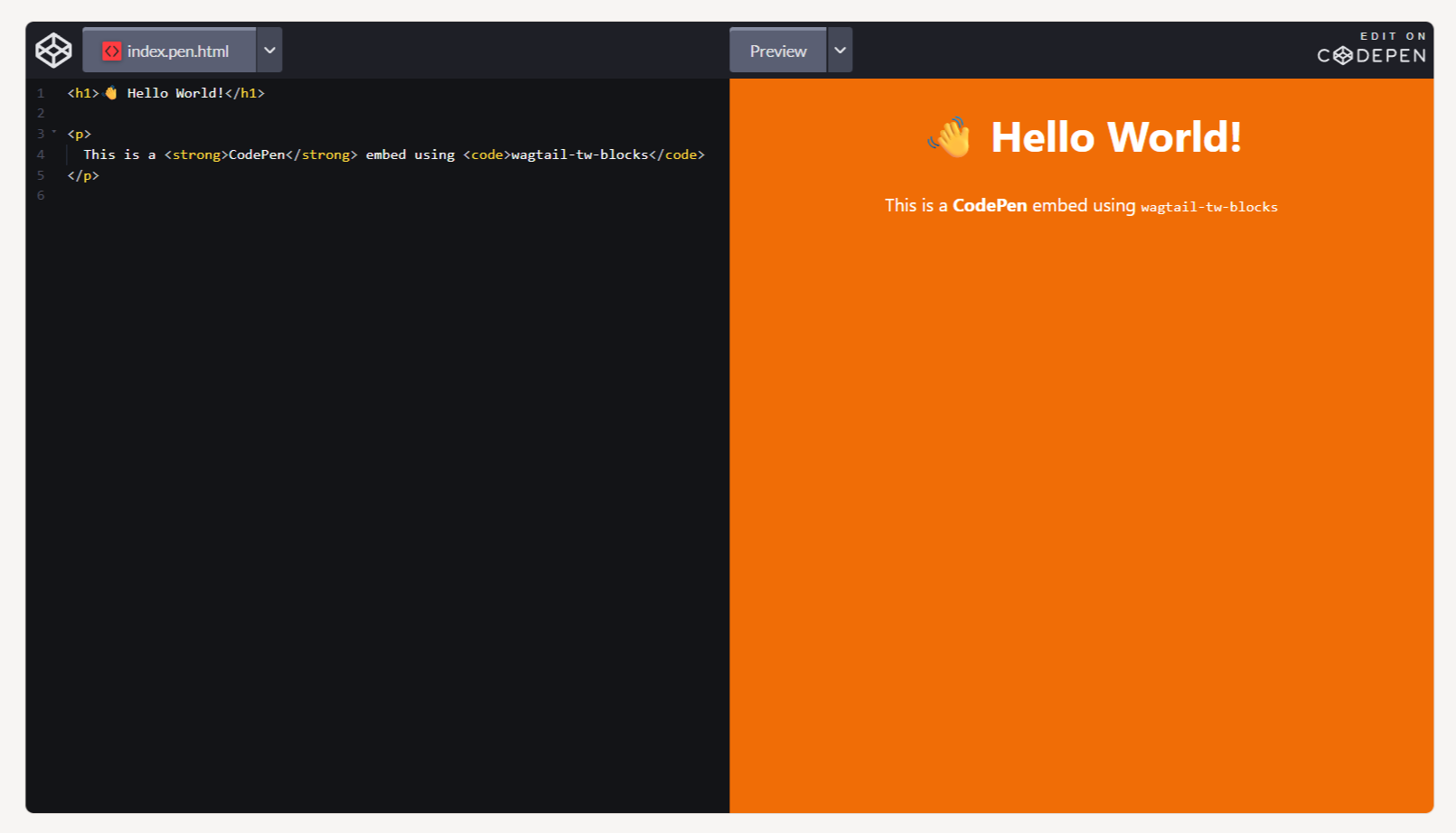
CodePen embed: Provide seamless integration for embedding CodePen instances.
-
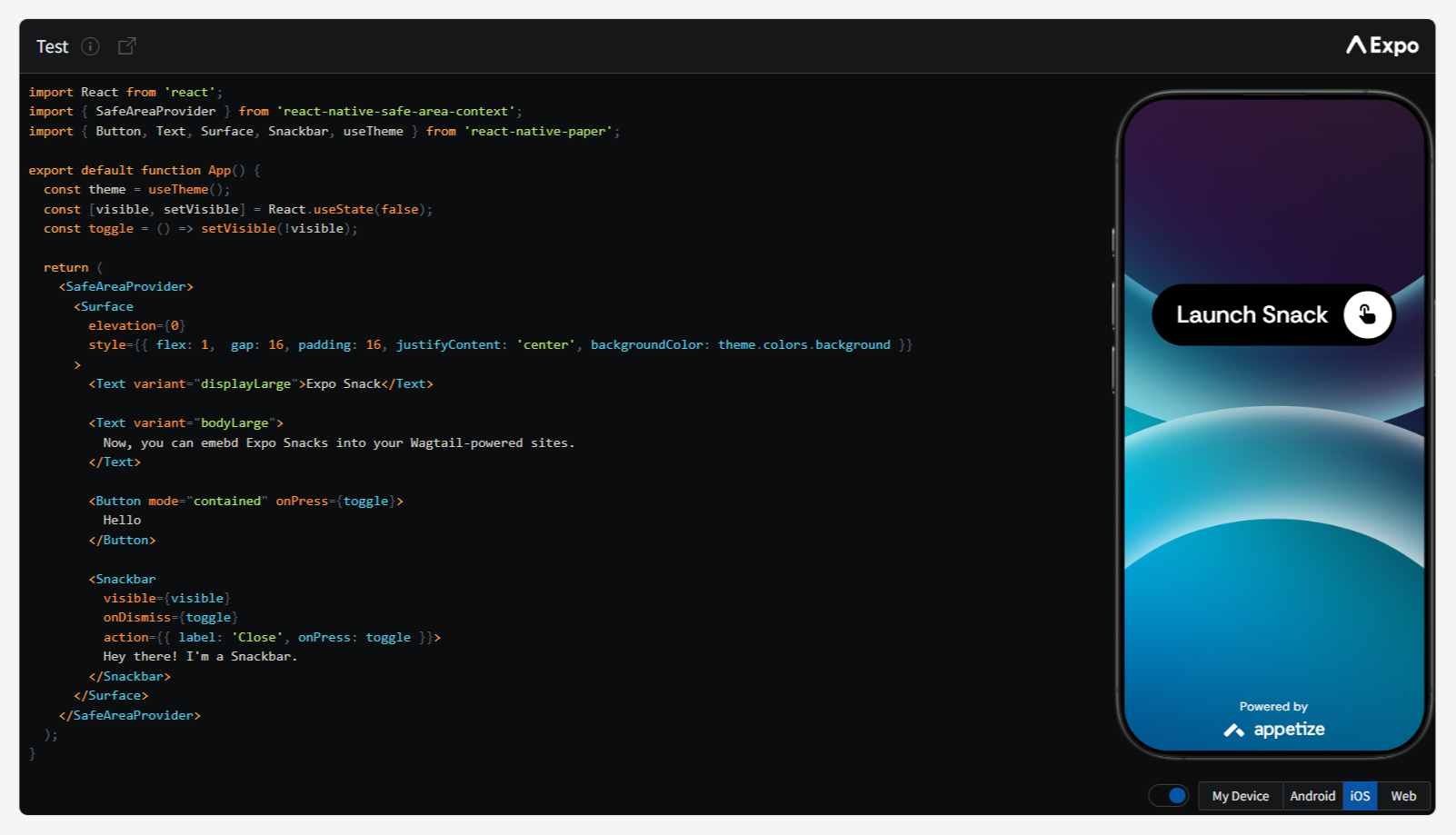
Expo Snack embed: Add live mobile app coding environments directly into your pages.
-
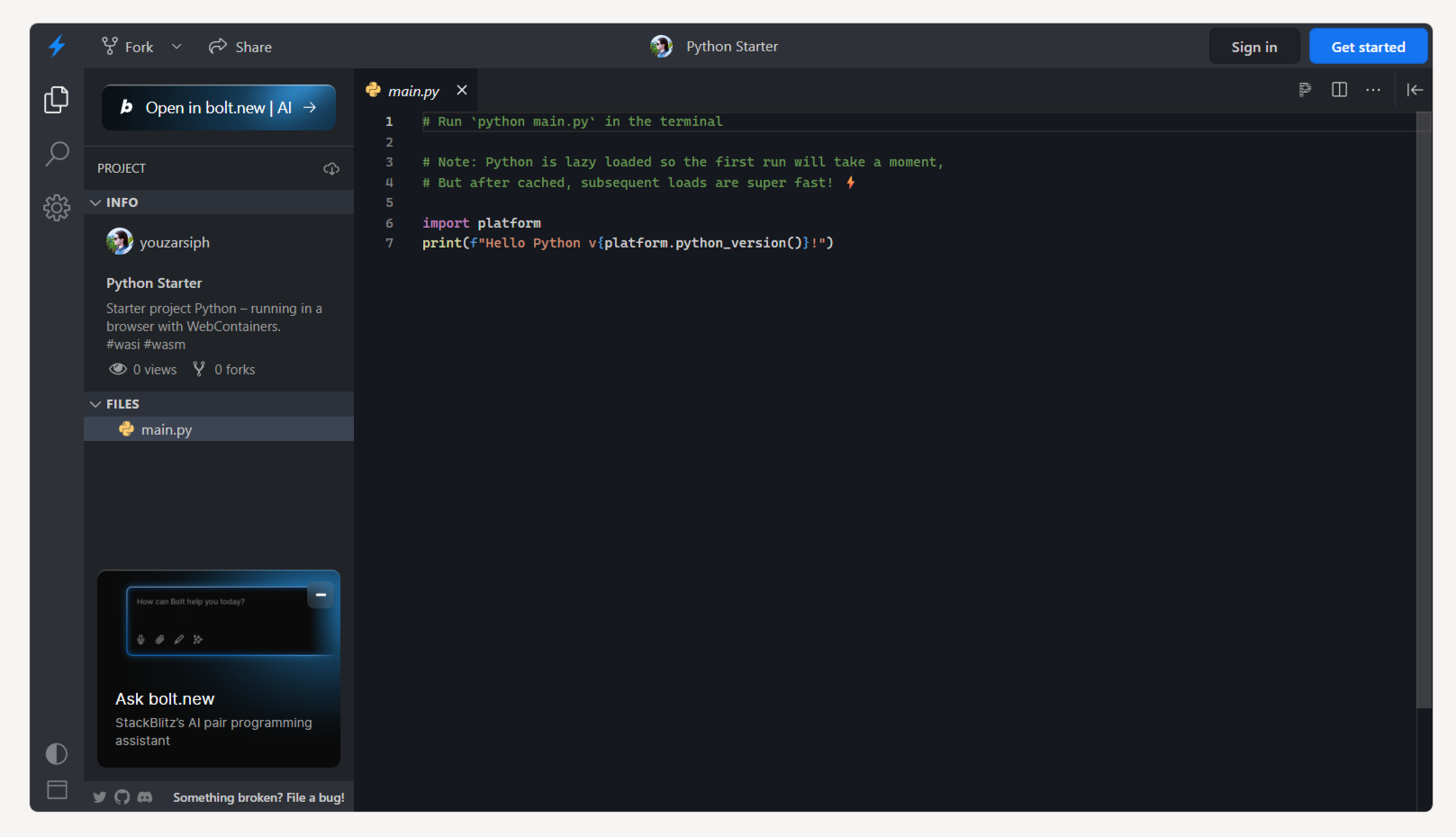
StackBlitz embed: Provide seamless integration for embedding StackBlitz instances.
-
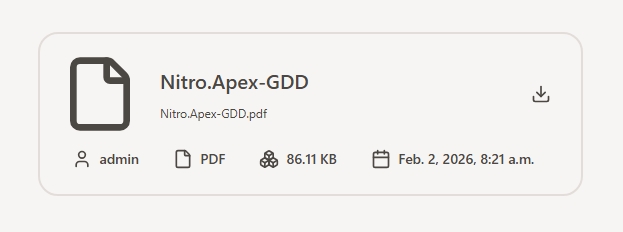
Document: Displays document info inside a card with download button.
-
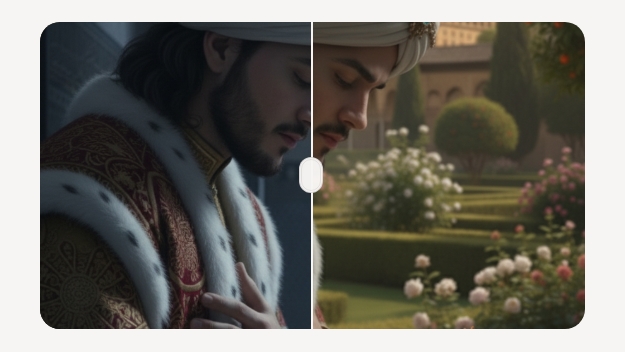
Diff: Side-by-side visual comparison tools for images.
-
Hover Gallery: An immersive image gallery featuring sophisticated hover interactions.
-
Tabs: Efficient organization of content into navigable tabbed interfaces.


Implementation Example
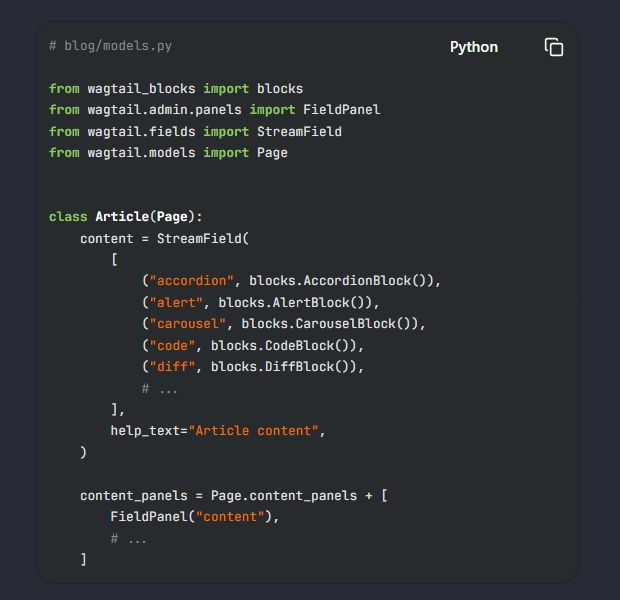
To integrate these blocks into your page models, import the block library into your models.py:
from wagtail_blocks import blocks
from wagtail.fields import StreamField
from wagtail.models import Page

class Article(Page):
    content = StreamField([
        ("accordion", blocks.AccordionBlock()),
        ("alert", blocks.AlertBlock()),
        ("carousel", blocks.CarouselBlock()),
        ("code", blocks.CodeBlock()),
    ])

    content_panels = Page.content_panels + [
        FieldPanel("content"),
    ]
To ensure full functionality (specifically for the Code Block), include the following assets in your base template:
<link rel="stylesheet" href="{% static 'wagtail_blocks/css/styles.css' %}" />
<link
  rel="stylesheet"
  href="https://cdnjs.cloudflare.com/ajax/libs/highlight.js/11.11.1/styles/github.min.css"
/>

<script src="https://unpkg.com/lucide@latest"></script>
<script src="https://cdnjs.cloudflare.com/ajax/libs/highlight.js/11.11.1/highlight.min.js"></script>
<script src="https://cdnjs.cloudflare.com/ajax/libs/clipboard.js/2.0.11/clipboard.min.js"></script>

<script>
  // Initialization
  lucide.createIcons();
  hljs.highlightAll();
  new ClipboardJS(".btn-copy");
</script>
Extending
You can easily extend or customize the provided blocks by sub-classing them. For example, to create a custom alert block with additional styles:
from wagtail_blocks.blocks import AlertBlock

class CustomAlertBlock(AlertBlock):
    class Meta:
        icon = "warning"
        label = "Custom Alert"
        template = "path/to/your/custom_alert_template.html"
Components
Beyond StreamField blocks, this package includes reusable template components to enhance global site functionality.
Breadcrumbs
Automatic breadcrumb generation following the Wagtail page hierarchy.
-
Context: a Wagtail
page. -
Usage:
{% extends 'app/base.html' %} <!----> {% block content %} <section class="container-prose"> {% include 'wagtail/components/breadcrumbs.html' %} <h1>{{ page.title }}</h1> </section> {% endblock %} -
Demo:

Forms
Accessible, daisyUI-styled wrappers for standard Django forms.
-
Context: A Django
form. -
Options:
method: Formmethodattribute (Defaults topost).action: Formactionattribute (Defaults to'').csrf: A boolean that indicates whether to include Django{% csrf_token %}in the form (Defaults toTrue).
-
Usage:
{% extends 'app/base.html' %} <!----> {% block content %} <section class="container-prose"> <h1>New User</h1> {% include 'wagtail/components/form.html' %} <!-- Pass the options using `with` keyword: --> {% include 'wagtail/components/form.html' with method="get" csrf=False %} </section> {% endblock %} -
Demo:

Language switch
Seamless integration with Django/Wagtail i18n for multi-lingual sites.
-
Context:
LANGUAGESfromdjango.template.context_processors.i18nor a Wagtailpage. -
Usage:
{% extends 'app/base.html' %}{% load static %} <!----> {% block content %} <header class="absolute inset-x-0 top-0 z-10 backdrop-blur-3xl"> <nav class="navbar p-4"> <ul class="navbar-start gap-4"> <li class="tooltip tooltip-bottom tooltip-primary" data-tip="Your Brand" > <h1> <a href="https://your.domain.com"> <img alt="Your Brand" class="lg:size-8 2xl:size-10" src="{% static 'path/to/logo.png' %}" /> </a> </h1> </li> </ul> <ul class="navbar-end gap-4"> {% include 'wagtail/components/languages.html' %} </ul> </nav> </header> {% endblock %} -
Demo:

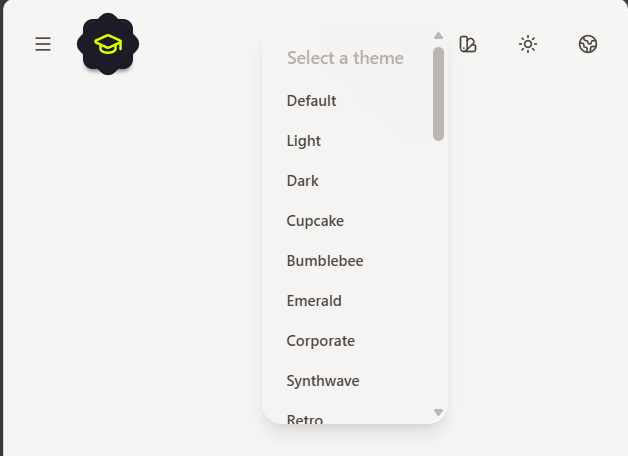
Theme switch
Switch between daisyUI themes with a single click.
-
Usage:
{% extends 'app/base.html' %}{% load static %} <!----> {% block content %} <header class="absolute inset-x-0 top-0 z-10 backdrop-blur-3xl"> <nav class="navbar p-4"> <ul class="navbar-start gap-4"> <li class="tooltip tooltip-bottom tooltip-primary" data-tip="Your Brand" > <h1> <a href="https://your.domain.com"> <img alt="Your Brand" class="lg:size-8 2xl:size-10" src="{% static 'path/to/logo.png' %}" /> </a> </h1> </li> </ul> <ul class="navbar-end gap-4"> {% include 'wagtail/components/themes.html' %} </ul> </nav> </header> {% endblock %} -
Demo:
Messages
Integrated support for the Django messages framework.
-
Context:
messagesfromdjango.contrib.messages.context_processors.messages. -
Usage:
{% extends 'app/base.html' %} <!----> {% block content %} <section class="container-prose"> {% include 'wagtail/components/messages.html' %} <h1>Messages</h1> ... </section> {% endblock %} -
Demo:

Pagination
Professional pagination controls for ListView and QuerySets.
-
Context:
paginator: Django paginator instance.page_obj: Page instance.is_paginated: Boolean that indicates whether the content is paginated or not.object_list: Paginated QuerySet.
-
Usage:
{% extends 'app/base.html' %} <!----> {% block content %} <section class="container-prose"> <h1>Items</h1> <ol> {% for item in object_list %} <li>{{ item }}</li> {% endfor %} </ol> {% include 'wagtail/components/pagination.html' %} </section> {% endblock %} -
Demo:

Prev/Next
Smart pagination between sibling pages, with recursive fallback to parent pages.
-
Context: A Wagtail
page. -
Usage:
{% extends 'app/base.html' %} <!----> {% block content %} <section class="container-prose"> <h1>{{ page.title }}</h1> {% include 'wagtail/components/prev_next.html' %} </section> {% endblock %} -
Demo:

Tree
Recursive, tree-like navigation structures for documentation or complex sitemaps.
-
Context: A Wagtail
page. -
Usage:
{% extends 'app/base.html' %} <!----> {% block content %} <div class="drawer lg:drawer-open"> <input id="drawer" type="checkbox" class="drawer-toggle" /> <section class="drawer-content"> <main class="container-prose"> <h1>{{ page.title }}</h1> <label for="drawer" aria-label="open drawer" class="btn btn-sm btn-primary lg:btn-md 2xl:btn-lg" > <i data-lucide="menu" class="size-4 lg:size-6"></i> Menu </label> ... </main> </section> <section class="drawer-side z-50"> <label for="drawer" aria-label="close drawer" class="drawer-overlay" ></label> <div class="relative flex size-full flex-col overflow-hidden lg:min-w-sm lg:max-w-sm 2xl:min-w-md 2xl:max-w-md" > <header class="absolute inset-x-0 top-0 z-10 p-4 backdrop-blur-3xl lg:p-6" > <div class="flex items-center justify-between gap-4"> <h1>Docs</h1> <div class="tooltip tooltip-left rtl:tooltip-right lg:hidden" data-tip="Close" > <label for="sidebar" aria-label="close sidebar" class="btn btn-sm btn-square btn-ghost lg:btn-md 2xl:btn-lg" > <i data-lucide="x" class="size-4 lg:size-6"></i> <span class="sr-only">Close</span> </label> </div> </div> </header> <div class="max-h-dvh overflow-y-auto py-16 lg:py-20"> <ul class="menu menu-sm w-full grow lg:menu-md 2xl:menu-lg"> {% include 'wagtail/components/tree.html' %} </ul> </div> </div> </section> </div> {% endblock %} -
Demo:

Contributing
We value community involvement. If you wish to contribute, please review our CONTRIBUTING.md for coding standards and setup procedures. For significant architectural changes, please open an issue first to discuss your proposed implementation.
Technical Support
- Bug Reports & Feature Requests: Please utilize the GitHub Issues tracker.
- General Inquiry: Join the community in GitHub Discussions.
License
This project is open-source software licensed under the MIT License. See the LICENSE file for further details.
1 maintainer

Download files
Download the file for your platform. If you're not sure which to choose, learn more about installing packages.
Source Distribution
Built Distribution
Filter files by name, interpreter, ABI, and platform.
If you're not sure about the file name format, learn more about wheel file names.
Copy a direct link to the current filters
File details
Details for the file wagtail_tw_blocks-1.2.0.tar.gz.
File metadata
- Download URL: wagtail_tw_blocks-1.2.0.tar.gz
- Upload date:
- Size: 64.3 kB
- Tags: Source
- Uploaded using Trusted Publishing? No
- Uploaded via:
poetry/2.4.1 CPython/3.12.3 Linux/6.17.0-1018-azure
File hashes
| Algorithm | Hash digest | |
|---|---|---|
| SHA256 |
98409a0d3f5abc90de989f65f716ef0be1f3d6d614af968d35df5156137f67ab
|
|
| MD5 |
2419e878f56f8c8c39ecb0a3a17cb28e
|
|
| BLAKE2b-256 |
cb8505decb73f3eb8921879cb6901a3223302a166c63a664364e66056cb42a9b
|
File details
Details for the file wagtail_tw_blocks-1.2.0-py3-none-any.whl.
File metadata
- Download URL: wagtail_tw_blocks-1.2.0-py3-none-any.whl
- Upload date:
- Size: 78.3 kB
- Tags: Python 3
- Uploaded using Trusted Publishing? No
- Uploaded via:
poetry/2.4.1 CPython/3.12.3 Linux/6.17.0-1018-azure
File hashes
| Algorithm | Hash digest | |
|---|---|---|
| SHA256 |
17912a64f360406d2d3c3c6d744f756e3a4dd528fa64c4e3964a3e8687650433
|
|
| MD5 |
047fa03e29a69b4046536ea2219fe216
|
|
| BLAKE2b-256 |
5c9b32d5b497d0ddababd3fef605ede7928b3521908f64d5c78776acd1c4d96e
|







