
This release is a pre-release and may not be stable for production use.

Weights and Biases 



Use W&B to build better models faster. Track and visualize all the pieces of your machine learning pipeline, from datasets to production models.
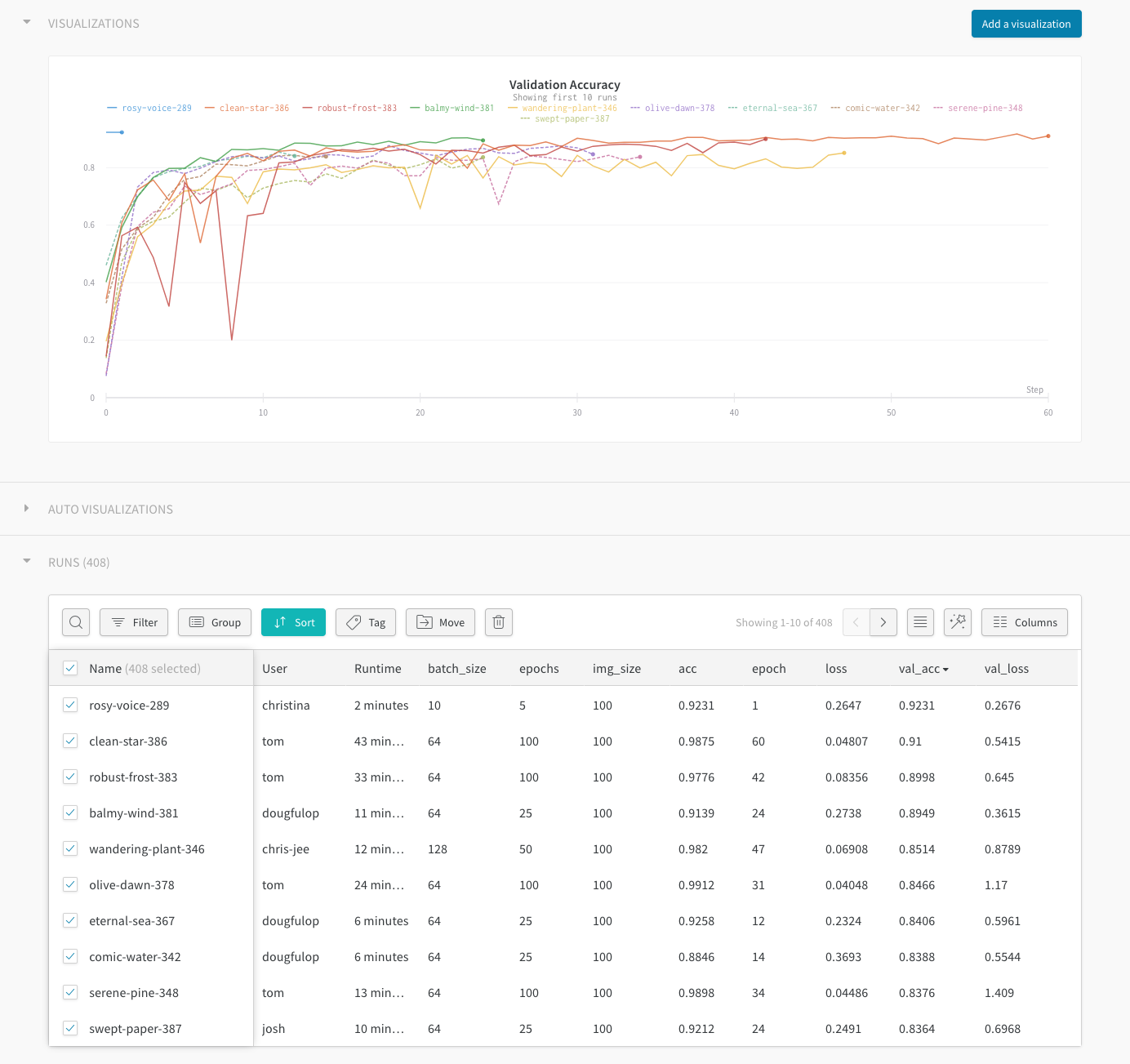
- Quickly identify model regressions. Use W&B to visualize results in real time, all in a central dashboard.
- Focus on the interesting ML. Spend less time manually tracking results in spreadsheets and text files.
- Capture dataset versions with W&B Artifacts to identify how changing data affects your resulting models.
- Reproduce any model, with saved code, hyperparameters, launch commands, input data, and resulting model weights.
Features
- Store hyper-parameters used in a training run
- Search, compare, and visualize training runs
- Analyze system usage metrics alongside runs
- Collaborate with team members
- Replicate historic results
- Run parameter sweeps
- Keep records of experiments available forever
Quickstart
pip install wandb
In your training script:
import wandb

# Your custom arguments defined here
args = ...

wandb.init(config=args, project="my-project")
wandb.config["more"] = "custom"


def training_loop():
    while True:
        # Do some machine learning
        epoch, loss, val_loss = ...
        # Framework agnostic / custom metrics
        wandb.log({"epoch": epoch, "loss": loss, "val_loss": val_loss})
If you're already using Tensorboard or TensorboardX, you can integrate with one line:
wandb.init(sync_tensorboard=True)
Running your script
Run wandb login from your terminal to signup or authenticate your machine (we store your api key in ~/.netrc). You can also set the WANDB_API_KEY environment variable with a key from your settings.
Run your script with python my_script.py and all metadata will be synced to the cloud. You will see a url in your terminal logs when your script starts and finishes. Data is staged locally in a directory named wandb relative to your script. If you want to test your script without syncing to the cloud you can set the environment variable WANDB_MODE=dryrun.
If you are using docker to run your code, we provide a wrapper command wandb docker that mounts your current directory, sets environment variables, and ensures the wandb library is installed. Training your models in docker gives you the ability to restore the exact code and environment with the wandb restore command.
Web Interface
Sign up for a free account →
Detailed Usage
Framework specific and detailed usage can be found in our documentation.
Testing
To run basic test use make test. More detailed information can be found at CONTRIBUTING.md.
We use circleci for CI.
Academic Researchers
If you'd like a free academic account for your research group, reach out to us →
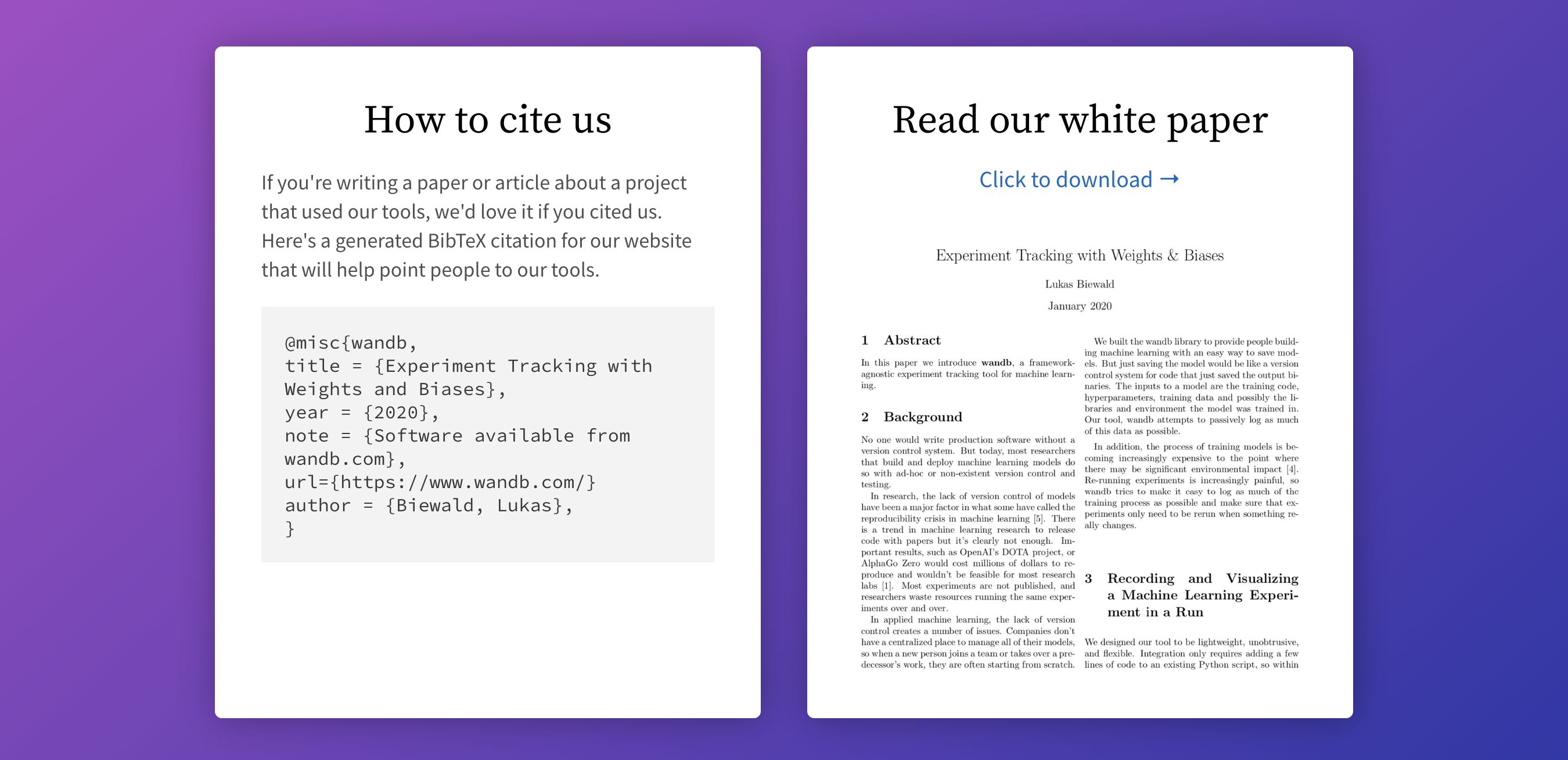
We make it easy to cite W&B in your published paper. Learn more →
Community
Got questions, feedback or want to join a community of ML engineers working on exciting projects?


1 maintainer

Metadata
1 maintainer
Release files for wandb-zc 0.17.7.dev1
For a detailed explanation of source distributions (sdists) and built distributions (wheels), please see the package formats documentation.
Built distribution (wheel)
| File | Interpreter | ABI | Platform | Actions Reset |
|---|---|---|---|---|
| wandb_zc-0.17.7.dev1-py3-none-manylinux_2_5_x86_64.whl | Python 3 | none | Linux glibc 2.5+ x86-64 | Details for wandb_zc-0.17.7.dev1-py3-none-manylinux_2_5_x86_64.whl |
Release files / wandb_zc-0.17.7.dev1-py3-none-manylinux_2_5_x86_64.whl
| Download URL | wandb_zc-0.17.7.dev1-py3-none-manylinux_2_5_x86_64.whl |
|---|---|
| Size | 7.0 MB |
| Tags | Linux glibc 2.5+ x86-64 Python 3 |
|
SHA-256 checksum How to use checksums |
1d9f622f69bebb2ce32146ba7fe8b820f00936c1647cb69a9f54ad7b5e558faa
|
|
BLAKE2b-256 checksum How to use checksums |
1789d1947527ffad1cf1f10da524e9f6f4d5ef567e6fc1088f82db0f2e6c4127
|
| Upload date | |
|
Uploaded using Trusted Publishing? What is trusted publishing? |
No |
| Uploaded via |
twine/5.1.1 CPython/3.8.18
|
Security for wandb-zc 0.17.7.dev1
Provenance
Provenance describes where a file came from. On PyPI, provenance is shared via attestations, which provide a verifiable record of the build or publishing details. View details, limitations and caveats.
No provenance found
None of the files in this release were uploaded with provenance metadata.
A note on package security
PyPI is a repository for distributing packages, not a service for auditing them. While third-party security researchers and our staff do their best to detect and remove malicious packages, PyPI cannot guarantee the quality, security or suitability of any given package.
To learn more about protecting yourself from malicious actors, visit our package security documentation.













