
A CLI and library for interacting with the Weights and Biases API.


Project description

Weights and Biases 



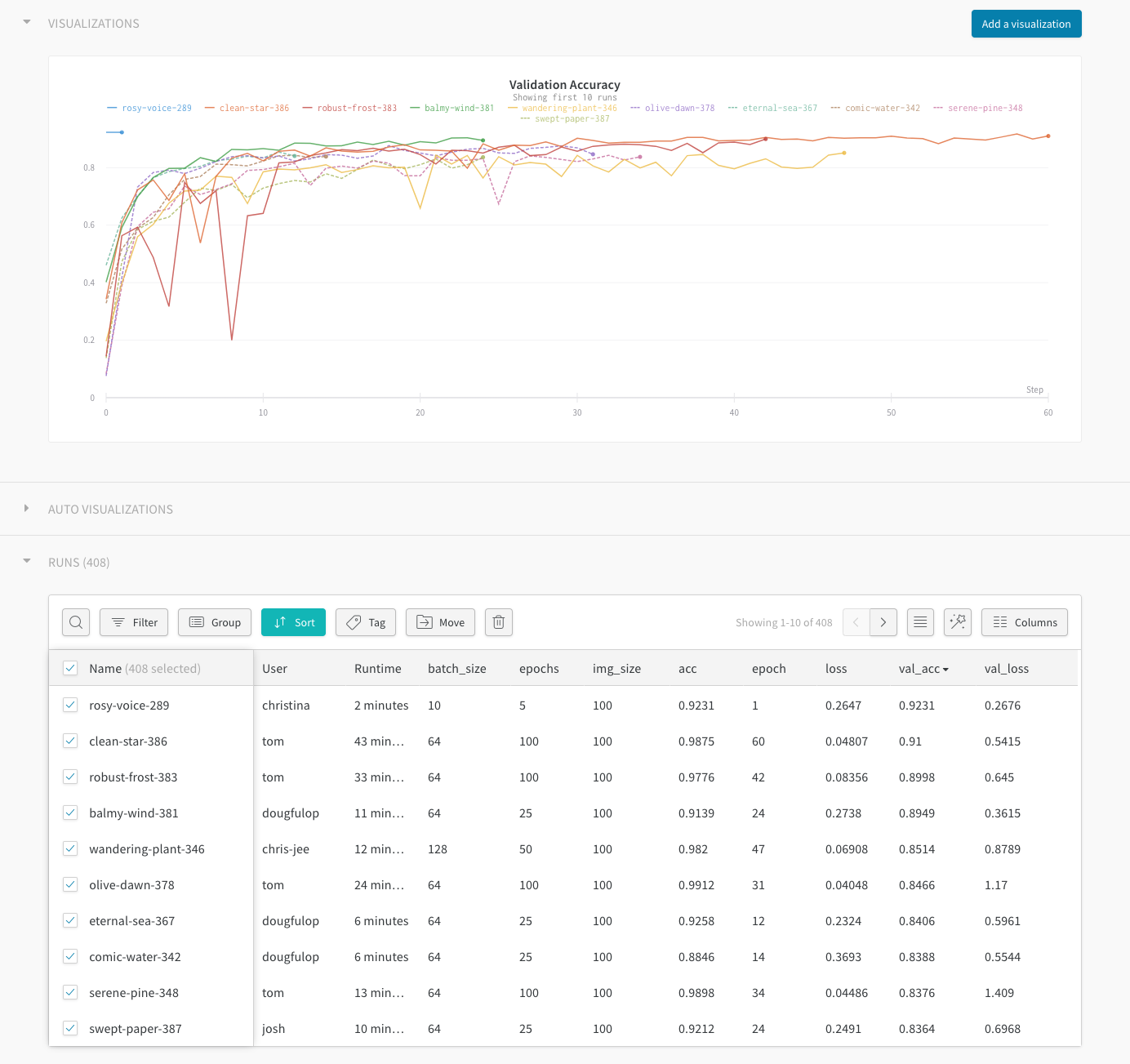
Use W&B to build better models faster. Track and visualize all the pieces of your machine learning pipeline, from datasets to production models.
- Quickly identify model regressions. Use W&B to visualize results in real time, all in a central dashboard.
- Focus on the interesting ML. Spend less time manually tracking results in spreadsheets and text files.
- Capture dataset versions with W&B Artifacts to identify how changing data affects your resulting models.
- Reproduce any model, with saved code, hyperparameters, launch commands, input data, and resulting model weights.
Features
- Store hyper-parameters used in a training run
- Search, compare, and visualize training runs
- Analyze system usage metrics alongside runs
- Collaborate with team members
- Replicate historic results
- Run parameter sweeps
- Keep records of experiments available forever
Quickstart
pip install wandb
In your training script:
import wandb

# Your custom arguments defined here
args = ...

wandb.init(config=args, project="my-project")
wandb.config["more"] = "custom"


def training_loop():
    while True:
        # Do some machine learning
        epoch, loss, val_loss = ...
        # Framework agnostic / custom metrics
        wandb.log({"epoch": epoch, "loss": loss, "val_loss": val_loss})
If you're already using Tensorboard or TensorboardX, you can integrate with one line:
wandb.init(sync_tensorboard=True)
Running your script
Run wandb login from your terminal to signup or authenticate your machine (we store your api key in ~/.netrc). You can also set the WANDB_API_KEY environment variable with a key from your settings.
Run your script with python my_script.py and all metadata will be synced to the cloud. You will see a url in your terminal logs when your script starts and finishes. Data is staged locally in a directory named wandb relative to your script. If you want to test your script without syncing to the cloud you can set the environment variable WANDB_MODE=dryrun.
If you are using docker to run your code, we provide a wrapper command wandb docker that mounts your current directory, sets environment variables, and ensures the wandb library is installed. Training your models in docker gives you the ability to restore the exact code and environment with the wandb restore command.
Web Interface
Sign up for a free account →
Detailed Usage
Framework specific and detailed usage can be found in our documentation.
Testing
To run basic test use make test. More detailed information can be found at CONTRIBUTING.md.
We use circleci for CI.
Academic Researchers
If you'd like a free academic account for your research group, reach out to us →
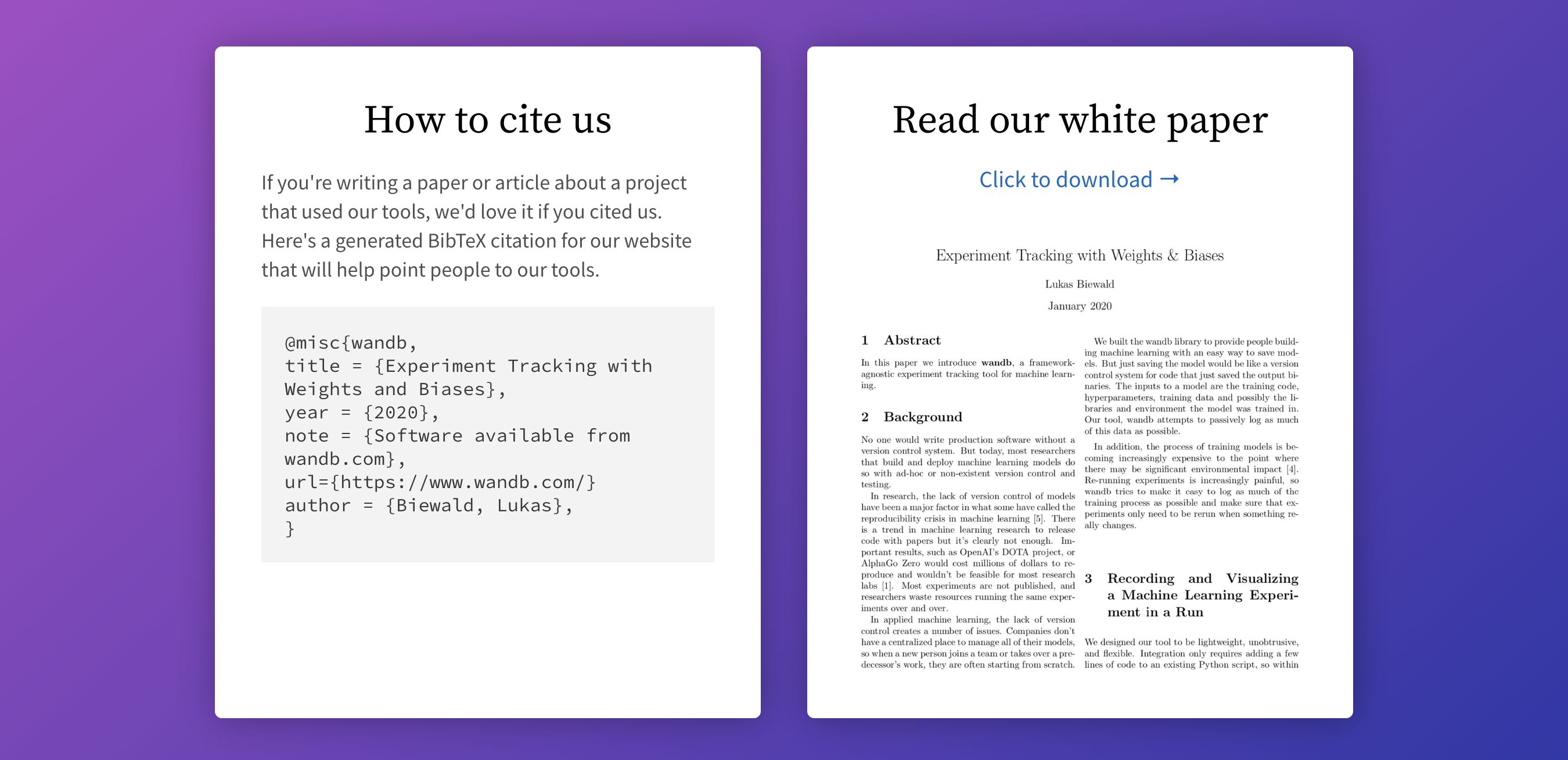
We make it easy to cite W&B in your published paper. Learn more →
Community
Got questions, feedback or want to join a community of ML engineers working on exciting projects?


Release history Release notifications | RSS feed


Download files
Download the file for your platform. If you're not sure which to choose, learn more about installing packages.
Source Distribution
Built Distribution
Filter files by name, interpreter, ABI, and platform.
If you're not sure about the file name format, learn more about wheel file names.
Copy a direct link to the current filters
File details
Details for the file wandb-0.13.2.tar.gz.
File metadata
- Download URL: wandb-0.13.2.tar.gz
- Upload date:
- Size: 1.5 MB
- Tags: Source
- Uploaded using Trusted Publishing? No
- Uploaded via: twine/4.0.1 CPython/3.8.13
File hashes
| Algorithm | Hash digest | |
|---|---|---|
| SHA256 |
38a0a4cb7b37648ca5b676f9962f49d75fecc735fd2c41d26bd184060396f2d4
|
|
| MD5 |
9f18d7cf48cc3e18f72f8020c217cef2
|
|
| BLAKE2b-256 |
e07ac1f9ac72c9791da5b3506c2c30fc06df1e2c6c2a29fd87c8cdd76fe66025
|
File details
Details for the file wandb-0.13.2-py2.py3-none-any.whl.
File metadata
- Download URL: wandb-0.13.2-py2.py3-none-any.whl
- Upload date:
- Size: 1.8 MB
- Tags: Python 2, Python 3
- Uploaded using Trusted Publishing? No
- Uploaded via: twine/4.0.1 CPython/3.8.13
File hashes
| Algorithm | Hash digest | |
|---|---|---|
| SHA256 |
3fc8b368859c7bd3105edcd3be33b5934d6ee6e516caa0ba6b1c5028c8a836c4
|
|
| MD5 |
1794ee0596c090992d499ae8f55402a2
|
|
| BLAKE2b-256 |
d24c30b93be640c67a5cab1a1180a8b74bdf4e81e272a3049cd84bd98c2cf45b
|






