
Warnaza
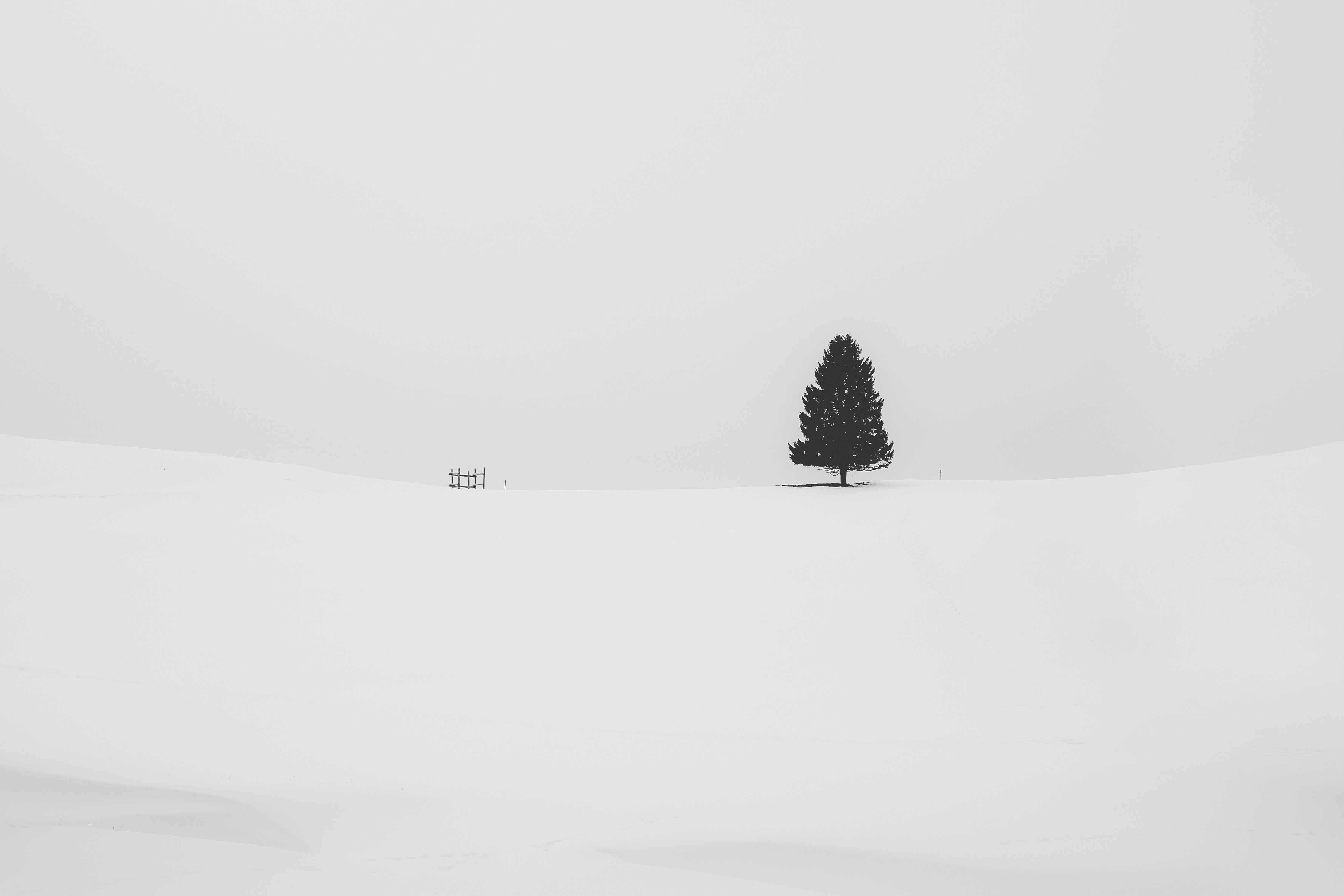
Pure pixel color extraction from wallpaper. No synthesis, no centroid, no generation, only colors that literally exist in your image.
Preview
 |
 |
 |
 |
 |
 |
 |
 |
 |
 |
 |
 |
 |
 |
 |
 |
What it does
Warnaza reads your wallpaper, counts every pixel, and extracts 32 colors sorted from darkest to lightest — split across three zones: dark, mid, and light. It then exports them as CSS variables, shell variables, and JSON so you can use them anywhere in your rice.
What it is not: Warnaza does not generate new colors. It does not run k-means. It does not synthesize a palette. Every color in the output was already in your wallpaper.
Installation
pip install Pillow
That's the only dependency. Everything else is Python stdlib.
Usage
# Basic — extract and export
python warnaza.py wallpaper.jpg

# Full mode — extract + apply templates + deploy + post script
python warnaza.py wallpaper.jpg --full

# Generate only — skip ricing
python warnaza.py wallpaper.jpg --generate-only

# Force dark or light mode
python warnaza.py wallpaper.jpg --mode dark

# Generate preview PNG
python warnaza.py wallpaper.jpg --preview

# Force re-extraction, ignore cache
python warnaza.py wallpaper.jpg --no-cache
Output
| File | Location | Description |
|---|---|---|
*_warnaza.json |
~/.config/warnaza/output/ |
Full palette with all metadata |
*_warnaza.css |
~/.config/warnaza/output/ |
CSS custom properties |
*_warnaza.sh |
~/.config/warnaza/output/ |
Shell variables, sourceable |
*_warnaza_preview.png |
~/.config/warnaza/sample/ |
Visual swatch |
| Applied templates | ~/.cache/warnaza/ |
Results of template processing |
Color naming
32 colors, always. Sorted dark → light, split into three zones:
dark0  dark1  dark2  ...  dark10    (11 colors — darkest to zone boundary)
mid0   mid1   mid2   ...  mid10     (11 colors — mid tones)
light0 light1 light2 ...  light9    (10 colors — zone boundary to lightest)
dark0 is always the darkest color. light9 is always the lightest.
In CSS:
background: var(--warnaza-dark0);
color: var(--warnaza-light9);
border: 1px solid var(--warnaza-mid5);
In shell:
source ~/.config/warnaza/output/wallpaper_warnaza.sh

echo $WARNAZA_DARK0          # #0a0a0f
echo $WARNAZA_MID5_HYPR      # rgba(b4503cff)
echo $WARNAZA_LIGHT9_RGB     # 255,248,220
echo $WARNAZA_MODE           # dark
In JSON:
{
  "dark0": { "hex": "#0a0a0f", "rgb": "10,10,15", "hypr": "rgba(0a0a0fff)", "luminance": 0.3 },
  "mid5":  { "hex": "#b4503c", ... },
  "light9": { ... }
}
Templates
Warnaza uses a simple {{placeholder}} system — same as m3wal.
Place your .template files in ~/.config/warnaza/templates/. Warnaza will process them in parallel and output results to ~/.cache/warnaza/.
Available placeholders:
| Placeholder | Example output |
|---|---|
{{dark0}} |
#0a0a0f |
{{dark0_rgb}} |
10,10,15 |
{{dark0_hypr}} |
rgba(0a0a0fff) |
{{dark0}} ... {{mid5}} ... {{light9}} |
same formats |
{{warnaza_mode}} |
dark or light |
{{wallpaper_path}} |
/home/user/walls/forest.jpg |
Example — Kitty colors:
# ~/.config/warnaza/templates/kitty-colors.conf.template

background  {{dark0}}
foreground  {{light9}}
cursor      {{mid5}}
color0      {{dark0}}
color15     {{light9}}
Output goes to ~/.cache/warnaza/kitty-colors.conf.
Deploy
After templates are processed, Warnaza can copy the results to their final destinations using ~/.config/warnaza/deploy.json:
{
  "deployments": [
    {
      "source": "kitty-colors.conf",
      "destination": "~/.config/kitty/colors.conf"
    },
    {
      "source": "alacritty-colors.toml",
      "destination": "~/.config/alacritty/colors.toml"
    }
  ]
}
source is relative to ~/.cache/warnaza/. destination is the final path on your system.
Post script & hooks
Post script — runs once after everything is done:
# ~/.config/warnaza/warnaza-post.sh
source ~/.config/warnaza/output/$(basename $WARNAZA_WALLPAPER .jpg)_warnaza.sh
pkill -SIGUSR1 kitty
hyprctl reload
Hook scripts — run with all colors as env vars. Enable in config:
[Hook.Scripts]
enabled = true
scripts = reload-hypr.sh, restart-waybar.sh
Place scripts in ~/.config/warnaza/hooks/. Every color is available as an env var:
# Inside your hook script
echo $WARNAZA_DARK0
echo $WARNAZA_MID5_HYPR
echo $WARNAZA_LIGHT9_RGB
echo $WARNAZA_MODE        # dark / light
echo $WARNAZA_WALLPAPER   # full path to wallpaper
Config
Located at ~/.config/warnaza/warnaza.conf — created automatically on first run.
[General]
operation_mode     = full    # full / generate
mode               = auto    # auto / dark / light
brightness_threshold = 128   # 0–255, used for auto mode detection

[Extraction]
bin_size  = 4     # pixel rounding accuracy (2/4/8/16)
delta_min = 5.0   # minimum luminance difference between adjacent palette colors

[Features]
generate_preview = true
set_wallpaper    = true
apply_xresources = true
run_post_script  = true
create_symlink   = true
deploy_configs   = true

[Hooks]
scripts_dir = ~/.config/warnaza/hooks

[Hook.Scripts]
enabled = false
scripts =

[PostScript]
script_path = warnaza-post.sh
Config notes
bin_size — how aggressively pixels are rounded before counting. Lower = more accurate to the original wallpaper, slightly slower. 4 is the recommended default.
delta_min — minimum perceptual luminance gap between adjacent colors in the same zone. Prevents the palette from being filled with near-identical shades. Set lower if you want more similar tones, higher for more contrast.
mode = auto — Warnaza measures average brightness of the wallpaper and picks dark or light based on brightness_threshold. This value is stored in WARNAZA_MODE and {{warnaza_mode}} for use in templates and scripts (e.g. switching GTK theme or gsettings).
Cache
Warnaza caches the extracted palette as JSON in ~/.config/warnaza/output/. On subsequent runs with the same wallpaper filename, it skips extraction and loads from cache — templates and ricing still run.
Use --no-cache to force a fresh extraction.
File structure
~/.config/warnaza/
├── warnaza.conf          ← main config
├── deploy.json           ← deploy mappings
├── warnaza-post.sh       ← post script (create this yourself)
├── current_wallpaper     ← symlink to last used wallpaper
├── templates/            ← your .template files
│   ├── kitty-colors.conf.template
│   └── alacritty-colors.toml.template
├── output/               ← JSON, CSS, SH exports
└── sample/               ← preview PNGs

~/.cache/warnaza/         ← processed template results
How it works
- Resize wallpaper to 200×200 (speed)
- Round each pixel's RGB to nearest multiple of
bin_size - Count frequency of every unique color
- Split into 3 luminance zones (dark / mid / light) using CIELAB L*
- From each zone, pick the most frequent colors — skipping any that are too similar to the previous pick (
delta_min) - Sort final 32 colors dark → light by L*
- Export and apply
No k-means. No centroid. No synthesis. If a color is in the output, it was in your wallpaper.
1 maintainer

Metadata
1 maintainer
Release files for warnaza 1.0.1
For a detailed explanation of source distributions (sdists) and built distributions (wheels), please see the package formats documentation.
Source distribution (sdist)
| File | Size | Uploaded | |
|---|---|---|---|
| warnaza-1.0.1.tar.gz | 38.3 kB | Details |
Built distribution (wheel)
| File | Interpreter | ABI | Platform | Reset |
|---|---|---|---|---|
| warnaza-1.0.1-py3-none-any.whl | Python 3 | none | any | Details |
Total release size: 88.7 kB
Release files / warnaza-1.0.1.tar.gz
| Download URL | warnaza-1.0.1.tar.gz |
|---|---|
| Size | 38.3 kB |
| Tags | Source |
|
SHA-256 checksum How to use checksums |
67c925e648efa0c4185cc4987cd6d74836a4428281ec3667d23c4f824e478f9c
|
|
BLAKE2b-256 checksum How to use checksums |
2937b5bd51ca0cb957896eca83af783eb6d280f30aff97f8ca2b1f41a0749e0f
|
| Upload date | |
|
Uploaded using Trusted Publishing? What is trusted publishing? |
No |
| Uploaded via |
twine/7.0.0 CPython/3.14.6
|
Release files / warnaza-1.0.1-py3-none-any.whl
| Download URL | warnaza-1.0.1-py3-none-any.whl |
|---|---|
| Size | 50.4 kB |
| Tags | Python 3 |
|
SHA-256 checksum How to use checksums |
9ba9315a3a03e50ed8ed2c3f367e598e58ea2c1026148358f702ac711f420b91
|
|
BLAKE2b-256 checksum How to use checksums |
b88b012f900b8ae57833e6ce326fd57bb6711884ab8eb30cc730d1a9d8073415
|
| Upload date | |
|
Uploaded using Trusted Publishing? What is trusted publishing? |
No |
| Uploaded via |
twine/7.0.0 CPython/3.14.6
|














