
warp_beacon 


because content should travel freely
Telegram bot that expands media links from external social networks. Works with links sent in private messages or group chats.
Just send a media link to the bot, and it will reply with a video or audio file.
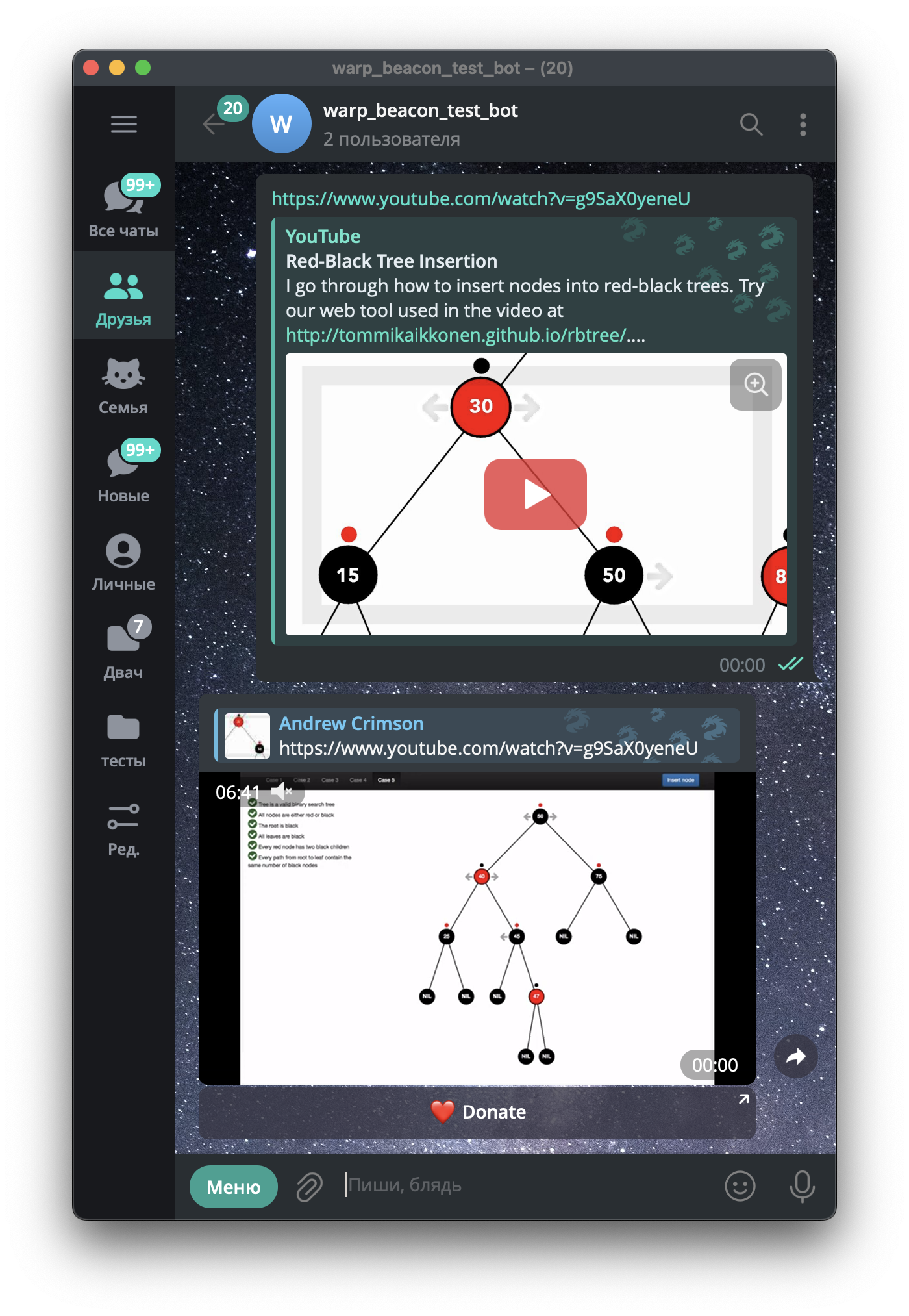 Yotube Video usage example Yotube Video usage example |
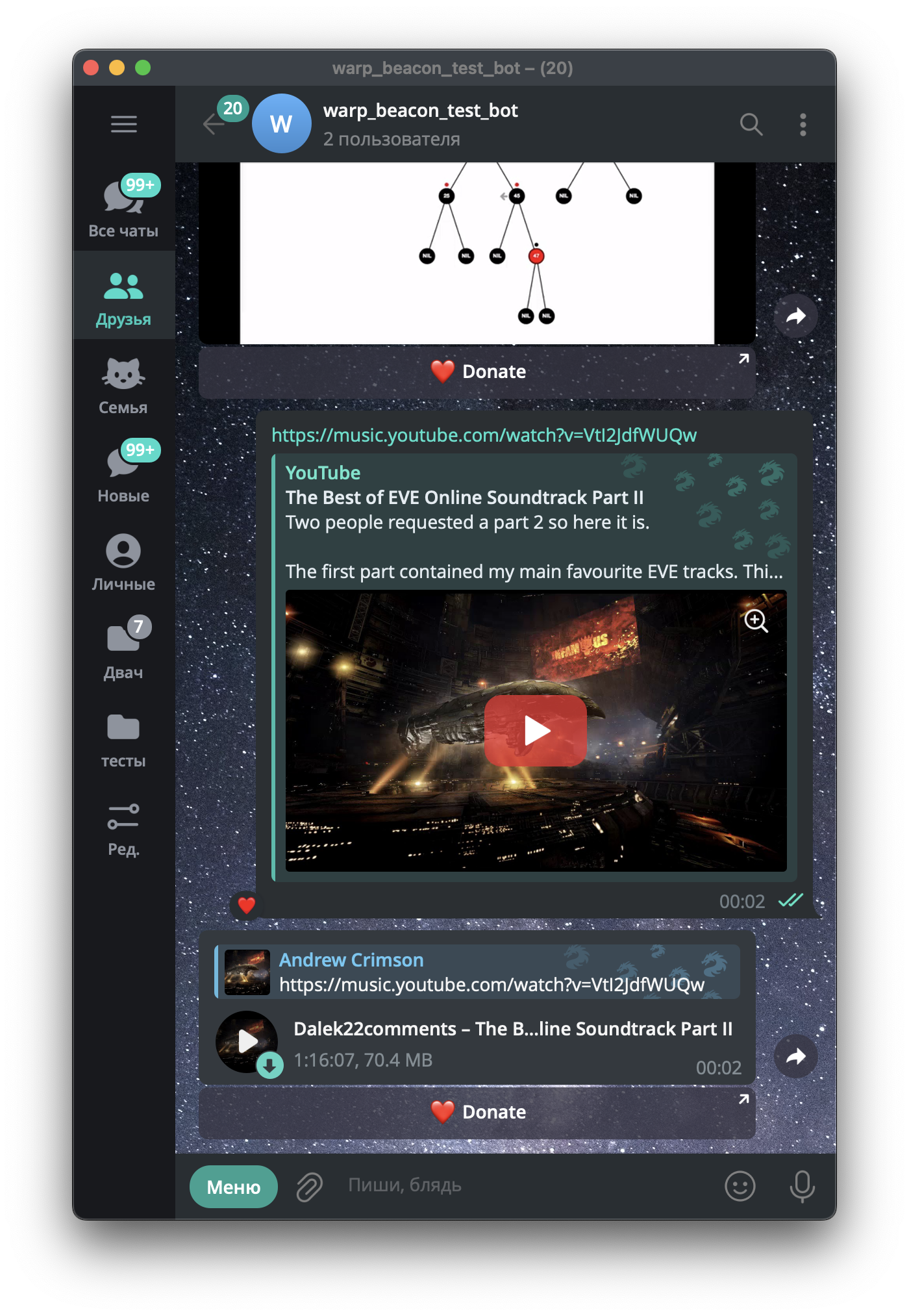 Youtube Music usage example Youtube Music usage example |
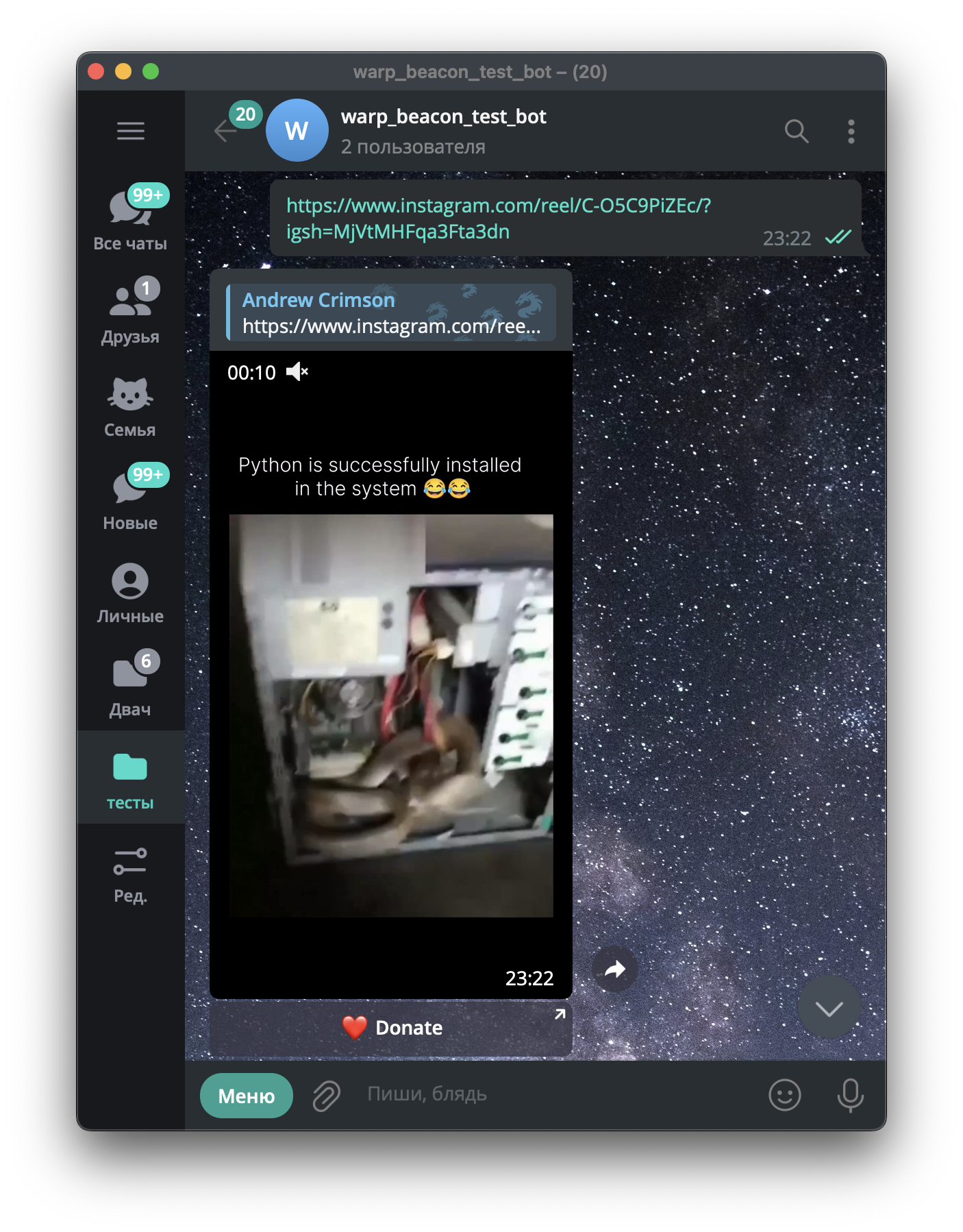 Instagram Reels usage example Instagram Reels usage example |
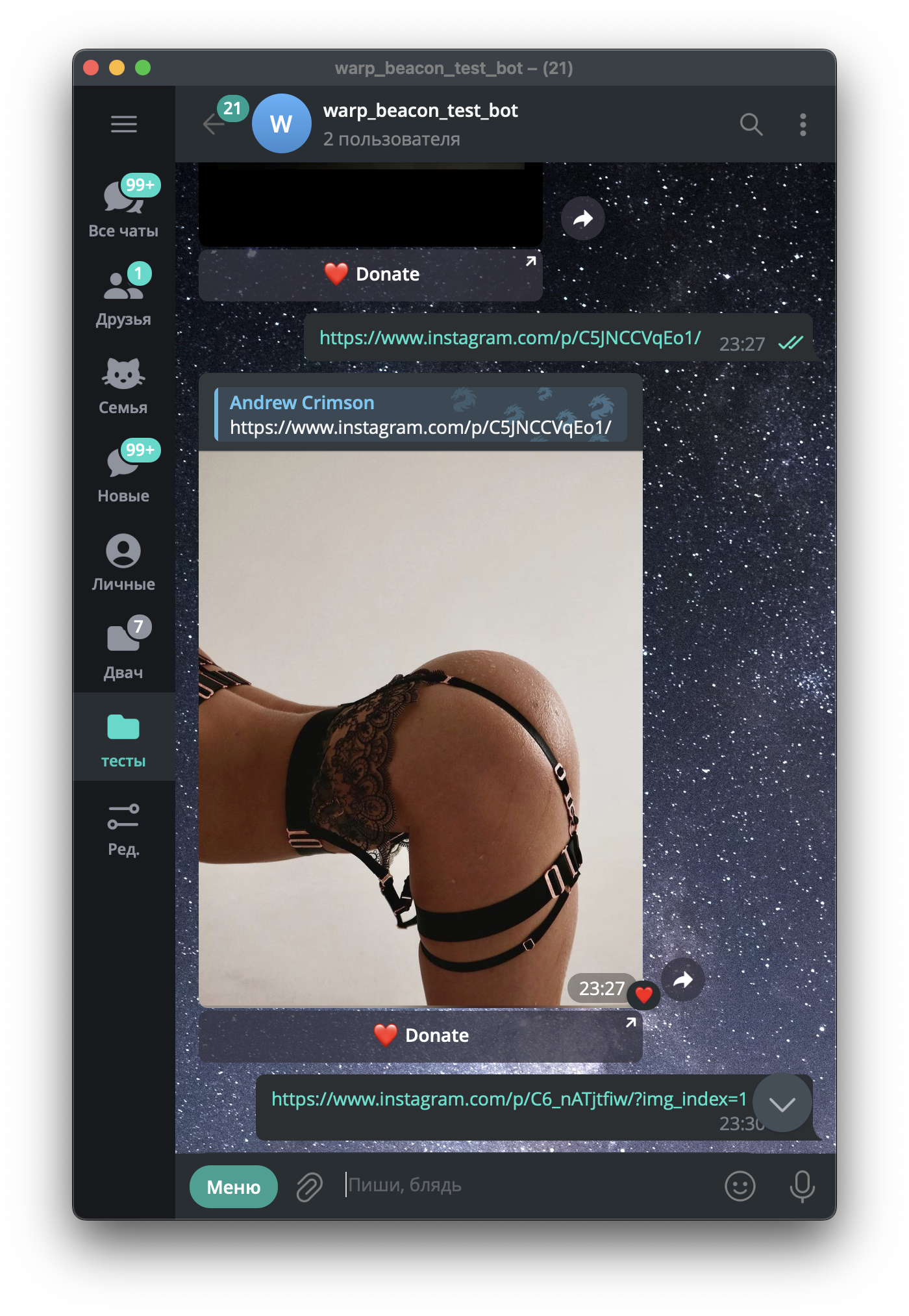 Instagram Photo post usage example Instagram Photo post usage example |
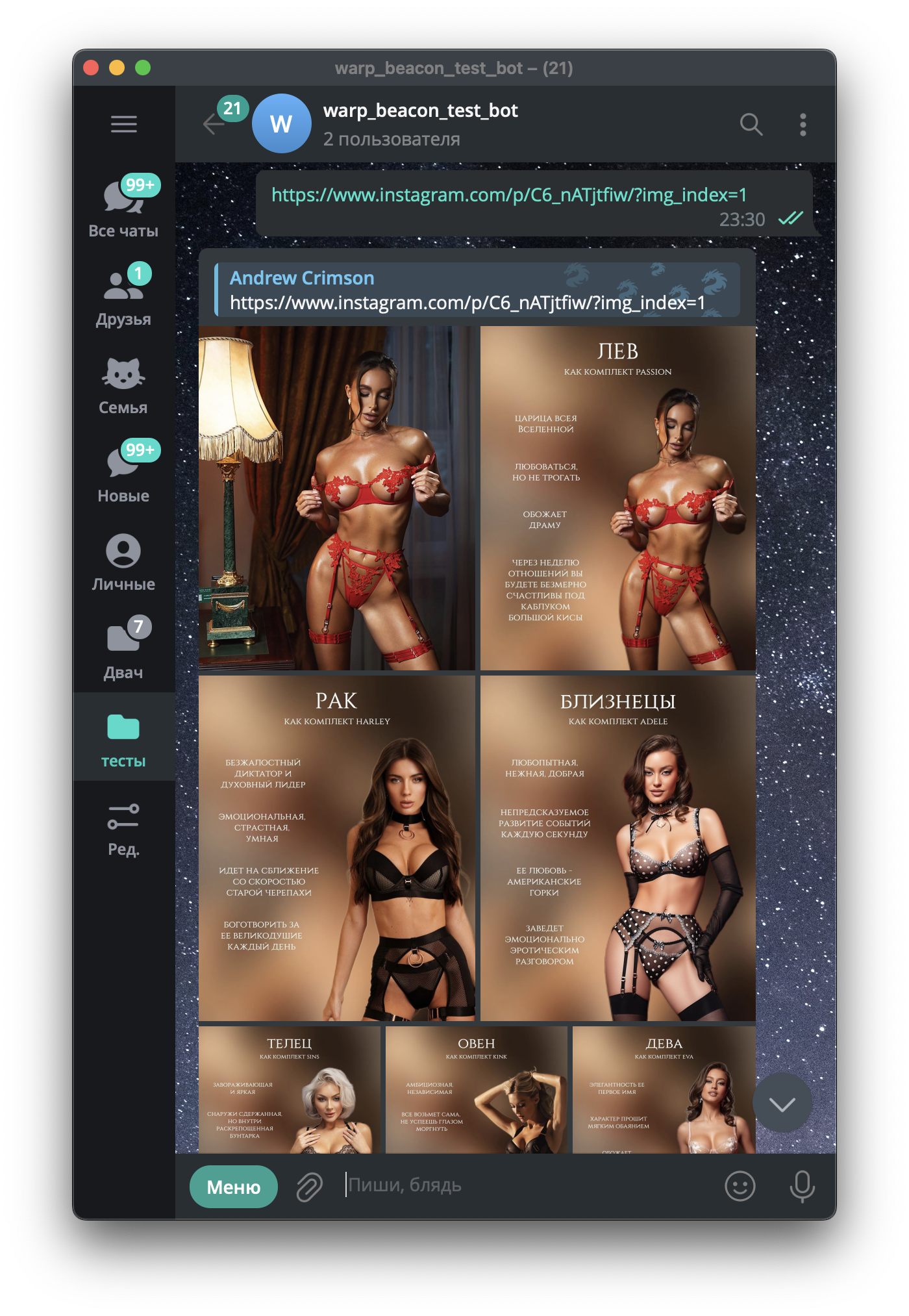 Instagram Photo Carousel usage example Instagram Photo Carousel usage example |
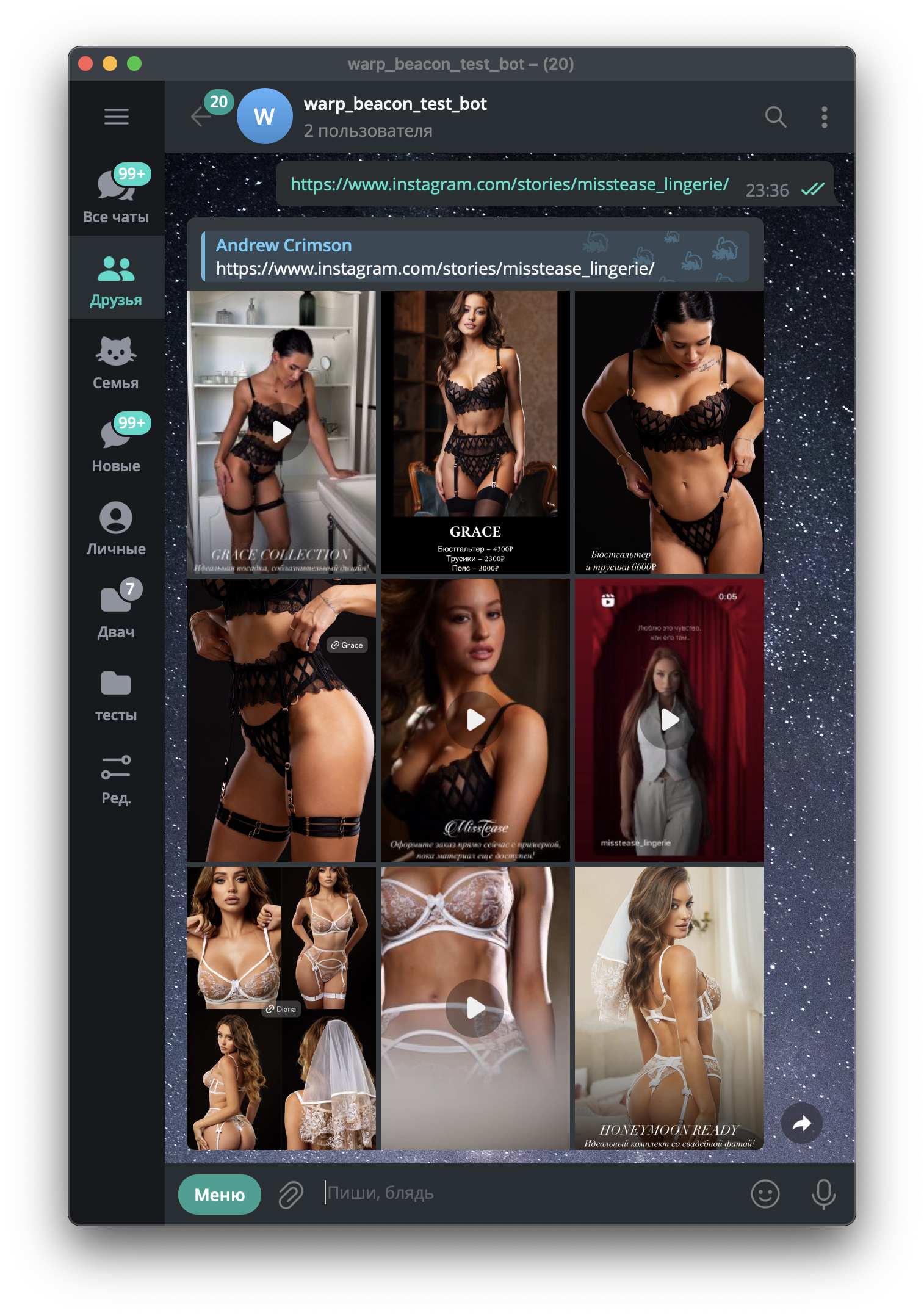 Instagram Photo bulk Strories download usage example Instagram Photo bulk Strories download usage example |
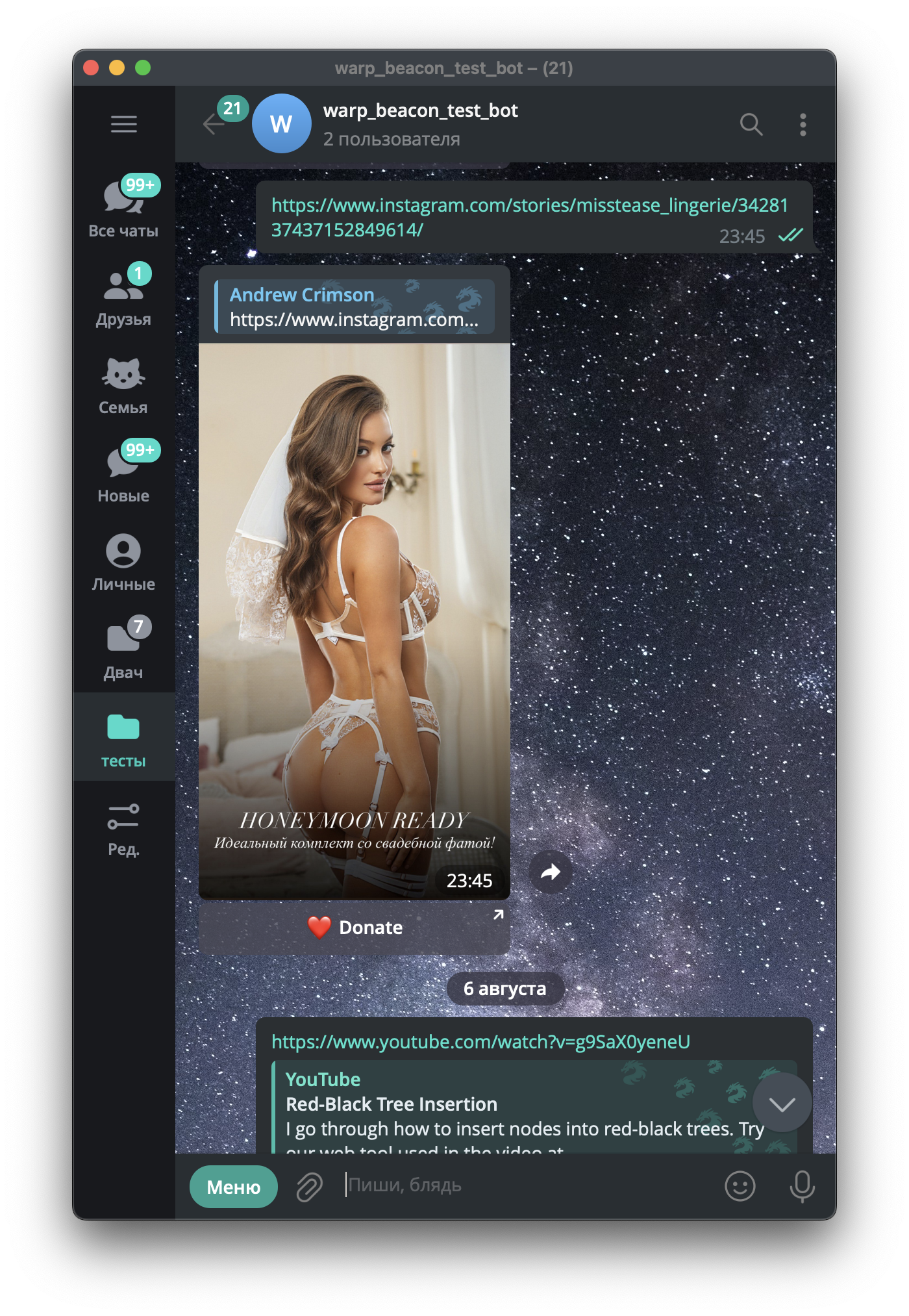 Instagram specific Story download usage example Instagram specific Story download usage example |
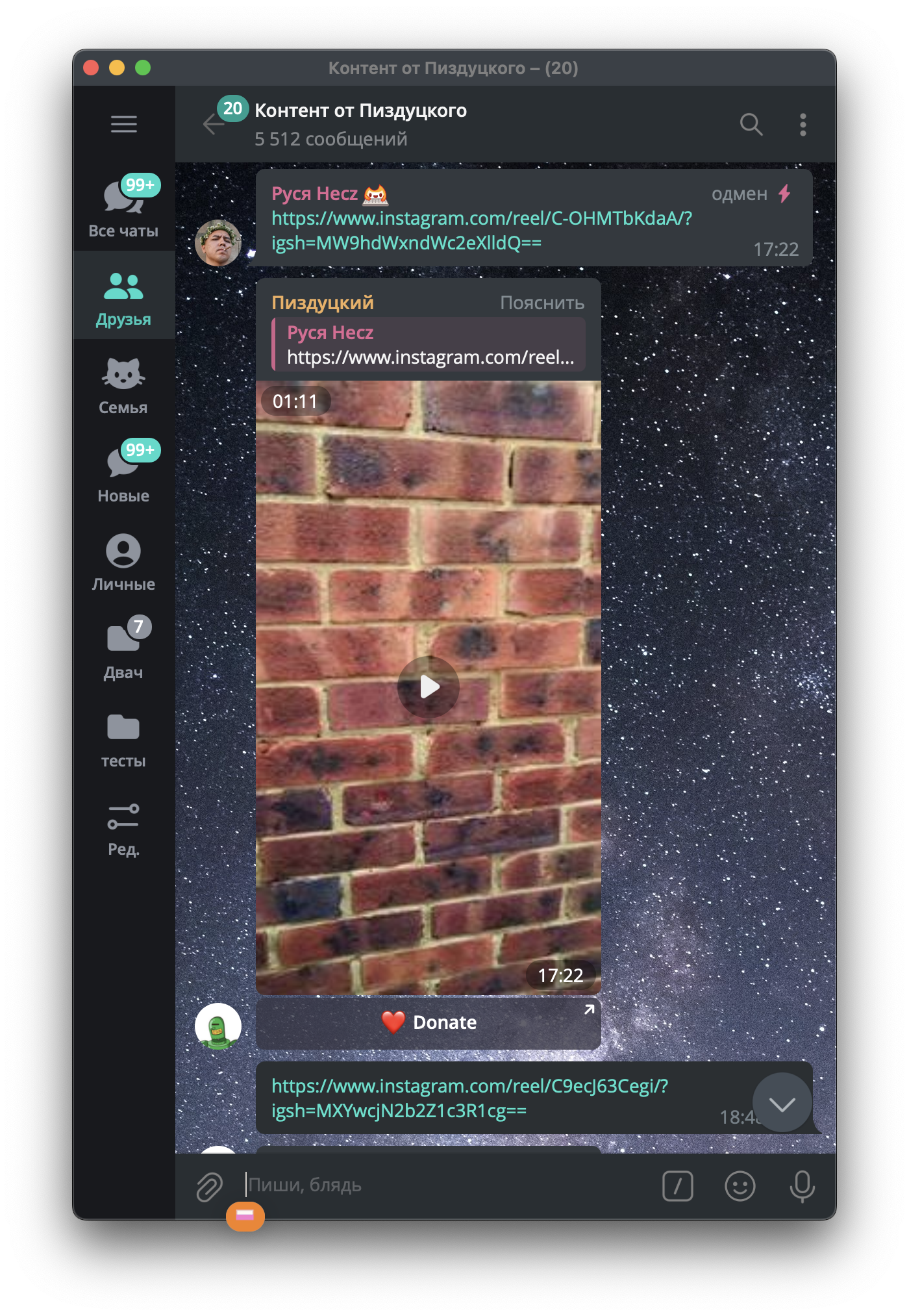 Group chat usage example Group chat usage example |
Warp Beacon manifesto
Once, the Internet was built as a borderless network — a space where knowledge, culture, and ideas could flow freely across the globe.
But over time, freedom gave way to artificial walls, anti-bot shields, and region locks.warp_beacon is our answer to that shift.
This is a tool for those who refuse to accept "access denied by geolocation" or "content unavailable in your region."
It is a bridge over ML filters, CAPTCHAs, and man-made barriers.We don’t break the rules — we restore the original spirit of the Internet:
📡 free exchange of information,
🌍 unrestricted access to global content,
🤖 tools that serve the user, not the platform.warp_beacon — the freedom to deliver content where it’s needed most.
Configuration example
In order to setup your own instance, you will need:
- Obtain your own brand new
TG_TOKEN. To do that, write to @BotFather. - Obtain
TG_API_ID,TG_API_HASH,TG_BOT_NAME. Learn more here.
All bot configuration stored in warp_beacon.conf file.
TG_TOKEN="you telegram token received from @BotFather"
# these 3 settings should be obtained at https://my.telegram.org/apps
# learn more: https://core.telegram.org/api/obtaining_api_id
###
TG_API_ID=""
TG_API_HASH=""
TG_BOT_NAME=""
# bot admin username, e.g.: @BelisariusCawl
# Used for communication between the bot and the administrator.
# For example, if authorization is required for YouTube, bot can send an authorization code via message to this address.
TG_BOT_ADMIN_USERNAME=""
###
INSTAGRAM_LOGIN="instagram login (email or cell phone)"
INSTAGRAM_PASSWORD="instgram password"
MONGODB_HOST="mongodb"
MONGODB_PORT="27017"
MONGODB_USER="root"
MONGODB_PASSWORD="changeme"
# more information about accounts.json and proxies.json
# can be found in project wiki
# https://github.com/sb0y/warp_beacon/wiki/Introduction-in-account.json-file
SERVICE_ACCOUNTS_FILE=/var/warp_beacon/accounts.json
PROXY_FILE=/var/warp_beacon/proxies.json

# workers settings
# default: min(32, os.cpu_count() + 4)
#TG_WORKERS_POOL_SIZE=3
#UPLOAD_POOL_SIZE=3
#WORKERS_POOL_SIZE=3
ENABLE_DONATES=true
DONATE_LINK="your donate link which will be shown if ENABLE_DONATES where set"
Deployed example bot
How to run
Any Linux machine will suit in.
Install docker and git
sudo apt update
# uninstall old docker packages
for pkg in docker.io docker-doc docker-compose docker-compose-v2 podman-docker containerd runc; do sudo apt-get remove $pkg; done
sudo apt install ca-certificates curl git
sudo install -m 0755 -d /etc/apt/keyrings
sudo curl -fsSL https://download.docker.com/linux/ubuntu/gpg -o /etc/apt/keyrings/docker.asc
sudo chmod a+r /etc/apt/keyrings/docker.asc
# Add the repository to Apt sources:
echo \
  "deb [arch=$(dpkg --print-architecture) signed-by=/etc/apt/keyrings/docker.asc] https://download.docker.com/linux/ubuntu \
  $(. /etc/os-release && echo "$VERSION_CODENAME") stable" | \
  sudo tee /etc/apt/sources.list.d/docker.list > /dev/null
sudo apt update
sudo apt install docker-ce docker-ce-cli containerd.io docker-buildx-plugin docker-compose-plugin git
Download sources
git clone https://github.com/sb0y/warp_beacon.git
Go to sources directory
cd warp_beacon
Run app
sudo docker compose up -d
Check logs
sudo docker compose logs warp_beacon -f
Upgrading
If you are using image-prod (set in docker-compose.yml by default), just rebuild your image:
cd your_warp_beacon_sources_directory/
sudo docker compose build --no-cache
Recreate existing container:
sudo docker compose up -d
How to install from PIP
sudo apt update
sudo apt install python3-pip
sudo pip install warp-beacon
Your configuration file will be located at /usr/local/lib/python3.10/dist-packages/etc/warp_beacon/warp_beacon.conf.
For convenience, we will copy it to a common directory:
mkdir /etc/warp_beacon
cp /usr/local/lib/python3.10/dist-packages/etc/warp_beacon/warp_beacon.conf /etc/warp_beacon/warp_beacon.conf
Run the app
source /etc/warp_beacon/warp_beacon.conf && /usr/local/bin/warp_beacon
Most likely you will need a systemd service so that you don't have to start the service manually and don't have to worry about service start on server reboot.
cp /usr/local/lib/python3.10/dist-packages/lib/systemd/system/warp_beacon.service /lib/systemd/system
systemctl unmask warp_beacon.service
systemctl enable warp_beacon.service
# start the service app
systemctl start warp_beacon.service
How to build Python whl package
sudo apt install python3-pip python3-build python3-virtualenv dh-virtualenv
# If you are getting build errors you probably need the latest version of python3-build
sudo python3 -m pip install --upgrade build
python3 -m build
How to build Ubuntu deb package
sudo apt update
sudo apt install debhelper python3-pip python3-build python3-virtualenv dh-virtualenv dh-python
# If you are getting build errors you probably need the latest version of python3-build
sudo python3 -m pip install --upgrade build
build deb file
dpkg-buildpackage -us -uc -b
Wiki
Support Warp Beacon project


1 maintainer

Metadata
1 maintainer
Release files for warp-beacon 2.8.50
For a detailed explanation of source distributions (sdists) and built distributions (wheels), please see the package formats documentation.
Source distribution (sdist)
| File | Size | Uploaded | |
|---|---|---|---|
| warp_beacon-2.8.50.tar.gz | 101.0 kB | Details |
Built distribution (wheel)
| File | Interpreter | ABI | Platform | Reset |
|---|---|---|---|---|
| warp_beacon-2.8.50-py3-none-any.whl | Python 3 | none | any | Details |
Total release size: 201.8 kB
Release files / warp_beacon-2.8.50.tar.gz
| Download URL | warp_beacon-2.8.50.tar.gz |
|---|---|
| Size | 101.0 kB |
| Tags | Source |
|
SHA-256 checksum How to use checksums |
da20105cb6f42e0b8da97418ec64538242eb1c4d436aeb282916f3fef7e38bfd
|
|
BLAKE2b-256 checksum How to use checksums |
7e6d978103cace968111db666724a4564b0138732b5e95c24c74043d7c62edef
|
| Upload date | |
|
Uploaded using Trusted Publishing? What is trusted publishing? |
No |
| Uploaded via |
twine/6.2.0 CPython/3.9.24
|
Release files / warp_beacon-2.8.50-py3-none-any.whl
| Download URL | warp_beacon-2.8.50-py3-none-any.whl |
|---|---|
| Size | 100.7 kB |
| Tags | Python 3 |
|
SHA-256 checksum How to use checksums |
cf9401cff121a9b45456438919c8555348b90a67ac6bee5807e0a3250dbc8a57
|
|
BLAKE2b-256 checksum How to use checksums |
29decc5f15d7370ff0c8eea1f25447950c0e8243affb4eddc8193bb616bb303f
|
| Upload date | |
|
Uploaded using Trusted Publishing? What is trusted publishing? |
No |
| Uploaded via |
twine/6.2.0 CPython/3.9.24
|














