
Websole
Websole is a web-based console for you to expose command-line tools to a web server.
Features
- Protect your terminal with a login password.
- Customizable logos, links, and icons.
- Simple to use as a base docker image in other projects.
Screenshot
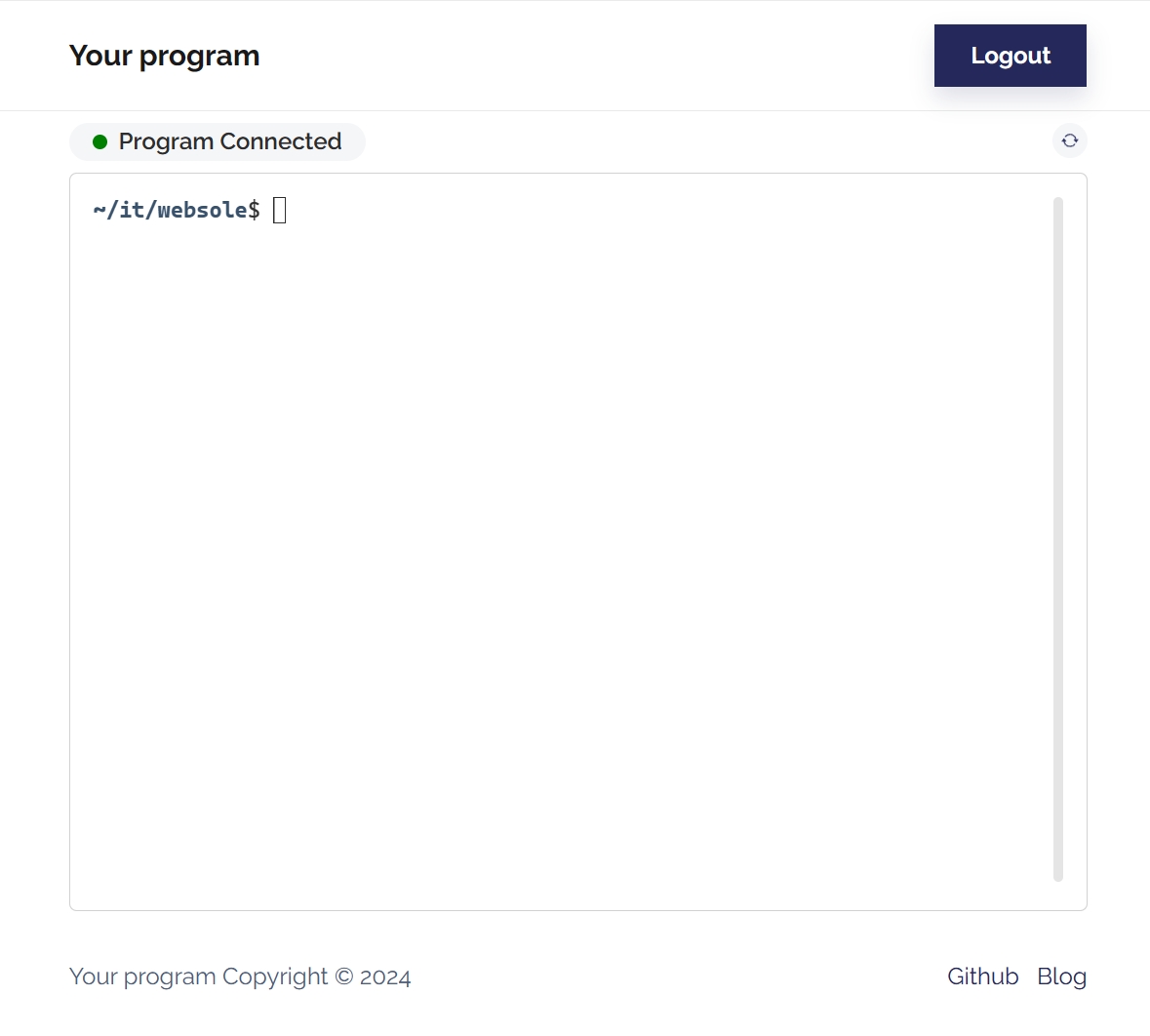
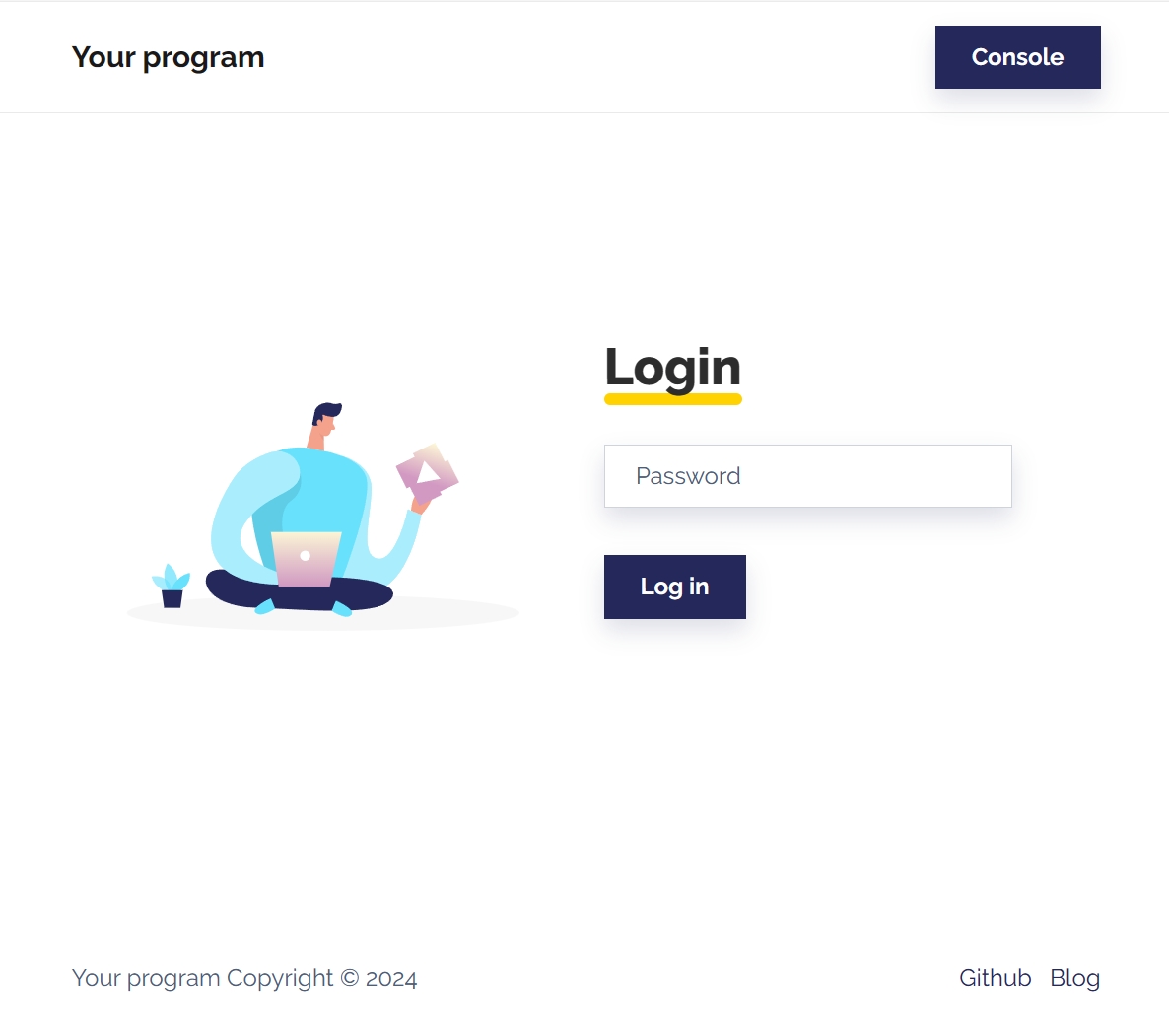
Install
You can expose any program (for example, bash) by running:
docker run -p 80:1818 --rm -it jackzzs/websole:main bash
This will expose a terminal running bash on port 80.
Use in other projects
You can use websole as a base docker image, to expose your program.
See the example directory for examples.
Commandline options
Usage: websole [OPTIONS] COMMAND

    --host              Host for web console to listen on (default: 127.0.0.1).
    --port              Port for web console to listen on (default: 1818).
    --webpass           Password for logging into the web console (default: <no password>).
    --brand             Brand to be shown in web console header (default: Web Console).
    --icon              Add an icon to be shown in web console footer (format: <icon>:<url>).
    --link              Add a link to be shown in web console footer (format: <label>:<url>).
    --config            Location of the config file (default: websole.yml).
    --start/--no-start  Whether to start the program immediately, rather than on first connection. (default: False)
    --version           Print version and exit.
    --help              Show help message and exit.

NOTE: If COMMAND contains spaces, you need to enclose it in quotes.
Configuration file
Default config:
# Program to be exposed to web console.
command: bash

# Host for web console to listen on.
host: 0.0.0.0

# Port for web console to listen on.
port: 1818

# Brand to be shown in web console header.
brand: Your Program

# Link to be shown in web console footer.
links:
  - label: Github
    url: https://github.com/jackzzs/websole
  - label: Example
    url: https://websole.onrender.com

# Icons to be shown in web console footer.
# icon names can be found from https://icons.getbootstrap.com/
icons:
  - icon: bi-github
    url: https://github.com/jackzzs/websole
  - icon: bi-fire
    url: https://websole.onrender.com

# Password for logging into the web console.
webpass: 123456

# Whether to start the program immediately, rather than on first connection.
start: yes

# URL for "What is web console password?" link on the login page.
what_is_webpass_url: https://github.com/jackzzs/websole

# Allow users to restart the program through the refresh button in the upper right corner of the console.
allow_restart: yes

# By default, allow users to use Ctrl+C/V to copy/paste (but prevent the shortcut key from reaching the program).
use_shortcut: no

# Hide the switch for "use Ctrl+C/V to copy/paste".
hide_use_shortcut_switch: no
1 maintainer

Metadata
1 maintainer
Release files for websole 1.0.1
For a detailed explanation of source distributions (sdists) and built distributions (wheels), please see the package formats documentation.
Source distribution (sdist)
| File | Size | Uploaded | |
|---|---|---|---|
| websole-1.0.1.tar.gz | 74.5 kB | Details |
Built distribution (wheel)
| File | Interpreter | ABI | Platform | Reset |
|---|---|---|---|---|
| websole-1.0.1-py3-none-any.whl | Python 3 | none | any | Details |
Total release size: 150.9 kB
Release files / websole-1.0.1.tar.gz
| Download URL | websole-1.0.1.tar.gz |
|---|---|
| Size | 74.5 kB |
| Tags | Source |
|
SHA-256 checksum How to use checksums |
06fdb2b91ba81326fa46288fcd2bff927fe0b48f339ceed7095f19e17306822b
|
|
BLAKE2b-256 checksum How to use checksums |
7afe97d68e448fafb8110cadadfcca0d91b0d9f6da6a6915818a3e45b8e3cea3
|
| Upload date | |
|
Uploaded using Trusted Publishing? What is trusted publishing? |
Yes |
| Uploaded via |
twine/5.0.0 CPython/3.12.3
|
Release files / websole-1.0.1-py3-none-any.whl
| Download URL | websole-1.0.1-py3-none-any.whl |
|---|---|
| Size | 76.4 kB |
| Tags | Python 3 |
|
SHA-256 checksum How to use checksums |
857dda3b2a9afd2249c77c750b01550b79e38f85efdd72f625c19aaf3ac3360b
|
|
BLAKE2b-256 checksum How to use checksums |
5c4fb372389c8d8a769bcf054d46cdc9163b40dc66a08a3da526308de353f596
|
| Upload date | |
|
Uploaded using Trusted Publishing? What is trusted publishing? |
Yes |
| Uploaded via |
twine/5.0.0 CPython/3.12.3
|













