
WeiLink





轻量级 Python SDK,用于微信 iLink Bot 协议。
特性
- 零运行时依赖 — AES 媒体加密通过 ctypes 调用 OpenSSL,纯 Python 自动兜底
- 消息队列语义 —
login()/send()/recv()三个核心接口 - 状态自动管理 —
context_token、sync cursor 内部缓存,调用方无需关心 - 凭证持久化 — 扫码登录后 token 自动保存,重启免登录
- 输入状态 — 支持"对方正在输入中"指示器
- 统一 CLI — 单一
weilink命令,包含admin和mcp子命令 - Web 管理面板 — 可选的浏览器 UI,支持会话管理、扫码登录,可 Docker 部署
- MCP 服务器 — 可选的 MCP 集成,支持 stdio/SSE/streamable-http 传输(
pip install weilink[mcp])
安装
pip install weilink
快速开始
from weilink import WeiLink

wl = WeiLink()
wl.login()

# 接收消息
messages = wl.recv()
for msg in messages:
    print(f"{msg.from_user}: {msg.text}")

# 回复
wl.send(msg.from_user, "收到!")

wl.close()
工作原理
WeiLink 封装了微信 iLink Bot 协议(ClawBot 插件的底层协议),提供消息队列式的收发接口:
login()  →  扫码获取凭证(持久化)
recv()   →  长轮询收消息(35 秒超时)
send()   →  回复消息(自动关联 context_token)
重要限制
- 不能主动发起对话 — 用户必须先给 ClawBot 发消息,bot 才能回复
- 24 小时窗口 — 用户超过 24 小时未发消息,bot 的消息会被丢弃
- 腾讯可随时终止服务 — 不建议将核心业务完全依赖此协议
管理面板
内置 Web UI,支持会话管理、扫码登录和状态监控:
pip install weilink[server]
weilink admin -p 8080
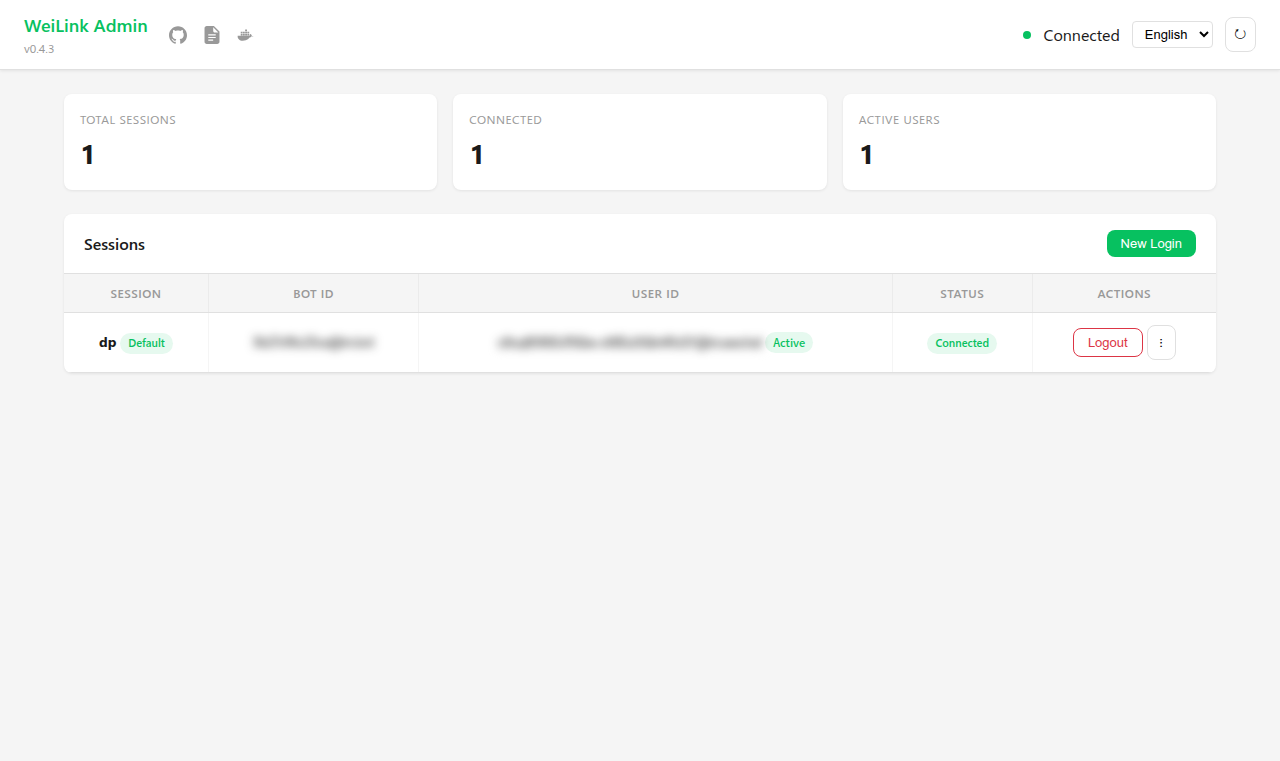 仪表盘 |
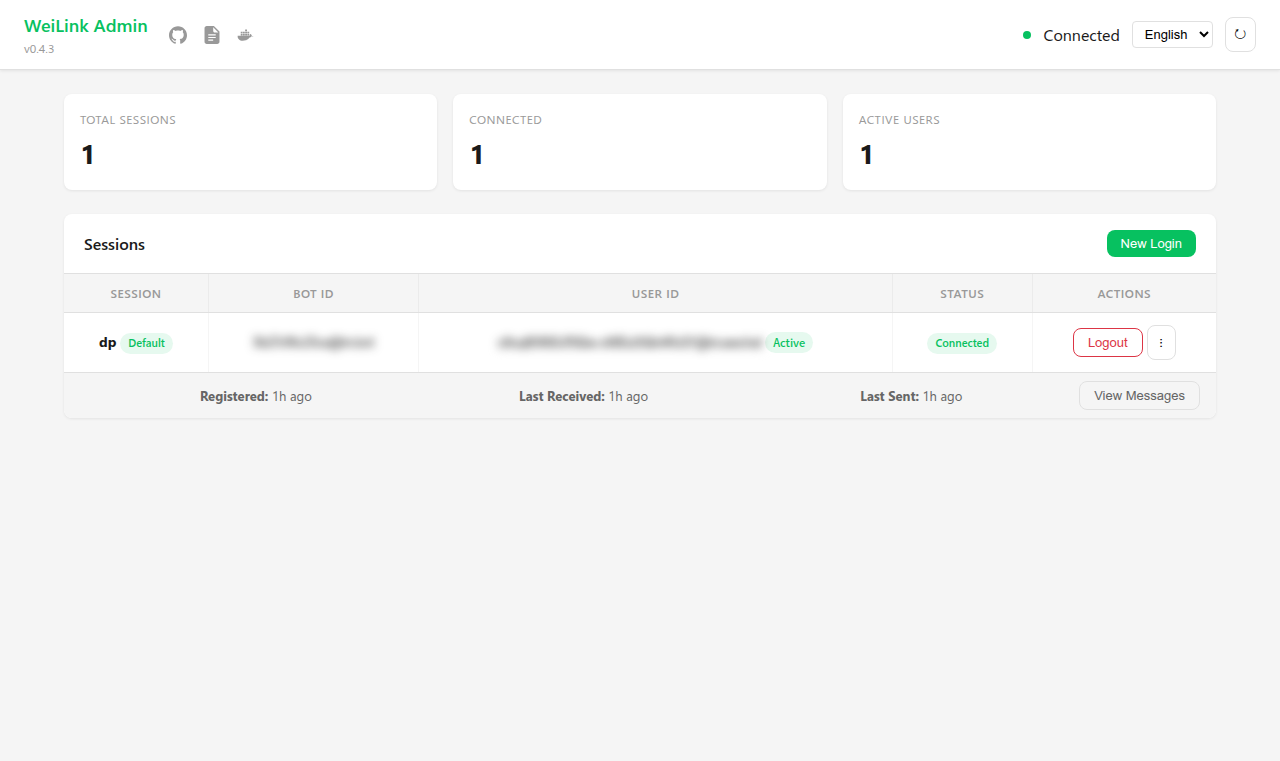 用户详情 |
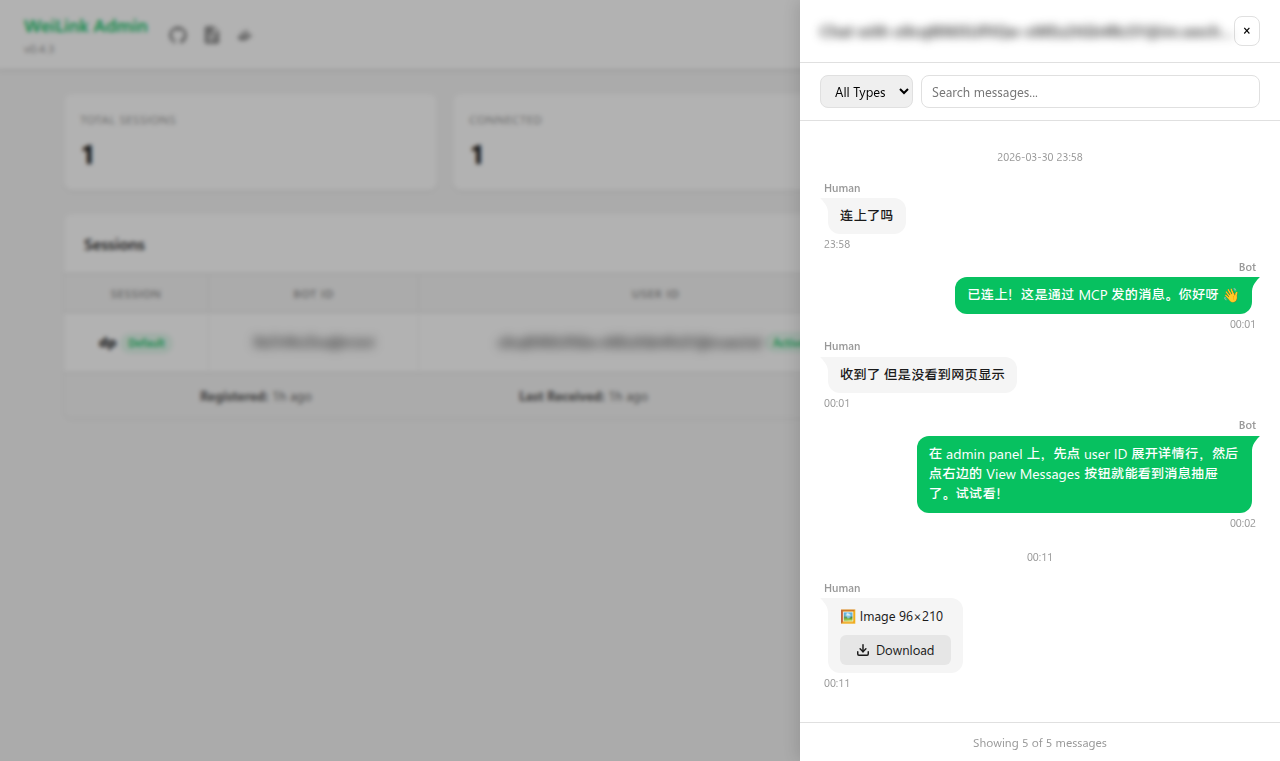 消息历史 |
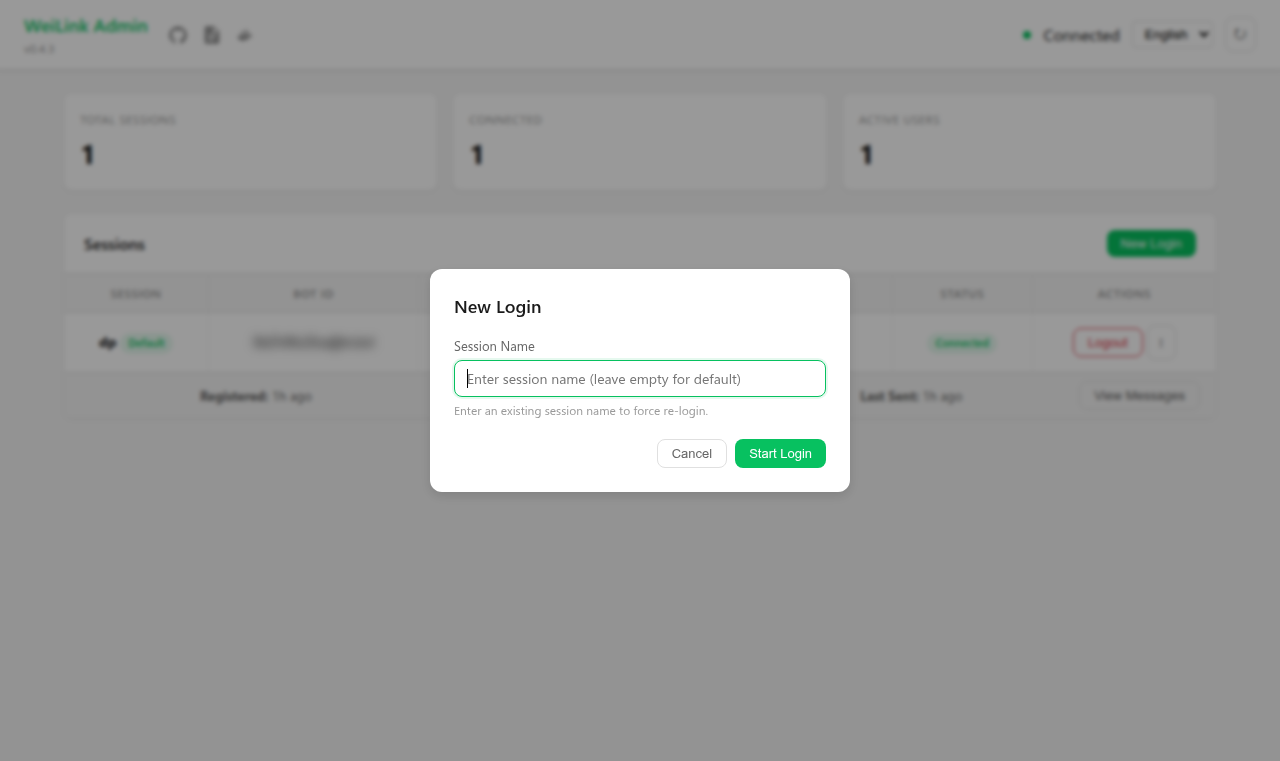 扫码登录 |
API
| 方法 | 说明 |
|---|---|
login(force=False) |
扫码登录,已有凭证则自动复用 |
recv(timeout=35.0) |
长轮询接收消息 |
send(to, text, *, image, voice, file, video, file_name) |
发送文本和/或媒体(图片/语音/文件/视频),返回 bool |
download(msg) |
下载收到的媒体消息 |
send_typing(to) |
显示"正在输入" |
stop_typing(to) |
取消"正在输入" |
close() |
保存状态并清理 |
is_connected |
是否已登录(属性) |
bot_id |
当前 bot ID(属性) |
协议参考
致谢
- QR 码终端渲染基于 nayuki/QR-Code-generator(MIT 许可)
- AES-128 密码核心源自 bozhu/AES-Python(MIT 许可),已重写为 Python 3 并新增 ECB 模式和 PKCS7 填充
社区
欢迎通过 GitHub Issues 或 LINUX DO 社区参与项目讨论。
License
1 maintainer

Metadata
1 maintainer
Release files for weilink 0.6.2
For a detailed explanation of source distributions (sdists) and built distributions (wheels), please see the package formats documentation.
Source distribution (sdist)
| File | Size | Uploaded | Provenance | Actions |
|---|---|---|---|---|
| weilink-0.6.2.tar.gz | 139.2 kB | Without provenance | Details for weilink-0.6.2.tar.gz |
Built distribution (wheel)
| File | Interpreter | ABI | Platform | Actions Reset |
|---|---|---|---|---|
| weilink-0.6.2-py3-none-any.whl | Python 3 | none | any | Details for weilink-0.6.2-py3-none-any.whl |
Total release size: 257.6 kB
Release files / weilink-0.6.2.tar.gz
| Download URL | weilink-0.6.2.tar.gz |
|---|---|
| Size | 139.2 kB |
| Tags | Source |
|
SHA-256 checksum How to use checksums |
5d50a1a40e667997f6c81e357a18135b38b5e11cd457aae1cd78c1434f8aa8f1
|
|
BLAKE2b-256 checksum How to use checksums |
90b23314478d63d89aa894e5dd6f5ee046356deb707ac225fe27e94d121b242f
|
| Upload date | |
|
Uploaded using Trusted Publishing? What is trusted publishing? |
No |
| Uploaded via |
twine/6.2.0 CPython/3.10.20
|
Release files / weilink-0.6.2-py3-none-any.whl
| Download URL | weilink-0.6.2-py3-none-any.whl |
|---|---|
| Size | 118.4 kB |
| Tags | Python 3 |
|
SHA-256 checksum How to use checksums |
153276e82988968b25aad0503e55f276e92e4373cb2f4d4512534fa079e08478
|
|
BLAKE2b-256 checksum How to use checksums |
d58211e6d6ff77da5aee855db4f8ea78ddfc7b213c39a834ea0b4e672fee8ec6
|
| Upload date | |
|
Uploaded using Trusted Publishing? What is trusted publishing? |
No |
| Uploaded via |
twine/6.2.0 CPython/3.10.20
|
Security for weilink 0.6.2
Provenance
Provenance describes where a file came from. On PyPI, provenance is shared via attestations, which provide a verifiable record of the build or publishing details. View details, limitations and caveats.
No provenance found
None of the files in this release were uploaded with provenance metadata.
A note on package security
PyPI is a repository for distributing packages, not a service for auditing them. While third-party security researchers and our staff do their best to detect and remove malicious packages, PyPI cannot guarantee the quality, security or suitability of any given package.
To learn more about protecting yourself from malicious actors, visit our package security documentation.














