
Werk24 Client to read PDF- and Image-based Technical Drawings / Engineering Drawings

Project description
Werk24 Client
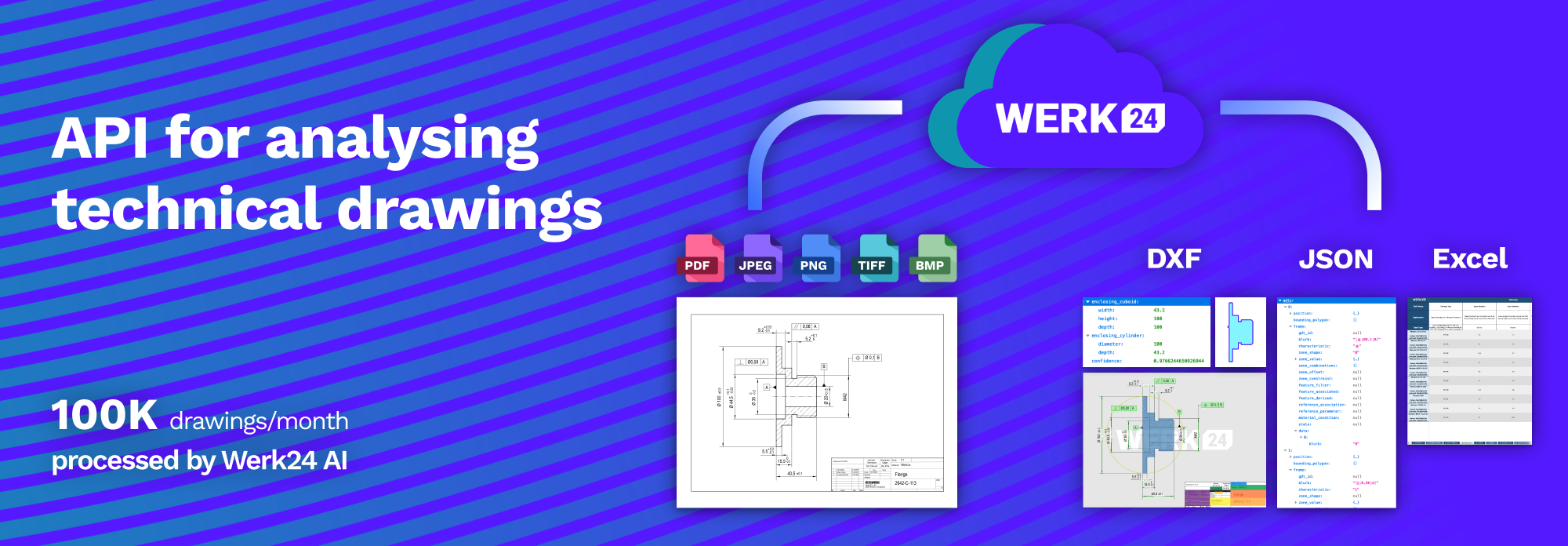


Features
When submitting a PDF, PNG, JPEG of a Technical Drawing to Werk24's API, you receive within seconds the following features:
- Measures and Tolerances
- Threads and Chamfers
- Geometric Dimensioning and Tolerancing frames
- External Dimensions
- Surface Roughnesses
- the Title Block information (Material, Drawing ID, Designation, General Tolerances)
And finally you can obtain a CAD Approximation of the part's Geometry. Currently this features is focused on flat parts, such as sheet metal parts, but more is in the pipeline.
Check our website at https://werk24.io.
| Input | Output |
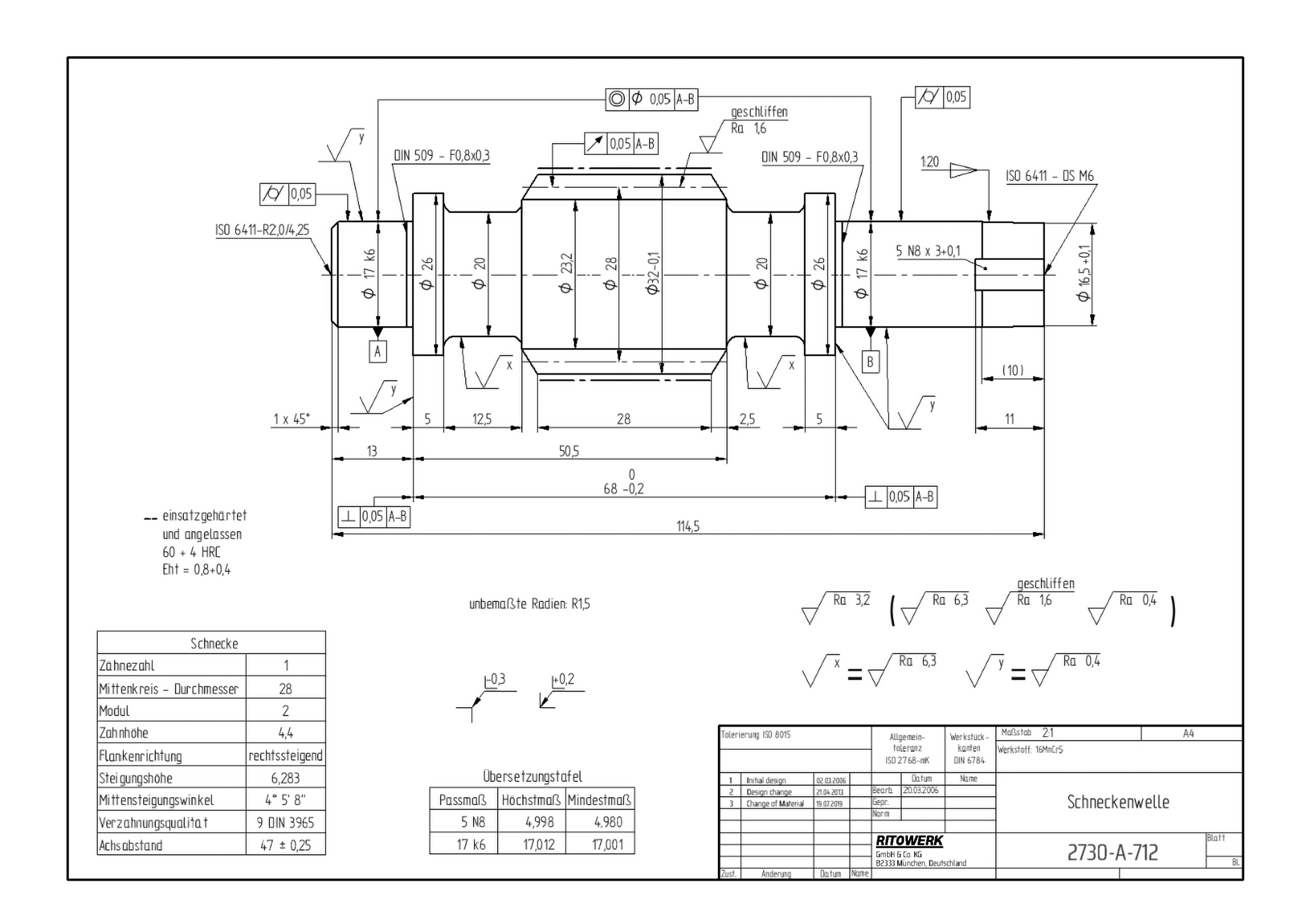
|
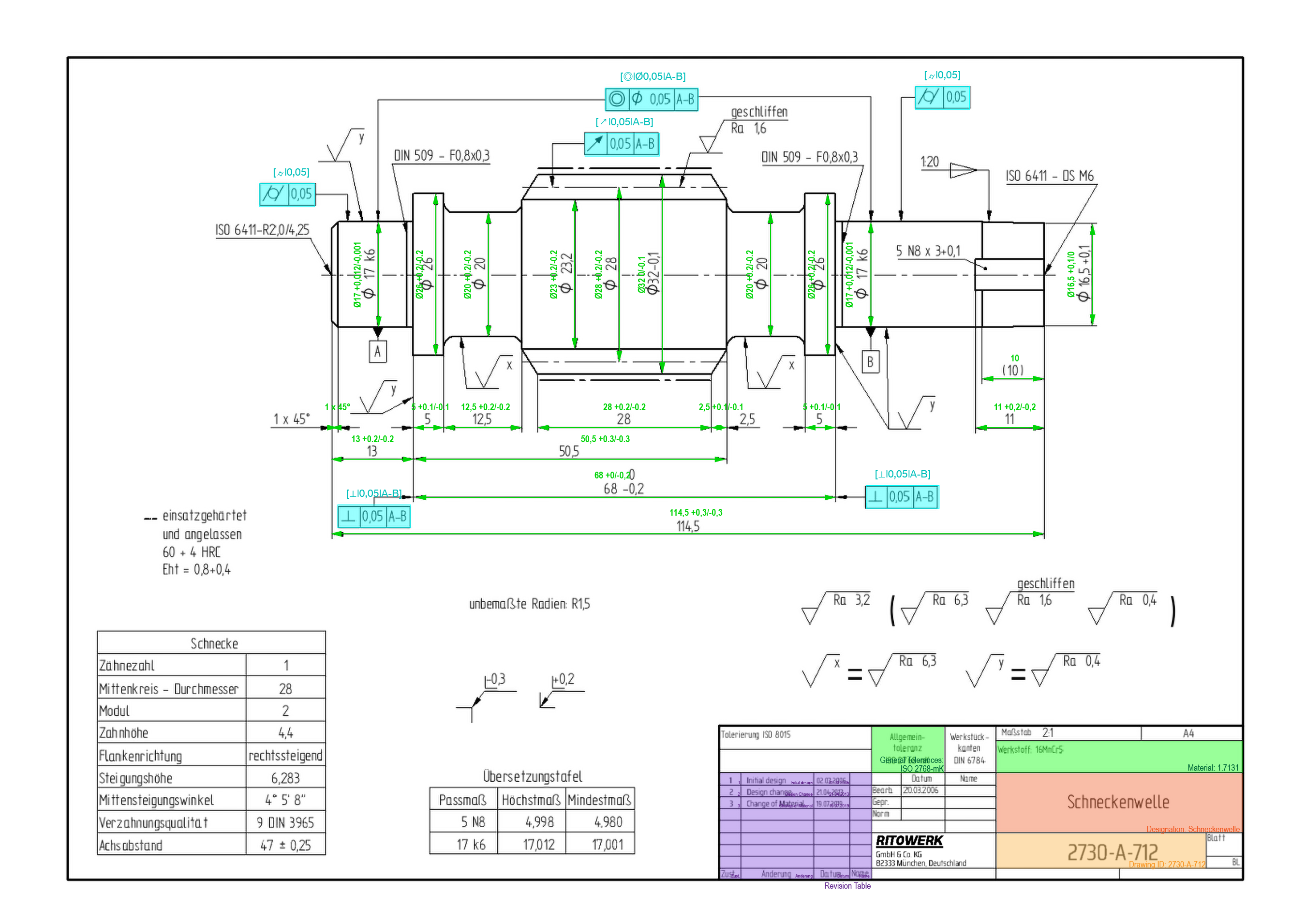
|
| Original drawing by T. Hartmann (CC) | |
Applications
Typical applications of our Technology include
- Instant Pricing on 2D Engineering Drawings
- Feasibility Checks on incoming RFQs
- Auto-Fill of Online Configurators
- Automated Anonymiziation of Technical Drawings
- Automated Supplier Scouting
- Automated Registration of incoming RFQs into your ERP system
- Structured Archiving
Installation
Pip installation
pip install werk24
Documentation
See https://werk24.io/docs/index.html
CLI
To get a first impression, you can run the CLI:
usage: w24cli techread [-h] [--ask-techread-started] [--ask-page-thumbnail]
                   [--ask-sheet-thumbnail] [--ask-sectional-thumbnail]
                   [--ask-variant-measures]
                   input_files
Example
from werk24 import Hook, W24TechreadClient, W24AskVariantMeasures

async def read_measures_from_drawing(document_bytes:bytes) -> None:

    # define what you want to learn about the drawing, and what function
    # should be called when a response arrives
    hooks = [Hook(ask=W24AskVariantMeasures(), function=print)]

    # make the call
    client = W24TechreadClient.make_from_env()
    async with client as session:
        await session.read_drawing_with_hooks(document_bytes,hooks)
Release history Release notifications | RSS feed


Download files
Download the file for your platform. If you're not sure which to choose, learn more about installing packages.
Source Distribution
Built Distribution
Filter files by name, interpreter, ABI, and platform.
If you're not sure about the file name format, learn more about wheel file names.
Copy a direct link to the current filters
File details
Details for the file werk24-1.7.0.tar.gz.
File metadata
- Download URL: werk24-1.7.0.tar.gz
- Upload date:
- Size: 479.8 kB
- Tags: Source
- Uploaded using Trusted Publishing? No
- Uploaded via: twine/4.0.2 CPython/3.7.17
File hashes
| Algorithm | Hash digest | |
|---|---|---|
| SHA256 |
b905f865b9061fb45d33eb8c9079e709024c6bff10756f8e812f27dd63bfc265
|
|
| MD5 |
f010c36c54ab772be0aad2f0cf083fbb
|
|
| BLAKE2b-256 |
e06ccd73dea2f870de7b1886beb64204f7bead9c6d229bfc5530e57c01fab65e
|
File details
Details for the file werk24-1.7.0-py3-none-any.whl.
File metadata
- Download URL: werk24-1.7.0-py3-none-any.whl
- Upload date:
- Size: 508.1 kB
- Tags: Python 3
- Uploaded using Trusted Publishing? No
- Uploaded via: twine/4.0.2 CPython/3.7.17
File hashes
| Algorithm | Hash digest | |
|---|---|---|
| SHA256 |
3744e04740d08000b636e7196bc0953932817d339ffe0e60747633a2a118a8e5
|
|
| MD5 |
e7592c7acb45cd087587cc0aec00bb92
|
|
| BLAKE2b-256 |
62e739d949573cc58d8044e4560a6a145241a9629deb9bef05512bf9cbbb9b03
|






