
wifireconnect
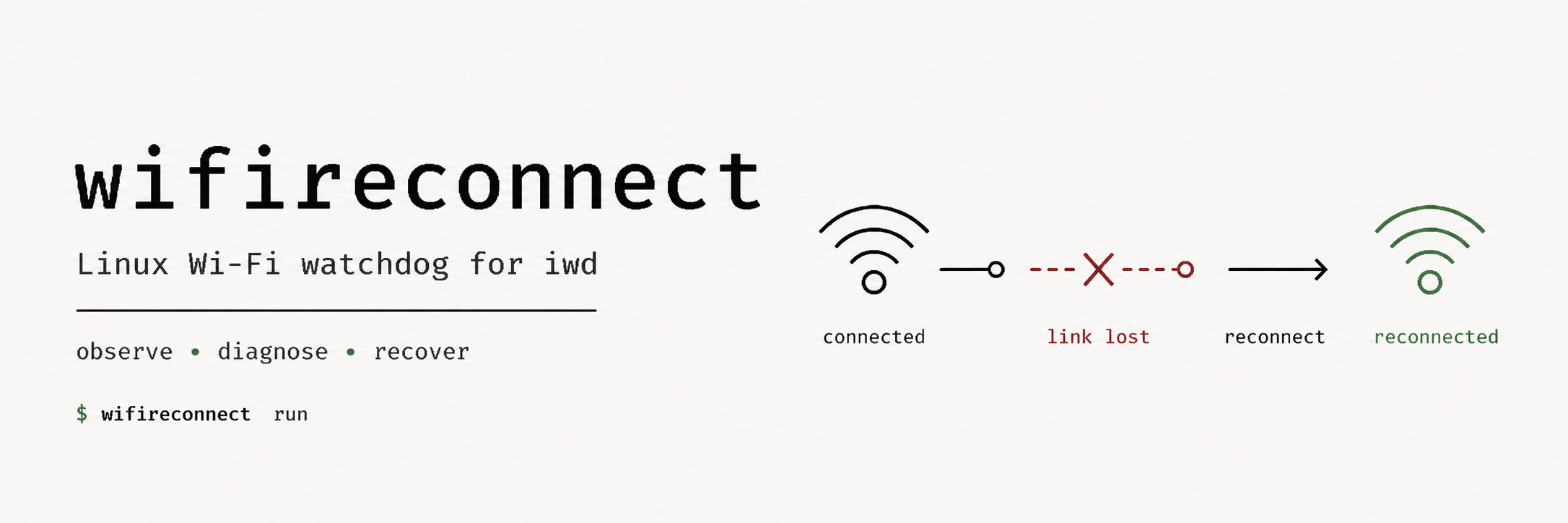
A small Linux network watchdog that diagnoses connectivity failures and recovers Wi-Fi connections through iwd.





Linux + iwd only. Observation comes from ifpeek (netlink / nl80211); recovery talks to iwd over D-Bus (jeepney). No root needed, no subprocesses, no passwords.
How it works
netlink events ───────► immediate health check
                            │
periodic heartbeat ─────────┘
                            │
                            ▼
                         diagnose
                            │
                            ▼
                       maybe recover
ifpeek.watch() reacts immediately to link / address / route changes, and a
heartbeat covers the failures that produce no local event (a dead upstream,
a zombie association). Each check classifies the connection from L2 upwards:
| Fault | Meaning | Action |
|---|---|---|
healthy |
Internet reachable | nothing |
no-interface |
The interface does not exist | observe |
associating |
Association in progress (operstate DORMANT) | wait |
not-associated |
No carrier | reconnect |
no-address |
Associated but no usable IP (DHCP problem) | observe |
no-route |
IP but no default route through the interface | observe |
zombie |
Local stack looks fine, gateway does not answer | kick |
upstream |
Gateway answers, internet does not | nothing |
The classification exists mostly to decide when NOT to act: resetting a healthy association because the ISP is down only adds flapping.
Recovery is hardened against flapping and against fighting iwd:
- N consecutive checks blaming the association are required before acting (default 3); healthy or non-recoverable checks break the streak, so an upstream outage never accumulates credit towards a kick.
- After acting, a cooldown suppresses further checks (default 60 s), which also swallows the netlink event storm the recovery itself produces.
- If iwd is already
connectingorroaming, the watchdog waits. - Recovery looks before it touches: it asks iwd for a fresh scan (through
ifpeek, no root) and, if the target network is not in sight, does nothing.
A zombie association is still an association; dropping it to reconnect to
a network that is gone leaves you with nothing. With
--min-signal, a target that is in sight but weaker than the threshold is left alone too. - Recoverable failures log what the radio sees: the associated BSS (BSSID, frequency, dBm) on every failed check, and the target's strongest BSS before recovering, so the log tells a channel change or a weak link from a stuck association.
- The story before the failure is kept too. Every healthy check samples the
associated BSS (visible with
--verbose), and changes are logged at INFO without it: roaming to another BSS, and the signal dropping below--weak-signal(default -75 dBm) or recovering above it by 5 dB. A quietjournalctl -u wifireconnectstill shows how the link was doing before it broke.
Reconnection goes to the network you name with --ssid, else to the last
network seen healthy, else to iwd's strongest known network in sight.
iwd keeps the credentials (its known networks), so there is no
--password and there never will be again.
Requirements
- Linux with iwd managing the Wi-Fi.
- Permission to talk to iwd on the system D-Bus: belong to the
wheelornetworkgroup (see iwd's D-Bus policy), or run as root.
Installation
uv tool install wifireconnect # recommended: isolated CLI on your PATH
To use it as a library, add it as a dependency instead:
uv add wifireconnect
Usage
Diagnose once (exit code: 0 healthy, 1 unhealthy, 2 no such interface):
$ wifireconnect check
wlan0: healthy: internet reachable (essid: MyNetwork)
Run the watchdog:
$ wifireconnect run
Useful options for run:
-i, --interface TEXT  Wi-Fi interface to watch (default: the first one found).
-s, --ssid TEXT       Known network to reconnect to (default: last seen healthy).
-H, --heartbeat FLOAT Seconds between checks when no event arrives. [default: 30]
-f, --failures INT    Consecutive failures required before recovering. [default: 3]
-c, --cooldown FLOAT  Seconds to hold off after a recovery attempt. [default: 60]
-t, --timeout FLOAT   Seconds to wait for each probe answer. [default: 3]
    --min-signal INT  Do not reconnect when the target is weaker than this many dBm
                      after a fresh scan, e.g. --min-signal=-85. [default: off]
    --weak-signal INT While healthy, log when the signal drops below this many dBm
                      and when it recovers, e.g. --weak-signal=-80. [default: -75]
    --dry-run         Diagnose and log, but never touch the association.
-v, --verbose         Debug output.
Start with --dry-run for a few days if you want to see what it would
have done before letting it act.
As a service
A systemd unit template ships in
contrib/wifireconnect.service:
cp contrib/wifireconnect.service /etc/systemd/system/
# edit ExecStart (path, interface), then:
systemctl enable --now wifireconnect
As a library
from wifireconnect import diagnose, Watchdog

diagnose("wlan0")
# Diagnosis(fault=<Fault.HEALTHY: 'healthy'>, interface='wlan0',
#           detail='internet reachable', essid='MyNetwork', gateway=None)

Watchdog(interface="wlan0", dry_run=True).run()  # blocks
Relation to ifpeek
ifpeek observes (netlink,
nl80211, and the Wi-Fi daemon's D-Bus, asking it at most for a scan);
wifireconnect decides and acts (probes, iwd). ifpeek peeks and never
changes anything; everything that sends traffic or mutates state lives here.
1 maintainer

Release files for wifireconnect 1.2.1
For a detailed explanation of source distributions (sdists) and built distributions (wheels), please see the package formats documentation.
Source distribution (sdist)
| File | Size | Uploaded | |
|---|---|---|---|
| wifireconnect-1.2.1.tar.gz | 25.4 kB | Details |
Built distribution (wheel)
| File | Interpreter | ABI | Platform | Reset |
|---|---|---|---|---|
| wifireconnect-1.2.1-py3-none-any.whl | Python 3 | none | any | Details |
Total release size: 42.7 kB
Release files / wifireconnect-1.2.1.tar.gz
| Download URL | wifireconnect-1.2.1.tar.gz |
|---|---|
| Size | 25.4 kB |
| Tags | Source |
|
SHA-256 checksum How to use checksums |
588704b29d5ba415c49d7ea7a6d336b4e12f185eae435cac1fd457bd047ee3b0
|
|
BLAKE2b-256 checksum How to use checksums |
6921fa40e4c1c9c1b82c5927fef04c7de8b21ccacde1fcbdffc11199b177a0ba
|
| Upload date | |
|
Uploaded using Trusted Publishing? What is trusted publishing? |
Yes |
| Uploaded via |
twine/7.0.0 CPython/3.13.14
|
Provenance
Provenance describes where a file came from. On PyPI, provenance is shared via attestations, which provide a verifiable record of the build or publishing details. View details, limitations and caveats.


PyPI Publish Attestation
PyPI verified that this artifact, at this checksum, originated from the publisher listed below.
Signed by GitHub Actions, verified by PyPI on Sep 8, 2026.
Transparency logRelease files / wifireconnect-1.2.1-py3-none-any.whl
| Download URL | wifireconnect-1.2.1-py3-none-any.whl |
|---|---|
| Size | 17.3 kB |
| Tags | Python 3 |
|
SHA-256 checksum How to use checksums |
de8fd04c7b880106e7e74e9176462c141d28d4edbdc3a29ddb0a7e81b54adf31
|
|
BLAKE2b-256 checksum How to use checksums |
04ec13b4522d629aebf013349f4587b6109ca9984300fdd416a9ecd4303a0fb4
|
| Upload date | |
|
Uploaded using Trusted Publishing? What is trusted publishing? |
Yes |
| Uploaded via |
twine/7.0.0 CPython/3.13.14
|
Provenance
Provenance describes where a file came from. On PyPI, provenance is shared via attestations, which provide a verifiable record of the build or publishing details. View details, limitations and caveats.
PyPI Publish Attestation
PyPI verified that this artifact, at this checksum, originated from the publisher listed below.
Signed by GitHub Actions, verified by PyPI on Sep 8, 2026.
Transparency log













