
An AI Agent that interacts with Windows OS at GUI level.

Project description
🪟 Windows-Use






Windows-Use is a powerful automation agent that interact directly with the Windows at GUI layer. It bridges the gap between AI Agents and the Windows OS to perform tasks such as opening apps, clicking buttons, typing, executing shell commands, and capturing UI state all without relying on traditional computer vision models. Enabling any LLM to perform computer automation instead of relying on specific models for it.
Updates
- Migrated from langchain, langgraph.
🛠️Installation Guide
Prerequisites
- Python 3.12 or higher
- UV (or
pip) - Windows 7 or 8 or 10 or 11
Installation Steps
Install using uv:
uv add windows-use
Or with pip:
pip install windows-use
⚙️Basic Usage
Ollama
# main.py

from windows_use.llms.ollama import ChatOllama
from windows_use.agent import Agent, Browser
from dotenv import load_dotenv
import os

load_dotenv()

def main():
    llm=ChatOllama(model='qwen3-vl:235b-cloud')
    agent = Agent(llm=llm, browser=Browser.EDGE, use_vision=False, auto_minimize=False)
    agent.print_response(query=input("Enter a query: "))

if __name__ == "__main__":
    main()
Google Gemini
# main.py

from windows_use.llms.google import ChatGoogle
from windows_use.agent import Agent, Browser
from dotenv import load_dotenv
import os

load_dotenv()

def main():
  #For Gemini API (not VertexAI)
  api_key = os.getenv("GOOGLE_API_KEY")
  llm=ChatGoogle(model="gemini-2.5-flash", api_key=api_key, temperature=0.7)
  agent = Agent(llm=llm, browser=Browser.EDGE, use_vision=False, auto_minimize=True)
  agent.print_response(query=input("Enter a query: "))

if __name__ == "__main__":
  main()
🤖 Run Agent
You can use the following to run from a script:
uv run main.py
🎥 Demos
PROMPT: Write a short note about LLMs and save to the desktop
https://github.com/user-attachments/assets/0faa5179-73c1-4547-b9e6-2875496b12a0
PROMPT: Change from Dark mode to Light mode
https://github.com/user-attachments/assets/47bdd166-1261-4155-8890-1b2189c0a3fd
📈 Grounding
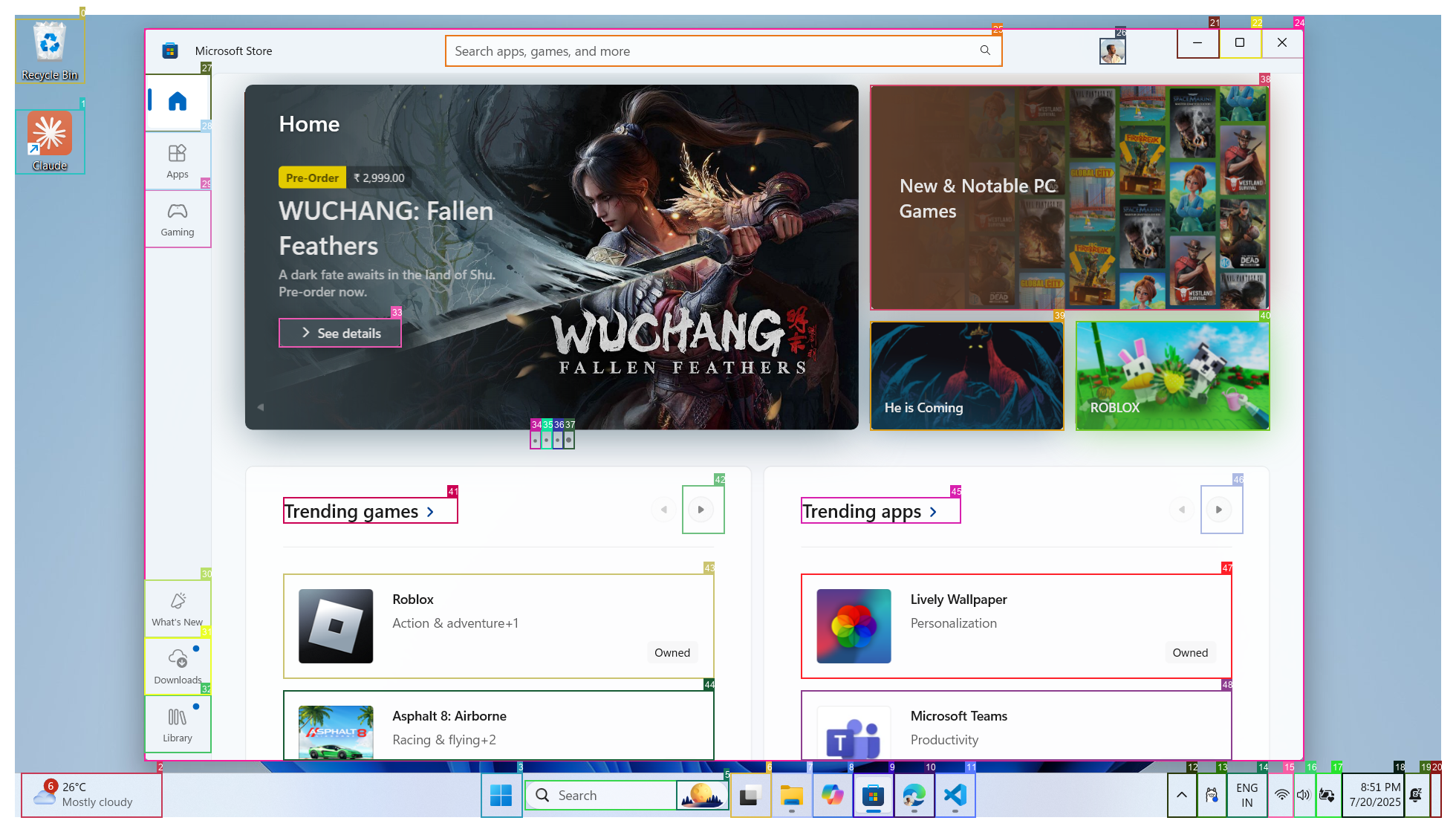
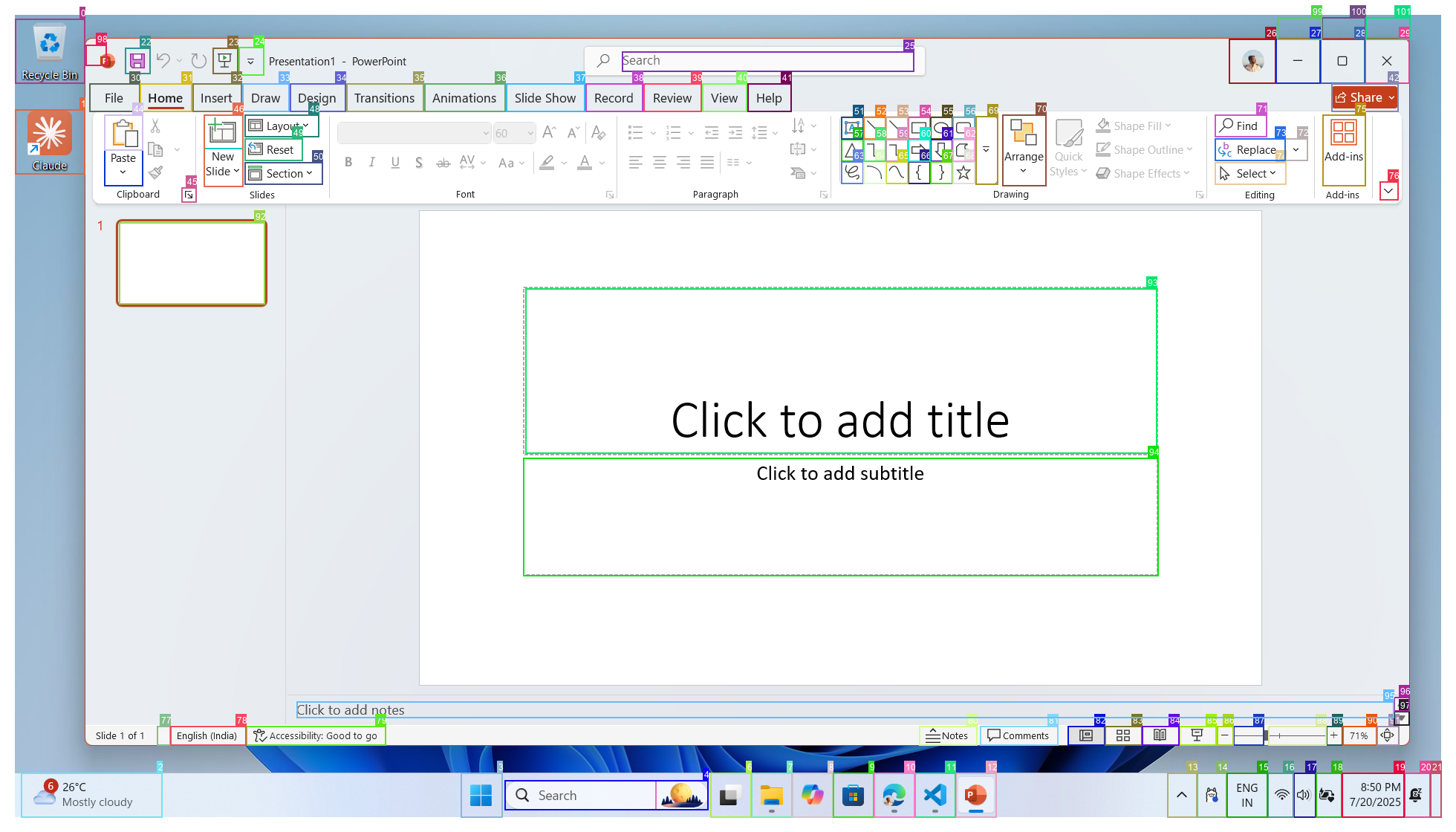
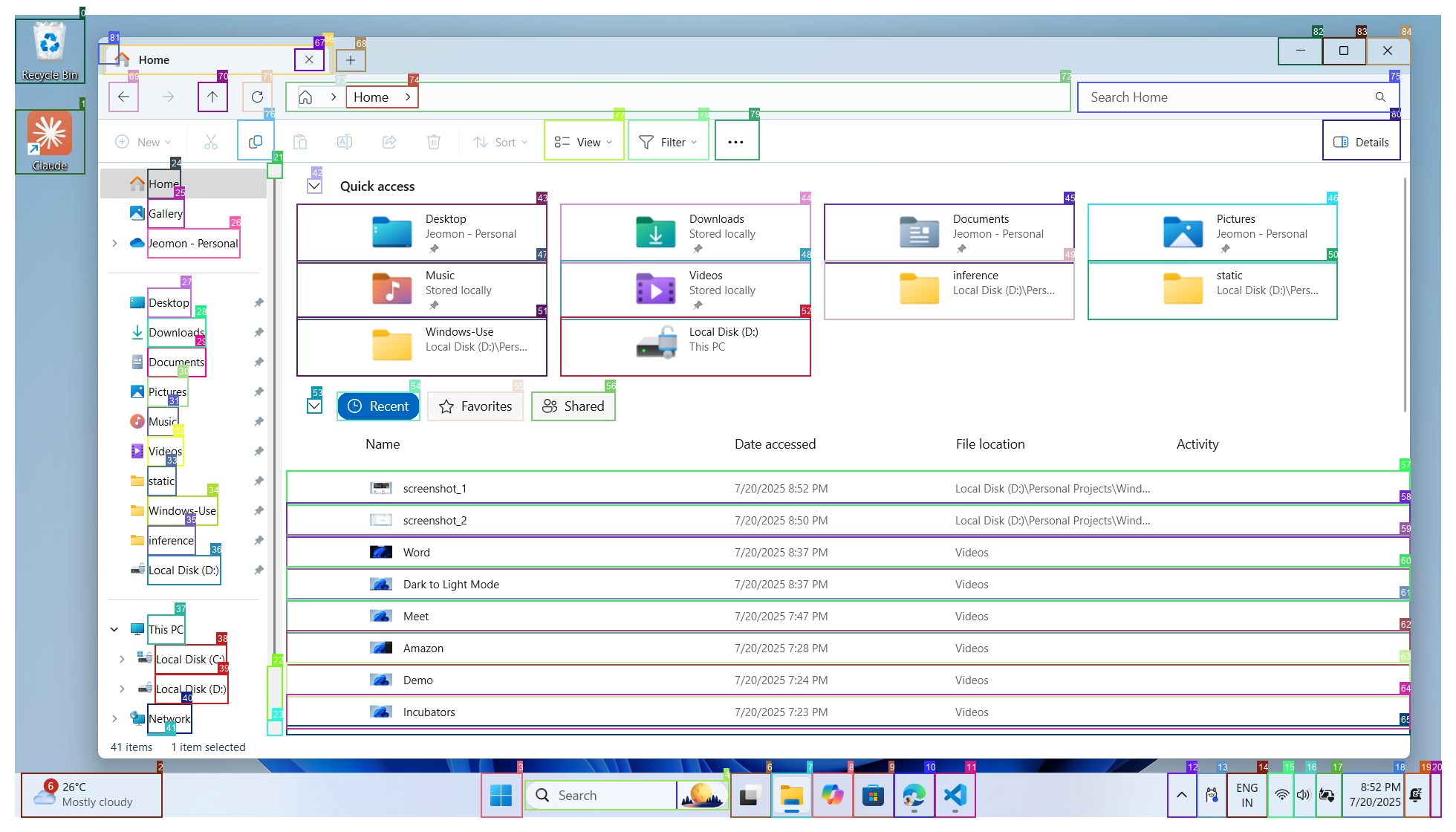


Vision
Talk to your computer. Watch it get things done.
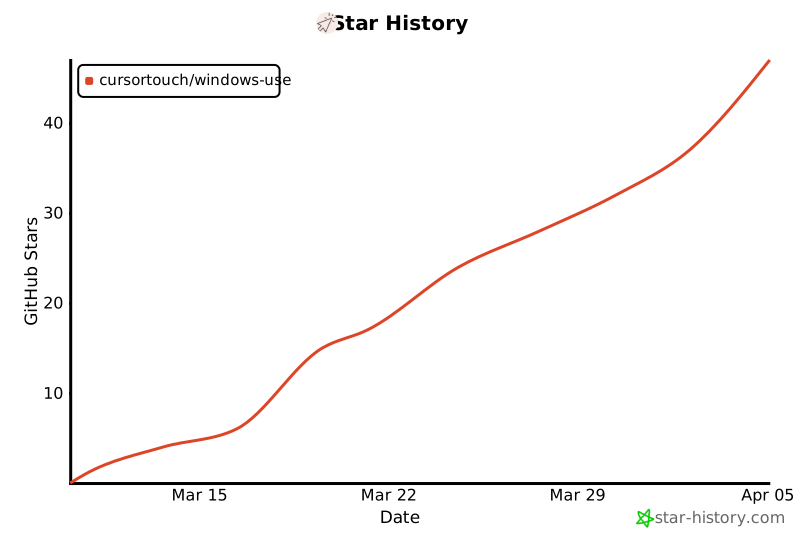
Star History
⚠️ Security
This agent can:
- Operate your computer on the behalf of the user
- Modify files and system settings
- Make irreversible changes to your system
⚠️ STRONGLY RECOMMENDED: Deploy in a Virtual Machine or Windows Sandbox
The project provides NO sandbox or isolation layer. For your safety:
- ✅ Use a Virtual Machine (VirtualBox, VMware, Hyper-V)
- ✅ Use Windows Sandbox (Windows 10/11 Pro/Enterprise)
- ✅ Use a dedicated test machine
📖 Read the full Security Policy before deployment.
🪪 License
This project is licensed under the MIT License - see the LICENSE file for details.
🙏 Acknowledgements
Windows-Use makes use of several excellent open-source projects that power its Windows automation features:
Huge thanks to the maintainers and contributors of these libraries for their outstanding work and open-source spirit.
📡 Telemetry
Windows-Use includes lightweight, privacy-friendly telemetry to help improve reliability, debug failures, and understand how the agent behaves in real environments.
You can disable telemetry by setting the environment variable:
ANONYMIZED_TELEMETRY=false
Or in your Python code:
import os
os.environ["ANONYMIZED_TELEMETRY"] = "false"
🤝 Contributing
Contributions are welcome! Please check the CONTRIBUTING file for setup and development workflow.
Made with ❤️ by Jeomon George
Citation
@software{
  author       = {George, Jeomon},
  title        = {Windows-Use: Enable AI to control Windows OS},
  year         = {2025},
  publisher    = {GitHub},
  url={https://github.com/CursorTouch/Windows-Use}
}
Release history Release notifications | RSS feed


Download files
Download the file for your platform. If you're not sure which to choose, learn more about installing packages.
Source Distribution
Built Distribution
Filter files by name, interpreter, ABI, and platform.
If you're not sure about the file name format, learn more about wheel file names.
Copy a direct link to the current filters
File details
Details for the file windows_use-0.7.2.tar.gz.
File metadata
- Download URL: windows_use-0.7.2.tar.gz
- Upload date:
- Size: 125.0 kB
- Tags: Source
- Uploaded using Trusted Publishing? No
- Uploaded via: uv/0.9.24 {"installer":{"name":"uv","version":"0.9.24","subcommand":["publish"]},"python":null,"implementation":{"name":null,"version":null},"distro":null,"system":{"name":null,"release":null},"cpu":null,"openssl_version":null,"setuptools_version":null,"rustc_version":null,"ci":null}
File hashes
| Algorithm | Hash digest | |
|---|---|---|
| SHA256 |
a07b389353e05e950b94dfdad0ac682d450dde26fbd5bc9d7c3484263ea06b49
|
|
| MD5 |
2dbeab9bd74f1f448cf4db80112531b4
|
|
| BLAKE2b-256 |
e625d9e8592c87e74778cce7159b7169175365a7703c66fba0341061db3c80d6
|
File details
Details for the file windows_use-0.7.2-py3-none-any.whl.
File metadata
- Download URL: windows_use-0.7.2-py3-none-any.whl
- Upload date:
- Size: 152.0 kB
- Tags: Python 3
- Uploaded using Trusted Publishing? No
- Uploaded via: uv/0.9.24 {"installer":{"name":"uv","version":"0.9.24","subcommand":["publish"]},"python":null,"implementation":{"name":null,"version":null},"distro":null,"system":{"name":null,"release":null},"cpu":null,"openssl_version":null,"setuptools_version":null,"rustc_version":null,"ci":null}
File hashes
| Algorithm | Hash digest | |
|---|---|---|
| SHA256 |
e860704f8d09fbfb8b5613a25a61a7111824cf7b7150fbbeef85d199cfe51fc9
|
|
| MD5 |
61d64de629ab387e954833022d7b05d8
|
|
| BLAKE2b-256 |
2be4d22874d11dfadee01105cec4d85e30e4cfacced58f9bdb55653e6464bbbf
|






