
WizMap 






Exploring and interpreting large embeddings in your browser!
| 🚀 Live Demo | 📺 Demo Video | 📖 Research Paper |
What is WizMap?
WizMap is a scalable interactive visualization tool to help you easily explore large machine learning embeddings. With a novel multi-resolution embedding summarization method and a familiar map-like interaction design, WizMap allows you to navigate and interpret embedding spaces with ease.
| ✅ | Scalable to millions of embedding point |
| ✅ | Multi-resolution embedding summaries |
| ✅ | Fast embedding search |
| ✅ | Multimodal data (text and image) |
| ✅ | Animated embedding evolution |
| ✅ | Support computational notebooks (e.g., Jupyter, Colab, VS Code) |
| ✅ | Sharable URLs |
WizMap Gallery
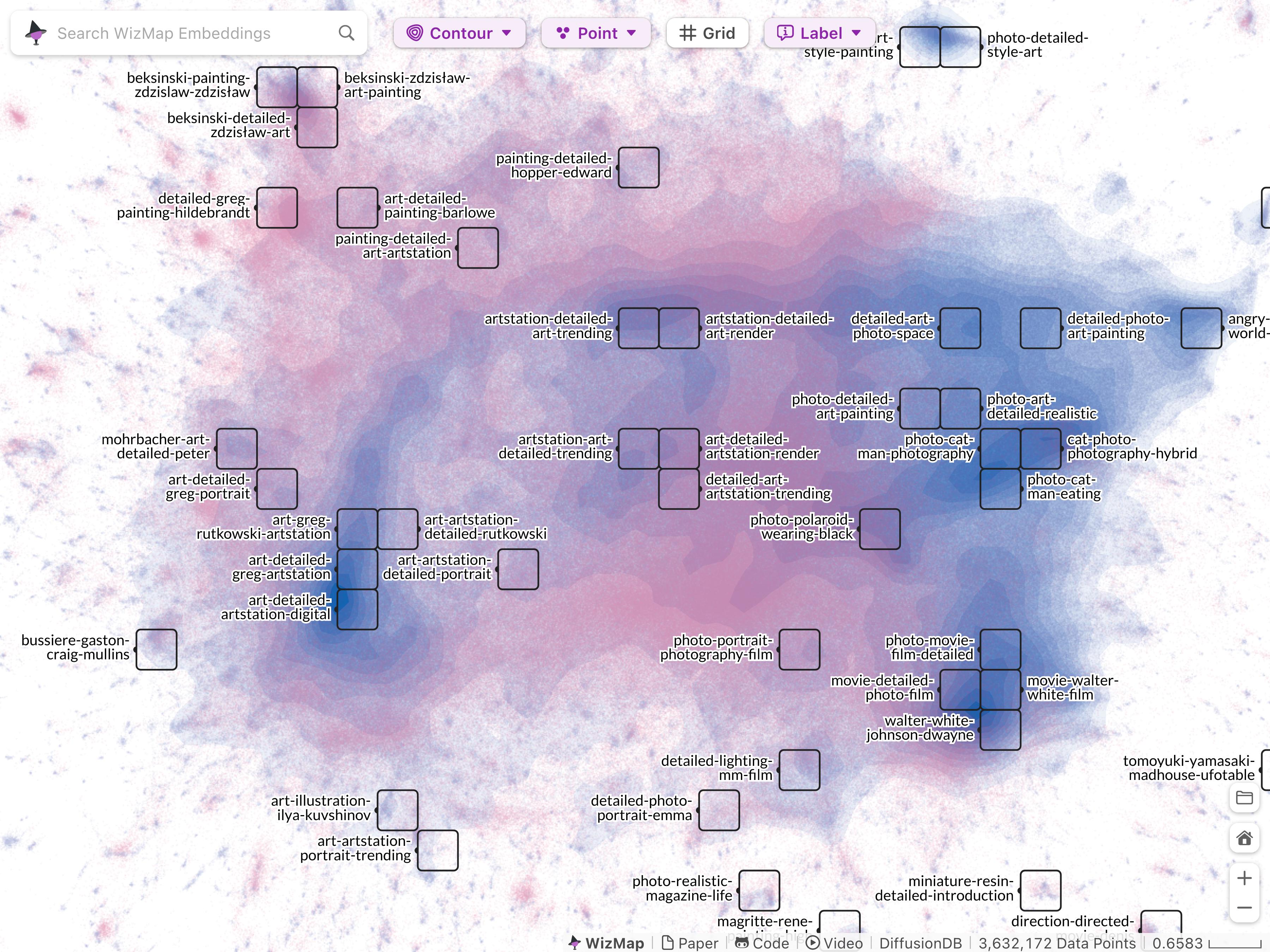 |
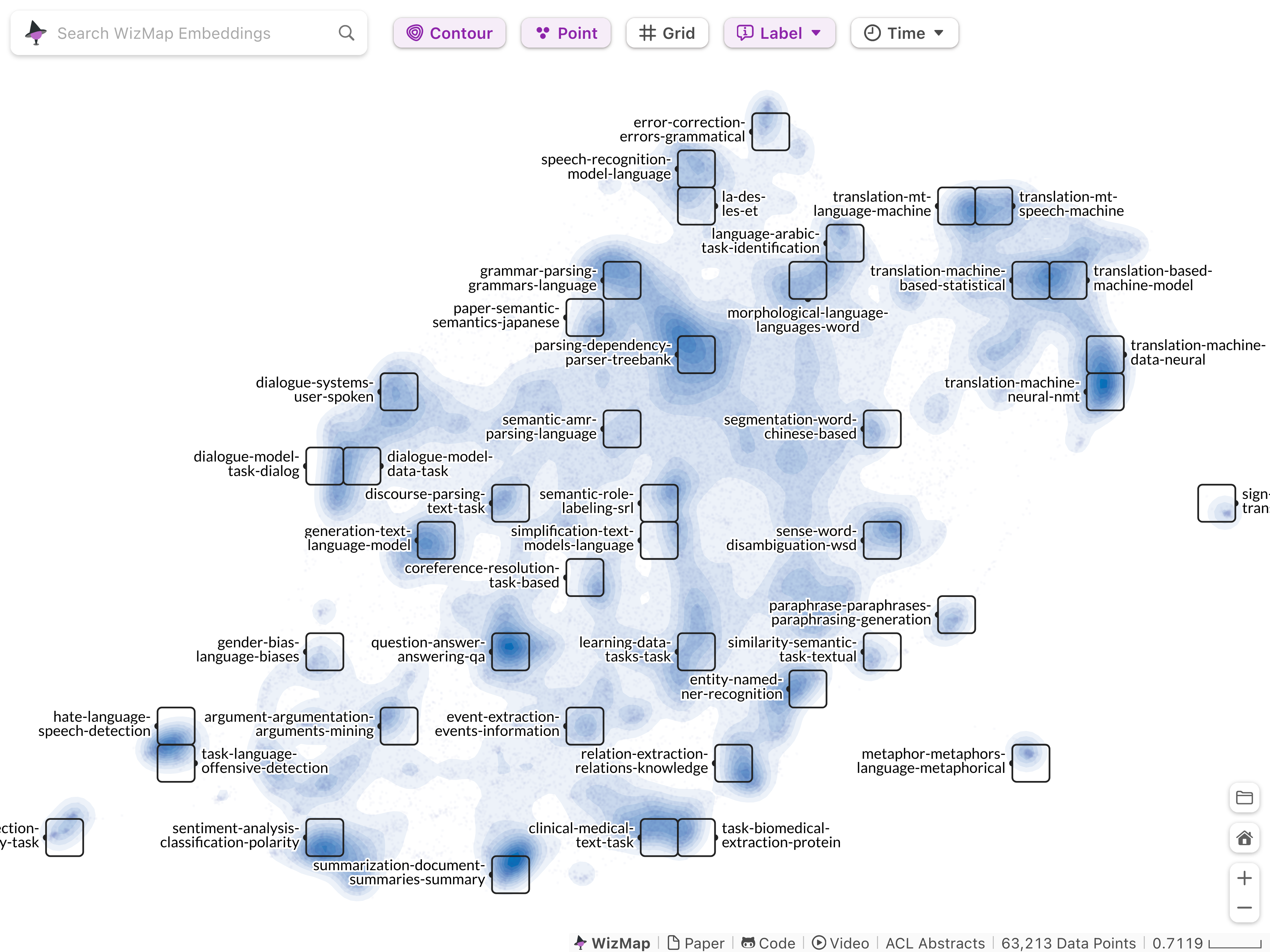 |
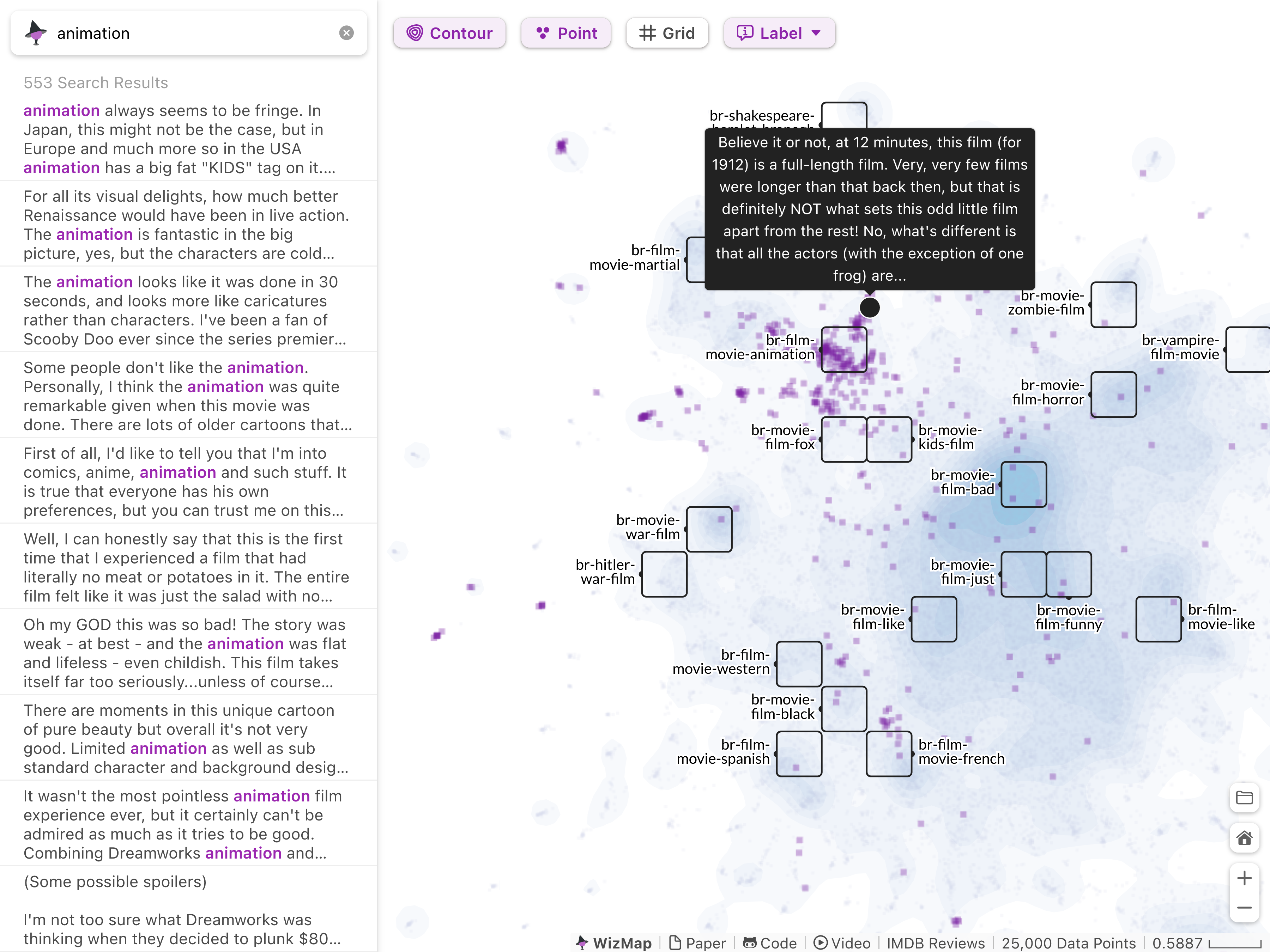 |
| DiffusionDB Prompts + Images | ACL Paper Abstracts | IMDB Review Comments |
| 1.8M text + 1.8M images | 63k text | 25k text |
CLIP Embedding |
all-MiniLM-L6-v2 Embedding |
all-MiniLM-L6-v2 Embedding |
Submit a PR to add your WizMap here! You can share your WizMap using a unique URL.
Web Demo
For a live web demo, visit: https://poloclub.github.io/wizmap.
Get Started
Clone or download this repository:
git clone git@github.com:poloclub/wizmap.git
Install the dependencies:
npm install
Then run WizMap:
npm run dev
Navigate to localhost:3000. You should see WizMap running in your browser :)
Use My Own Embeddings
To use WizMap with your embeddings, you first need to install the wizmap Python library.
pip install wizmap
Then take a look at this notebook for a detailed guide. If your dataset includes images, take a look at this notebook.
Spoiler alert: You'll be up and running with just two function calls from the wizmap library. These two JSON files contain pre-computed embedding summaries, distributions, and the original embedding data.
After generating the JSON files, you have two options to use WizMap.
- Browser: You can click the folder icon on the bottom right of the WizMap demo and enter the URLs to the JSON files in the pop-up window.
- Notebook: If you are familiar with computational notebooks (e.g., Jupyter Notebook, VSCode Notebook, Colab), you can directly use WizMap in your favorite notebook platform with
wizmap.visualize().
Share My WizMap
You can easily share your embedding maps with collaborators by copying the unique URL of WizMap from your browser. For example, the URL below points to an IMDB embedding in WizMap.
https://poloclub.github.io/wizmap/?dataURL=https%3A%2F%2Fhuggingface.co%2Fdatasets%2Fxiaohk%2Fembeddings%2Fresolve%2Fmain%2Fimdb%2Fdata.ndjson&gridURL=https%3A%2F%2Fhuggingface.co%2Fdatasets%2Fxiaohk%2Fembeddings%2Fresolve%2Fmain%2Fimdb%2Fgrid.json
Credits
WizMap is created by Jay Wang, Fred Hohman, and Polo Chau.
Citation
To learn more about WizMap, please read our research paper (published at ACL'23 System Demonstration).
@article{wangWizMapScalableInteractive2023,
  title = {{{WizMap}}: {{Scalable Interactive Visualization}} for {{Exploring Large Machine Learning Embeddings}}},
  shorttitle = {{{WizMap}}},
  author = {Wang, Zijie J. and Hohman, Fred and Chau, Duen Horng},
  year = {2023},
  url = {http://arxiv.org/abs/2306.09328},
  urldate = {2023-06-16},
  archiveprefix = {arxiv},
  journal = {arXiv 2306.09328}
}
License
The software is available under the MIT License.
Contact
If you have any questions, feel free to open an issue or contact Jay Wang.
1 maintainer

Metadata
1 maintainer
Release files for wizmap 0.1.7
For a detailed explanation of source distributions (sdists) and built distributions (wheels), please see the package formats documentation.
Source distribution (sdist)
| File | Size | Uploaded | |
|---|---|---|---|
| wizmap-0.1.7.tar.gz | 3.6 MB | Details |
Built distribution (wheel)
| File | Interpreter | ABI | Platform | Reset |
|---|---|---|---|---|
| wizmap-0.1.7-py2.py3-none-any.whl | Python 2, Python 3 | none | any | Details |
Total release size: 8.7 MB
Release files / wizmap-0.1.7.tar.gz
| Download URL | wizmap-0.1.7.tar.gz |
|---|---|
| Size | 3.6 MB |
| Tags | Source |
|
SHA-256 checksum How to use checksums |
ad1253ba3d82b63577240dece9bc0cbad690ee734c925370fcd60534684f2d42
|
|
BLAKE2b-256 checksum How to use checksums |
2d27033b59f8e88be7be1011501d2019faa32642d843ae6e6ae8b221b1cff6a7
|
| Upload date | |
|
Uploaded using Trusted Publishing? What is trusted publishing? |
No |
| Uploaded via |
twine/6.1.0 CPython/3.12.9
|
Release files / wizmap-0.1.7-py2.py3-none-any.whl
| Download URL | wizmap-0.1.7-py2.py3-none-any.whl |
|---|---|
| Size | 5.2 MB |
| Tags | Python 2 Python 3 |
|
SHA-256 checksum How to use checksums |
ca1d5434a3e8eabd5f05d813a1e5b9a6e7cb76daddb528e97011356eaf053dba
|
|
BLAKE2b-256 checksum How to use checksums |
f925f8ddfa9a812866459e7a83d58d3c6c1d12c21617b44c3bd8e79b6e4add6c
|
| Upload date | |
|
Uploaded using Trusted Publishing? What is trusted publishing? |
No |
| Uploaded via |
twine/6.1.0 CPython/3.12.9
|














