






👋 hello
We write your reusable computer vision tools. Whether you need to load your dataset from your hard drive, draw detections on an image or video, or count how many detections are in a zone. You can count on us! 🤝
💻 install
Pip install the wow_ai_cv package in a 3.11>=Python>=3.7 environment.
pip install wow_ai_cv
👉 install from source
# clone repository and navigate to root directory
git clone https://github.com/roboflow/wow_ai_cv.git
cd wow_ai_cv

# setup python environment and activate it
python3 -m venv venv
source venv/bin/activate

# install
pip install -e ".[dev]"
🔥 quickstart
detections processing
>>> import wow_ai_cv as sv
>>> from ultralytics import YOLO

>>> model = YOLO('yolov8s.pt')
>>> result = model(IMAGE)[0]
>>> detections = sv.Detections.from_yolov8(result)

>>> len(detections)
5
👉 more detections utils
-
Easily switch inference pipeline between supported object detection / instance segmentation models
>>> import wow_ai_cv as sv
>>> from segment_anything import sam_model_registry, SamAutomaticMaskGenerator

>>> sam = sam_model_registry[MODEL_TYPE](checkpoint=CHECKPOINT_PATH).to(device=DEVICE)
>>> mask_generator = SamAutomaticMaskGenerator(sam)
>>> sam_result = mask_generator.generate(IMAGE)
>>> detections = sv.Detections.from_sam(sam_result=sam_result)
-
>>> detections = detections[detections.class_id == 0]
>>> detections = detections[detections.confidence > 0.5]
>>> detections = detections[detections.area > 1000]
-
Image annotation
>>> import wow_ai_cv as sv

>>> box_annotator = sv.BoxAnnotator()
>>> annotated_frame = box_annotator.annotate(
...     scene=IMAGE,
...     detections=detections
... )
datasets processing
>>> import wow_ai_cv as sv

>>> dataset = sv.DetectionDataset.from_yolo(
...     images_directory_path='...',
...     annotations_directory_path='...',
...     data_yaml_path='...'
... )

>>> dataset.classes
['dog', 'person']

>>> len(dataset)
1000
👉 more dataset utils
-
Load object detection / instance segmentation datasets in one of supported formats
>>> dataset = sv.DetectionDataset.from_yolo(
...     images_directory_path='...',
...     annotations_directory_path='...',
...     data_yaml_path='...'
... )

>>> dataset = sv.DetectionDataset.from_pascal_voc(
...     images_directory_path='...',
...     annotations_directory_path='...'
... )
-
Loop over dataset entries
>>> for name, image, labels in dataset:
...     print(labels.xyxy)

array([[404.      , 719.      , 538.      , 884.5     ],
       [155.      , 497.      , 404.      , 833.5     ],
       [ 20.154999, 347.825   , 416.125   , 915.895   ]], dtype=float32)
-
Split dataset for training, testing and validation
>>> train_dataset, test_dataset = dataset.split(split_ratio=0.7)
>>> test_dataset, valid_dataset = test_dataset.split(split_ratio=0.5)

>>> len(train_dataset), len(test_dataset), len(valid_dataset)
(700, 150, 150)
-
Save object detection / instance segmentation datasets in one of supported formats
>>> dataset.as_yolo(
...     images_directory_path='...',
...     annotations_directory_path='...',
...     data_yaml_path='...'
... )

>>> dataset.as_pascal_voc(
...     images_directory_path='...',
...     annotations_directory_path='...'
... )
-
Convert labels between suppoted formats
>>> sv.DetectionDataset.from_yolo(
...     images_directory_path='...',
...     annotations_directory_path='...',
...     data_yaml_path='...'
... ).as_pascal_voc(
...     images_directory_path='...',
...     annotations_directory_path='...'
... )
-
Load classification datasets in one of supported formats
>>> cs = sv.ClassificationDataset.from_folder_structure(
...     root_directory_path='...'
... )
-
Save classification datasets in one of supported formats
>>> cs.as_folder_structure(
...     root_directory_path='...'
... )
🎬 tutorials
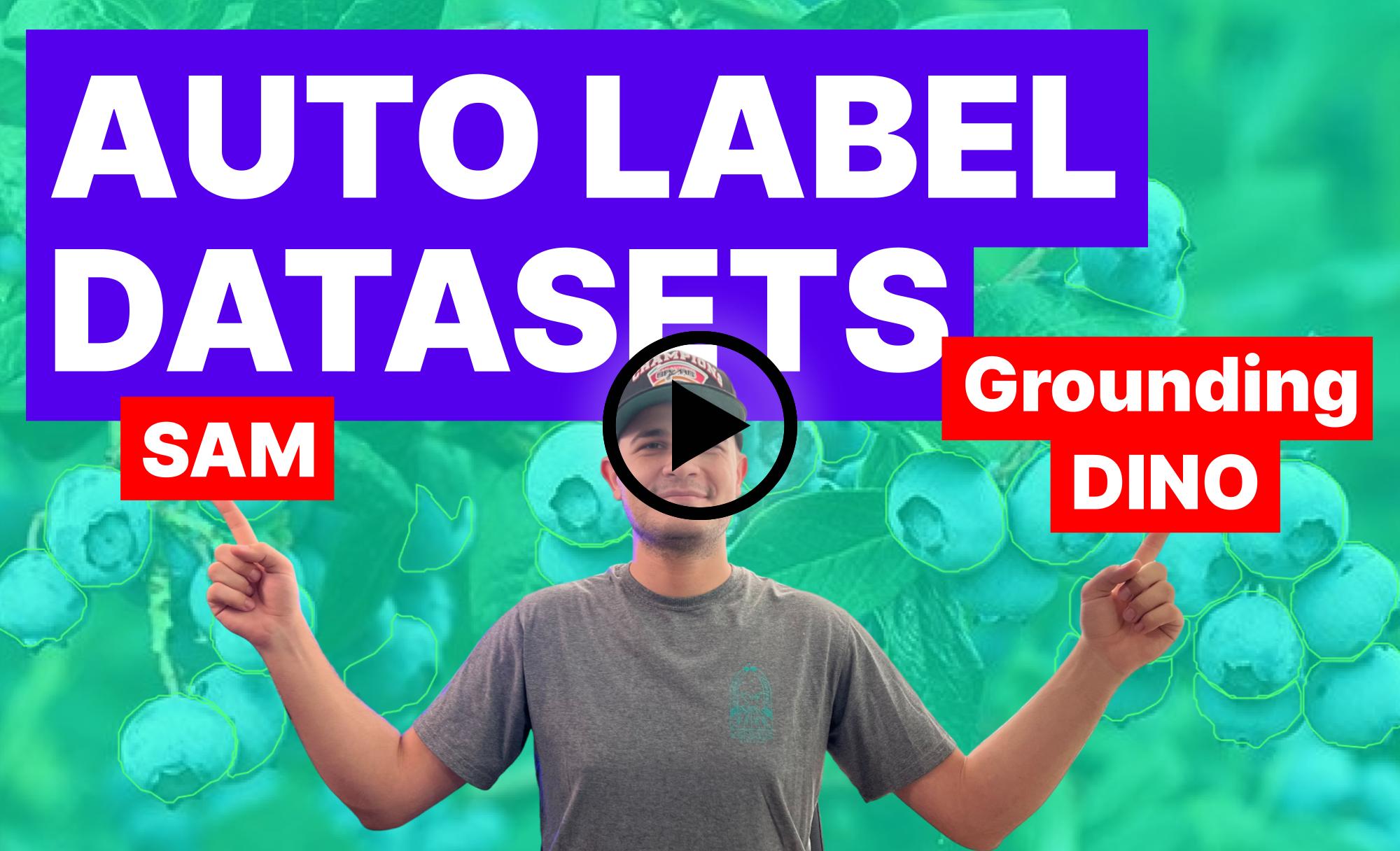
Discover how to speed up your image annotation process using Grounding DINO and Segment Anything Model (SAM). Learn how to convert object detection datasets into instance segmentation datasets, and see the potential of using these models to automatically annotate your datasets for real-time detectors like YOLOv8...
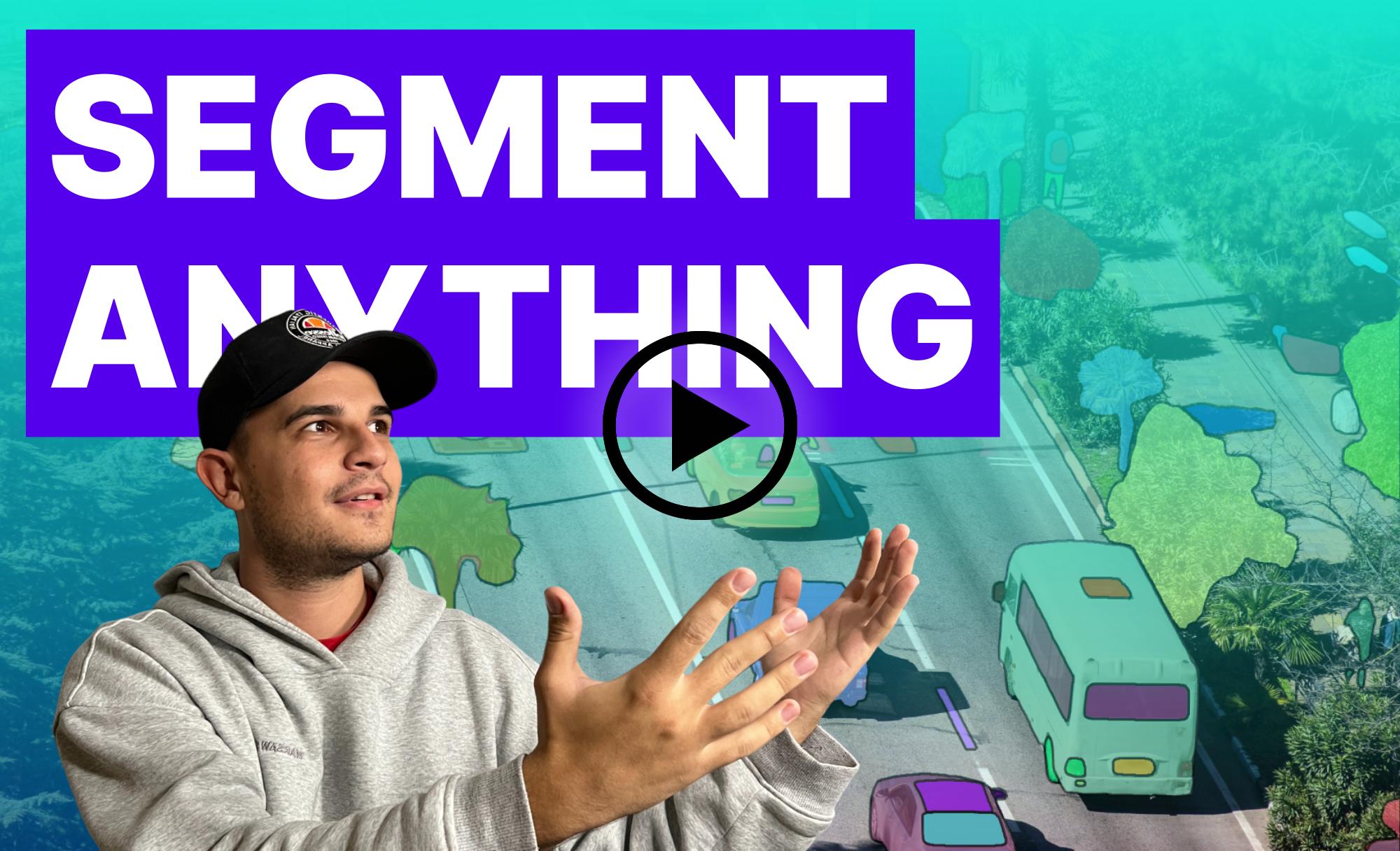
Discover the incredible potential of Meta AI's Segment Anything Model (SAM)! We dive into SAM, an efficient and promptable model for image segmentation, which has revolutionized computer vision tasks. With over 1 billion masks on 11M licensed and privacy-respecting images, SAM's zero-shot performance is often competitive with or even superior to prior fully supervised results...
📚 documentation
Curious how wow_ai_cv can help you solve problems on your project? Visit our documentation page!
💜 built with wow_ai_cv
You built something cool using wow_ai_cv? Let us know!
🏆 contribution
We love your input! Please see our contributing guide to get started. Thank you 🙏 to all our contributors!


1 maintainer

Metadata
1 maintainer
Release files for wow-ai-cv 0.6.0
For a detailed explanation of source distributions (sdists) and built distributions (wheels), please see the package formats documentation.
Source distribution (sdist)
| File | Size | Uploaded | |
|---|---|---|---|
| wow_ai_cv-0.6.0.tar.gz | 33.5 kB | Details |
Built distribution (wheel)
| File | Interpreter | ABI | Platform | Reset |
|---|---|---|---|---|
| wow_ai_cv-0.6.0-py3-none-any.whl | Python 3 | none | any | Details |
Total release size: 76.1 kB
Release files / wow_ai_cv-0.6.0.tar.gz
| Download URL | wow_ai_cv-0.6.0.tar.gz |
|---|---|
| Size | 33.5 kB |
| Tags | Source |
|
SHA-256 checksum How to use checksums |
02b287b7c359123841e05d0e1e828e01ffb652d65b84d765a46fa94842029de3
|
|
BLAKE2b-256 checksum How to use checksums |
e61ca6c9721eadf4c9fa638ee5f043f09c5d4962118bb18943c206e137aa6e94
|
| Upload date | |
|
Uploaded using Trusted Publishing? What is trusted publishing? |
No |
| Uploaded via |
twine/4.0.2 CPython/3.9.6
|
Release files / wow_ai_cv-0.6.0-py3-none-any.whl
| Download URL | wow_ai_cv-0.6.0-py3-none-any.whl |
|---|---|
| Size | 42.6 kB |
| Tags | Python 3 |
|
SHA-256 checksum How to use checksums |
172b899756c1dc08ceb21406cf711e3afd8e679c0edd3a3a9739dedb205c2727
|
|
BLAKE2b-256 checksum How to use checksums |
e4337632fb958a04eb90a5300d01ab137529381a50ed2e3dbd97aaad1b3cfd61
|
| Upload date | |
|
Uploaded using Trusted Publishing? What is trusted publishing? |
No |
| Uploaded via |
twine/4.0.2 CPython/3.9.6
|













