
Wasted On Youtube

Project description
woy - Wasted On Youtube



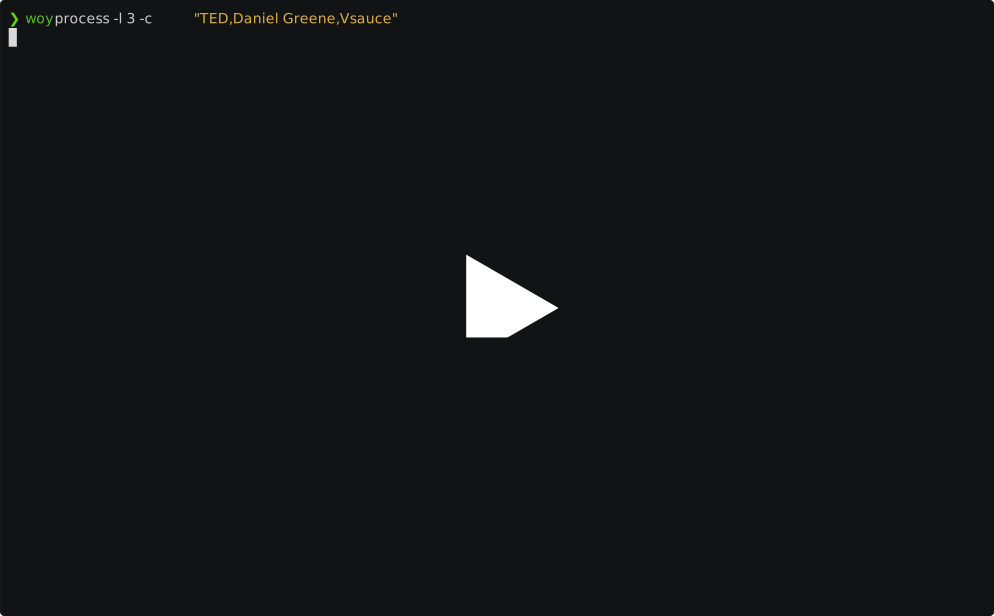
Wanna know how badly addicted you are to youtube? Woy will tell you how much of your time you wasted watching videos, with several stats about channels, tags, weekly watchtime, and so on.
It works by scraping your youtube watch history (obtained with Google Takeout) and complementing with extra info about the videos (obtained with the Youtube API).
Setup
First, ask google for your data: click on your avatar on the top right of youtube, then Your data in Youtube, then More under Your Youtube dashboard, and finally Download Youtube Data. In the next page, make sure to click on "multiple formats" and change the "history" dropdown from HTML to JSON. Do whatever you prefer for the next steps, and you should soon receive your data via the chosen method. The history file will be located at Takeout/YouTube and YouTube Music/history/watch-history.json inside the extracted directory.
In order to use the youtube API you'll need your own API key (or alternative, ask for a friend's 😉). To do so, I recommend following the official guide up to point 3.; you can skip setting up OAuth authentication, as it won't be needed.
Once you have your Takeout and your API key, you're ready to go! Install woy with pip (or your preferred method, I suggest uv):
pip install woy
Usage
To scrape your history and download the additional info, run:
woy fetch <PATH_TO_TAKEOUT_HISTORY_JSON> <API_KEY>
[!WARNING] By default your API will have a quota of 10k requests per day. This should be plenty for this purpose, as woy tries to be smart about it and batch requests, but you won't be able to use the same API key many times in the same day. That should be ok though, since you only need to do this once! Anyway, you'll get a confirmation prompt telling you how much api quota this run will use.
This will create a file called youtube_watch_history.csv in the current directory with all the history data. Feel free to peruse it and a analyse it however you like!
To generate a summary, prepare to cringe and run:
woy process
[!TIP] Video titles and channel names are clickable links!
Run woy process -h to see all the available options to customize the summary.
For example, to include only the data starting from 2020, and exclude videos categorized as "Music", run:
woy process --exclude-categories "Music" -f 2020-01-01
Caveats
Youtube Takeout unfortunately does not include playback information, such as exact minutes watched and playback speed. This means that every time a video is watched "a bit", it's counted as a full watch. As a result, watch times are always overestimated, resulting for example in days where the watchtime is longer than 24h. As far as I know, there's no way around it.


Download files
Download the file for your platform. If you're not sure which to choose, learn more about installing packages.
Source Distribution
Built Distribution
Filter files by name, interpreter, ABI, and platform.
If you're not sure about the file name format, learn more about wheel file names.
Copy a direct link to the current filters
File details
Details for the file woy-1.2.tar.gz.
File metadata
- Download URL: woy-1.2.tar.gz
- Upload date:
- Size: 21.8 kB
- Tags: Source
- Uploaded using Trusted Publishing? No
- Uploaded via: twine/6.0.1 CPython/3.12.7
File hashes
| Algorithm | Hash digest | |
|---|---|---|
| SHA256 |
41baccd2f929d11e3b0f76fcaa2986503e6b009053a33092e21432b22126c86c
|
|
| MD5 |
0b60cce3eeb9ca9abb5a2e130149cfbf
|
|
| BLAKE2b-256 |
0ebfdec1c013478a1fe2c5e569d474b3a5f81d68919618505eae44251d796359
|
File details
Details for the file woy-1.2-py3-none-any.whl.
File metadata
- Download URL: woy-1.2-py3-none-any.whl
- Upload date:
- Size: 19.8 kB
- Tags: Python 3
- Uploaded using Trusted Publishing? No
- Uploaded via: twine/6.0.1 CPython/3.12.7
File hashes
| Algorithm | Hash digest | |
|---|---|---|
| SHA256 |
d51c1e1b2b2bc9cf79ccdf8ca6d80ba8cbe4795b31257d7d5f47eeffc5424e70
|
|
| MD5 |
47ac1a448cdfb618039343b587651144
|
|
| BLAKE2b-256 |
88fe97e228296dfdb99b772a8a7b2a488ccdff2f0f8ea1f55fbe682aad8b9a91
|






