
A Python CLI application that converts a WordPress WXR backup file to MD files usable by Hugo.

Project description
wp2hugo
This Python module helps you convert a WordPress WXR file to MD files.
The MD files can then be used to start up a Hugo site, making this module an important first step if you want to convert your WordPress site to Hugo.
Description
The module has two run modes: create and stats.
Run mode create will open your WXR XML file and create the required MD files.
Run mode stats will dump some quick statistics about the WXR XML file, including number of posts, number of pages, number of tags and number of categories.
Installation
Install the module using pip.
pip3 install wp2hugo
Usage
Create
To create the MD files, use create.
wp2hugo create <xmlfile> --outdir <directory> --lowercasetags
Parameters:
<xmlfile>- Path to the WXR XML file
- Required: yes
--outdir <directory>- Path to the output directory, will be created if not existing
- Default: ./out
- Required: no
--lowercasetags- Whether or not to convert tags from WXR files to lowercase
- Default: false
- Required: no
stats
To display statistics about the WXR file, use stats.
wp2hugo stats <xmlfile>
Parameters:
<xmlfile>- Path to the WXR XML file
- Required: yes
Create export
The WXR export can be created using one of two methods:
- export from the WordPress web dashboard
- export made from using the
WP CLItool
Wordpress web deashboard
Follow these steps to create the export.
- Log in to your WordPress site
- Go to
Tools -> Export - Ensure that
All contentis selected - Click the
Download Export Filebutton
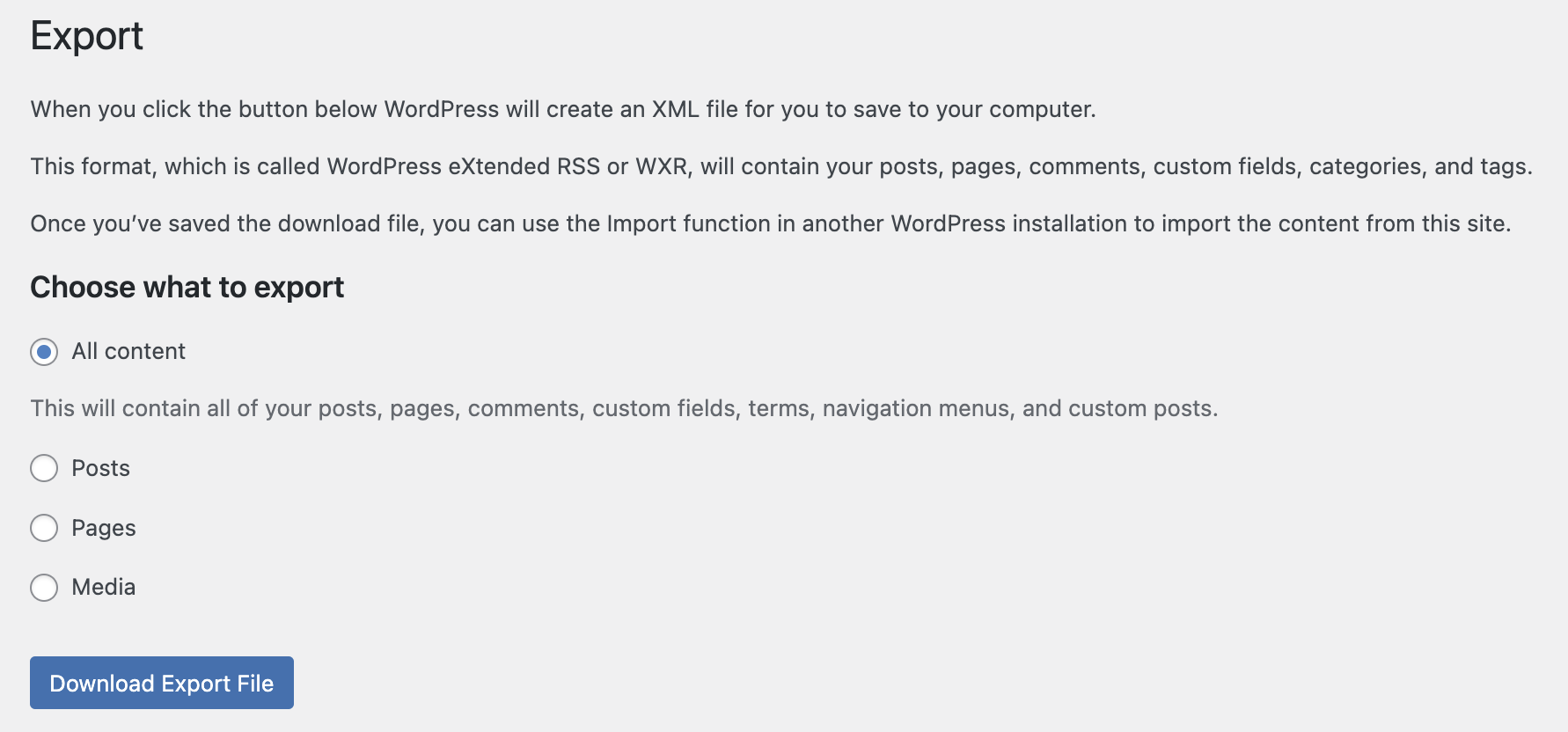
Your web browswer will now download the generated export file.
WP CLI tool
Setting up and using the WP CLI tool is outside the scope of this README, but please consult the documentation.
It is fairly straightforward, and requires either console access to where the WordPress files are located, or access via SSH.
Credits
This Python module is heavily based on the wxr2md module by Dion Susanto. A huge thanks go out to him for his work.
License
MIT
Author
This module was created by Jostein Elvaker Haande.


Download files
Download the file for your platform. If you're not sure which to choose, learn more about installing packages.
Source Distribution
Built Distribution
Filter files by name, interpreter, ABI, and platform.
If you're not sure about the file name format, learn more about wheel file names.
Copy a direct link to the current filters
File details
Details for the file wp2hugo-0.1.0.tar.gz.
File metadata
- Download URL: wp2hugo-0.1.0.tar.gz
- Upload date:
- Size: 6.4 kB
- Tags: Source
- Uploaded using Trusted Publishing? No
- Uploaded via: twine/4.0.2 CPython/3.9.6
File hashes
| Algorithm | Hash digest | |
|---|---|---|
| SHA256 |
7d933f7be02b5810116d88d21dcb80ba78ebee681be0bc34fd469142c0f7a22c
|
|
| MD5 |
45efddd74ef4bc89ba48b00d94d6602d
|
|
| BLAKE2b-256 |
123630c85d4d2e5087847e7e937f8c63b0f9cbacd80fa993abed5c605469a44a
|
File details
Details for the file wp2hugo-0.1.0-py3-none-any.whl.
File metadata
- Download URL: wp2hugo-0.1.0-py3-none-any.whl
- Upload date:
- Size: 6.8 kB
- Tags: Python 3
- Uploaded using Trusted Publishing? No
- Uploaded via: twine/4.0.2 CPython/3.9.6
File hashes
| Algorithm | Hash digest | |
|---|---|---|
| SHA256 |
356a364972028e40a7fec93dc7ede78e2ff67e16375e86799b067abf10e80416
|
|
| MD5 |
4706da9b75d2a80da52311f1729301d7
|
|
| BLAKE2b-256 |
49d18049e974f9be16e35d3eb992df2ad4d537459496f89b50118d3adffe725a
|






