
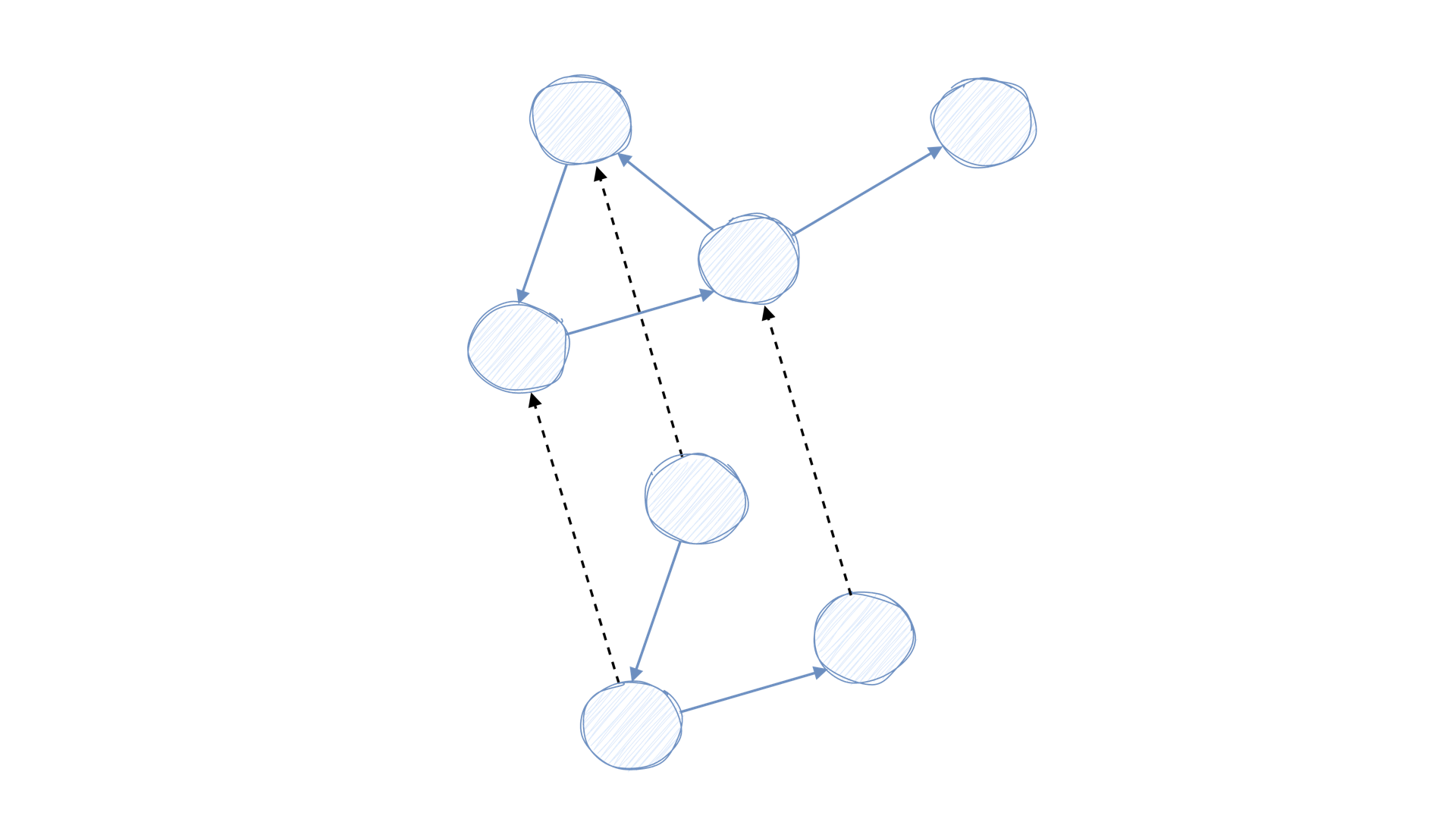
XTDB Python: A Python ORM for XTDB





Check out the documentation for a more complete documentation of the package.
Installation
You can install this project using pip:
$ pip install xtdb
Usage
The following examples assume you have set the XTDB_URI variable in your environment.
To start experimenting, you could use the following setup using Docker:
$ docker run -p 3000:3000 -d juxt/xtdb-standalone-rocksdb:1.21.0
$ export XTDB_URI=http://localhost:3000/_xtdb
Using the Client
The XTDBClient supports the full HTTP API spec.
>> > import os
>> > from xtdb.session import XTDBClient, Operation
>> >
>> > client = XTDBClient(os.environ["XTDB_URI"])
>> > client.submit_tx([Operation.put({"xt/id": "123", "name": "fred"})])
>> >
>> > client.query('{:query {:find [(pull ?e [*])] :where [[ ?e :name "fred" ]]}}')
[[{'name': 'fred', 'xt/id': '123'}]]
>> >
>> > client.get_entity("123")
{'name': 'fred', 'xt/id': '123'}
Take a look at the spec to see the full range of functionality that maps directly to the client.
Using the Datalog module
The datalog module also provides a layer to construct queries with more easily. Given the data from the cities example has been seeded:
>>> from xtdb.datalog import Find, Where
>>>
>>> query = Find("(pull Country [*])") & Find("City") & (Where("City", "City/country", "Country") & Where("City", "City/name", '"Rome"'))
>>> str(query)
{:query {:find [ (pull Country [*]) City] :where [ [ City :City/country Country ] [ City :City/name "Rome" ]]}}
>>>
>>> client.query(query)
[[{'type': 'Country', 'Country/name': 'Italy', 'xt/id': 'c095839f-031f-46ad-85e1-097f634ba4f0'}, '33aa7fa6-b752-4982-a772-d2dbaeda58ae']]
To see more datalog query examples, check out the unit tests.
Using the ORM and Session
Below is an example of how to use the ORM functionality.
import os
from dataclasses import dataclass

from xtdb.orm import Base
from xtdb.query import Query
from xtdb.session import XTDBSession


@dataclass
class TestEntity(Base):
    name: str


@dataclass
class SecondEntity(Base):
    age: int
    test_entity: TestEntity

session = XTDBSession(os.environ["XTDB_URI"])
entity = TestEntity(name="test")

with session:
    session.put(entity)

query = Query(TestEntity).where(TestEntity, name="test")
result = session.query(query)

result[0].dict() #  {"TestEntity/name": "test", "type": "TestEntity", "xt/id": "fe2a3ee0-9254-41dc-91cc-74ad9e2a16db"}
To see more examples, check out the examples directory. Don't hesitate to add your own examples!
Using the CLI for querying
This package also comes with an easy CLI tool to query XTDB.
Again, set the XTDB_URI variable in your environment first and you will be able to query XTDB as follows:
$ echo '{:query {:find [(pull ?e [*])] :where [[ ?e :name "fred" ]]}}' | python -m xtdb
[[{"name": "fred", "xt/id": "123"}]]
To use a query from a file, run:
$ cat query.txt
{:query {:find [(pull ?e [*])] :where [[ ?e :name "fred" ]]}}
$
$ python -m xtdb < query.txt
[[{"name": "fred", "xt/id": "123"}]]
Contributing
Installation
To get started, clone the repo and create an environment using Poetry
$ git clone https://github.com/Donnype/xtdb-py.git
$ cd xtdb-py
$ poetry install
Now set up XTDB, for instance using Docker
$ docker run -p 3000:3000 -d juxt/xtdb-standalone-rocksdb:1.21.0
Export the XTDB_URI environment variable to be able to use os.environ["XTDB_URI"] to fetch the endpoint
$ export XTDB_URI=http://localhost:3000/_xtdb
Development
The Makefile has several targets that should make development easier:
$ make utest  # Run unit tests
$ make itest  # Run integration tests
$ make check  # Run all linters
$ make done   # Run all of the above
The CI runs these checks as well. Check out the project page for issues and features to work on.
4 maintainers


Metadata
4 maintainers
Release files for xtdb 0.6.2
For a detailed explanation of source distributions (sdists) and built distributions (wheels), please see the package formats documentation.
Source distribution (sdist)
| File | Size | Uploaded | Provenance | Actions |
|---|---|---|---|---|
| xtdb-0.6.2.tar.gz | 13.5 kB | Without provenance | Details for xtdb-0.6.2.tar.gz |
Built distribution (wheel)
| File | Interpreter | ABI | Platform | Actions Reset |
|---|---|---|---|---|
| xtdb-0.6.2-py3-none-any.whl | Python 3 | none | any | Details for xtdb-0.6.2-py3-none-any.whl |
Total release size: 26.6 kB
Release files / xtdb-0.6.2.tar.gz
| Download URL | xtdb-0.6.2.tar.gz |
|---|---|
| Size | 13.5 kB |
| Tags | Source |
|
SHA-256 checksum How to use checksums |
ba99752d537a26c82077b60446c81b44e043ffd58d7efe6a0ca79b5fbfb3f4ef
|
|
BLAKE2b-256 checksum How to use checksums |
dbe093743e36a6003ebadb5366040c29b4a61dafb1253d22412ee78fa59d2f26
|
| Upload date | |
|
Uploaded using Trusted Publishing? What is trusted publishing? |
No |
| Uploaded via |
poetry/1.7.1 CPython/3.11.0 Linux/6.2.0-1016-azure
|
Release files / xtdb-0.6.2-py3-none-any.whl
| Download URL | xtdb-0.6.2-py3-none-any.whl |
|---|---|
| Size | 13.1 kB |
| Tags | Python 3 |
|
SHA-256 checksum How to use checksums |
cf32fef18b178c734f8771f4010b19b7212a2e0be2ebeee2cfa3c9f71385a43e
|
|
BLAKE2b-256 checksum How to use checksums |
e66b01a3dd3984095e81a6e649e34ed6f7953a5a4c6b0ed96e3ead524a8344c5
|
| Upload date | |
|
Uploaded using Trusted Publishing? What is trusted publishing? |
No |
| Uploaded via |
poetry/1.7.1 CPython/3.11.0 Linux/6.2.0-1016-azure
|
Security for xtdb 0.6.2
Provenance
Provenance describes where a file came from. On PyPI, provenance is shared via attestations, which provide a verifiable record of the build or publishing details. View details, limitations and caveats.
No provenance found
None of the files in this release were uploaded with provenance metadata.
A note on package security
PyPI is a repository for distributing packages, not a service for auditing them. While third-party security researchers and our staff do their best to detect and remove malicious packages, PyPI cannot guarantee the quality, security or suitability of any given package.
To learn more about protecting yourself from malicious actors, visit our package security documentation.














