
Yet Another AI monitoring — SDK and self-hosted ML model monitoring platform
Verified details
These details have been verified by PyPIProject links
GitHub Statistics
Maintainers

Project description

Yet Another AI Monitoring — because the existing ones didn't fit and building your own seemed like a good idea at the time.
Documentation · Getting Started · Server Setup · Deployment
Why This Exists
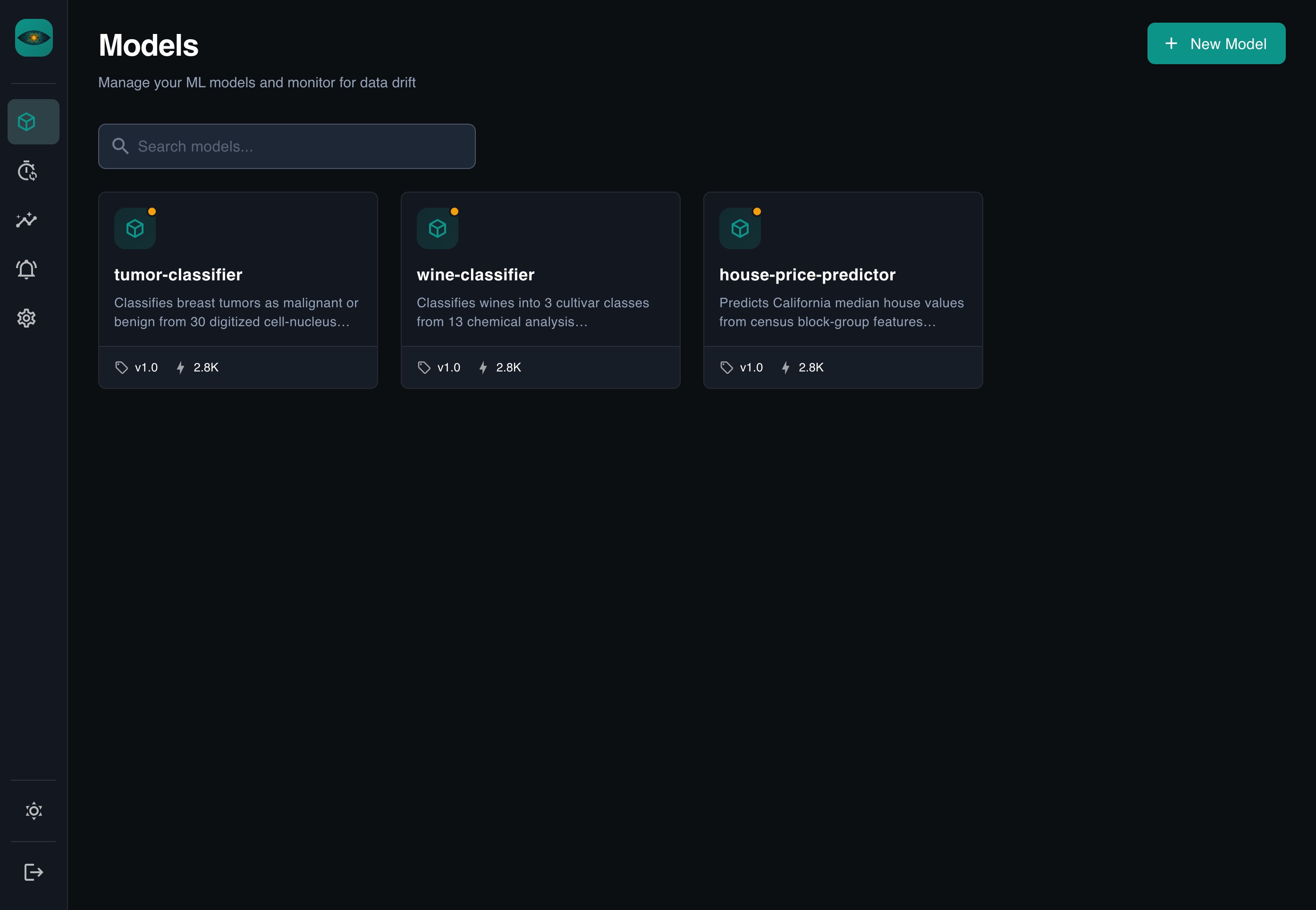
Most ML monitoring tools make you configure dashboards by hand, wire up custom pipelines, and learn their specific way of thinking before you see any value. YAAI takes a different approach:
- REST-based — send JSON, done
- Auto-everything — dashboards, drift detection, comparisons generated from your schema
- Zero config — no YAML files, no property mappings, no pipeline integrations
Define your fields once (or let YAAI guess them), send data, get insights.
Quick Start
git clone https://github.com/Maxl94/yaai.git
cd yaai
cp .env.example .env
docker compose up -d
Open http://localhost:8000 — the server and frontend are ready.
Default login: admin / check the server logs for the generated password.
For detailed setup instructions, see the Server Setup Guide (development) or the Deployment Guide (production).
Installation
pip install yaai-monitoring              # SDK only (httpx + pydantic)
pip install "yaai-monitoring[server]"    # Full server
pip install "yaai-monitoring[server,gcp]" # Server + Google Cloud support
SDK Example
import asyncio
from yaai import YaaiClient
from yaai.schemas.model import SchemaFieldCreate

async def main():
    async with YaaiClient("http://localhost:8000/api/v1", api_key="yaam_...") as client:
        model = await client.create_model("fraud-detector")
        version = await client.create_model_version(
            model_id=model.id,
            version="v1.0",
            schema_fields=[
                SchemaFieldCreate(field_name="amount", direction="input", data_type="numerical"),
                SchemaFieldCreate(field_name="country", direction="input", data_type="categorical"),
                SchemaFieldCreate(field_name="is_fraud", direction="output", data_type="categorical"),
            ],
        )
        await client.add_inferences(
            model_version_id=version.id,
            records=[
                {"inputs": {"amount": 42.0, "country": "US"}, "outputs": {"is_fraud": "false"}},
                {"inputs": {"amount": 9001.0, "country": "NG"}, "outputs": {"is_fraud": "true"}},
            ],
        )

asyncio.run(main())
Screenshots
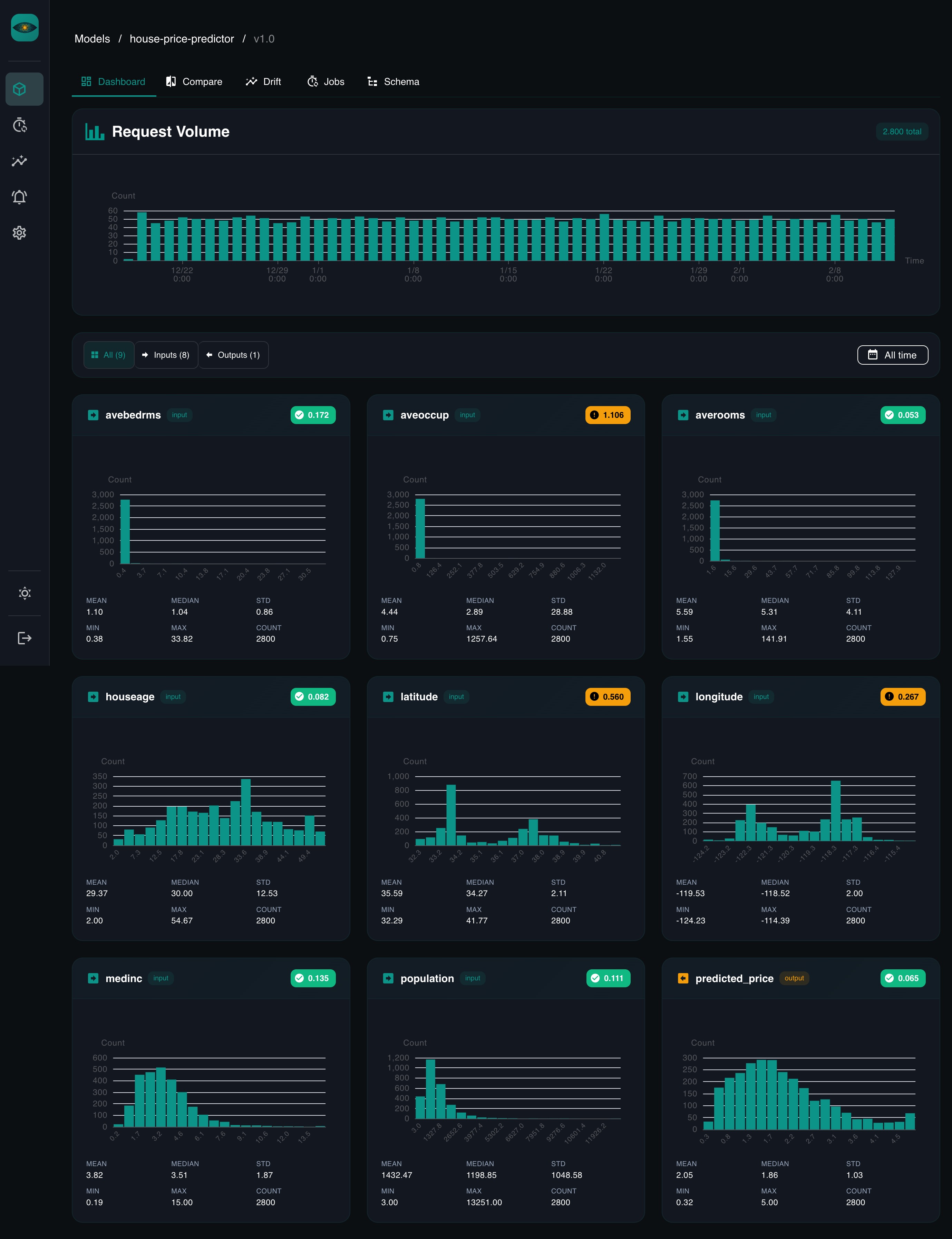
Dashboard
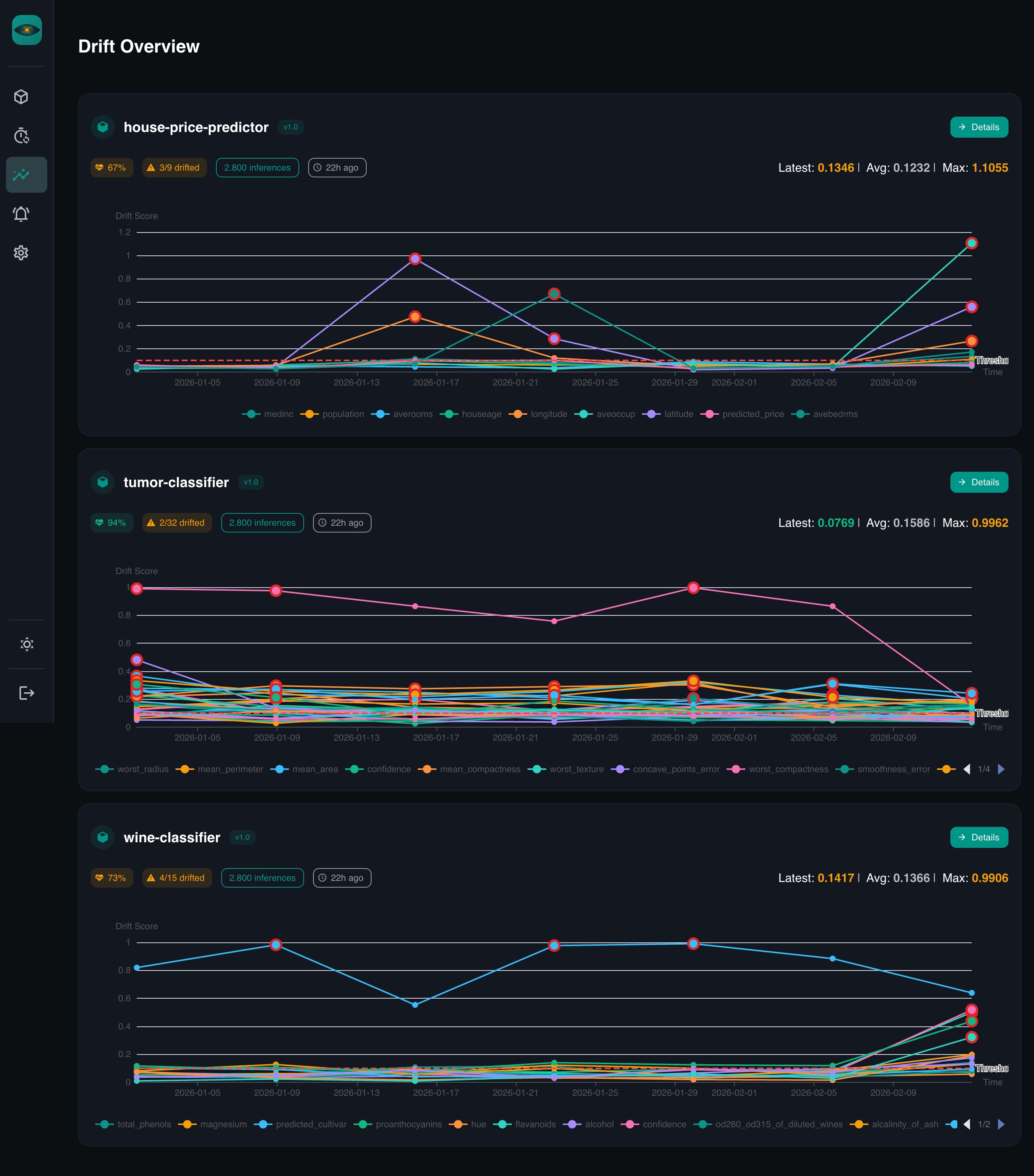
Drift Detection
Features
- Schema-driven — define fields once, everything else is automatic
- Drift detection — PSI, KS test, Chi-squared, Jensen-Shannon divergence
- Scheduled jobs — cron-based checks with configurable windows
- Auto-dashboards — per-feature distribution charts
- Time comparisons — compare any two periods side by side
- Auth — local accounts, Google OAuth, API keys, Google service accounts
- Cloud SQL support — IAM-authenticated connections to Google Cloud SQL
Documentation
Full documentation is available at maxl94.github.io/yaai.
- Getting Started — from zero to dashboards in five minutes
- Server Setup — local development with PostgreSQL, env vars, authentication
- Deployment — Docker Compose, pip install, Google Cloud SQL
- Core Concepts — models, versions, schemas, drift detection
- Drift Detection Guide — deep dive into the four drift metrics
- REST API Reference — full OpenAPI spec
- Python SDK Reference — async client docs
Development
# Start database
docker compose up db -d

# Install dependencies
uv sync
cd frontend && npm ci && cd ..

# Start backend (hot-reload)
cp .env.example .env
uv run uvicorn yaai.server.main:app --reload --reload-dir yaai --host 0.0.0.0 --port 8000

# Start frontend (separate terminal, hot-reload)
cd frontend && npm run dev
# Run tests
uv run pytest
cd frontend && npm run type-check
See CONTRIBUTING.md for commit conventions and PR guidelines.
License
Project details
Verified details
These details have been verified by PyPIProject links
GitHub Statistics
Maintainers
Release history Release notifications | RSS feed


Download files
Download the file for your platform. If you're not sure which to choose, learn more about installing packages.
Source Distribution
Built Distribution
Filter files by name, interpreter, ABI, and platform.
If you're not sure about the file name format, learn more about wheel file names.
Copy a direct link to the current filters
File details
Details for the file yaai_monitoring-0.2.2.tar.gz.
File metadata
- Download URL: yaai_monitoring-0.2.2.tar.gz
- Upload date:
- Size: 6.3 MB
- Tags: Source
- Uploaded using Trusted Publishing? Yes
- Uploaded via: twine/6.1.0 CPython/3.13.7
File hashes
| Algorithm | Hash digest | |
|---|---|---|
| SHA256 |
fba05ac212b2b87d3dac0608d8bab857156afa1338e30daeb959152113e75aa5
|
|
| MD5 |
8da9a939131e7d5990309ed3bcfa230d
|
|
| BLAKE2b-256 |
88f9d549ddee7c3b3c2242d3f7df6d0646efb9136e9385dec76c5dbe18ec37e7
|
Provenance
The following attestation bundles were made for yaai_monitoring-0.2.2.tar.gz:
Publisher:
release.yml on Maxl94/yaai
-
Statement:
-
Statement type:
https://in-toto.io/Statement/v1 -
Predicate type:
https://docs.pypi.org/attestations/publish/v1 -
Subject name:
yaai_monitoring-0.2.2.tar.gz -
Subject digest:
fba05ac212b2b87d3dac0608d8bab857156afa1338e30daeb959152113e75aa5 - Sigstore transparency entry: 974621262
- Sigstore integration time:
-
Permalink:
Maxl94/yaai@4264ec2d7699bd145a48e56c80413c4241115c80 -
Branch / Tag:
refs/heads/main - Owner: https://github.com/Maxl94
-
Access:
public
-
Token Issuer:
https://token.actions.githubusercontent.com -
Runner Environment:
github-hosted -
Publication workflow:
release.yml@4264ec2d7699bd145a48e56c80413c4241115c80 -
Trigger Event:
push
-
Statement type:
File details
Details for the file yaai_monitoring-0.2.2-py3-none-any.whl.
File metadata
- Download URL: yaai_monitoring-0.2.2-py3-none-any.whl
- Upload date:
- Size: 3.0 MB
- Tags: Python 3
- Uploaded using Trusted Publishing? Yes
- Uploaded via: twine/6.1.0 CPython/3.13.7
File hashes
| Algorithm | Hash digest | |
|---|---|---|
| SHA256 |
34419af95c12d2193998679888a19e6e5241497f34e33d81d1115d1a3fdc12c9
|
|
| MD5 |
08352fbb4d63ad09d7c388dbe03c9eb7
|
|
| BLAKE2b-256 |
260df95f1888298d15a6d1f18a70b1399d9be1a18bcd9aed61c618aeea3cf835
|
Provenance
The following attestation bundles were made for yaai_monitoring-0.2.2-py3-none-any.whl:
Publisher:
release.yml on Maxl94/yaai
-
Statement:
-
Statement type:
https://in-toto.io/Statement/v1 -
Predicate type:
https://docs.pypi.org/attestations/publish/v1 -
Subject name:
yaai_monitoring-0.2.2-py3-none-any.whl -
Subject digest:
34419af95c12d2193998679888a19e6e5241497f34e33d81d1115d1a3fdc12c9 - Sigstore transparency entry: 974621267
- Sigstore integration time:
-
Permalink:
Maxl94/yaai@4264ec2d7699bd145a48e56c80413c4241115c80 -
Branch / Tag:
refs/heads/main - Owner: https://github.com/Maxl94
-
Access:
public
-
Token Issuer:
https://token.actions.githubusercontent.com -
Runner Environment:
github-hosted -
Publication workflow:
release.yml@4264ec2d7699bd145a48e56c80413c4241115c80 -
Trigger Event:
push
-
Statement type:






