
Versatile log parser
- source: https://github.com/jul/yahi
- doc: https://yahi.readthedocs.io/en/latest/
- ticketting: https://github.com/jul/yahi/issues
Synopsis
Given a regexp for a log, enables to quicly create aggregation statisctics by writing few code and generates a all in one web page with all vizualisations and data (that requires javascript to work and has some dependencies).
The library comes with a script that aggregates various data from common log format (apache, nginx) : speed_shoot.
And a script to generate the all in one view yahi_all_in_one_maker.
The demo being there
Installation
python -m pip install yahi
Quickstart
First you need a geoIP database in legacy format::
    mkdir ~/.yahi
    wget -O- https://mailfud.org/geoip-legacy/GeoIP.dat.gz | \
        zcat > ~/.yahi/GeoIP.dat
    wget -O- https://mailfud.org/geoip-legacy/GeoIPv6.dat.gz | \
        zcat > ~/.yahi/GeoIPv6.dat
And thanks to mailfud for keeping these legacy databases.
Simplest usage is:
speed_shoot /var/log/apache/access*log* > data.js
It reads gzipped file format automatically.
And then:
yahi_all_in_one_maker data.js
To create a all in one HTML page with all JS/CSS/data included that has a multi route view. It includes various external libraries to work : D3js (charting), jquery, google js api (geo chart).
Screenshots
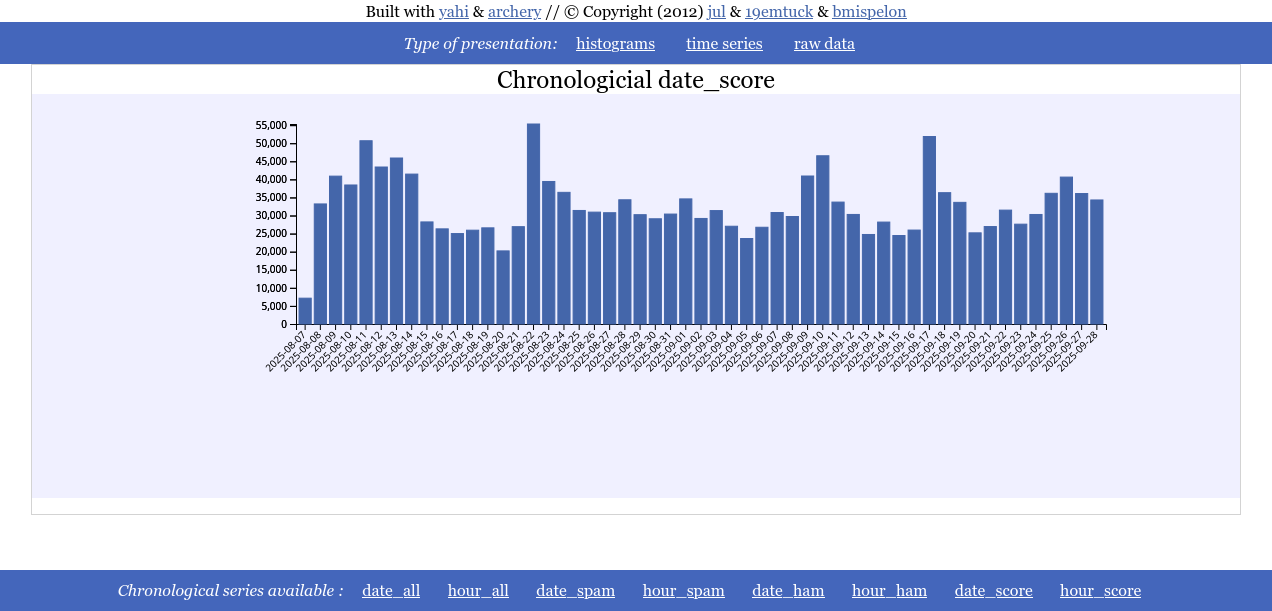
Time serie
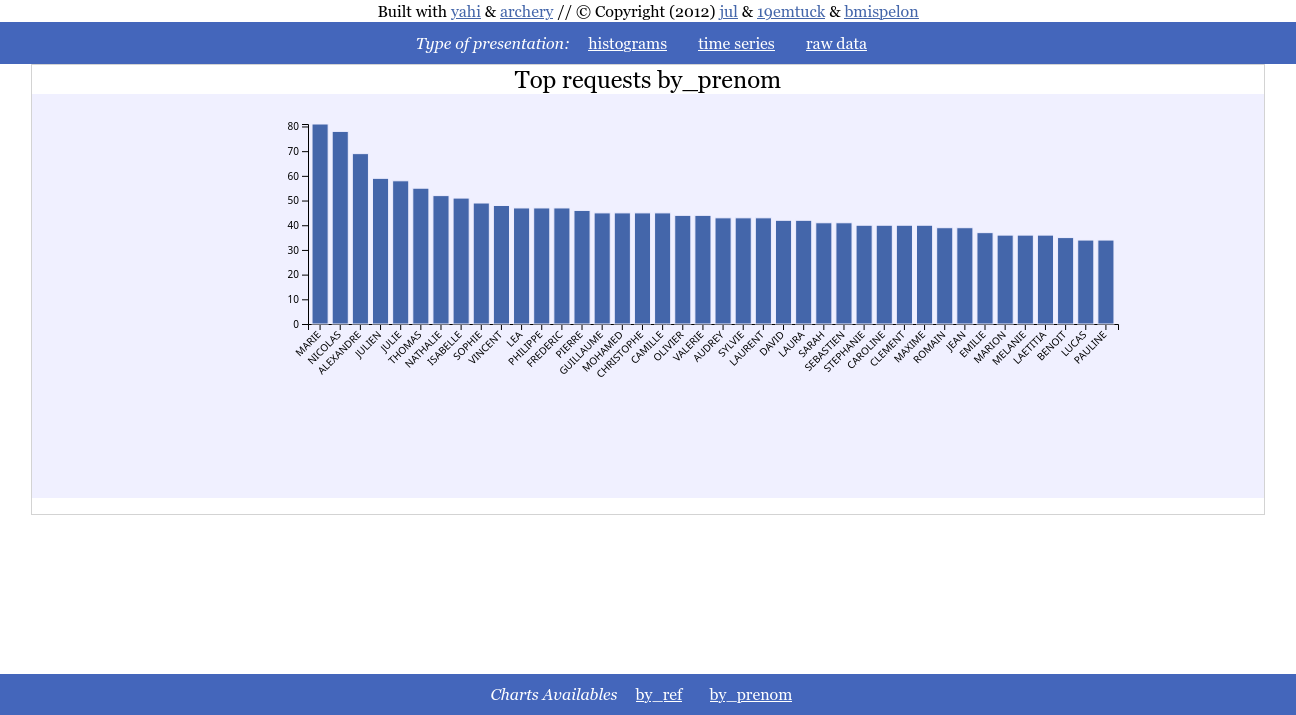
Histograms
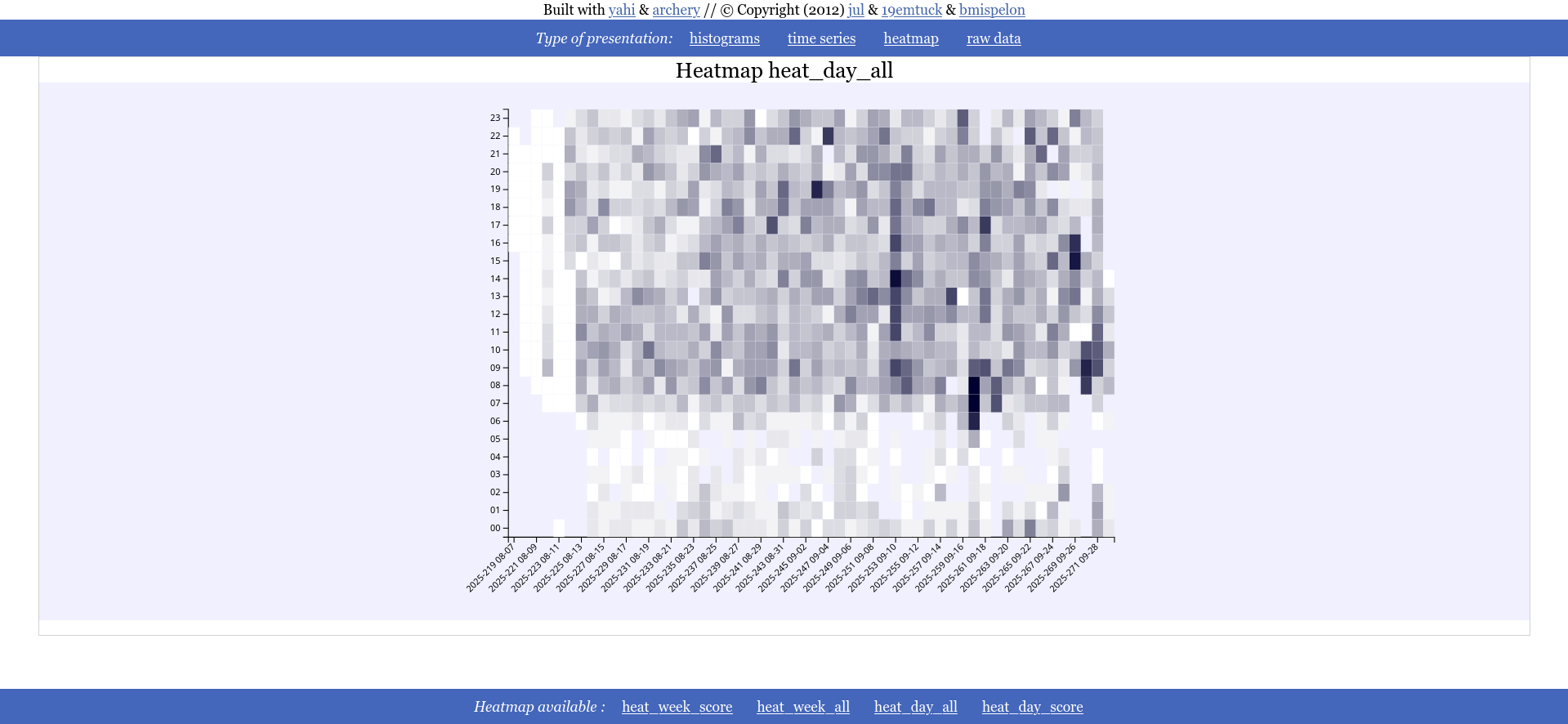
Heat Map
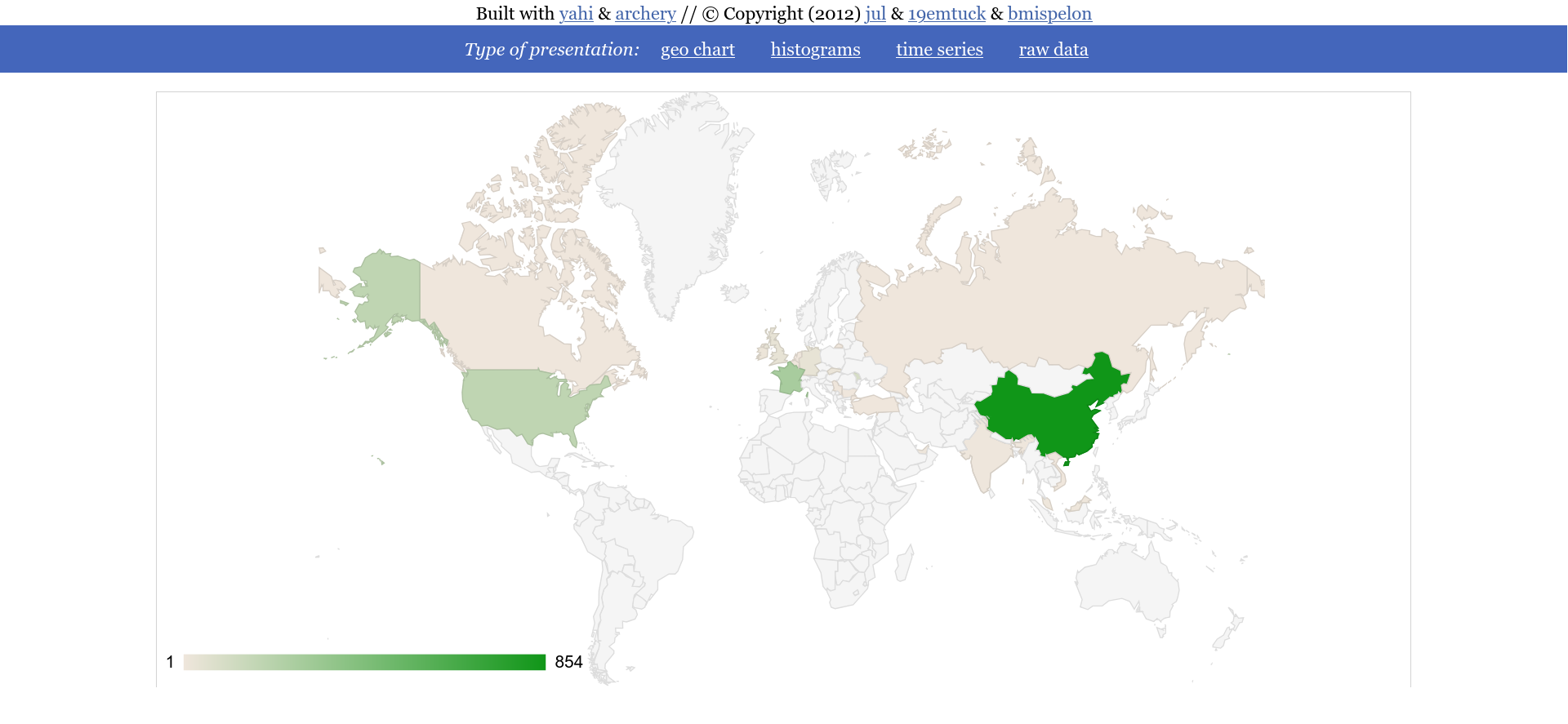
Geographic map
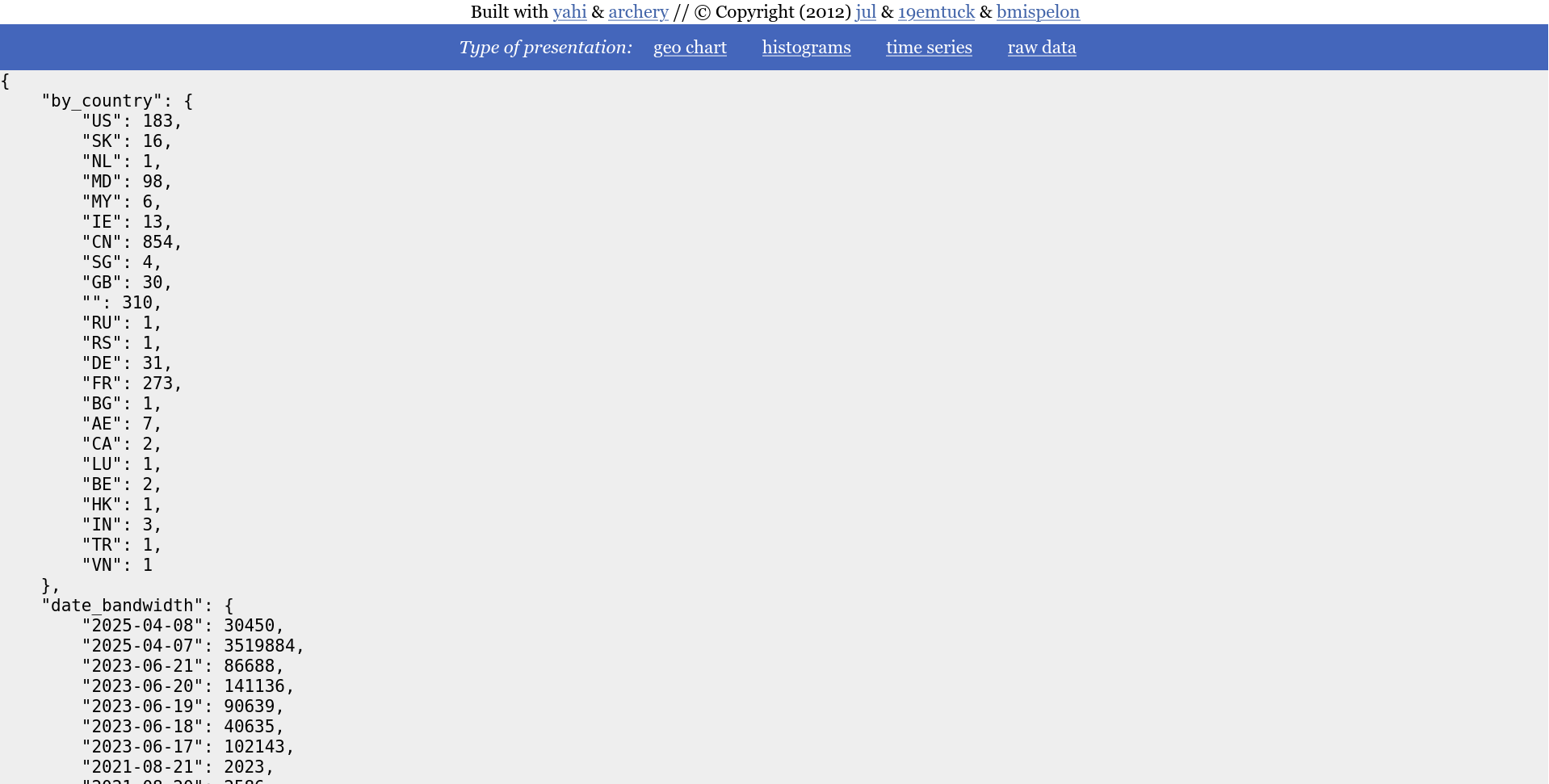
Raw data
Use as a script
speed shoot is in fact a template of how to use yahi as a module::
    #!/usr/bin/env python
    from archery import mdict
    from yahi import notch, shoot
    from datetime import datetime


    context=notch()

    date_formater= lambda dt :"%s-%s-%s" % ( dt.year, dt.month, dt.day)
    context.output(
        shoot(
            context,
            lambda data : mdict({
                'by_country': mdict({data['_country']: 1}),
                'date_hit': mdict({date_formater(data['_datetime']): 1 }),
                'date_bandwidth': mdict({date_formater(data['_datetime']): int(data["bytes"]) }),
                'hour_hit': mdict({data['_datetime'].hour: 1 }),
                'hour_bandwidth': mdict({data['_datetime'].hour: int(data["bytes"]) }),
                'by_os': mdict({data['_platform_name']: 1 }),
                'by_dist': mdict({data['_dist_name']: 1 }),
                'by_browser': mdict({data['_browser_name']: 1 }),
                'by_bandwidth_by_browser': mdict({data['_browser_name']: int(data["bytes"]) }),
                'by_ip': mdict({data['ip']: 1 }),
                'by_bandwidth_by_ip': mdict({data['ip']: int(data["bytes"]) }),
                'by_status': mdict({data['status']: 1 }),
                'by_url': mdict({data['uri']: 1}),
                'by_agent': mdict({data['agent']: 1}),
                'by_referer': mdict({data['referer']: 1}),
                'ip_by_url': mdict({data['uri']: mdict( {data['ip']: 1 })}),
                'bytes_by_ip': mdict({data['ip']: int(data['bytes'])}),
                'date_dayofweek_hit' : mdict({data['_datetime'].weekday(): 1 }),
                'weekday_browser' : mdict({data['_datetime'].weekday():
                    mdict({data["_browser_name"] :1 })}),
                'total_line' : 1,
            }),
        ),
    )
Naming
Archery is a pun on trait.
Yahi is a remembrance of a native american tribes that was versed in archery so that somewhere on the net we remember the genocides committed in the name of civilisation.
Yahi is thus a concrete application of archery for aggregation based on 2 functions :
- notch to prepare your log aggregations
- shoot to actually aggregate
Let's have a thought for the native americans that are still second ranks citizens in their own lands.
Changelog
0.4.2
- changed X/Y in heatmap
- adding default behaviour when single category
0.4.0
- adding heatmap charts (documented but not integrated in speedshoot)
0.3.2
- adding convenience function regexp_reader that reads a file like csv.DictReader
- improving documentation
0.3.1
- improved plotting for large series
- hiding categories when no data for it are present
0.3.0
- NEW : date_formater from shoot accepts "%s" as an input for timestamp
- docs : adding a section on how to misuse yahi to parse CSV
0.2.11
- pointing to the correct URL for the doc
0.2.10
- adding the number of lines matched at the end of the parsing cf #28/#27
- update README on pypi (et on github)
- removal of useless/duplicate stats in speed_shoot
- enhancing faq thanks to @armandoF
- now fully self in one file all dependencies are now in the file
- bug when there is no undected geo localized IP in template
- removing google JS api because it is heavy as shit and google is evil #22
- fix : missing dates
- fix #21 html injections through ref and uri
- -g options now applies to the DIRECTORY where both GeoIP.dat and GeoIPv6.dat are
0.1.22
- fix #18 wrong date formatting resulting in bad date ordeer
- fix #19 create ~/.yahi on startup if not exists
- fixing the template issue the nice way
- fix #16 no templates in the package
- fix #17 crashing of the HTML when JSON embedded is too big
- wording in README
- adding tests in the package so package does not install if tests dont pass
- oopsies removed needless pictures of the package
- adding yahii_all_in_one_maker to generate the all in one HTML file with visualization from speed_shoot
- preparing a new release that generates all in one html static pages
- Adding varnish incomplete regexp for log parsing (I miss 2 fields)
1 maintainer

Metadata
1 maintainer
Release files for yahi 0.4.2
For a detailed explanation of source distributions (sdists) and built distributions (wheels), please see the package formats documentation.
Source distribution (sdist)
| File | Size | Uploaded | Provenance | Actions |
|---|---|---|---|---|
| yahi-0.4.2.tar.gz | 219.1 kB | Without provenance | Details for yahi-0.4.2.tar.gz |
Release files / yahi-0.4.2.tar.gz
| Download URL | yahi-0.4.2.tar.gz |
|---|---|
| Size | 219.1 kB |
| Tags | Source |
|
SHA-256 checksum How to use checksums |
7ffedecad9e2c88c8b582c22c90a99d76dce604411222fa63c5fc20e10678906
|
|
BLAKE2b-256 checksum How to use checksums |
79f4111e0f38f8619e1c250be79ca2bf65b85279322508aca787869cf0732310
|
| Upload date | |
|
Uploaded using Trusted Publishing? What is trusted publishing? |
No |
| Uploaded via |
twine/5.1.1 CPython/3.12.3
|
Security for yahi 0.4.2
Provenance
Provenance describes where a file came from. On PyPI, provenance is shared via attestations, which provide a verifiable record of the build or publishing details. View details, limitations and caveats.
No provenance found
None of the files in this release were uploaded with provenance metadata.
A note on package security
PyPI is a repository for distributing packages, not a service for auditing them. While third-party security researchers and our staff do their best to detect and remove malicious packages, PyPI cannot guarantee the quality, security or suitability of any given package.
To learn more about protecting yourself from malicious actors, visit our package security documentation.














