
A package for downloading and maniuplating meteograms from YR

Project description
yr_meteogram_util
Python library for fetching and manipulating meteograms from YR.
The meteograms are returned as svg in a string for you to use.
Installing
To install the package, run:
pip install yr_meteogram_util
To upgrade
To upgrade to the latest version, run:
pip install --upgrade yr_meteogram_util
Features
-
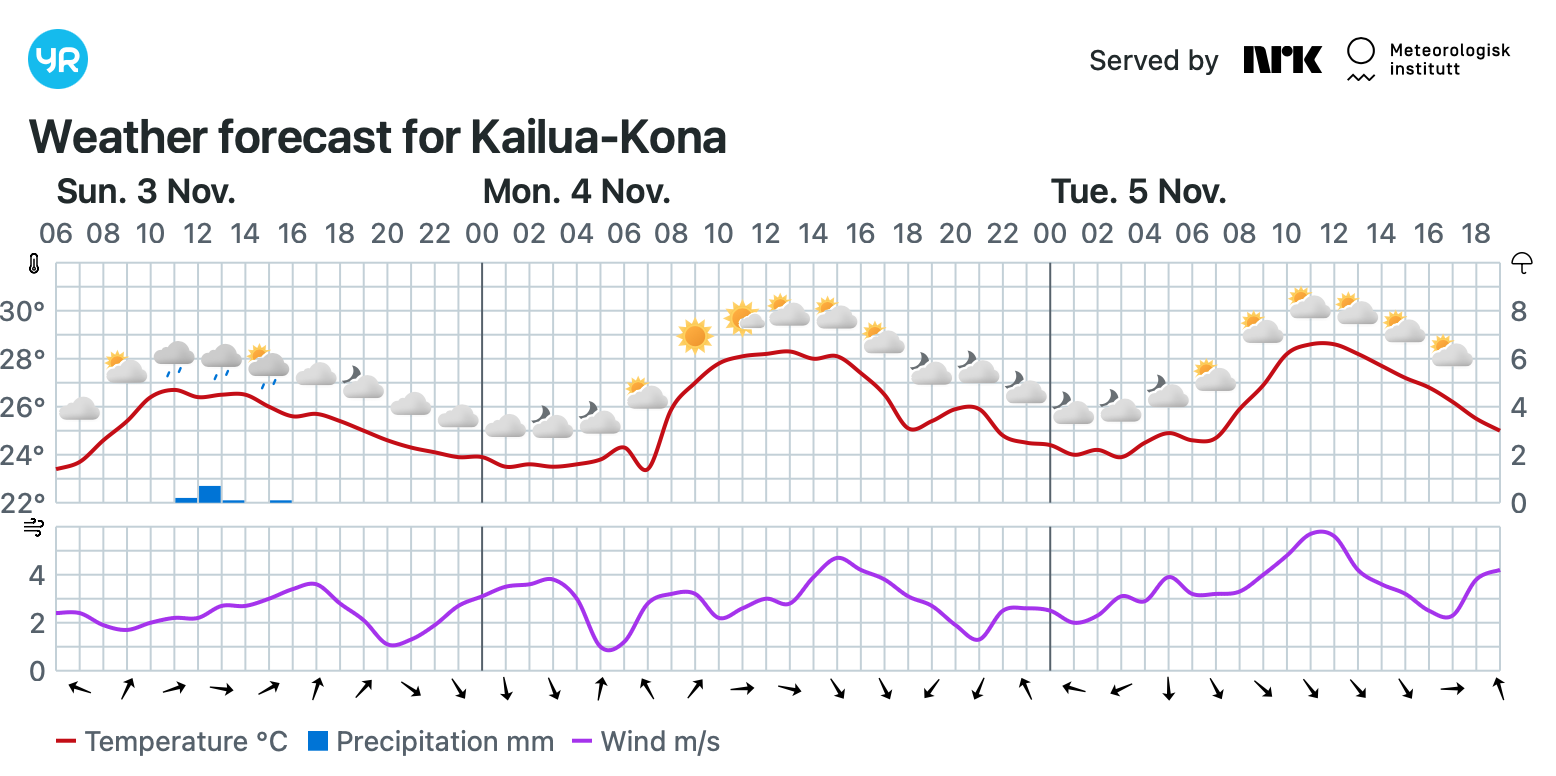
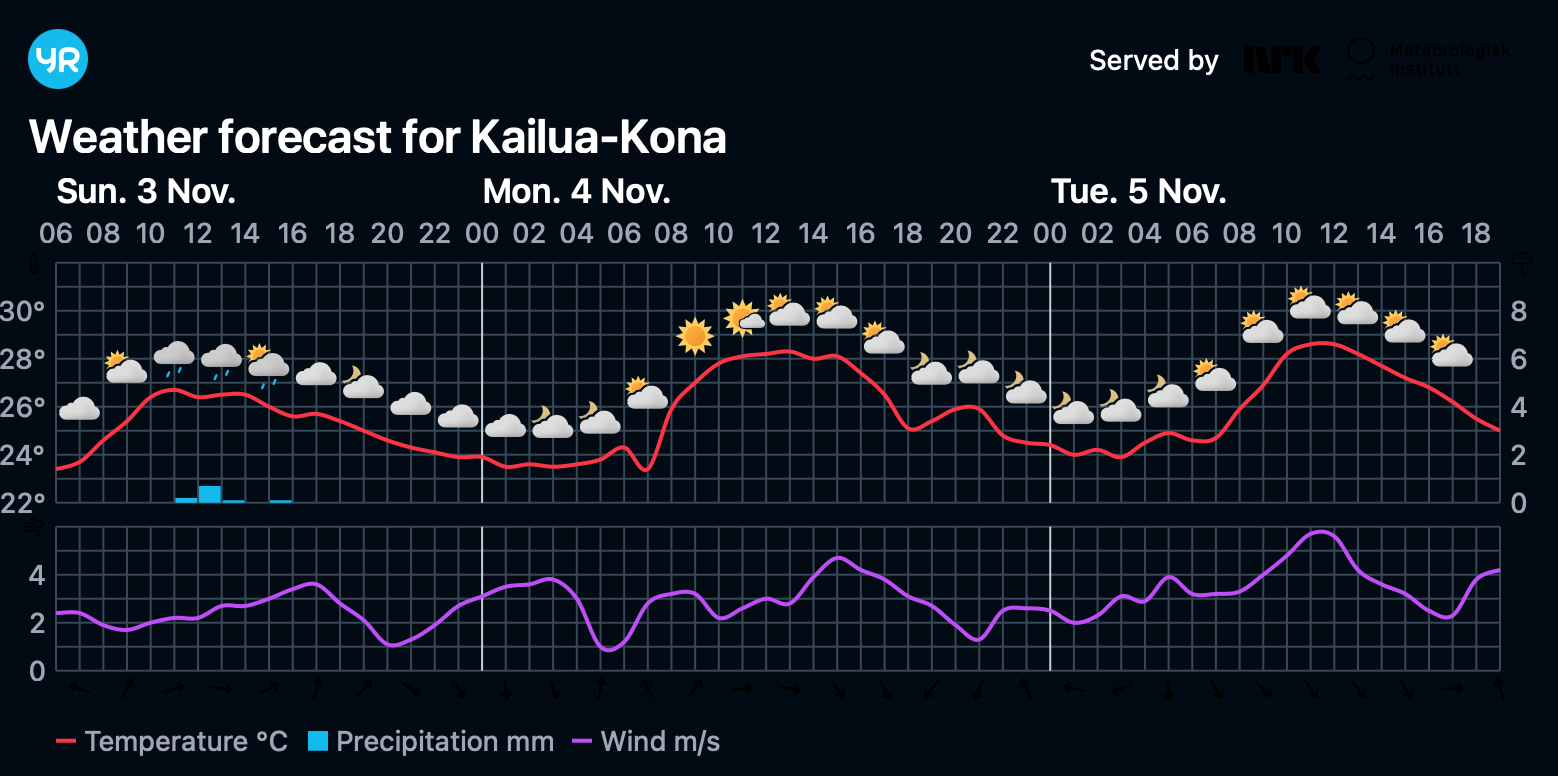
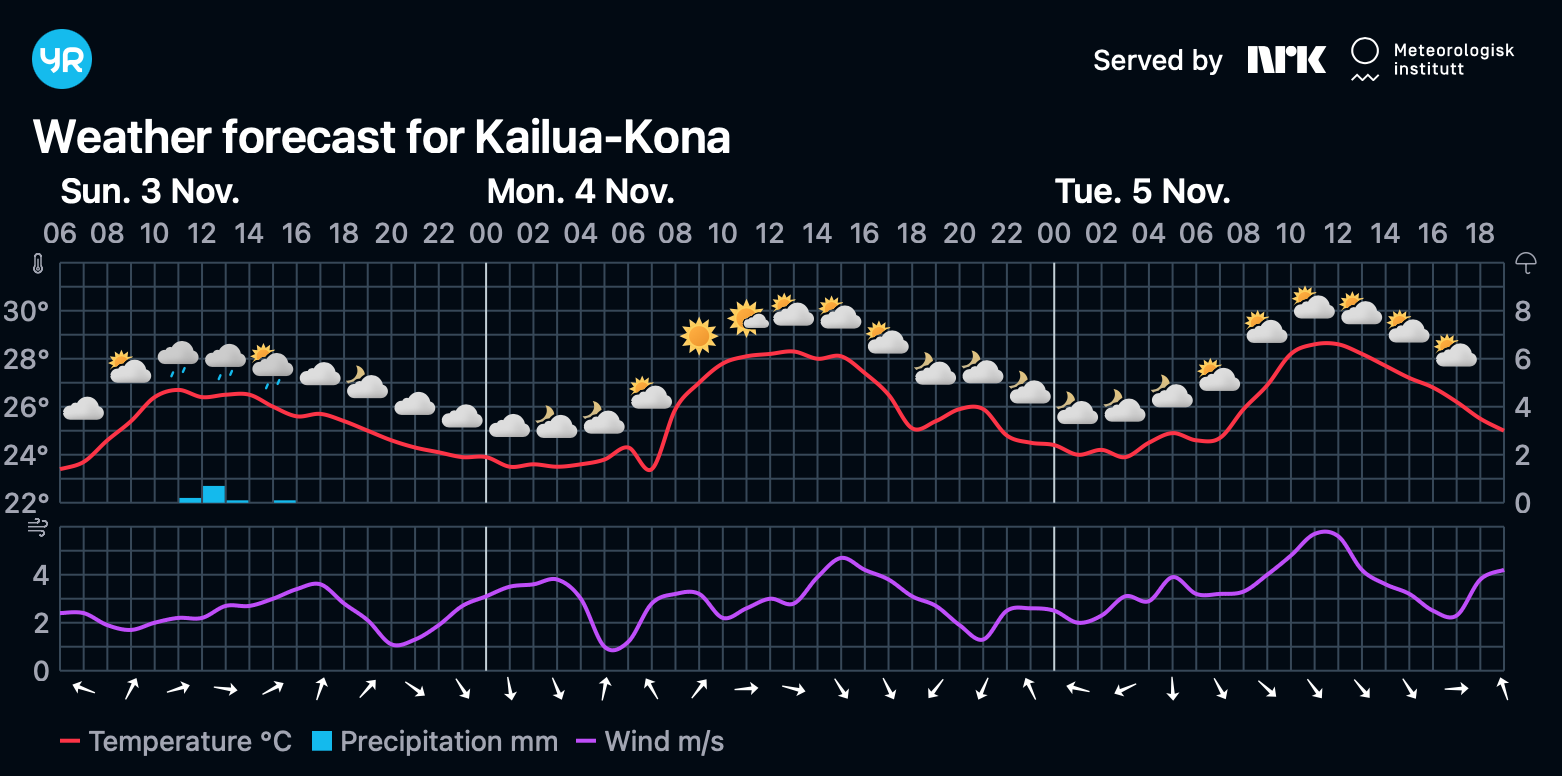
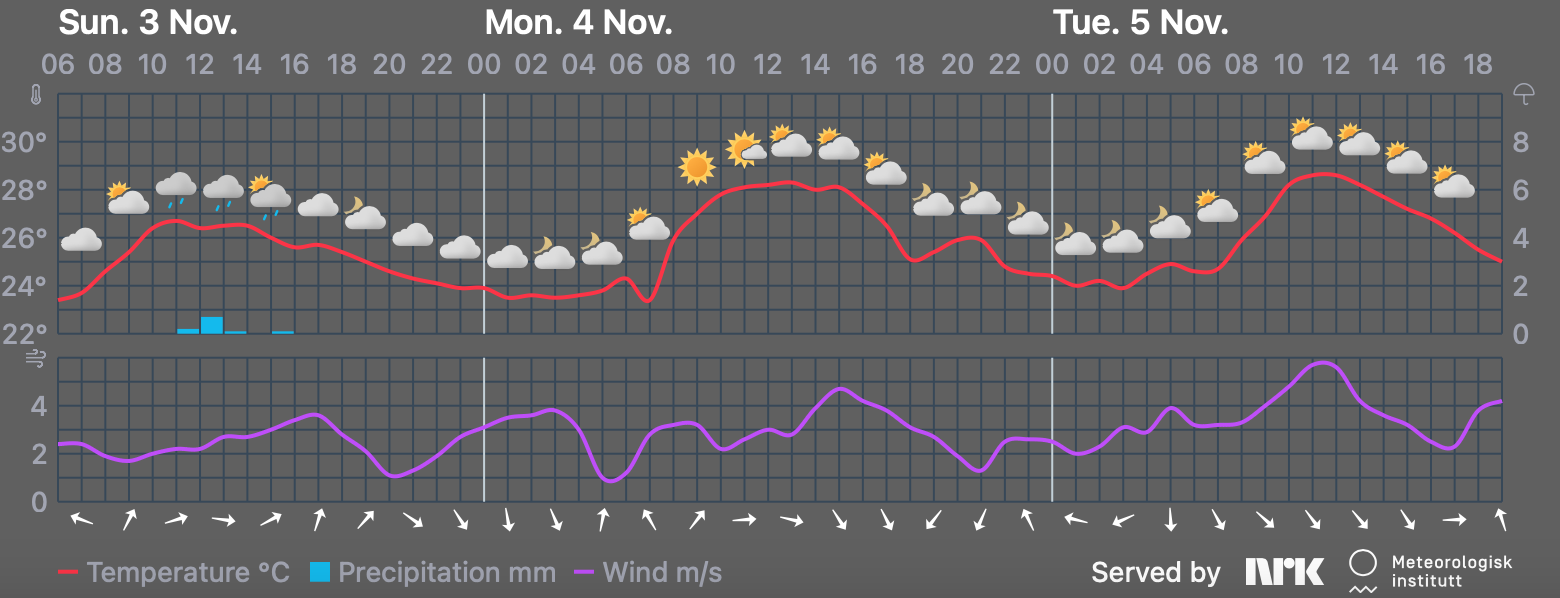
Standard (bright) or dark meteograms
You can select between bright (default) or dark versions of the meteograms.
Standard:
Dark (as rendered by Safari):
These are provided exactly as they are generated by Yr.
-
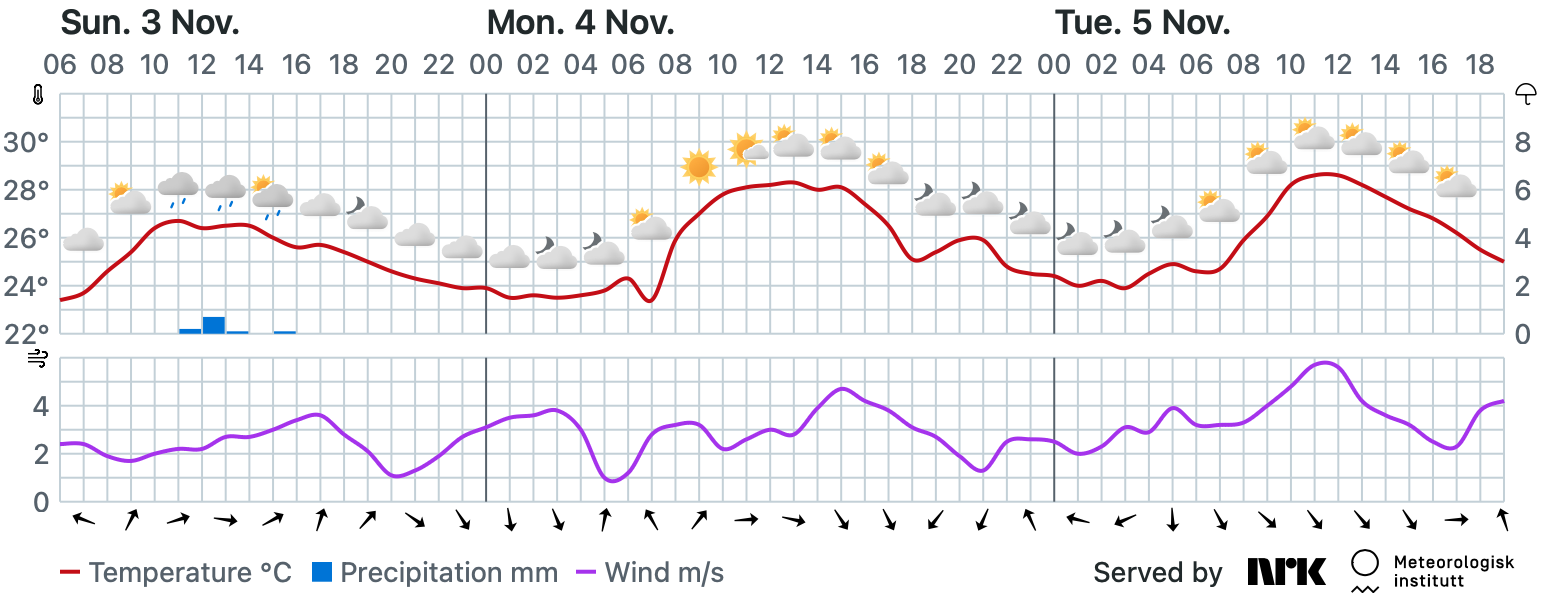
Crop
The default meteograms have quite a lot of empty space, so you can select to have the meteograms cropped into a more compact version.
This is done by altering the generated by Yr and change of generated contents may result in failure or unpredicted results.
-
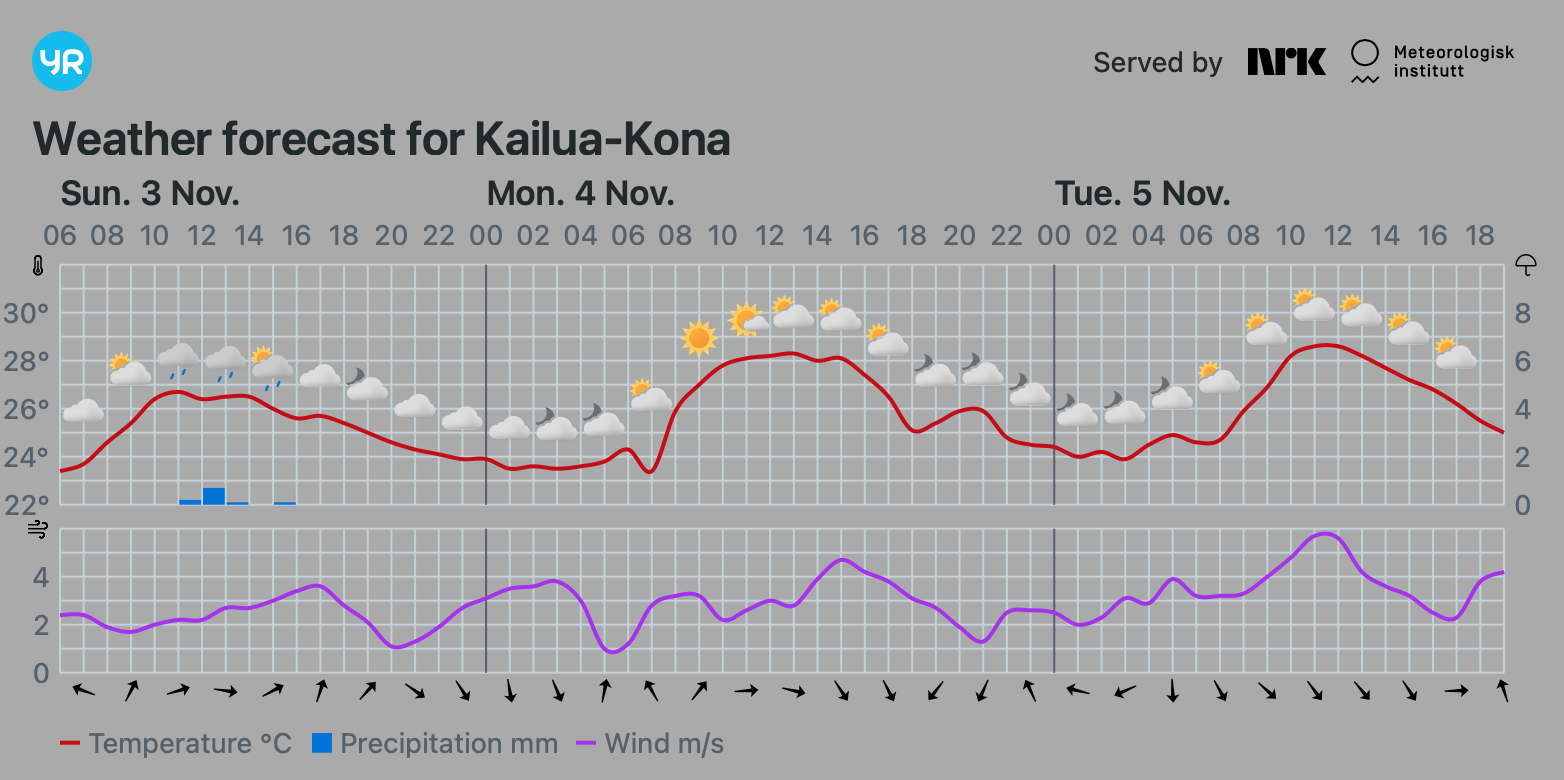
Make transparent
If you want to display the meteograms someware that has a background color other than white or black, it can be frustrating that they have a white or black background. So, you can choose to remove that and get a transparent meteogram.
This is done by altering the generated by Yr and change of generated contents may result in failure or unpredicted results.
-
Unhide
The dark version from YR renders bad in Safari browers. The logos and the wind direction arrows are rendered as "black on black"... So if you select the dark version the colors are altered to render the same way in Safari as in Chrome and Edge.
This is done by altering the generated by Yr and change of generated contents may result in failure or unpredicted results.
-
Any combination
These features are flags and any combination of them can be used. The last one is a dark, cropped, transparent with modified colors.
Notes about location
To find the location id to be able to use this package:
-
Navigate to Yr.no
-
Search for the location you want
-
Copy the location id from the url (see picture below)

Example
# Import libraries for fetching meteograms from YR
import asyncio # if using the async version
import yr_meteogram_util

# The location to fetch, see "Notes about location"
LOCATION_ID = '2-5847504'

# Fetch the standard (bright) meteogram for LOCATION_ID
standard_meteogram = yr_meteogram_util.fetch_svg(LOCATION_ID)

# Fetch the dark meteogram for LOCATION_ID
dark_meteogram = yr_meteogram_util.fetch_svg(LOCATION_ID, dark = True)

# Fetch the dark meteogram for LOCATION_ID and crop it
dark_cropped_meteogram = yr_meteogram_util.fetch_svg(LOCATION_ID, dark = True, crop = True)

# Fetch the dark meteogram for LOCATION_ID, crop it and make it transparent
dark_cropped_transparent_meteogram = yr_meteogram_util.fetch_svg(LOCATION_ID, dark = True, crop = True, make_transparent = True)

# Fetch the dark meteogram for LOCATION_ID, crop it and make it transparent and unhide dark details
dark_cropped_transparent_meteogram = yr_meteogram_util.fetch_svg(LOCATION_ID, dark = True, crop = True, make_transparent = True, unhide_dark_objects = True)

# There is also an async version available
meteogram_async = asyncio.run(yr_meteogram_util.fetch_svg_async(LOCATION_ID))

# It is possible to get the Location name from a meteogram
location_name = yr_meteogram_util.get_location_name(standard_meteogram)
Release history Release notifications | RSS feed


Download files
Download the file for your platform. If you're not sure which to choose, learn more about installing packages.
Source Distribution
Built Distribution
Filter files by name, interpreter, ABI, and platform.
If you're not sure about the file name format, learn more about wheel file names.
Copy a direct link to the current filters
File details
Details for the file yr_meteogram_util-0.2.6.tar.gz.
File metadata
- Download URL: yr_meteogram_util-0.2.6.tar.gz
- Upload date:
- Size: 1.6 MB
- Tags: Source
- Uploaded using Trusted Publishing? No
- Uploaded via: twine/6.2.0 CPython/3.13.0
File hashes
| Algorithm | Hash digest | |
|---|---|---|
| SHA256 |
22b3e56469f6d3e1631c8651fe1500bbc787e62fc89c5852b58c29f2e16a9d78
|
|
| MD5 |
5d6b41245aae832eeafa1b89b1428134
|
|
| BLAKE2b-256 |
18755c14b7def1ccfacb0e1164501332bf2c61c95dd93110512ef197ecf42fed
|
File details
Details for the file yr_meteogram_util-0.2.6-py3-none-any.whl.
File metadata
- Download URL: yr_meteogram_util-0.2.6-py3-none-any.whl
- Upload date:
- Size: 6.6 kB
- Tags: Python 3
- Uploaded using Trusted Publishing? No
- Uploaded via: twine/6.2.0 CPython/3.13.0
File hashes
| Algorithm | Hash digest | |
|---|---|---|
| SHA256 |
8b163f964a8e191068cf3596918470eeb516a44e32cc5f8be86952c232c951a4
|
|
| MD5 |
d790ef81a0edc979366fd88f9540c68e
|
|
| BLAKE2b-256 |
cc3248a87492d5a53825a29565c341eeaa134d360009c1c7140f21bfc064c03e
|






