







[!IMPORTANT] This is just but a maintained yt5. So wherever there's yt5 just know I'm referring to yt6.
                                  tttt          555555555555555555
                               ttt:::t          5::::::::::::::::5
                               t:::::t          5::::::::::::::::5
                               t:::::t          5:::::555555555555
yyyyyyy           yyyyyyyttttttt:::::ttttttt    5:::::5
 y:::::y         y:::::y t:::::::::::::::::t    5:::::5
  y:::::y       y:::::y  t:::::::::::::::::t    5:::::5555555555
   y:::::y     y:::::y   tttttt:::::::tttttt    5:::::::::::::::5
    y:::::y   y:::::y          t:::::t          555555555555:::::5
     y:::::y y:::::y           t:::::t                      5:::::5
      y:::::y:::::y            t:::::t                      5:::::5
       y:::::::::y             t:::::t    tttttt5555555     5:::::5
        y:::::::y              t::::::tttt:::::t5::::::55555::::::5
         y:::::y               tt::::::::::::::t 55:::::::::::::55
        y:::::y                  tt:::::::::::tt   55:::::::::55
       y:::::y                     ttttttttttt       555555555
      y:::::y
     y:::::y
    y:::::y
   y:::::y
  yyyyyyy
Installation
Download binaries for your system from here .
OR :
- From Github - source
git clone https://github.com/Simatwa/yt5.git
cd yt5
python setup.py install
- From Pypi
pip install yt5
Usage
Video
- Videos can be downloaded by parsing a
URIprefixed or postfixed by its category: - For instances:
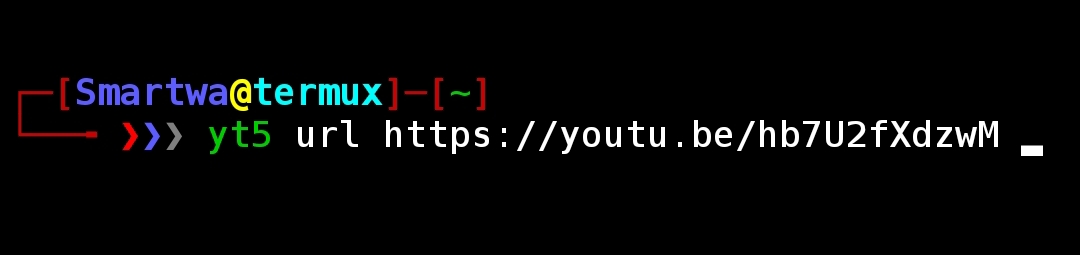
- Single video :
$ yt5 url <Video-URI>
- Alternatively, this can be done by omitting
urlcommand since it's the default category.
$ yt5 <Video-URI>

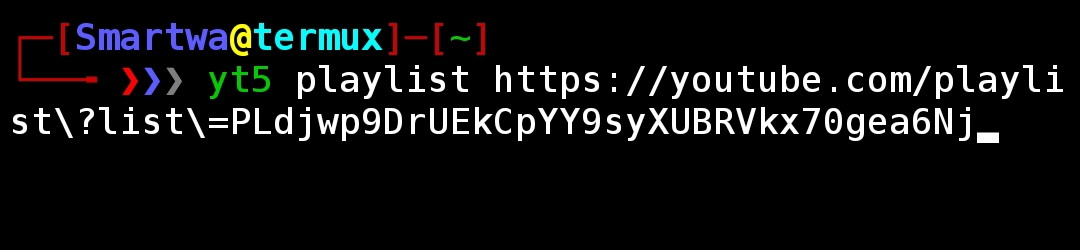
- All videos in a Playlist :
$ yt5 playlist <Playlist-URI>
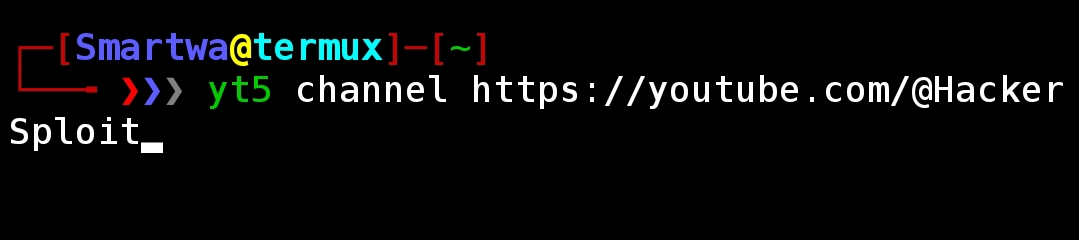
- All videos in a Channel :
$ yt5 channel <Channel-URI>
- Collection of single-video's URI contained in a text file :
$ yt5 fnm <file-path>

Audio
- Audio of a video can be downloaded by adding
--mp3to the commands parsed.- For instance:
- Single audio :
$ yt5 url <Video-URI> --mp3

-
Similarly, this can be done to other categories.
-
For further information you can run:
$ yt5 -h
- Output :
usage: yt5 [-h] [-v] [-res [720p|480p|360p|240p|144p]] [-max MAXIMUM] [-dir DIRECTORY] [--mp3]
           [--show] [--static] [--usage]
           [[fnm|url|playlist|channel]] url

positional arguments:
  [fnm|url|playlist|channel]
                        Category of the videos referred by the link or filename[fnm] containing
                        links
  url                   Link of the video

options:
  -h, --help            show this help message and exit
  -v, --version         show program's version number and exit
  -res [720p|480p|360p|240p|144p], --resolution [720p|480p|360p|240p|144p]
                        Resolution [quality] of videos to be downloaded in
  -max MAXIMUM, --maximum MAXIMUM
                        Maximum videos to be downloaded
  -dir DIRECTORY, --directory DIRECTORY
                        Directory for saving downloaded file
  --mp3                 Specify to download audio only
  --show                Show the downloaded file-path
  --static              Restricts stdout of file-path in prose-format
  --usage               Show this help info in more stylistic way
Independencies
Acknowledgements
1 maintainer

Release files for yt6 1.5.5
For a detailed explanation of source distributions (sdists) and built distributions (wheels), please see the package formats documentation.
Source distribution (sdist)
| File | Size | Uploaded | |
|---|---|---|---|
| yt6-1.5.5.tar.gz | 9.7 kB | Details |
Built distribution (wheel)
| File | Interpreter | ABI | Platform | Reset |
|---|---|---|---|---|
| yt6-1.5.5-py3-none-any.whl | Python 3 | none | any | Details |
Total release size: 18.1 kB
Release files / yt6-1.5.5.tar.gz
| Download URL | yt6-1.5.5.tar.gz |
|---|---|
| Size | 9.7 kB |
| Tags | Source |
|
SHA-256 checksum How to use checksums |
4a69a82a3eaf2969af9fbb2c9c2cdb3de1558c56a6e9f076313bc84bc3723776
|
|
BLAKE2b-256 checksum How to use checksums |
db9d21bb841a473fcd4635c5f0678c943572d4f9de64308c1b861ed424ec3f21
|
| Upload date | |
|
Uploaded using Trusted Publishing? What is trusted publishing? |
No |
| Uploaded via |
twine/5.0.0 CPython/3.9.18
|
Release files / yt6-1.5.5-py3-none-any.whl
| Download URL | yt6-1.5.5-py3-none-any.whl |
|---|---|
| Size | 8.4 kB |
| Tags | Python 3 |
|
SHA-256 checksum How to use checksums |
7da35dc08313d105d9697801f598a208a8a1d34289b9db663d793324125f6c61
|
|
BLAKE2b-256 checksum How to use checksums |
42069ca30aa279449ceb41eacf1a7da31a850c76b2bb083caa8683804b460923
|
| Upload date | |
|
Uploaded using Trusted Publishing? What is trusted publishing? |
No |
| Uploaded via |
twine/5.0.0 CPython/3.9.18
|














