
MCP server for ZapCap.ai video processing and caption generation

Project description
ZapCap MCP Server


NOTE: This is an unofficial implementation of MCP Server for ZapCap.
An MCP (Model Context Protocol) server that provides tools for uploading videos, creating processing tasks, and monitoring their progress through the ZapCap API.
Requirements
- uv
- ZapCap API key
You can install uv from here: https://docs.astral.sh/uv/
You can get api key from ZapCap API after registation at https://zapcap.ai/ in their platform here: https://platform.zapcap.ai/dashboard/api-key
Installation in MCP-client
Add to your MCP client mcp.json configuration (e.g., Claude Desktop, Cursor and etc.):
{
  "mcpServers": {
    "zapcap": {
      "command": "uvx",
      "args": ["zapcap-mcp-server"],
      "env": {
        "ZAPCAP_API_KEY": "your_api_key_here"
      }
    }
  }
}
Alternative Installation
uv tool install zapcap-mcp-server
Configuration
Set your ZapCap API key as an environment variable:
export ZAPCAP_API_KEY="your_api_key_here"
Usage
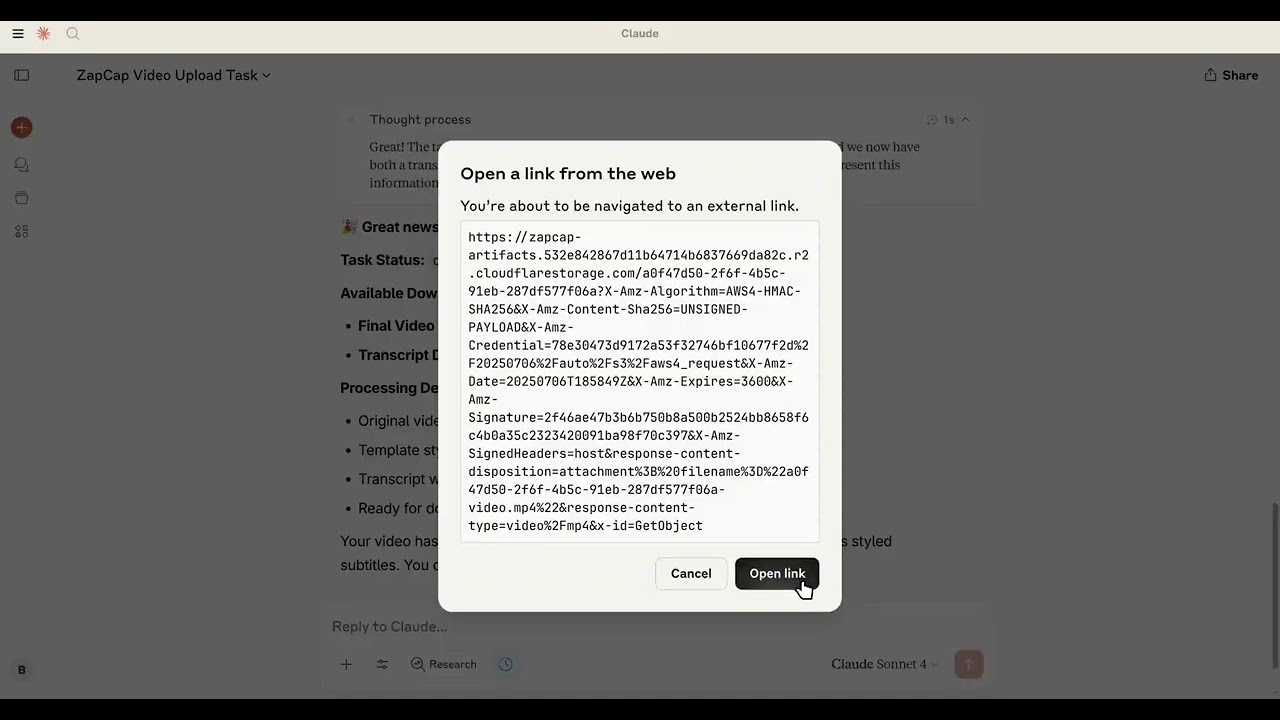
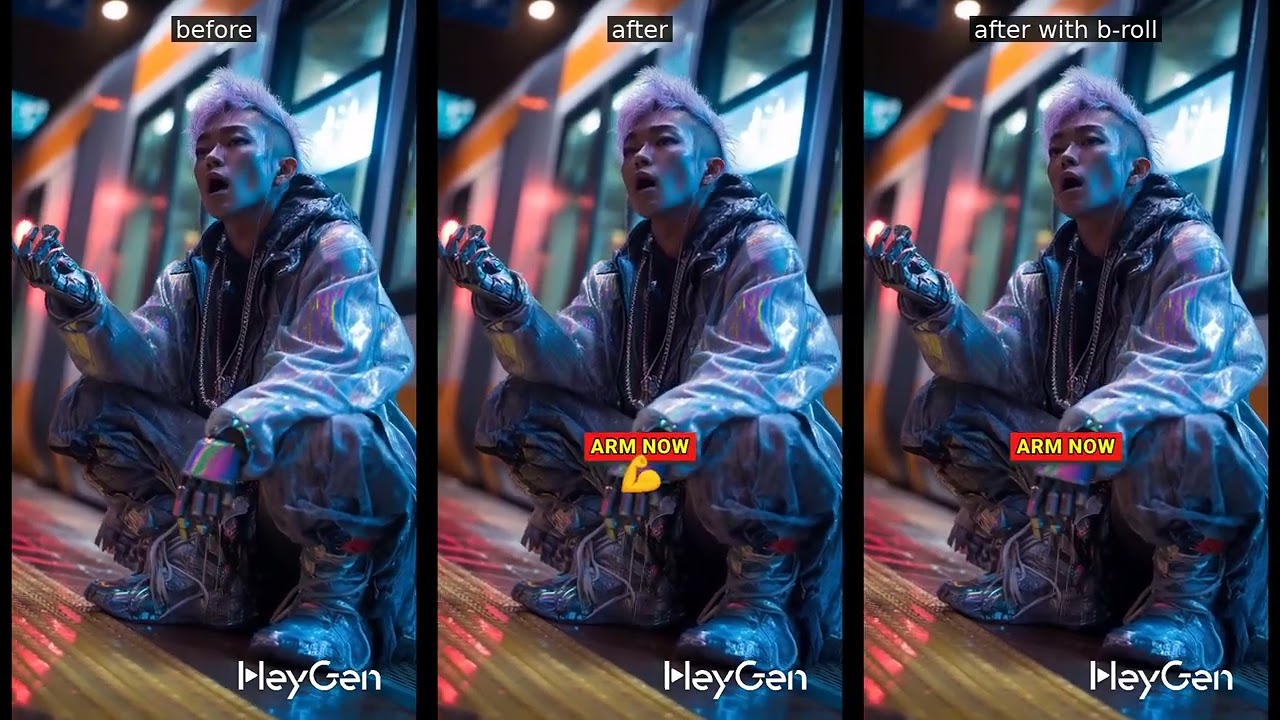
Demo Videos
How to use:
Results:
Available Tools
The server provides the following tools:
zapcap_mcp_upload_video
Upload a video file to ZapCap.
Parameters:
file_path: Path to the video file
zapcap_mcp_upload_video_by_url
Upload a video by URL to ZapCap.
Parameters:
url: URL to the video file
zapcap_mcp_get_templates
Get available processing templates from ZapCap.
zapcap_mcp_create_task
Create a video processing task with full customization options.
Parameters:
video_id: Video ID from uploadtemplate_id: Template IDauto_approve: Auto approve the task (default: true)language: Language code (default: "en")enable_broll: Enable B-roll (default: false)broll_percent: B-roll percentage 0-100 (default: 30)
Subtitle options:
emoji: Enable emoji in subtitles (default: true)emoji_animation: Enable emoji animation (default: true)emphasize_keywords: Emphasize keywords (default: true)animation: Enable subtitle animation (default: true)punctuation: Include punctuation (default: true)display_words: Number of words to display (default: 1)
Style options:
position_top: Subtitle position from top (default: 60)font_uppercase: Use uppercase font (default: true)font_size: Font size (default: 30)font_weight: Font weight (default: 900)font_color: Font color (default: "#ffffff")font_shadow: Font shadow s/m/l (default: "l")stroke: Stroke style (default: "s")stroke_color: Stroke color (default: "#000000")highlight_color_1: First highlight color (default: "#2bf82a")highlight_color_2: Second highlight color (default: "#fdfa14")highlight_color_3: Third highlight color (default: "#f01916")
zapcap_mcp_monitor_task
Monitor task progress.
Parameters:
video_id: Video IDtask_id: Task ID
License
MIT licence


Download files
Download the file for your platform. If you're not sure which to choose, learn more about installing packages.
Source Distribution
Built Distribution
Filter files by name, interpreter, ABI, and platform.
If you're not sure about the file name format, learn more about wheel file names.
Copy a direct link to the current filters
File details
Details for the file zapcap_mcp_server-0.1.2.tar.gz.
File metadata
- Download URL: zapcap_mcp_server-0.1.2.tar.gz
- Upload date:
- Size: 5.1 kB
- Tags: Source
- Uploaded using Trusted Publishing? No
- Uploaded via: uv/0.7.17
File hashes
| Algorithm | Hash digest | |
|---|---|---|
| SHA256 |
dc2c7329df5ca543b75687673dc700f8d795cc75018e35fe17b18f4fd20a57d4
|
|
| MD5 |
2a071642ba05749be3dfb5db4b590d53
|
|
| BLAKE2b-256 |
f8533236a15c6a71a9f3ba8e0f6e96b12709b2112a6155d29aefdfc3ff952a09
|
File details
Details for the file zapcap_mcp_server-0.1.2-py3-none-any.whl.
File metadata
- Download URL: zapcap_mcp_server-0.1.2-py3-none-any.whl
- Upload date:
- Size: 5.8 kB
- Tags: Python 3
- Uploaded using Trusted Publishing? No
- Uploaded via: uv/0.7.17
File hashes
| Algorithm | Hash digest | |
|---|---|---|
| SHA256 |
9d71eb9c043aaac88b397a90dea13c0ce534c7a0c670b165b045e429bd83399d
|
|
| MD5 |
f37c4a99a7e4c91f0b4cf791b982f48a
|
|
| BLAKE2b-256 |
a01561155a7e941872c47ba84e7325b58354e47a0c6d7c19dd0ee2533140b85c
|






