

Tarn
A quiet, Diátaxis-aware documentation theme for Zensical.
Read the docs and try Tarn
The documentation site uses Tarn itself.
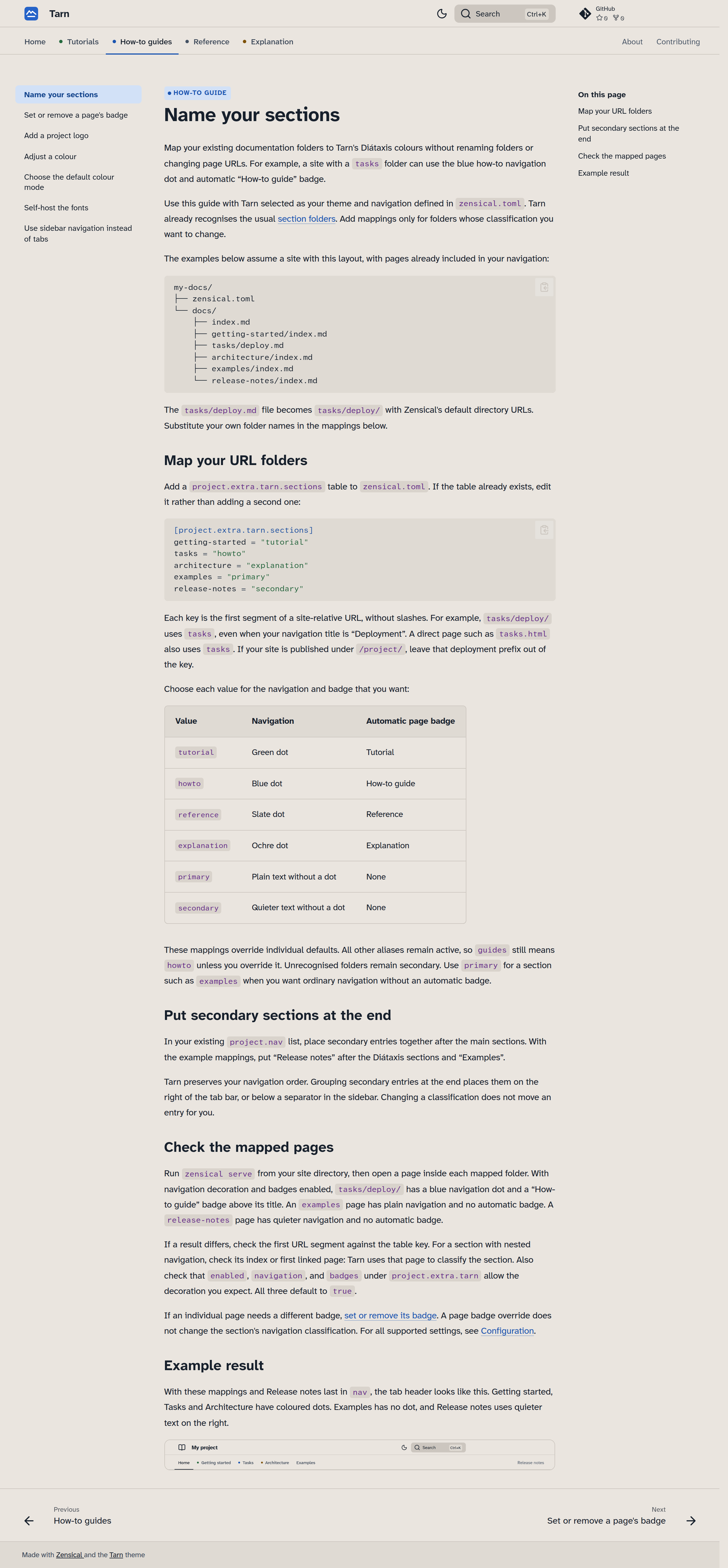
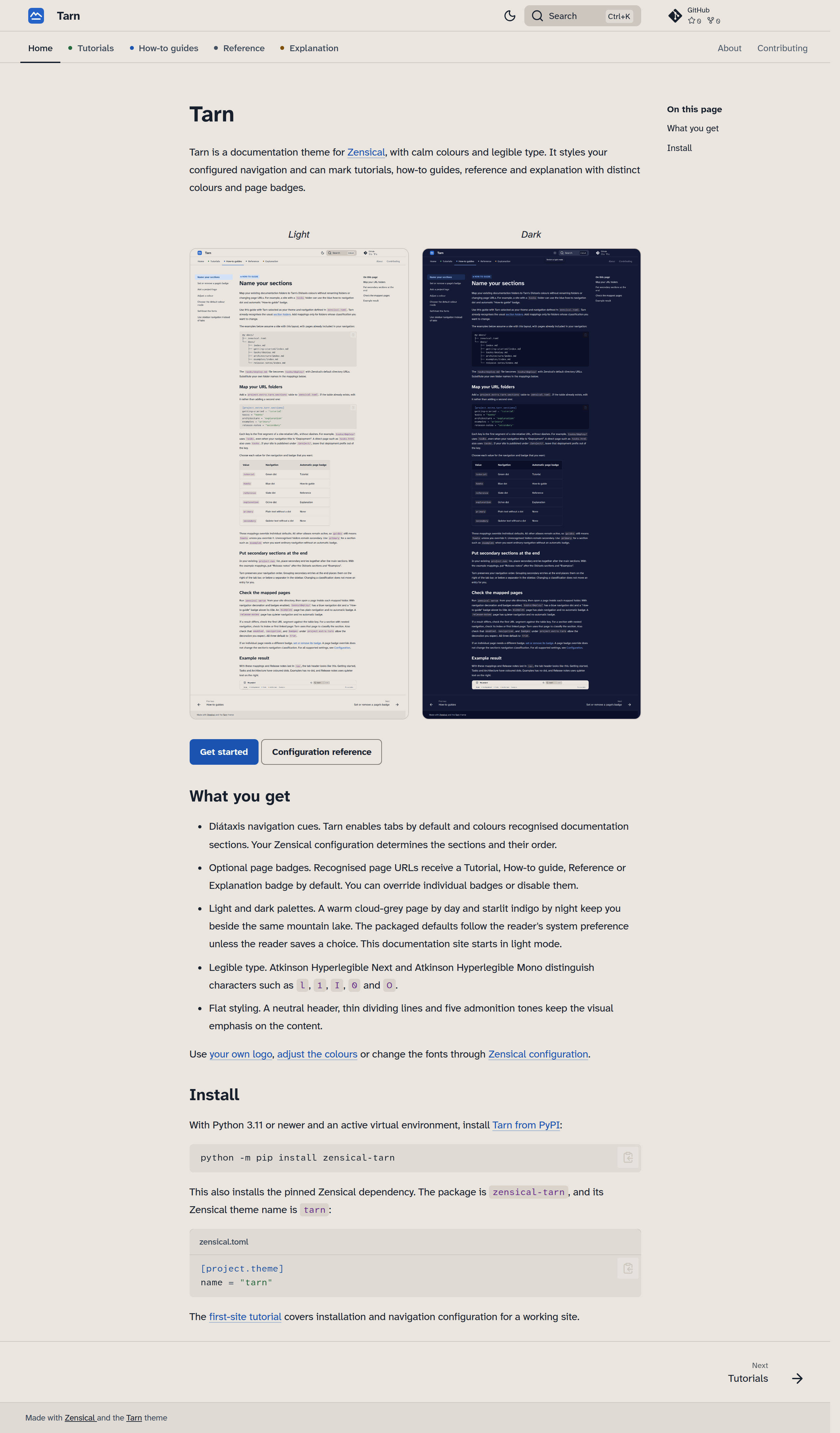
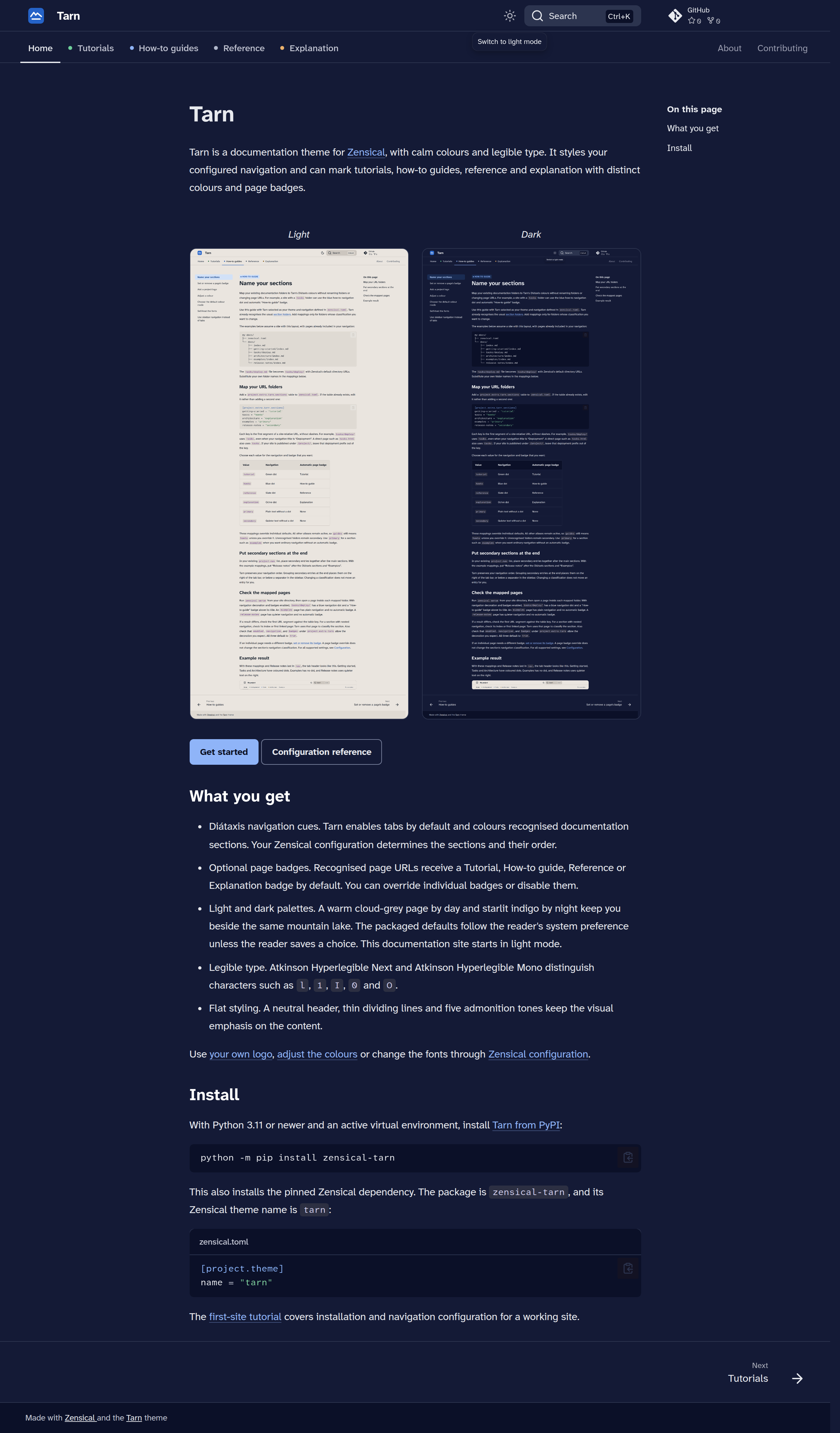
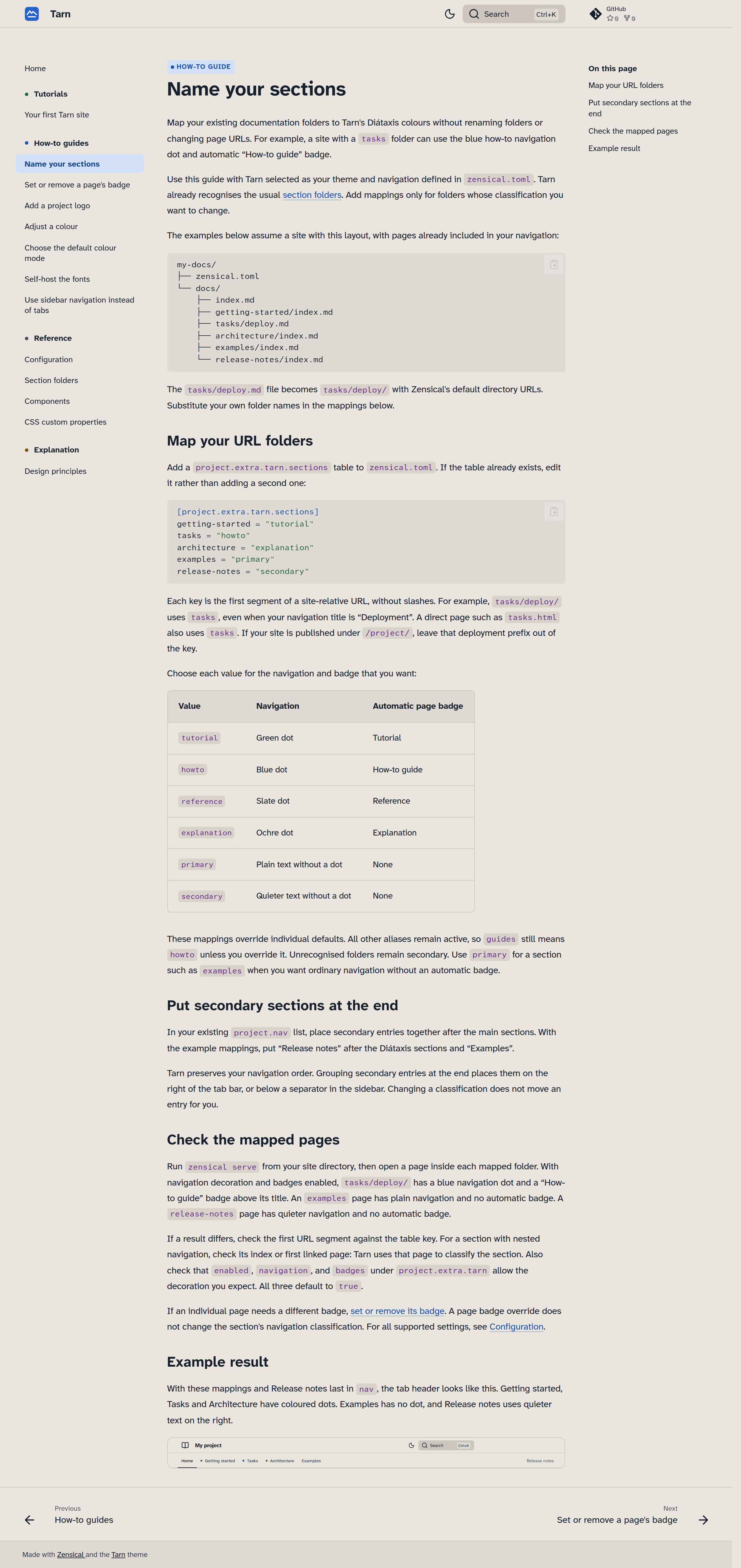
Tarn combines calm colours, legible type and Diátaxis navigation in a restrained layout for documentation.
- Diátaxis navigation cues. Recognised sections get coloured dots on navigation tabs or sidebar headings. Recognised page URLs receive a Tutorial, How-to guide, Reference or Explanation badge by default. You can override individual badges or disable badges and navigation decoration separately. Unrecognised sections use quieter, secondary styling by default.
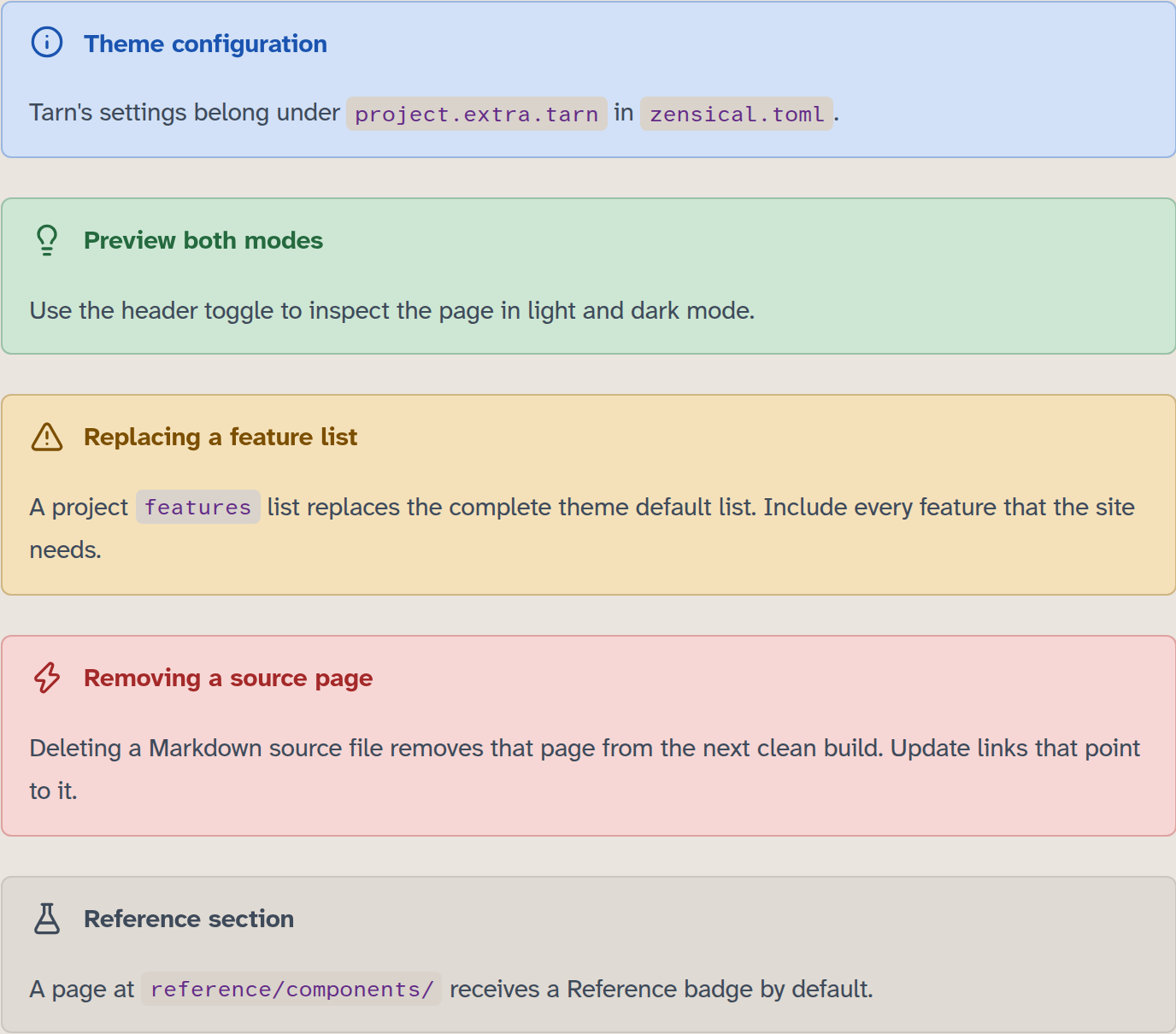
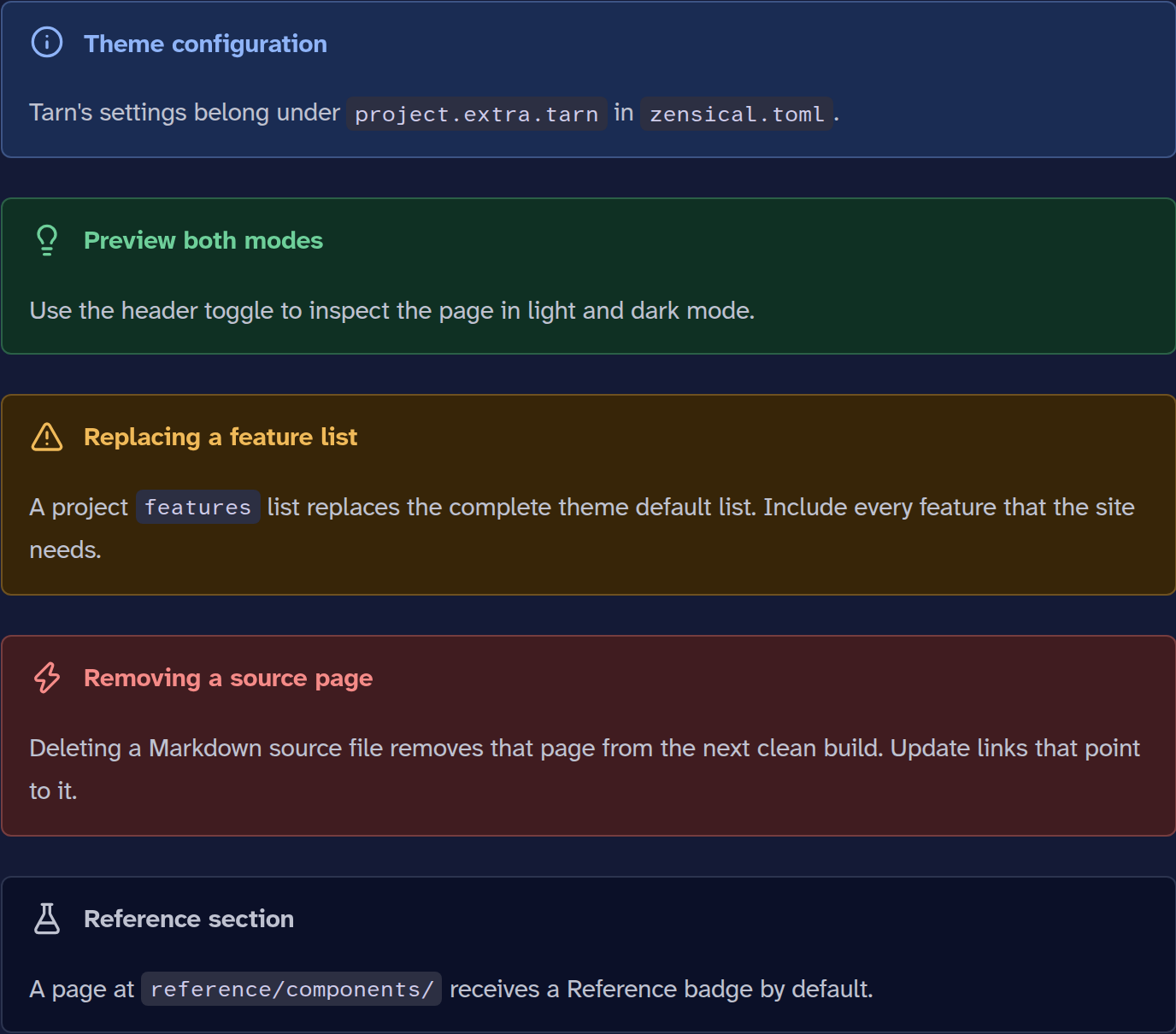
- Light and dark palettes draw on the same mountain lake by day and night: warm cloud-grey and starlit indigo. In dark mode, you read cool off-white text against a deep blue-violet sky. The palettes follow the reader's system preference by default, unless the reader saves a choice. Projects can choose their starting mode.
- Legible type: Atkinson Hyperlegible Next and Mono.
- Flat and focused: a neutral header, thin dividing lines, five admonition tones for Zensical's twelve types, and inline code that stands out from prose and links.
- Tabs or sidebar: works with
navigation.tabs(default) ornavigation.sections. - Contrast checked: the default text/background token pairs pass the generator’s 4.5:1 checks in both themes.
Install
Tarn requires Python 3.11 or newer and pins Zensical to version 0.0.73. See the configuration reference for dependency details.
With an active virtual environment, install Tarn from PyPI:
python -m pip install zensical-tarn
This also installs Zensical. Select the theme in your project's configuration:
# zensical.toml
[project.theme]
name = "tarn"
Zensical can also read mkdocs.yml with the equivalent theme selection.
MkDocs itself has not been verified:
theme:
  name: tarn
Tarn styles the navigation you configure in Zensical and preserves its order.
Folders such as tutorials/, how-to/, reference/ and explanation/ have
built-in classifications. The homepage defaults to primary styling. Unknown
URL sections default to secondary styling. Use project.extra.tarn.sections
to map existing folders or mark a section as primary. The
first-site tutorial covers a working site, and
Name your sections explains custom mappings.
You can add your own logo, adjust colours and change the fonts through Zensical configuration.
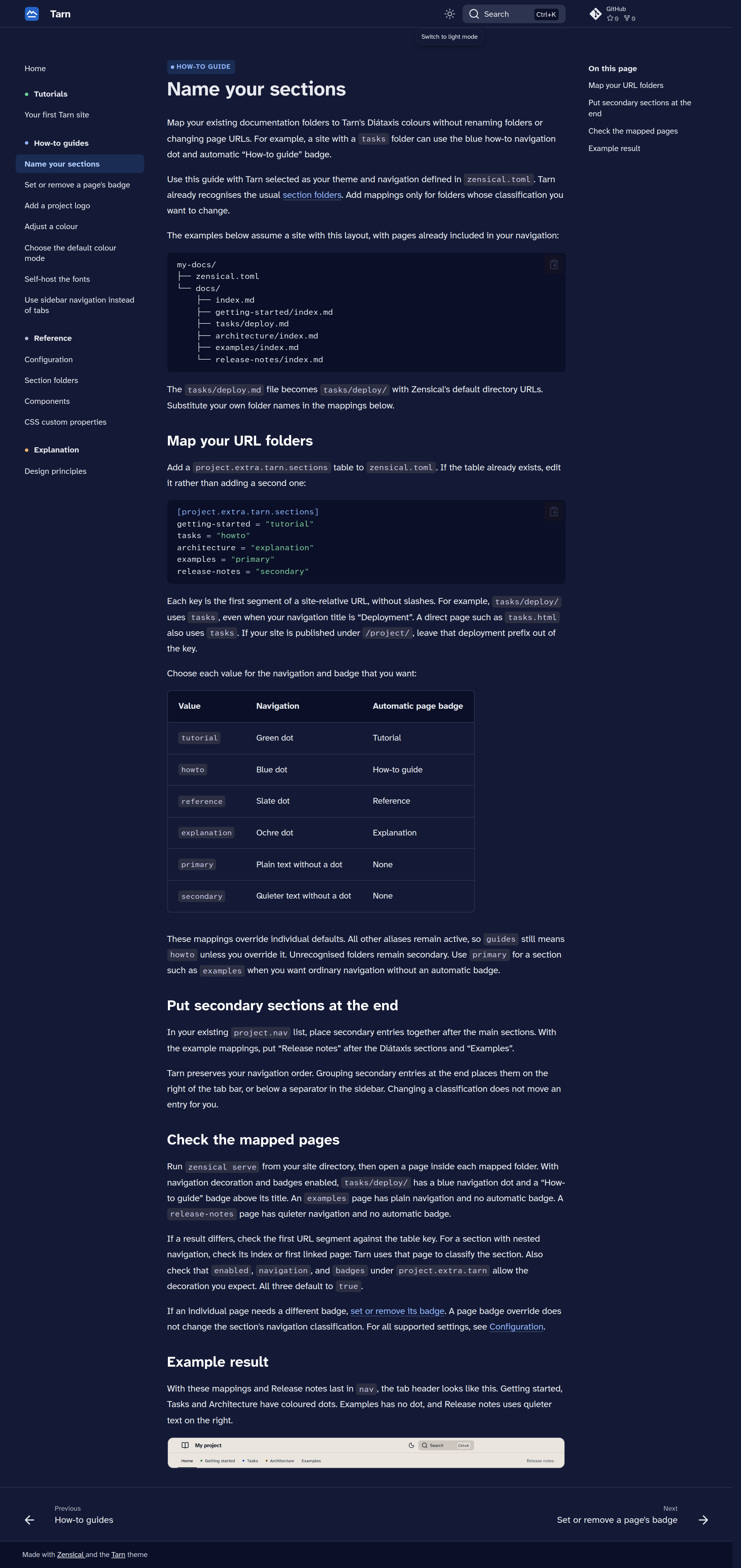
Screenshots
| Light | Dark |
|---|---|
 |
 |
 |
 |
 |
 |
 |
 |
More in screenshots/.
Documentation
The theme's own documentation, built with Tarn: https://axelvoitier.github.io/zensical-tarn/
Licence
Copyright Axel Voitier. Original Tarn material is licensed under Apache 2.0.
Includes modified Zensical templates under MIT; see NOTICE and the
upstream licence. The combined package metadata
records Apache-2.0 AND MIT. Fonts are fetched from Google Fonts, with
self-hosting instructions.
1 maintainer

Metadata
1 maintainer
Release files for zensical-tarn 1.0.0
For a detailed explanation of source distributions (sdists) and built distributions (wheels), please see the package formats documentation.
Source distribution (sdist)
| File | Size | Uploaded | Provenance | |
|---|---|---|---|---|
| zensical_tarn-1.0.0.tar.gz | 20.0 MB | Without provenance | Details |
Built distribution (wheel)
| File | Interpreter | ABI | Platform | Reset |
|---|---|---|---|---|
| zensical_tarn-1.0.0-py3-none-any.whl | Python 3 | none | any | Details |
Total release size: 20.0 MB
Release files / zensical_tarn-1.0.0.tar.gz
| Download URL | zensical_tarn-1.0.0.tar.gz |
|---|---|
| Size | 20.0 MB |
| Tags | Source |
|
SHA-256 checksum How to use checksums |
1789c7a2b8694a6ab604efcf4ba83ba5530d7a2ef8a69772592f7d7bc99acfda
|
|
BLAKE2b-256 checksum How to use checksums |
3afe96c5ea4839f122e9c426f9c016f9aee44315f324c17e5fe073babb1b5365
|
| Upload date | |
|
Uploaded using Trusted Publishing? What is trusted publishing? |
No |
| Uploaded via |
twine/7.0.0 CPython/3.15.0
|
Release files / zensical_tarn-1.0.0-py3-none-any.whl
| Download URL | zensical_tarn-1.0.0-py3-none-any.whl |
|---|---|
| Size | 24.3 kB |
| Tags | Python 3 |
|
SHA-256 checksum How to use checksums |
1c5906c15408df90ed504935ba2fe3e8cafdfe80700a8d9305e35831f7e23c67
|
|
BLAKE2b-256 checksum How to use checksums |
a6c5c6908015db189072b58e3f2269df35055a2b226e04408bf6feed54a8d644
|
| Upload date | |
|
Uploaded using Trusted Publishing? What is trusted publishing? |
No |
| Uploaded via |
twine/7.0.0 CPython/3.15.0
|
Security for zensical-tarn 1.0.0
Provenance
Provenance describes where a file came from. On PyPI, provenance is shared via attestations, which provide a verifiable record of the build or publishing details. View details, limitations and caveats.
No provenance found
None of the files in this release were uploaded with provenance metadata.
A note on package security
PyPI is a repository for distributing packages, not a service for auditing them. While third-party security researchers and our staff do their best to detect and remove malicious packages, PyPI cannot guarantee the quality, security or suitability of any given package.
To learn more about protecting yourself from malicious actors, visit our package security documentation.













