
zer0dex
Give a long-running agent local recall without forcing every detail into its
prompt: zer0dex pairs a small, human-readable memory index with semantic
retrieval from a local vector store.




0.1.2 continues the 0.1.x developer-preview line. The project remains Alpha: expect refinement, but migration notes will precede documented breaking changes during the 0.1.x line. See the compatibility policy.
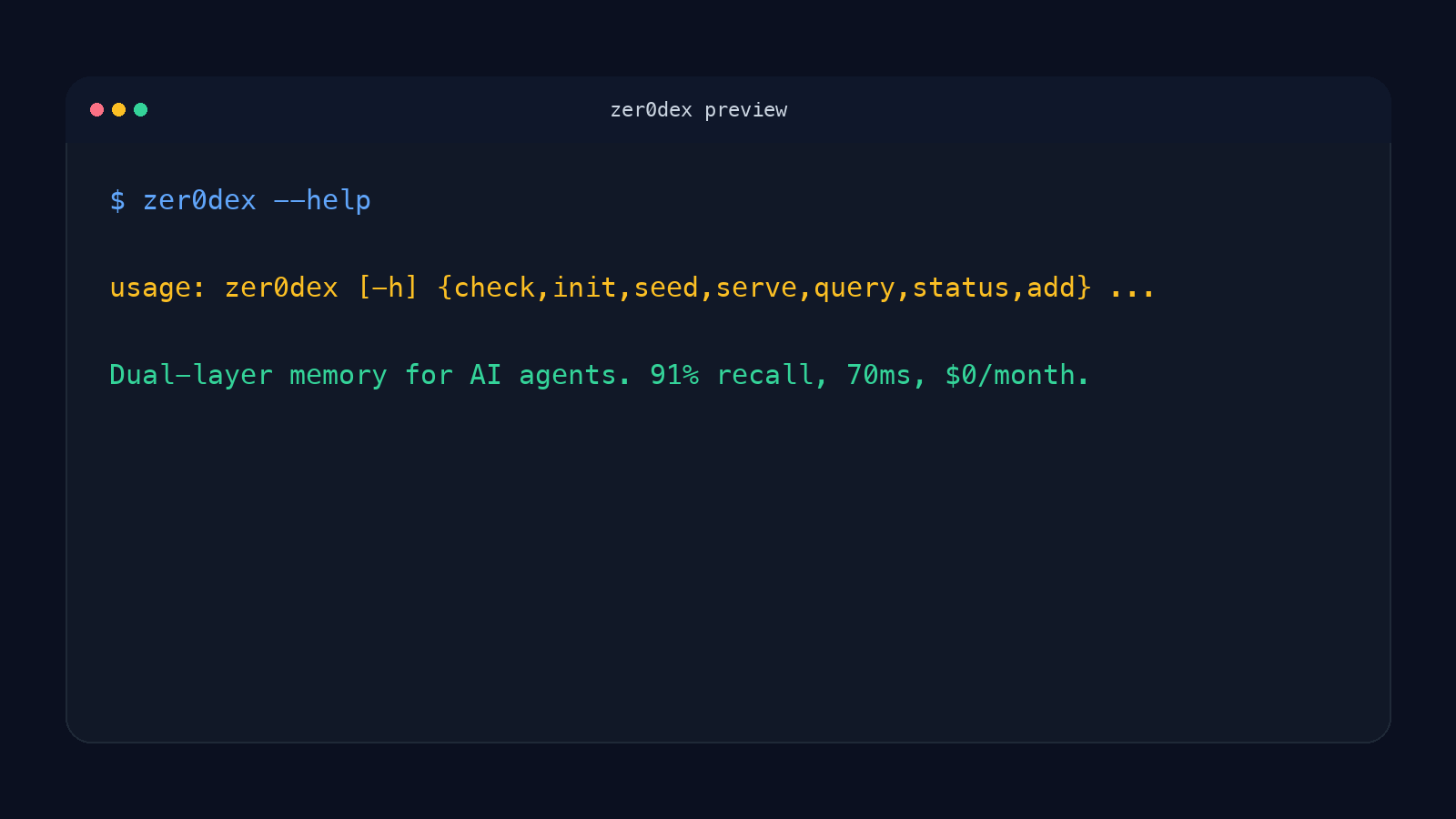
pip install zer0dex
That installs the CLI and local server. First success below walks through the Ollama models and commands a working setup needs; the CLI and HTTP API references cover every command and endpoint.
Quicklook (no Ollama required)
First success needs Ollama and two local models. Before installing those, here is what the two layers look like without running anything.
A zer0dex memory index is a plain markdown file you write or edit by hand:
# Memory
## Project Atlas
- Deployment target: staging
- Owner: platform-team
- Last incident: 2026-08-02, rolled back within 12m
Example output (illustrative, no Ollama required to read this — shape of a
zer0dex query response once the local server and models from
First success are running):
$ zer0dex query "Where does Project Atlas deploy?"
{
  "memories": [
    {
      "text": "Deployment target: staging",
      "score": 0.87,
      "source": "MEMORY.md#project-atlas"
    }
  ]
}
Who needs it
zer0dex is for agent and framework developers who:
- run agents locally and need memory to persist across sessions;
- want a compact index that people can inspect and edit;
- need semantic retrieval for details that do not fit in that index; and
- can add one local HTTP lookup before a model call.
It is especially useful when a flat MEMORY.md has become too large, while a
vector store alone makes it hard to see what knowledge exists or how topics
relate.
Why two layers
The markdown layer is a semantic table of contents: keep categories, durable summaries, and cross-topic pointers there. The local mem0/Chroma layer holds the retrievable details. Your agent host keeps the index in context and queries the HTTP server for the current message, then decides how to inject the returned matches.
The package supplies the CLI and local server. It does not install or run a pre-message hook; wiring the query into model calls remains an agent-host step.
First success
Requirements and tested support:
- Python 3.11 or 3.12 (the package declares Python 3.11+; later versions are not yet covered by CI);
- Ollama installed and serving locally at
http://localhost:11434; - the local
nomic-embed-textandmistral:7bOllama models; and - enough local memory and disk for those models and the Chroma store.
The package install includes mem0ai, ChromaDB, and the Ollama Python client. The default path requires no hosted memory service or cloud API key.
python -m venv .venv
source .venv/bin/activate
pip install zer0dex
zer0dex --version

ollama pull nomic-embed-text
ollama pull mistral:7b

printf '%s\n' '# Memory' '## Project Atlas' '- Deployment target: staging' > MEMORY.md
zer0dex check
zer0dex init
zer0dex seed --source MEMORY.md
zer0dex serve --background
zer0dex query "Where does Project Atlas deploy?"
zer0dex add "Project Atlas deploys from the release branch"
zer0dex status
zer0dex stop
This creates .zer0dex.json and a local .zer0dex/ store in the working
directory. Background starts also record their project-local process state as
server.json in the configured storage directory; use zer0dex stop to stop
that managed server. It will refuse to signal a PID unless the server proves
its per-launch identity, so stale or reused state cannot stop an unrelated
process. zer0dex add exits nonzero when extraction stores no memories and
suggests checking, querying, or rephrasing the text rather than reporting a
successful add.
Integration surface
The shortest host integration is an HTTP POST /query before each model call.
Use the returned memories as additional context according to your own prompt
and trust policy. The server also exposes POST /add and GET /health.
For a TypeScript host, the repository includes a small adapter that adds a
bounded, fail-open lookup before dispatching a model call:
hook_example.ts.
Copy the queryZer0dex helper into your message pipeline and keep the returned
memories in an explicitly untrusted context field. The example is deliberately
an adapter rather than an automatic hook installer, so the host retains control
over when retrieved text enters a prompt.
Exact commands, options, response fields, errors, and compatibility promises live in the reference documentation:
- CLI reference
- HTTP API reference
- Compatibility and migration policy
- Evaluation methodology, results, and limitations
Evidence and limits
The bundled evaluation compares a compressed index, vector retrieval, and the dual-layer combination on one 86-memory, 97-case workload. In that workload, zer0dex reached 91.2% average recall and 80.0% cross-reference recall.
Those figures are workload evidence, not a general performance guarantee. The evaluation uses one memory store, cases derived from that store, a single-run score without confidence intervals, and hardware-specific latency. It does not establish behavior at thousands of memories, across domains, or inside your agent's prompt and tool stack. Re-run the evaluation on representative data before choosing thresholds or making production claims.
Non-goals
zer0dex is not:
- hosted memory infrastructure or a multi-tenant service;
- a complete agent framework or automatic hook installer;
- a compliance, access-control, privacy, or governance system;
- a guarantee that retrieved text is true, safe, or appropriate to inject; or
- evidence that the bundled benchmark transfers unchanged to another workload.
Treat source documents and retrieved memories as data with the same sensitivity and trust boundaries you apply elsewhere in your agent.
Development
git clone https://github.com/hermes-labs-ai/zer0dex.git
cd zer0dex
python -m venv .venv
source .venv/bin/activate
pip install -e ".[dev]"
python -m pytest tests/ -q
See CONTRIBUTING.md for contribution guidance and the changelog for release history.
Citation
@misc{bosch2026zer0dex,
  title={zer0dex: Dual-Layer Memory Architecture for Persistent AI Agents},
  author={Bosch, Rolando},
  year={2026},
  url={https://github.com/hermes-labs-ai/zer0dex}
}
License and credits
Apache-2.0. zer0dex uses mem0 for the memory abstraction, Chroma for local vector storage, and Ollama for local embedding and extraction models.
zer0dex is maintained by Hermes Labs, an AI reliability engineering studio for teams shipping production agents and LLM applications.
Also from Hermes Labs
- lintlang — Static analysis for AI agent configs, tool descriptions, and system prompts; catches vague tool descriptions, missing stop conditions, and schema gaps before they reach runtime.
- little-canary — Detects prompt injection by its effect on a sacrificial canary model, not just pattern matching.
- fidelis — Zero-LLM agent memory for Claude Code and AI agents: local-first BM25, dense-vector, and reciprocal-rank-fusion retrieval.
- quick-gate-js — Deterministic JS/TS CI quality gate that unifies ESLint, TypeScript, build, and Lighthouse checks into one fail-fast result.
1 maintainer

Release files for zer0dex 0.1.2
For a detailed explanation of source distributions (sdists) and built distributions (wheels), please see the package formats documentation.
Source distribution (sdist)
| File | Size | Uploaded | |
|---|---|---|---|
| zer0dex-0.1.2.tar.gz | 29.0 kB | Details |
Built distribution (wheel)
| File | Interpreter | ABI | Platform | Reset |
|---|---|---|---|---|
| zer0dex-0.1.2-py3-none-any.whl | Python 3 | none | any | Details |
Total release size: 49.3 kB
Release files / zer0dex-0.1.2.tar.gz
| Download URL | zer0dex-0.1.2.tar.gz |
|---|---|
| Size | 29.0 kB |
| Tags | Source |
|
SHA-256 checksum How to use checksums |
b00e66862fea3c5aac1ee02f77865e7a39d6fd524569285807fb5664b5bba2ea
|
|
BLAKE2b-256 checksum How to use checksums |
85aea4e7cec81ab77cf2abd9fd241a3c464831e02c21c2cfcb1d09167e27ec98
|
| Upload date | |
|
Uploaded using Trusted Publishing? What is trusted publishing? |
Yes |
| Uploaded via |
twine/7.0.0 CPython/3.13.14
|
Provenance
Provenance describes where a file came from. On PyPI, provenance is shared via attestations, which provide a verifiable record of the build or publishing details. View details, limitations and caveats.


PyPI Publish Attestation
PyPI verified that this artifact, at this checksum, originated from the publisher listed below.
Signed by GitHub Actions, verified by PyPI on Sep 20, 2026.
Transparency logRelease files / zer0dex-0.1.2-py3-none-any.whl
| Download URL | zer0dex-0.1.2-py3-none-any.whl |
|---|---|
| Size | 20.4 kB |
| Tags | Python 3 |
|
SHA-256 checksum How to use checksums |
95e77add5cafecd22fc7a2f2f0c2976a5ce93f0304d6a292d46ff807c5aafa3e
|
|
BLAKE2b-256 checksum How to use checksums |
97aee55302235920ff7528a4bbde241183d81073e76525fb4e6f3c8300a8b285
|
| Upload date | |
|
Uploaded using Trusted Publishing? What is trusted publishing? |
Yes |
| Uploaded via |
twine/7.0.0 CPython/3.13.14
|
Provenance
Provenance describes where a file came from. On PyPI, provenance is shared via attestations, which provide a verifiable record of the build or publishing details. View details, limitations and caveats.
PyPI Publish Attestation
PyPI verified that this artifact, at this checksum, originated from the publisher listed below.
Signed by GitHub Actions, verified by PyPI on Sep 20, 2026.
Transparency log













