
Zeus Server App: for Cod Bo6 Bot Lobby Manager
If you are looking for the Lobby Manager / Admin app: Zeus Bot Lobby Manager Github











Version: Windows x64 and Arm64 only
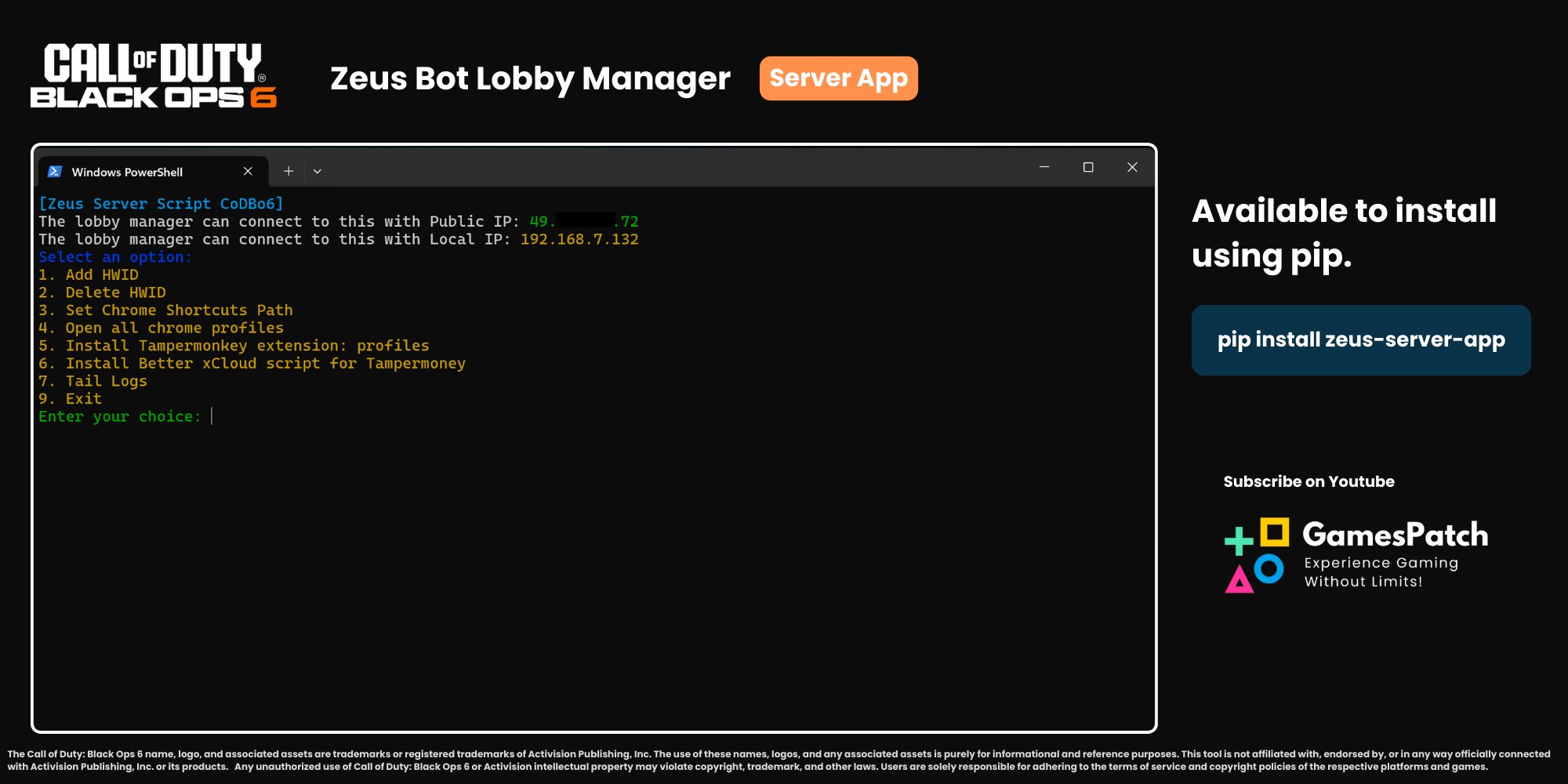
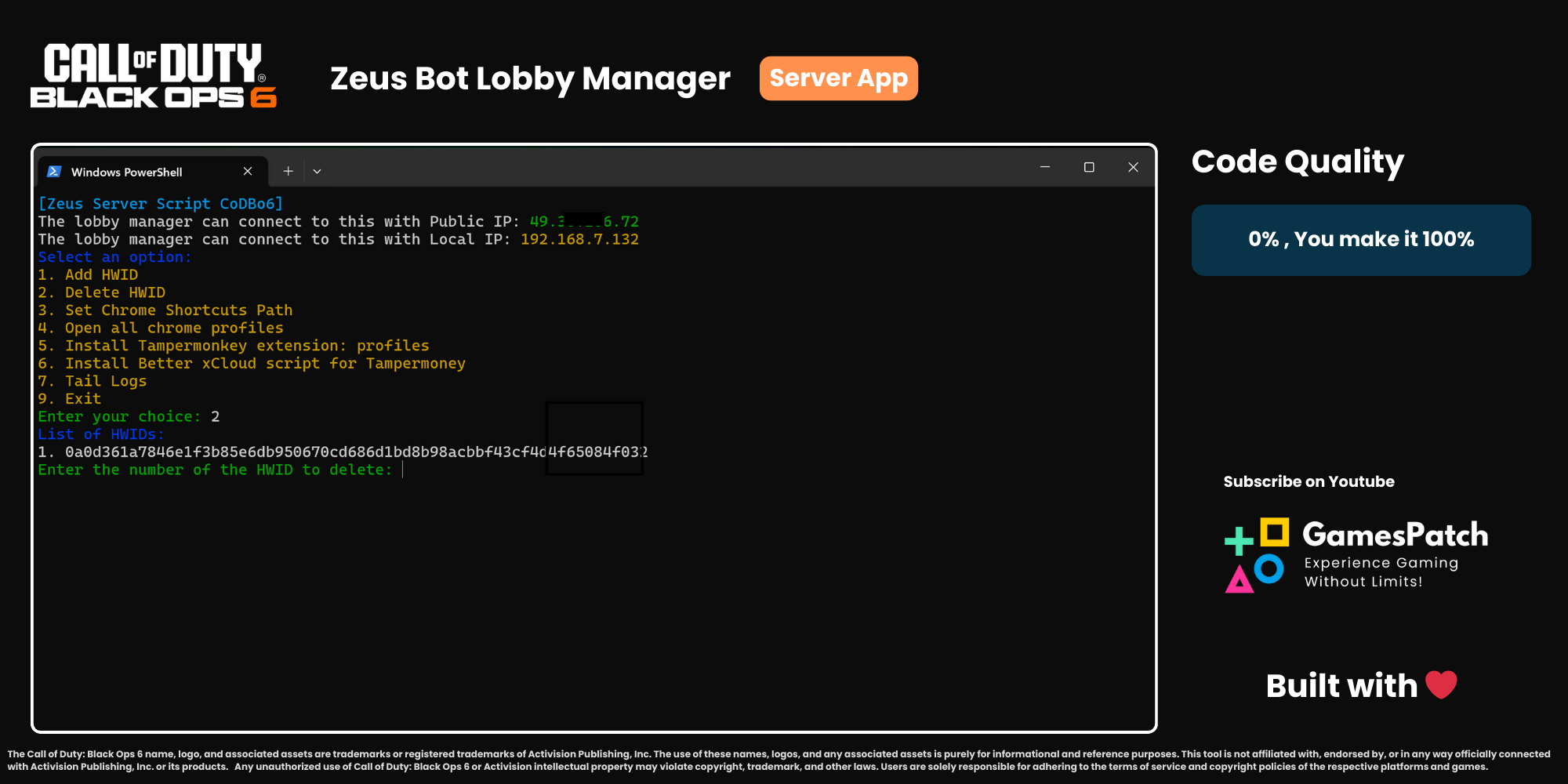
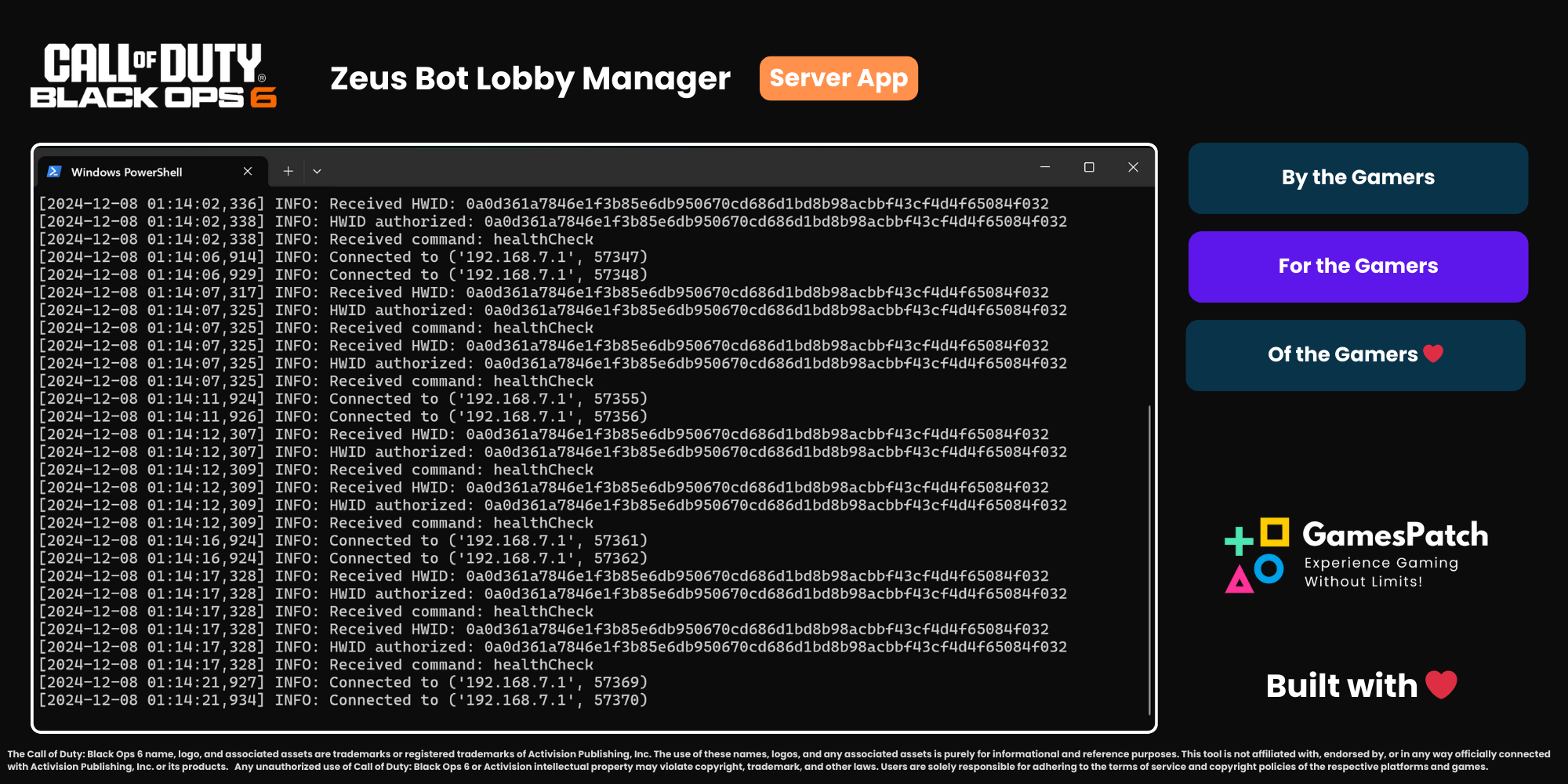
Overview
The Zeus Server App is a server-side application designed to manage multiplayer bot lobbies for games like Call of Duty Black Ops 6. This module hosts a server to emulate gamepad strokes based on commands received from the Zeus Admin Panel. It is ideal for setups involving Virtual Machines (VMs).
Features
- Hosts a server to listen for gamepad control commands.
- Requires Windows Firewall whitelisting for communication.
- HWID-based access control for enhanced security.
- Emulates gamepad inputs using upstream server commands.
- Provides an IP address to integrate with the Lobby Manager App.
Installation
- Ensure Python is installed on your system (Download Python).
- Install the Zeus Server App using pip:
pip install zeus-server-app
- Run the server module:
python3 -m zeus_server_app
Dependencies
The following Python packages are required:
vgamepadcoloramarequests
These dependencies are automatically installed during the setup.
Setup Guide
- Add the HWID value generated by the Zeus Admin Panel to the server configuration.
- Ensure the application is whitelisted in Windows Firewall.
- Run the script on your virtual machine (VM) or physical machine.
- Share the generated IP with the Lobby Manager app for integration.
Contributing

We welcome contributions to improve the Zeus Server App! Please follow these steps:
- Fork the repository.
- Create a new branch:
git checkout -b feature-name
- Commit your changes:
git commit -m "Added a new feature"
- Push your branch:
git push origin feature-name
- Submit a pull request.
Tech




License


This project is licensed under the MIT License. See the LICENSE file for details.
Disclaimer
This tool, Cod Bo6 Bot Lobby Manager, is intended for educational and testing purposes only. The developers of this tool do not endorse or encourage any form of unethical gameplay, account manipulation, or violation of terms of service of any game or gaming platform.
By using this tool, you agree to the following:
- You will use this tool in accordance with all applicable laws and regulations.
- You will not use this tool to gain unfair advantages or disrupt the integrity of multiplayer gaming environments.
- The developers are not responsible for any consequences, including but not limited to account suspension, bans, or other punitive measures, resulting from improper usage of this tool.
This software is provided "as is" without warranty of any kind, express or implied. Use at your own risk.
Copyright Notice
The Call of Duty: Black Ops 6 name, logo, and associated assets are trademarks or registered trademarks of Activision Publishing, Inc. The use of these names, logos, and any associated assets is purely for informational and reference purposes. This tool is not affiliated with, endorsed by, or in any way officially connected with Activision Publishing, Inc. or its products.
Any unauthorized use of Call of Duty: Black Ops 6 or Activision intellectual property may violate copyright, trademark, and other laws. Users are solely responsible for adhering to the terms of service and copyright policies of the respective platforms and games.
If you have any concerns or questions about the use of Call of Duty: Black Ops 6 or Activision assets in this tool, please contact us for clarification.
Email: hello.theappstack@gmail.com , any violating content would be removed immediately.
1 maintainer

Metadata
1 maintainer
Release files for zeus-server-app 1.0.17
For a detailed explanation of source distributions (sdists) and built distributions (wheels), please see the package formats documentation.
Source distribution (sdist)
| File | Size | Uploaded | |
|---|---|---|---|
| zeus_server_app-1.0.17.tar.gz | 4.0 MB | Details |
Built distribution (wheel)
| File | Interpreter | ABI | Platform | Reset |
|---|---|---|---|---|
| zeus_server_app-1.0.17-py3-none-any.whl | Python 3 | none | any | Details |
Total release size: 8.1 MB
Release files / zeus_server_app-1.0.17.tar.gz
| Download URL | zeus_server_app-1.0.17.tar.gz |
|---|---|
| Size | 4.0 MB |
| Tags | Source |
|
SHA-256 checksum How to use checksums |
b6980a801cbf0fc237636cf43fb1c8832443a7bbd5a659e486a079af17c59dd7
|
|
BLAKE2b-256 checksum How to use checksums |
6eefa22b4602d4f619c9868e13bf74a1e9c5728ce8b828586ccd8ef83781b79c
|
| Upload date | |
|
Uploaded using Trusted Publishing? What is trusted publishing? |
No |
| Uploaded via |
twine/6.0.1 CPython/3.12.8
|
Release files / zeus_server_app-1.0.17-py3-none-any.whl
| Download URL | zeus_server_app-1.0.17-py3-none-any.whl |
|---|---|
| Size | 4.0 MB |
| Tags | Python 3 |
|
SHA-256 checksum How to use checksums |
168dd7663fbec33d30041dfd2ee855c4fad0b16416b6b25c03d2bcb673a6b047
|
|
BLAKE2b-256 checksum How to use checksums |
9e0a85baa58fb41ab4e699e23179411e6adad7e04db5389c22037584cad229c3
|
| Upload date | |
|
Uploaded using Trusted Publishing? What is trusted publishing? |
No |
| Uploaded via |
twine/6.0.1 CPython/3.12.8
|













