
Explicit, serializable AI workflow primitives inspired by pydantic-ai.

Project description
Zonix
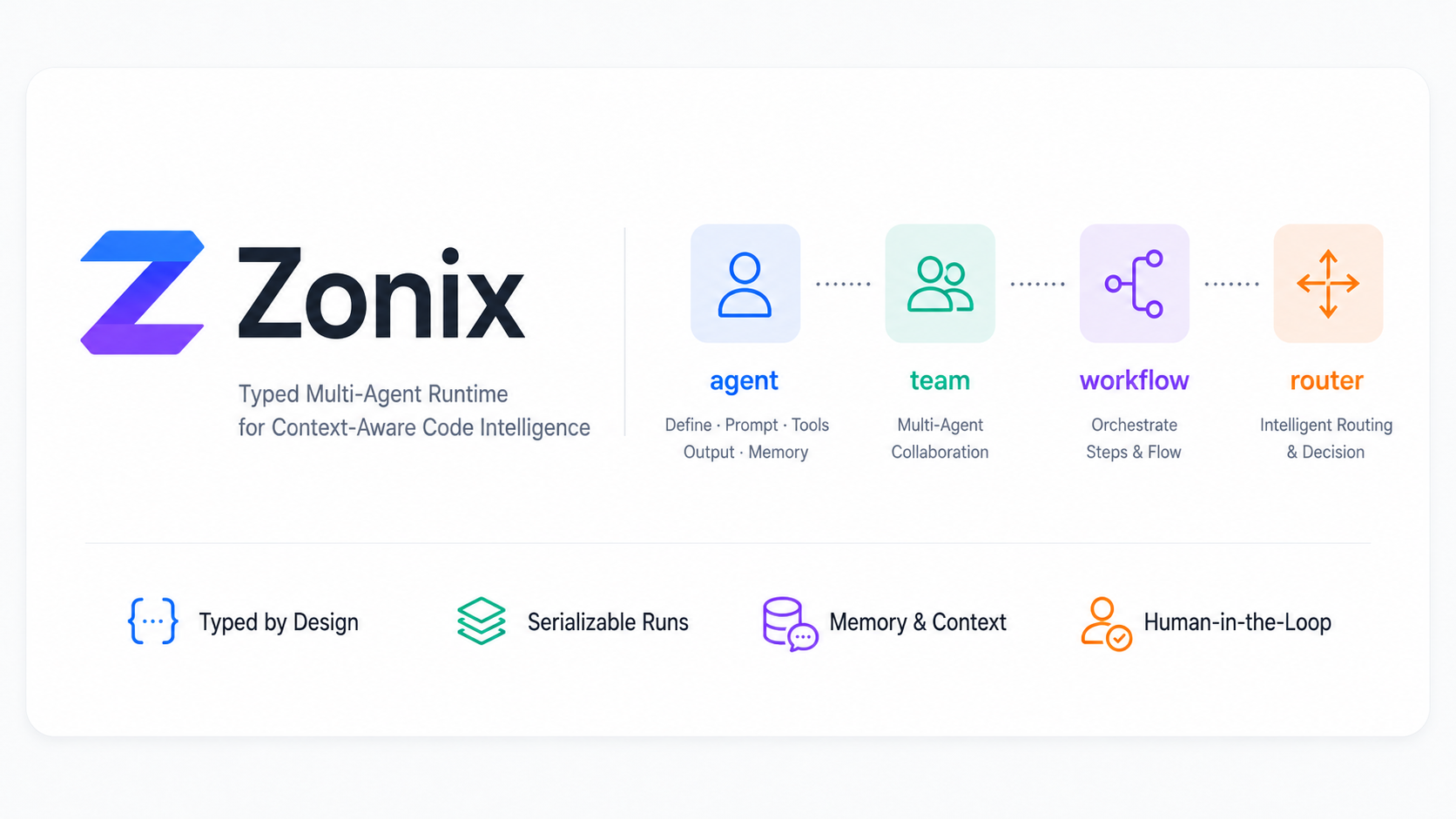
Zonix is a Python AI workflow framework with explicit agents and a serializable
run engine. It borrows the clarity of pydantic-ai's Agent, then adds first
class workflow, team, and router primitives on top of one execution model.
The core idea:
plan = await planner("add captcha to the login page", ctx=ctx)
result = await planner.run("add captcha to the login page", ctx=ctx)

async for event in planner.stream("add captcha to the login page", ctx=ctx):
    print(event)
__call__ returns the structured output. .run() returns the full trace, usage,
messages, and checkpoint metadata. .stream() returns typed events that can be
mapped to frontend protocols such as the Vercel AI SDK data stream.
Install
pip install zonix
For local development from this repository:
pip install -e .
Optional model providers:
pip install "zonix[openai]"
pip install "zonix[anthropic]"
OpenAI-compatible and Anthropic-compatible endpoints
Provider objects accept base_url, so OpenAI-compatible gateways and
Anthropic-compatible gateways stay explicit and typed:
import os

from zonix.models import Anthropic, OpenAI

openai_model = OpenAI(
    model=os.environ["ZONIX_MODEL"],
    api_key=os.environ["ZONIX_API_KEY"],
    base_url=os.environ["ZONIX_BASE_URL"],
)

anthropic_model = Anthropic(
    model=os.environ["ZONIX_MODEL"],
    api_key=os.environ["ZONIX_API_KEY"],
    base_url=os.environ["ZONIX_BASE_URL"],
)
Run the real provider example:
export ZONIX_API_KEY="..."
export ZONIX_PROVIDER="openai"
export ZONIX_BASE_URL="https://your-openai-compatible-host/v1"
export ZONIX_MODEL="your-model"
python examples/real_provider_case.py
Single agent
from pydantic import BaseModel

from zonix import agent
from zonix.models import OpenAI


class Plan(BaseModel):
    goal: str
    files: list[str]
    steps: list[str]


planner = (
    agent(
        "planner",
        role="Plan code work",
        model=OpenAI("gpt-5.2", temperature=0.2),
        output=Plan,
    )
    .use(read_tree, search_code)
    .prompt(
        "Split the user request into a code plan. "
        "Return only JSON that matches the Plan schema."
    )
)

plan = await planner("add captcha to the login page", ctx=project_ctx)
An agent definition keeps the important pieces in one place:
nameandrolefor trace readability.modelas a typed object, not a provider string.outputas a Pydantic model or Python type.depsthroughctx.- tools via
.use(...)or@agent.tool. - static or dynamic prompts via
.prompt(...).
Tools
Tool schemas are generated from type hints and docstrings.
coder = agent("coder", output=Patch, deps=ProjectCtx).use(read_file)


@coder.tool(approval=True)
async def write_file(ctx, path: str, content: str) -> bool:
    """Write content to a repository file."""
    return ctx.deps.repo.write(path, content)
If a tool takes ctx as its first parameter, Zonix passes a ToolContext with
deps, shared usage, the current run state, and the owning agent.
Three call levels
output = await planner(task, ctx=ctx)
run = await planner.run(task, ctx=ctx)

async for event in planner.stream(task, ctx=ctx):
    ...
All three calls use the same run engine. The engine owns prompt assembly, model calls, tool execution, output validation, usage aggregation, spans, checkpoints, and event emission.
Manual message history
You can pass an explicit prior transcript when you want to replay or continue history that was stored outside Zonix:
from zonix import (
    ToolCall,
    assistant_message,
    assistant_tool_call_message,
    tool_message,
    user_message,
)

call = ToolCall(call_id="call_1", tool="lookup_user", input={"email": "a@example.com"})

history = [
    user_message("Find this user."),
    assistant_tool_call_message(call),
    tool_message("call_1", "lookup_user", {"id": "user_123"}),
    assistant_message("The user exists."),
]

answer = await assistant("Continue from there.", message_history=history)
message_history accepts Message objects or dicts with the same shape. The
same parameter is available on agent.run, agent.stream, workflow.solve,
workflow.run, team.solve, and team.run.
Workflow
from zonix import workflow

code_flow = (
    workflow("code_team")
    .start(planner)
    .then(coder)
    .then(reviewer)
    .build()
)

review = await code_flow.solve("add captcha to login", ctx=ctx)
workflow compiles ordered steps into a node. The output of one node becomes
the input of the next node, while ctx, usage, trace, scratch, and stream events
are automatically carried through the run.
The builder also supports parallel, join, branch, and loop:
flow = (
    workflow("review")
    .start(planner)
    .parallel(security_review, perf_review)
    .join(merge_reviews)
    .branch(lambda review: review.risk == "high", then=human_gate, else_=auto_apply)
    .loop(coder, until=lambda patch: patch.tests_pass, max_iters=3)
    .build()
)
Team and router
from zonix import router, team
from zonix.types import Route


def choose(task, state) -> Route:
    if "review" in str(task).lower():
        return Route(next="reviewer")
    return Route(next="coder")


code_team = (
    team("code_team")
    .add(planner, coder, reviewer)
    .route(router("rule_router", choose))
    .build(max_steps=6)
)

answer = await code_team.solve("review the auth changes", ctx=ctx)
A router can be a rule function, another agent, or any node that returns
Route(next=..., done=..., input=...).
Memory
from zonix.memory import Session, Summarize, Vector, Window

session = Session(memory=[Window(size=20), Vector(store=my_store)])
assistant = agent("assistant", memory=[Summarize(over=170_000, keep=20)])

answer = await assistant("continue from last time", ctx=ctx, session=session)
Memory strategies are typed and composable. They transform prior session history before the current run is assembled.
Streaming events
Zonix streams typed Python events:
TextStart,TextDelta,TextEndReasoningDeltaToolInputStart,ToolInputDelta,ToolInputAvailableToolOutputAvailableApprovalRequiredErrorEvent,Finish
Frontend protocols are adapters. For Vercel AI SDK data streams:
from zonix.wire.ai_sdk import to_ai_sdk

async for chunk in to_ai_sdk(agent.stream(task, ctx=ctx)):
    yield chunk
HTTP responses should include:
x-vercel-ai-ui-message-stream: v1
content-type: text/event-stream
Human approval and resume
Tools can pause the run before execution:
run = await coder.run("edit the login page", ctx=ctx)

if run.paused:
    print(run.pending)
    run = await run.resume(approve=True)
run.dump() returns a JSON-safe snapshot with output, usage, trace, messages,
scratch, and pending approval metadata. CheckpointStore can persist snapshots
to disk.
Architecture
zonix/
  spec.py       agent()/team()/workflow()/router() factories
  engine.py     serializable Run engine and Agent execution
  runtime.py    __call__/run/stream driver shared by every node
  memory/       Window, Summarize, Vector, Session
  multi/        Workflow, Team, Router nodes
  hitl.py       checkpoint save/load and approval keys
  models/       complete/stream model adapters
  wire/         event-to-wire protocol adapters
  obs.py        lightweight observability hooks
Zonix is intentionally explicit: business code should say what it means, and the run engine should make every step inspectable.
Tutorials
Release history Release notifications | RSS feed


Download files
Download the file for your platform. If you're not sure which to choose, learn more about installing packages.
Source Distribution
Built Distribution
Filter files by name, interpreter, ABI, and platform.
If you're not sure about the file name format, learn more about wheel file names.
Copy a direct link to the current filters
File details
Details for the file zonix-0.2.2.tar.gz.
File metadata
- Download URL: zonix-0.2.2.tar.gz
- Upload date:
- Size: 1.0 MB
- Tags: Source
- Uploaded using Trusted Publishing? No
- Uploaded via: twine/6.2.0 CPython/3.12.3
File hashes
| Algorithm | Hash digest | |
|---|---|---|
| SHA256 |
54ba78c65143febe80d302c097a3ff4680b416e8e7d21228903ca0590ca38a8a
|
|
| MD5 |
0dc1ad2307a1f40d88e219662ce4e3c0
|
|
| BLAKE2b-256 |
c026ed34e2f1f4de2b3e331c170ce6befd83e8cf9ac89c9864a80a5121c7db35
|
File details
Details for the file zonix-0.2.2-py3-none-any.whl.
File metadata
- Download URL: zonix-0.2.2-py3-none-any.whl
- Upload date:
- Size: 29.9 kB
- Tags: Python 3
- Uploaded using Trusted Publishing? No
- Uploaded via: twine/6.2.0 CPython/3.12.3
File hashes
| Algorithm | Hash digest | |
|---|---|---|
| SHA256 |
2bacf233a28bba3f30ad9f0c365c9a872f74ad932195bd3cb9f6a97a928369d9
|
|
| MD5 |
57bdcb5e3c2ae09e1cbc361750a80e36
|
|
| BLAKE2b-256 |
dd7a3d24a7c32a38788796c631c11db0acb5f48305ef6cb3f11a5b1b11111097
|






