
TurboGears









TurboGears is a hybrid web framework able to act both as a Full Stack framework or as a Microframework. TurboGears helps you get going fast and gets out of your way when you want it!
TurboGears can be used both as a full stack framework or as a microframework in single file mode.
The following content covers examples in minimal mode, to see an example for full stack capabilities take a look at tg.devtools
Get Started
To try TurboGears just get pip if you don’t already have it:
$ curl -O 'https://bootstrap.pypa.io/get-pip.py'
$ python get-pip.py
And install Turbogears:
$ pip install TurboGears2
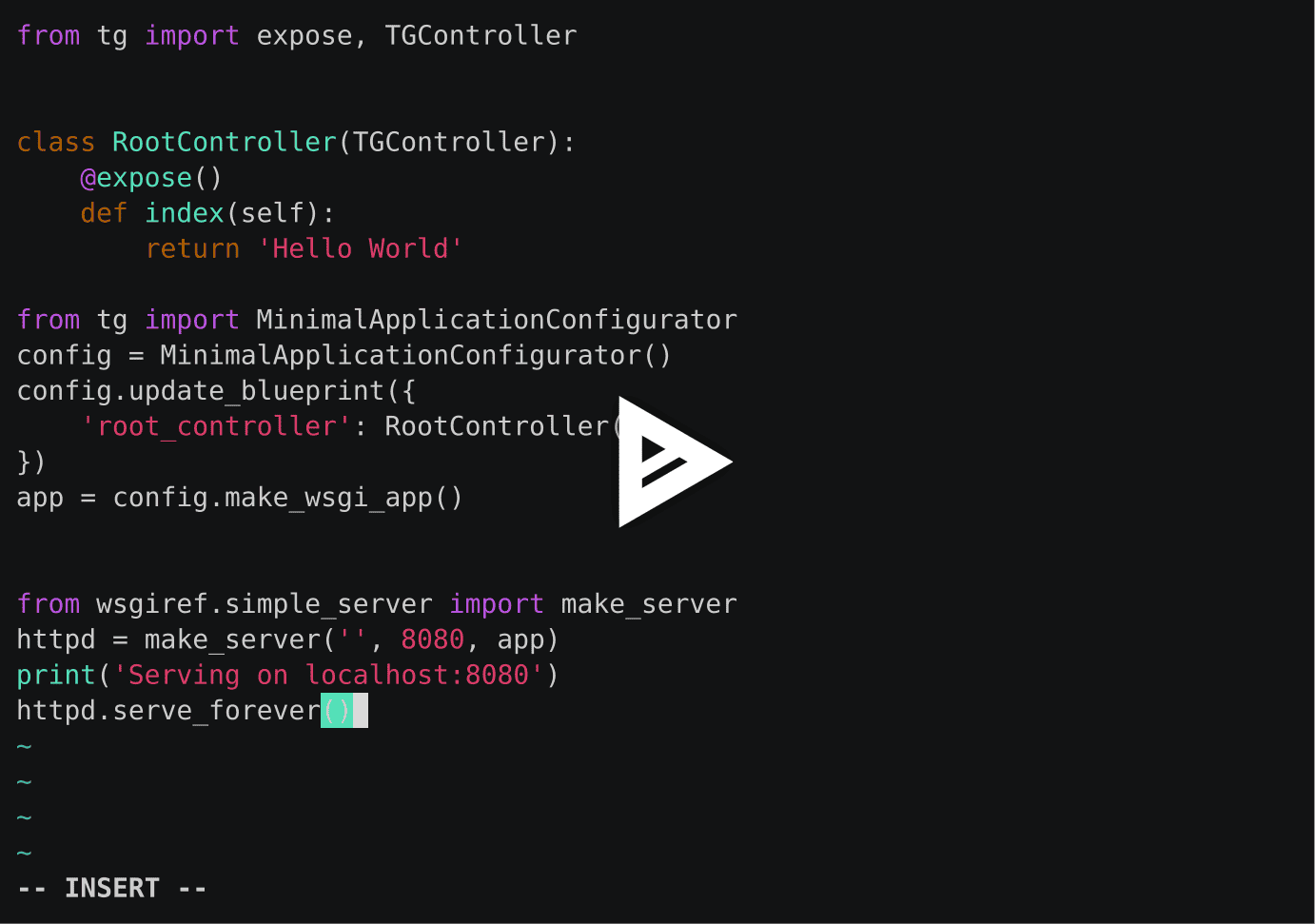
Then serving a TurboGears web application is as simple as making a webapp.py file with your application:
from wsgiref.simple_server import make_server
from tg import MinimalApplicationConfigurator
from tg import expose, TGController

# RootController of our web app, in charge of serving content for /
class RootController(TGController):
    @expose(content_type="text/plain")
    def index(self):
        return 'Hello World'

# Configure a new minimal application with our root controller.
config = MinimalApplicationConfigurator()
config.update_blueprint({
    'root_controller': RootController()
})

# Serve the newly configured web application.
print("Serving on port 8080...")
httpd = make_server('', 8080, config.make_wsgi_app())
httpd.serve_forever()
Start it with python webapp.py and open your browser at http://localhost:8080/
Want to play further with TurboGears? Try the TurboGears Tutorials:
Support and Documentation
Visit TurboGears Documentation for complete documentation and tutorials.
See the TurboGears website to get a quick overview of the framework and look for support.
License
TurboGears is licensed under an MIT-style license (see LICENSE.txt). Other incorporated projects may be licensed under different licenses. All licenses allow for non-commercial and commercial use.


Release files for TurboGears2 2.5.1
For a detailed explanation of source distributions (sdists) and built distributions (wheels), please see the package formats documentation.
Source distribution (sdist)
| File | Size | Uploaded | |
|---|---|---|---|
| turbogears2-2.5.1.tar.gz | 165.6 kB | Details |
Built distribution (wheel)
| File | Interpreter | ABI | Platform | Reset |
|---|---|---|---|---|
| turbogears2-2.5.1-py3-none-any.whl | Python 3 | none | any | Details |
Total release size: 321.4 kB
Release files / turbogears2-2.5.1.tar.gz
| Download URL | turbogears2-2.5.1.tar.gz |
|---|---|
| Size | 165.6 kB |
| Tags | Source |
|
SHA-256 checksum How to use checksums |
50fa27e3bcf23cf1ca67260a7b32237779bded1f764a5e326cb6fe00ed922448
|
|
BLAKE2b-256 checksum How to use checksums |
e0ec797d433e3c585d7528d9a894ddeaaeacc118ab893af59c6195857efa6be2
|
| Upload date | |
|
Uploaded using Trusted Publishing? What is trusted publishing? |
No |
| Uploaded via |
twine/6.1.0 CPython/3.8.20
|
Release files / turbogears2-2.5.1-py3-none-any.whl
| Download URL | turbogears2-2.5.1-py3-none-any.whl |
|---|---|
| Size | 155.7 kB |
| Tags | Python 3 |
|
SHA-256 checksum How to use checksums |
a741ccf1a0b84213520cb2ba23608306e76432c0888cbbcb8aecd9dd23e6c652
|
|
BLAKE2b-256 checksum How to use checksums |
bd7203baf9c25d2454b5209bfce6f482b1fc2c64952f06be2bd7f66c896df856
|
| Upload date | |
|
Uploaded using Trusted Publishing? What is trusted publishing? |
No |
| Uploaded via |
twine/6.1.0 CPython/3.8.20
|














