
pymoveit2


Move a robot from Python by communicating with MoveIt 2 over ROS 2 actions and services
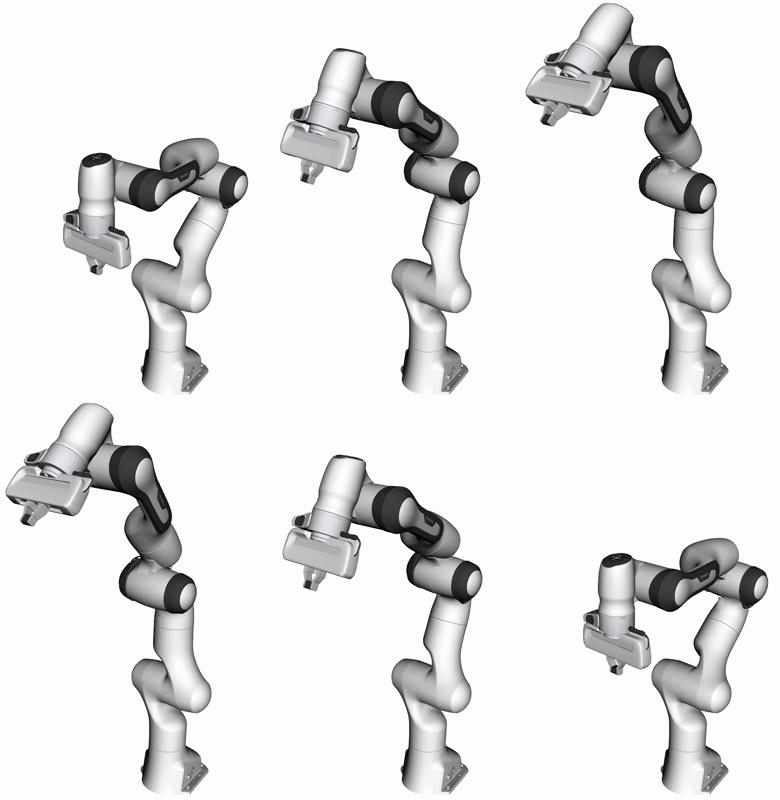 |
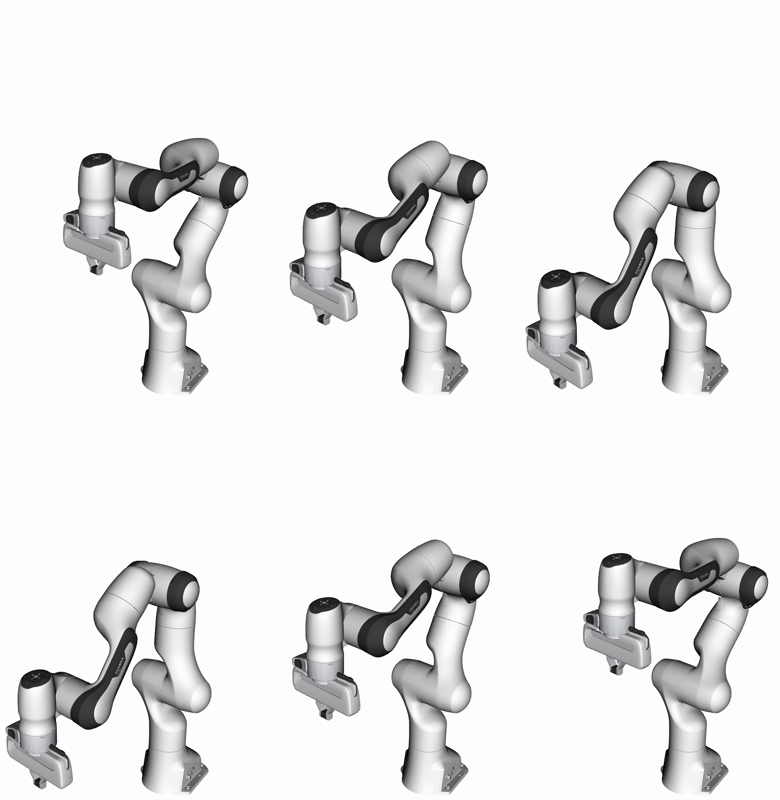 |
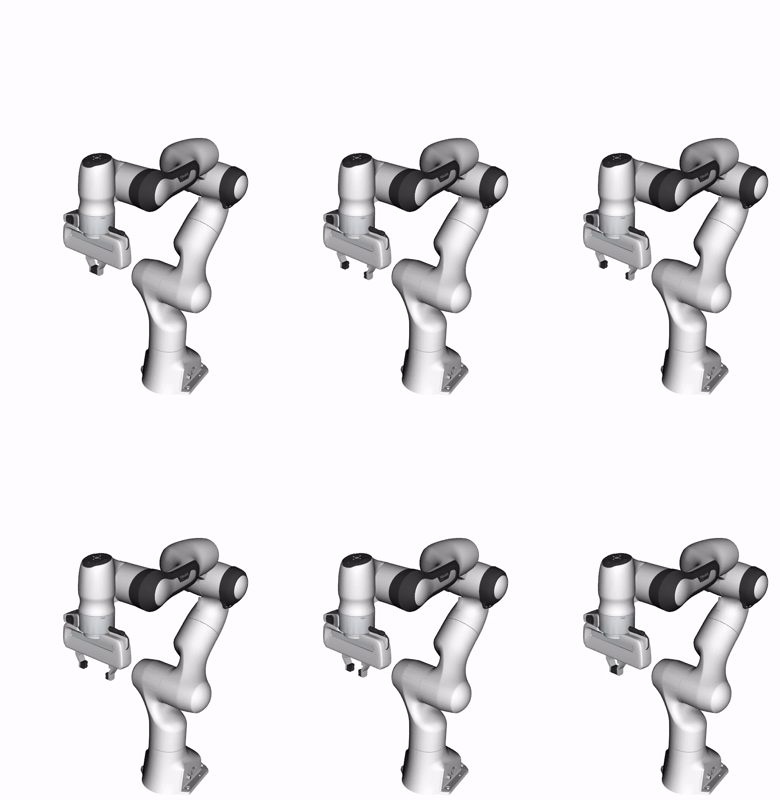 |
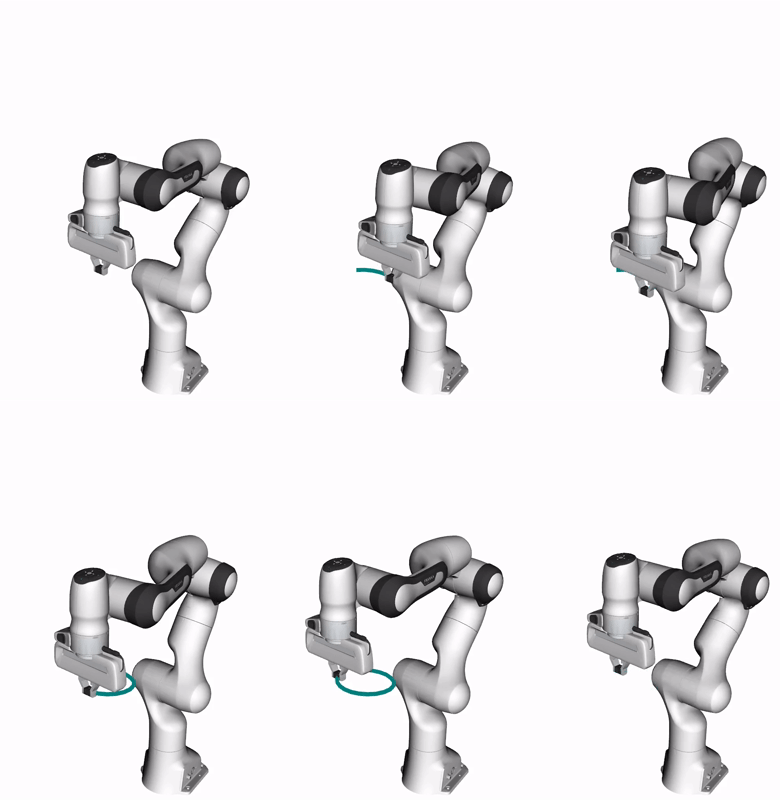 |
Joint Configuration |
Cartesian Pose |
Gripper Action |
Real-Time Servoing |
Installation
humble |
jazzy |
lyrical |
rolling |
|---|---|---|---|
| ✅ | ✅ | ✅ | ✅ |
Python package (PyPI)
pip install pymoveit2
Source build (colcon)
cd $COLCON_WS
git clone https://github.com/AndrejOrsula/pymoveit2.git src/pymoveit2
rosdep install -y -r -i --rosdistro $ROS_DISTRO --from-paths src/pymoveit2
colcon build --merge-install --symlink-install --cmake-args "-DCMAKE_BUILD_TYPE=Release"
source install/local_setup.bash
Docker image
cd $WS
git clone https://github.com/AndrejOrsula/pymoveit2.git
pymoveit2/.docker/run.bash $ROS_DISTRO --network-host --ipc-host --gui
Quick start (demo with Franka Emika Panda)
-
Configure MoveIt 2 for your robot (install for widely available robots, or build one on your own):
sudo apt install ros-$ROS_DISTRO-moveit-resources-panda-moveit-config ros-$ROS_DISTRO-controller-manager
-
Launch the MoveIt 2 setup for your robot:
ros2 launch moveit_resources_panda_moveit_config demo.launch.py
-
Move the robot via
pymoveit2examples:ros2 run pymoveit2 ex_joint_goal.py
Nothing moved? Run ros2 run pymoveit2 ex_doctor.py to investigate the problem.
Examples
Kinematics
# Forward (joint positions -> end effector pose)
ros2 run pymoveit2 ex_fk.py
# Inverse (end effector pose -> joint positions)
ros2 run pymoveit2 ex_ik.py --ros-args -p position:="[0.3, 0.0, 0.3]" -p quat_xyzw:="[0.0, 0.0, 0.0, 1.0]"
Motion planning and execution
# Move to a joint configuration (default to SRDF group state)
ros2 run pymoveit2 ex_joint_goal.py
# Move to a pose (motion in joint space or Cartesian space)
ros2 run pymoveit2 ex_pose_goal.py --ros-args -p position:="[0.3, 0.0, 0.3]" -p quat_xyzw:="[0.0, 0.0, 0.0, 1.0]" -p cartesian:=False
# Move while maintaining a fixed orientation of the end effector
ros2 run pymoveit2 ex_orientation_path_constraint.py --ros-args -p use_orientation_constraint:=True
# Move via real-time servoing (MoveIt 2 Servo)
ros2 run pymoveit2 ex_servo.py
# Actuate the gripper (action: {toggle, open, close})
ros2 run pymoveit2 ex_gripper.py --ros-args -p action:="toggle"
Session
# Move the robot through `RobotSession` (initialized via `connect()`)
ros2 run pymoveit2 ex_session.py --ros-args -p position:="[0.3, 0.0, 0.3]" -p quat_xyzw:="[0.0, 0.0, 0.0, 1.0]"
Planning scene
# Add a primitive shape to the planning scene (shape: {box, sphere, cone, cylinder})
ros2 run pymoveit2 ex_collision_primitive.py --ros-args -p shape:="sphere" -p position:="[0.5, 0.0, 0.5]" -p dimensions:="[0.04]"
# Add a triangular mesh to the planning scene (action: {add, remove}) [Note: Requires `trimesh` Python package]
ros2 run pymoveit2 ex_collision_mesh.py --ros-args -p action:="add" -p position:="[0.5, 0.0, 0.5]" -p quat_xyzw:="[0.0, 0.0, -0.707, 0.707]"
# Allow or forbid collisions with a planning scene object (allow: {true, false})
ros2 run pymoveit2 ex_allow_collisions.py --ros-args -p id:="sphere" -p allow:=true
# Remove all objects from the planning scene
ros2 run pymoveit2 ex_clear_planning_scene.py
Python API
RobotSession
The simplest way to use pymoveit2 is via connect() that provides a context manager for your robot:
from pymoveit2 import connect

with connect() as robot:
    # Move to a pose while checking for failures
    if not robot.move_to_pose([0.4, 0.0, 0.4], [1.0, 0.0, 0.0, 0.0]):
        print(robot.last_failure())
        exit(1)

    # Actuate the gripper
    robot.gripper.close()

    # Move to SRDF group state
    robot.move_to_configuration()
The robot object represents a RobotSession that manages:
| Attribute | Manages |
|---|---|
robot.node |
ROS 2 node |
robot.executor |
ROS 2 executor |
robot.description |
Robot description (automatically discovered) |
robot.arm |
MoveIt 2 interface for the motion planning |
robot.gripper |
MoveIt 2 Gripper interface (optional) |
robot.servo |
MoveIt 2 Servo interface (optional) |
RobotDescription + MoveIt2 + GripperInterface + MoveIt2Servo
Alternatively, you can build and customize the interfaces while managing the ROS 2 node and executor yourself:
from pymoveit2 import RobotDescription, MoveIt2, GripperInterface, MoveIt2Servo

node = ...  # your rclpy node

description = RobotDescription.from_node(node) # note: in the unlikely case of failure, `pymoveit2.robots` provides static robot presets
moveit2 = MoveIt2(node=node, **description.moveit2_kwargs())
gripper = GripperInterface(node=node, **description.moveit2_gripper_kwargs()) if description.gripper_group_name else None
servo = MoveIt2Servo(node=node, frame_id=str(description.moveit2_kwargs()["base_link_name"]))
1 maintainer

Metadata
1 maintainer
Release files for pymoveit2 5.0.0
For a detailed explanation of source distributions (sdists) and built distributions (wheels), please see the package formats documentation.
Source distribution (sdist)
| File | Size | Uploaded | Provenance | Actions |
|---|---|---|---|---|
| pymoveit2-5.0.0.tar.gz | 157.1 kB | Without provenance | Details for pymoveit2-5.0.0.tar.gz |
Built distribution (wheel)
| File | Interpreter | ABI | Platform | Actions Reset |
|---|---|---|---|---|
| pymoveit2-5.0.0-py3-none-any.whl | Python 3 | none | any | Details for pymoveit2-5.0.0-py3-none-any.whl |
Total release size: 228.5 kB
Release files / pymoveit2-5.0.0.tar.gz
| Download URL | pymoveit2-5.0.0.tar.gz |
|---|---|
| Size | 157.1 kB |
| Tags | Source |
|
SHA-256 checksum How to use checksums |
2d0ad1e35b84c59906741f262af5c77074273216f68674bc023897afd7ee8549
|
|
BLAKE2b-256 checksum How to use checksums |
b182810177f80525bb39933994cf32b3be47c1034b7a35aaec20dd496cdb8869
|
| Upload date | |
|
Uploaded using Trusted Publishing? What is trusted publishing? |
No |
| Uploaded via |
twine/7.0.0 CPython/3.13.14
|
Release files / pymoveit2-5.0.0-py3-none-any.whl
| Download URL | pymoveit2-5.0.0-py3-none-any.whl |
|---|---|
| Size | 71.4 kB |
| Tags | Python 3 |
|
SHA-256 checksum How to use checksums |
4c7c34d576a76628047c310f1ec3699c86b0991d997aabf2d98d0efffa7ad76b
|
|
BLAKE2b-256 checksum How to use checksums |
8a5d3aa3445e8b103e9f8999f373fd9328f2bb0fe1cdbd8f7fba417b29e6698a
|
| Upload date | |
|
Uploaded using Trusted Publishing? What is trusted publishing? |
No |
| Uploaded via |
twine/7.0.0 CPython/3.13.14
|
Security for pymoveit2 5.0.0
Provenance
Provenance describes where a file came from. On PyPI, provenance is shared via attestations, which provide a verifiable record of the build or publishing details. View details, limitations and caveats.
No provenance found
None of the files in this release were uploaded with provenance metadata.
A note on package security
PyPI is a repository for distributing packages, not a service for auditing them. While third-party security researchers and our staff do their best to detect and remove malicious packages, PyPI cannot guarantee the quality, security or suitability of any given package.
To learn more about protecting yourself from malicious actors, visit our package security documentation.














