
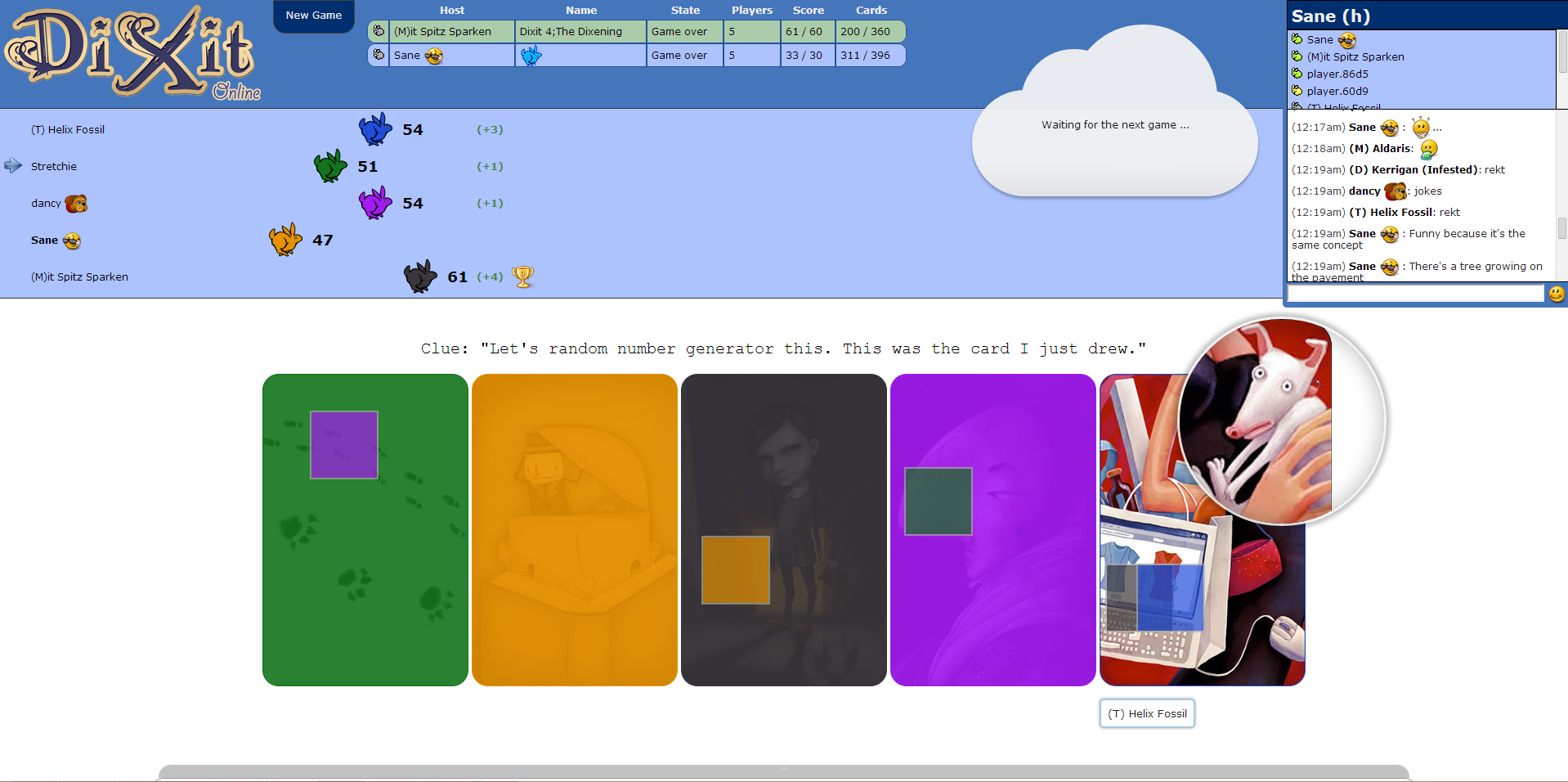
Installation
pip install dixit
Starting the Server
dixit
Then go to http://localhost:8888/.
Configuring the Server
Configuration options, such as the port (default 8888), and the location of each card deck (e.g., see dixit/static/cards/dixit/README.txt), are housed in JSON configuration files that are read when you launch the server. Default settings are located in dixit/config.json.
To override the defaults, you may create a JSON file in your working directory that contains a subset of these configuration options. For example, to change the port to 9000, create a new file named config.local.json that contains:
{
    "port": 9000
}
Then pass in this file name when you launch the server, as in: dixit config.local.json. This will override the default configuration with the values in config.local.json.
Alternatively, directly edit dixit/config.json, to for instance, specify which port to use, or to point to the location of each card deck that you have.
Disclaimer
This software is solely the work of several fans of the Dixit board game. It is not intended to replace nor compete with the original board game, Dixit (a registered trademark of Libellud Company), and likewise does not represent the works, views, nor opinions of Libellud. This software is provided as is, without warranty of any kind, express or implied.
Please support the creators, designers, and artists behind Dixit by purchasing the original board game and its expansions.
We do not currently, nor do we plan to, distribute copywritten artwork. Currently all cards must be supplied by you, the user. This server is provided for personal use only (there is no license for commercial use).
Please contact the maintainer if there are any concerns.
Notes
This is an alpha release and may therefore undergo significant changes. Please request features or submit changes to https://github.com/arvoelke/Dixit/.
Thank you to all the developers who have helped so far!
Release history
0.1.2 (December 29, 2023)
Added
0.1.1 (July 10, 2020)
Changed
Patched the license and readme to add disclaimers. (#9)
0.1.0 (July 9, 2020)
Initial alpha release expected to undergo significant changes.
Thank you to all the developers who have helped so far!
1 maintainer

Metadata
1 maintainer
Release files for Dixit 0.1.2
For a detailed explanation of source distributions (sdists) and built distributions (wheels), please see the package formats documentation.
Source distribution (sdist)
| File | Size | Uploaded | |
|---|---|---|---|
| Dixit-0.1.2.tar.gz | 1.6 MB | Details |
Built distribution (wheel)
| File | Interpreter | ABI | Platform | Reset |
|---|---|---|---|---|
| Dixit-0.1.2-py3-none-any.whl | Python 3 | none | any | Details |
Total release size: 3.2 MB
Release files / Dixit-0.1.2.tar.gz
| Download URL | Dixit-0.1.2.tar.gz |
|---|---|
| Size | 1.6 MB |
| Tags | Source |
|
SHA-256 checksum How to use checksums |
caaff2e398767774965aafedde05a8938af573f4e8155c47b656a9e9b3736c7e
|
|
BLAKE2b-256 checksum How to use checksums |
8f97992ab527c3a94e151257d3125fd511d108a6e9dd59d68db9f4ac78e94630
|
| Upload date | |
|
Uploaded using Trusted Publishing? What is trusted publishing? |
No |
| Uploaded via |
twine/4.0.2 CPython/3.8.18
|
Release files / Dixit-0.1.2-py3-none-any.whl
| Download URL | Dixit-0.1.2-py3-none-any.whl |
|---|---|
| Size | 1.7 MB |
| Tags | Python 3 |
|
SHA-256 checksum How to use checksums |
44224a53c368f8155368dda48e91415c9a8a40c992b817f4e1759d788121b343
|
|
BLAKE2b-256 checksum How to use checksums |
dab8e01dd9701bfdc14e4d1914ce8a24323fd2be4dfb1e551546fb576db2397c
|
| Upload date | |
|
Uploaded using Trusted Publishing? What is trusted publishing? |
No |
| Uploaded via |
twine/4.0.2 CPython/3.8.18
|














