
neofetch with flags <3

Project description
HyFetch
neofetch with pride flags <3
Installation
Install Python >= 3.7 first. Then, just do:
pip install hyfetch
Usage
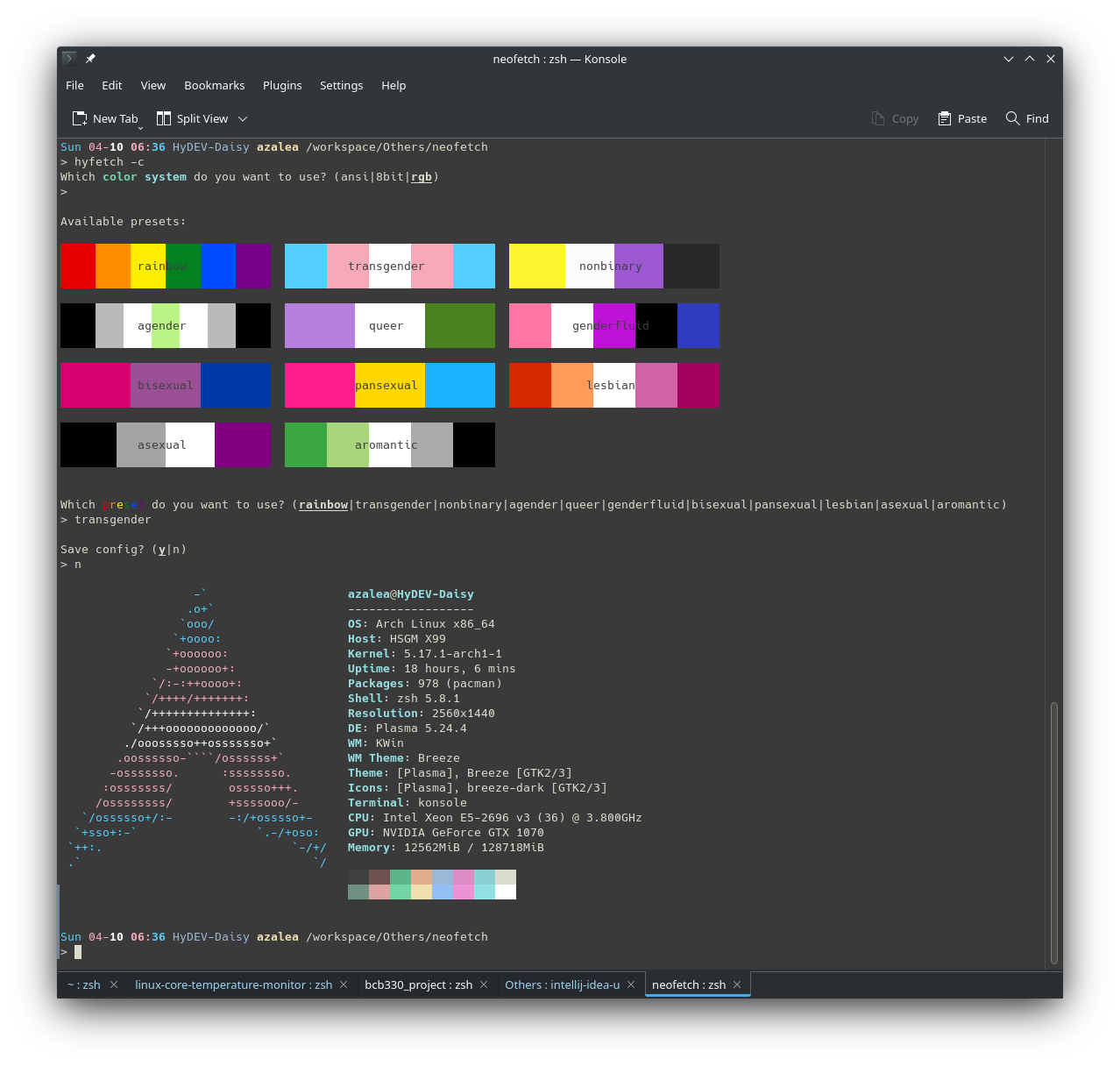
When you run hyfetch for the first time, it will prompt you to choose a color system and a preset. Just follow the prompt, and everything should work (hopefully). If something doesn't work, feel free to submit an issue!
Q: How do I change my config?
A: Use hyfetch -c
Q: What do I do if the color is too dark/light for my theme?
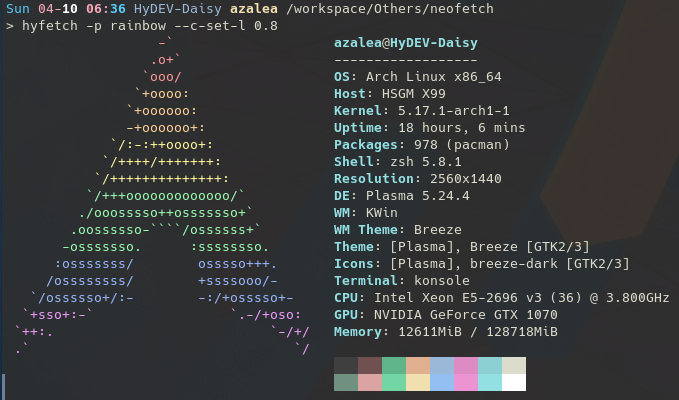
A: You can try setting the colors' "lightness" using the --c-set-l parameter. The value should be between 0 and 1. For example, if you are using dark theme and the rainbow flag is too dark to display, you can type:
hyfetch -p rainbow --c-set-l 0.8
Feel free to experiment with it!
Change Log
TODO
- Add interactive configurator for adjusting brightness
- Add configuration to emphasize certain parts of the original ASCII art (to make icons like Fedora and Ubuntu look nicer)
1.0.3
- Fix missing dependency for setuptools
1.0.2
- Implement RGB to 8bit conversion
- Add support for Python 3.7 and 3.8
1.0.1
- Included 11 flag presets
- Ability to lighten colors with
--c-set-l <lightness> - Command-line flag chooser
- Supports Python >= 3.9
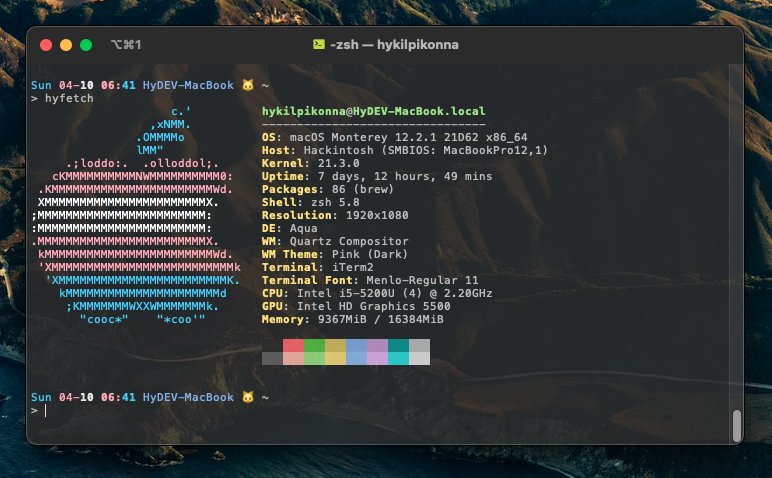
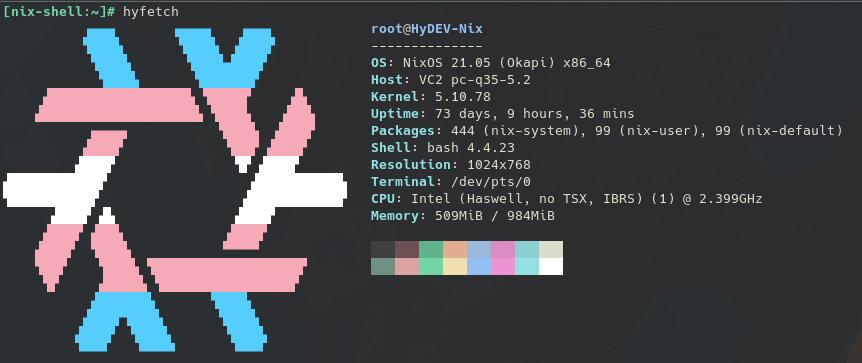
More Screenshots
Original Readme from Neofetch Below

A command-line system information tool written in bash 3.2+



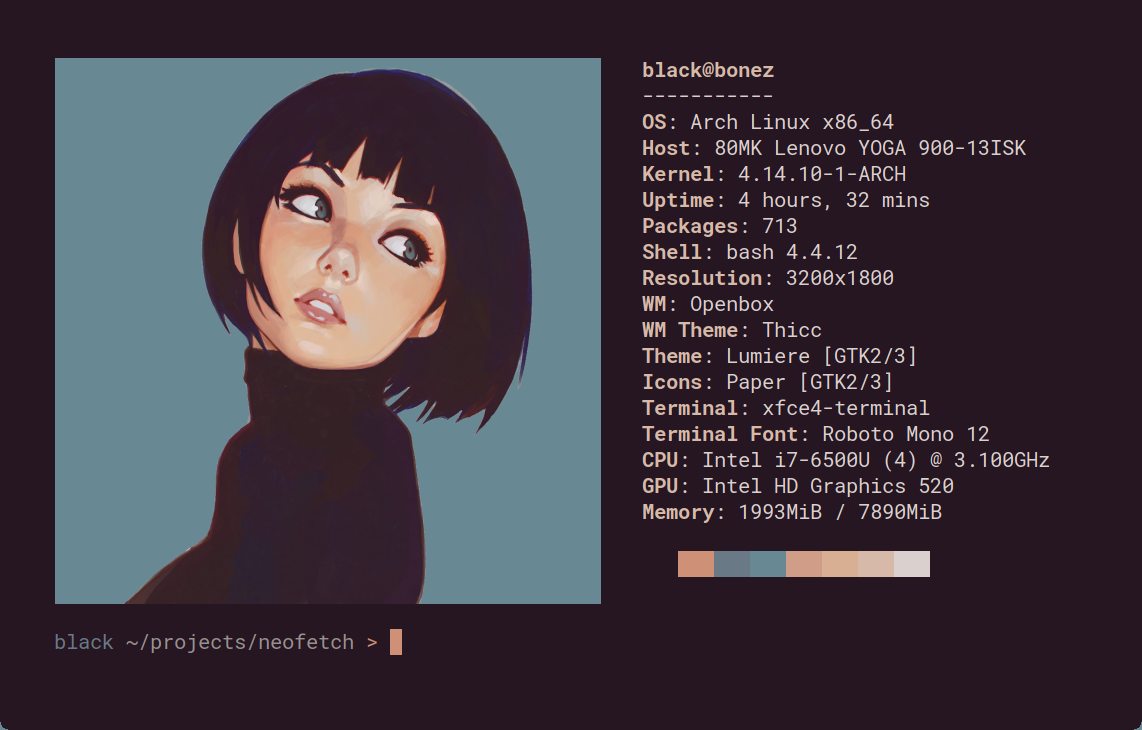
Neofetch is a command-line system information tool written in bash 3.2+. Neofetch displays information about your operating system, software and hardware in an aesthetic and visually pleasing way.
The overall purpose of Neofetch is to be used in screen-shots of your system. Neofetch shows the information other people want to see. There are other tools available for proper system statistic/diagnostics.
The information by default is displayed alongside your operating system's logo. You can further configure Neofetch to instead use an image, a custom ASCII file, your wallpaper or nothing at all.
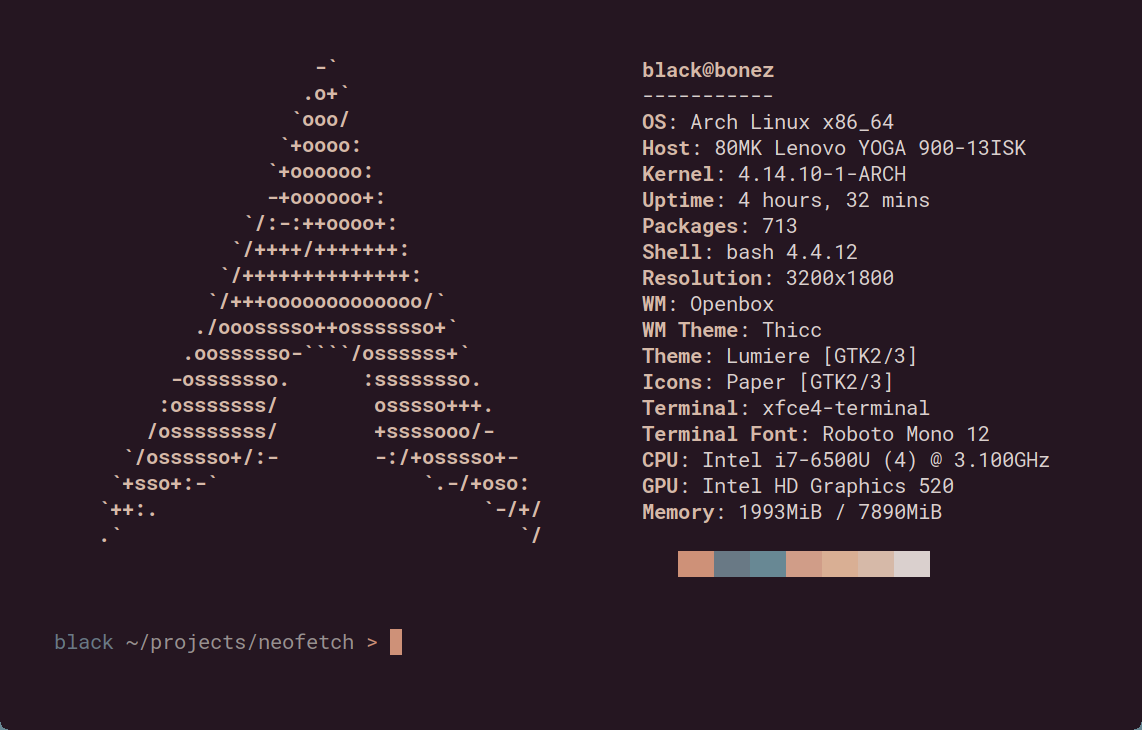
You can further configure Neofetch to display exactly what you want it to. Through the use of command-line flags and the configuration file you can change existing information outputs or add your own custom ones.
Neofetch supports almost 150 different operating systems. From Linux to Windows, all the way to more obscure operating systems like Minix, AIX and Haiku. If your favourite operating system is unsupported: Open up an issue and support will be added.
More: [Dependencies] [Installation] [Wiki]
Release history Release notifications | RSS feed


Download files
Download the file for your platform. If you're not sure which to choose, learn more about installing packages.
Source Distribution
Built Distribution
Filter files by name, interpreter, ABI, and platform.
If you're not sure about the file name format, learn more about wheel file names.
Copy a direct link to the current filters
File details
Details for the file HyFetch-1.0.4.tar.gz.
File metadata
- Download URL: HyFetch-1.0.4.tar.gz
- Upload date:
- Size: 104.4 kB
- Tags: Source
- Uploaded using Trusted Publishing? No
- Uploaded via: twine/3.8.0 pkginfo/1.8.2 readme-renderer/34.0 requests/2.27.1 requests-toolbelt/0.9.1 urllib3/1.26.9 tqdm/4.63.0 importlib-metadata/4.11.3 keyring/23.5.0 rfc3986/2.0.0 colorama/0.4.4 CPython/3.9.11
File hashes
| Algorithm | Hash digest | |
|---|---|---|
| SHA256 |
852f5470af3d883afc5d3af7a67a8959639e099eace3c160ff76de8770647c51
|
|
| MD5 |
3533ef5680734c154769e347b2ba35b0
|
|
| BLAKE2b-256 |
e7ef81d40d1d162be4adc43251e45cc8c53a5d8e00c4d2ddd2288ec3305d4a81
|
File details
Details for the file HyFetch-1.0.4-py3-none-any.whl.
File metadata
- Download URL: HyFetch-1.0.4-py3-none-any.whl
- Upload date:
- Size: 106.5 kB
- Tags: Python 3
- Uploaded using Trusted Publishing? No
- Uploaded via: twine/3.8.0 pkginfo/1.8.2 readme-renderer/34.0 requests/2.27.1 requests-toolbelt/0.9.1 urllib3/1.26.9 tqdm/4.63.0 importlib-metadata/4.11.3 keyring/23.5.0 rfc3986/2.0.0 colorama/0.4.4 CPython/3.9.11
File hashes
| Algorithm | Hash digest | |
|---|---|---|
| SHA256 |
7366c9a592b2f346b2bb20db1c1362a363409cdb5f516ffe7f4ca9674e9939a1
|
|
| MD5 |
9a8d1e1705ca867f4c143abce39d0df7
|
|
| BLAKE2b-256 |
cbaac978f226596e272981fa11639b0f643f66592661e69a12511f7a1c82e2b5
|






