
LineDream
Generative art for Python, built for pen plotters.
Object-oriented sketches that render to clean, layered SVG.




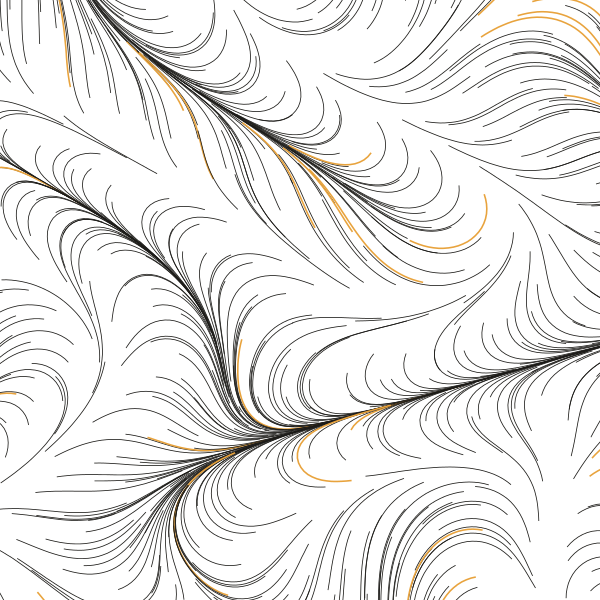
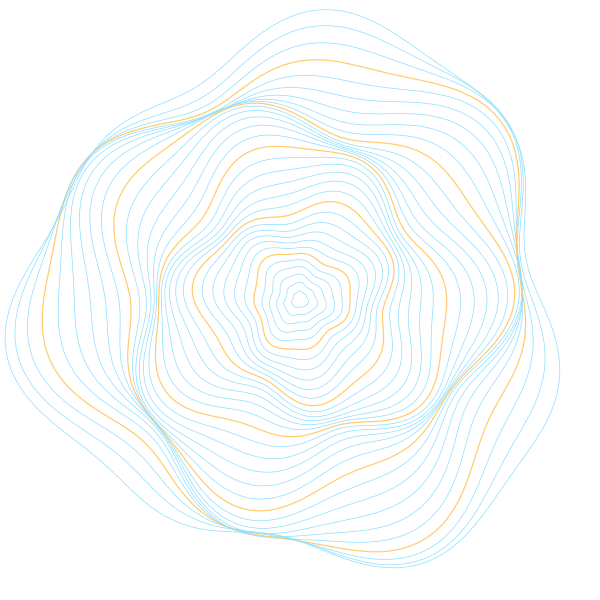
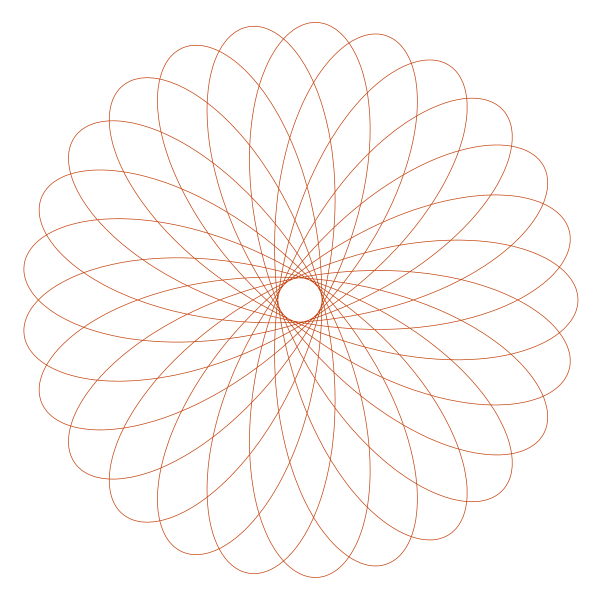
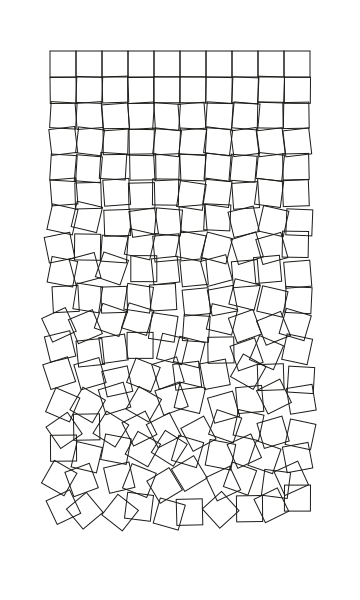
Website · Playground · Documentation · PyPI
LineDream is object-oriented from the ground up: every shape owns its own style and transformations, so there is almost no global state to manage. Output is SVG, with groups written as Inkscape layers so a sketch goes straight to an AxiDraw or any other pen plotter. There is no draw loop; a sketch renders a single frame, and a plain Python loop is enough to make a series.
Try it in your browser
The playground runs LineDream entirely client-side with Pyodide: edit a sketch, hit run, download the SVG. Nothing to install.
Install
pip install LineDream
# or
uv add LineDream
Python 3.9 to 3.14, on Linux, macOS and Windows.
Quickstart
import math
from LineDream import Canvas, Circle, Group, Line, Text

Canvas.width = 600
Canvas.height = 400
Canvas.background_color = "#F4EEE1"

# Concentric rings in their own (Inkscape/AxiDraw) layer
rings = Group(label="rings")
for r in range(10, 180, 10):
    rings.add_item(Circle(300, 200, r, stroke_color="#1C1B18"))

# One continuous sine stroke, rotated about its center
wave = Line([(x, 200 + 40 * math.sin(x / 25)) for x in range(40, 561)], stroke_color="#C2410C")
wave.rotate(-15)

Text("LineDream", 24, 360, font_size=28, stroke_color="#1C1B18")

Canvas.save("hello.svg")
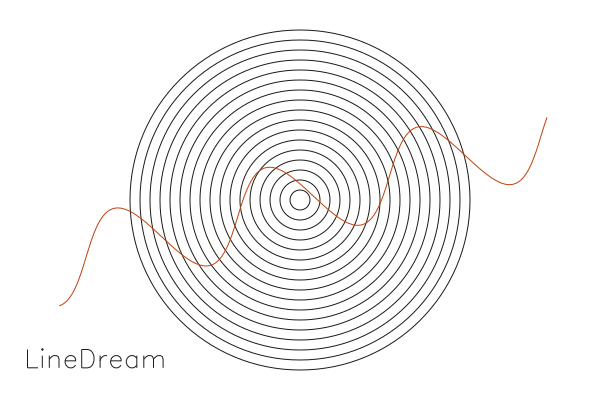
Canvas.save("hello.svg", open_viewer=True) opens the result as soon as it is written, and
Canvas.save("", as_string=True) returns the SVG instead of writing a file.
What's in the box
| Primitives | Line, Point, Circle, Ellipse, Arc, Rectangle, Square |
| Text | Text: single-stroke Hershey fonts (32 bundled), wrapped and aligned, so lettering plots as one pen line |
| Grouping | Group(label=...) becomes an Inkscape layer, which AxiDraw and similar tools plot pen by pen |
| Styling | stroke_color, stroke_width, fill_color, fill_opacity, as keyword arguments or attributes on any shape |
| Transforms | transform(x, y), rotate(degrees), rotate_x/y/z, scale(amt), applied per shape |
| Canvas | width, height, units (e.g. "mm" for plotter-ready sizes), background_color |
| Helpers | CircleMath for polar/cartesian conversions; Line.from_array for NumPy (N, 2) or (N, 3) arrays |
Custom shapes
Subclass BaseShape, add vertices, and the new shape gets styling, transforms and SVG output for free:
import math
from LineDream import BaseShape, Canvas

class Hexagon(BaseShape):
    def __init__(self, cx, cy, radius, **kwargs):
        super().__init__(**kwargs)
        self.close_path = True
        for i in range(6):
            angle = i * math.pi / 3
            self.add_vertex(cx + radius * math.cos(angle), cy + radius * math.sin(angle))

Canvas.width, Canvas.height = 356, 276
Canvas.units = "mm"

Hexagon(Canvas.width / 2, Canvas.height / 2, 50).rotate(15)
Canvas.save("hexagon.svg")
More sketches, with their source, live in the gallery and in
docs/source/gallery.
Using LineDream in your own web page
LineDream is pure Python, so it installs into Pyodide with micropip:
const pyodide = await loadPyodide();
await pyodide.loadPackage(["numpy", "pillow", "lxml", "micropip"]);  // CORE_PACKAGES in browser/packages.mjs
await pyodide.runPythonAsync(`
import micropip
await micropip.install("linedream")
`);
This needs 0.4.0 or later; earlier releases depend on vpype, which does not run under Pyodide.
Canvas.save(open_viewer=True) is unavailable there, so use as_string=True and hand the SVG to the page.
Development
LineDream uses uv.
git clone https://github.com/marcrleonard/LineDream.git
cd LineDream
uv sync            # .venv with LineDream (editable) and the dev tools, as pinned in uv.lock
Tests
uv run pytest
uv run --python 3.9 pytest                          # any supported version; uv fetches it if needed
uv run coverage run -m pytest && uv run coverage html
CI (tests.yml) runs on every pull request: the suite on Python 3.9 to 3.14 on Linux
plus macOS and Windows, a smoke test of the built wheel, and the suite again under Pyodide in Node.
Pyodide and the playground
numpy, pillow and lxml come from the Pyodide distribution and drawsvg from PyPI; the drawsvg[all] extras (only
used by open_viewer=True) are skipped on emscripten.
uv build --wheel
cd browser && npm install && npm test      # LINEDREAM_TERRAIN=1 also loads scipy and scikit-image

# Local playground: serve the repo root, then open
# http://localhost:8000/browser/?wheel=../dist/linedream-<version>-py3-none-any.whl
python -m http.server
The website build copies the playground to /playground/ along with a wheel built from the same checkout.
Docs site
uv run --extra docs python docs/build_website.py # output in public/
Releasing
uv build # sdist and wheel into dist/
Releases are published by .github/workflows/release.yml when a v* tag is pushed, using PyPI trusted publishing
(no token). To cut one:
- Set the version in
pyproject.tomlandLineDream/__version__.py, runuv lock, and move theCHANGELOG.mdentry out of "unreleased". - Merge to master, then
git tag v0.4.0 && git push origin v0.4.0.
The workflow checks the tag matches both versions, builds, publishes to PyPI and creates a GitHub release with the
changelog section as its notes. uv publish still works for a manual upload.
All package metadata and dependencies live in pyproject.toml.
License
MIT. The bundled Hershey font data and text layout are vendored from vpype, which
adapted them from fogleman/axi; see LineDream/fonts/LICENSE.
1 maintainer

Metadata
1 maintainer
Release files for LineDream 0.4.0
For a detailed explanation of source distributions (sdists) and built distributions (wheels), please see the package formats documentation.
Source distribution (sdist)
| File | Size | Uploaded | Provenance | |
|---|---|---|---|---|
| linedream-0.4.0.tar.gz | 339.5 kB | With provenance | Details |
Built distribution (wheel)
| File | Interpreter | ABI | Platform | Reset |
|---|---|---|---|---|
| linedream-0.4.0-py3-none-any.whl | Python 3 | none | any | Details |
Total release size: 733.7 kB
Release files / linedream-0.4.0.tar.gz
| Download URL | linedream-0.4.0.tar.gz |
|---|---|
| Size | 339.5 kB |
| Tags | Source |
|
SHA-256 checksum How to use checksums |
7ffc8c07bd0d5e469da3b861c3307ff8064fc1d4a7b636489effb1fed3c2dc68
|
|
BLAKE2b-256 checksum How to use checksums |
4f49d4de00752f42b10c38baa158986af4e263050ecfaf5cc4443ae3b0e9d40f
|
| Upload date | |
|
Uploaded using Trusted Publishing? What is trusted publishing? |
Yes |
| Uploaded via |
twine/7.0.0 CPython/3.13.16
|
Provenance
Provenance describes where a file came from. On PyPI, provenance is shared via attestations, which provide a verifiable record of the build or publishing details. View details, limitations and caveats.


PyPI Publish Attestation
PyPI verified that this artifact, at this checksum, originated from the publisher listed below.
Signed by GitHub Actions, verified by PyPI on Oct 20, 2026.
Transparency logRelease files / linedream-0.4.0-py3-none-any.whl
| Download URL | linedream-0.4.0-py3-none-any.whl |
|---|---|
| Size | 394.2 kB |
| Tags | Python 3 |
|
SHA-256 checksum How to use checksums |
be5031ef4e195cc44ea3d590e33320e99ae2253e78ef41ac56fb1c25f9bd7b85
|
|
BLAKE2b-256 checksum How to use checksums |
1400d9cf5b5b2363cd91dd0446bf0adedd21c58d45df902587977ac029cfa155
|
| Upload date | |
|
Uploaded using Trusted Publishing? What is trusted publishing? |
Yes |
| Uploaded via |
twine/7.0.0 CPython/3.13.16
|
Provenance
Provenance describes where a file came from. On PyPI, provenance is shared via attestations, which provide a verifiable record of the build or publishing details. View details, limitations and caveats.
PyPI Publish Attestation
PyPI verified that this artifact, at this checksum, originated from the publisher listed below.
Signed by GitHub Actions, verified by PyPI on Oct 20, 2026.
Transparency logSecurity for LineDream 0.4.0
Provenance
Provenance describes where a file came from. On PyPI, provenance is shared via attestations, which provide a verifiable record of the build or publishing details. View details, limitations and caveats.
Full provenance
All 2 files in this release have been uploaded with provenance metadata.
Attestation for linedream-0.4.0.tar.gz
PyPI Publish Attestation
PyPI verified that this artifact, at this checksum, originated from the publisher listed below.
Signed by GitHub Actions, verified by PyPI on Oct 20, 2026.
Transparency logA note on package security
PyPI is a repository for distributing packages, not a service for auditing them. While third-party security researchers and our staff do their best to detect and remove malicious packages, PyPI cannot guarantee the quality, security or suitability of any given package.
To learn more about protecting yourself from malicious actors, visit our package security documentation.














