
Sediment ANalysis & Deliniation through Images


Project description

 SANDI
SANDI
SANDI is a free, open-source software designed for oceanography and sedimentology. It can be used to extract particles from high-resolution underwater images (on a single image or on a batch) and to extract gravels (> 1 mm) from a laboratory image, in order to measure their size and shape and to compute some statistics.
Disclaimer: This software is under development, and it may therefore still contain some errors or malfunctions. In the TODO document, you can see the improvements planned for future versions, but any additional feedback or suggestion is welcome and appreciated, as we hope to make it a collaboratively improving tool.
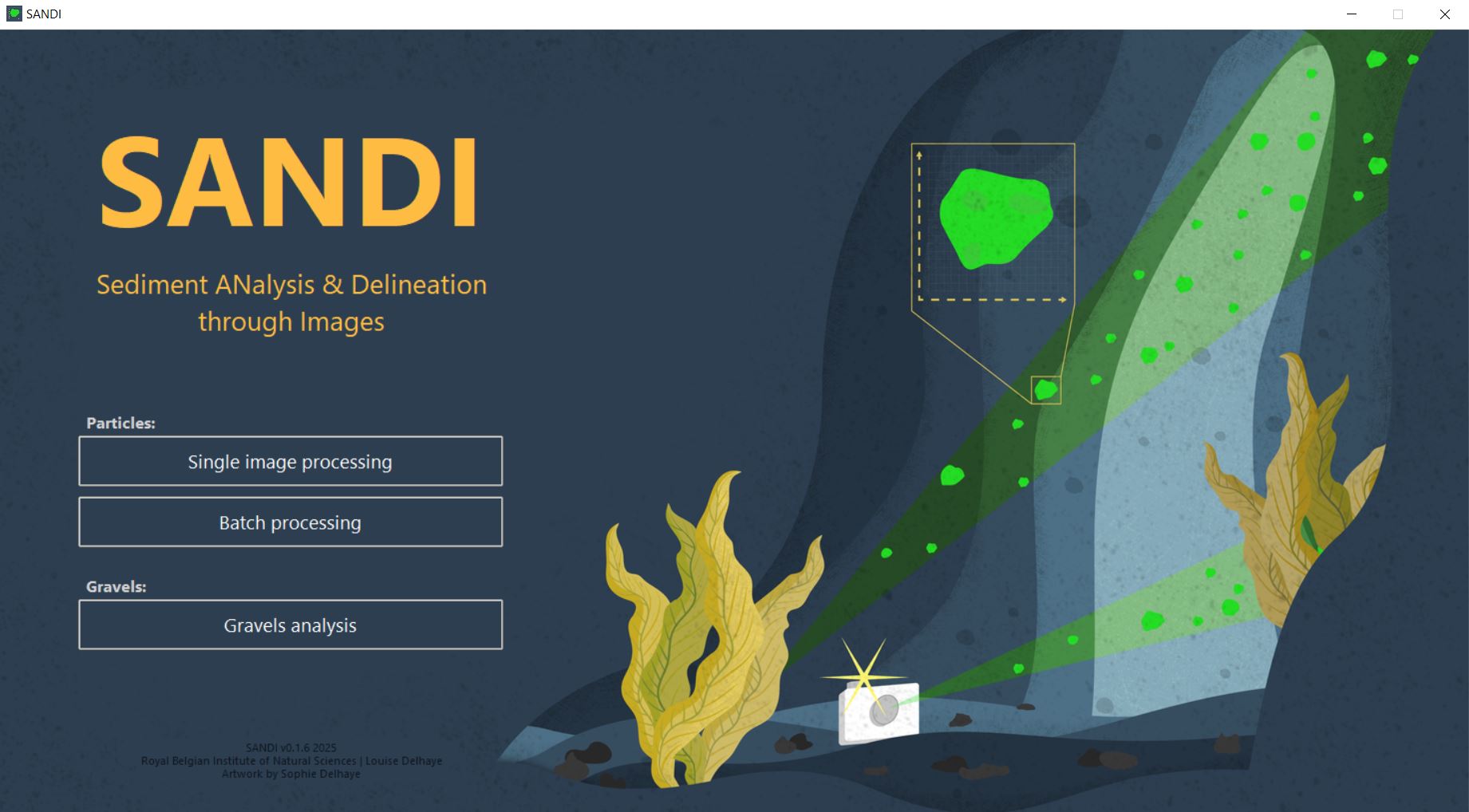
Homepage of SANDI v0.1.6. Artwork is from Sophie Delhaye.
About SANDI
Check out the full documentation in the Wiki
How to install SANDI
There are three ways to install and use SANDI, we recommend to use option 3:
- Users can choose to download the full code and run the ‘main’ file from GitHub. This is the most up-to-date version, but it might still contain several bugs and errors and hasn't been approved for release yet.
- Users can download the executable in the 'tags' section of the repository. This is a self-contained software, the easiest option for users with no experience in coding but is only compatible with Windows systems and is the least frequently updated of the three options.
- Users can choose to work with the sandi package referenced in PyPI. This is the easiest and most reliable option, it contains the latest approved updates of the software and can simply be installed with the few following steps (provided that Anaconda or Miniconda is already installed on the user's computer) :
- download the environment_user.yml file
- open the miniconda/anaconda prompt and type the following lines to install the package:
  # Navigate to the folder where your .yml file is located
  cd directory/of/your/yml-file
  # Create the environment
  conda env create -f environment_user.yml
How to run SANDI
- open the miniconda/anaconda prompt and type the following lines to run the package after installation:
  # Activate the environment
  conda activate sandi_env
  # Run the package
  python -m sandi
If you encounter any problem with the installation and/or use of SANDI on your computer, please make an issue on the repository so we can help you resolve it.


Download files
Download the file for your platform. If you're not sure which to choose, learn more about installing packages.
Source Distributions
Built Distribution
Filter files by name, interpreter, ABI, and platform.
If you're not sure about the file name format, learn more about wheel file names.
Copy a direct link to the current filters
File details
Details for the file sandi-0.1.7-py3-none-any.whl.
File metadata
- Download URL: sandi-0.1.7-py3-none-any.whl
- Upload date:
- Size: 2.7 MB
- Tags: Python 3
- Uploaded using Trusted Publishing? No
- Uploaded via: twine/6.1.0 CPython/3.11.13
File hashes
| Algorithm | Hash digest | |
|---|---|---|
| SHA256 |
5b691741b54c8b7ed39187a25f150292e9622e81af28efd2253ffe6dd706dec4
|
|
| MD5 |
8a542692edf4dd3546c0793b775d2c83
|
|
| BLAKE2b-256 |
90b0d051af2928ecebeeab22df12ae97f02d83ee8a98eab4f30fab6f2ddb6e60
|






