
A spooky vector analysis library

Project description
Sp00kyVectors: Vector Analysis Wrapper for Python
Welcome to Sp00kyVectors, the software powering your Tricorder. 🛸
These eerily intuitive Python modules work seamlessly as one toolkit for:
- 🧲 Data ingestion
- 🧼 Cleaning
- 🧮 Vector analysis
- 📊 Statistical computation
- 🧠 Bespoke neural net creation
- 🌌 Visualizations 🪄👻
Perfect for any away missions 🖖
100% open-source and always summoning new engineers to help!
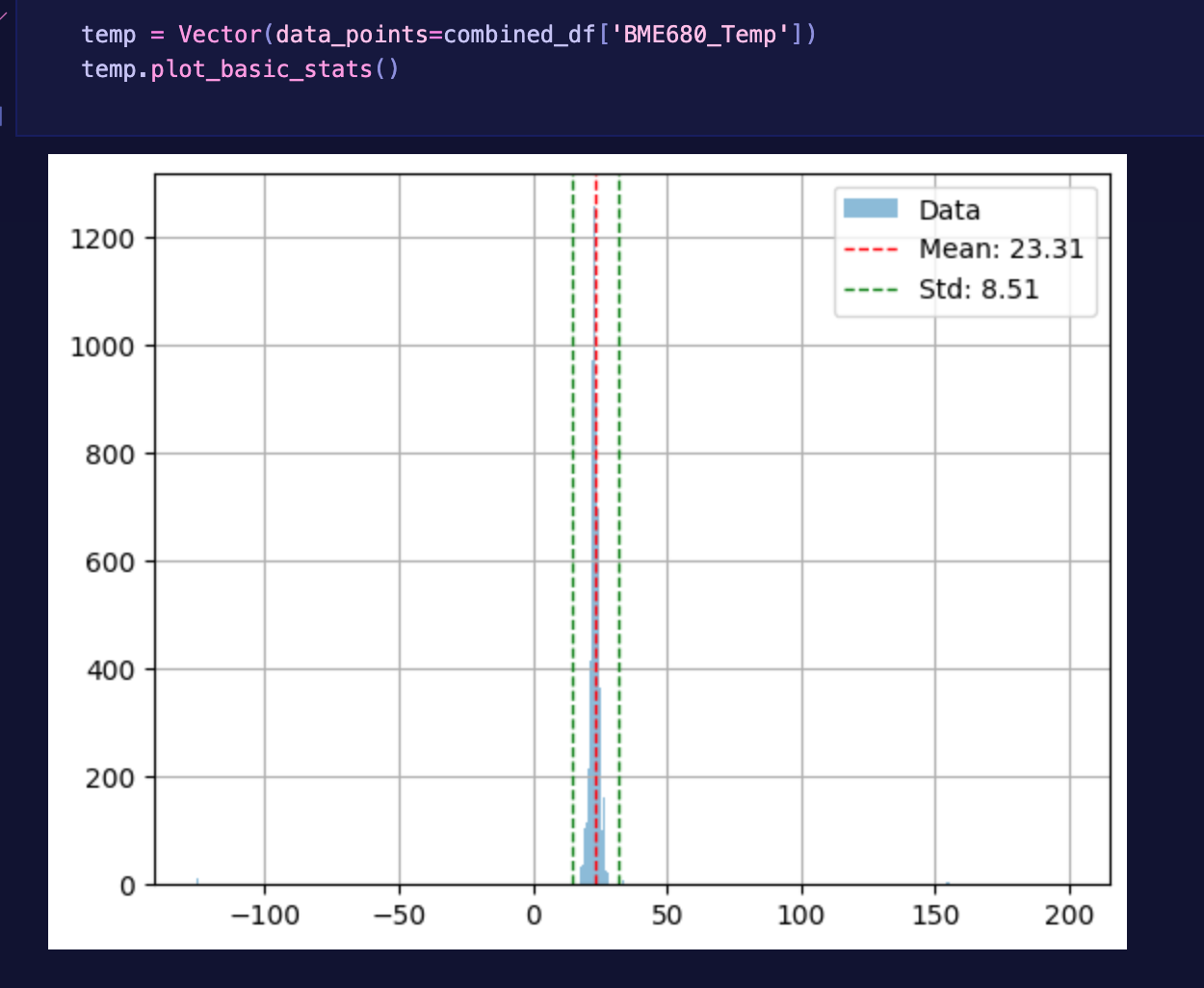
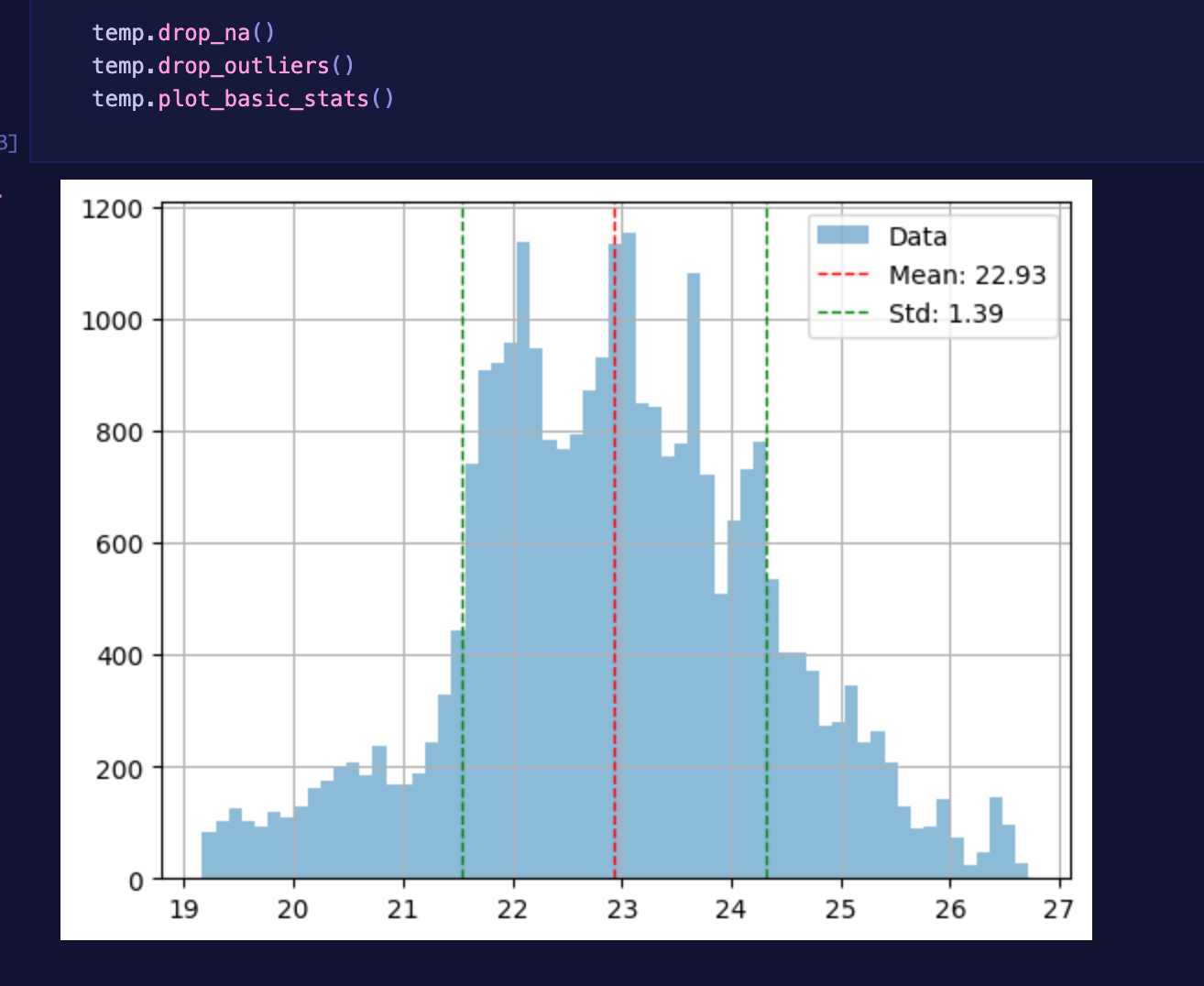
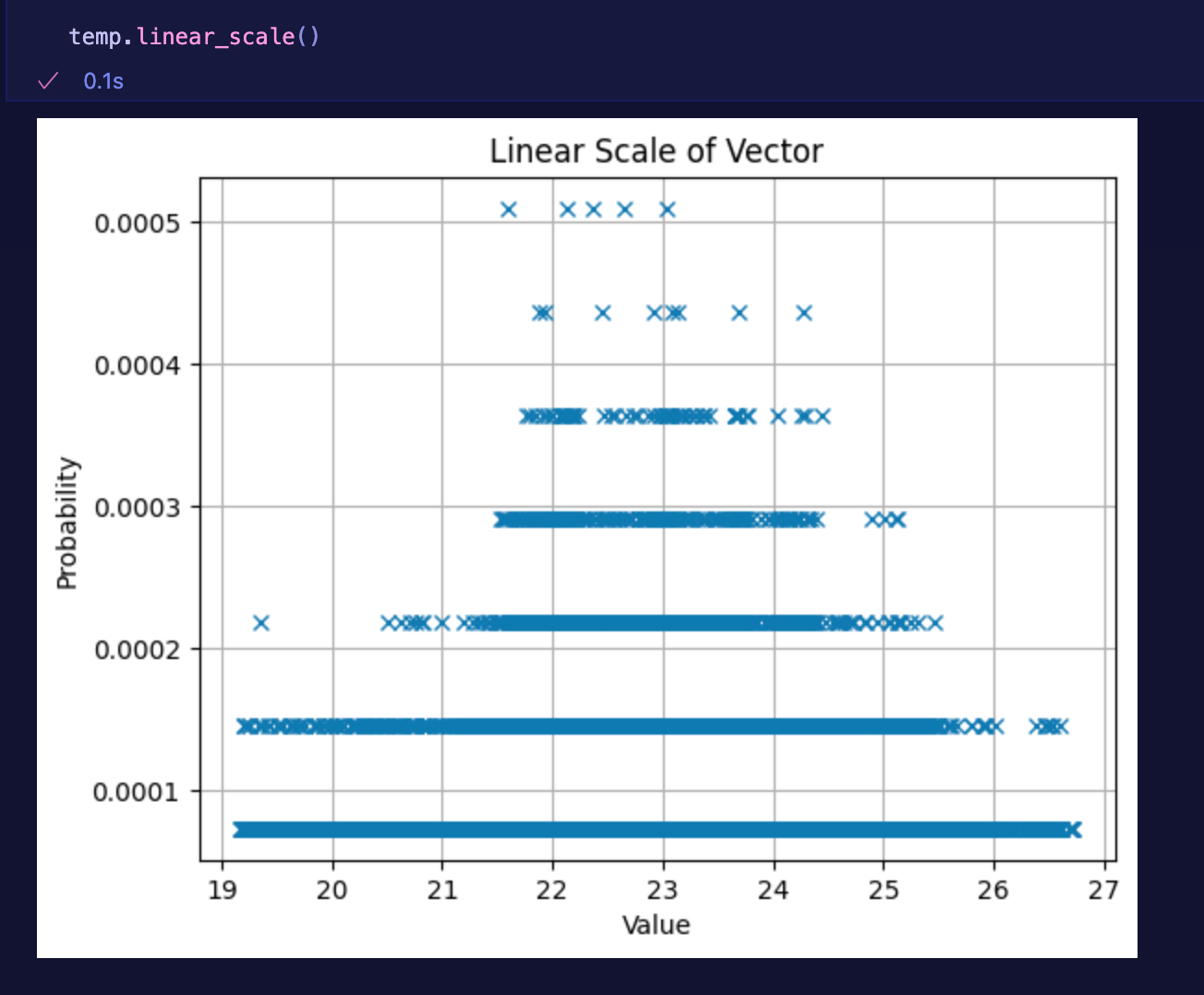
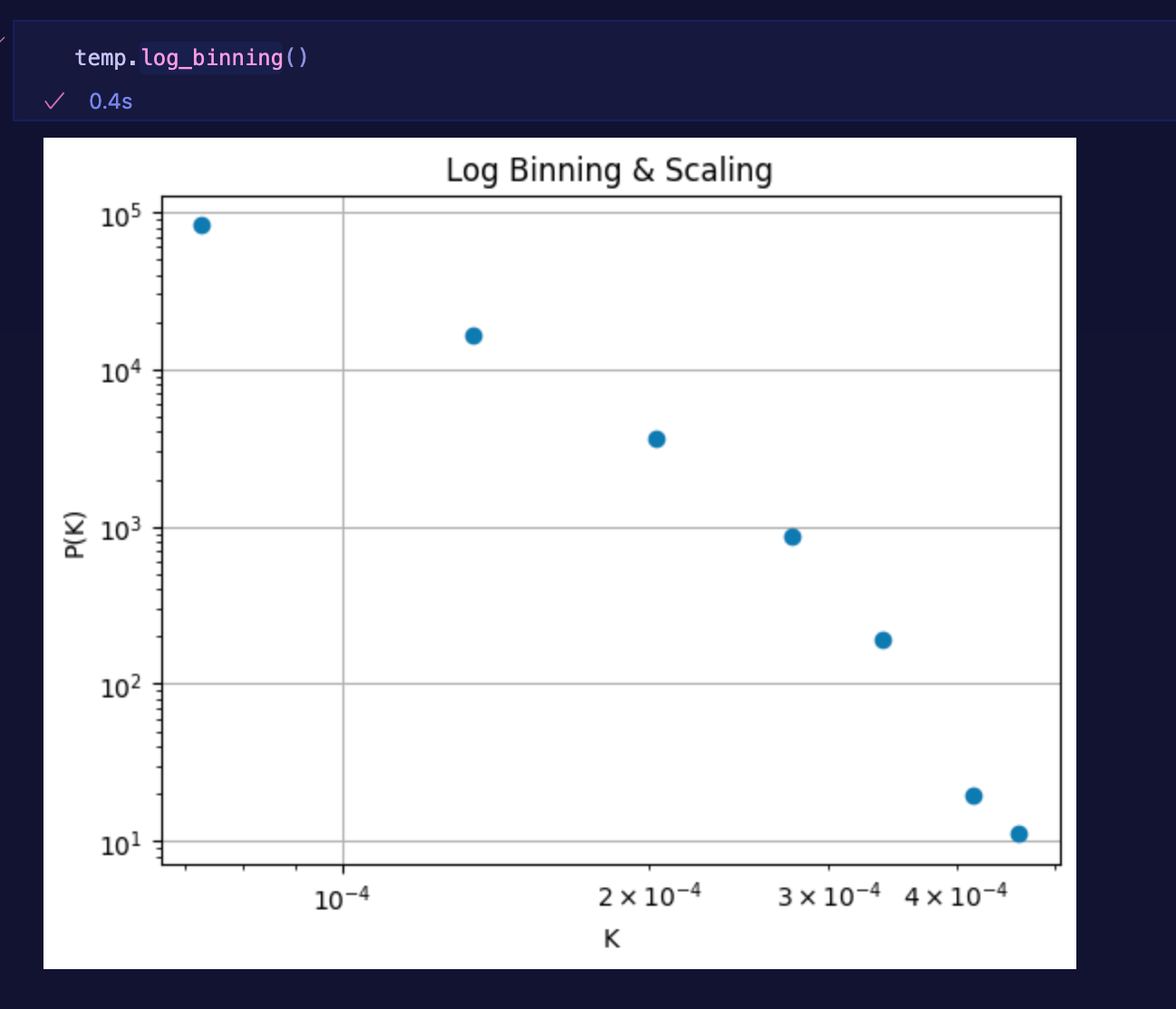
🧼 Analysis Examples
on-the-go data manipulation across space, time, and spreadsheets:
| Before | After |
|---|---|
 |
 |
 |
 |
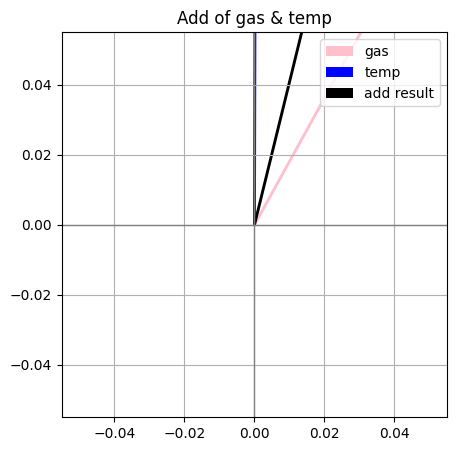 |
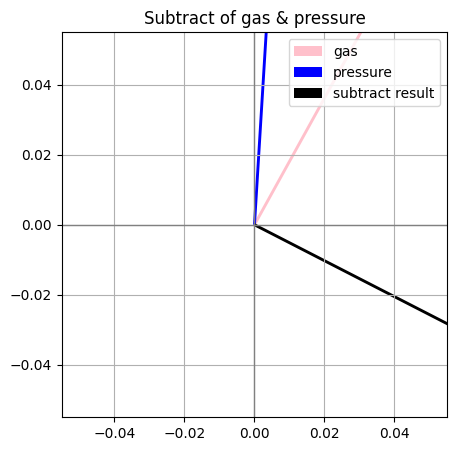 |
🧹 Dirty Data
Load without worry
Easily load and align mismatched CSV files-hello IoT. This utility intelligently collects, normalizes, and organizes messy datasets — so you can focus on the analysis, not the cleanup. 🚀
Vector.load_folder(path) loads a folder of CSV files with potentially mismatched or missing columns,
aligns all columns based on their headers, and combines them into a single clean DataFrame.
Missing columns in any file are automatically filled with NaN values to maintain consistency.
Perfect for messy datasets where CSVs don't share the exact same structure!
Cleaning is done one layer up with sp00kyDF.get_clean_df() ✨🧹
This method returns a cleaned version of the DataFrame by performing the following steps:
- 🧩 Removes duplicate rows (performed twice to ensure thorough cleaning)
- 🚫📊 Clips outlier values based on the Z-score method (an Interquartile Range (IQR) method is also available)
- 🏷️ Standardizes column names for consistency
- ❌🕳️ (Optionally drops null values — currently commented out)
Finally, it returns the cleaned DataFrame ready for analysis. 🎯
🎛️⚙️✨ sp.Vectors
🧠 Features
-
🧮 Vector Magic:
- Load 1D or 2D arrays into
Vectorobjects - X/Y decomposition for 2D data
- Linear algebra methods like magnitude, angle, dot, and projection
- Load 1D or 2D arrays into
-
📊 Statistical Potions:
- Mean, median, standard deviation 💀
- Probability vectors and PDFs 🧪
- Z-score normalization 🧼
- Entropy between aligned vectors 🌀
- Internal entropy of a vector
-
🖼️ Visualizations:
- Linear and log-scale histogramming
- Vector plots with tails, heads, and haunted trails
- Optional "entropy mode" that colors plots based on mysterious disorder 👀
-
🔧 Tools of the Craft:
- Gaussian kernel smoothing for smoothing out your nightmares
- Elementwise operations:
.normalize(),.project(),.difference(), and more - Pretty
__repr__so your print statements conjure elegant summaries
📚 Documentation
🌙 Pipeline 🔮
This guide shows how to take messy tabular data, purify it with sp.DF, explore it with sp.vector , and train a custom neural network — using the sp.nn. This package is a wrapper for scientific modules and open-source education project!
Abstraction
sp.DF sits ontop of pandas, numpy, and matplotlib sp.NN sit ontop of sp.DF and py.torch
**1. Imports and Cleaning
import sp00kyvectors as sp  # ✨ The full spooky toolbox
# Your standard np, pd, and plt cmds work as this wrapper sits on top of them all

df = sp.df(path_to_messy_csv_folder)
df.drop_nulls(threshold=0.4)       # Drop columns with >40% nulls
df.fill_nulls(strategy='median')   # Fill remaining nulls with median
df.standardize_column_names()      # Lowercase + underscores
df.clip_outliers(z_thresh=3)       # Remove extreme outliers
df_clean = sp.get_clean_df()       # Fully cleaned DataFrame
3. Vectorize Columns
Each numeric column becomes a Vector for statistical exploration & visualization. A vector is a numpy array within a pandas dataframe to represent dimensions. Pretty cool.
Now each column can be plotted, scaled, combined, or compared using Vector operations which means fast.
🔮 Phase 2: Custom Neural Network (NN) in sp00kyvectors 🌙
The sp.NN module provides a simple, customizable feed‑forward network with random activation layers. It's a py-torch model, with a few peer-reviewed optimization tricks, and easier layer control. Use it to turn your cleaned & vectorized features into predictions.
init Arguments
input_size(int): Number of input features (dimensionality of yourX).hidden_sizes(List[int]): Amount and Sizes of each hidden layer, e.g.[...,64, 32, ...].output_size(int): Number of outputs (e.g.1for a single regression target).
✨ Description
- Stacks
Linear→ RandomActivation pairs for each hidden layer. - Final
Linearprojects to your desired output size. - Random activations chosen per layer from
[ReLU, Tanh, Sigmoid, ELU].
1. Build & Train the Neural Network 🌙
model = sp.NN(input_size=X.shape[1], hidden_sizes=[64, 32], output_size=1)
model.train_model(train_loader, epochs=20, lr=0.001)
2. Evaluate the Model
test_loss = model.test_model(train_loader)
print(f"Test Loss: {test_loss:.4f}")
**3. Predict
model.forward(input)
📈 Plotting
Every col in sp.DF is a numpy vector. Represented with v below.
.histogram(log=False)
Plots a histogram of the vector values. Set log=True for logarithmic scale.
v.histogram()
v.histogram(log=True)
.plot_vectors(mode="line", entropy=False)
Plots 2D vectors.
mode:"line","arrow", or"trail"entropy: ifTrue, colorizes vectors by entropy
v2d.plot_vectors(mode="arrow", entropy=True)
🔮 Utilities
.gaussian_smooth(sigma=1.0)
Applies Gaussian smoothing to the vector.
v_smooth = v.gaussian_smooth(sigma=2.0)
💀 Dunder Methods
__repr__()
Pretty string representation.
print(v) # Vector(mean=3.0, std=1.58, ...)
🛠 Developer Notes
- Internal data is stored as
numpy.ndarray - Methods use
scipy.stats,numpy, andmatplotlib - Entropy assumes aligned distributions (normalized first)
🧛 License
MIT — haunt and hack as you please.
🕸️ Coming Soon
- 3D support
- More spooky plots
- CLI interface:
spookify file.csv --plot
👻 Contributing
Spirits and sorcerers of all levels are welcome. Open an issue, fork the repo, or summon a pull request.
🧛 License
MIT — you’re free to haunt this code as you wish as long as money is never involved!
✨ Stay spooky, and may your vectors always point toward the unknown. 🕸️
Student Opportunities 🎓💻
Learning to code, using GitHub, or just curious? Reach out and join the team!
We’re currently looking for volunteers of all skill levels. Everyone’s welcome!
Release history Release notifications | RSS feed


Download files
Download the file for your platform. If you're not sure which to choose, learn more about installing packages.
Source Distribution
Built Distribution
Filter files by name, interpreter, ABI, and platform.
If you're not sure about the file name format, learn more about wheel file names.
Copy a direct link to the current filters
File details
Details for the file sp00kyvectors-0.1.15.tar.gz.
File metadata
- Download URL: sp00kyvectors-0.1.15.tar.gz
- Upload date:
- Size: 255.1 kB
- Tags: Source
- Uploaded using Trusted Publishing? No
- Uploaded via: poetry/2.1.3 CPython/3.13.5 Darwin/24.5.0
File hashes
| Algorithm | Hash digest | |
|---|---|---|
| SHA256 |
f772ac10235060a40f299b75012d6b7591737ed0e16ee9b7ef489d372b53ca74
|
|
| MD5 |
063fcab7245d523cf62a703ad9ffd0ab
|
|
| BLAKE2b-256 |
9e96a47d64e99c4292aa7e0552bb624a5db15a21046a1c0102fa9013b0ba7ad4
|
File details
Details for the file sp00kyvectors-0.1.15-py3-none-any.whl.
File metadata
- Download URL: sp00kyvectors-0.1.15-py3-none-any.whl
- Upload date:
- Size: 255.7 kB
- Tags: Python 3
- Uploaded using Trusted Publishing? No
- Uploaded via: poetry/2.1.3 CPython/3.13.5 Darwin/24.5.0
File hashes
| Algorithm | Hash digest | |
|---|---|---|
| SHA256 |
7e9d3fe8e404d1fdc78de601996807265bae7905698b4daca553cab5de587f5c
|
|
| MD5 |
8556c7410cf996eb73ccac8bfbc14d8f
|
|
| BLAKE2b-256 |
1eccdd322872ef927b0382aeb51bbb6c0da38477dec9aa06e01e7f9987994191
|






