
A spooky vector analysis library

Project description
🎃 Sp00kyVectors: Haunted Vector Analysis for the Living and the Dead 📈💀
Welcome to Sp00kyVectors, the eerily intuitive Python class for vector analysis, statistical computation, and sinister visualizations — all coded to thrill and analyze! 🪄👻
Whether you’re chasing spectral patterns or just need basic stats with dramatic flair, this library’s got your back (from beyond).
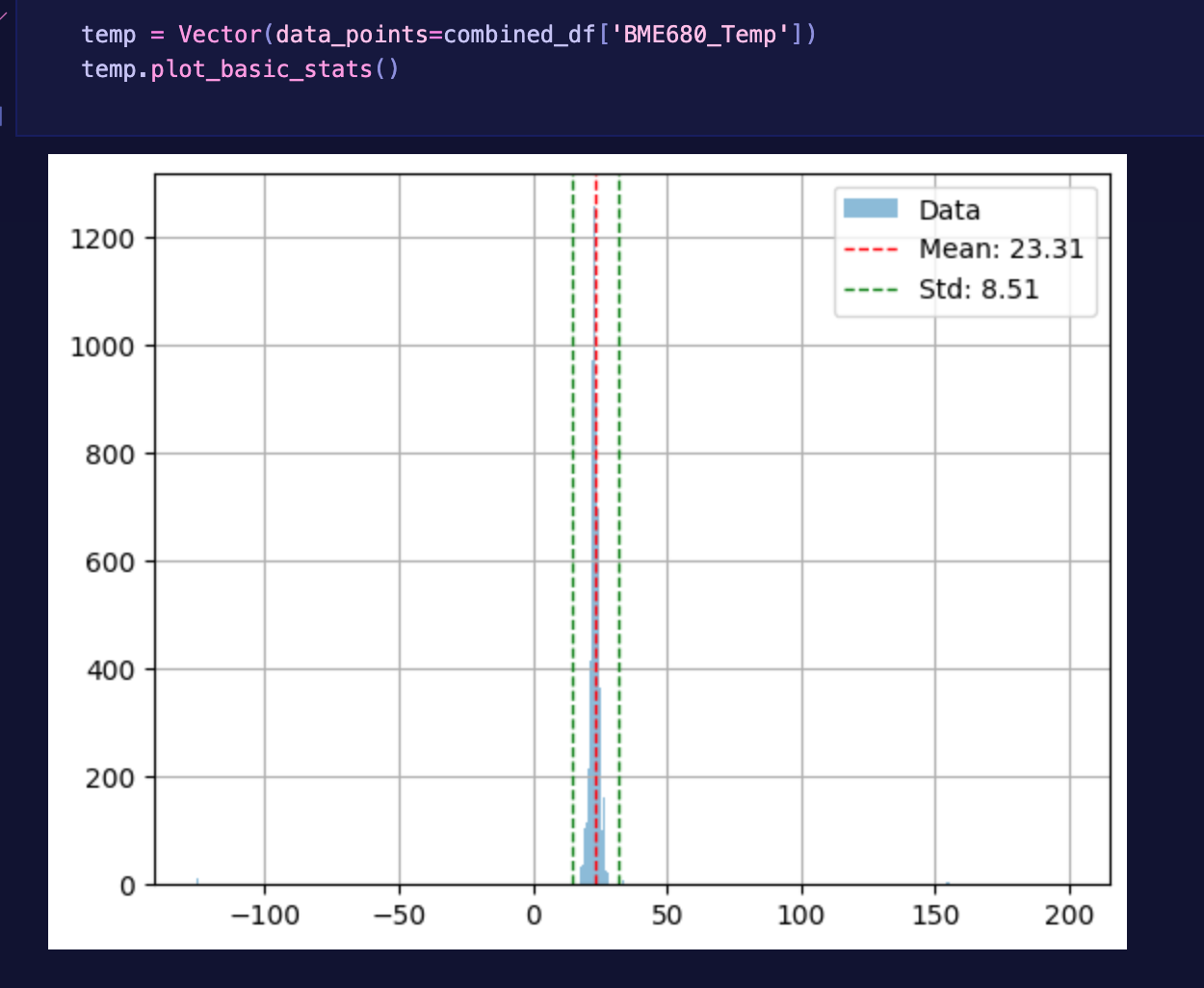
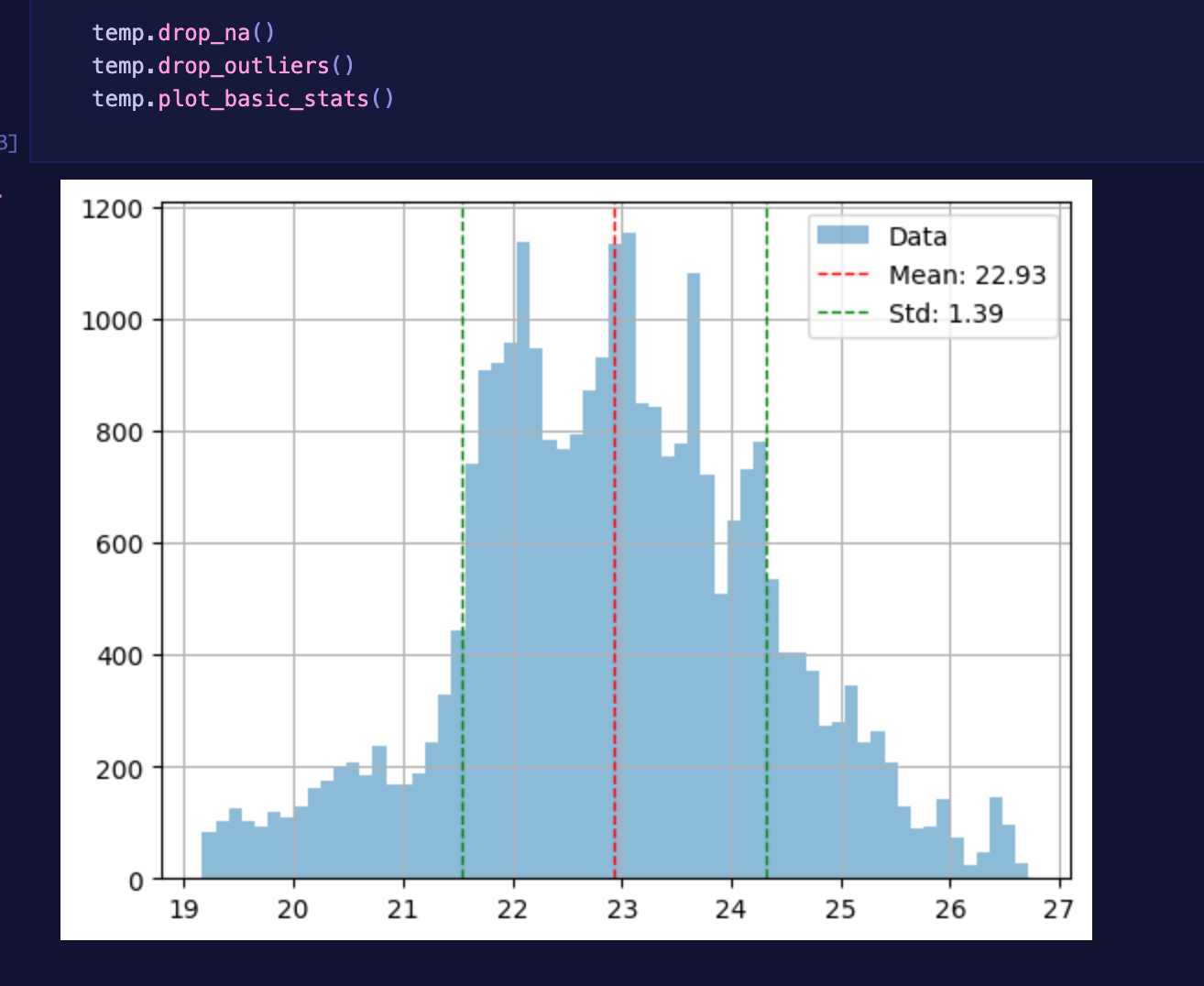
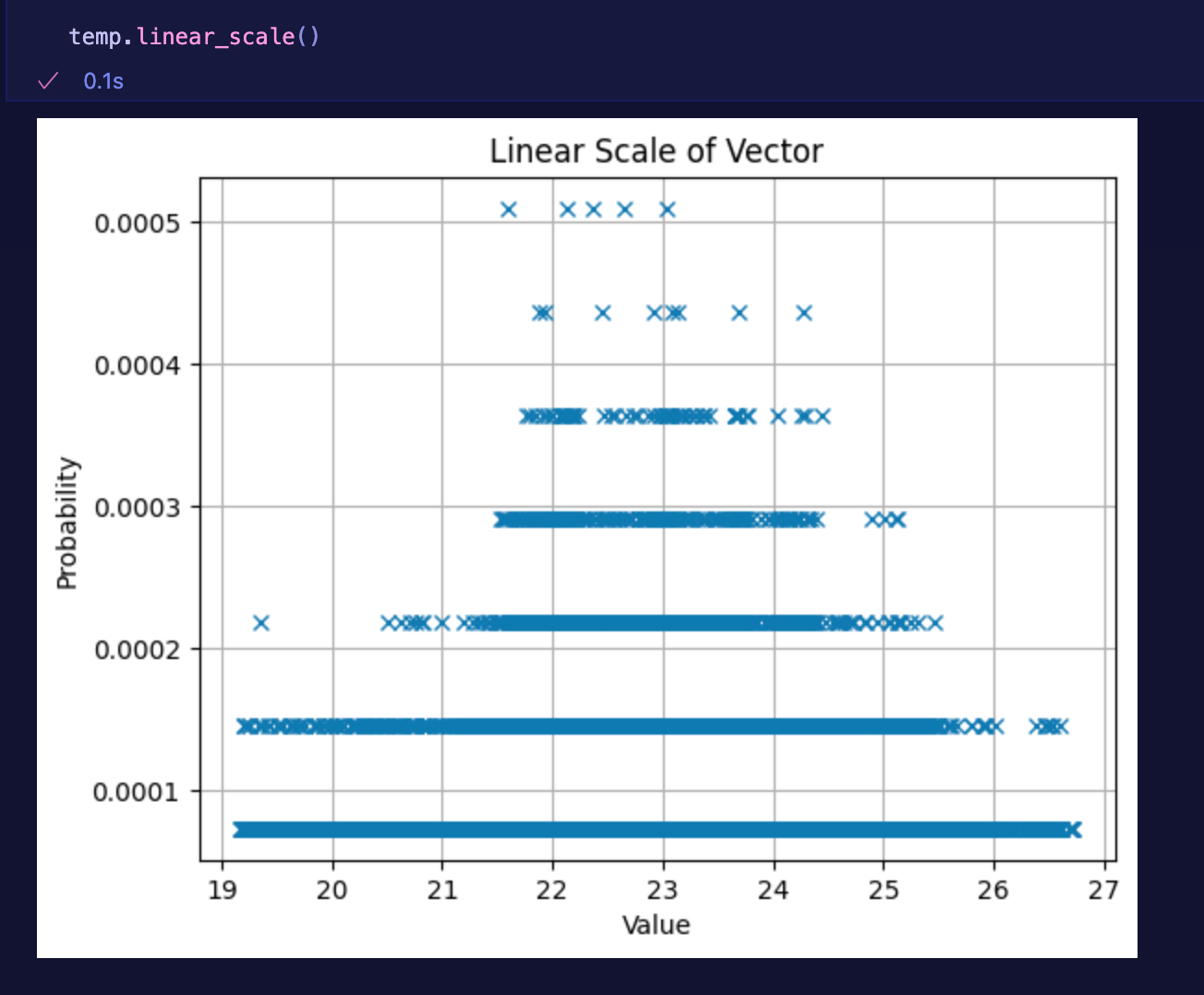
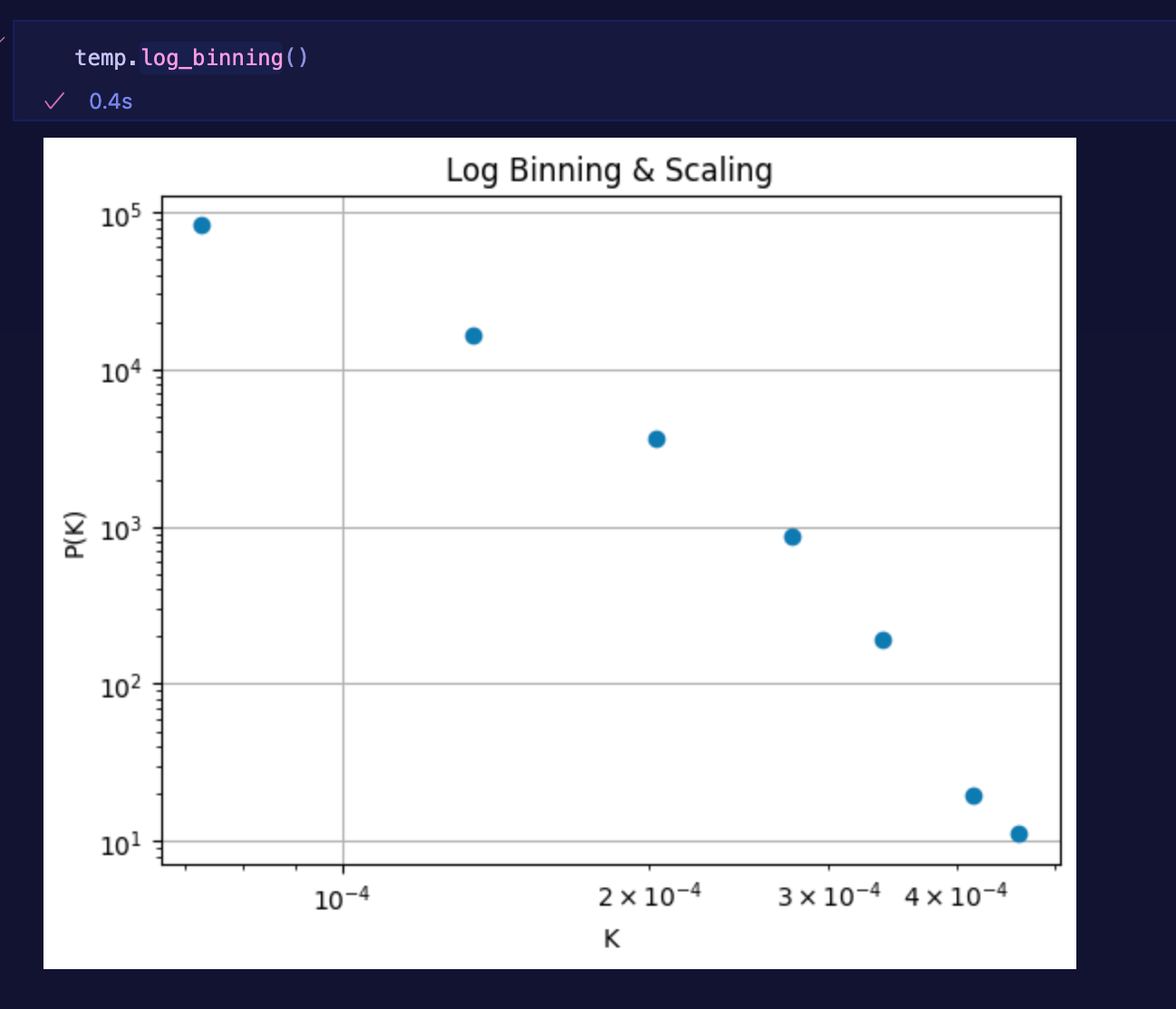
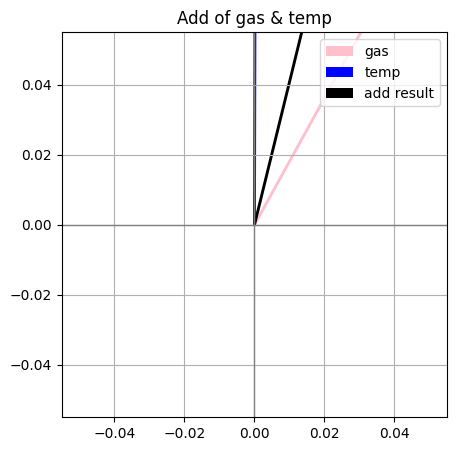
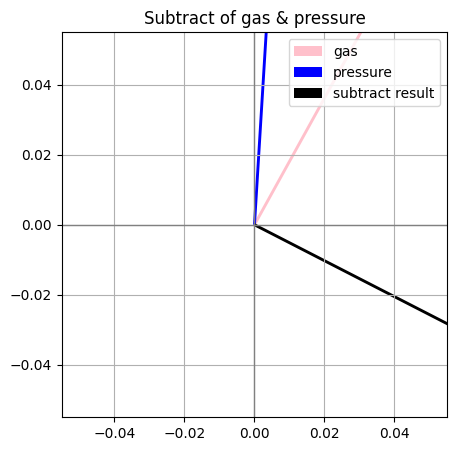
🧼 Cleaning Example
| Before | After |
|---|---|
 |
 |
 |
 |
 |
 |
🧠 Features
-
🧮 Vector Magic:
- Load 1D or 2D arrays into
Vectorobjects - X/Y decomposition for 2D data
- Linear algebra methods like magnitude, angle, dot, and projection
- Load 1D or 2D arrays into
-
📊 Statistical Potions:
- Mean, median, standard deviation 💀
- Probability vectors and PDFs 🧪
- Z-score normalization 🧼
- Entropy between aligned vectors 🌀
- Internal entropy of a vector
-
🖼️ Visualizations:
- Linear and log-scale histogramming
- Vector plots with tails, heads, and haunted trails
- Optional "entropy mode" that colors plots based on mysterious disorder 👀
-
🔧 Tools of the Craft:
- Gaussian kernel smoothing for smoothing out your nightmares
- Elementwise operations:
.normalize(),.project(),.difference(), and more - Pretty
__repr__so your print statements conjure elegant summaries
🧪 Example
from sp00kyvectors import Vector

v = Vector([1, 2, 3, 4, 5])
print(v.mean())  # Output: 3.0

v2 = Vector([1, 1, 1, 1, 6])
print(v.entropy(v2))  # Output: spooky entropy value
📦 Installation
pip install sp00kyvectors
Or summon it from your own local clone:
git clone https://github.com/yourname/sp00kyvectors.git
cd sp00kyvectors
pip install .
📚 Documentation
🧪 Class: Vector
✨ Initialization
Create a new Vector from a list or numpy array.
from sp00kyvectors import Vector

v = Vector([1, 2, 3, 4, 5])
If you're working with 2D data:
v2d = Vector([[1, 2], [3, 4], [5, 6]])
📊 Methods
.mean()
Returns the mean of the vector.
v.mean() # ➜ 3.0
.median()
Returns the median.
v.median() # ➜ 3
.std()
Returns the standard deviation.
v.std() # ➜ 1.5811...
.normalize()
Normalizes the vector using Z-score (zero mean, unit variance).
v_norm = v.normalize()
.entropy(other: Vector)
Computes Shannon entropy between this vector and another.
v2 = Vector([1, 1, 1, 1, 6])
v.entropy(v2)  # ➜ ~0.72 (varies based on normalization)
.difference(other: Vector)
Returns a new Vector representing the difference between this vector and another.
v3 = v.difference(v2)
.project(dim: int)
Projects a 2D vector onto a specific dimension (0 = x, 1 = y).
vx = v2d.project(0)
vy = v2d.project(1)
🔢 Linear Algebra Methods
.magnitude()
Returns the magnitude (length) of the vector.
v.magnitude() # ➜ 7.416
.angle(other: Vector)
Returns the angle between this vector and another, in radians.
v.angle(v2) # ➜ 0.225 (radians)
.dot(other: Vector)
Computes the dot product of this vector and another.
v.dot(v2) # ➜ 24
.cross(other: Vector)
Computes the cross product (only for 3D vectors).
v3d = Vector([1, 2, 3])
v3d2 = Vector([4, 5, 6])
v3d.cross(v3d2)  # ➜ [-3, 6, -3]
.projection(other: Vector)
Returns the projection of this vector onto another.
v.projection(v2) # ➜ Vector with projected values
📈 Plotting
.histogram(log=False)
Plots a histogram of the vector values. Set log=True for logarithmic scale.
v.histogram()
v.histogram(log=True)
.plot_vectors(mode="line", entropy=False)
Plots 2D vectors.
mode:"line","arrow", or"trail"entropy: ifTrue, colorizes vectors by entropy
v2d.plot_vectors(mode="arrow", entropy=True)
🔮 Utilities
.gaussian_smooth(sigma=1.0)
Applies Gaussian smoothing to the vector.
v_smooth = v.gaussian_smooth(sigma=2.0)
💀 Dunder Methods
__repr__()
Pretty string representation.
print(v) # Vector(mean=3.0, std=1.58, ...)
🛠 Developer Notes
- Internal data is stored as
numpy.ndarray - Methods use
scipy.stats,numpy, andmatplotlib - Entropy assumes aligned distributions (normalized first)
🧛 License
MIT — haunt and hack as you please.
🕸️ Coming Soon
- 3D support
- More spooky plots
- CLI interface:
spookify file.csv --plot
👻 Contributing
Spirits and sorcerers of all levels are welcome. Open an issue, fork the repo, or summon a pull request.
🧛 License
MIT — you’re free to haunt this code as you wish as long as money is never involved!
✨ Stay spooky, and may your vectors always point toward the unknown. 🕸️
Release history Release notifications | RSS feed


Download files
Download the file for your platform. If you're not sure which to choose, learn more about installing packages.
Source Distribution
Built Distribution
Filter files by name, interpreter, ABI, and platform.
If you're not sure about the file name format, learn more about wheel file names.
Copy a direct link to the current filters
File details
Details for the file sp00kyvectors-0.1.8.tar.gz.
File metadata
- Download URL: sp00kyvectors-0.1.8.tar.gz
- Upload date:
- Size: 245.1 kB
- Tags: Source
- Uploaded using Trusted Publishing? No
- Uploaded via: poetry/2.1.3 CPython/3.13.3 Darwin/24.5.0
File hashes
| Algorithm | Hash digest | |
|---|---|---|
| SHA256 |
22247c378f5dd0d90359a90f0f43afb706ea89da94046f1ae91d8c419a714fde
|
|
| MD5 |
c56686b7c27951afa495898df8dd19c2
|
|
| BLAKE2b-256 |
44aceeeb6db458a55388b164447b5e998d95e15e11bd24fa23024d9c01a025ff
|
File details
Details for the file sp00kyvectors-0.1.8-py3-none-any.whl.
File metadata
- Download URL: sp00kyvectors-0.1.8-py3-none-any.whl
- Upload date:
- Size: 246.6 kB
- Tags: Python 3
- Uploaded using Trusted Publishing? No
- Uploaded via: poetry/2.1.3 CPython/3.13.3 Darwin/24.5.0
File hashes
| Algorithm | Hash digest | |
|---|---|---|
| SHA256 |
2910afd42887bff1c697e10c3ba98683c9565647be90e2999c3f76a17000c611
|
|
| MD5 |
fad8c2b435212ce0d72cee4bb9a73d6f
|
|
| BLAKE2b-256 |
022b428158077871e85f9e5c7aa8f923fd9598c1bd89a6371580367e81e698e3
|






