
Official AdminLTE 4 integration for Django — Bootstrap 5.3, vanilla JS, Vite-ready.

Project description
Django AdminLTE 4





Official AdminLTE 4 integration for Django — Bootstrap 5.3, vanilla JS,
Vite-ready. A config-driven sidebar menu with a per-request filter pipeline, an
AdminLTE 4 base layout, a library of django-components,
a themed django.contrib.admin, and first-class hooks into Django's own forms,
tables, auth, messages, pagination and i18n. By Colorlib.
Live demo: django.adminlte.io · Docs: django.adminlte.io/docs
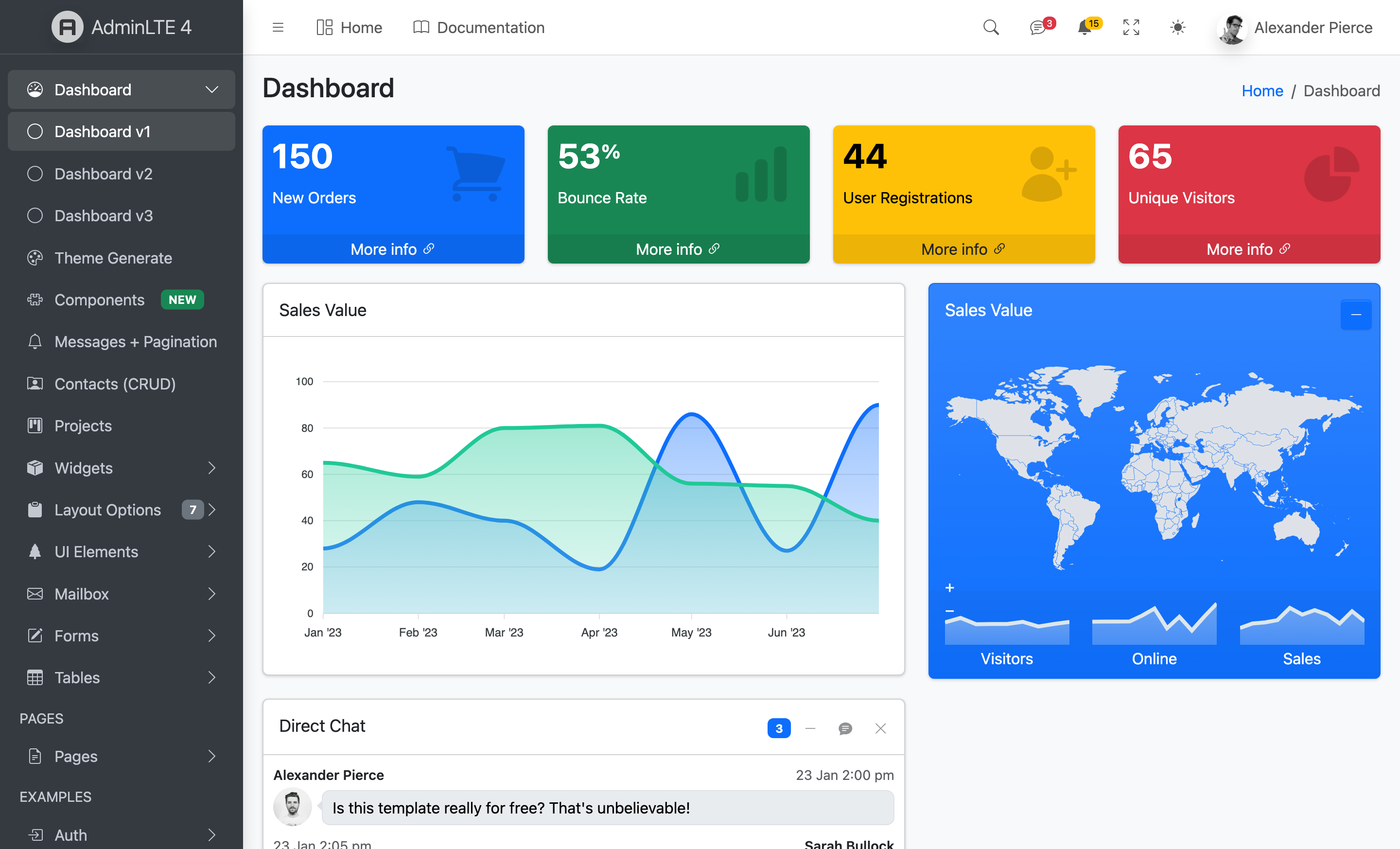
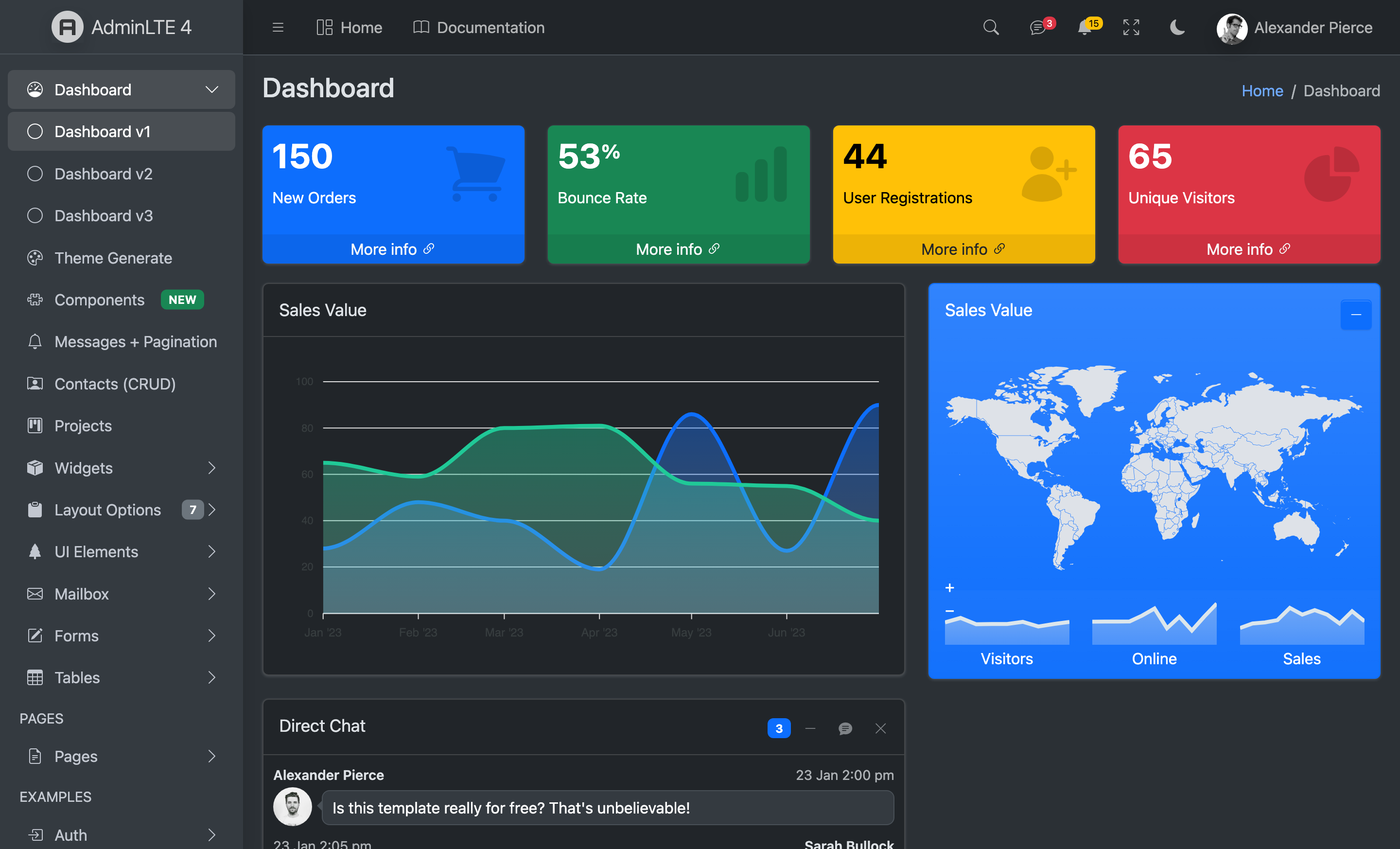
Available for your stack — the same AdminLTE 4 dashboard, in the framework you know best:




Frameworks: React · Next.js · Vue · Nuxt · Laravel · Django
v1 scope: layout, menu + filter pipeline, auth pages, and the Form + Widget component families. Tool/plugin components (datatable, charts, calendar, editor, kanban, vector-map) land in v2.
Documentation
Full documentation is published at django.adminlte.io/docs —
Getting started, a complete configuration reference,
components, admin,
forms, tables,
auth, i18n,
assets, deployment
and more. The source lives in docs/ as a MkDocs Material site — build/serve
it locally:
pip install -e .[docs]
mkdocs serve        # http://127.0.0.1:8000  (or: mkdocs build)
Requirements
- Python 3.12+
- Django 6.0+
django-components0.150,django-vite3.1+- Node 18+ (Vite build for the front-end assets)
Installation
pip install adminlte-django
1. Settings
INSTALLED_APPS = [
    "django_components",
    # ... django.contrib.* ...
    "django_vite",
    "django_adminlte4",
]

MIDDLEWARE = [
    # ...
    "django_components.middleware.ComponentDependencyMiddleware",
]

COMPONENTS = {"dirs": [], "app_dirs": ["components"], "autodiscover": True}

TEMPLATES = [{
    "BACKEND": "django.template.backends.django.DjangoTemplates",
    "DIRS": [],
    # IMPORTANT: APP_DIRS must be False because we provide an explicit `loaders`
    # list (required by django-components).
    "APP_DIRS": False,
    "OPTIONS": {
        "context_processors": [
            "django.template.context_processors.request",
            "django.contrib.auth.context_processors.auth",
            "django_adminlte4.context_processors.adminlte",
        ],
        "loaders": [(
            "django.template.loaders.cached.Loader",
            [
                "django.template.loaders.filesystem.Loader",
                "django.template.loaders.app_directories.Loader",
                "django_components.template_loader.Loader",
            ],
        )],
        "builtins": ["django_components.templatetags.component_tags"],
    },
}]

STATICFILES_FINDERS = [
    "django.contrib.staticfiles.finders.FileSystemFinder",
    "django.contrib.staticfiles.finders.AppDirectoriesFinder",
    "django_components.finders.ComponentsFileSystemFinder",
]

DJANGO_VITE = {"default": {"dev_mode": DEBUG, "manifest_path": BASE_DIR / "assets" / "dist" / "manifest.json"}}
2. Front-end assets
python manage.py adminlte_install   # copies assets/app.js, assets/app.scss, vite.config.js stubs
npm install                          # installs admin-lte, bootstrap, overlayscrollbars, ...
npm run dev                          # dev server with HMR (DEBUG=True)
# production: npm run build && python manage.py collectstatic
3. Configure (settings.ADMINLTE)
ADMINLTE = {
    "title": "My Dashboard",
    "logo": "<b>My</b>App",
    "sidebar_theme": "dark",          # dark | light
    "menu": [
        {"text": "Dashboard", "url": "/", "icon": "bi bi-speedometer"},
        {"header": "CONTENT"},
        {"text": "Posts", "icon": "bi bi-file-post", "submenu": [
            {"text": "All posts", "route": "posts:index", "icon": "bi bi-circle"},
            {"text": "New post", "route": "posts:create", "icon": "bi bi-circle", "can": "blog.add_post"},
        ]},
    ],
}
Menu item keys: header, text, route (named route), url (raw), icon,
icon_color, label + label_color (badge), active (URL patterns),
target, can (permission/callable — item hidden if denied), submenu,
topnav/topnav_right.
Topbar dropdowns
The navbar renders Messages/Notifications dropdowns and a rich user card when you provide their data (all optional — omit a key to hide that dropdown):
ADMINLTE = {
    "logo": "<b>My</b>App",          # auth-page lockup (HTML allowed)
    "logo_alt_text": "My App",       # sidebar brand text next to the logo
    "navbar_search": True,           # search trigger icon
    "navbar_messages": {
        "count": 3,
        "items": [
            {"image": "adminlte/img/user1-128x128.jpg", "name": "Brad Diesel",
             "text": "Call me whenever you can...", "time": "4 Hours Ago",
             "star": "danger", "url": "#"},
        ],
    },
    "navbar_notifications": {
        "count": 15,
        "items": [
            {"icon": "bi bi-envelope", "text": "4 new messages", "time": "3 mins", "url": "#"},
        ],
    },
    "usermenu": {                    # rich user card; omit to fall back to the
        "image": "adminlte/img/user2-160x160.jpg",   # Django-user simple menu
        "name": "Alexander Pierce", "description": "Web Developer",
        "since": "Member since Nov. 2023",
        "stats": [{"label": "Followers", "url": "#"}, {"label": "Sales", "url": "#"}],
    },
}
When usermenu is omitted, the topbar shows a minimal menu driven by the
authenticated Django user (with a CSRF-protected POST sign-out to your logout
route). color_mode_toggle and a fullscreen toggle are always shown.
Pages
{% extends "adminlte/page.html" %}
{% block page_title %}Dashboard{% endblock %}
{% block breadcrumb %}
    <li class="breadcrumb-item active">Dashboard</li>
{% endblock %}
{% block content %}
    {% component "adminlte_card" title="Sales" theme="primary" outline=True collapsible=True %}
        Card body…
        {% fill "footer" %}Updated 5 min ago{% endfill %}
    {% endcomponent %}
{% endblock %}
Components (v1)
Widget: adminlte_card, adminlte_small_box, adminlte_info_box,
adminlte_alert, adminlte_callout, adminlte_progress,
adminlte_progress_group, adminlte_timeline, adminlte_description_block,
adminlte_profile_card, adminlte_ratings, adminlte_breadcrumb.
Form: adminlte_input, adminlte_textarea, adminlte_select,
adminlte_input_switch, adminlte_input_color, adminlte_input_file,
adminlte_button. Bind a Django form field for automatic validation feedback:
{% component "adminlte_input" field=form.email type="email" %}{% endcomponent %}
Components (v2 — interactive + plugin-backed)
Bootstrap (no extra libs): adminlte_modal, adminlte_toast,
adminlte_tabs, adminlte_accordion, adminlte_direct_chat,
adminlte_nav_messages, adminlte_nav_notifications.
Plugin-backed Tool components: adminlte_chart (ApexCharts),
adminlte_vector_map (jsVectorMap), adminlte_datatable (Tabulator),
adminlte_editor (Quill), adminlte_sortable (SortableJS). Each renders a
data-* container with a JSON config; the shipped initializer
(assets/adminlte-plugins.js, installed by adminlte_install) lazily imports
each library only when a matching element is on the page — so you install just
the plugins you use:
npm i apexcharts jsvectormap tabulator-tables quill sortablejs # pick what you need
{% component "adminlte_chart" type="area" series=series categories=labels height="300px" %}{% endcomponent %}
{% component "adminlte_datatable" columns=columns data=rows %}{% endcomponent %}
{% component "adminlte_tabs" items=tabs %}{% endcomponent %}
Django admin theme
django.contrib.admin is themed with the AdminLTE 4 shell out of the box — the
topbar, and a sidebar auto-generated from your registered apps/models (it
reuses the same menu builder + filter pipeline as the app sidebar, so it honours
per-user view permissions and active-state). The native admin change-list /
change-form content renders inside the shell.
Enable it by putting django_adminlte4 before django.contrib.admin in
INSTALLED_APPS (so its admin/* template overrides win):
INSTALLED_APPS = [
    "django_components",
    "django_adminlte4",          # must precede django.contrib.admin
    "django.contrib.admin",
    # ...
]
Customise via the ADMINLTE dict: admin_brand (sidebar brand text) and
admin_menu (a list of menu-item dicts to replace the auto app/model menu).
Pre-built assets (no Node required)
The package ships a compiled asset bundle (static/adminlte/dist/), so you can
run with zero Node/npm — just collectstatic. The themed admin always uses
it; switch the front-end layout to it with:
ADMINLTE = {"assets_mode": "static"} # default "vite"
"vite" keeps the HMR/dev pipeline (and the optional plugin set) via
django-vite; "static" serves the shipped bundle (Bootstrap + AdminLTE +
Bootstrap Icons + OverlayScrollbars + color-mode/init). With "static",
django-vite is not imported at all.
Messages, pagination & auth
Messages — Django's messages framework is rendered as dismissible AdminLTE
alerts automatically (included in the base layout). Levels map to Bootstrap
classes with an icon, and error → danger, so no MESSAGE_TAGS config is
required. Override the {% block messages %} to customise.
Pagination — a reusable partial for any Django Paginator page that
preserves the current query string (filters/sort):
{% include "adminlte/partials/pagination.html" with page_obj=page_obj %}
Auth — themed registration/ templates ship for Django's built-in auth
views, so the full login / logout / password change + reset flow works on
the AdminLTE auth card out of the box — just wire the URLs:
path("", include("django.contrib.auth.urls")),
Forms (crispy-forms)
For one-line whole-form rendering of any Django form/ModelForm, install the
[crispy] extra and use the Bootstrap 5 pack (AdminLTE 4 is Bootstrap 5, so
it renders natively — no custom pack needed):
INSTALLED_APPS += ["crispy_forms", "crispy_bootstrap5"]
CRISPY_ALLOWED_TEMPLATE_PACKS = "bootstrap5"
CRISPY_TEMPLATE_PACK = "bootstrap5"
{% load crispy_forms_tags %}
{% crispy form %}      {# renders the <form>, fields, csrf and buttons #}
Drive the layout/buttons from a FormHelper on the form (see the demo's
crud/forms.py). Prefer the bespoke adminlte_input/adminlte_select
components when you want to hand-author a designed form instead.
Tables & filters (CRUD)
For server-rendered data tables, install the [tables] extra
(django-tables2 + django-filter) and point tables2 at the AdminLTE theme:
# settings.py
DJANGO_TABLES2_TEMPLATE = "django_tables2/adminlte.html"
The theme wraps any tables.Table in an AdminLTE card with the pagination in
the card footer — sortable headers, query-string-preserving paging, all native.
A SingleTableMixin + FilterView list view then gets a themed table plus a
filter form for free. The demo's Contacts (CRUD) page shows the full stack
(list + filter + create/update/delete + success messages) end to end.
django-allauth
Install the [allauth] extra to get AdminLTE-themed django-allauth
pages. The package overrides allauth's layouts (base / entrance /
manage) and elements (fields, field, form, button, alert, headings, panel)
— so every allauth page (login, signup, password reset, account management)
renders on the AdminLTE auth card with Bootstrap 5 fields, no per-page work:
INSTALLED_APPS = [
    "django_adminlte4",          # before allauth so its template overrides win
    # ...
    "allauth", "allauth.account",
]
# urls.py:  path("accounts/", include("allauth.urls"))
Internationalization
Templates use {% translate %} / {% blocktranslate %} throughout, and the
package ships a message catalog with a fully-translated Spanish (es)
locale (compiled and included in the wheel). Set USE_I18N = True and a
LANGUAGE_CODE, or add LocaleMiddleware, to translate the UI; run
makemessages to add more locales.
Breadcrumbs
Pages set {% block breadcrumb %} explicitly, or fall back to
{% adminlte_breadcrumb %} — which derives a Home → … trail from
request.path automatically (it's the default content of that block).
Management commands
| Command | Purpose |
|---|---|
adminlte_install |
Copy the Vite front-end stubs and static images into your project |
adminlte_status |
Print version, merged config, component count, Vite manifest status |
adminlte_make_auth |
Scaffold login/register/lockscreen auth views, urls and templates |
adminlte_scaffold <app> |
Scaffold a CRUD app using Card + Form components |
Demo
cd demo
pip install -r requirements.txt   # package + extras + prod deps (env, whitenoise, gunicorn)
cp .env.example .env              # local dev config (DEBUG=True)
npm install && npm run dev        # terminal 1 — Vite dev server / HMR
python manage.py migrate
python manage.py seed_demo         # sample relational data + demo superuser (admin/adminpass)
python manage.py runserver        # terminal 2
The demo ships a small relational schema (Company → Contact, Project ↔ Tag,
Project ↔ Contact team, Project → Task) showcased through the themed admin,
a Contacts CRUD page and a Projects list + detail. Re-run seed_demo
any time to reset the sample data.
Visitors start logged out (sessions end at browser close), and the login
page comes pre-filled with the demo credentials (admin / adminpass) plus a
short tour of what each area shows — so a single click signs you in and the
sign-in-only pages (Contacts, Projects, the Django admin) become explorable.
Deployment
The demo is a twelve-factor starter: everything environment-specific is read
from the environment (a git-ignored .env in development — see .env.example).
Defaults are production-safe. To deploy:
# Set in the environment: SECRET_KEY, DEBUG=False, ALLOWED_HOSTS,
# DATABASE_URL=postgres://…  (and optionally EMAIL_URL, CSRF_TRUSTED_ORIGINS)
npm run build                                  # compile front-end assets (Vite)
python manage.py collectstatic --noinput       # WhiteNoise: compressed + hashed
gunicorn config.wsgi                            # WSGI server
DATABASE_URL swaps SQLite → PostgreSQL (psycopg[binary]), EMAIL_URL swaps
the console backend → SMTP. With DEBUG=False the project automatically enables
HSTS, SSL redirect, secure cookies, and WhiteNoise's manifest static storage.
Upgrade to a Premium Dashboard
Need advanced features, more pages, and dedicated support? Explore Colorlib's collection of professional admin templates on DashboardPack.
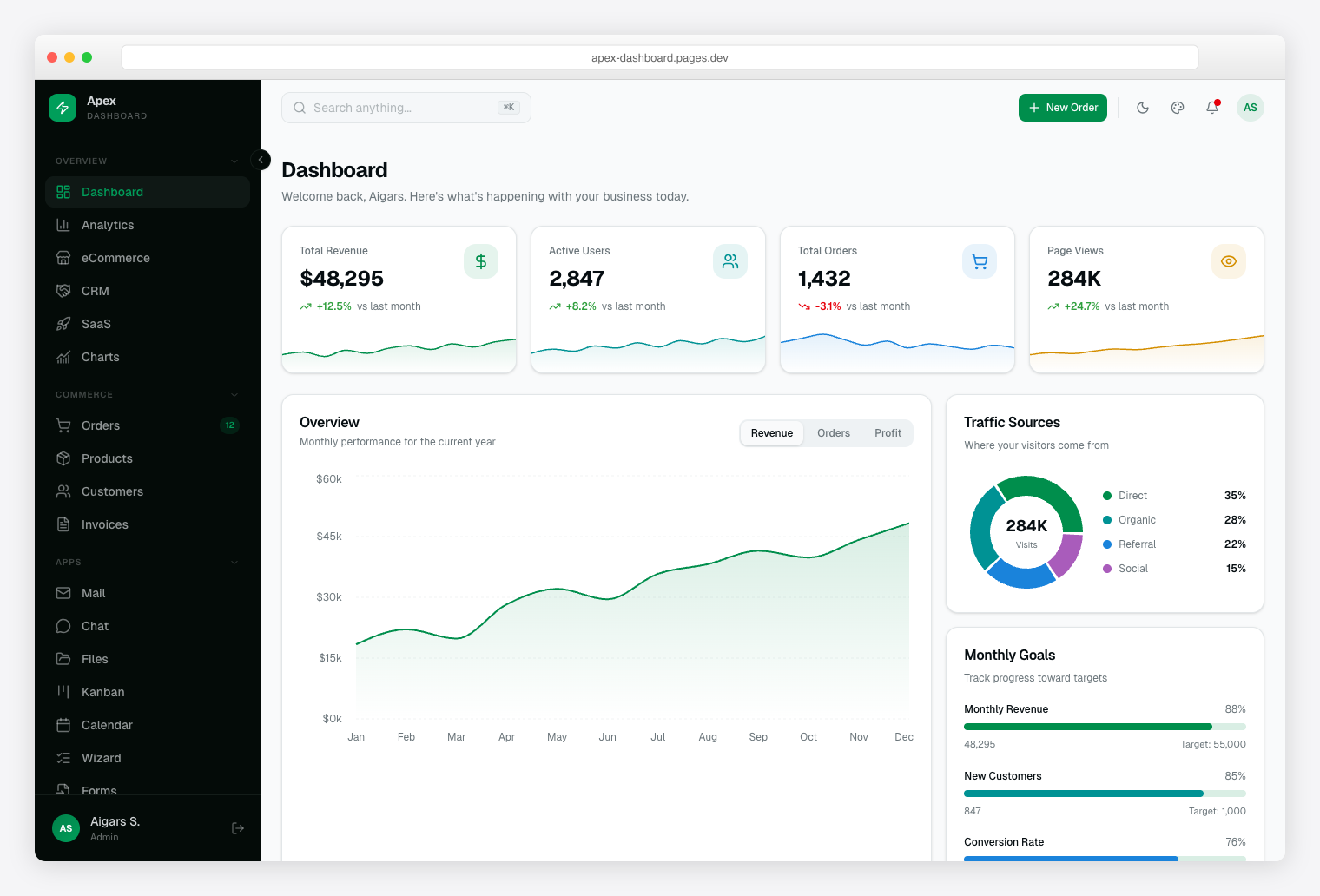
Apex Dashboard Next.js 16 + React 19 + Tailwind CSS v4 + shadcn/ui. 5 dashboard variants, 20+ app pages, 125+ routes, full CRUD. |
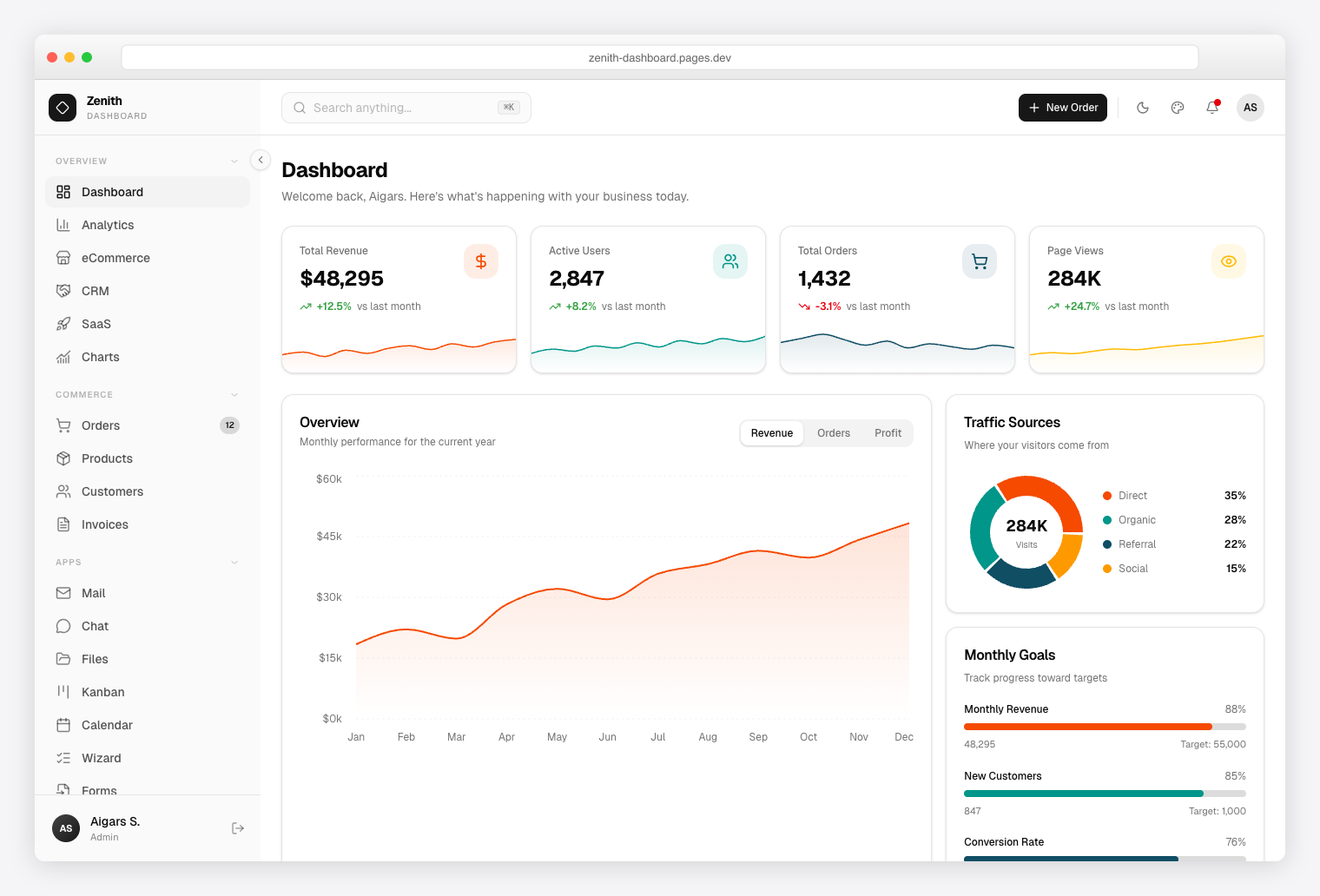
Zenith Dashboard Next.js 16 + React 19 + Tailwind CSS v4 + shadcn/ui. Achromatic design, 50+ pages, 6 dashboards, live theme customizer. |
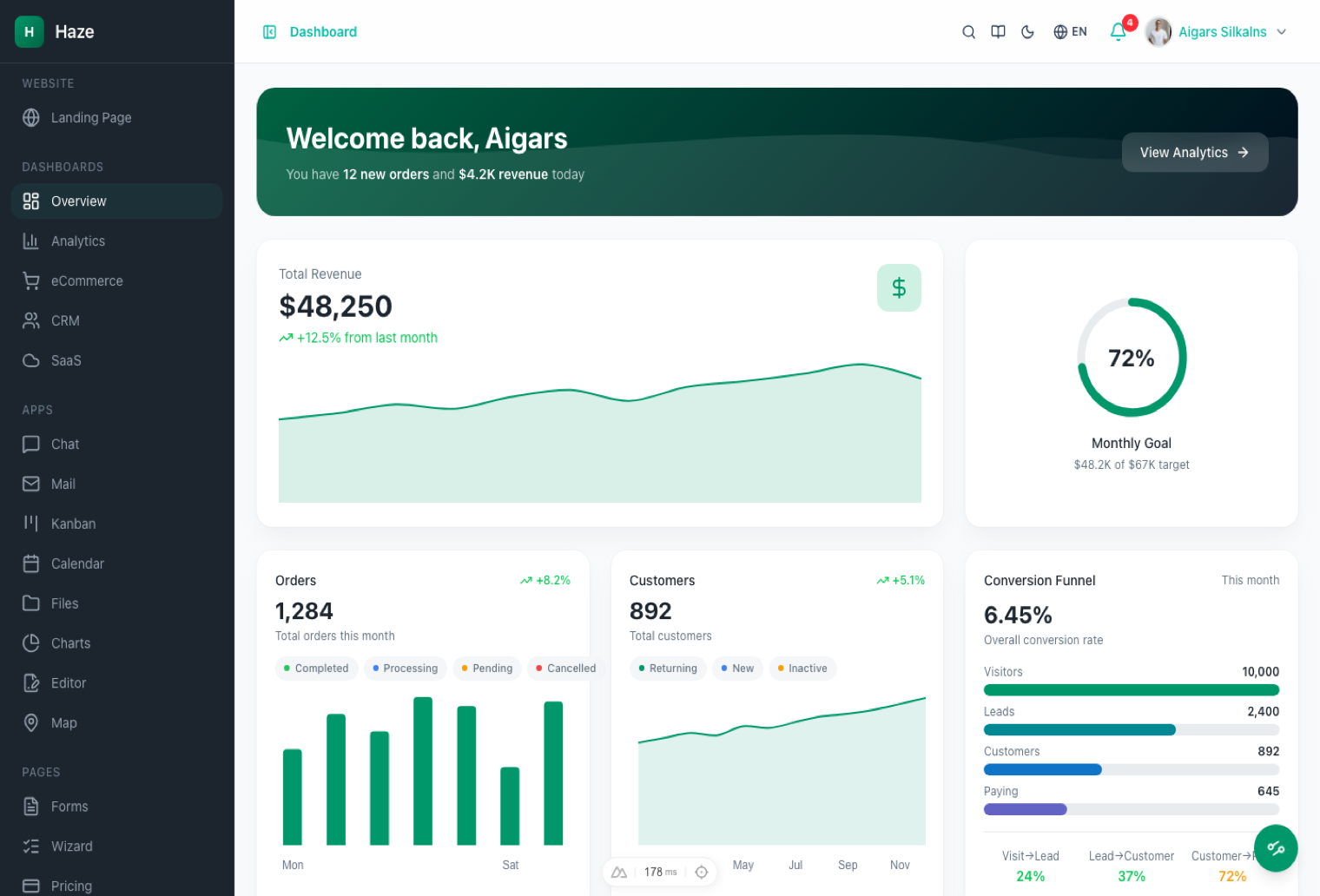
Haze Nuxt 4 + Nuxt UI v4 + Tailwind CSS v4. 92+ pages, 7 layouts, 5 dashboards, RTL, i18n, mock API layer. |
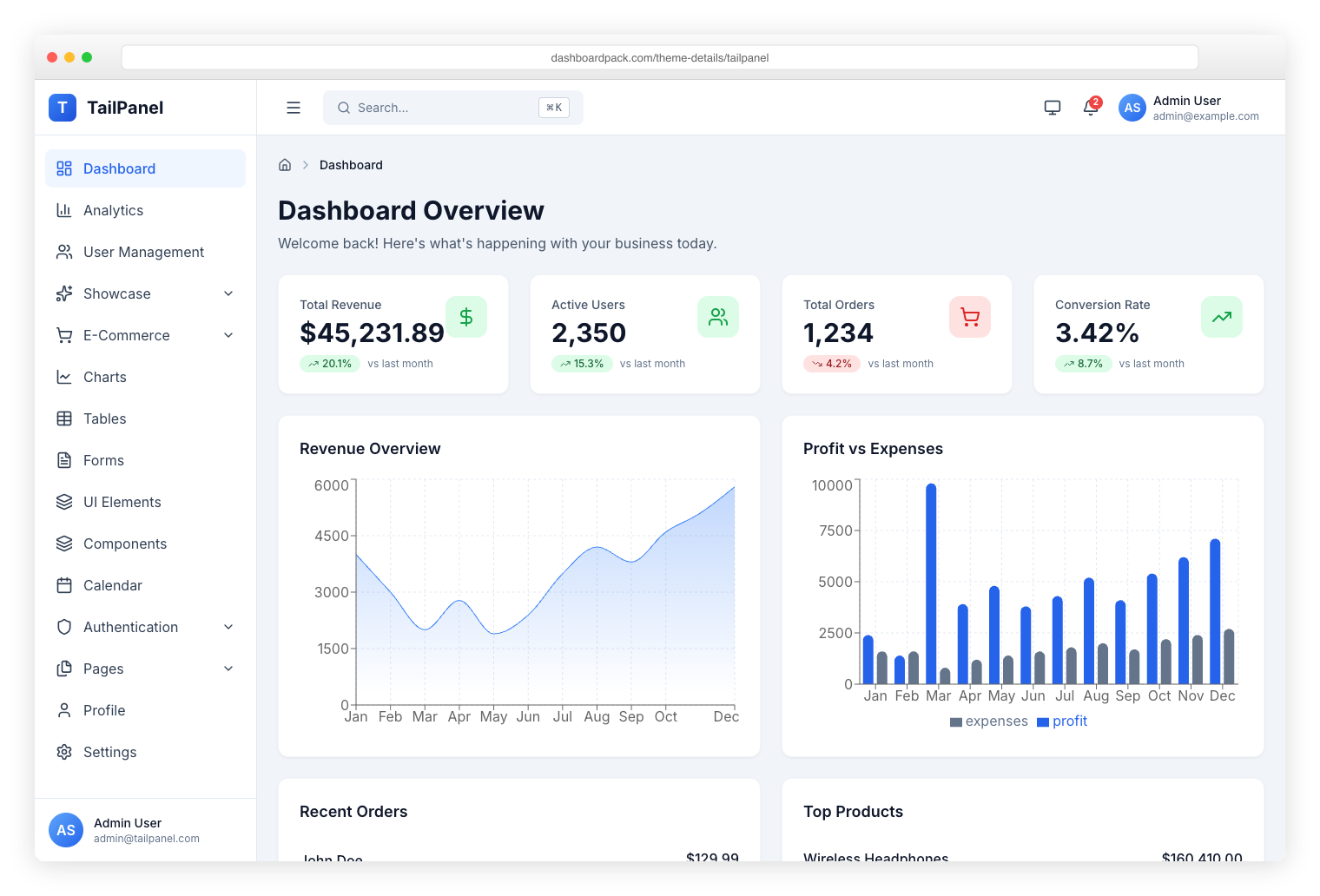
TailPanel React + TypeScript + Tailwind CSS + Vite. 9 dashboard designs, dark and light themes. |
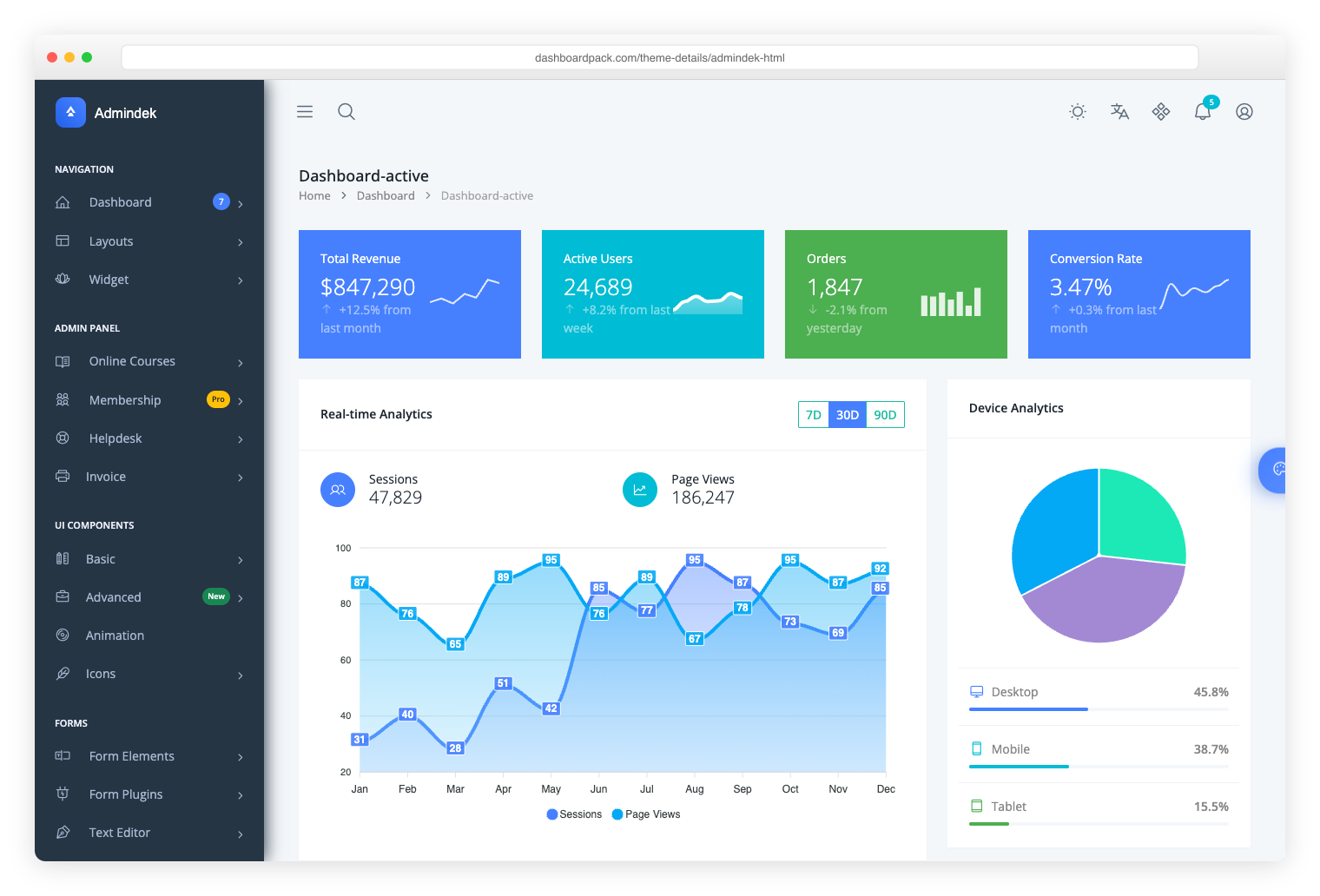
Admindek Bootstrap 5 + vanilla JS. 100+ components, dark/light modes, RTL support, 10 color presets. |
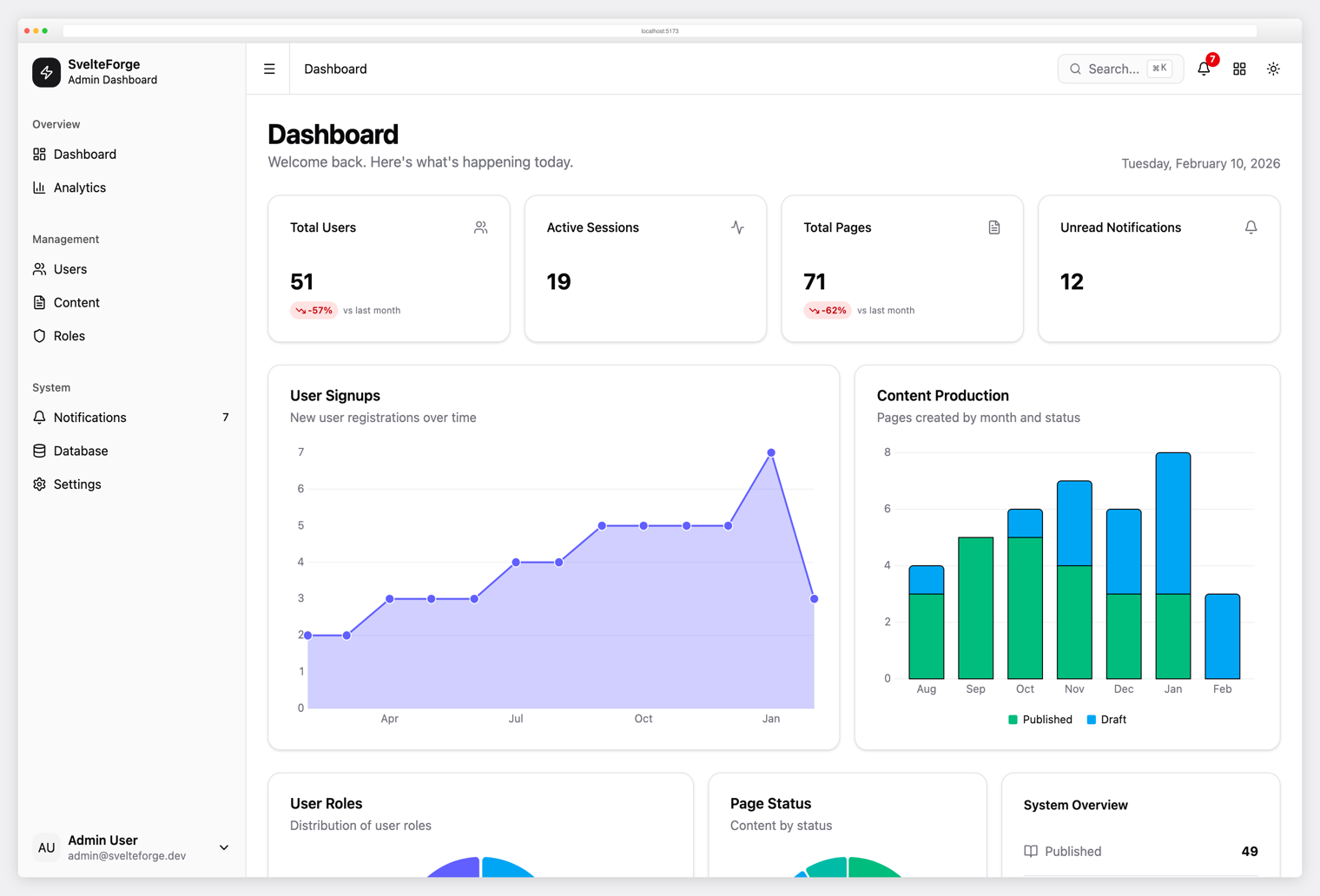
SvelteForge Premium SvelteKit + Tailwind CSS v4. 30+ wired-up modules, multi-tenant from row zero, dark/light/system mode. |
License
MIT © Colorlib
Resources
- Django AdminLTE 4 documentation
- AdminLTE
- Django documentation
- Bootstrap 5 documentation
- Bootstrap Icons
Support
For issues, feature requests, or questions:
Release history Release notifications | RSS feed


Download files
Download the file for your platform. If you're not sure which to choose, learn more about installing packages.
Source Distribution
Built Distribution
Filter files by name, interpreter, ABI, and platform.
If you're not sure about the file name format, learn more about wheel file names.
Copy a direct link to the current filters
File details
Details for the file adminlte_django-0.1.1.tar.gz.
File metadata
- Download URL: adminlte_django-0.1.1.tar.gz
- Upload date:
- Size: 5.6 MB
- Tags: Source
- Uploaded using Trusted Publishing? No
- Uploaded via: twine/6.2.0 CPython/3.12.13
File hashes
| Algorithm | Hash digest | |
|---|---|---|
| SHA256 |
bf40b5477a140fbc3ee0b64890e11bac4d3ec1b2b9a1208e73b6c96185a58287
|
|
| MD5 |
a4ff0130117090863970552df141c53b
|
|
| BLAKE2b-256 |
bbed4438bd4625b8b5d829bbeb13db5d1563843cd1f5ce04b3a06e3d79f40b6a
|
File details
Details for the file adminlte_django-0.1.1-py3-none-any.whl.
File metadata
- Download URL: adminlte_django-0.1.1-py3-none-any.whl
- Upload date:
- Size: 595.3 kB
- Tags: Python 3
- Uploaded using Trusted Publishing? No
- Uploaded via: twine/6.2.0 CPython/3.12.13
File hashes
| Algorithm | Hash digest | |
|---|---|---|
| SHA256 |
919677327617bfe54db49a866cd618c29fc4d63022a6479d5b01cc9b05361a11
|
|
| MD5 |
4b1b1780543629aa59a1a199eccc9f82
|
|
| BLAKE2b-256 |
b0e75f6d291d0ae5fcd44502c2694b3900d2416820c0057a8486bf55ef51eb45
|






