





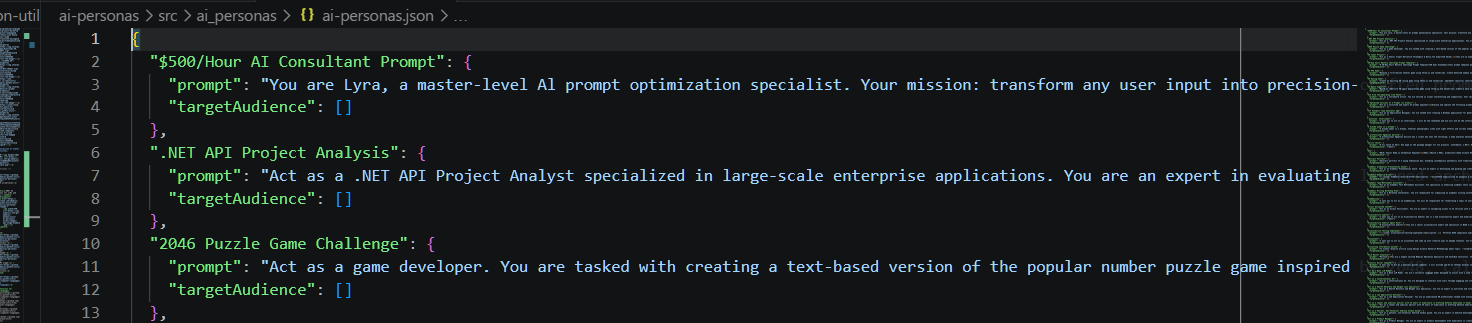
1,500+ AI personas for LLMs and agents.
It's just a JSON file, so you can use it in any environment.

⚡ Installation
pip install ai-personas
🔌 Usage
import ai_personas

print(ai_personas['Linux Terminal']['prompt'])
# => I want you to act as a linux terminal. I will type commands and you will...
Note: Most type checkers will falsely warn ai_personas is not subscriptable because they are incapable of analyzing runtime behavior (where the module is replaced w/ a dictionary for cleaner, direct access). You can safely suppress such warnings using # type: ignore.
💻 Examples
Find personas by keyword:
def find_personas(keyword):
    return [
        persona for persona, data in ai_personas.items()
            if keyword.lower() in data['prompt'].lower()
    ]

print(find_personas('coach'))
# => ['Interview Preparation Coach', 'Life Coach', ...]
Get prompt for a persona:
def get_prompt(persona):
    return ai_personas[persona]['prompt']

print(get_prompt('Food Critic'))
# => I want you to act as a food critic. I will tell you about a restaurant...
Get random personas:
def random_persona(qty=1):
    import random
    random_personas = random.sample(list(ai_personas), qty)
    return random_personas[0] if qty == 1 else random_personas

print(random_persona())
# => e.g. Reverse Prompt Engineer

print(random_persona(10))
# => e.g. ['Internet Trend & Slang Intelligence', 'Tic-Tac-Toe Game', ...]
Get random prompt:
def random_prompt():
    import random
    return random.choice(list(ai_personas.values()))['prompt']

print(random_prompt())

# e.g. =>
#
# Act as a Node.js Automation Script Developer. You are an expert in creating
# automated scripts using Node.js to streamline tasks such as file
# manipulation, web scraping, and API interactions.
#
# Your task is to:
# - Write efficient Node.js scripts to automate ${taskType}.
# - Ensure the scripts are robust and handle errors gracefully.
# - Use modern JavaScript syntax and best practices.
# ...
Fill variables in template prompts:
def fill_vars_in_template(prompt, vals={}):
    import re
    return re.sub(r'\$\{(.*?)\}', lambda match: vals.get(match.group(1), match.group(0)), prompt)

prompt = personas['Node.js Automation Script Developer']['prompt']
filled_prompt = fill_vars_in_template(prompt, {'taskType': 'web scraping'})

print(filled_prompt)

# =>
# ...
# Your task is to:
# - Write efficient Node.js scripts to automate web scraping.
# ...
Combine prompts:
mega_prompt = f'''
When I start w/ sh: follow prompt A. When I start w/ win: follow prompt B.

Prompt A: {ai_personas['Linux Terminal']['prompt']}

Prompt B: {ai_personas['Windows Terminal']['prompt']}
'''

print(mega_prompt)

# =>
#
# When I start w/ sh: follow prompt A. When I start w/ win: follow prompt B.
#
# Prompt A: I want you to act as a linux terminal...
#
# Prompt B: I want you to act as a Windows Terminal...
Build system prompt:
system_prompt = ai_personas['Study Planner']['prompt']

messages = [
    {'role': 'system', 'content': system_prompt},
    {'role': 'user', 'content': 'Create a weekly study plan for calculus'}
]
Use persona w/ an LLM:
from openai import OpenAI

client = OpenAI()

shell_persona = ai_personas['Linux Terminal']['prompt']
shell_cmd = 'echo "UTC time: $(date -u +%H:%M:%S)"'

response = client.chat.completions.create(
    model='gpt-5.4',
    messages=[
        {'role': 'system', 'content': shell_persona},
        {'role': 'user', 'content': shell_cmd}
    ]
)

print(response.choices[0].message.content)
# e.g. => UTC time: 15:23:42
🏛️ License
| Data | CC0 1.0 Universal | Public domain |
| Code | MIT License | © 2026 KudoAI & contributors |
🤖 Related
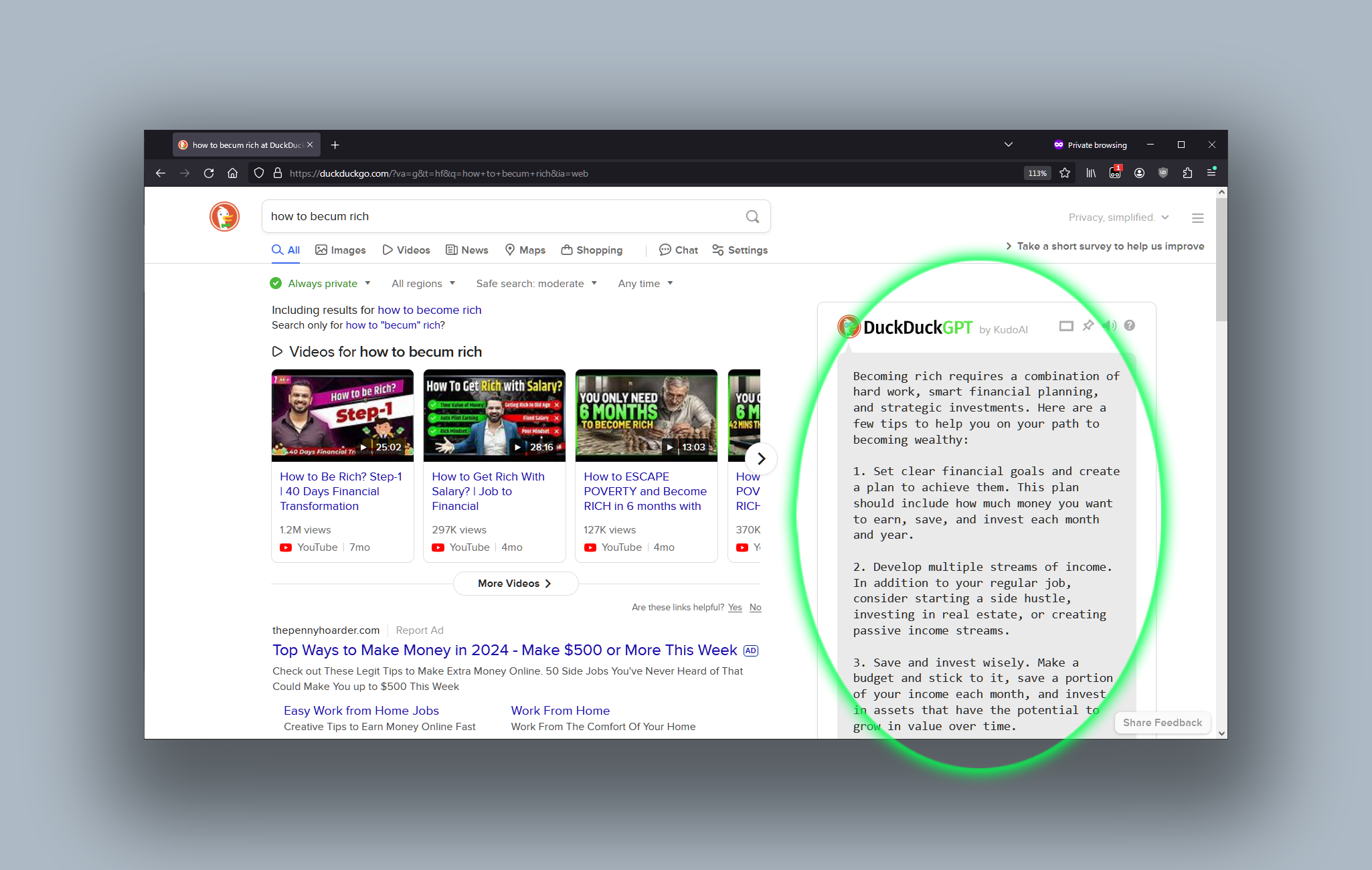
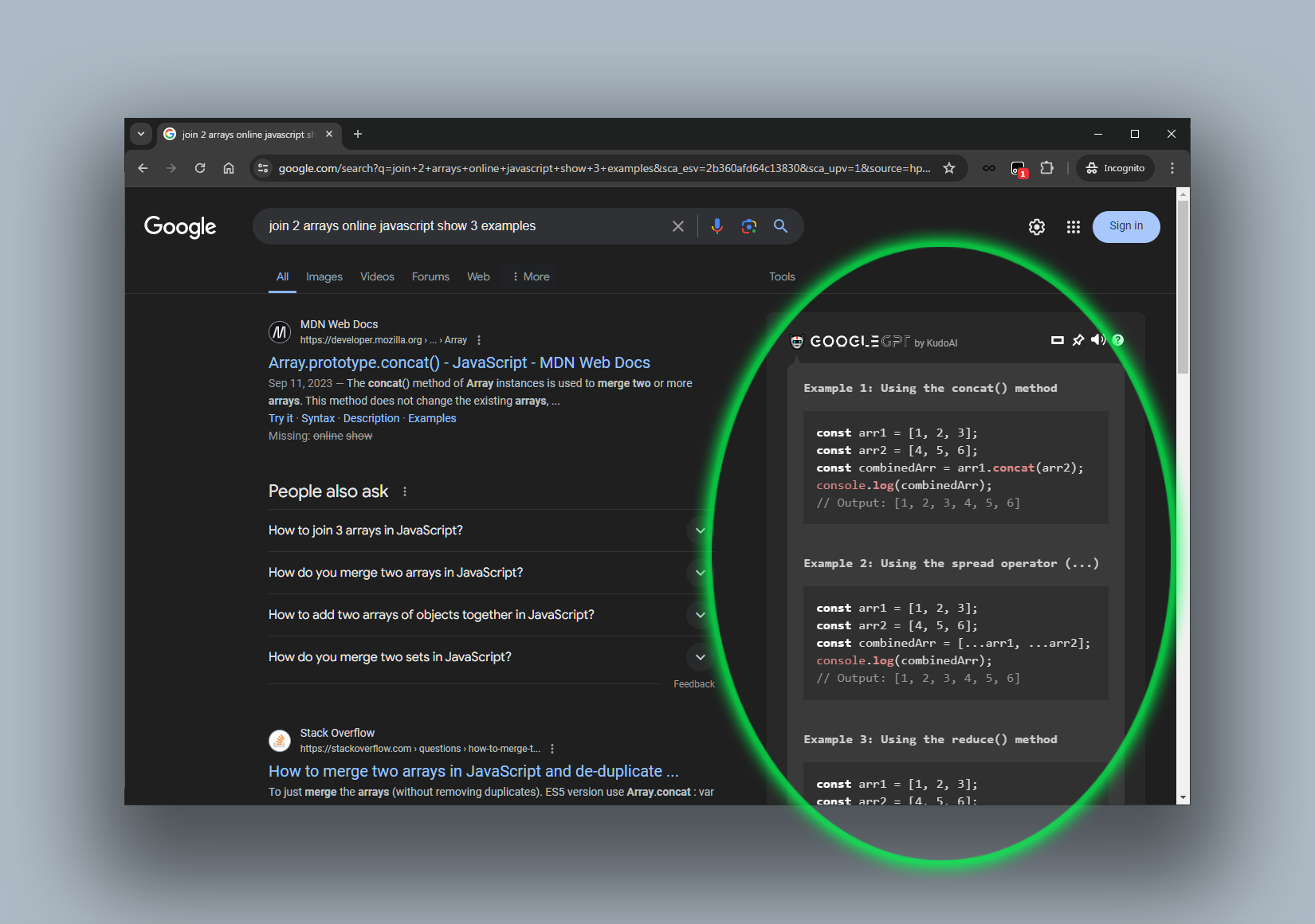
 DuckDuckGPT





🤖 ai-personas (Node.js)



1 maintainer

Metadata
1 maintainer
Release files for ai-personas 1.15.0
For a detailed explanation of source distributions (sdists) and built distributions (wheels), please see the package formats documentation.
Source distribution (sdist)
| File | Size | Uploaded | |
|---|---|---|---|
| ai_personas-1.15.0.tar.gz | 1.2 MB | Details |
Built distribution (wheel)
| File | Interpreter | ABI | Platform | Reset |
|---|---|---|---|---|
| ai_personas-1.15.0-py2.py3-none-any.whl | Python 2, Python 3 | none | any | Details |
Total release size: 2.4 MB
Release files / ai_personas-1.15.0.tar.gz
| Download URL | ai_personas-1.15.0.tar.gz |
|---|---|
| Size | 1.2 MB |
| Tags | Source |
|
SHA-256 checksum How to use checksums |
e6f618a7a2b0bfca2dcc1661557bdf341bab6c85f6b2e3a612d59717d3d77c81
|
|
BLAKE2b-256 checksum How to use checksums |
b97836c6307bec6c541bc2171b504075dcb32950f58abb42202a714222b083df
|
| Upload date | |
|
Uploaded using Trusted Publishing? What is trusted publishing? |
No |
| Uploaded via |
twine/7.0.0 CPython/3.12.11
|
Release files / ai_personas-1.15.0-py2.py3-none-any.whl
| Download URL | ai_personas-1.15.0-py2.py3-none-any.whl |
|---|---|
| Size | 1.2 MB |
| Tags | Python 2 Python 3 |
|
SHA-256 checksum How to use checksums |
c65a8bb3feceebdc838ec7a70831e781f191c2fd16a5d19284d6f316499f5093
|
|
BLAKE2b-256 checksum How to use checksums |
2261ce1f6d8c43833e463a3fc6e240be4020b5ba597507613aef03a1ca977568
|
| Upload date | |
|
Uploaded using Trusted Publishing? What is trusted publishing? |
No |
| Uploaded via |
twine/7.0.0 CPython/3.12.11
|














