
authenticator-tui



A terminal UI for managing TOTP/HOTP one-time passwords stored as otpauth:// URLs.
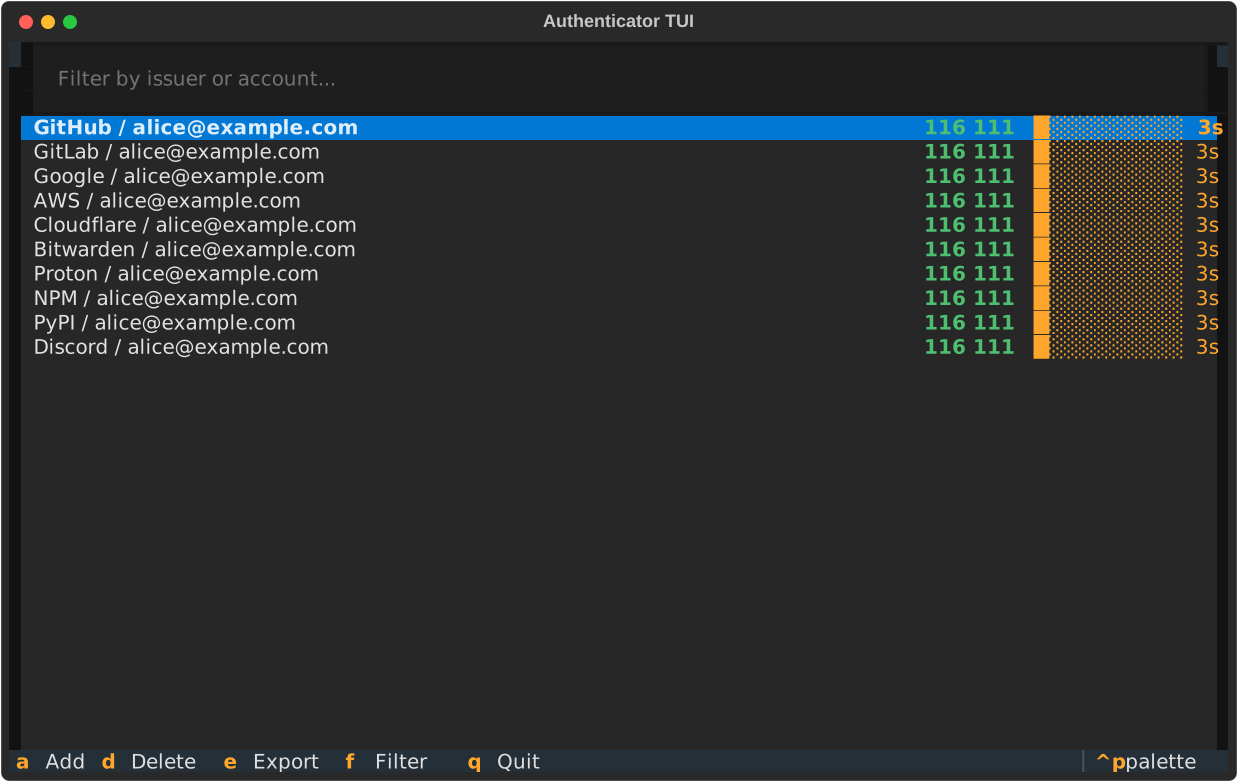
Features
A fast, keyboard-driven terminal client for TOTP/HOTP codes — live-refreshing codes, filtering, add/delete/export, a big-code view, and clipboard copy.
See features.md for the full feature list, file discovery behavior, and keybindings.
Install
Install as a global CLI tool from PyPI:
uv tool install authenticator-tui
Or with pip:
pip install --user authenticator-tui
Or run directly without installing:
uvx authenticator-tui otp.txt
To install the latest development version from source instead:
uv tool install git+https://gitlab.com/riphixel/authenticator-tui
Usage
authenticator-tui [path/to/otp.txt]
If no file is given, it looks for otp.txt in the current directory, then
~/.config/authenticator-tui/otp.txt (created automatically if neither exists),
then shows a file picker to confirm. The file is auto-saved on every add or delete.
See features.md for details and the full keybindings list.
Screenshots
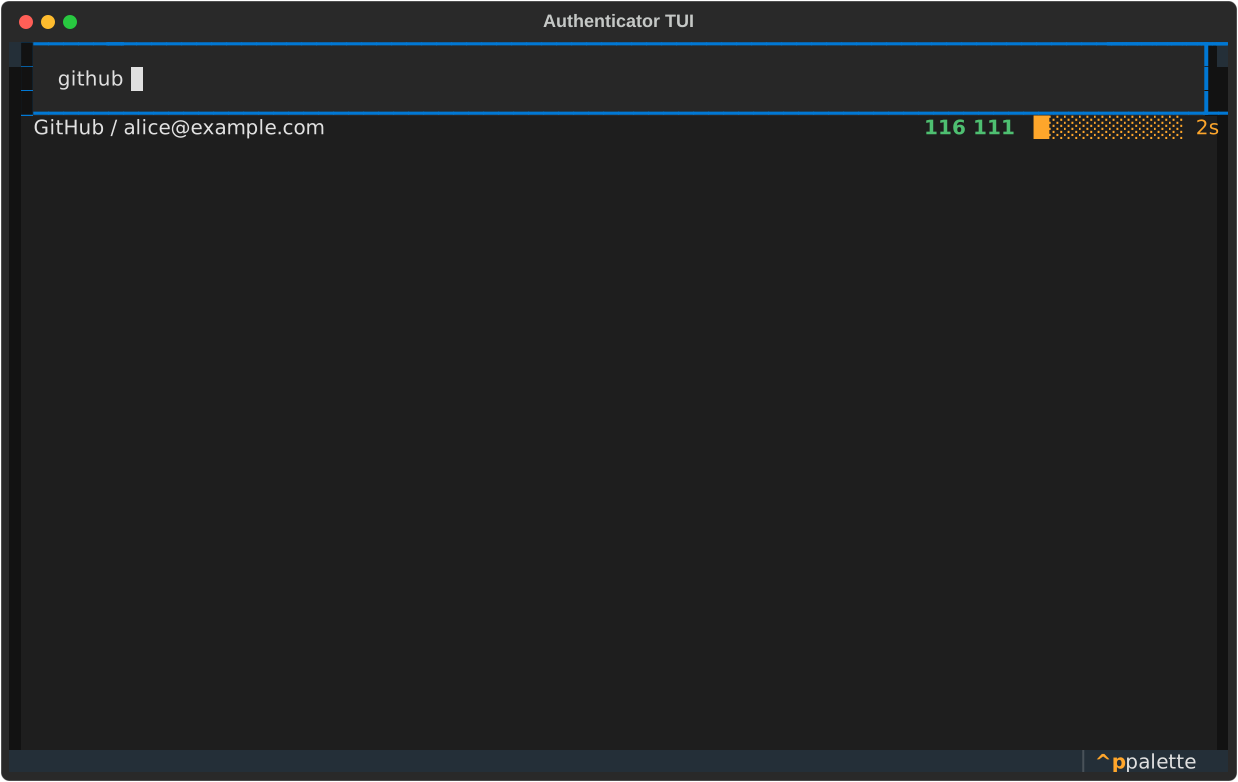
Filter
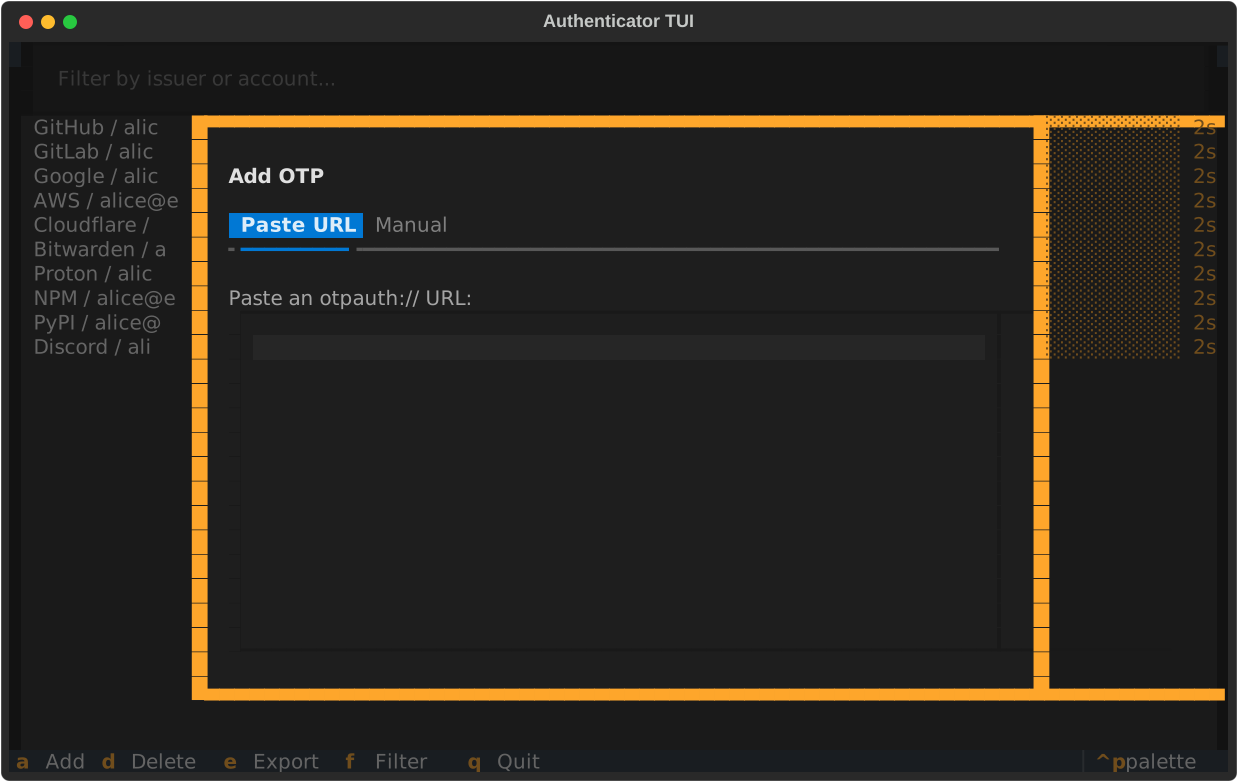
Add OTP
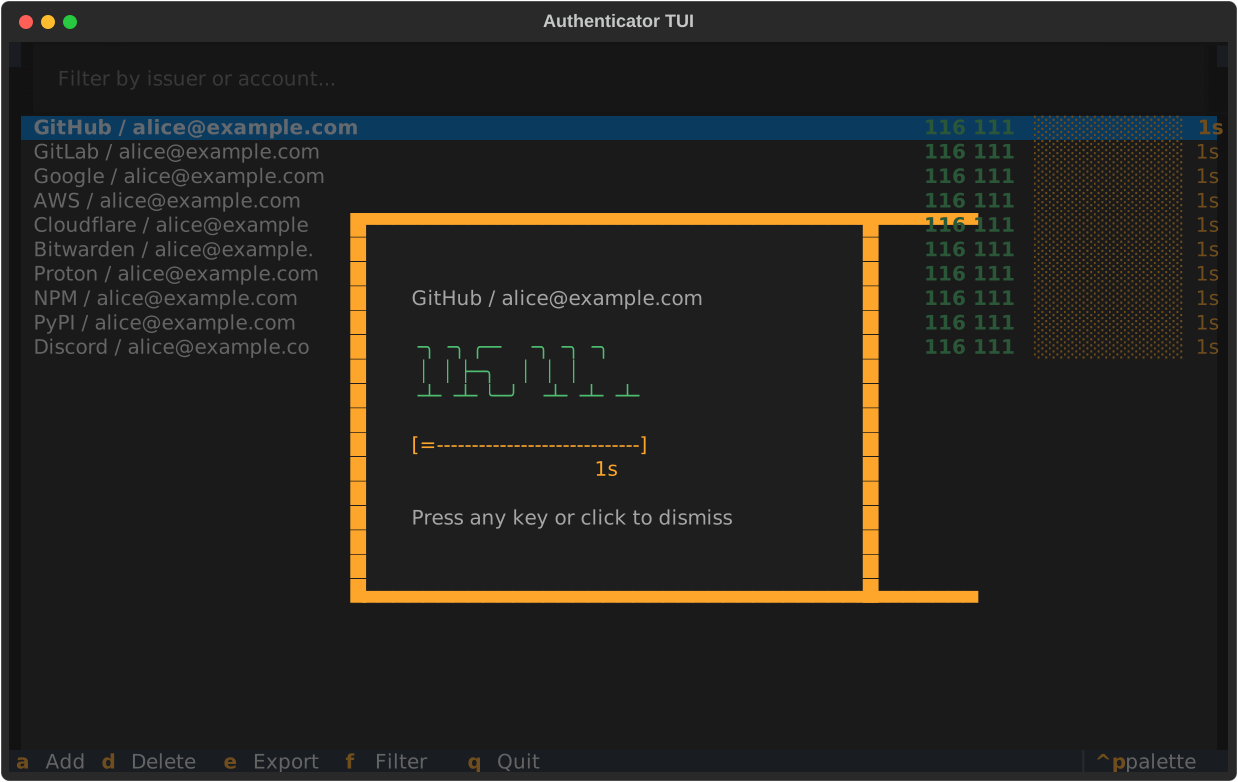
Big code view
File format
One otpauth:// URL per line. Blank lines and lines starting with # are ignored.
otpauth://totp/GitHub:alice@example.com?secret=JBSWY3DPEHPK3PXP&issuer=GitHub
otpauth://totp/PayPal:alice@example.com?secret=JBSWY3DPEHPK3PXP&issuer=PayPal
Development
uv sync
uv run authenticator-tui otp.txt

# tests
uv run pytest

# lint
uvx ruff check .
uvx ruff format --check .
1 maintainer

Metadata
1 maintainer
Release files for authenticator-tui 1.1.0
For a detailed explanation of source distributions (sdists) and built distributions (wheels), please see the package formats documentation.
Source distribution (sdist)
| File | Size | Uploaded | Provenance | |
|---|---|---|---|---|
| authenticator_tui-1.1.0.tar.gz | 74.9 kB | Without provenance | Details |
Built distribution (wheel)
| File | Interpreter | ABI | Platform | Reset |
|---|---|---|---|---|
| authenticator_tui-1.1.0-py3-none-any.whl | Python 3 | none | any | Details |
Total release size: 87.3 kB
Release files / authenticator_tui-1.1.0.tar.gz
| Download URL | authenticator_tui-1.1.0.tar.gz |
|---|---|
| Size | 74.9 kB |
| Tags | Source |
|
SHA-256 checksum How to use checksums |
258ebc553be1ea15dd79ef7f18573928e55456e901ff5c64cf18ee3701bf8b0d
|
|
BLAKE2b-256 checksum How to use checksums |
8dc21a1218224b28455cd539b2274f20e1cf68807d2356827e7bda7c5c14d804
|
| Upload date | |
|
Uploaded using Trusted Publishing? What is trusted publishing? |
Yes |
| Uploaded via |
twine/6.2.0 CPython/3.13.14
|
Release files / authenticator_tui-1.1.0-py3-none-any.whl
| Download URL | authenticator_tui-1.1.0-py3-none-any.whl |
|---|---|
| Size | 12.4 kB |
| Tags | Python 3 |
|
SHA-256 checksum How to use checksums |
f9dc70a2bdc6cdf7b814d7244801c3c09dec60981f7fbce08f3b13eb4910ff58
|
|
BLAKE2b-256 checksum How to use checksums |
ac2ed06fd07a298f34159adffc2668668948da1d076e570f1eba96420851c4d7
|
| Upload date | |
|
Uploaded using Trusted Publishing? What is trusted publishing? |
Yes |
| Uploaded via |
twine/6.2.0 CPython/3.13.14
|
Security for authenticator-tui 1.1.0
Provenance
Provenance describes where a file came from. On PyPI, provenance is shared via attestations, which provide a verifiable record of the build or publishing details. View details, limitations and caveats.
No provenance found
None of the files in this release were uploaded with provenance metadata.
A note on package security
PyPI is a repository for distributing packages, not a service for auditing them. While third-party security researchers and our staff do their best to detect and remove malicious packages, PyPI cannot guarantee the quality, security or suitability of any given package.














