
Azure resource scanner and cleanup tool

Project description
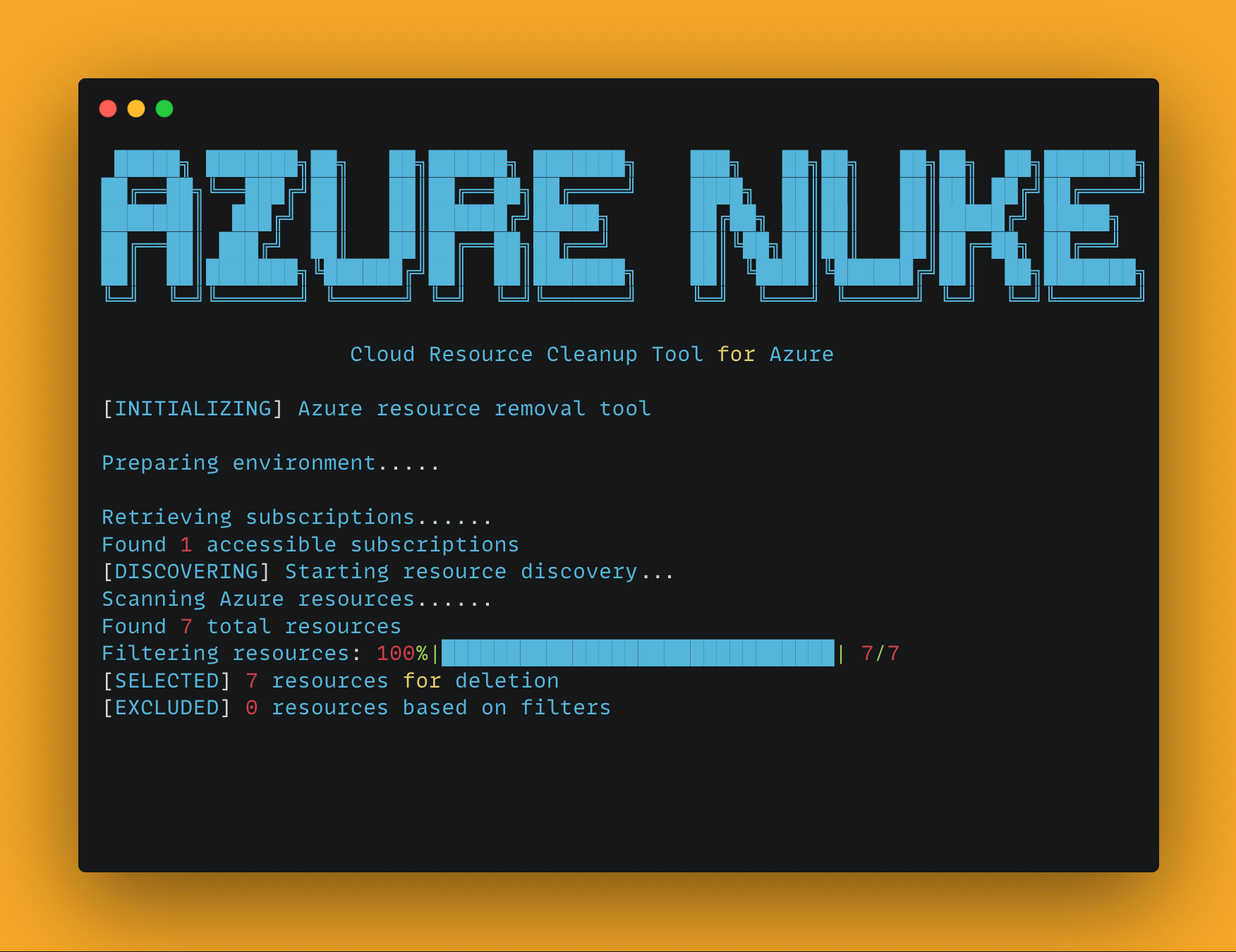
Azure Nuke
A powerful CLI tool for scanning and cleaning up Azure resources.
Features
- Comprehensive scanning of Azure resources across subscriptions
- Safe deletion with confirmation prompts and dry-run mode
- Flexible filtering by resource type, region, and more
- Exclusion system to protect critical infrastructure
- Beautiful ASCII art banners for a better command-line experience
- Color-coded output for easy identification of actions and results
Installation
# Install from PyPI
pip install aznuke

# Or clone the repository and install in development mode
git clone https://github.com/sojay/azure-nuke.git
cd azure-nuke
pip install -e .
Usage
Azure Nuke provides two main commands:
Scan Command
The scan command identifies Azure resources according to specified criteria:
# Run a full scan
aznuke scan

# Scan a specific subscription and region
aznuke scan --profile production --region westus2

# Scan only Storage and VM resources
aznuke scan --checks storage,virtualmachines

# Export results as JSON
aznuke scan --output json > azure_report.json

# Show only high severity issues
aznuke scan --severity high

# Verbose output for debugging
aznuke scan -v
Delete Command
The delete command removes Azure resources:
# Delete resources (with confirmation)
aznuke delete

# Delete specific resource types without confirmation
aznuke delete --checks storage,virtualmachines --yes

# Perform a dry run to see what would be deleted
aznuke delete --dry-run
Options
Global Options
--profile: Azure subscription profile name--region: Azure region to target--checks: Comma-separated list of resource types--config: Path to exclusions configuration file-v, --verbose: Enable verbose output
Scan-specific Options
--output: Output format (text or json)--severity: Filter by severity level (low, medium, high)
Delete-specific Options
--dry-run: Preview resources that would be deleted without actually deleting--protected-subscriptions: List of subscription IDs that should not be modified--yes, -y: Skip confirmation prompt
Configuration
Exclusions can be configured in config/exclusions.yaml to prevent certain resources from being included in scans or deletions. You can specify your own configuration file using the --config option.
Exclusion Configuration Format
# Exclude specific resource types
resource_types:
  - Microsoft.KeyVault/vaults  # Exclude all Key Vaults
  - Microsoft.Storage/storageAccounts  # Exclude all Storage Accounts

# Exclude resources with names matching these patterns
name_patterns:
  - "^prod-.*$"  # Exclude resources with names starting with "prod-"
  - ".*-do-not-delete$"  # Exclude with names ending with "-do-not-delete"

# Exclude specific resource IDs
resource_ids:
  - "/subscriptions/00000000-0000-0000-0000-000000000000/resourceGroups/important-rg/providers/Microsoft.Storage/storageAccounts/criticalaccount"

# Exclude resources with specified tags
tags:
  Environment: "Production"
  DoNotDelete: "true"
Examples
# Scan all resources in the development subscription
aznuke scan --profile development

# Output scan results as JSON
aznuke scan --output json > scan_results.json

# Delete all storage accounts in westus2 region
aznuke delete --checks microsoft.storage/storageaccounts --region westus2

# Dry run to see what would be deleted
aznuke delete --checks microsoft.compute/virtualmachines --dry-run

# Delete resources with force, skipping confirmation
aznuke delete --yes

# Use a custom exclusions config file
aznuke scan --config my-exclusions.yaml
License
MIT
Release history Release notifications | RSS feed


Download files
Download the file for your platform. If you're not sure which to choose, learn more about installing packages.
Source Distribution
Built Distribution
Filter files by name, interpreter, ABI, and platform.
If you're not sure about the file name format, learn more about wheel file names.
Copy a direct link to the current filters
File details
Details for the file aznuke-0.1.3.tar.gz.
File metadata
- Download URL: aznuke-0.1.3.tar.gz
- Upload date:
- Size: 31.2 kB
- Tags: Source
- Uploaded using Trusted Publishing? No
- Uploaded via: twine/6.1.0 CPython/3.13.3
File hashes
| Algorithm | Hash digest | |
|---|---|---|
| SHA256 |
20f2fe6378da5ad1a2cee6c2a73e878c9139a91c08dc2683ae15e3d2805b75d7
|
|
| MD5 |
9dd9119ad3058d9d34cc14e8af424c0f
|
|
| BLAKE2b-256 |
928a835dafe43bda1a4d944745530e7c819aa744cc0513db9058b286f9d6286b
|
File details
Details for the file aznuke-0.1.3-py3-none-any.whl.
File metadata
- Download URL: aznuke-0.1.3-py3-none-any.whl
- Upload date:
- Size: 28.8 kB
- Tags: Python 3
- Uploaded using Trusted Publishing? No
- Uploaded via: twine/6.1.0 CPython/3.13.3
File hashes
| Algorithm | Hash digest | |
|---|---|---|
| SHA256 |
28729a72f52da5a015199189018c9e50d1a035b75832c0f641341728c11aee9a
|
|
| MD5 |
46d36414652cb3c1780a981f6a08ea7f
|
|
| BLAKE2b-256 |
874cc2f3d5391a4f3d1295c40b64ce2e3788abf92d1fdb8dab013eb4100b37e3
|






